
JBL speakers and headphones for pure and deep sound!
In cart {{totalProductsCount}} item(s)
Your cart is empty
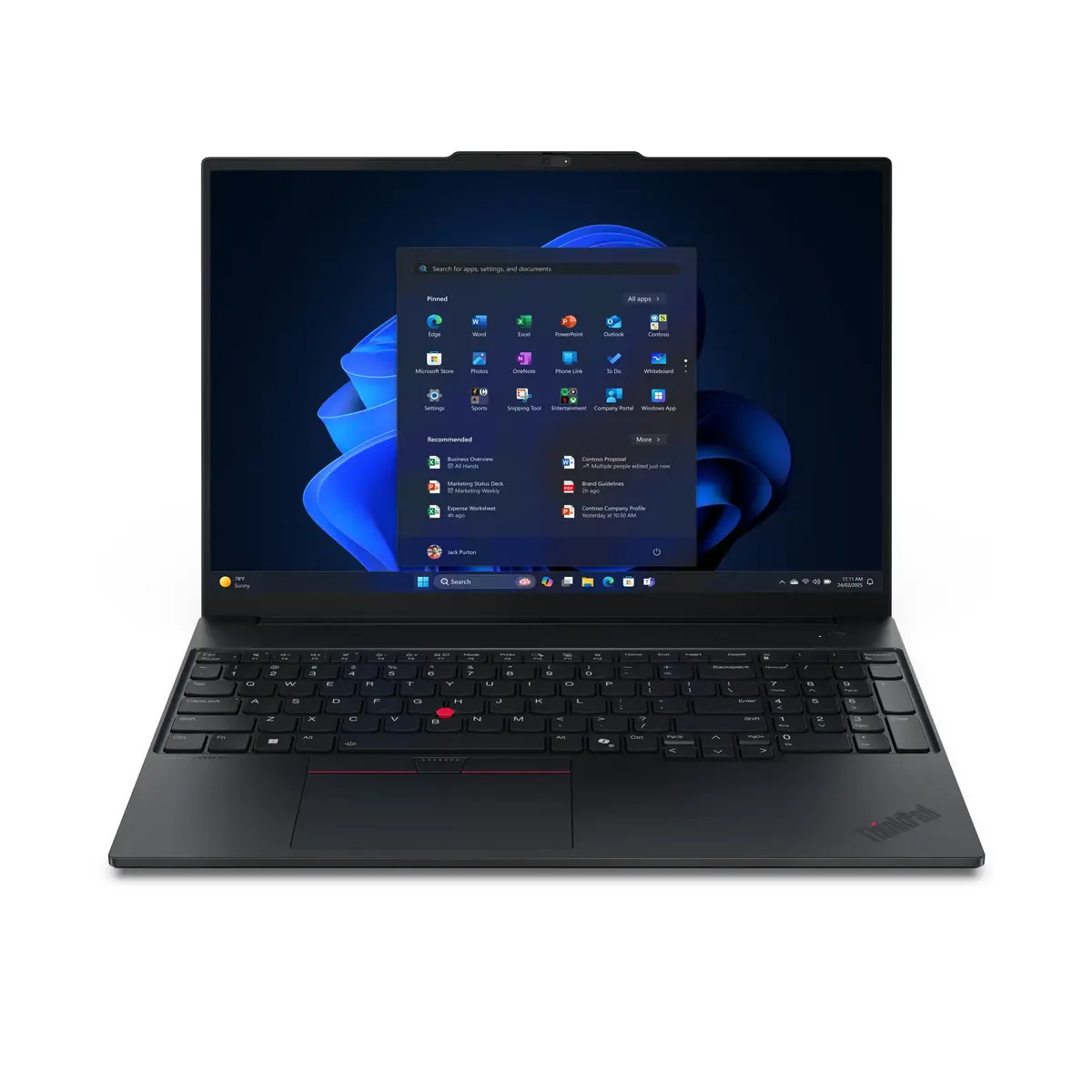
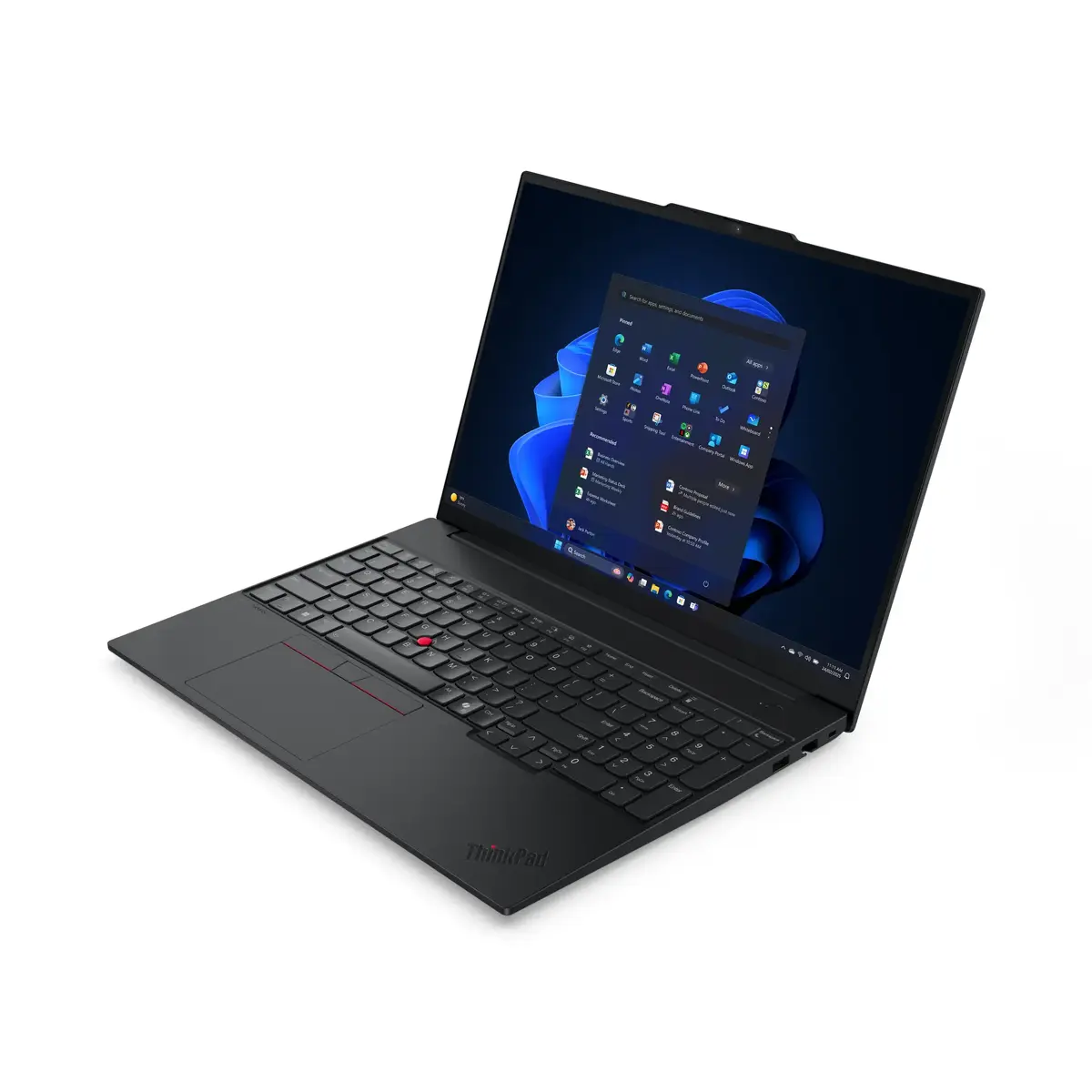
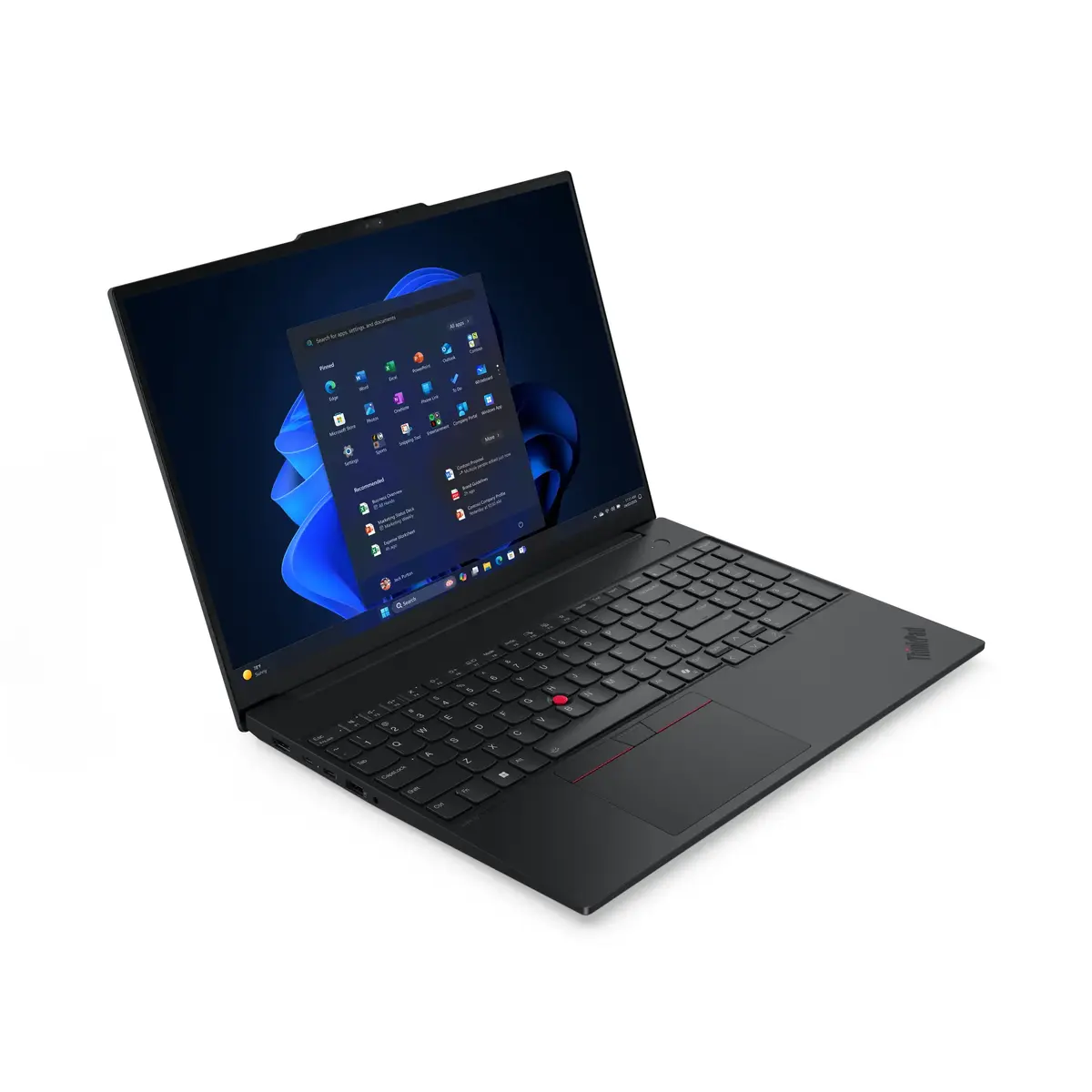
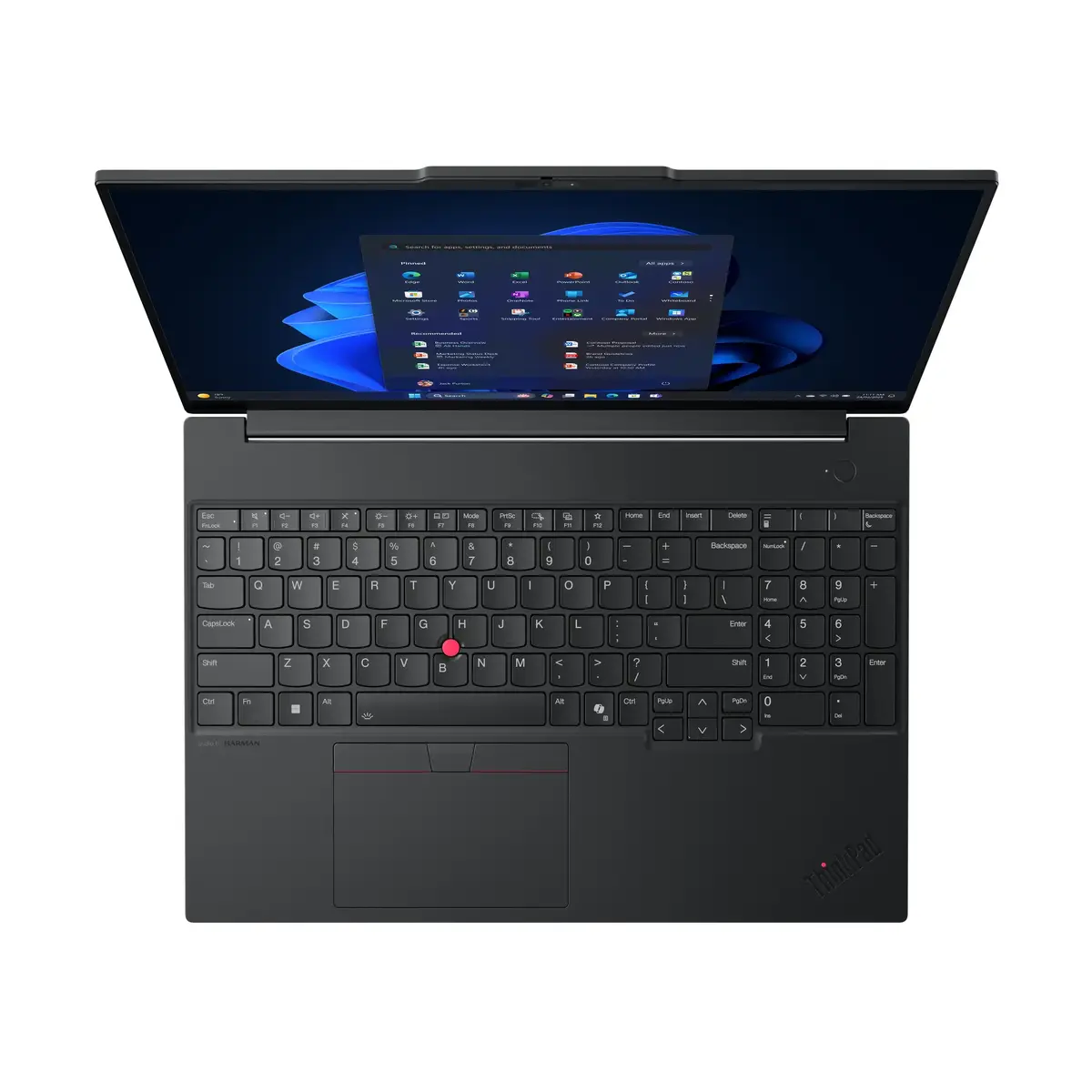
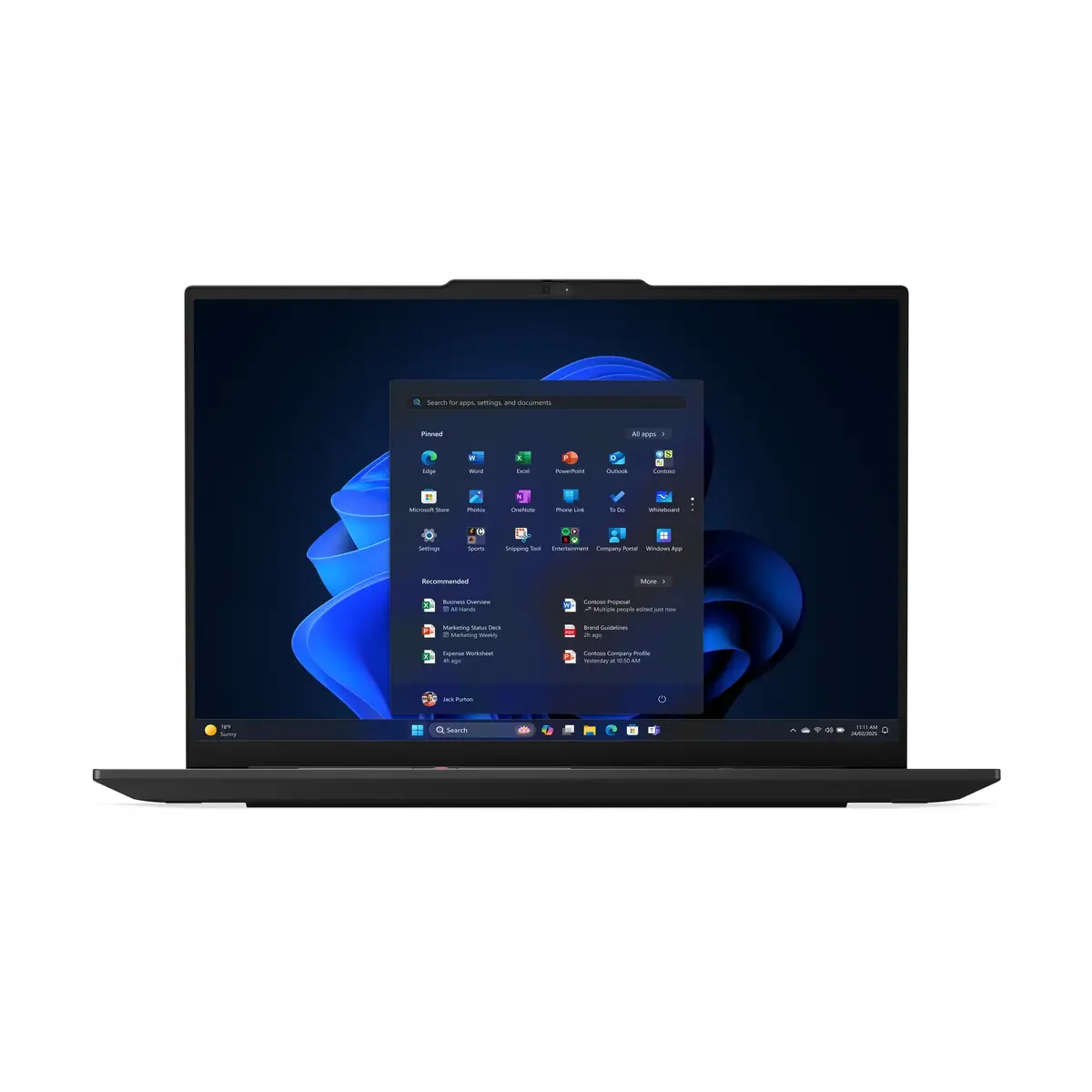
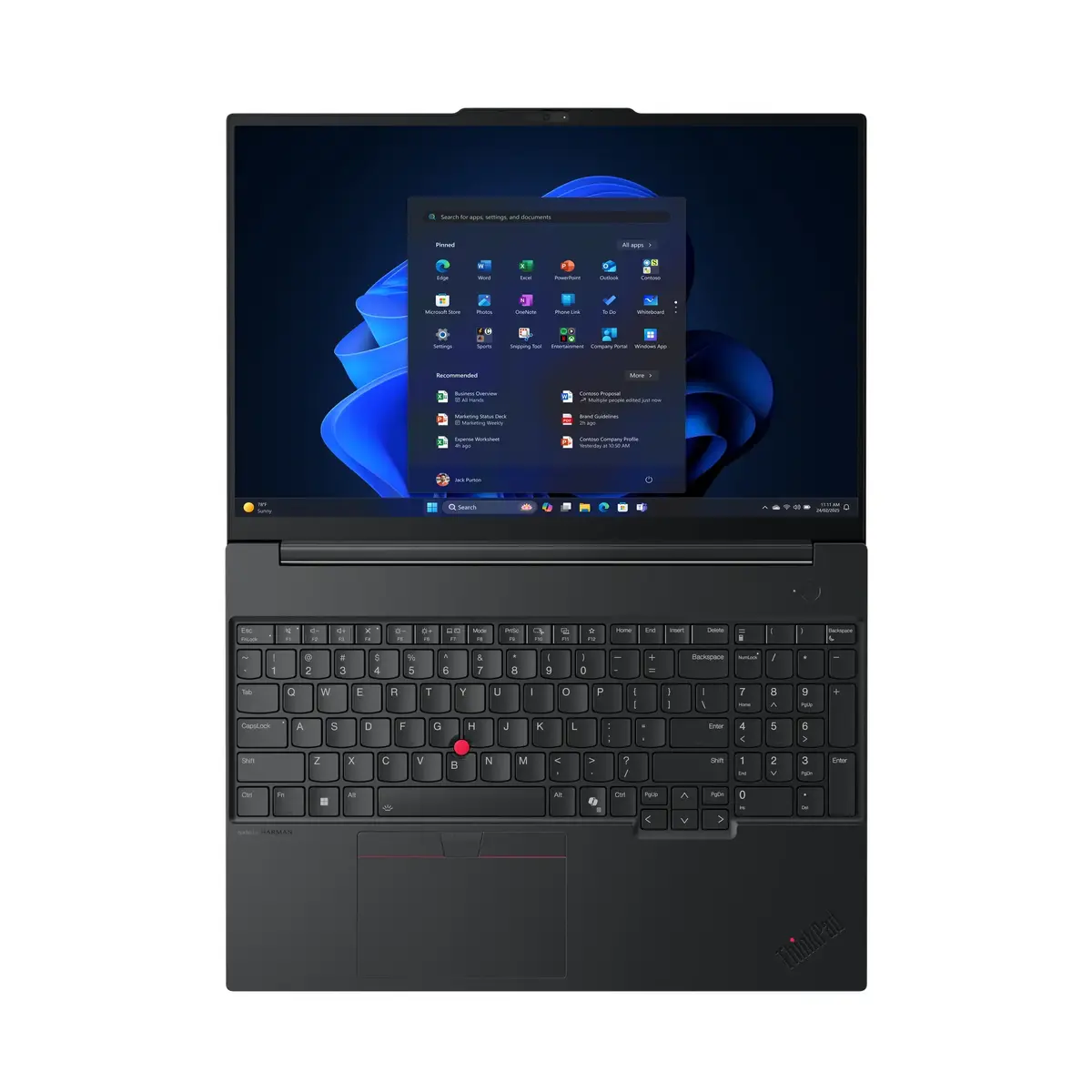
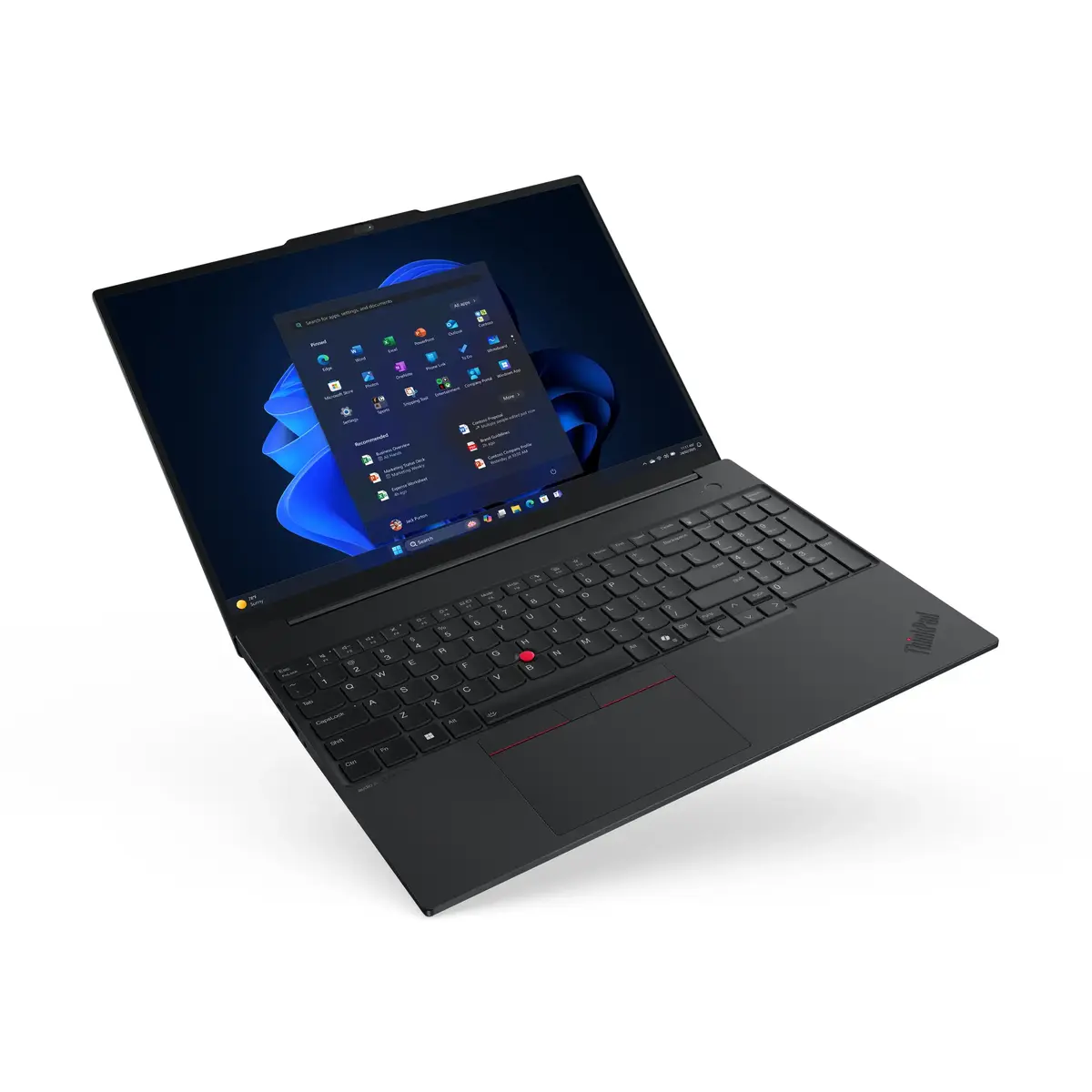
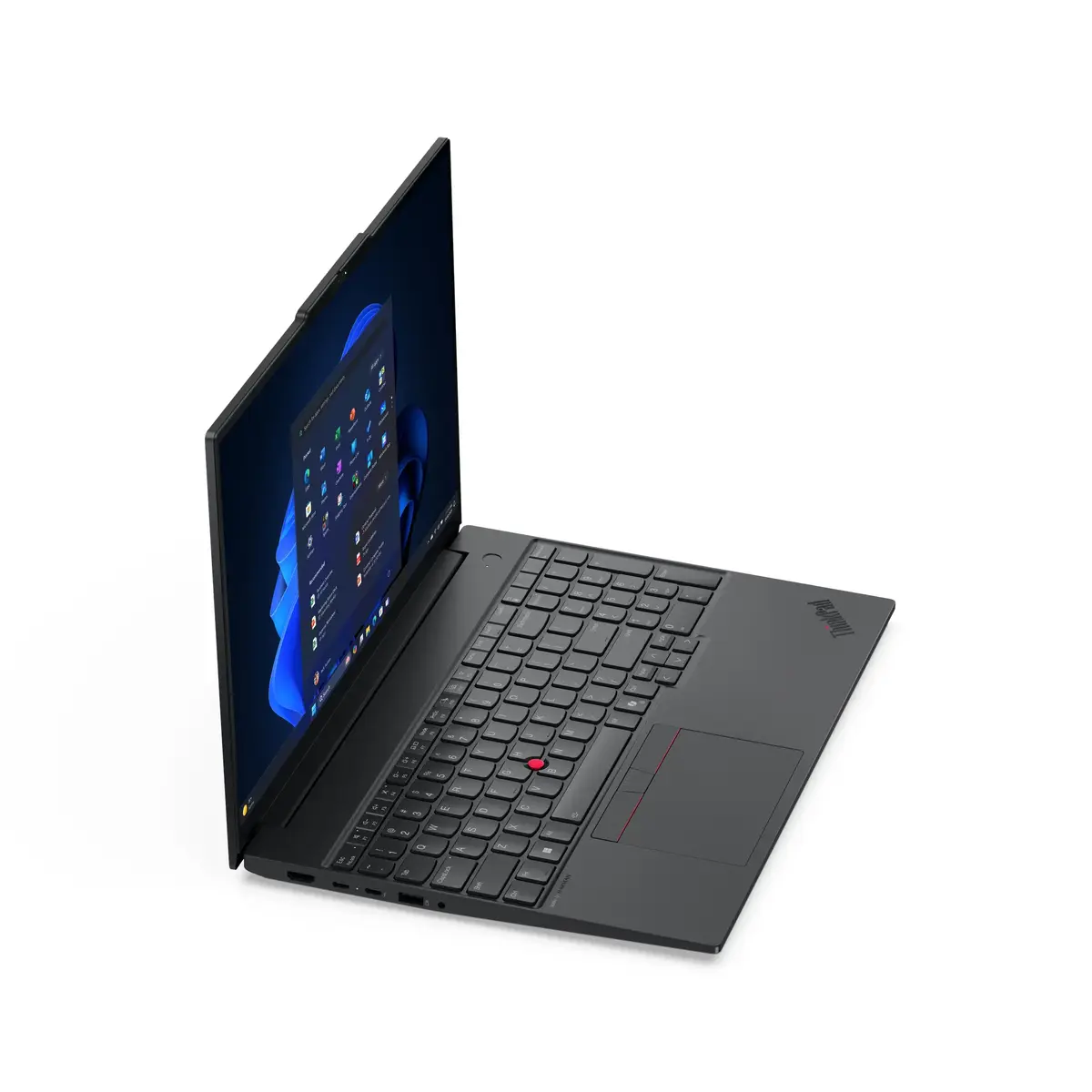
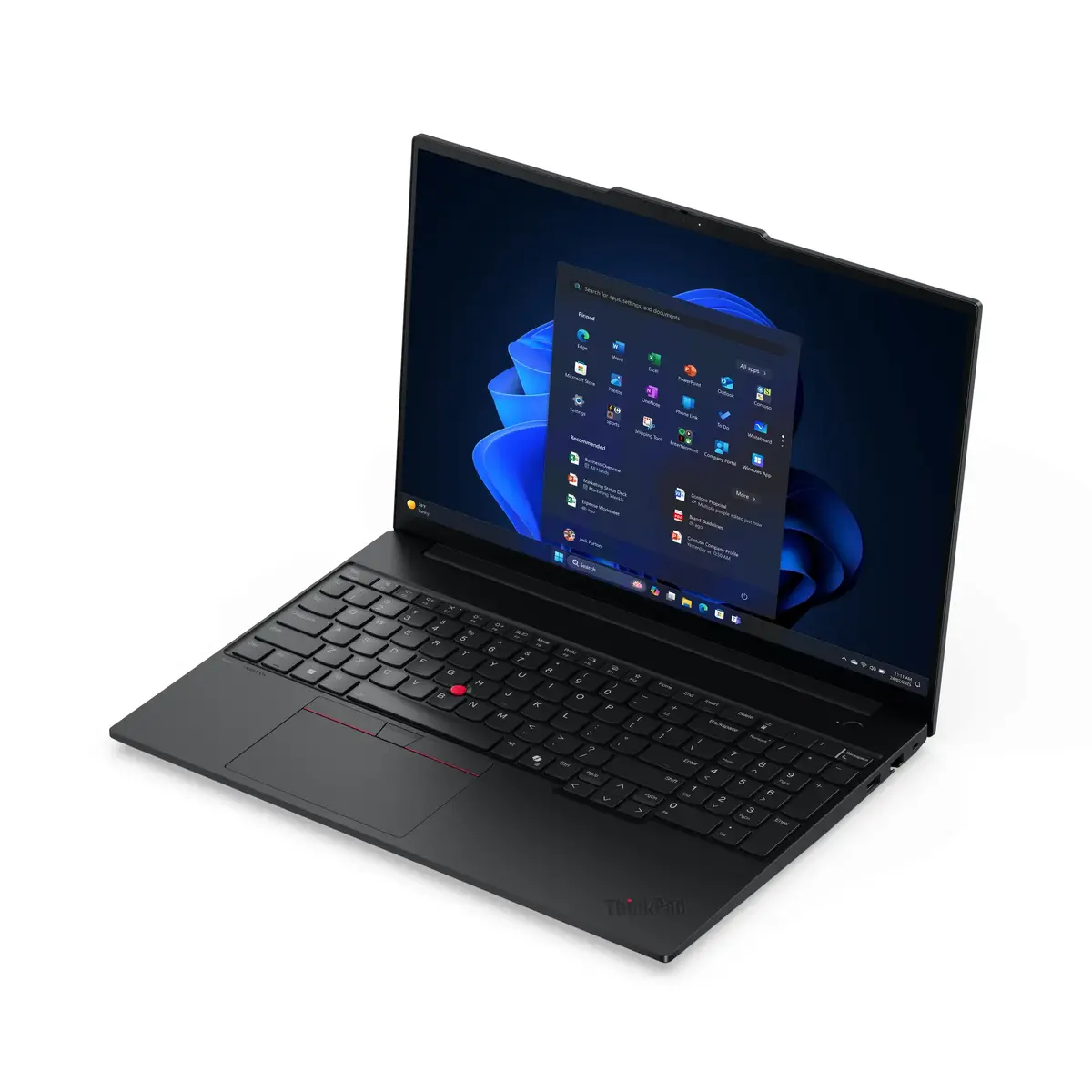
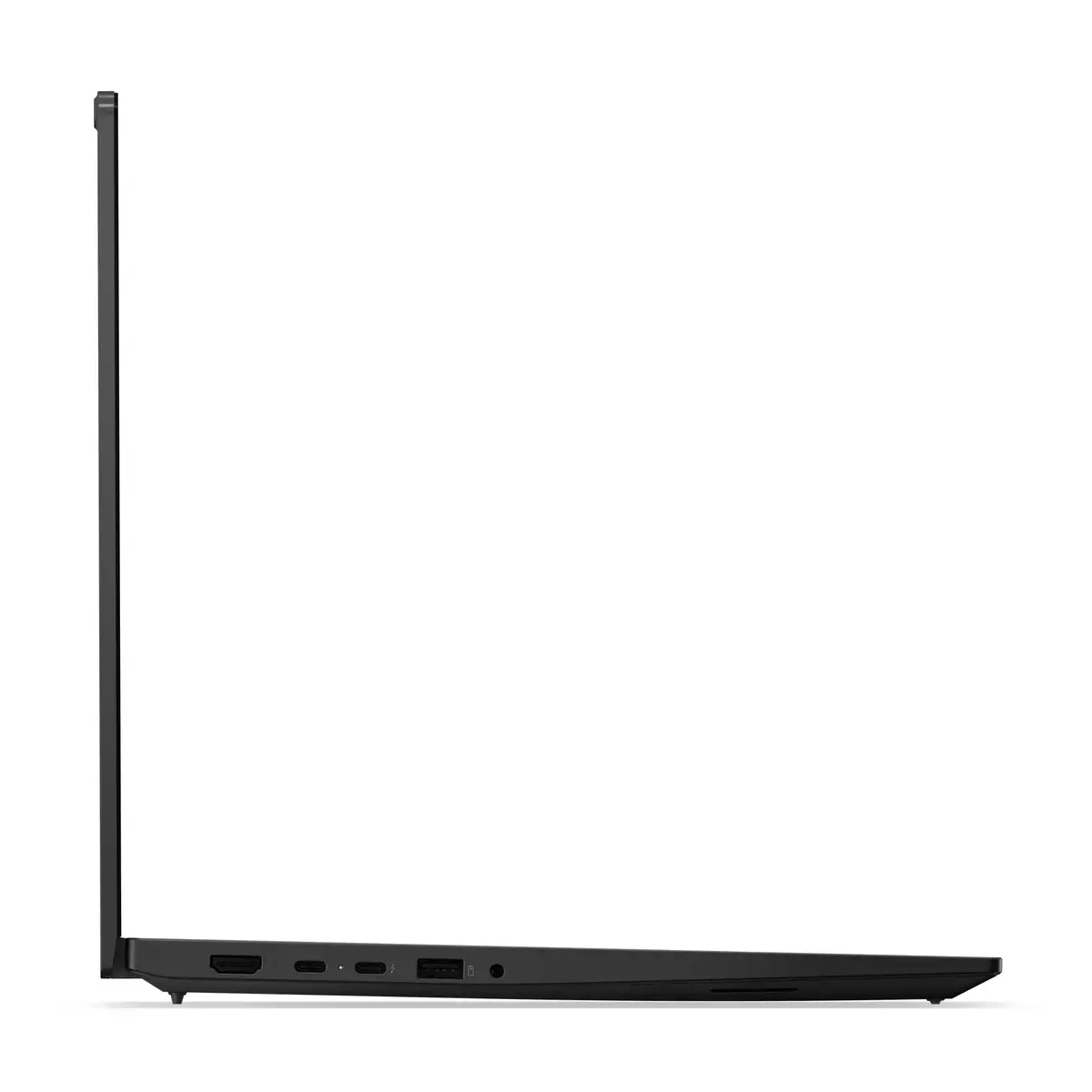
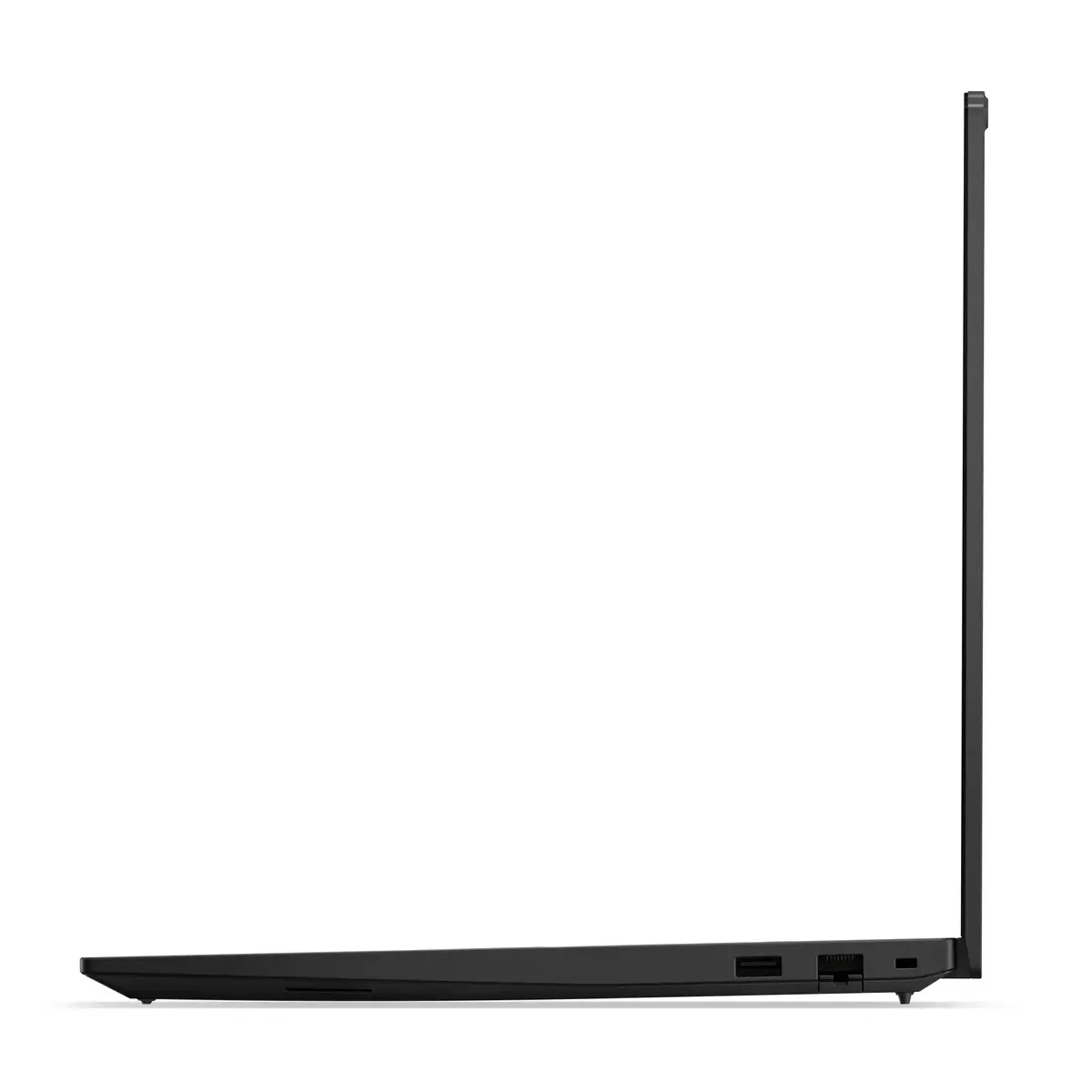
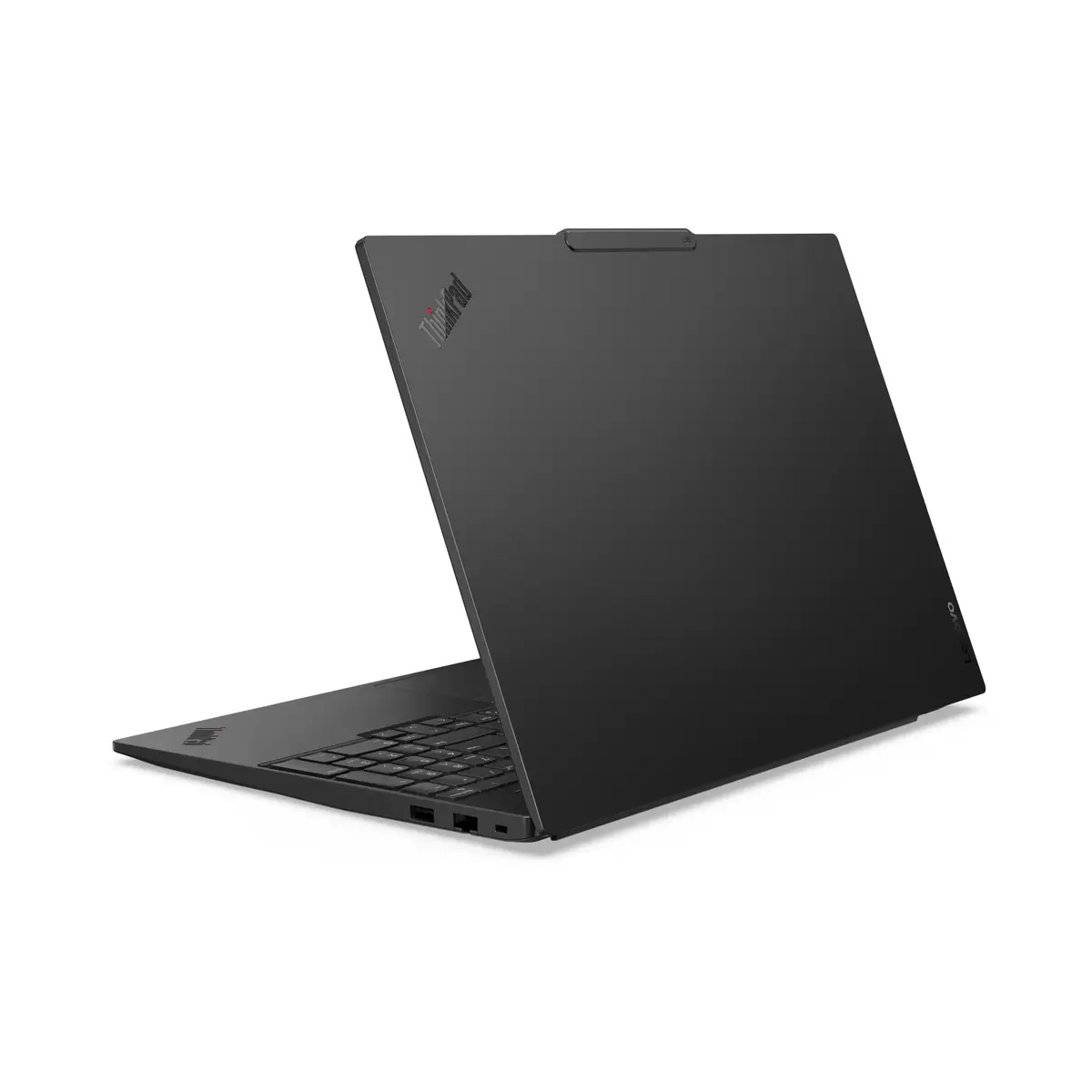
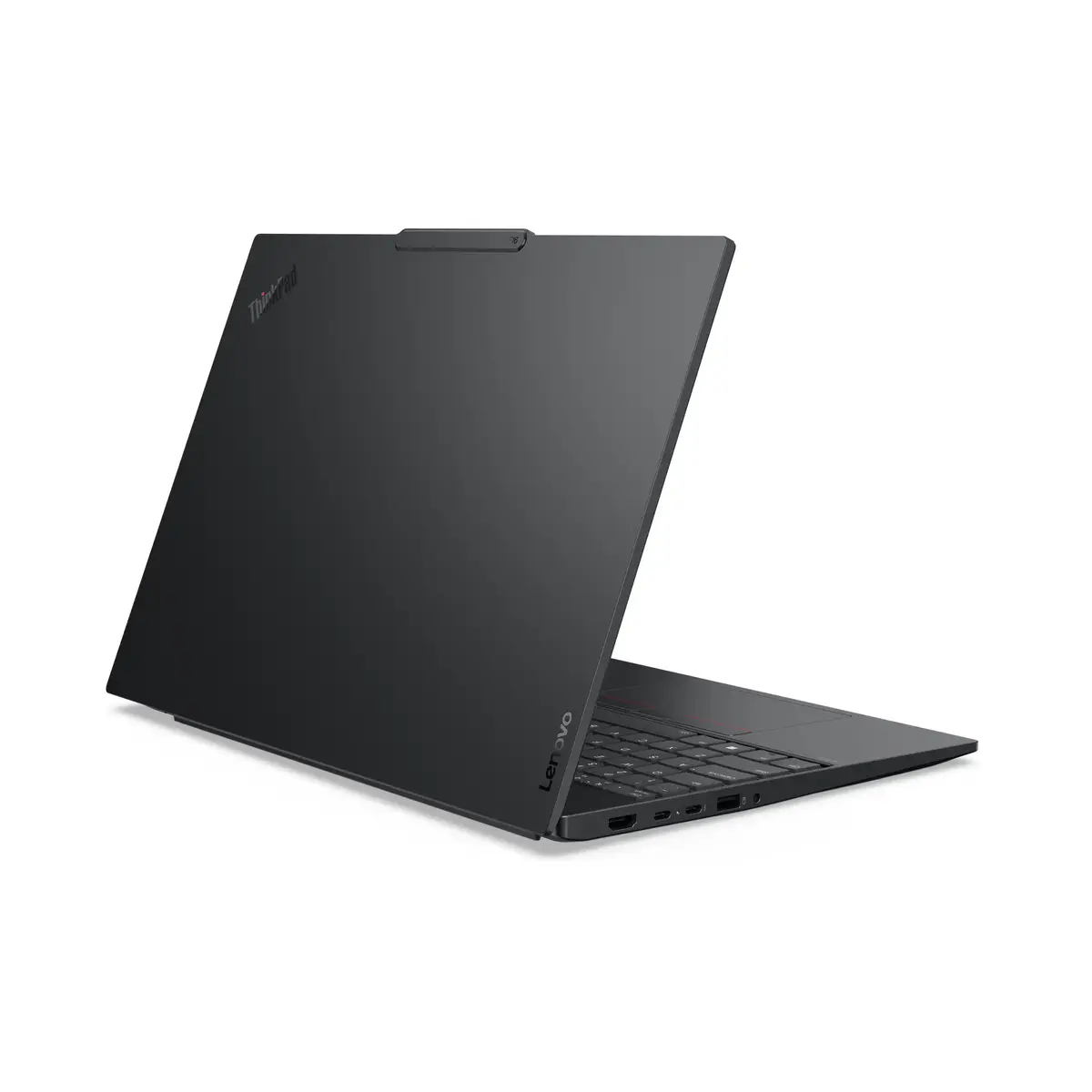
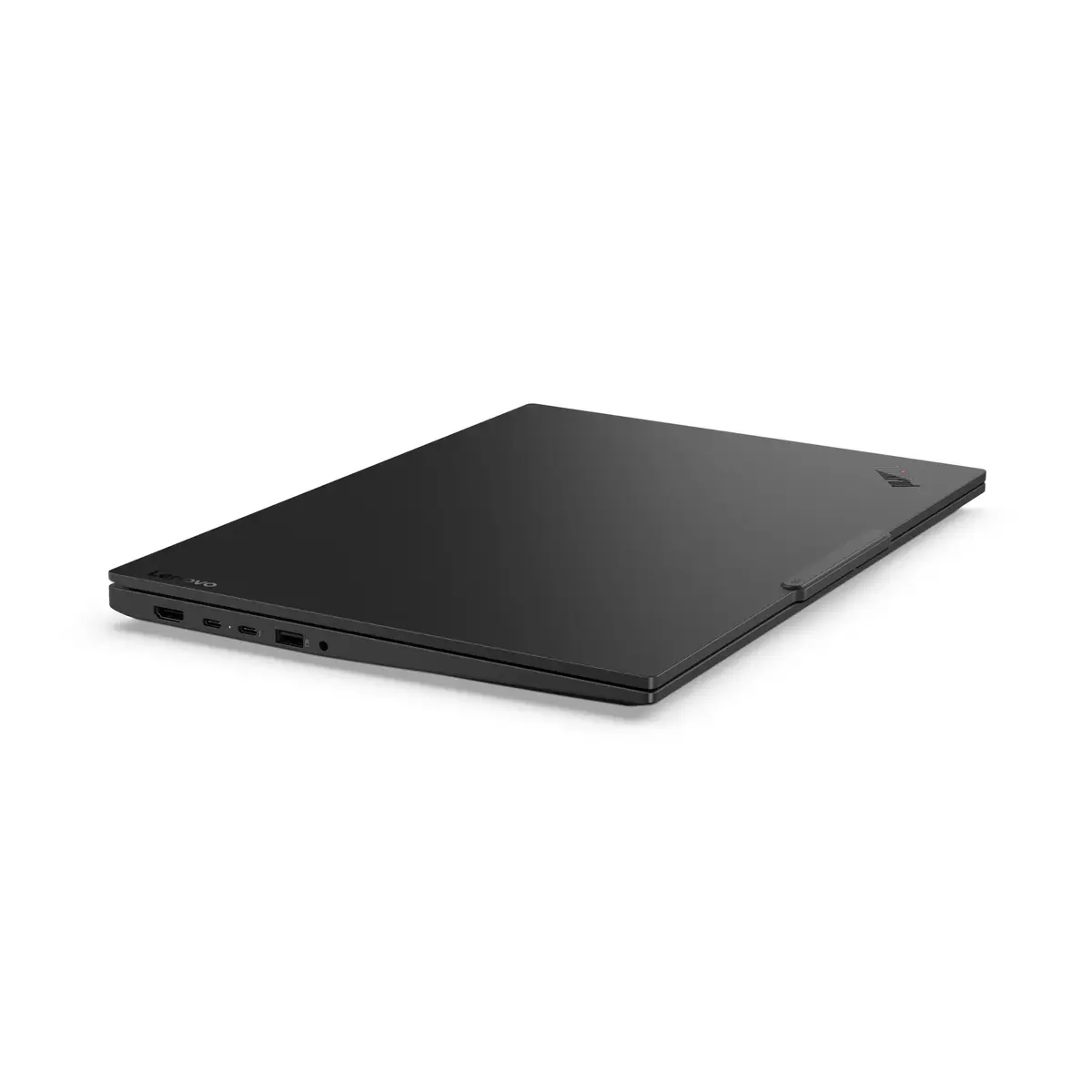
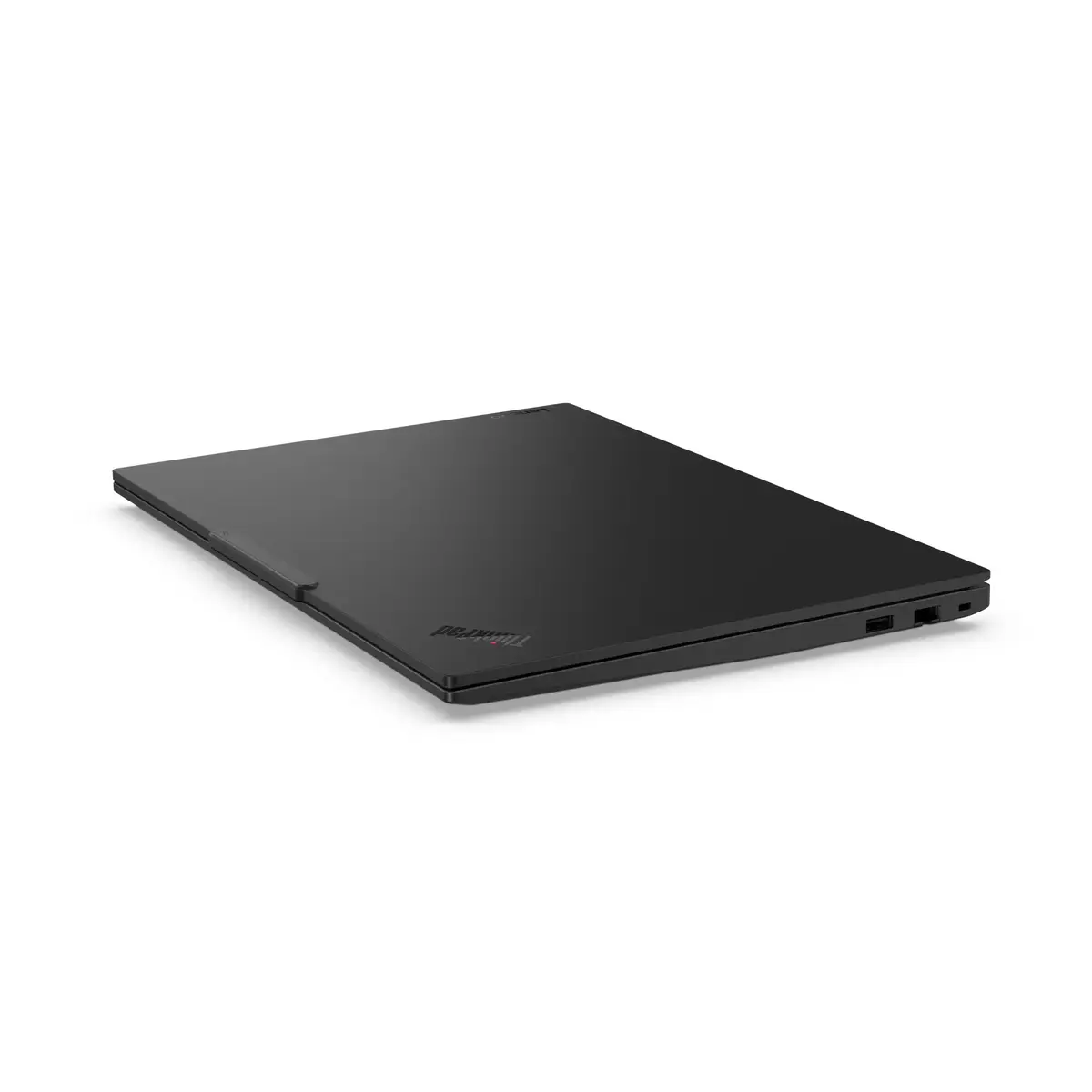
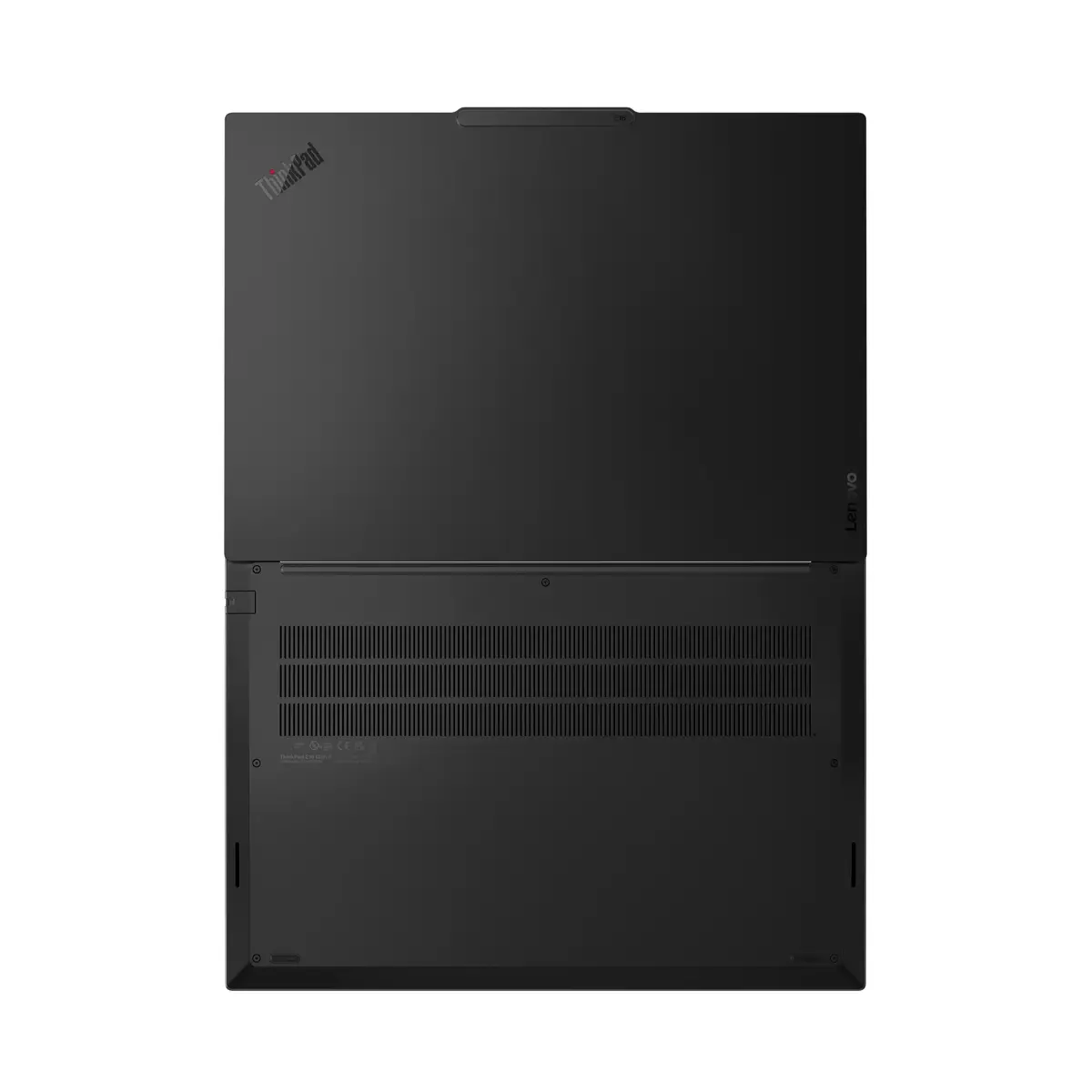
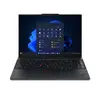
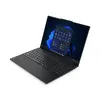
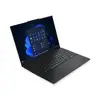
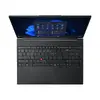
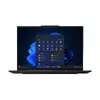
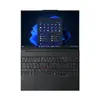
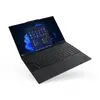
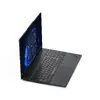
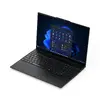
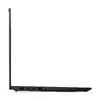
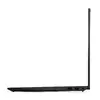
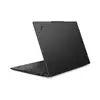
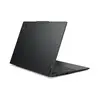
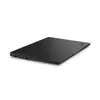
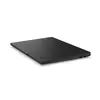
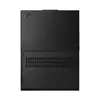
Lenovo ThinkPad E16 Gen 3 Laptop, Intel Core Ultra 7 255H, 16-inch WQXGA Display, 16GB RAM, 512GB SSD, Windows 11 Pro, Black
The Lenovo ThinkPad E16 Gen 3 is a professional-grade laptop designed to meet the demands of modern business environments. Featuring the powerful Intel Core Ultra 7 255H processor and integrated Intel Arc 140T graphics, this device provides a reliable foundation for multitasking, data processing, and professional applications. Its 16-inch WQXGA display offers a spacious workspace, while the durable black chassis ensures longevity in both office and mobile settings. Pre-installed with Windows 11 Pro, this laptop is ready for immediate deployment in enterprise workflows.
This laptop excels by combining high-performance computing with a portable form factor. The inclusion of DDR5 memory ensures rapid data access and smooth multitasking capabilities, while the 512GB SSD provides fast boot times and efficient storage for critical files. The 16-inch display with a 16:10 aspect ratio provides extra vertical screen real estate, which is particularly beneficial for document editing and spreadsheet management. Furthermore, the robust build quality associated with the ThinkPad series ensures that the device can withstand the rigors of daily professional use.
This laptop is not designed for high-end gaming or intensive 3D rendering tasks that require a dedicated discrete graphics card. Users who prioritize extreme portability above all else may find the 16-inch form factor larger than ultra-compact alternatives.
To begin using your Lenovo ThinkPad E16 Gen 3, connect the provided power adapter to the charging port and allow the battery to reach a full charge. Press the power button to initiate the Windows 11 Pro setup process, following the on-screen instructions to configure your language, network settings, and user account. Once the initial setup is complete, you can connect your peripherals via the available USB and display ports. It is recommended to keep the operating system updated through the Windows Update settings to ensure optimal security and performance.
For optimal performance and longevity, keep the laptop on a flat, stable surface to ensure proper ventilation. Regularly clean the screen with a microfiber cloth and avoid placing heavy objects on the lid to protect the display panel.
{{highlightedFeature.featureTitle}}:
{{getProductFeatureValueById(product, highlightedFeature.featureId)}}
{{ productComparisonGenerationError }}
