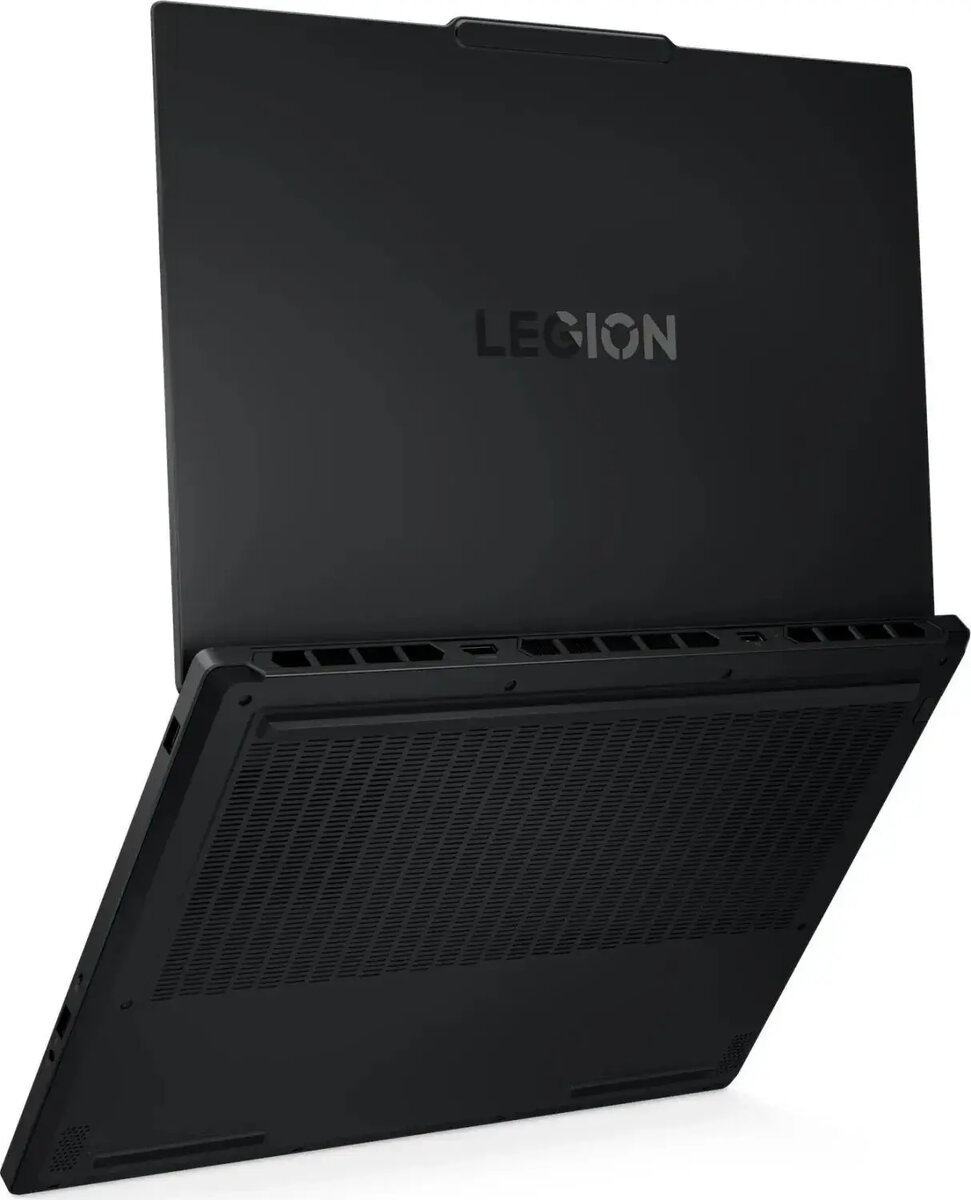
The Lenovo Legion 5 15AKP10 is a 15" WQXGA laptop designed for gaming and creative work. It pairs an AMD Ryzen 7 7840HS processor with 16GB of system memory, a 1TB M.2 SSD and an NVIDIA GeForce RTX 5060 graphics card, and ships with Windows 11. The WQXGA display offers increased pixel density compared with Full HD, making it suitable for detailed game visuals and content editing while the combination of fast storage and a high-performance CPU/GPU supports responsive multitasking and demanding applications.
Advantages
The laptop offers a high-resolution 15" WQXGA panel for sharper images and improved workspace, combined with a dedicated RTX 5060 GPU for accelerated graphics performance. Fast NVMe M.2 storage and 16GB RAM enable quick application load times and smooth switching between tasks. Preinstalled Windows 11 provides up-to-date system features and security. The hardware balance targets both gaming frame rates and creative workloads such as photo and video editing.
Suitable for
- Gaming at high settings and competitive play where GPU performance matters
- Photo editing, video editing and graphics work that benefit from a high-resolution screen and GPU acceleration
- Software development, CAD and engineering applications that require multi-core CPU performance and ample memory
- Everyday productivity, web browsing and multimedia consumption with fast boot and load times
When it may not be suitable
This laptop is relatively performance-oriented and may have shorter battery life under heavy loads compared with ultraportable models; users prioritizing maximum battery endurance and minimal weight should consider thinner, lower-powered alternatives. If you need an extremely large internal storage capacity out of the box beyond 1TB, additional external or internal expansion may be required.
Key specifications
- Display: 15" WQXGA (2560×1600) resolution
- Processor: AMD Ryzen 7 7840HS (high-performance mobile CPU)
- Memory: 16GB RAM
- Storage: 1TB NVMe M.2 SSD
- Graphics: NVIDIA GeForce RTX 5060 (dedicated GPU)
- Operating system: Windows 11
How to use
Out of the box, power on the laptop and follow the Windows 11 setup prompts to configure accounts and preferences. Keep system drivers and the GPU driver up to date via Lenovo Vantage and NVIDIA GeForce Experience for optimal stability and performance. For gaming, adjust in-game graphics settings and NVIDIA control panel options to balance frame rate and image quality. For content creation, install your editing software and configure scratch disk locations to the internal NVMe drive for fast media access.
What to consider before purchase
- Battery life expectations: performance laptops often have reduced runtime under load
- Portability needs: check weight and chassis thickness if you travel frequently
- Upgrade options: confirm accessible M.2 and memory slots if future upgrades are desired
- Display preferences: WQXGA improves detail but verify panel type (refresh rate, color gamut) against your needs
Usage recommendations
Use a cooling pad during extended high-load sessions to maintain sustained performance, enable GPU driver optimisations for the intended workload, and regularly back up important data from the M.2 SSD to external storage or cloud services.