
Save time and money with our discounts!
In cart {{totalProductsCount}} item(s)
Your cart is empty
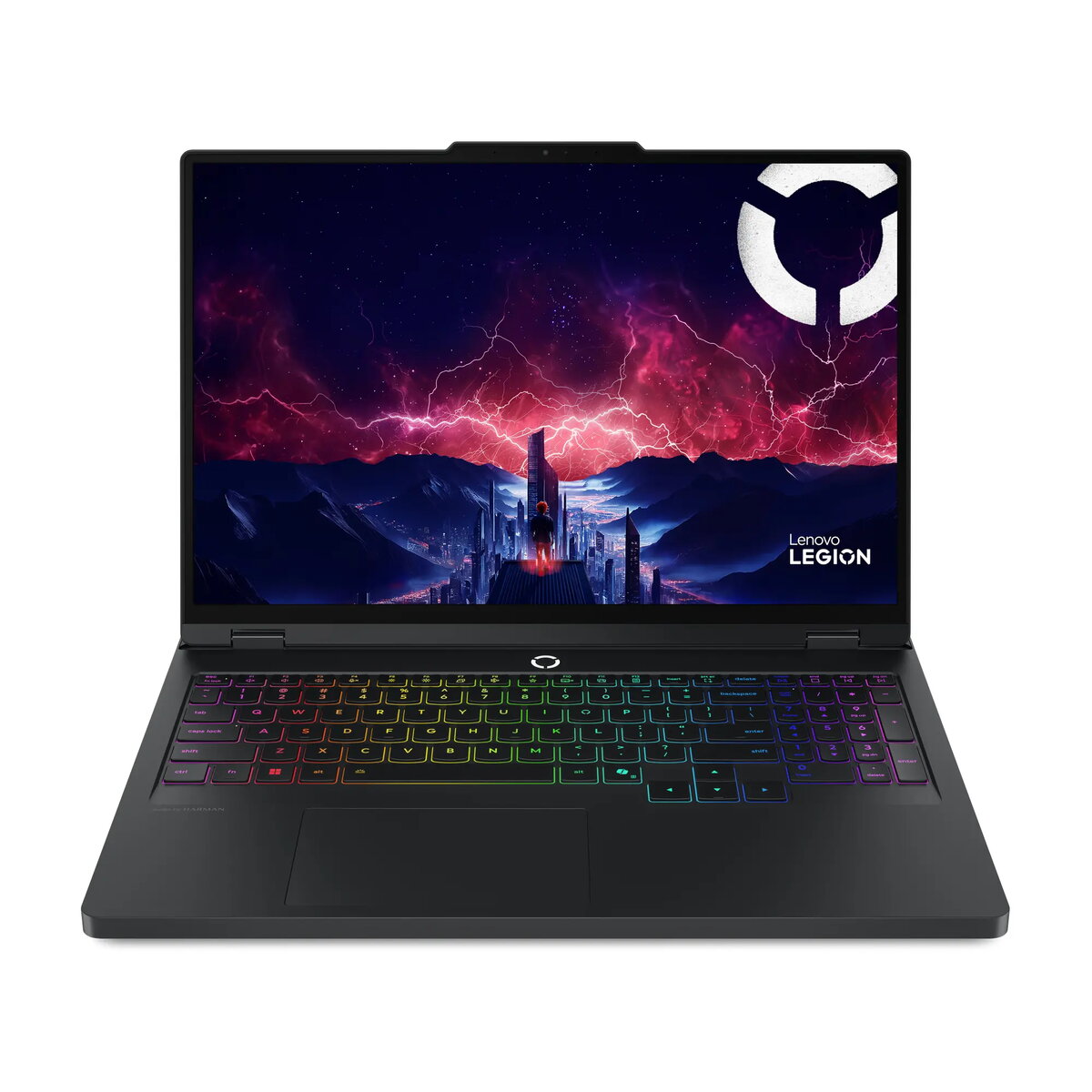
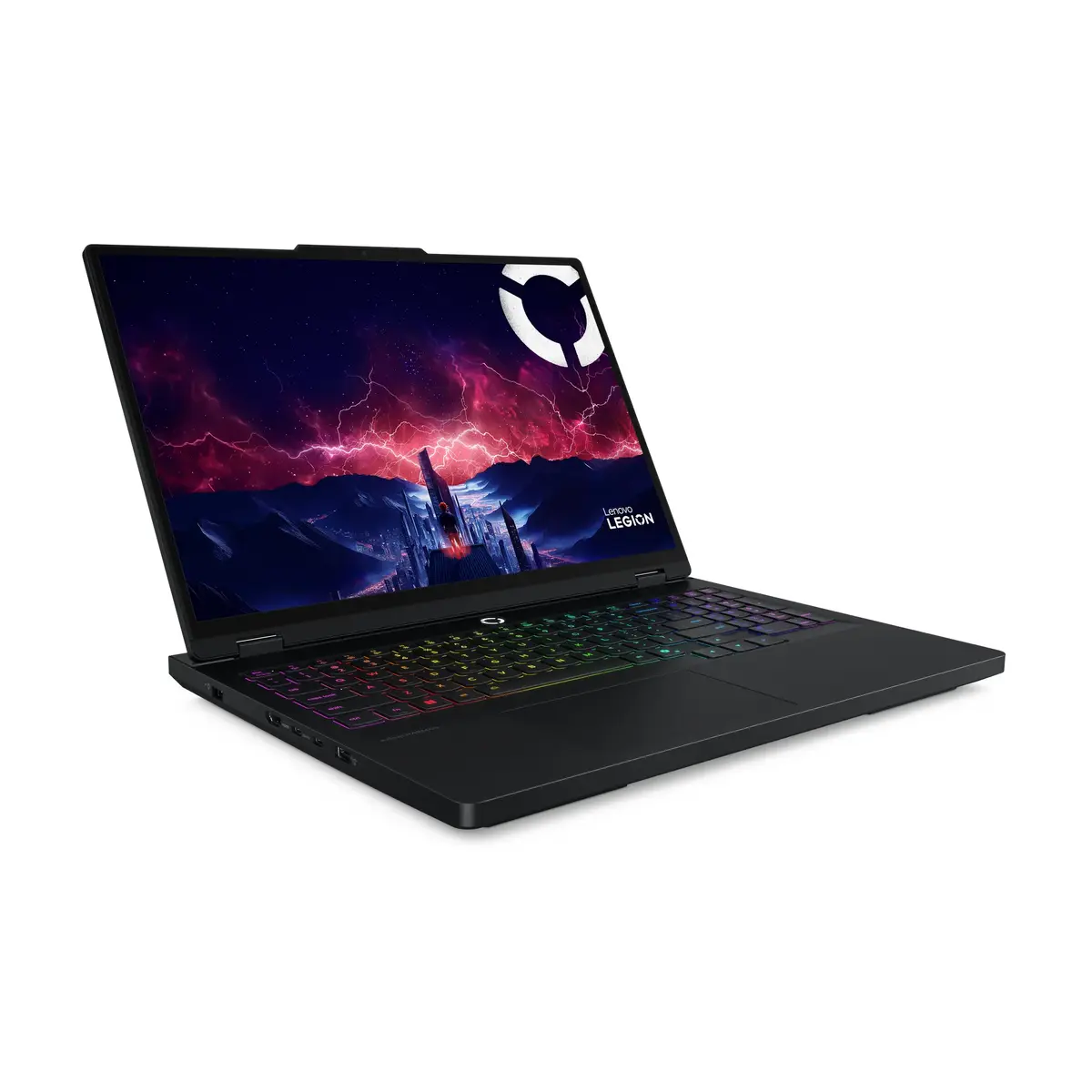
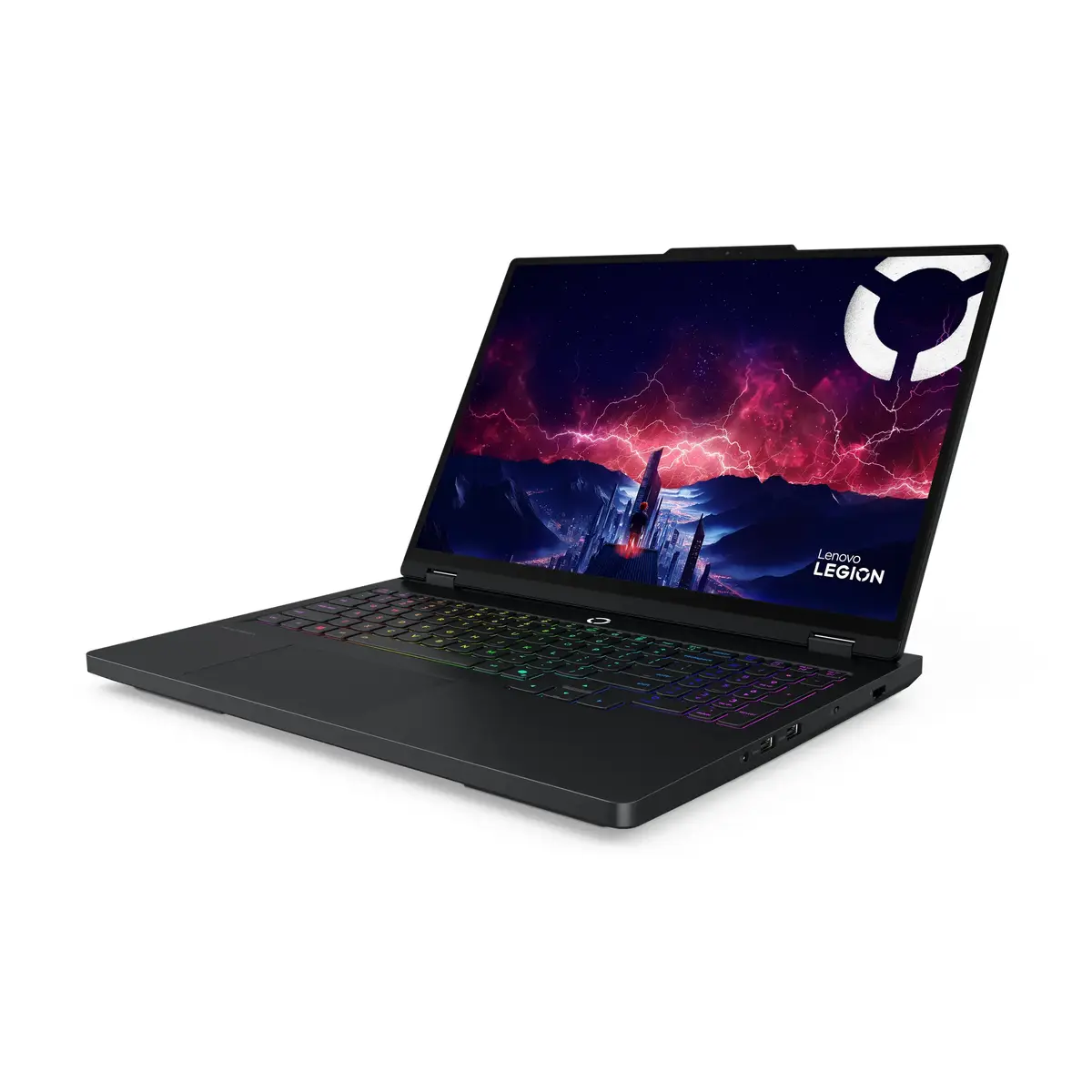
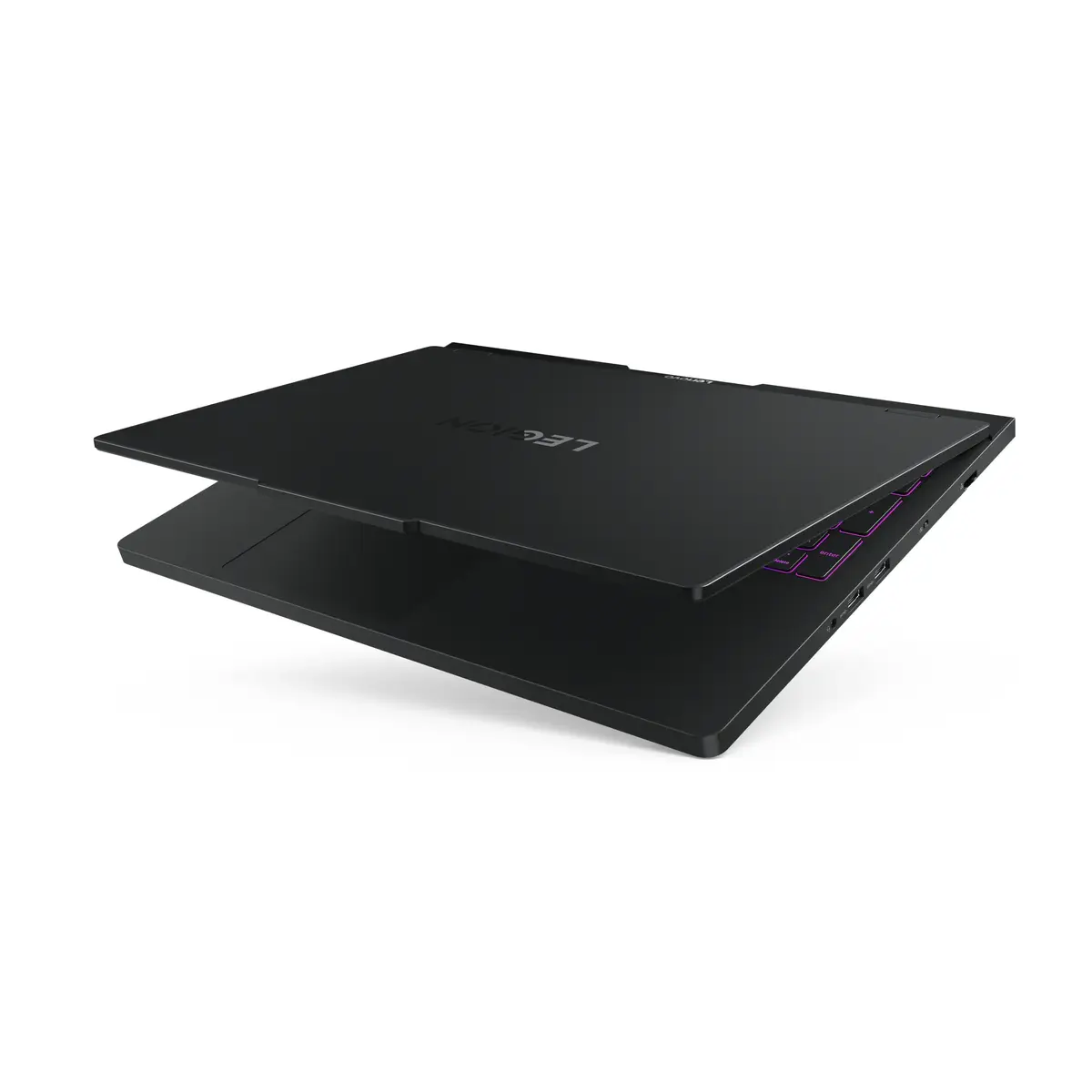
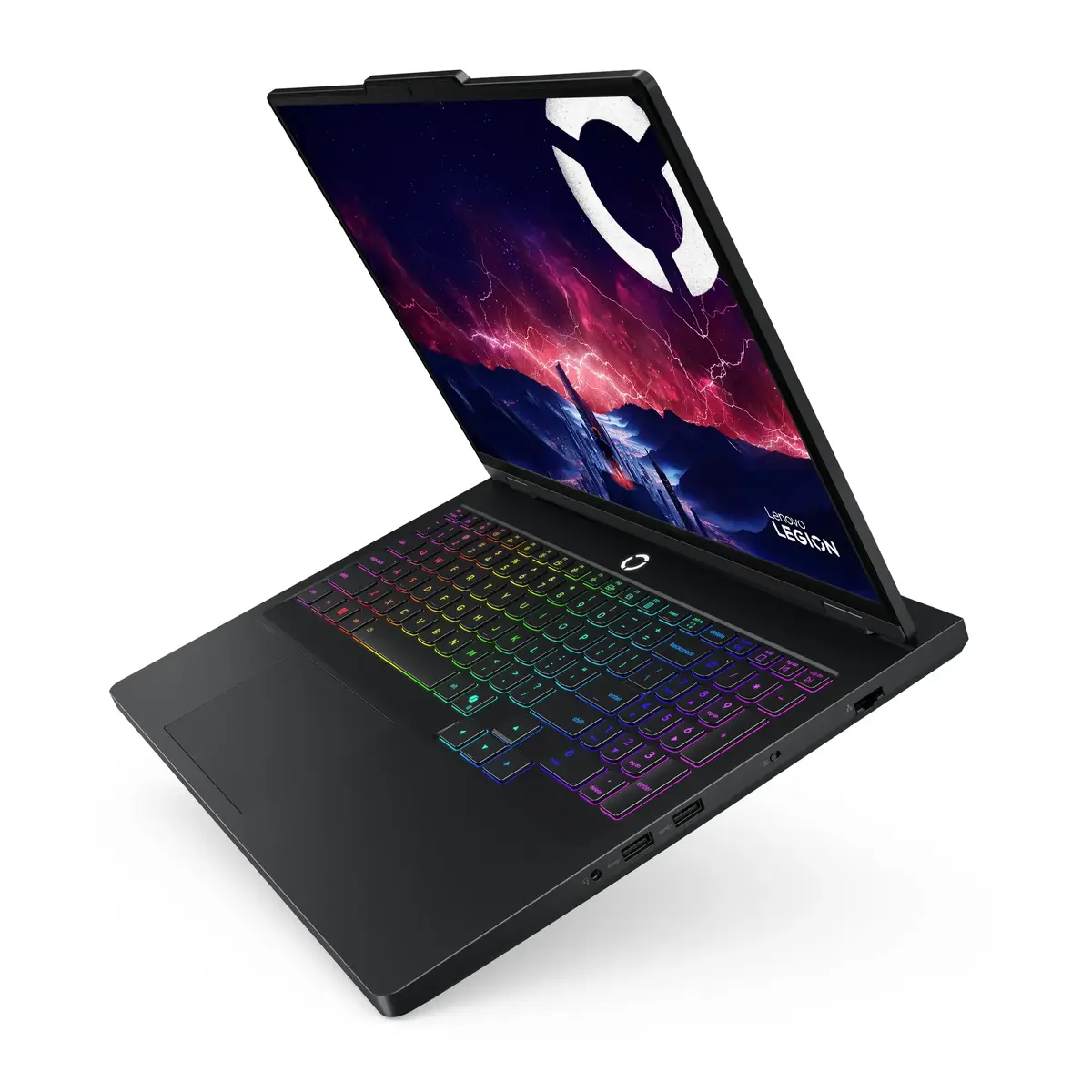
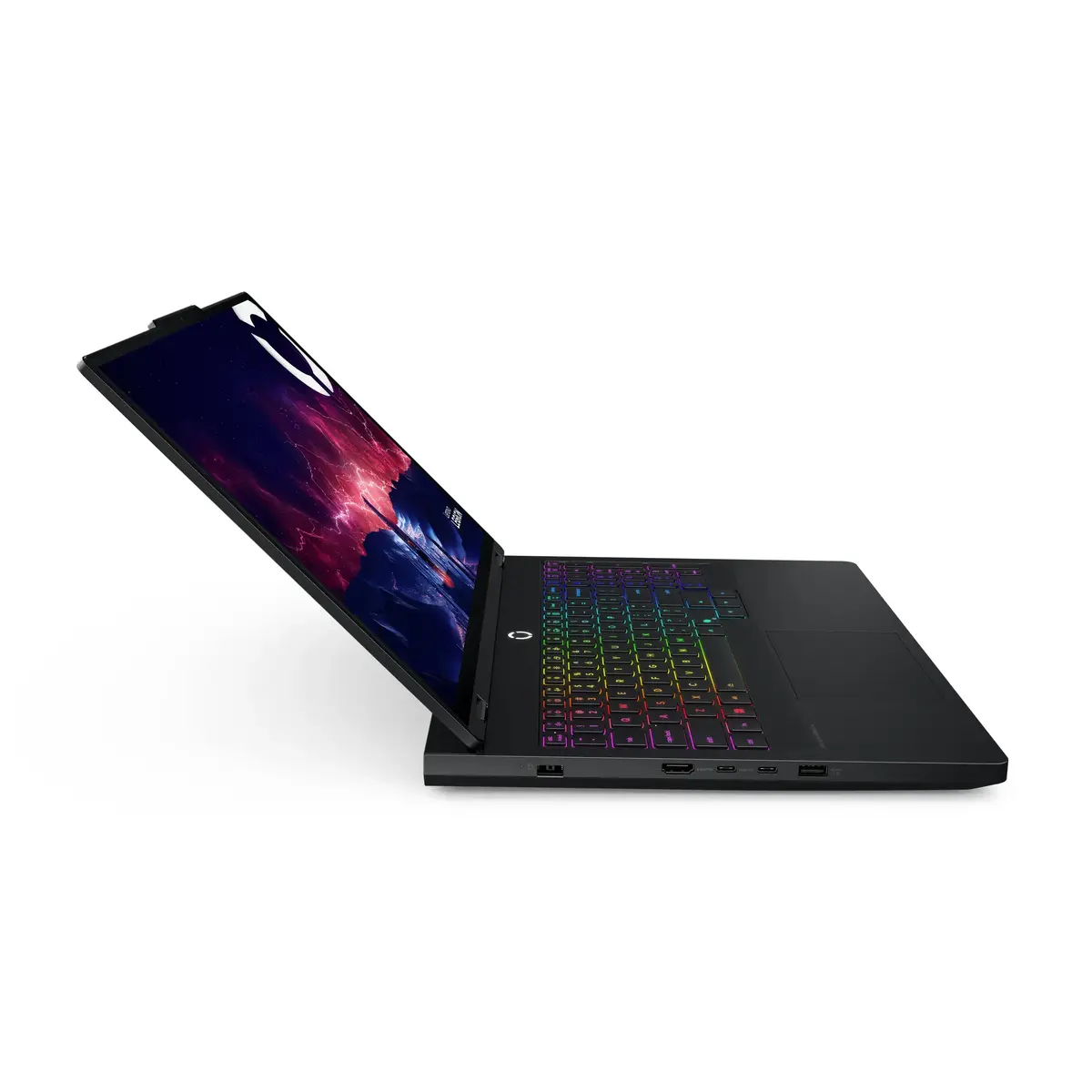
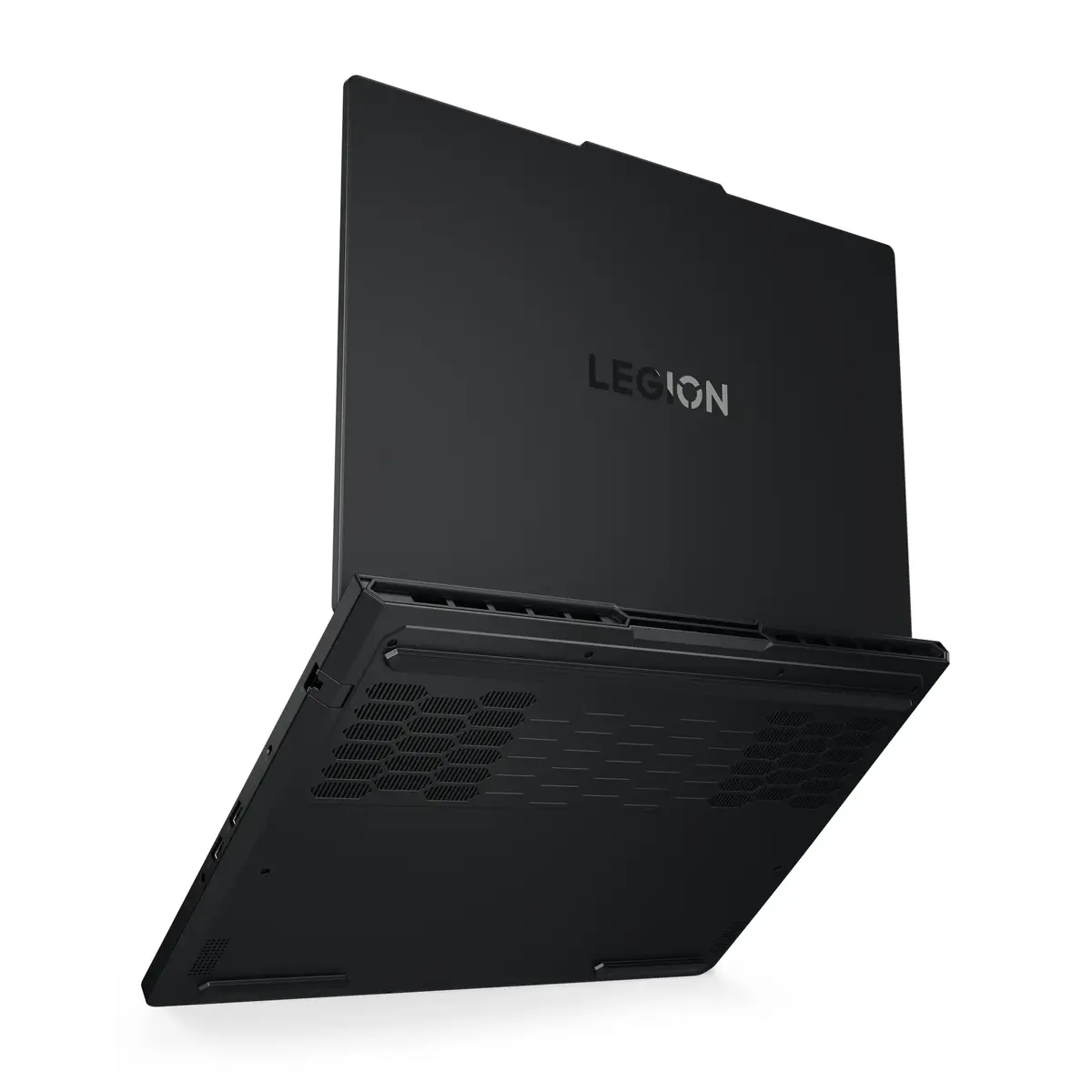
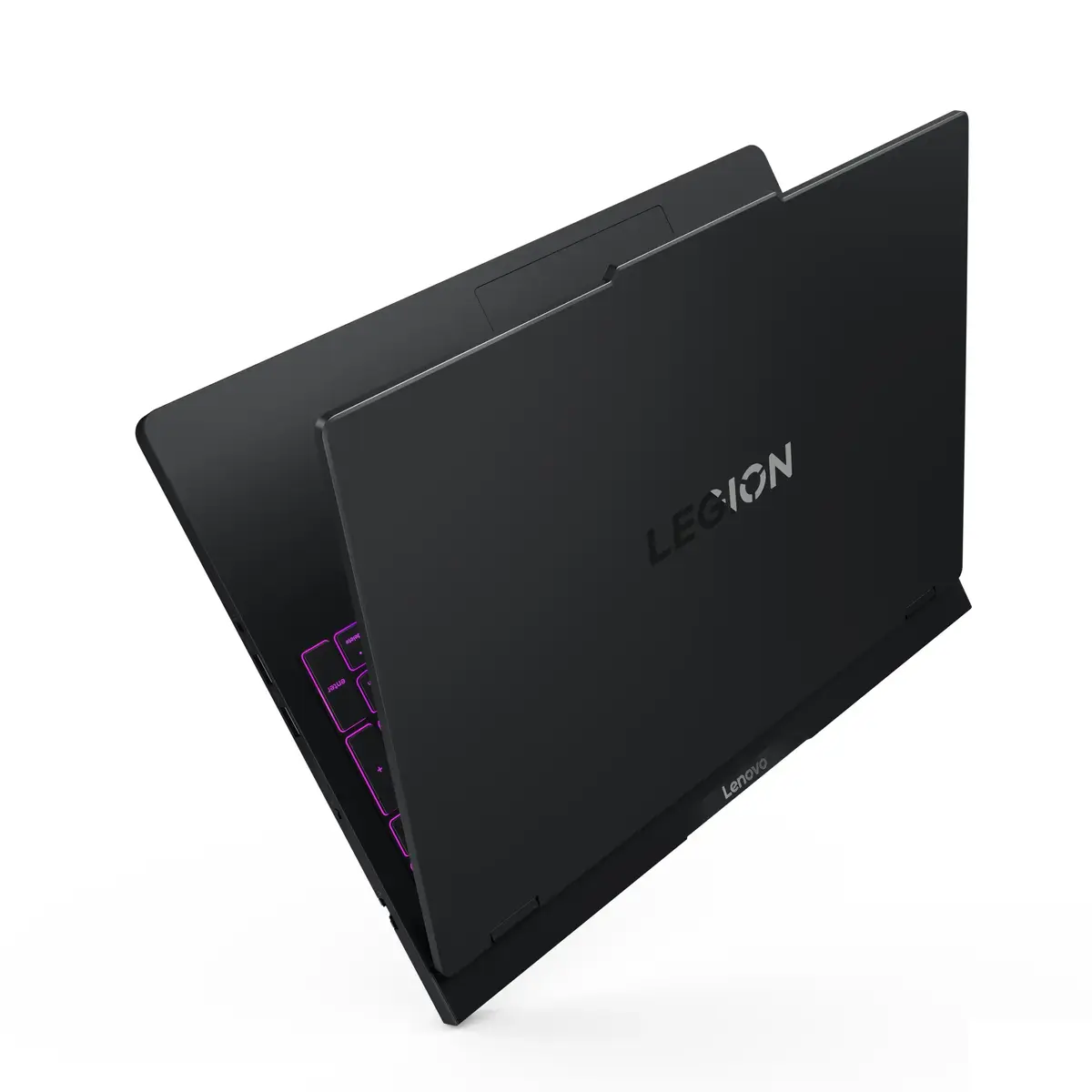
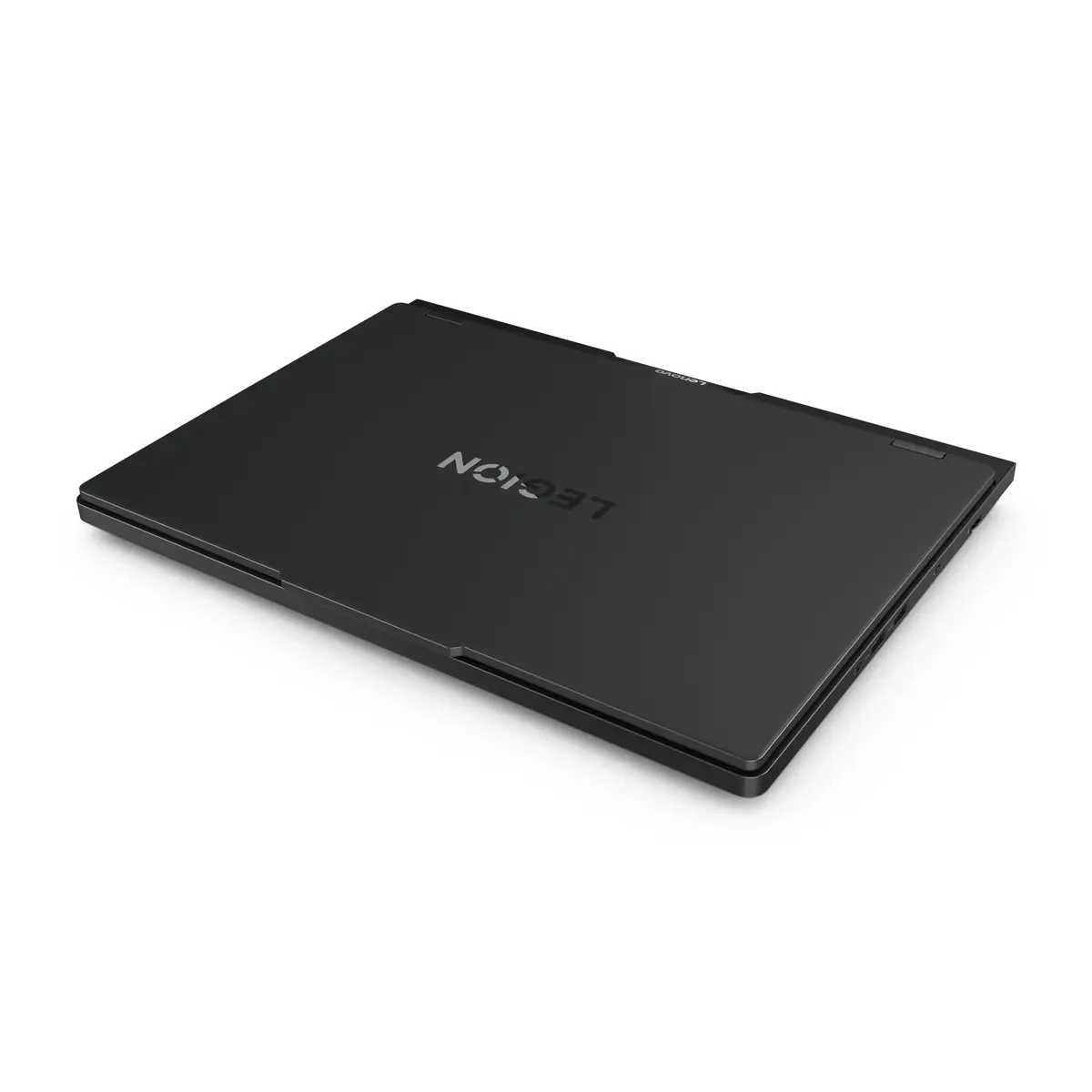
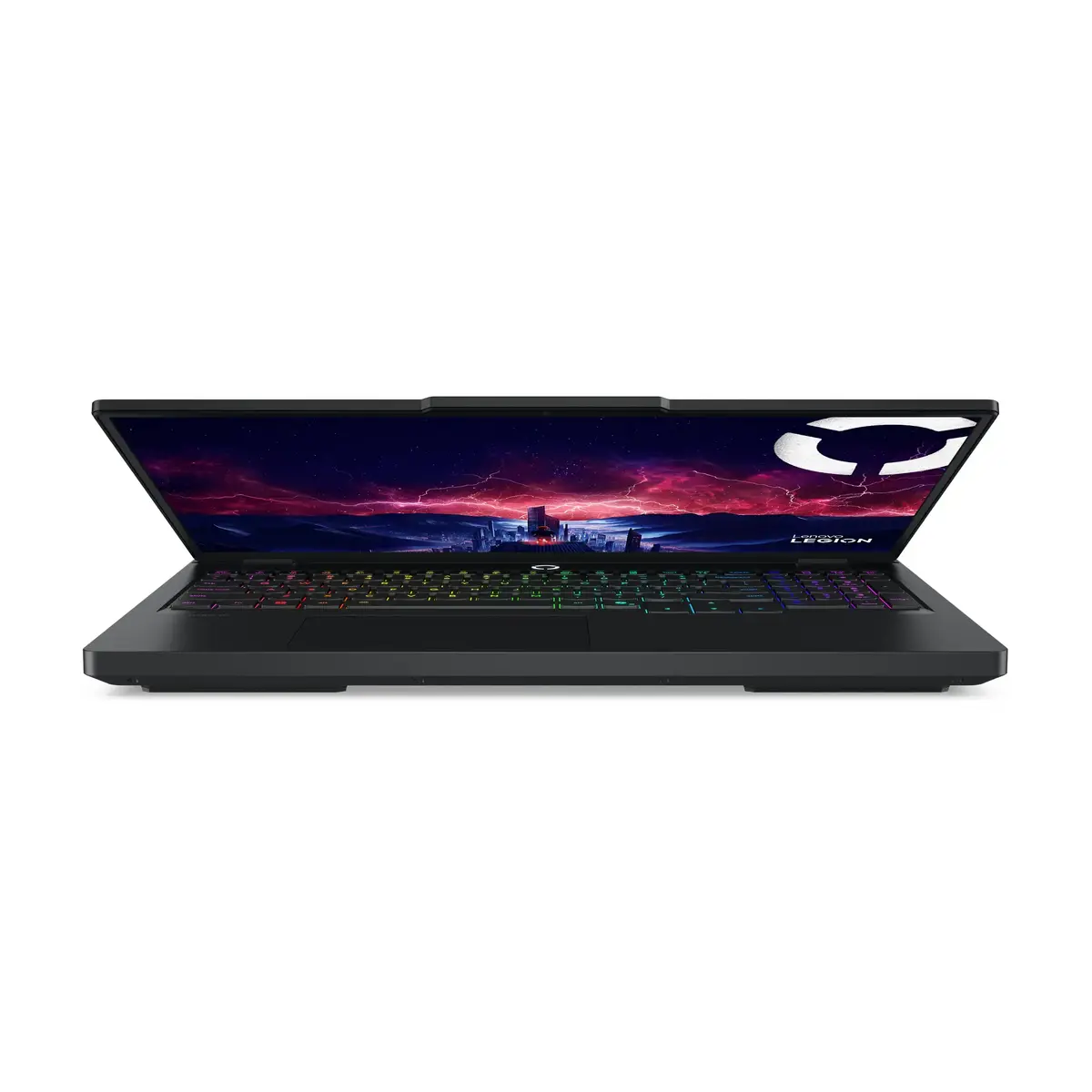
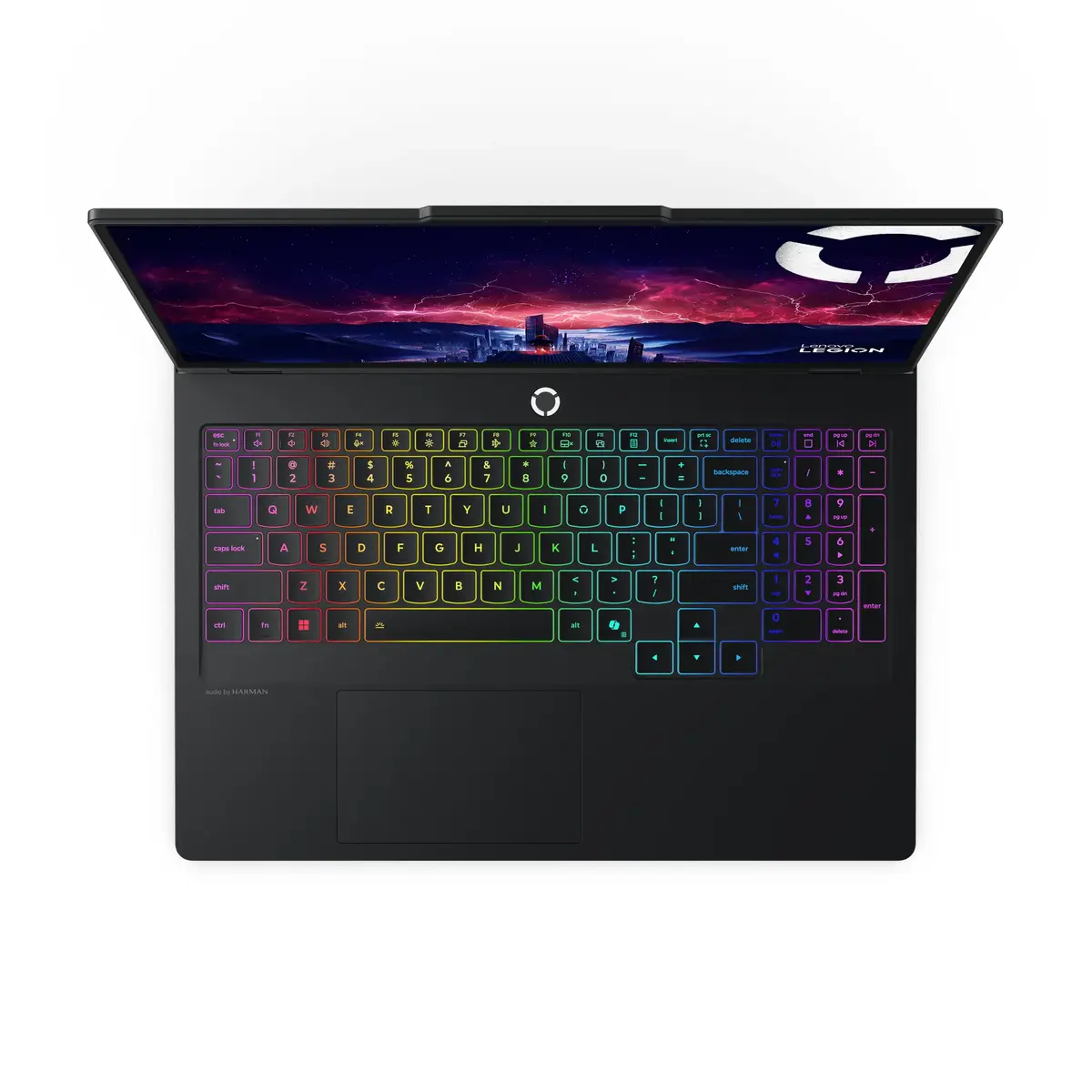
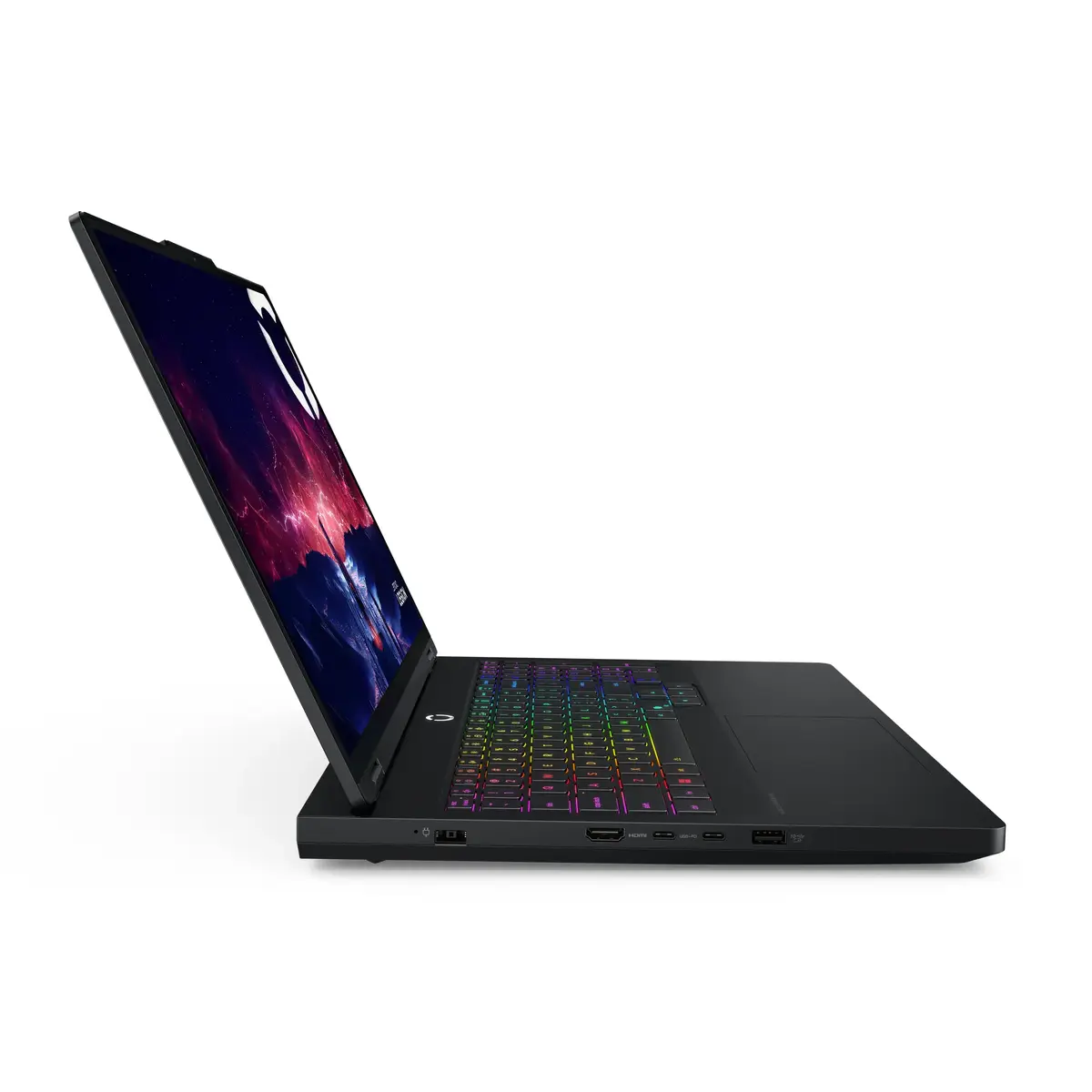
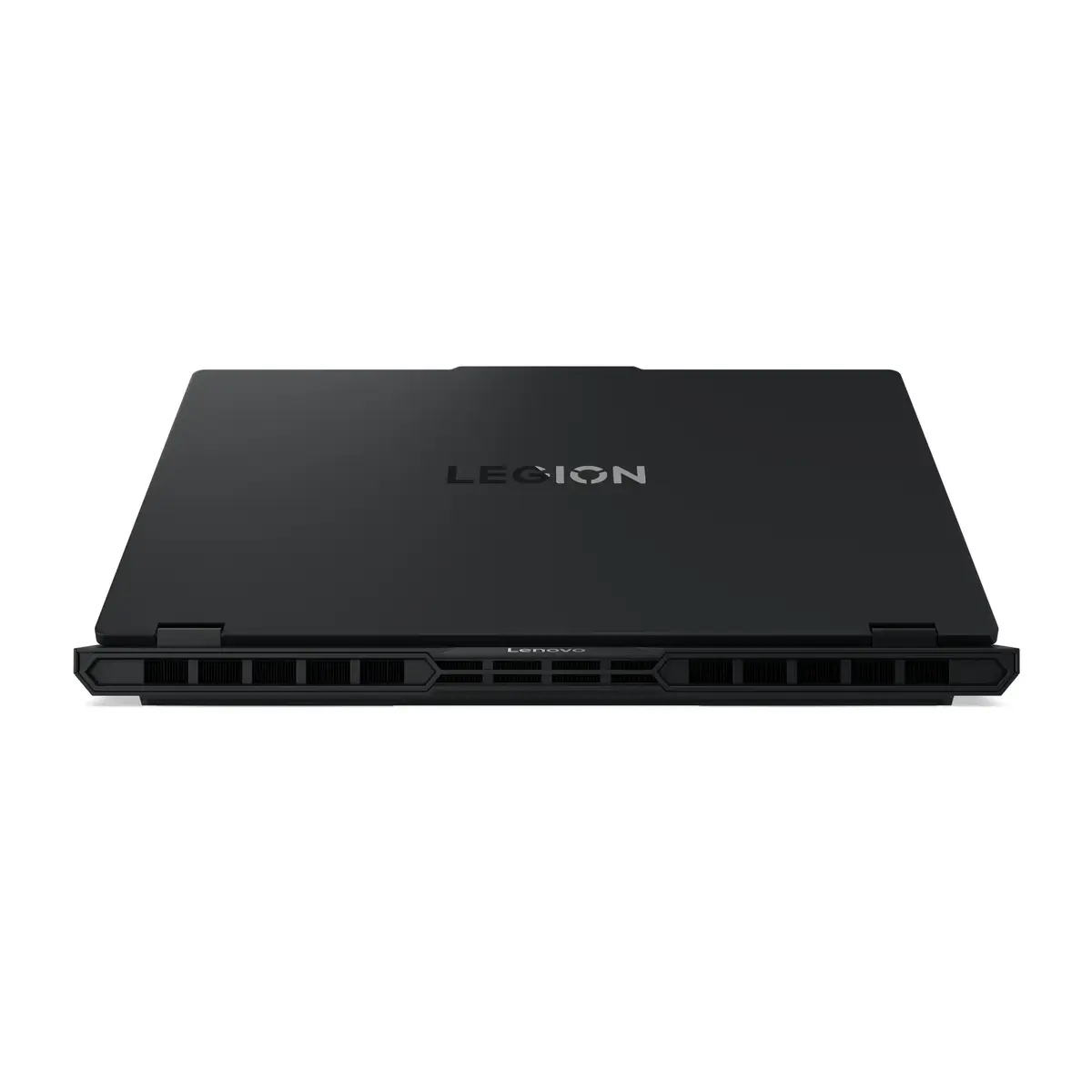
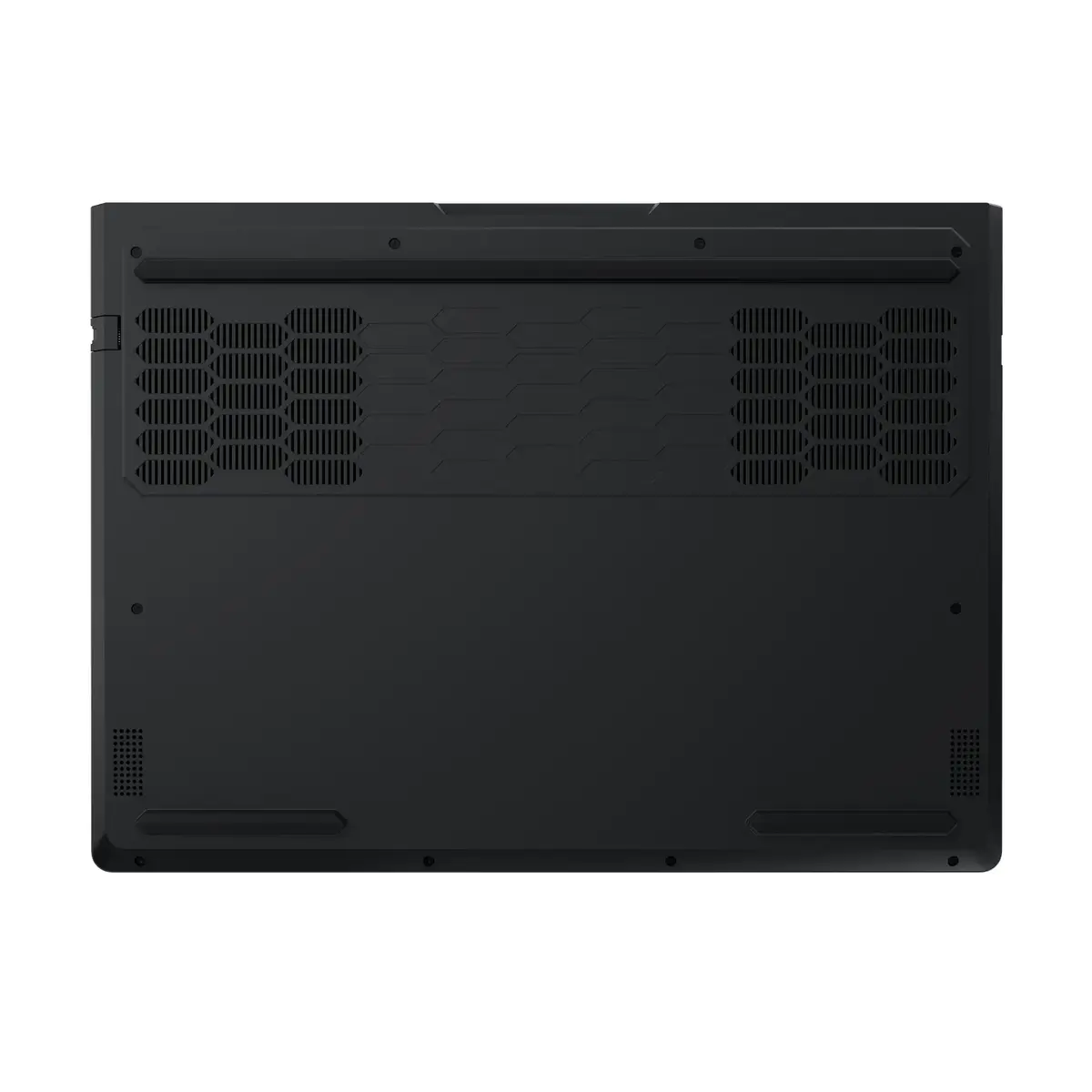
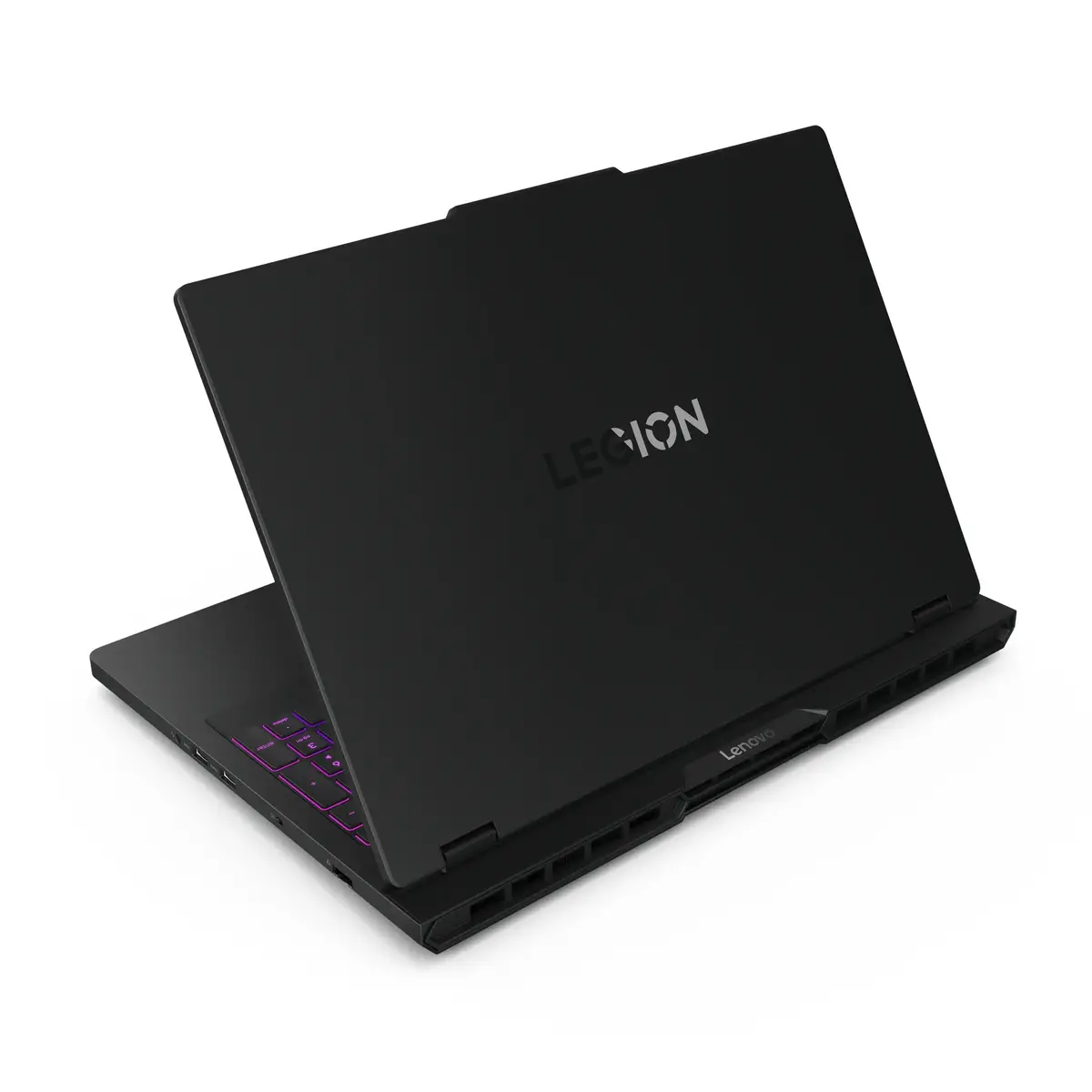
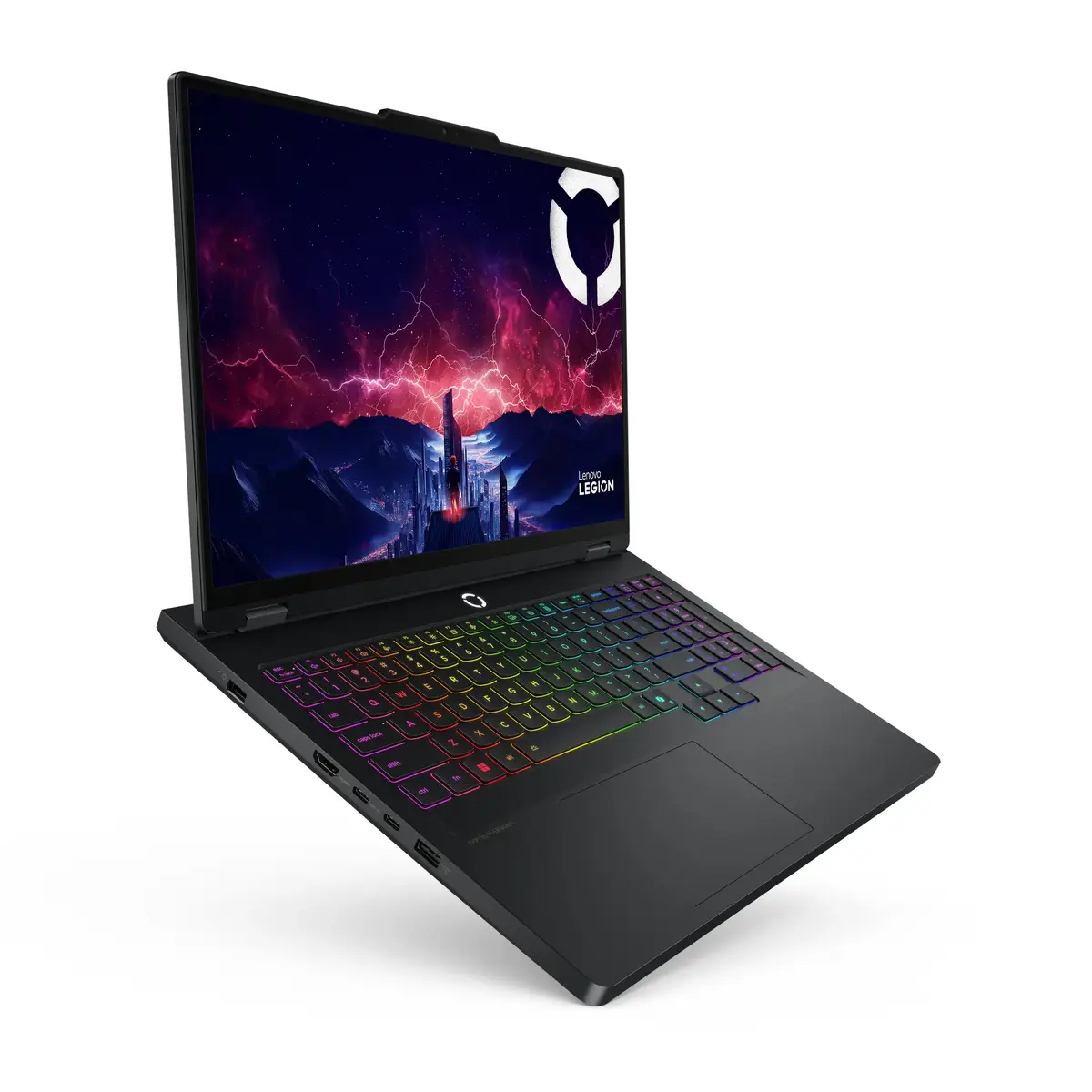
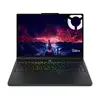
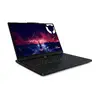
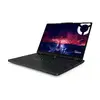
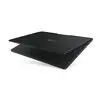
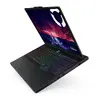
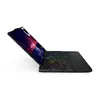
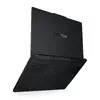
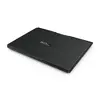
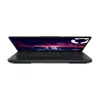
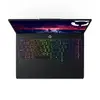
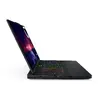
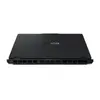
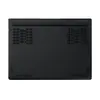
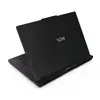
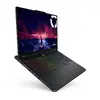
Laptop Lenovo Legion Pro 5 16AFR10 AMD Ryzen 9 9955HX 32GB 2TB RTX5060
The Lenovo Legion Pro 5 16AFR10 is a high-performance 16-inch laptop designed for demanding gaming and professional workloads. It is equipped with an AMD Ryzen 9 9955HX processor, 32 GB of DDR5 memory and a 2 TB NVMe SSD, and pairs NVIDIA GeForce RTX 5060 discrete graphics with integrated AMD Radeon 610M to support both graphics-intensive applications and efficient everyday tasks. The 16" WQXGA (2560 x 1600) OLED display with high brightness, wide color coverage and 165 Hz refresh rate provides detailed visuals and smooth motion. The system ships with Windows 11 Home and supports modern connectivity including Wi‑Fi 7 and Bluetooth 5.4.
The combination of a 16‑core Ryzen 9 9955HX CPU and RTX 5060 GPU delivers strong multi-threaded compute and real-time rendering performance while the dual‑channel 32 GB DDR5-5600 memory and dual PCIe 4.0 NVMe SSDs provide fast loading times and smooth multitasking. The OLED WQXGA panel offers high contrast, accurate colors and a high refresh rate suitable for competitive gaming and color‑critical work. Built-in features such as modern wireless connectivity, a high‑capacity battery and a robust cooling design make the laptop suitable for extended sessions away from a desktop.
Power on the laptop using the dedicated power button and complete the Windows 11 setup to configure user accounts and privacy settings. Install required drivers and the latest GPU/ chipset updates from Lenovo or component manufacturers to ensure optimal performance. Use the preinstalled NVMe SSD for the operating system and applications; store large media projects on the secondary SSD if configured. Adjust display and power settings depending on workload: select performance profiles for gaming or rendering and balanced profiles for battery life.
For sustained heavy CPU/GPU workloads, connect the laptop to mains power and select a high‑performance thermal profile to maintain clock speeds. Keep firmware and GPU drivers up to date, and periodically use disk management tools to monitor SSD health and free space. For color‑critical work, calibrate the OLED panel with a hardware calibrator and use the built‑in color profile options to ensure consistent results.
{{highlightedFeature.featureTitle}}:
{{getProductFeatureValueById(product, highlightedFeature.featureId)}}
{{ productComparisonGenerationError }}
