
Dreame vacuums for fast and efficient cleaning!
In cart {{totalProductsCount}} item(s)
Your cart is empty
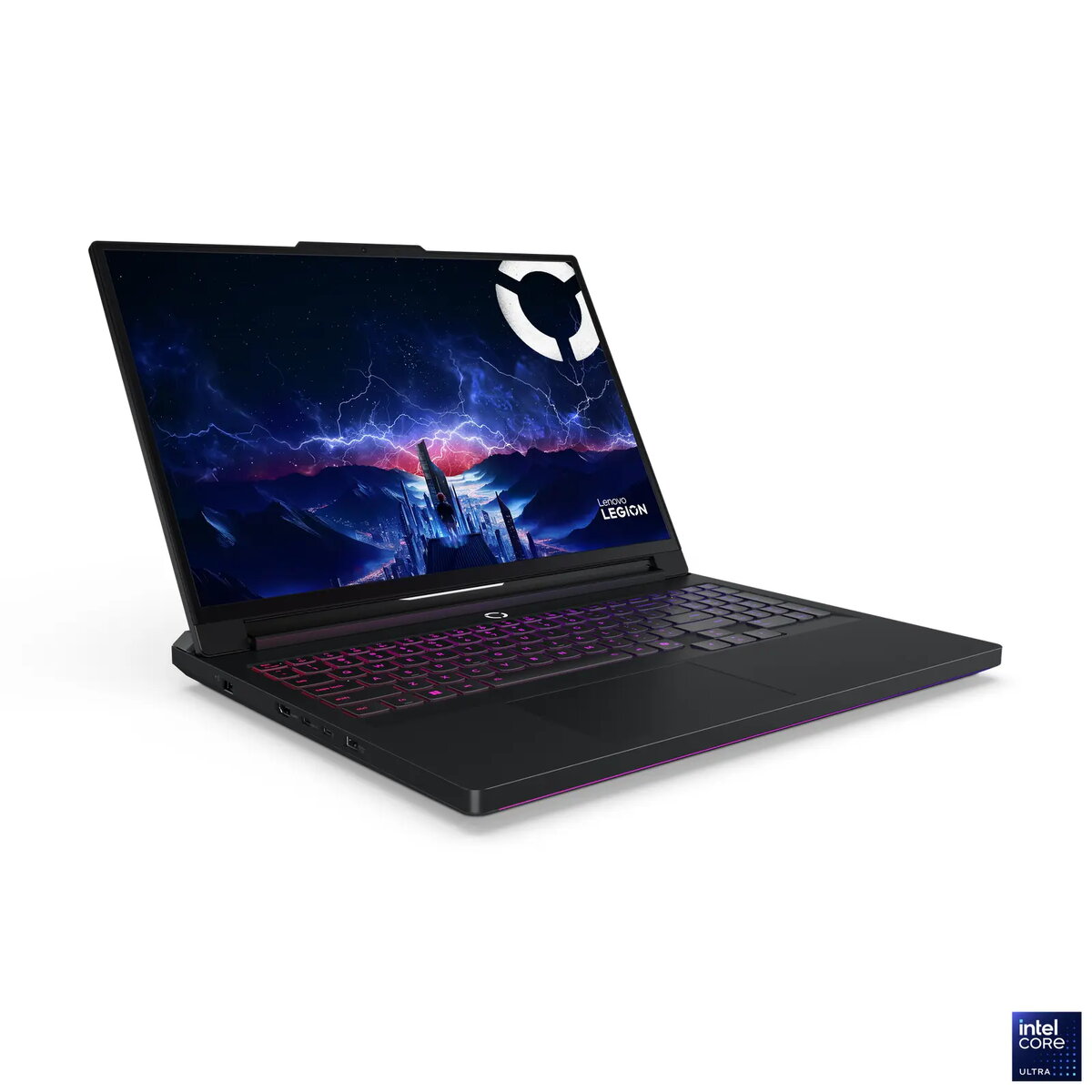
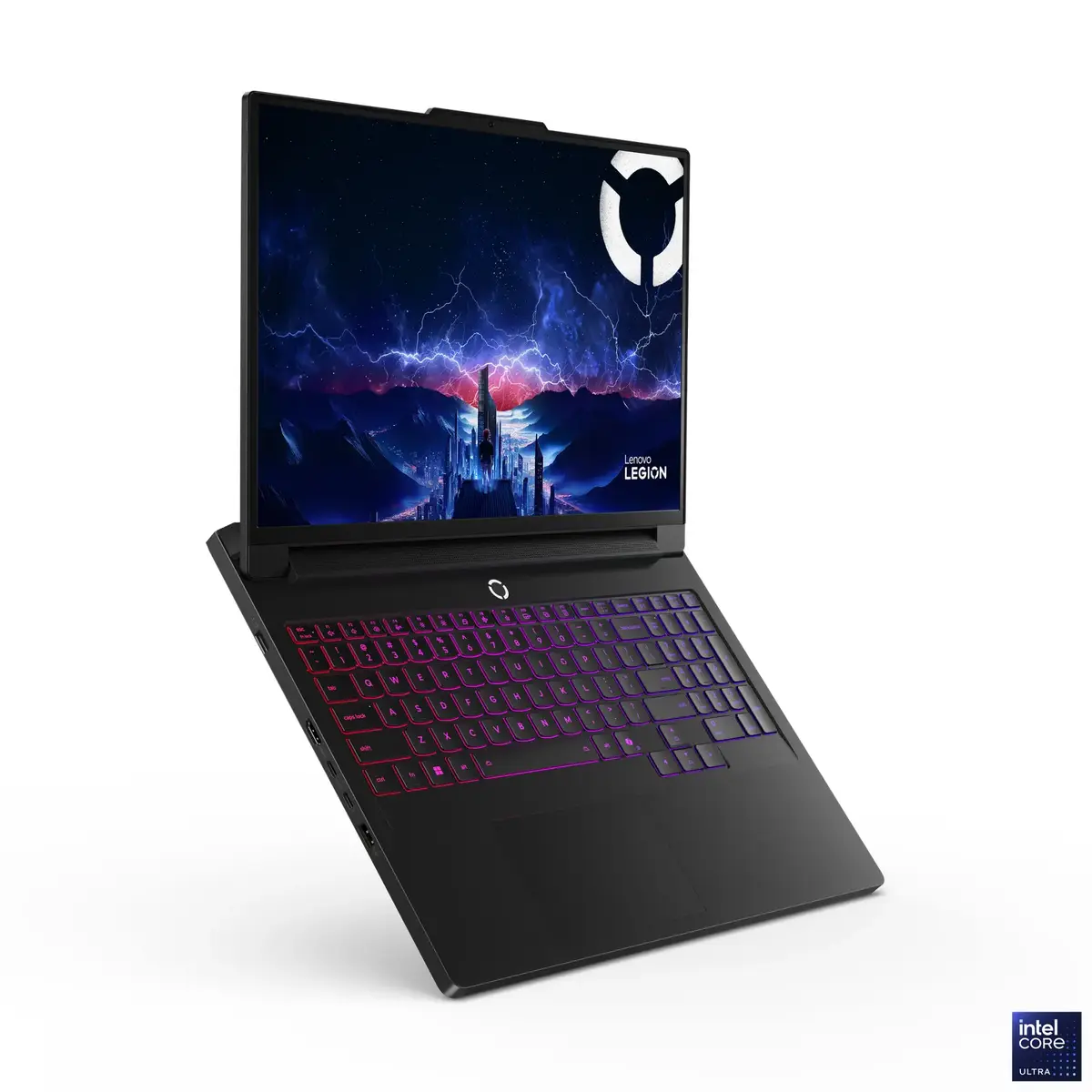
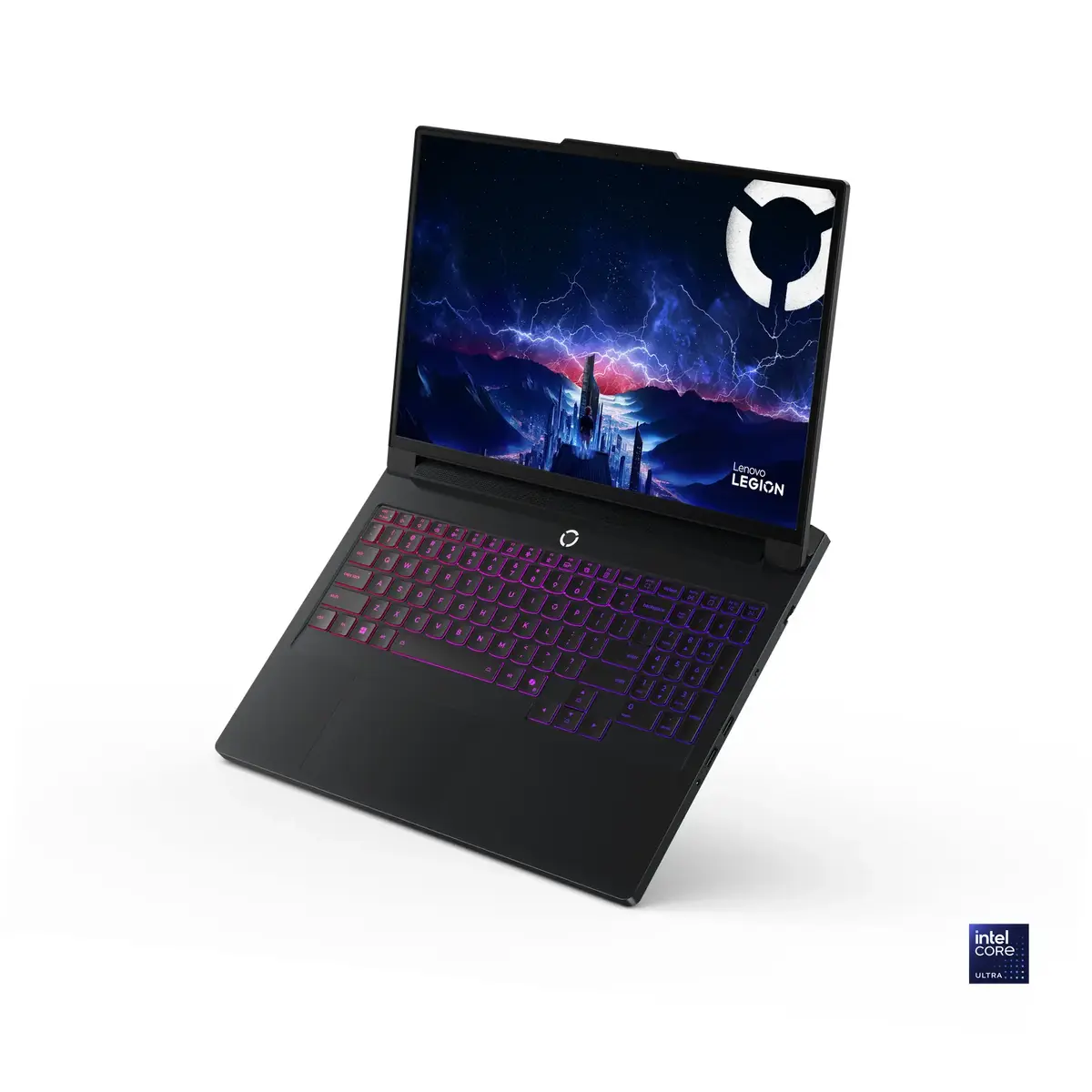
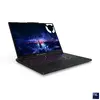
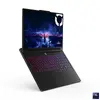
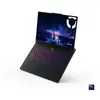
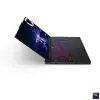
Laptop Lenovo Legion Pro 7 16" Intel Core Ultra 9 275HX 64GB RAM 2TB SSD NVIDIA GeForce RTX 5080 Windows 11 Pro
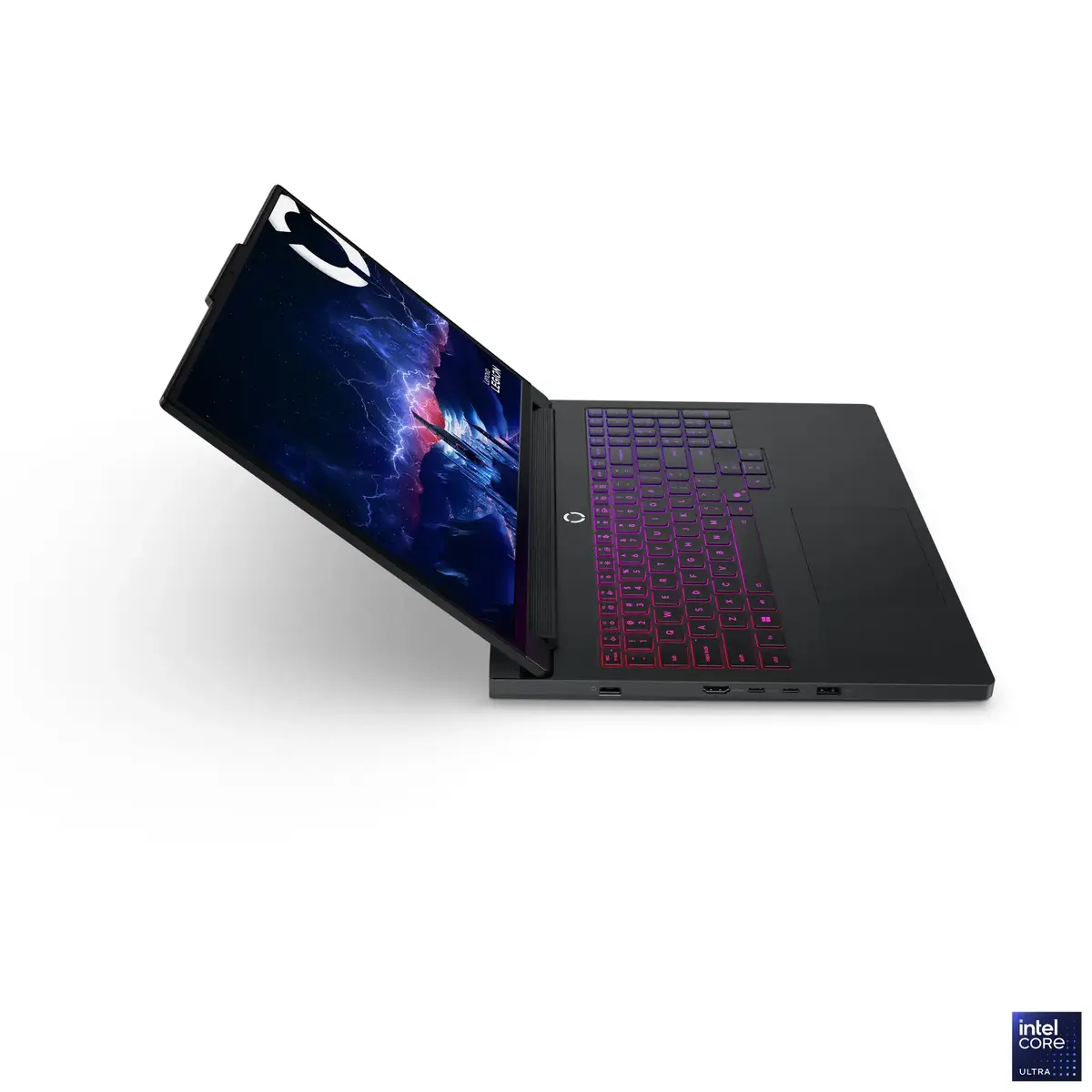
The Lenovo Legion Pro 7 16" (model 83F5004WPB) is an AI-powered gaming laptop built around an Intel® Core™ Ultra 9 275HX processor with 24 cores (8 performance + 16 efficiency) and up to 5.4 GHz Turbo, integrated Intel® AI Boost NPU (up to 13 TOPS), NVIDIA® GeForce RTX™ 5080 16GB GDDR7 GPU (TGP 175W, boost clock 2287 MHz) and 64GB DDR5-6400 memory. It includes two M.2 SSDs (2x 1TB PCIe® 4.0 NVMe®), a 16" WQXGA OLED 240Hz display with 100% DCI-P3 and DisplayHDR True Black 1000, Wi‑Fi 7, 2.5GbE Ethernet and Windows 11 Pro. The chassis is aluminium with an Eclipse Black finish and factory color calibration, and the system ships with a 99.9Wh battery and a 400W power adapter.
This configuration combines a high-core-count Intel Core Ultra 9 CPU with integrated AI acceleration and a powerful NVIDIA GeForce RTX 5080 GPU, delivering strong performance for gaming, content creation and AI-assisted workflows. The 16" WQXGA OLED panel offers high refresh rate, wide color gamut and HDR support for accurate visuals. Dual high-speed NVMe storage slots and 64GB DDR5-6400 memory provide fast system responsiveness and large working storage. Latest connectivity includes Wi‑Fi 7, Thunderbolt 4/USB4, HDMI 2.1 and 2.5GbE for low-latency wired networks.
Unpack the laptop and connect the 400W power adapter for initial setup and charging. Power on and complete Windows 11 Pro out-of-box setup, then install drivers and Lenovo utilities as needed. Use the built-in storage and available M.2 slot configuration to expand or replace drives according to supported form factors (M.2 2280/2242). Configure display and audio settings via Windows display settings and Nahimic Audio software. For docking or external displays, connect via Thunderbolt 4/USB-C or HDMI 2.1. Routine maintenance includes keeping OS and GPU drivers up to date and verifying thermal profiles when running sustained high-load tasks.
For sustained high-performance gaming or content creation, use the 400W adapter and ensure good ventilation. When working with color-critical content, rely on the factory color calibration and verify settings in your color management software. If expanding storage, install compatible M.2 SSDs (PCIe® 4.0/5.0 as supported) and follow anti-static precautions.
{{highlightedFeature.featureTitle}}:
{{getProductFeatureValueById(product, highlightedFeature.featureId)}}
{{ productComparisonGenerationError }}
