
Save time and money with our discounts!
In cart {{totalProductsCount}} item(s)
Your cart is empty
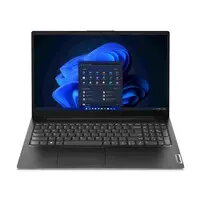
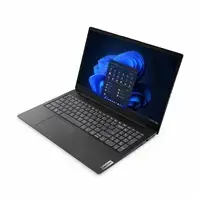
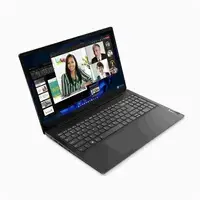
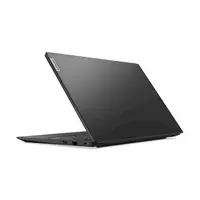
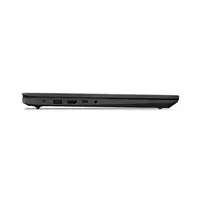
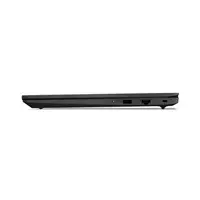
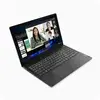
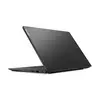
Lenovo V15 G5 Laptop, Intel Core i5-13420H, 15.6-inch FHD Display, 8GB RAM, 512GB SSD, Windows 11 Home
The Lenovo V15 G5 is a versatile and reliable laptop designed to handle daily computing tasks with efficiency. Powered by an Intel Core i5-13420H processor, this device provides the necessary speed for multitasking, office applications, and web browsing. Its 15.6-inch Full HD matte display offers clear visuals, while the 512GB SSD ensures quick boot times and ample storage for your documents and media. With Windows 11 Home pre-installed, it provides a modern and secure user experience right out of the box.
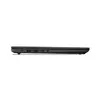
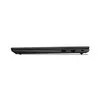
This laptop excels in providing a balanced performance for professional and educational environments. The inclusion of a dedicated numeric keypad enhances data entry efficiency, making it highly suitable for spreadsheet work and accounting tasks. Its comprehensive connectivity suite, including USB-C, HDMI, and LAN ports, ensures that you can easily connect to external monitors, peripherals, and wired networks without the need for additional adapters. The lightweight design combined with reliable wireless connectivity via Wi-Fi and Bluetooth makes it a practical companion for those who need a consistent workstation.
This laptop is not intended for high-end gaming or professional video editing, as it lacks a dedicated graphics card and higher RAM capacity. Users requiring intensive computational power for 3D rendering or complex software development may find the hardware limitations restrictive.
To begin using the Lenovo V15 G5, connect the power adapter to the charging port and press the power button to initiate the initial Windows setup. Follow the on-screen instructions to configure your language, network settings, and user account. Once the setup is complete, you can connect your peripherals such as a mouse or external drive using the available USB ports. For optimal performance, ensure that the laptop is placed on a flat, stable surface to allow for proper ventilation through the air vents.
Usage recommendations: Keep the laptop software updated through Windows Update to ensure system security and stability. Avoid blocking the ventilation grilles on the bottom and sides of the chassis to prevent overheating during prolonged use.
{{highlightedFeature.featureTitle}}:
{{getProductFeatureValueById(product, highlightedFeature.featureId)}}
{{ productComparisonGenerationError }}
