











Save time and money with our discounts!
In cart {{totalProductsCount}} item(s)
Your cart is empty
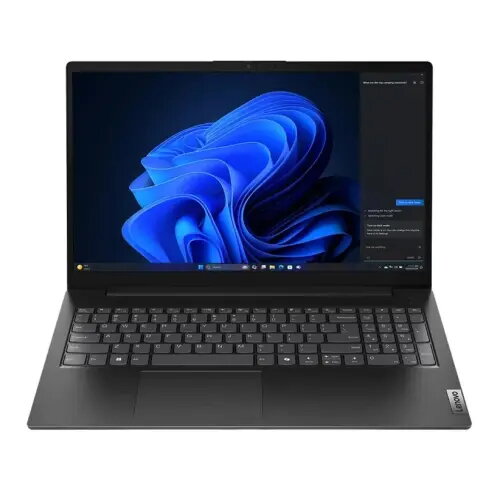
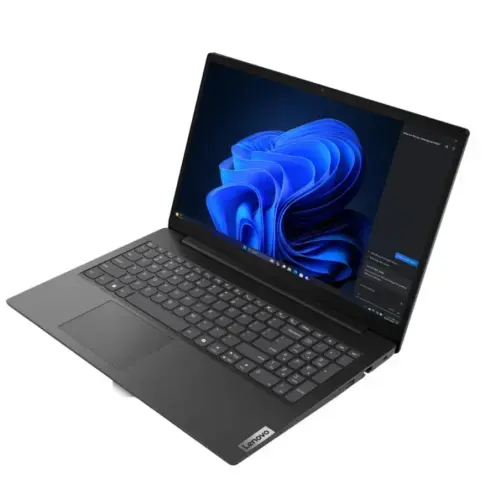
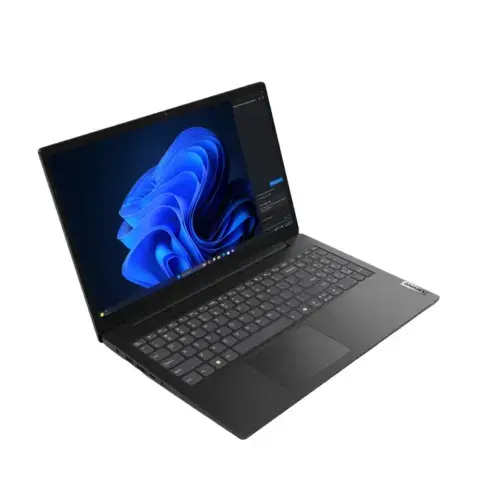
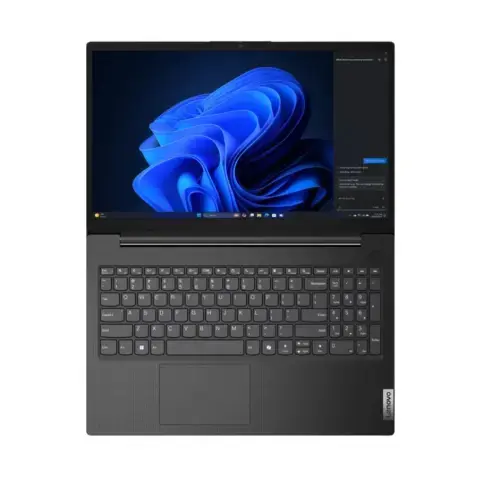
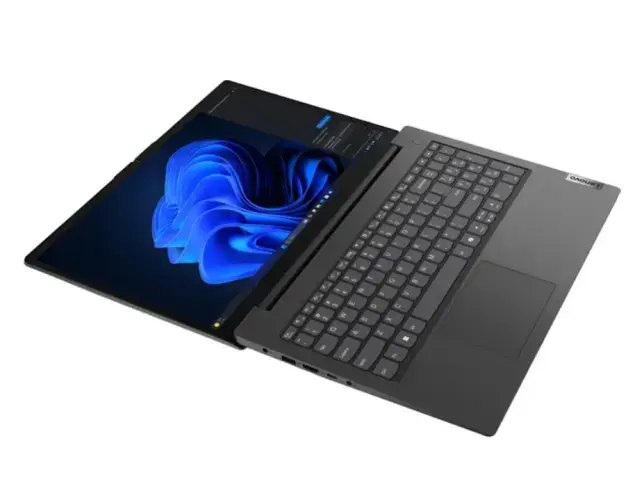
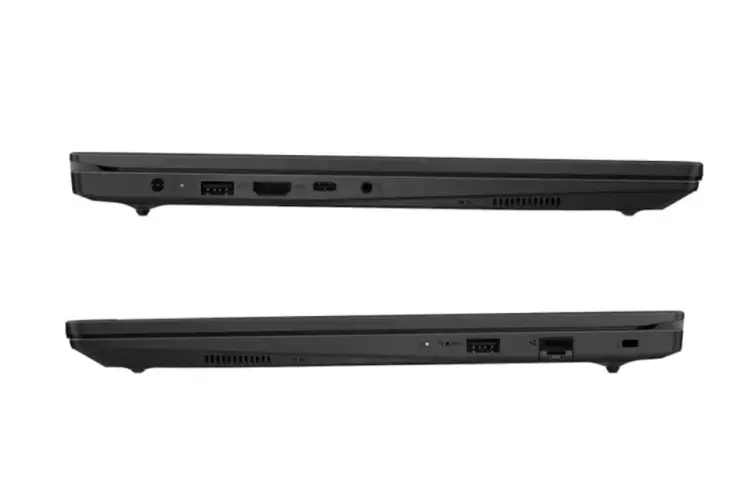
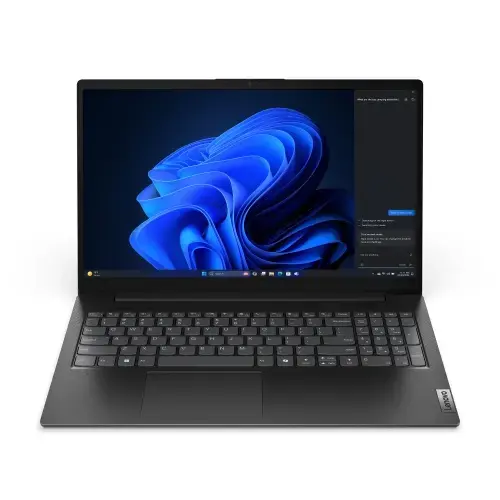
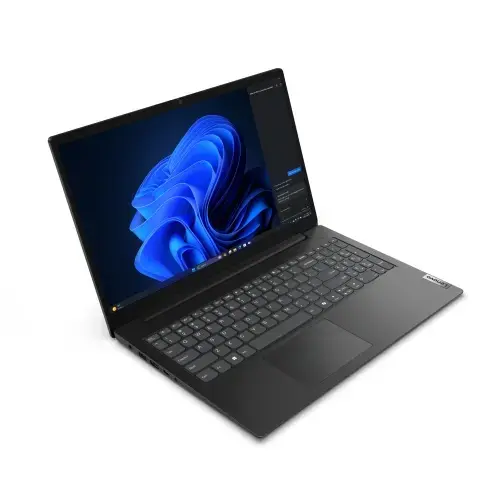
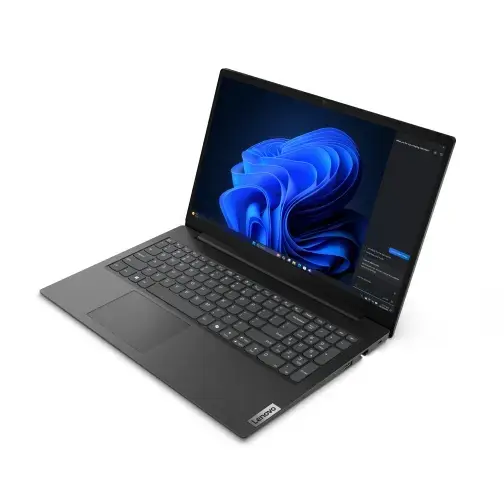
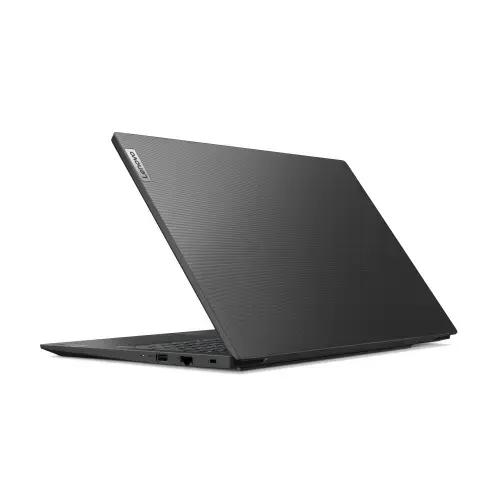
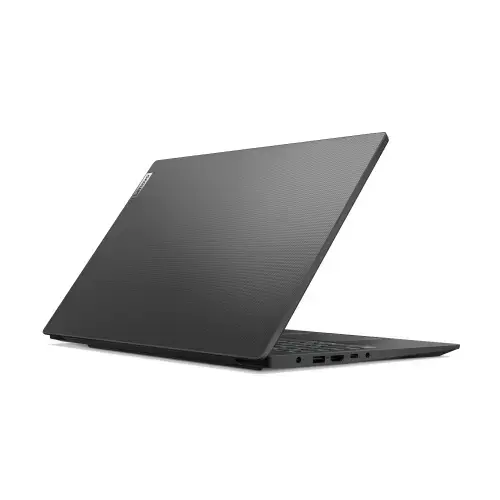
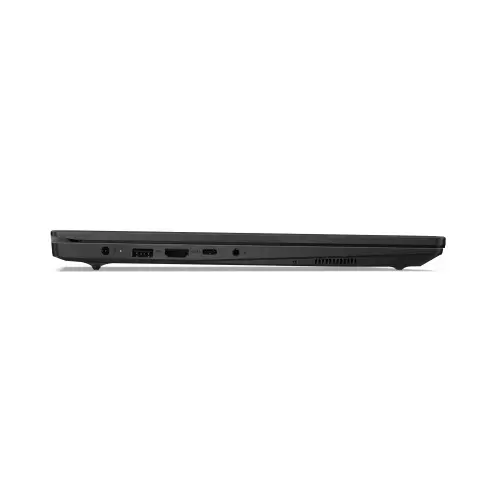
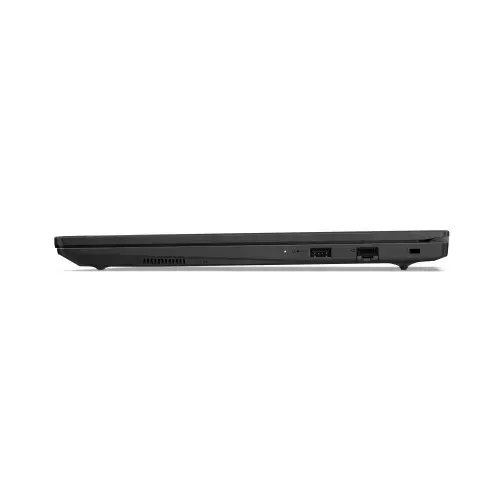
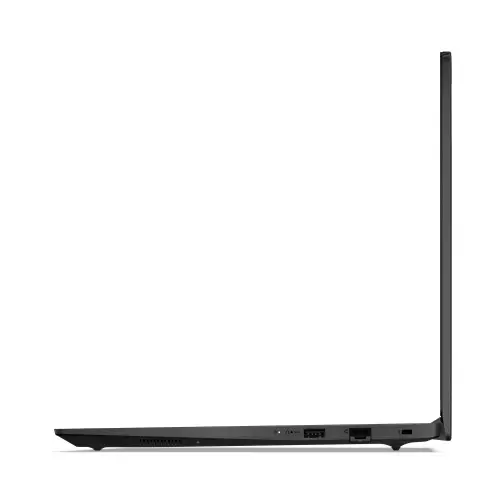
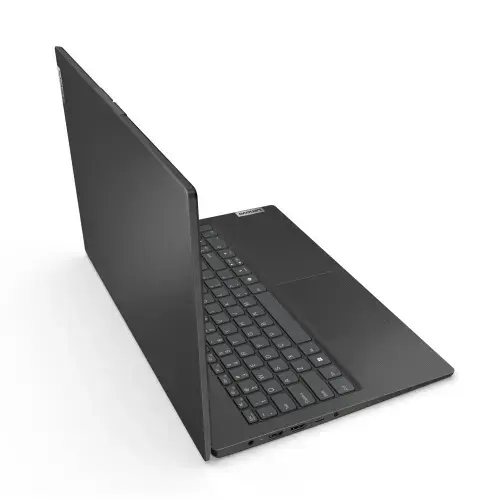
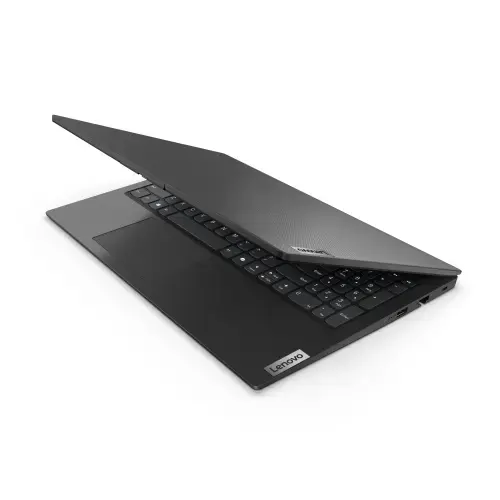
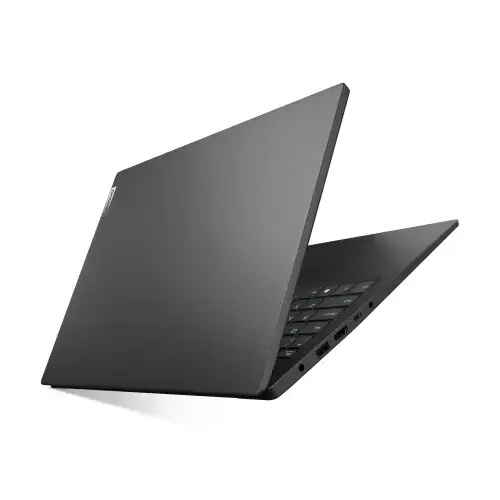
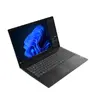
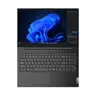
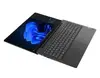
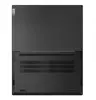
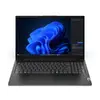
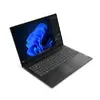
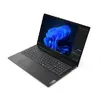
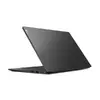
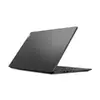
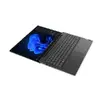
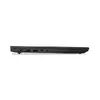
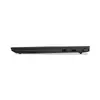
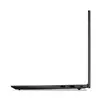
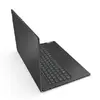
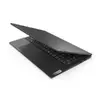
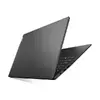
Lenovo V15 G5 Laptop, 15.6-inch FHD Display, Intel Core 7 240H, 16GB RAM, 1TB SSD, Windows 11 Home, Black
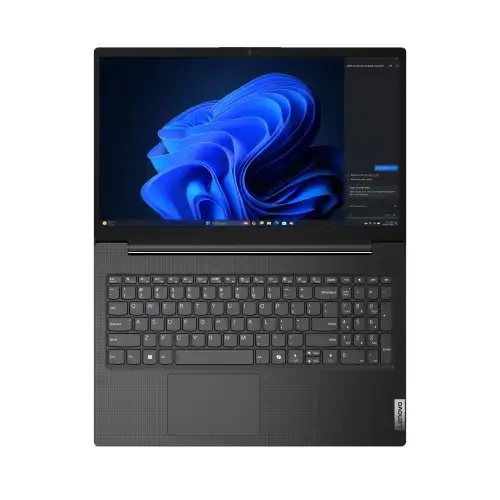
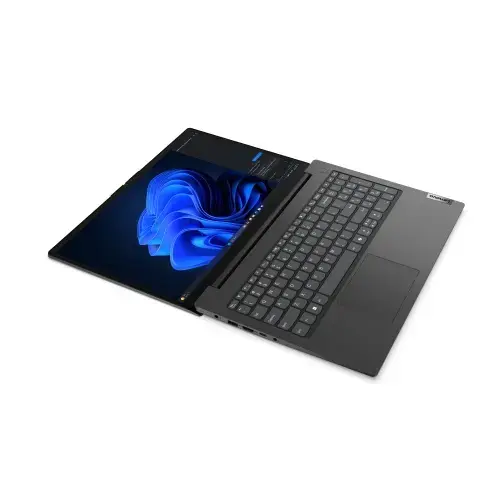
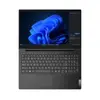
The Lenovo V15 G5 is a robust 15.6-inch laptop engineered to meet the demands of modern professional environments and academic settings. Featuring a powerful Intel Core 7 240H processor, this device ensures smooth performance for multitasking, document creation, and web-based applications. With 16GB of RAM and a generous 1TB SSD, users benefit from rapid system responsiveness and ample storage capacity for large files and software installations. The sleek black chassis houses a high-definition display, providing a clear and comfortable viewing experience for extended work sessions.
This laptop offers a significant performance boost for productivity-focused users, thanks to the integration of the high-speed Intel Core 7 processor. The inclusion of 16GB of memory allows for seamless switching between multiple applications without lag, while the 1TB solid-state drive provides not only massive storage space but also faster boot times and file access compared to traditional hard drives. Its 15.6-inch FHD screen delivers sharp visuals, making it an excellent choice for detailed spreadsheets, presentations, and media consumption. The pre-installed Windows 11 Home operating system provides a modern, secure, and user-friendly interface that is compatible with a wide range of professional software.
This laptop is not designed for high-end professional gaming or intensive 3D rendering tasks, as it lacks a dedicated high-performance graphics card. Users requiring specialized hardware for heavy video editing or complex engineering simulations may find the integrated graphics insufficient for their specific needs.
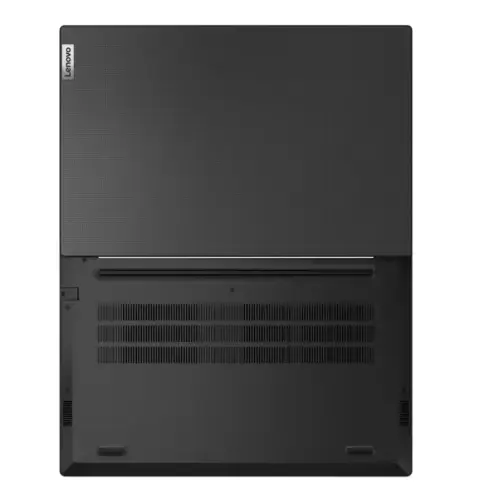
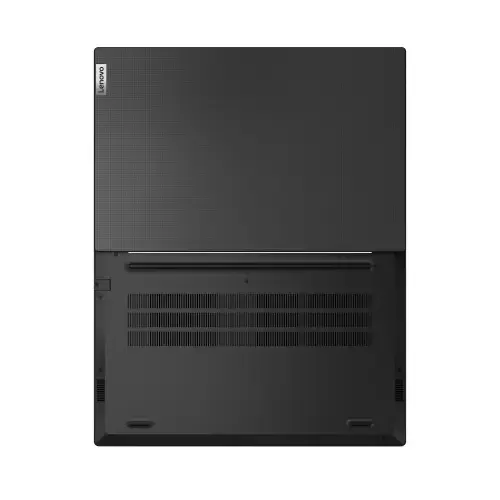
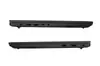
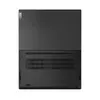
To begin using the Lenovo V15 G5, connect the provided power adapter to the charging port and allow the battery to reach a full charge. Press the power button to initiate the initial Windows 11 setup process, which will guide you through language selection, network configuration, and user account creation. Once the desktop environment is loaded, you can install your preferred software applications and transfer files. Ensure the laptop is placed on a flat, stable surface to allow for proper ventilation through the bottom and side vents.
Usage recommendations: To maintain optimal performance, keep the operating system updated via Windows Update and ensure the ventilation vents remain unobstructed during operation to prevent overheating.
{{highlightedFeature.featureTitle}}:
{{getProductFeatureValueById(product, highlightedFeature.featureId)}}
{{ productComparisonGenerationError }}
