
Save time and money with our discounts!
In cart {{totalProductsCount}} item(s)
Your cart is empty
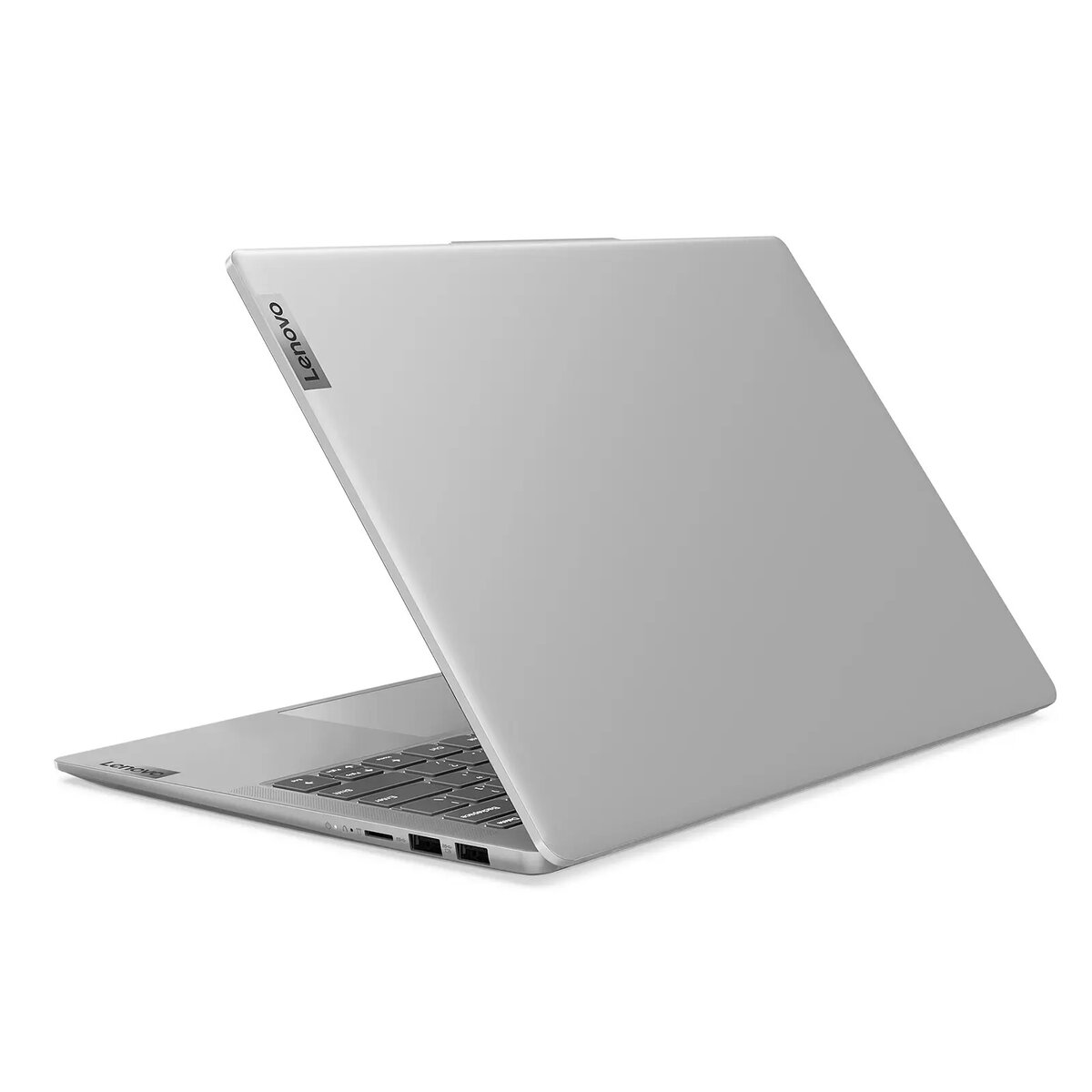
Lenovo IdeaPad Slim 5 14Q8X9 Laptop, 14" WUXGA, Snapdragon X Plus X1P42100, 16GB RAM, 1TB SSD, Windows 11
The Lenovo IdeaPad Slim 5 14Q8X9 is a sophisticated and portable laptop engineered to deliver reliable performance for both professional and personal computing tasks. Featuring a compact 14-inch WUXGA display, this device combines a sleek, modern design with the advanced processing power of the Snapdragon X Plus X1P42100 chipset. With 16GB of RAM and a spacious 1TB SSD, it provides the speed and storage capacity necessary for efficient multitasking and managing large files, all while running on the intuitive Windows 11 operating system.
This laptop stands out due to its highly efficient architecture, which balances high-speed processing with power management to ensure a productive user experience throughout the day. The inclusion of a generous 1TB solid-state drive allows for rapid boot times and quick access to applications, while the 16GB of memory ensures smooth operation even when running multiple demanding programs simultaneously. Its slim form factor makes it an ideal companion for users who require a lightweight yet powerful machine that can easily fit into a bag for travel or daily commuting.
This device is not designed for high-end gaming or intensive professional video rendering that requires dedicated graphics hardware. Users who rely on specialized software that is incompatible with the ARM-based architecture of the processor may experience limitations in functionality.
To begin using the Lenovo IdeaPad Slim 5, simply open the lid to power on the device and follow the on-screen instructions provided by the Windows 11 setup wizard to configure your user account and network settings. Once initialized, you can install your preferred applications via the Microsoft Store or by downloading them directly from official websites. Ensure the device is charged using the provided power adapter for optimal performance during initial updates and software installations.
Usage recommendations: To maintain the longevity of your laptop, keep the ventilation areas clear of obstructions and perform regular software updates through the Windows Update settings. It is recommended to use a protective sleeve when transporting the device to prevent surface scratches.
{{highlightedFeature.featureTitle}}:
{{getProductFeatureValueById(product, highlightedFeature.featureId)}}
{{ productComparisonGenerationError }}
