

















Hurry and order now – up to 50% off!
In cart {{totalProductsCount}} item(s)
Your cart is empty
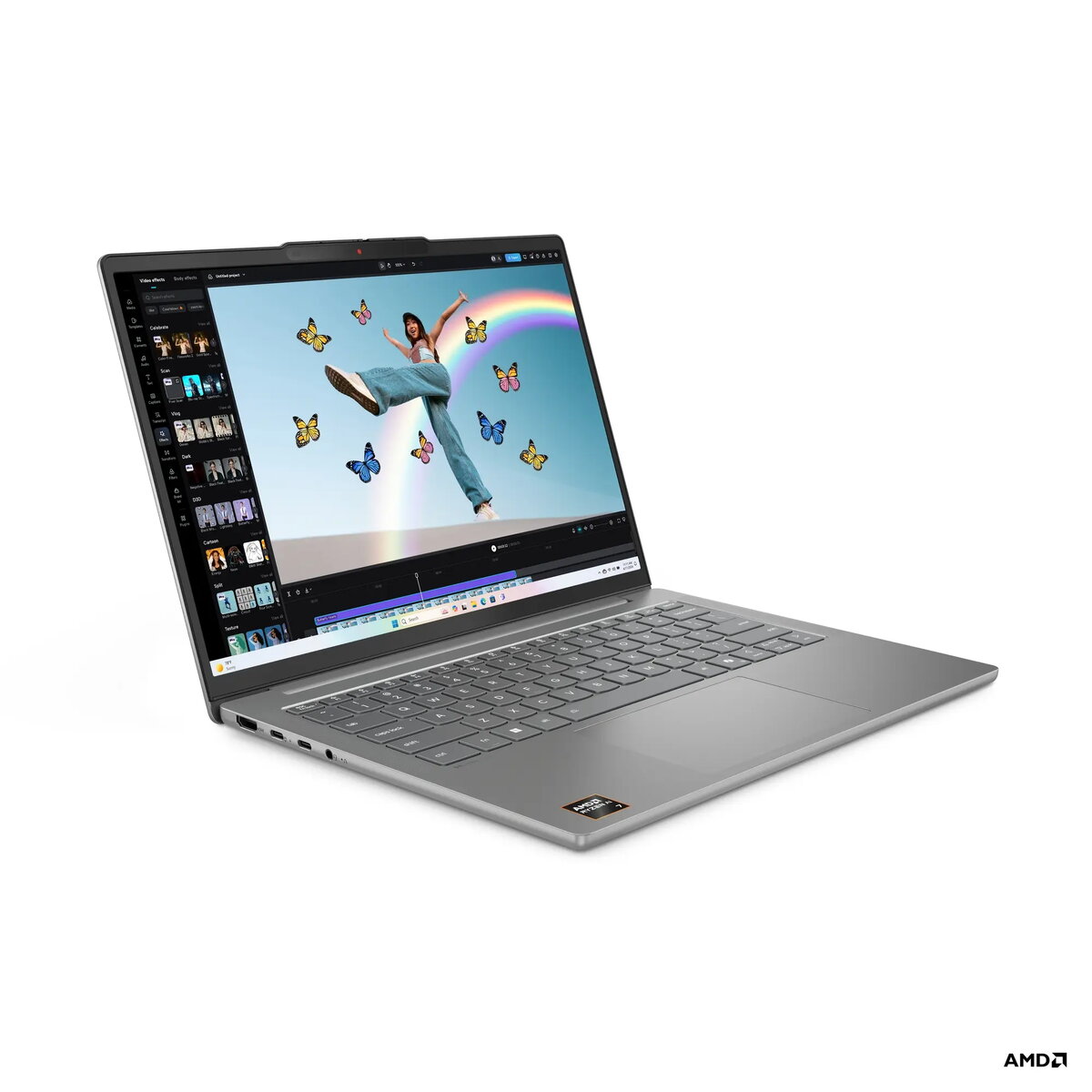
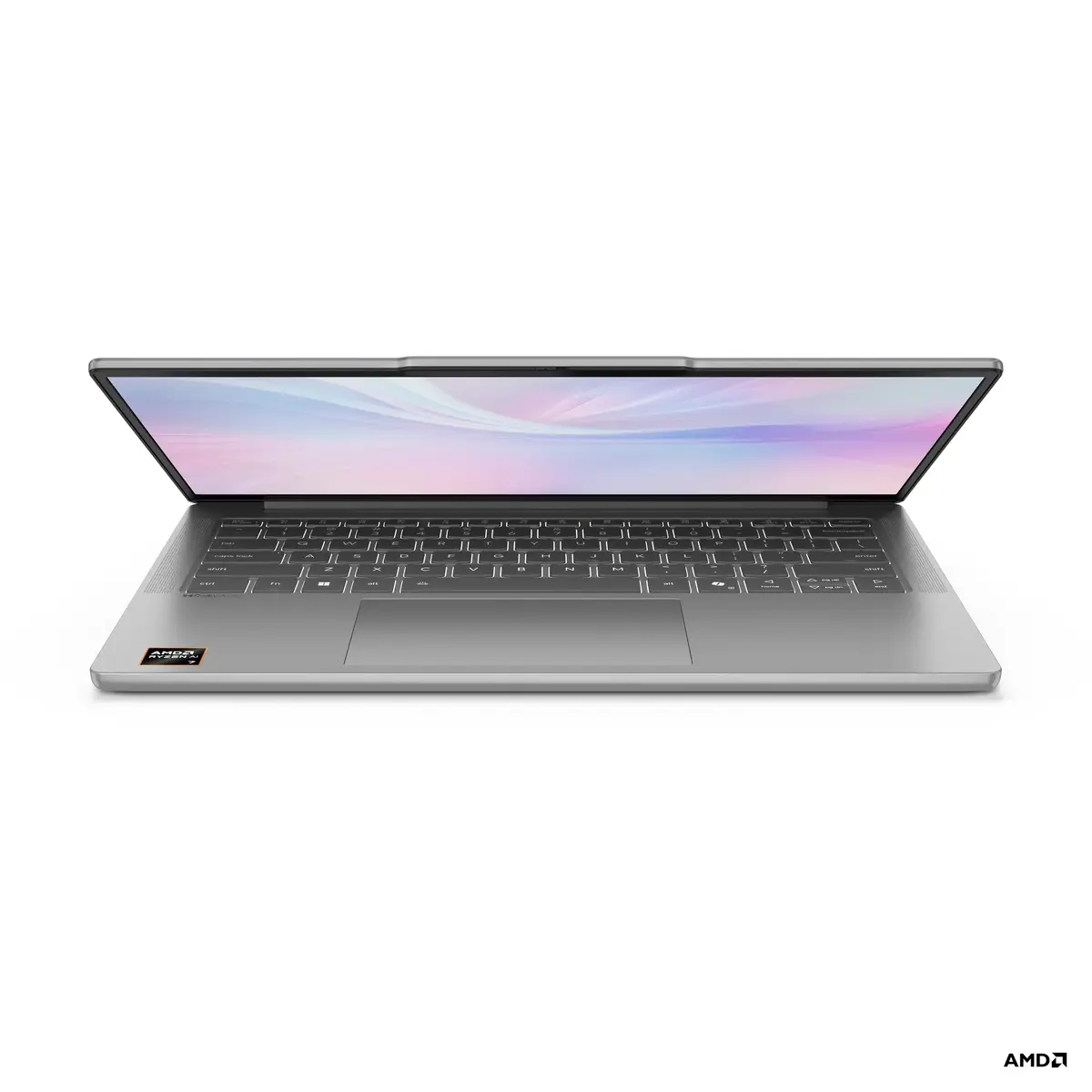
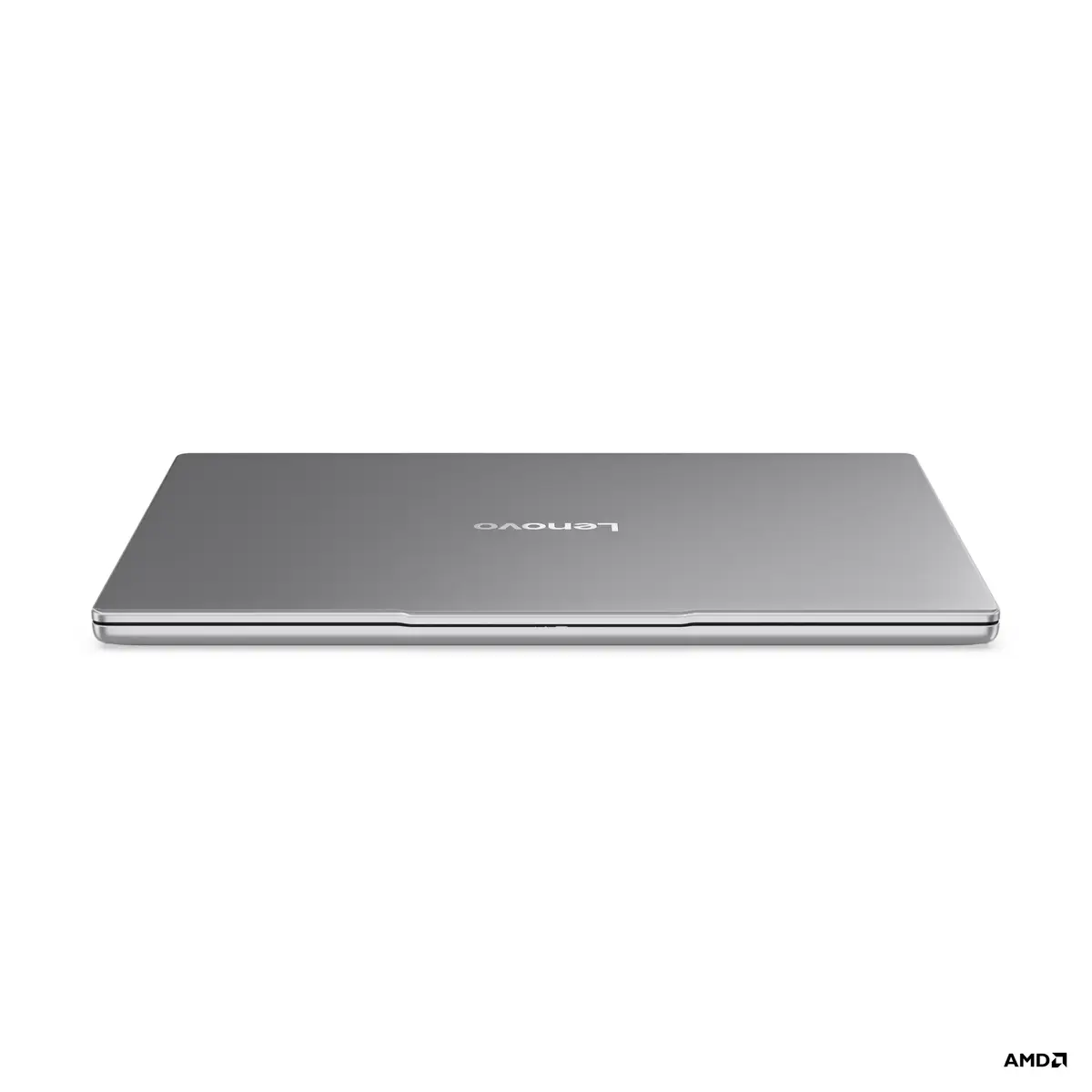
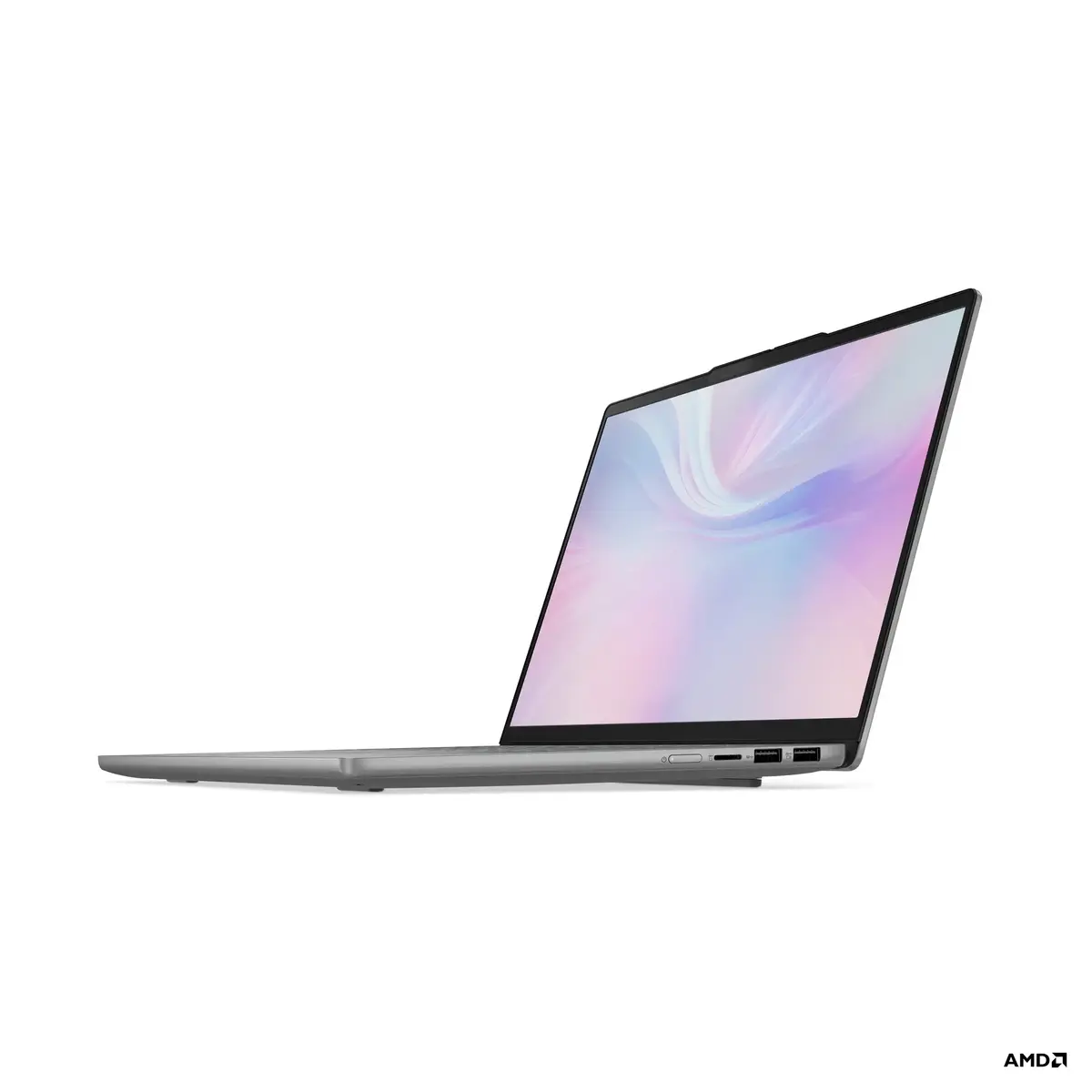
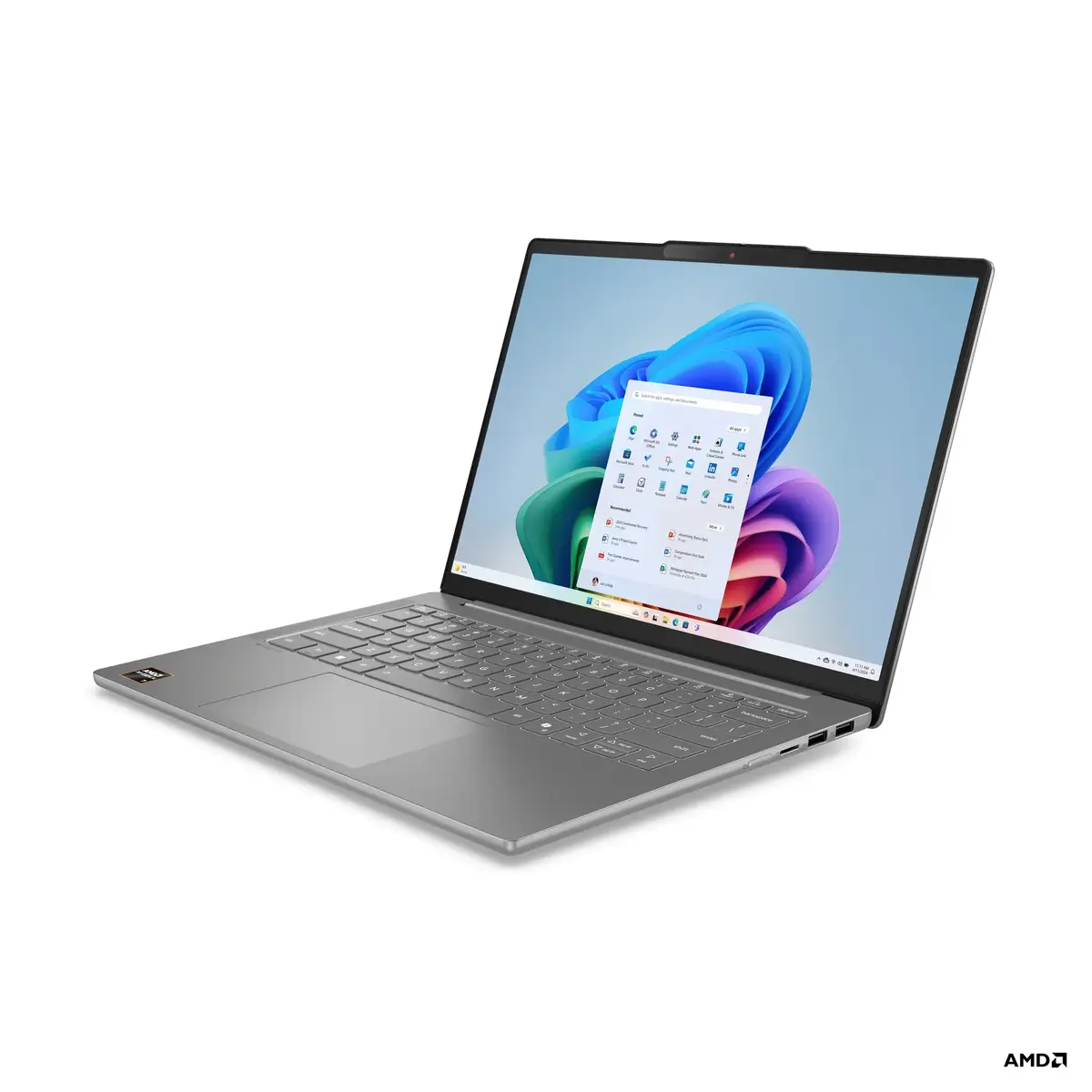
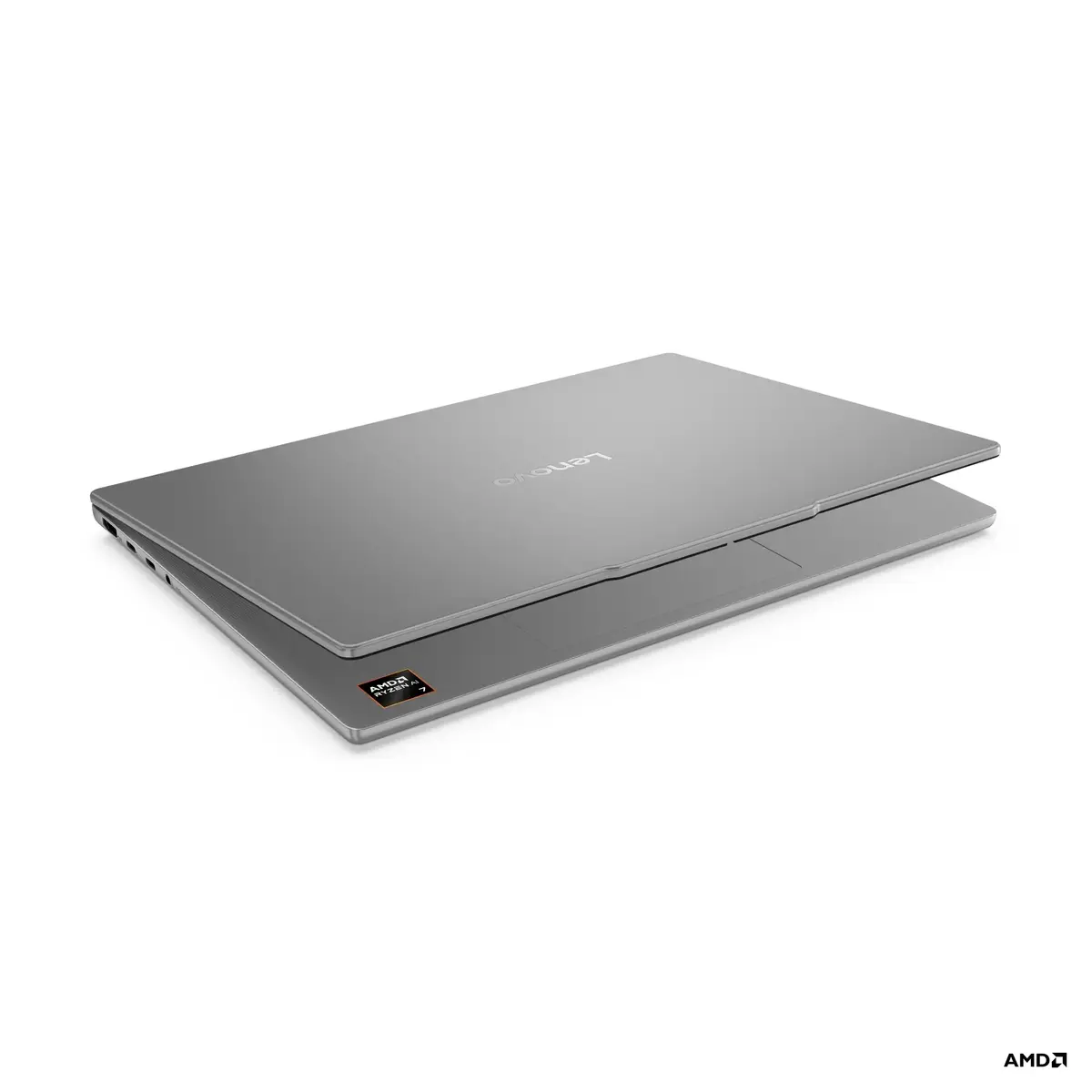
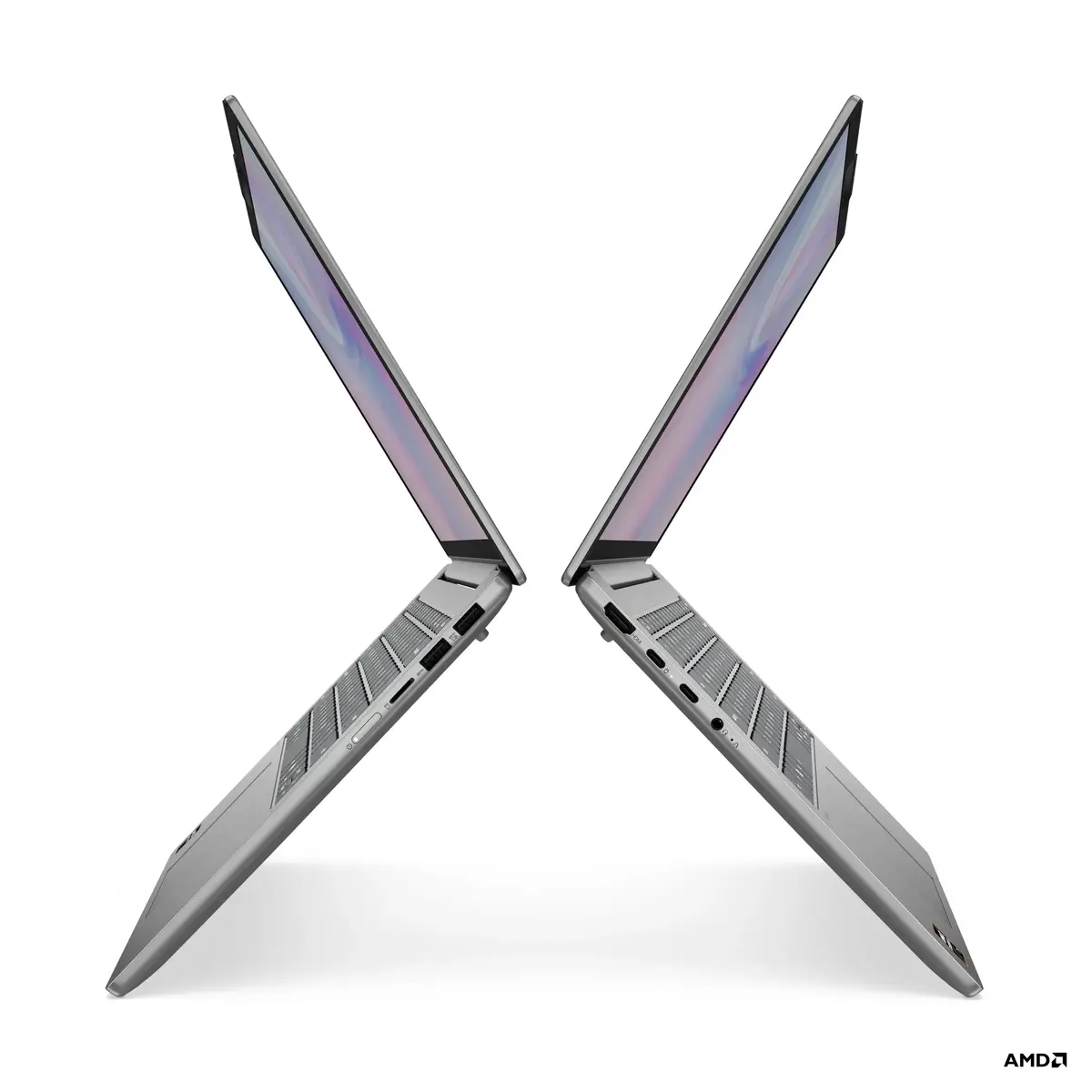
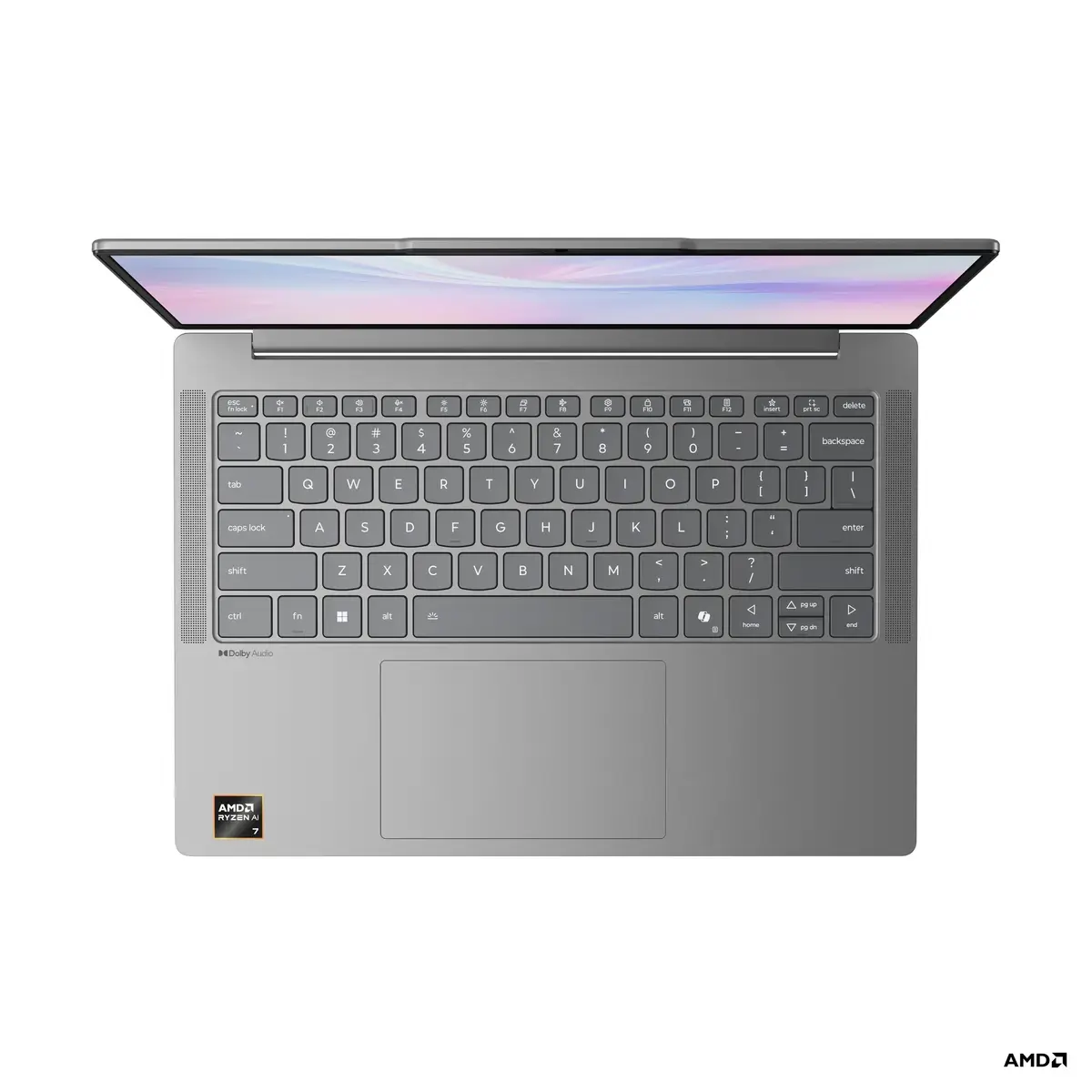
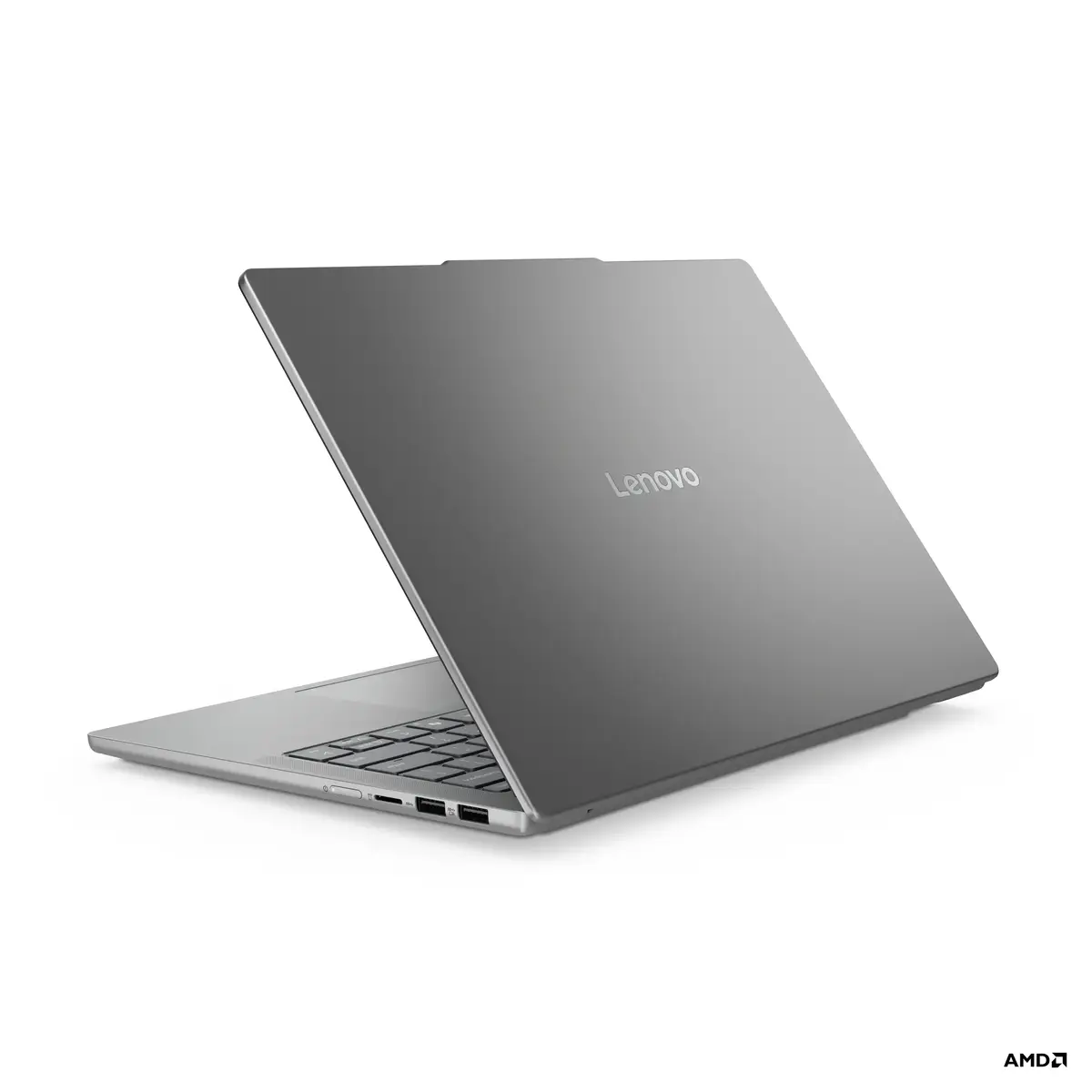
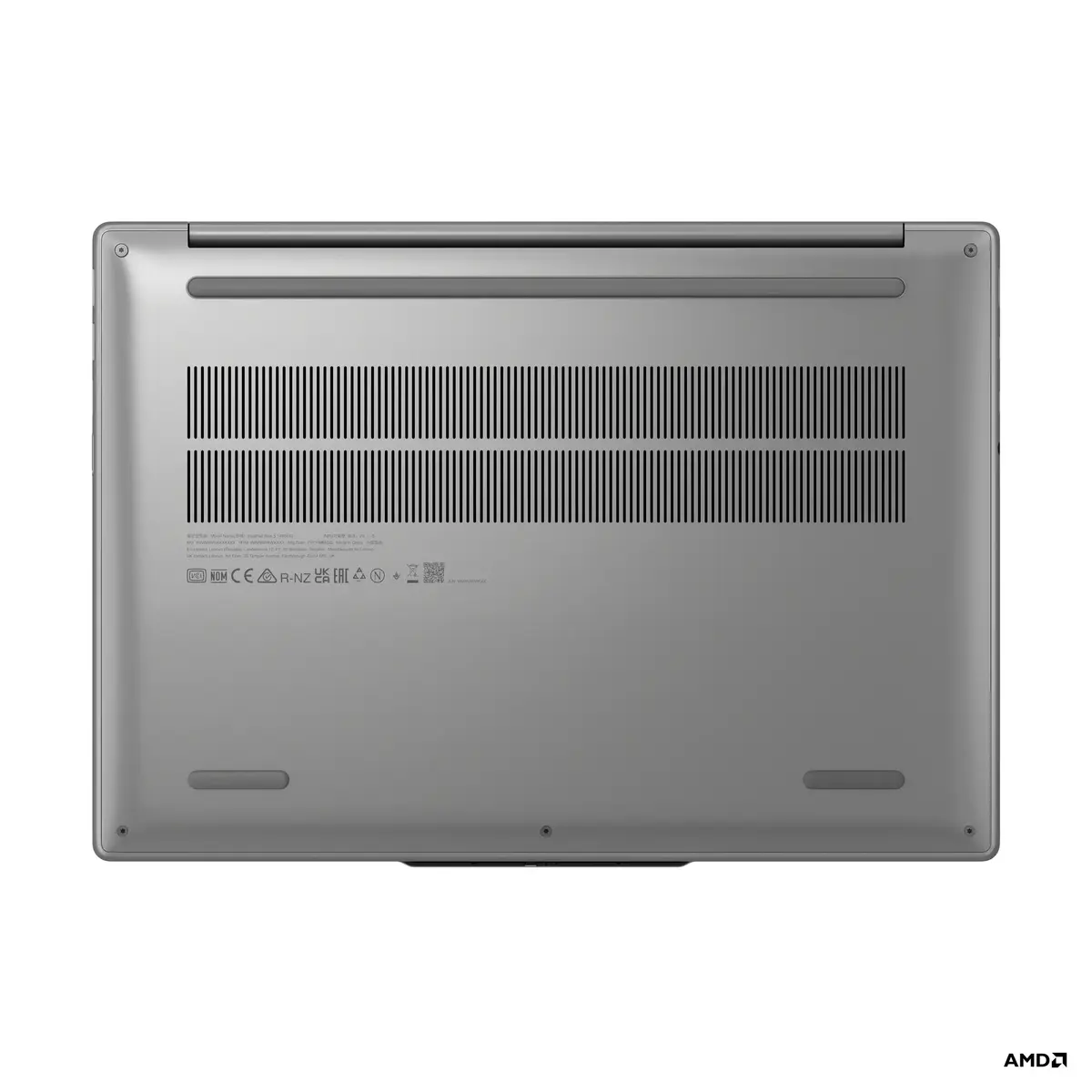
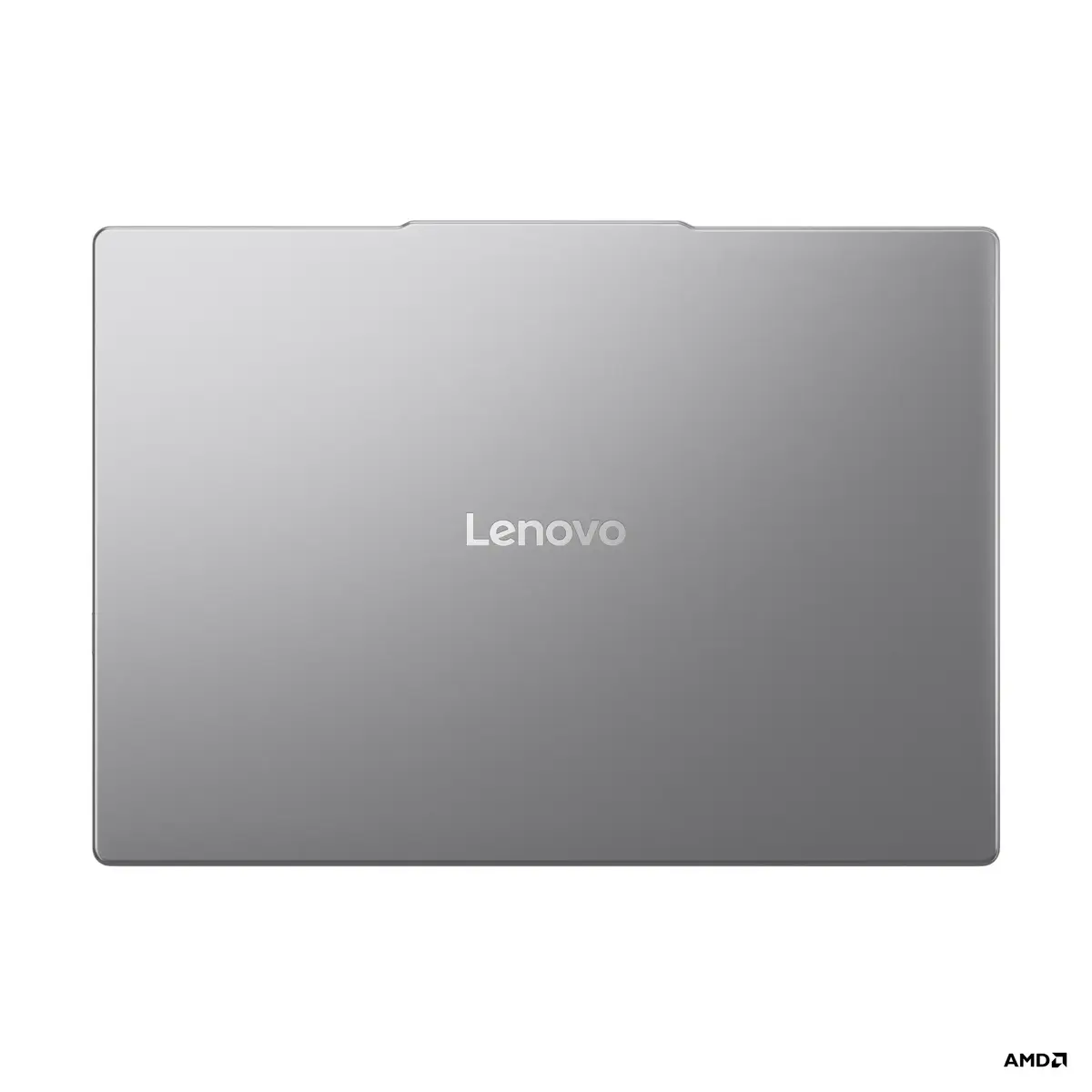
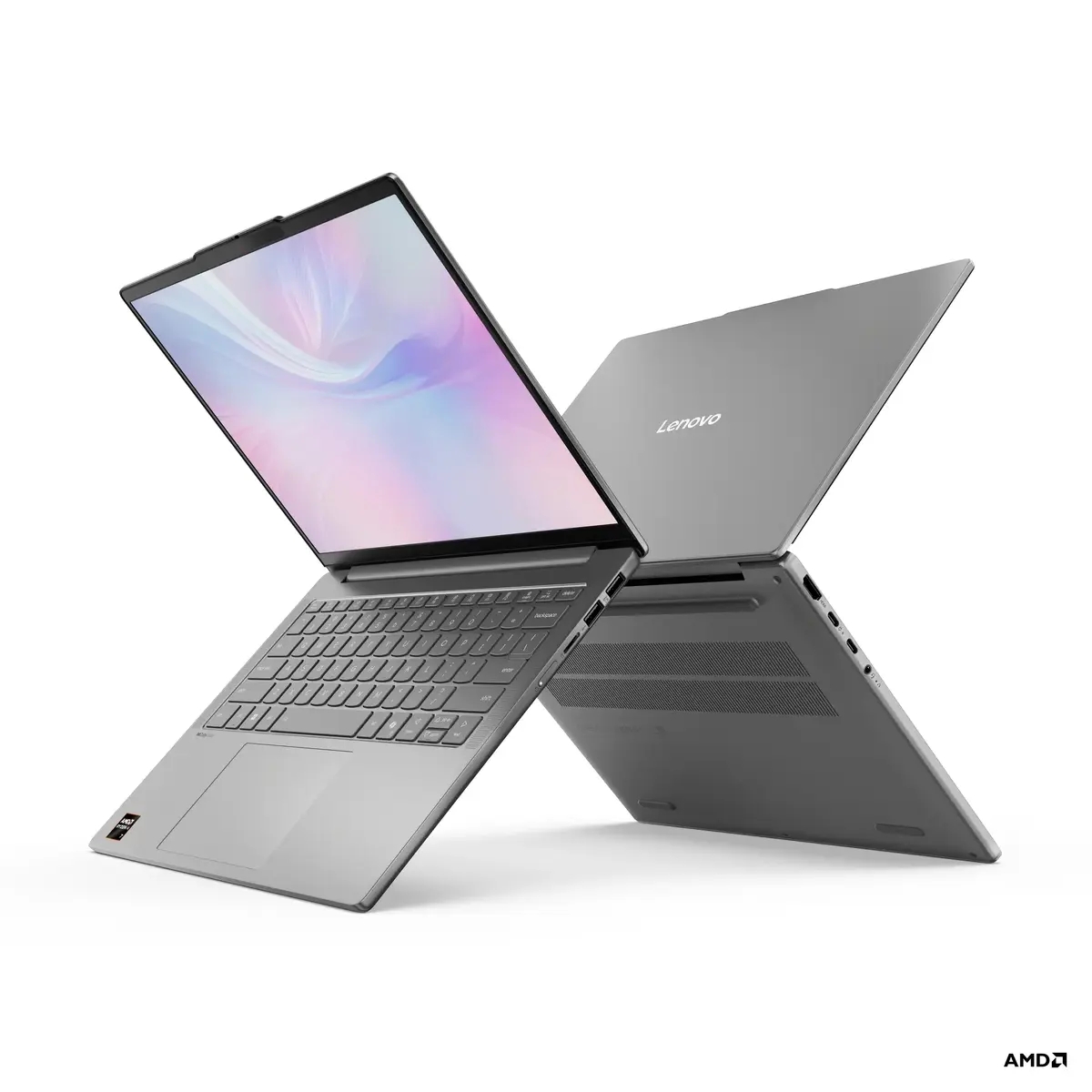
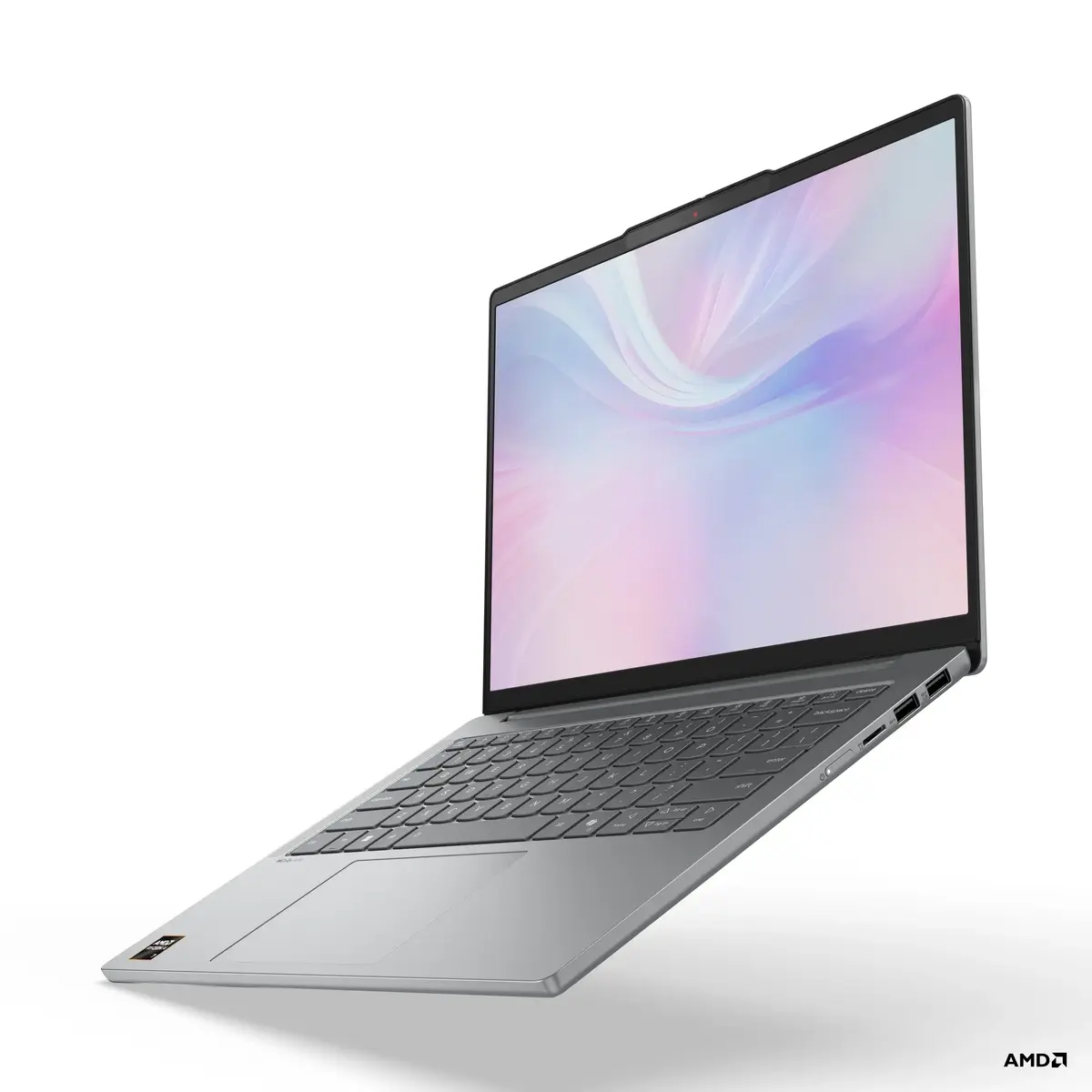
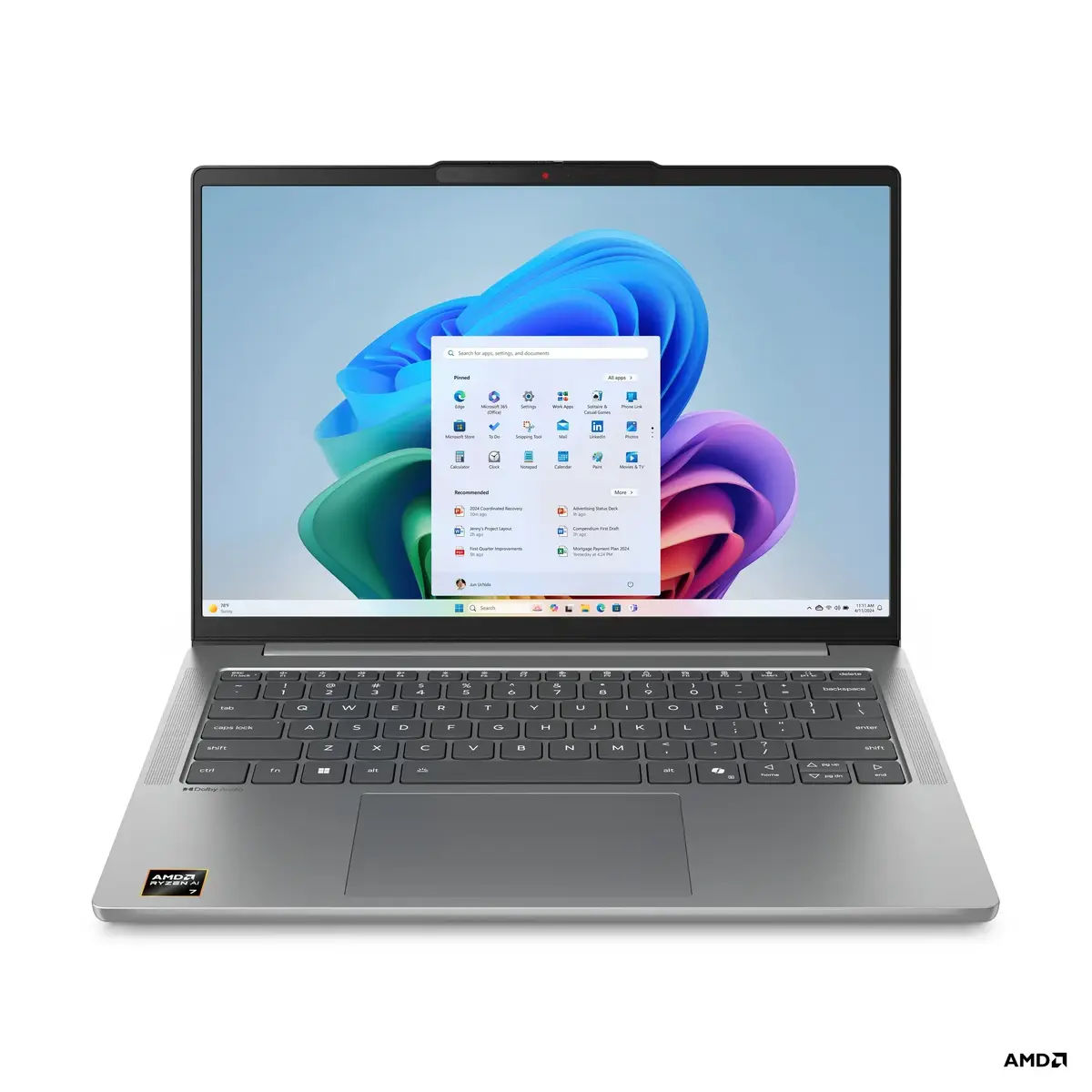
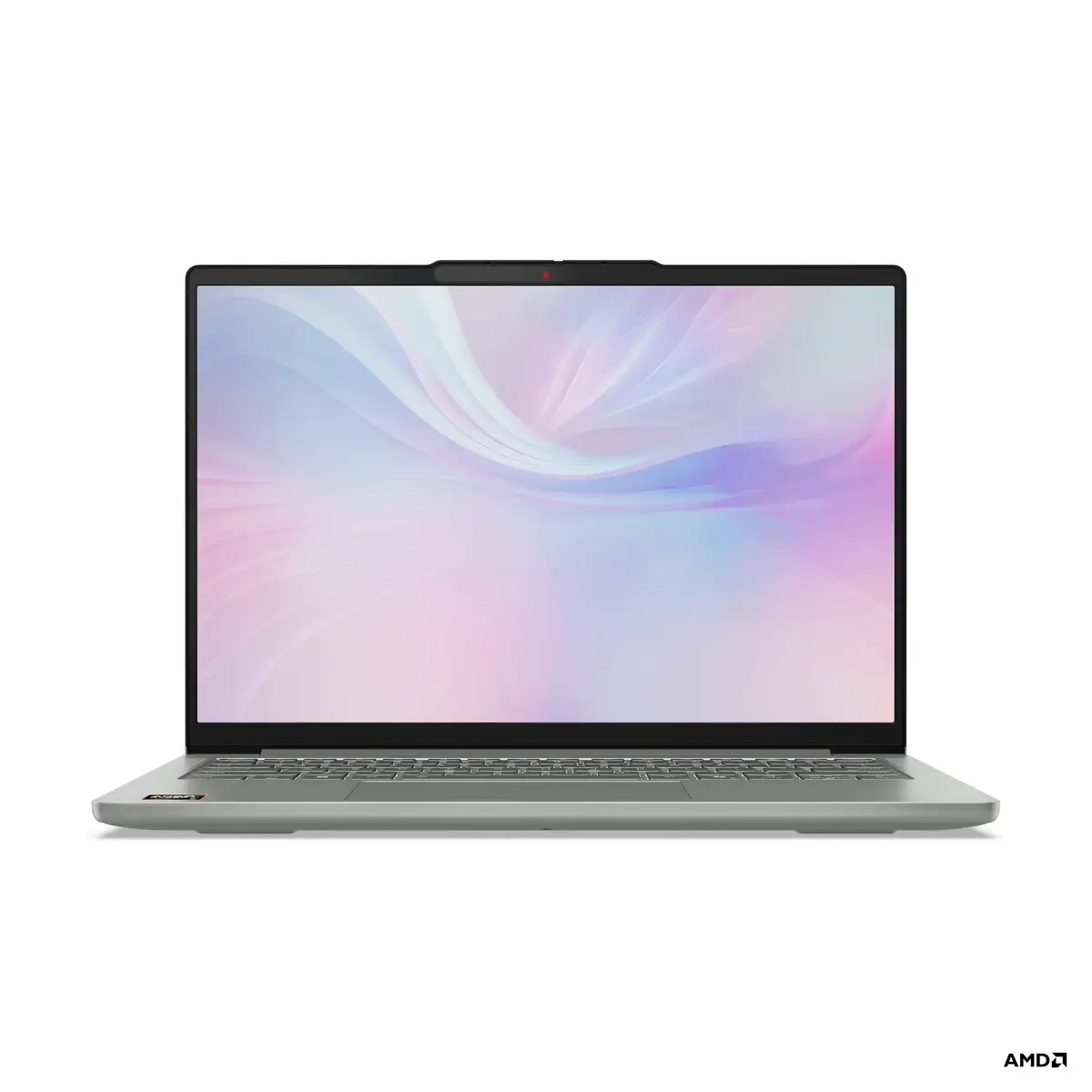
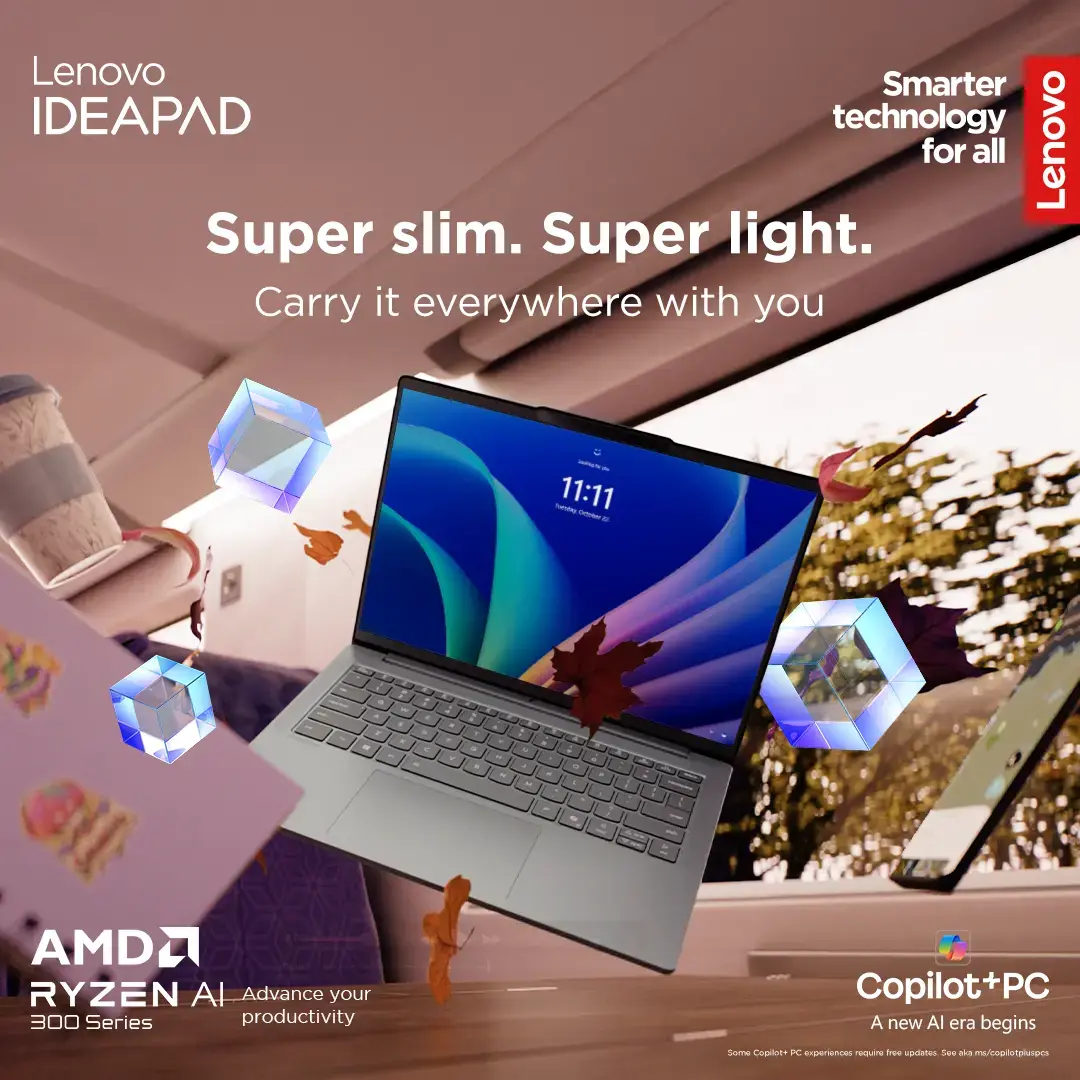
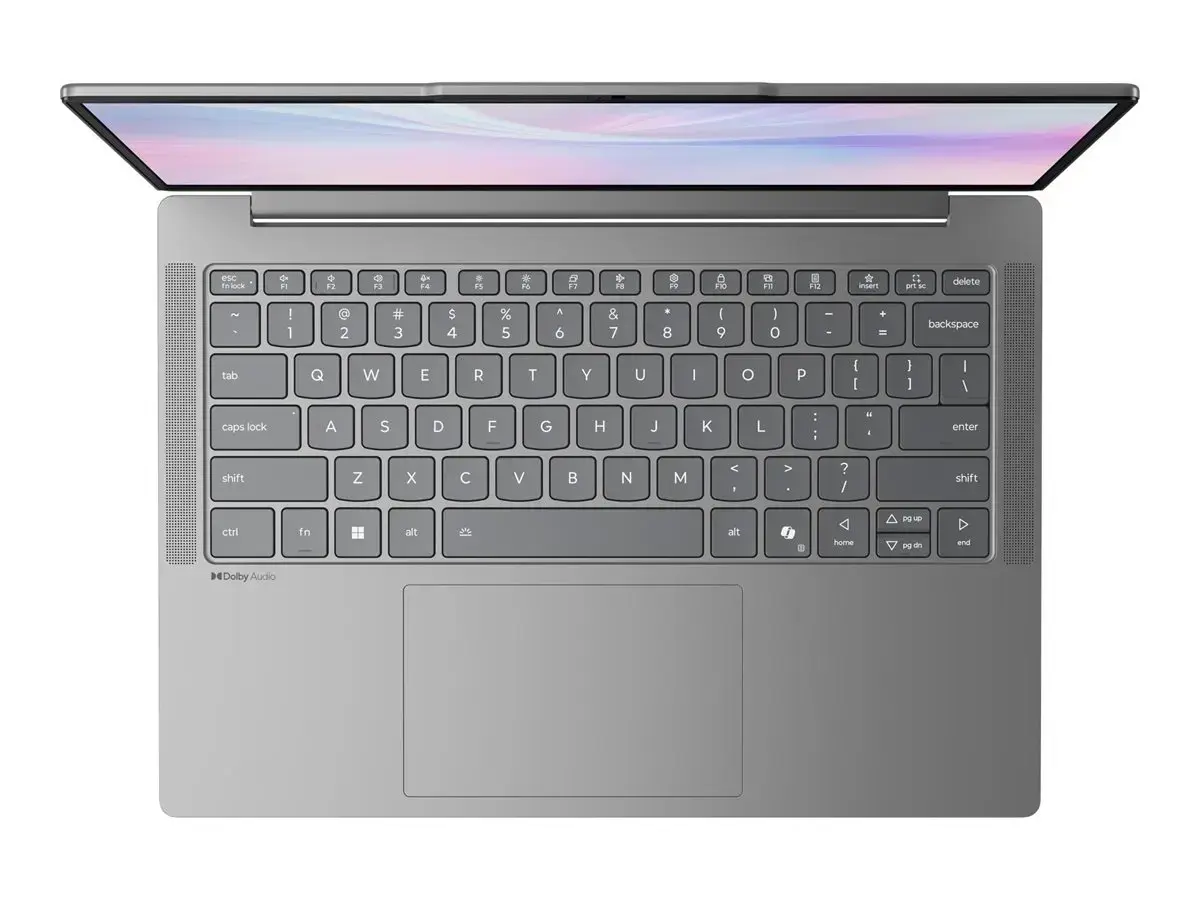
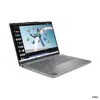
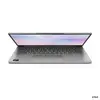
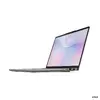
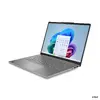
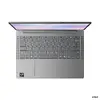
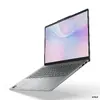
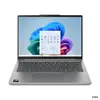
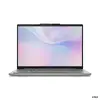
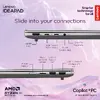
Laptop Lenovo IdeaPad Slim 5 — Ryzen 5 7535HS, 14" WUXGA OLED (1920×1200) 400 nits, 16 GB RAM, 512 GB SSD, Radeon 660M, microSD, Windows 11 Home
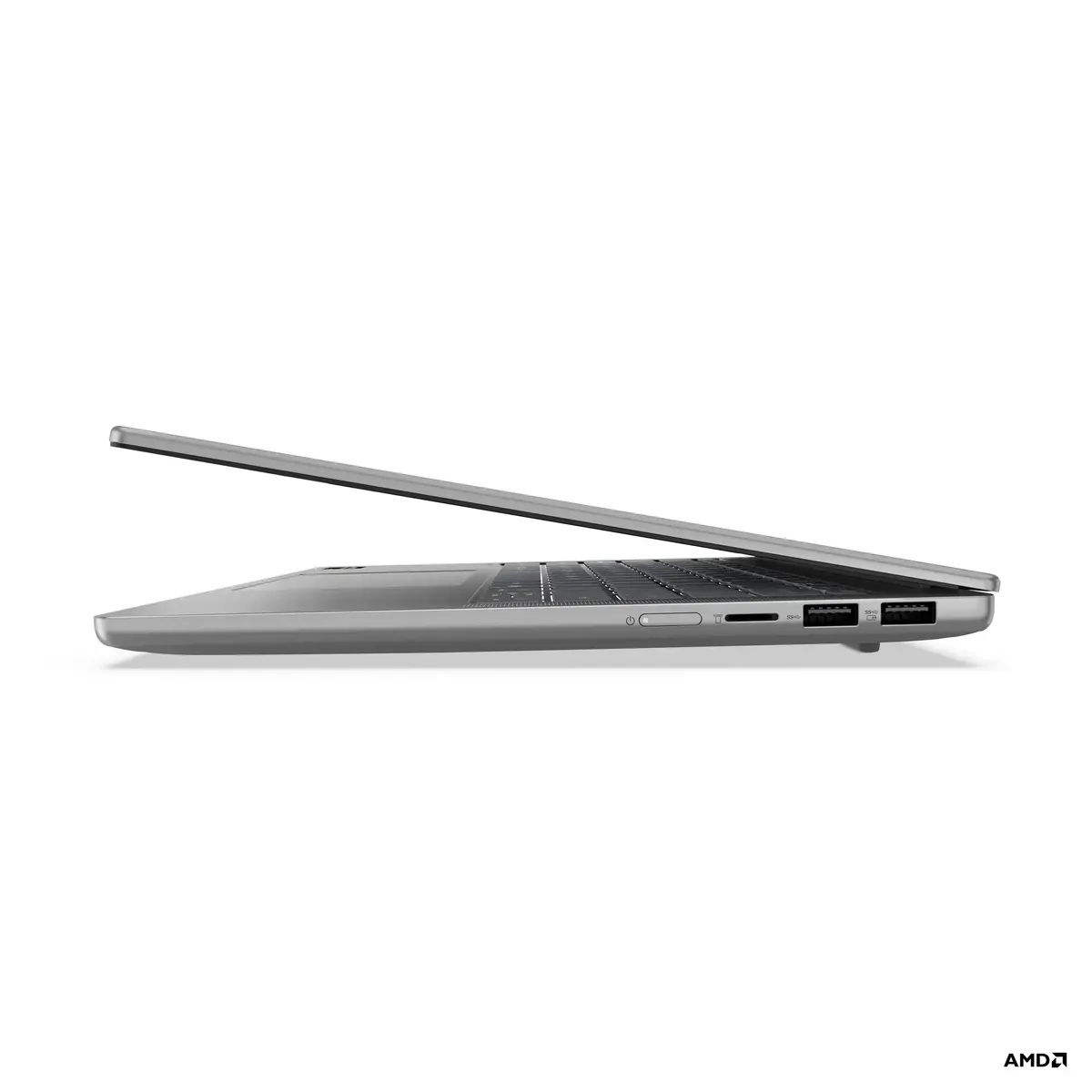
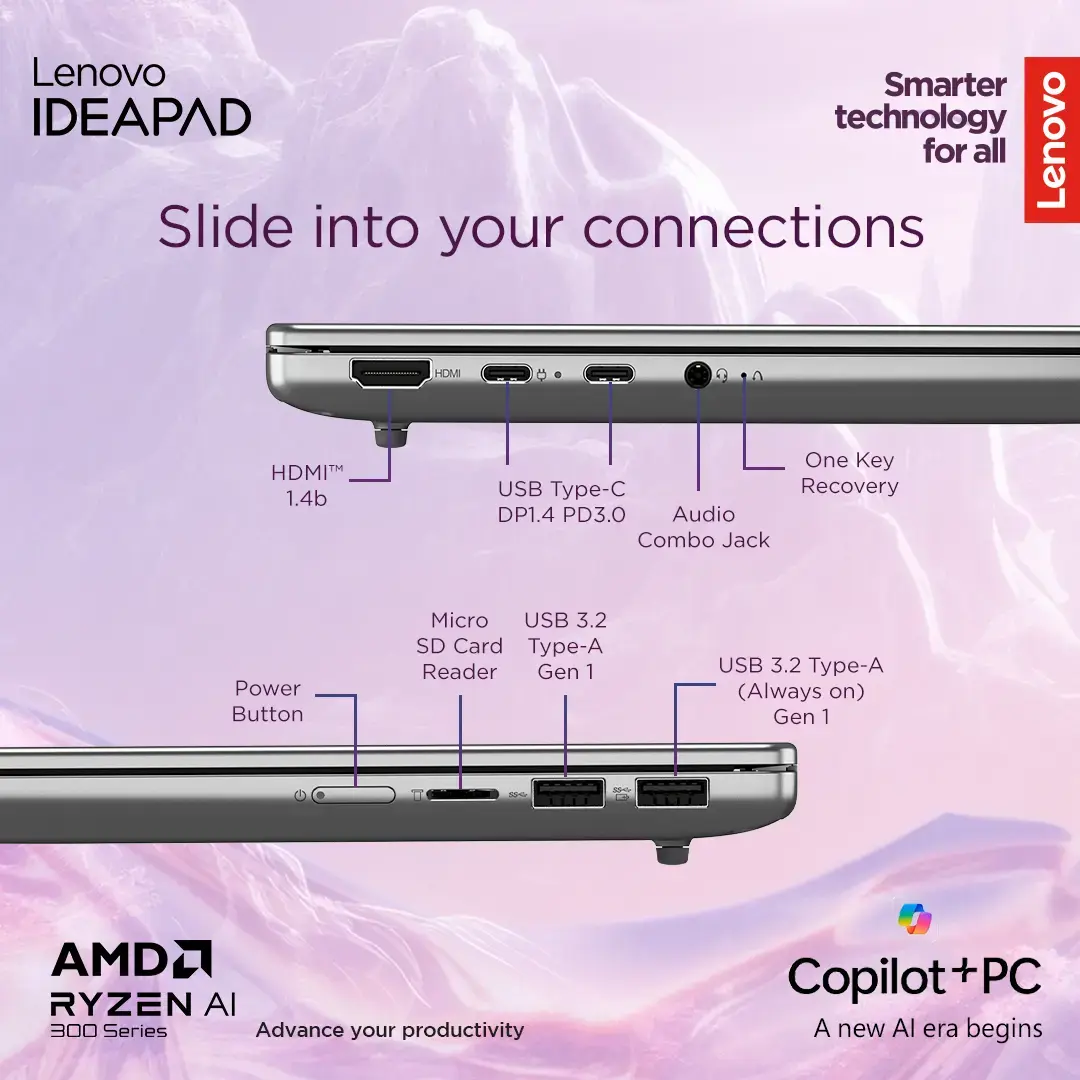
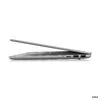
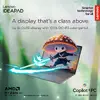
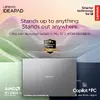
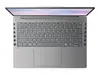
The Lenovo IdeaPad Slim 5 is a 14-inch laptop featuring a Ryzen 5 7535HS processor, 16 GB of RAM and a 512 GB SSD. Its WUXGA (1920×1200) OLED display delivers up to 400 nits of peak brightness, full DCI‑P3 color coverage and DisplayHDR True Black 500 support to provide vivid colors and deep contrast. Integrated Radeon 660M graphics handle everyday productivity, multimedia playback and light content creation while a microSD card reader adds simple expandability. The system ships with Windows 11 Home and is designed for compact mobility without compromising display quality and responsive performance.
The OLED panel offers high color accuracy and deep blacks suitable for photo review and video consumption, while the 1920×1200 resolution provides slightly taller workspace than standard 16:9 screens. The Ryzen 5 7535HS CPU combined with 16 GB RAM and a fast 512 GB SSD enables smooth multitasking and quick application responsiveness. Integrated Radeon 660M graphics reduce power draw compared to discrete GPUs and support light creative workflows. The microSD slot allows straightforward file transfer and storage expansion, and Windows 11 Home ensures compatibility with current applications and security updates.
Power on the laptop using the top‑row power key and complete the Windows 11 Home initial setup. Use the operating system settings to configure Wi‑Fi, sign in with a Microsoft account if desired, and install preferred applications. For media work, calibrate display color settings in Windows or with your preferred color profile tool to match workflow requirements. Insert a microSD card into the card reader for additional file storage or to transfer photos and videos from cameras and mobile devices.
For optimal display longevity and consistent color performance, avoid leaving static high‑contrast images on the OLED screen for prolonged periods and use automated screen savers or sleep settings. Keep system drivers and Windows updates up to date to ensure best performance and security.
{{highlightedFeature.featureTitle}}:
{{getProductFeatureValueById(product, highlightedFeature.featureId)}}
{{ productComparisonGenerationError }}
