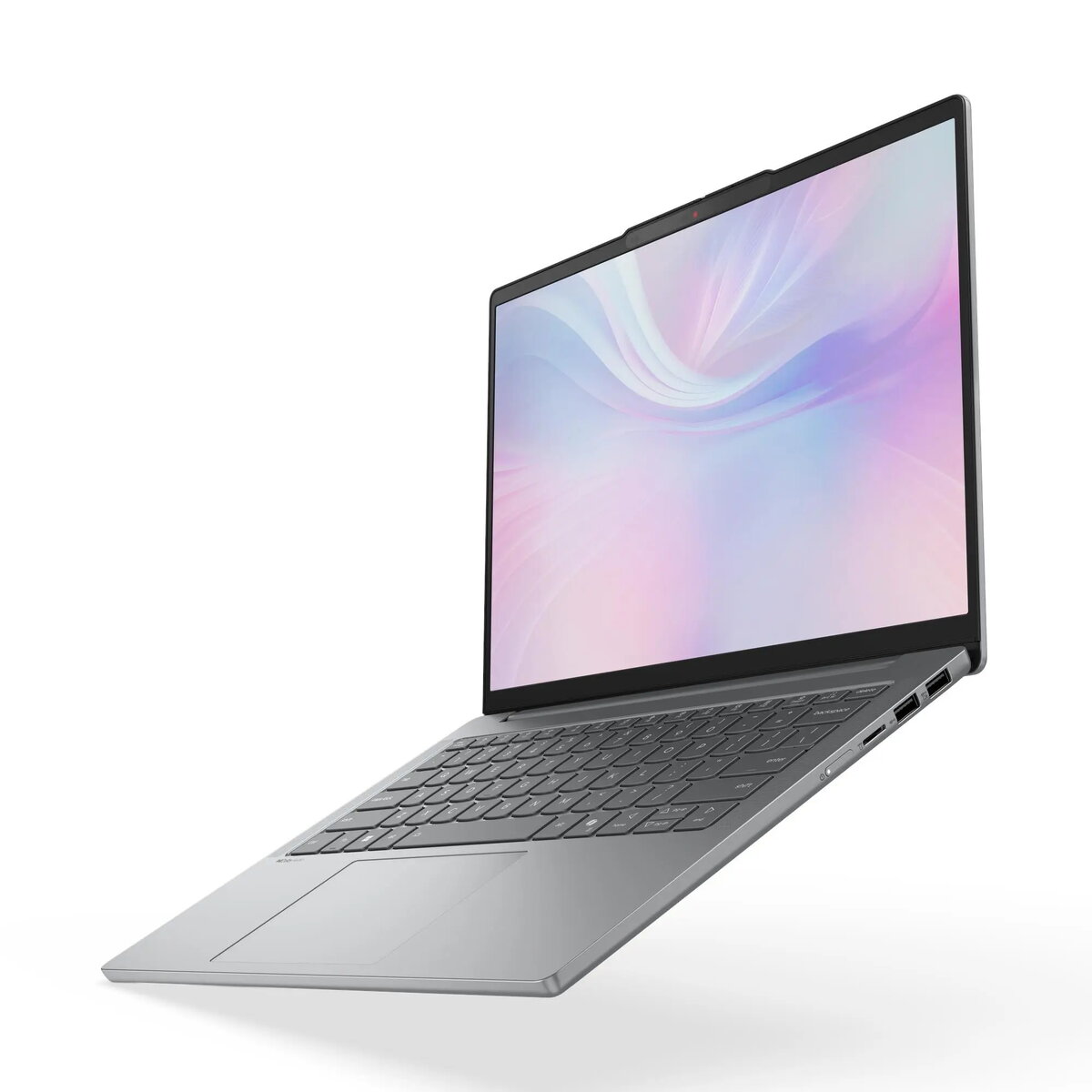
The Lenovo IdeaPad Slim 5 14" is a compact laptop designed for everyday productivity and multimedia use. It pairs a 14-inch WUXGA display with an AMD R5-7535HS processor, 16 GB of RAM and a 512 GB solid-state drive to provide responsive performance for browsing, office work, video streaming and light content creation. The unit ships with Windows 11 Home and a gray chassis that balances a slim profile with practical connectivity for mobile use.
Advantages
The combination of a 14" WUXGA screen and a high-efficiency AMD R5-7535HS processor delivers a clear image and smooth responsiveness during multitasking. With 16 GB of memory and a 512 GB SSD, the system starts quickly, runs multiple applications without significant slowdowns and stores a substantial amount of files locally. The compact build and modern gray finish make the laptop suitable for transport while Windows 11 Home provides up-to-date system features and security patches.
Suitable for
- Everyday office productivity: word processing, spreadsheets, email and video calls
- Web browsing, streaming video and social media
- Multitasking with multiple browser tabs and standard desktop applications
- Light photo editing and content creation workflows
- Students and professionals who need a portable, all-purpose laptop
When it may not be suitable
This configuration is not intended for sustained heavy-duty workstation tasks such as professional 3D rendering, large-scale video editing projects, or running enterprise-grade simulation software. The integrated AMD graphics are adequate for everyday graphics tasks and lightweight creative work but will not match the performance of a discrete GPU for demanding gaming or GPU-accelerated professional applications.
Key specifications
- Display: 14-inch WUXGA (wide 1920 × 1200) panel for clear text and media playback
- Processor: AMD R5-7535HS mobile CPU for balanced performance and efficiency
- Memory: 16 GB RAM suitable for multitasking and responsive application switching
- Storage: 512 GB solid-state drive for fast boot and application load times
- Operating system: Windows 11 Home preinstalled
- Color and build: slim gray chassis designed for portability
How to use
Start by completing the Windows 11 setup and configuring your user account. Use the built-in display and keyboard for everyday tasks, or connect external peripherals via the available ports for extended desktop use. Store frequently used documents and applications on the internal SSD for the fastest access; consider configuring cloud backup or an external drive for long-term archiving. Regularly apply Windows updates and driver updates provided by the manufacturer to keep performance and security current.
What to consider before purchase
- Confirm that integrated graphics meet your needs if you plan to run graphically intensive applications or games
- Check battery life expectations and whether you require a spare charger for extended mobile use
- Consider external storage or cloud services if 512 GB may be insufficient for large media libraries
- Verify port selection and any need for adapters for legacy or specialized peripherals
Usage recommendations
For balanced daily performance, keep the system updated, avoid running many background-heavy applications simultaneously, and use a light cooling surface to maintain sustained processor performance. For heavier tasks, connect to AC power to ensure maximum CPU performance and consider external storage for project files.