
JBL speakers and headphones for pure and deep sound!
In cart {{totalProductsCount}} item(s)
Your cart is empty
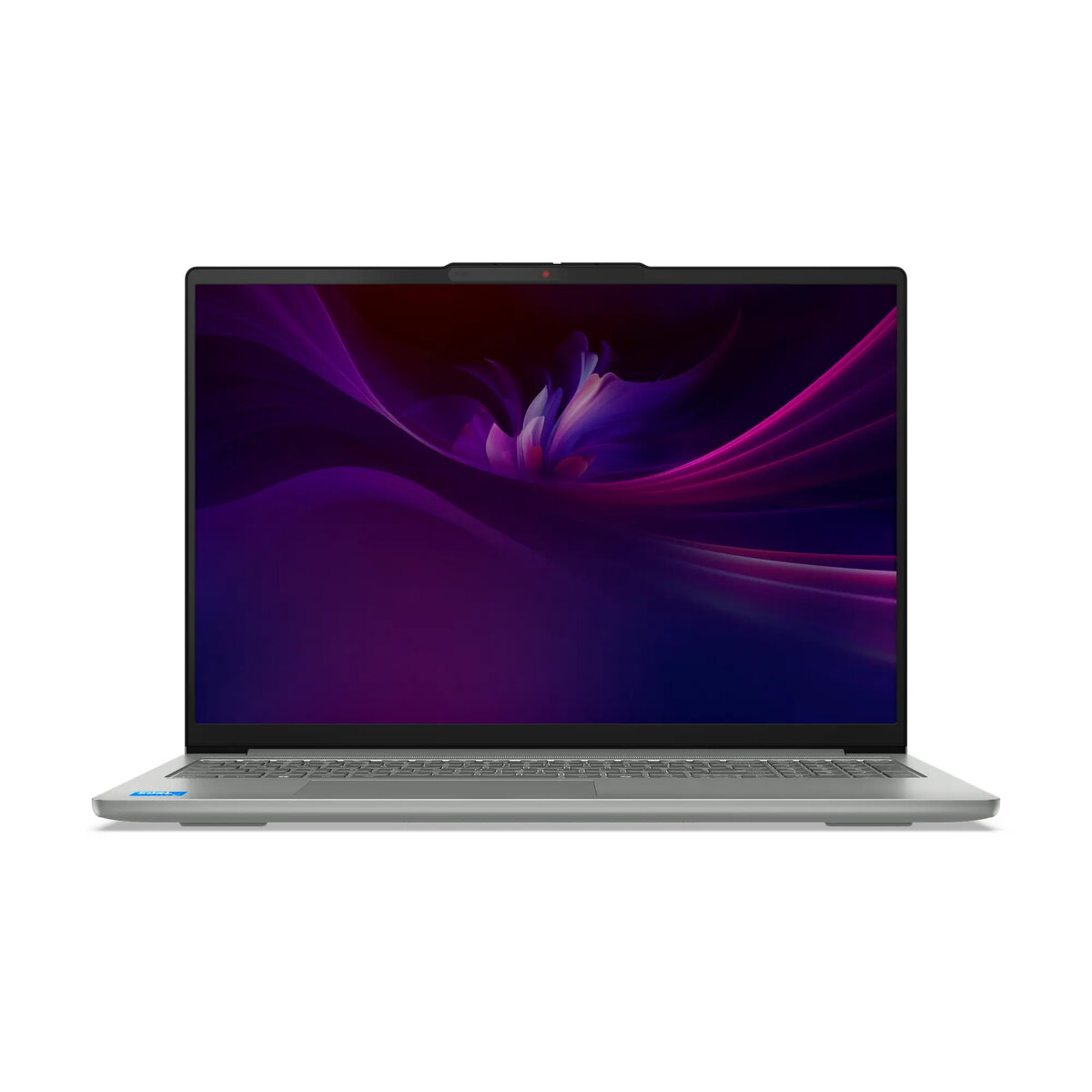
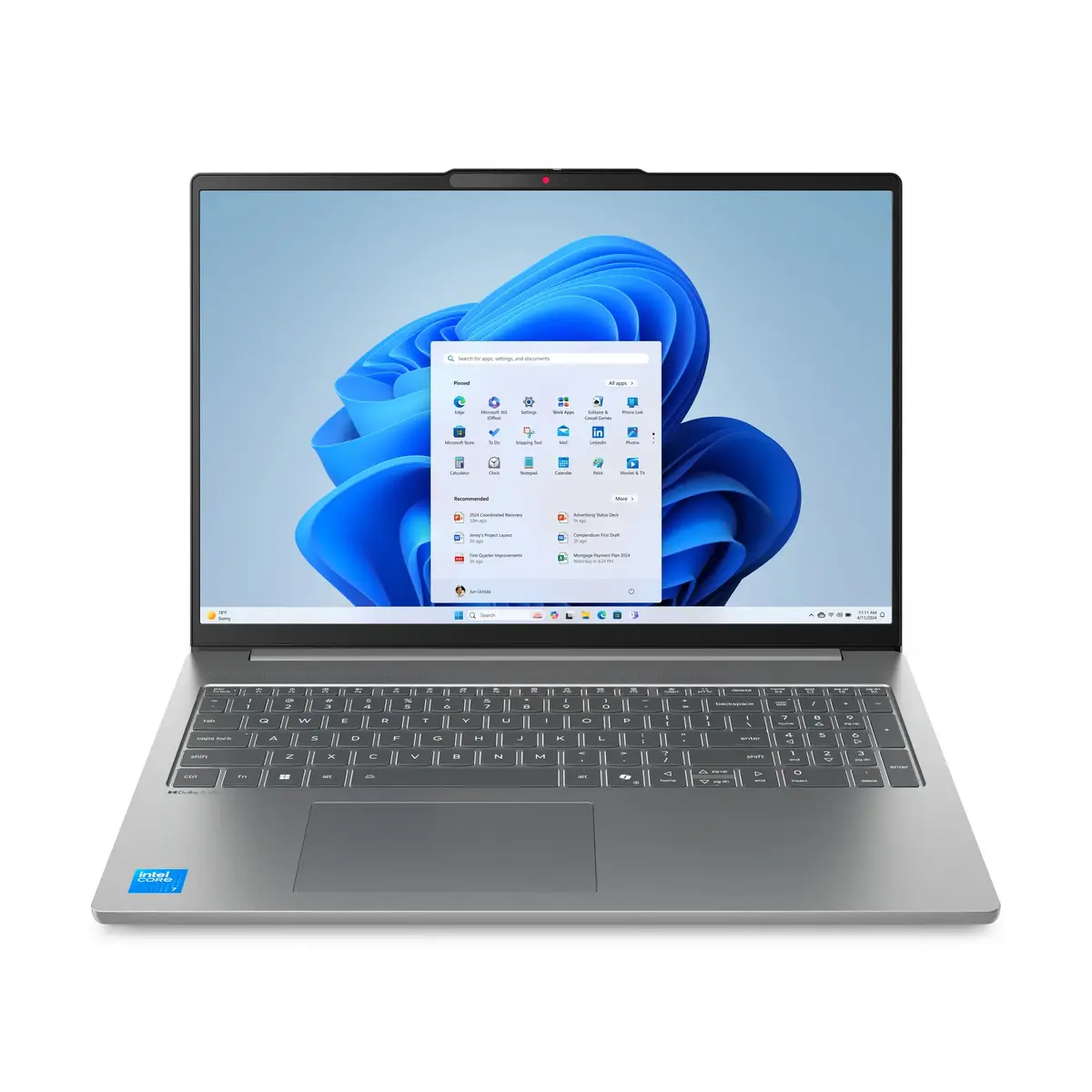
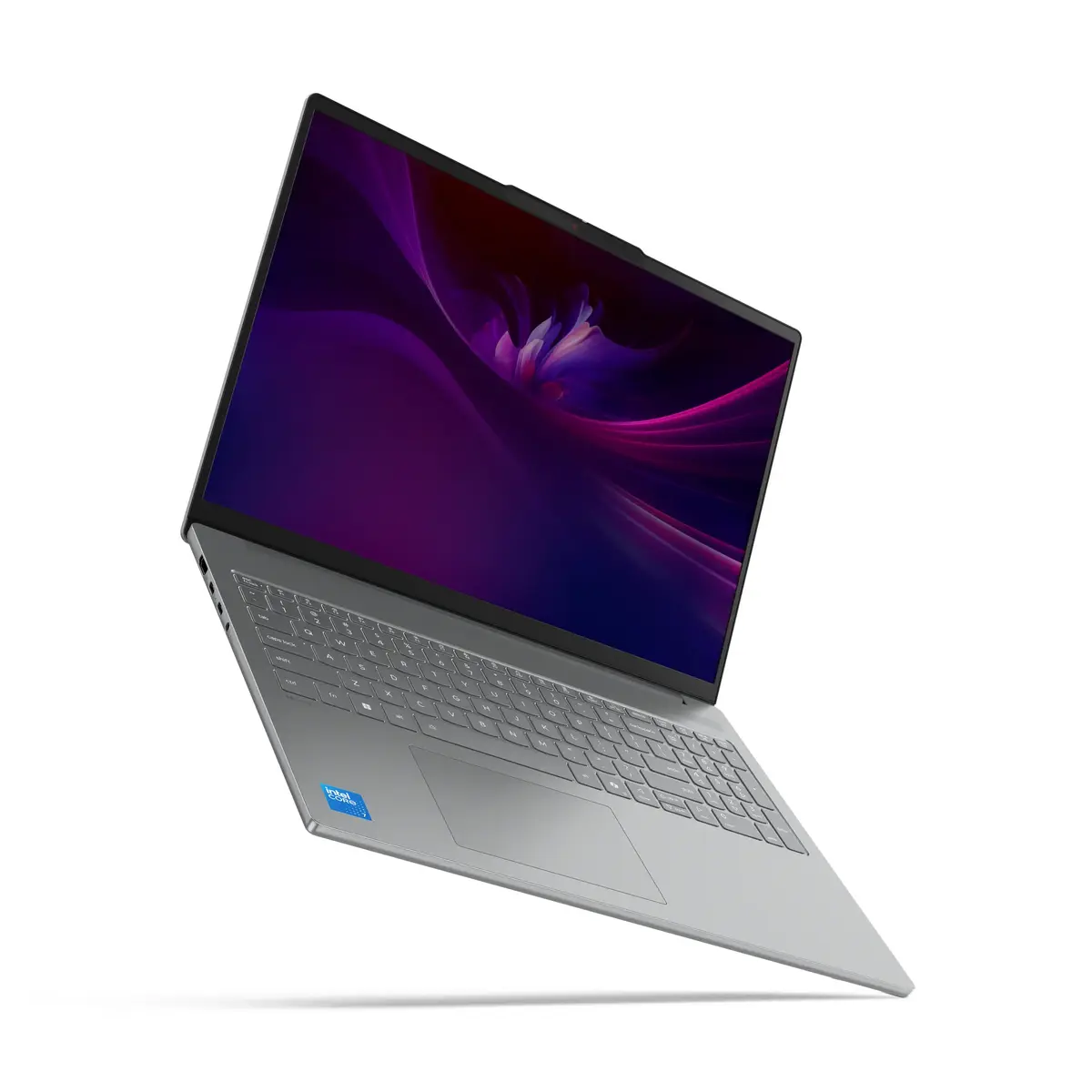
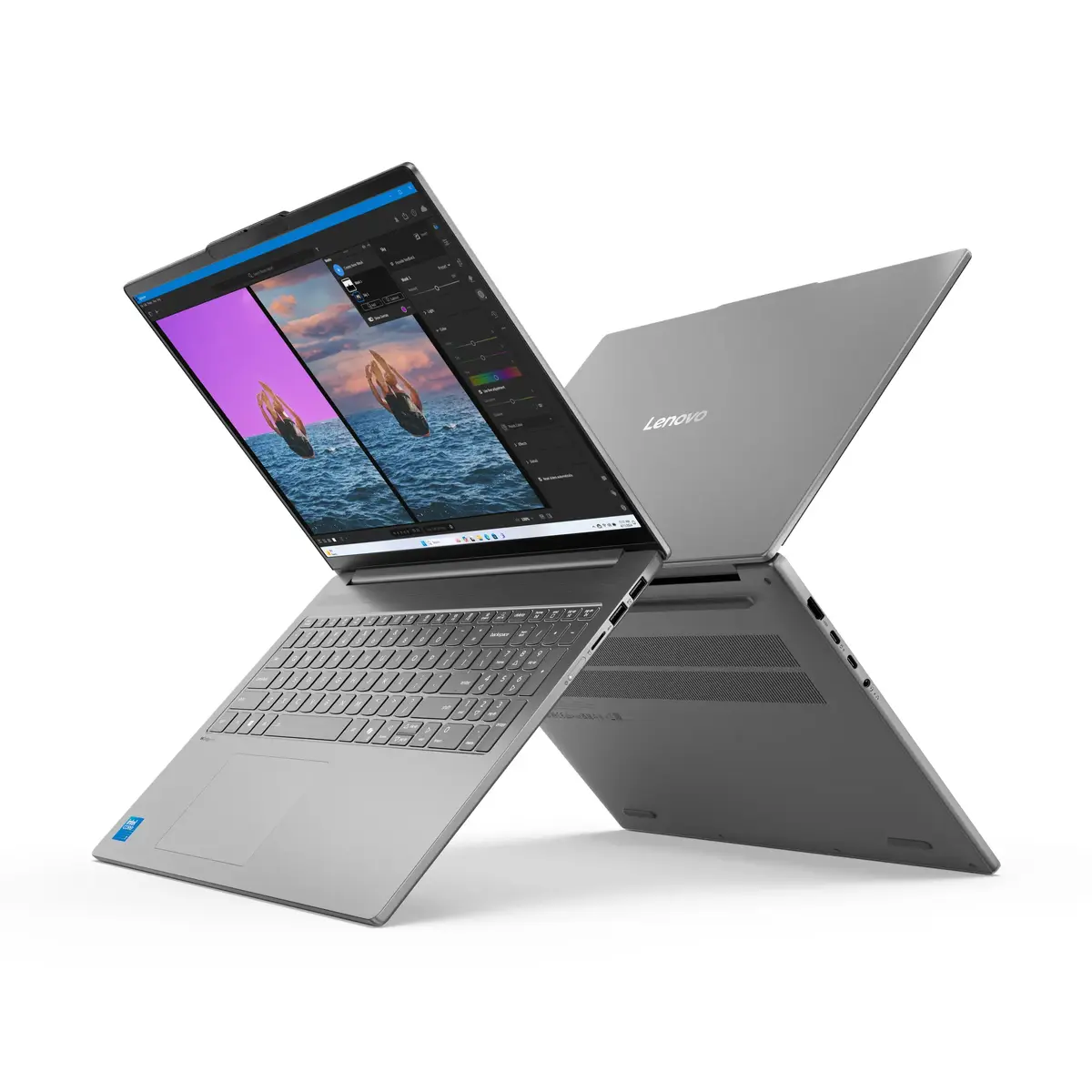
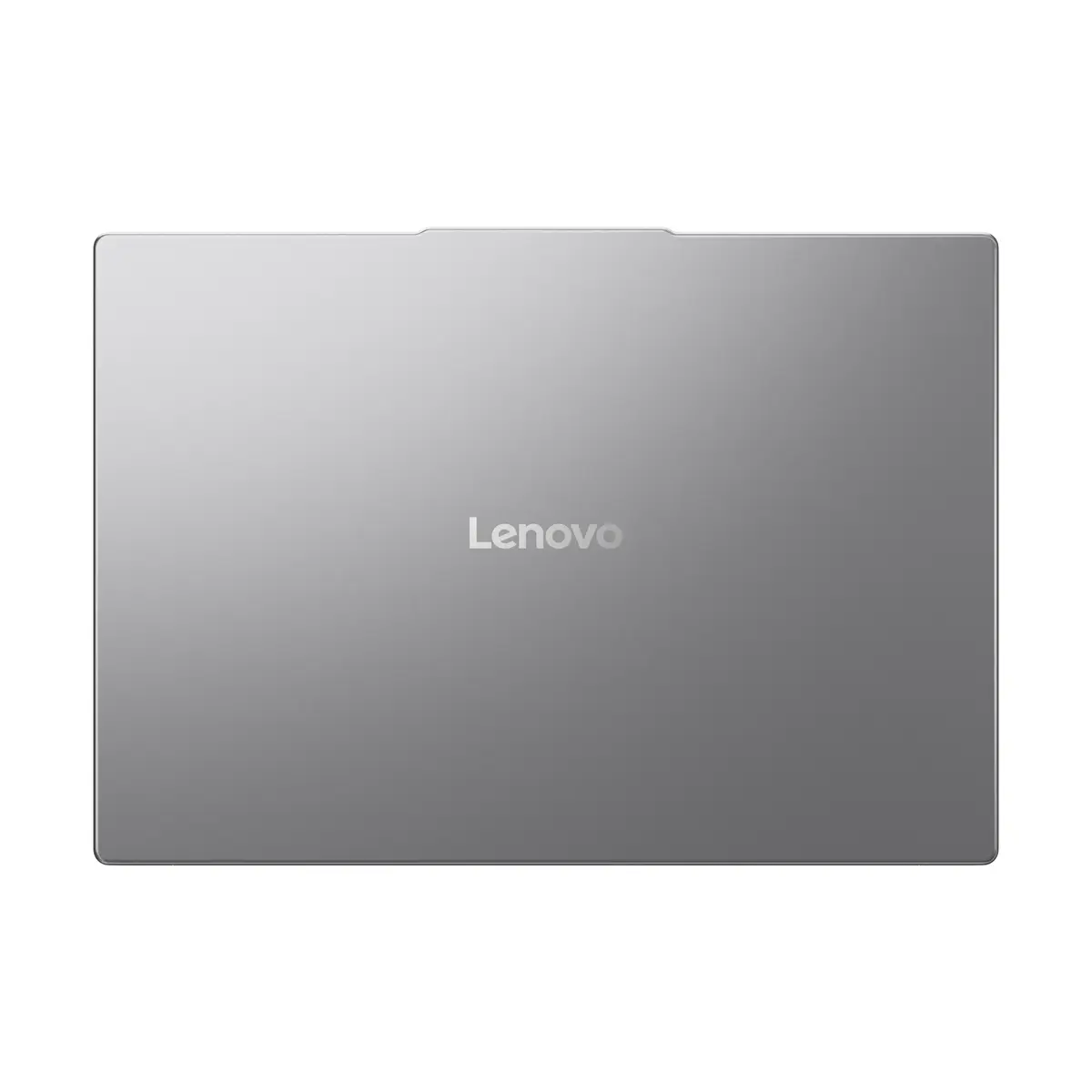
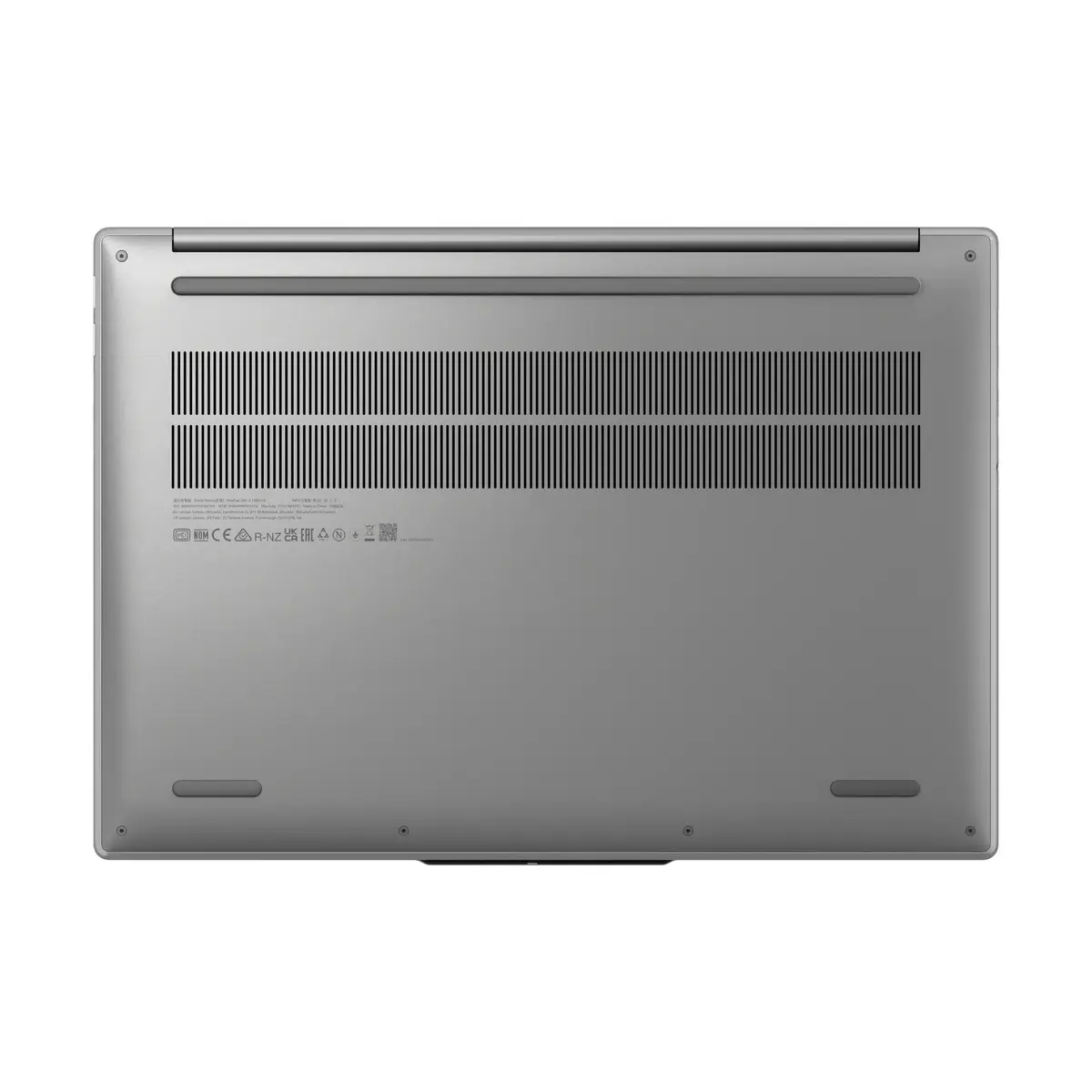
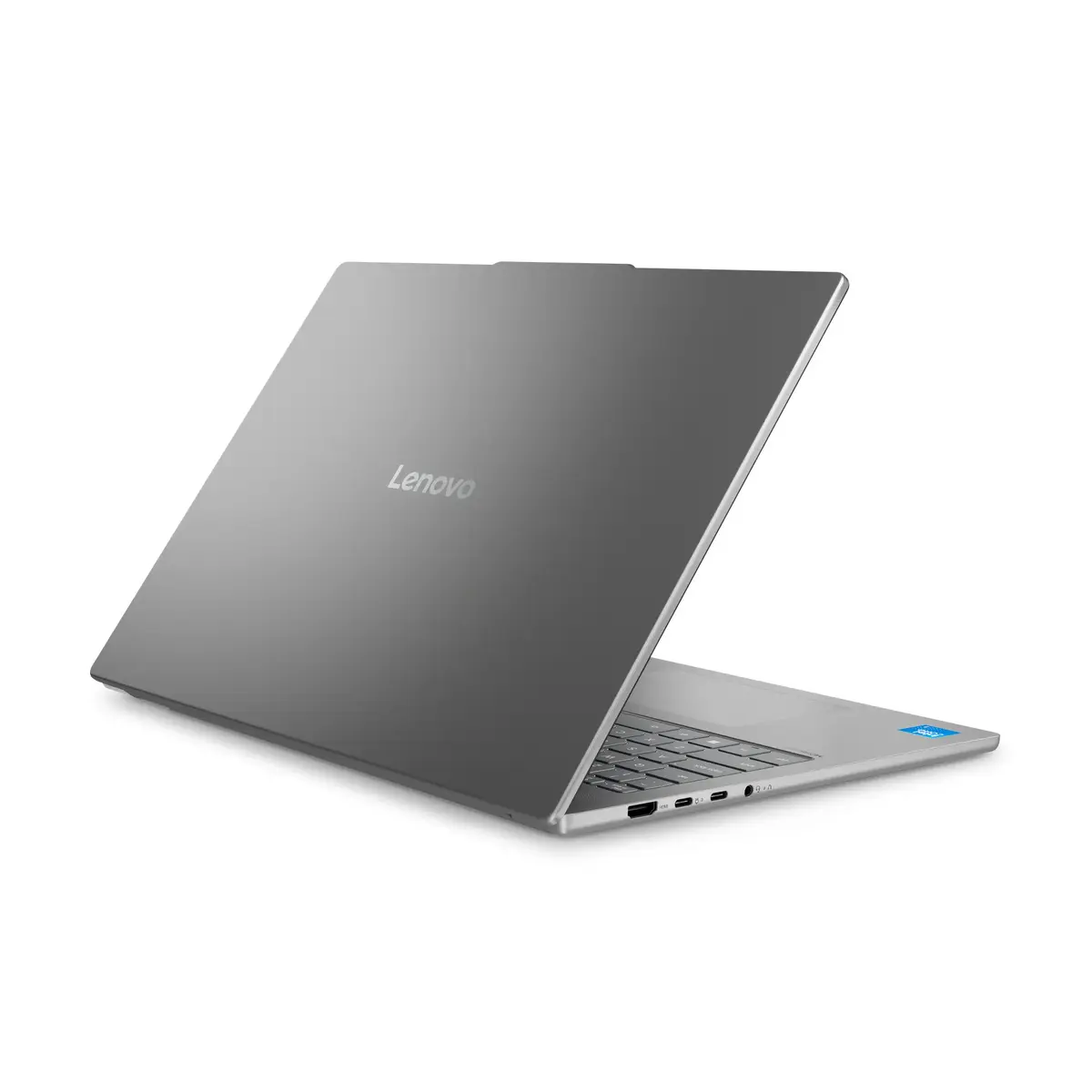
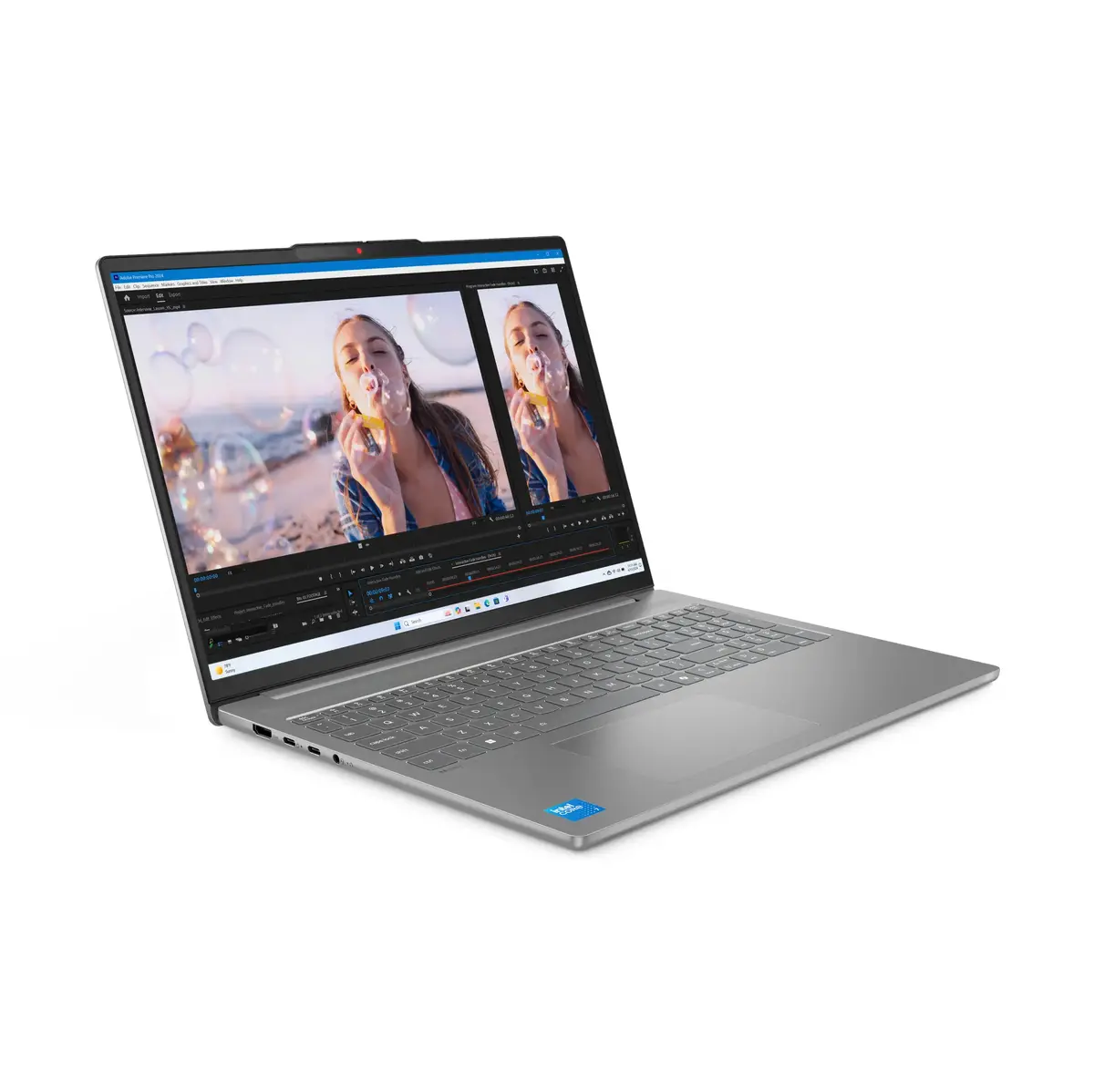
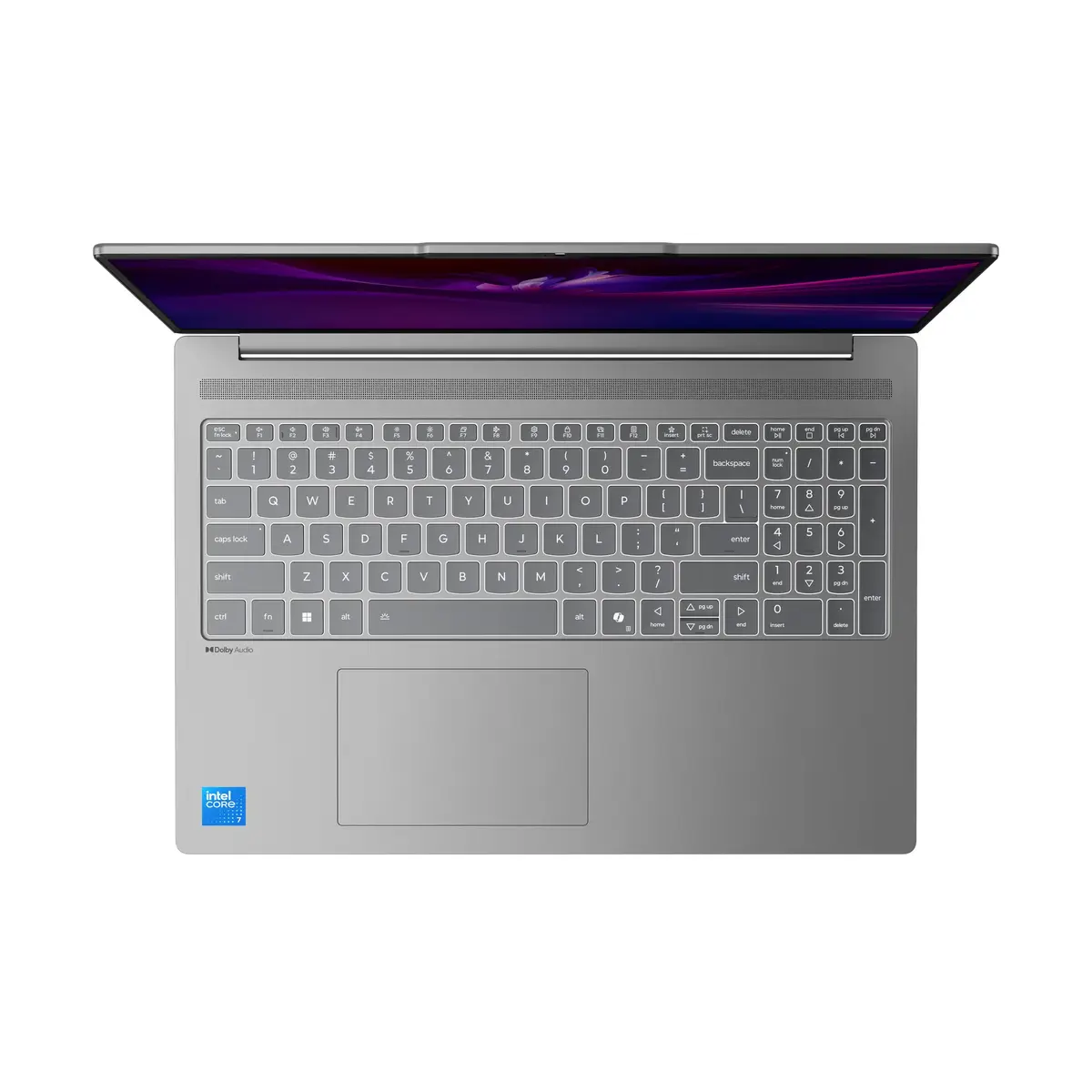
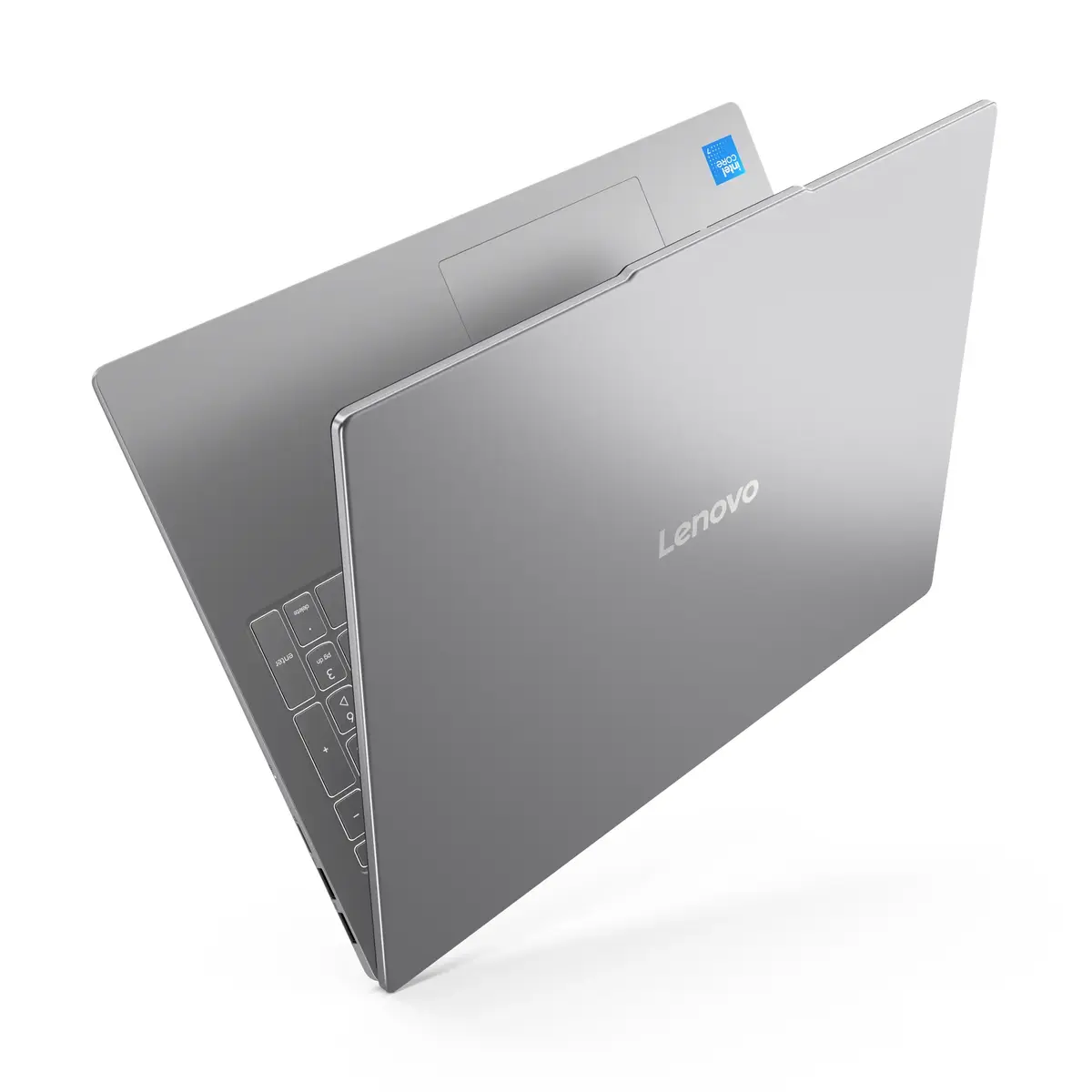
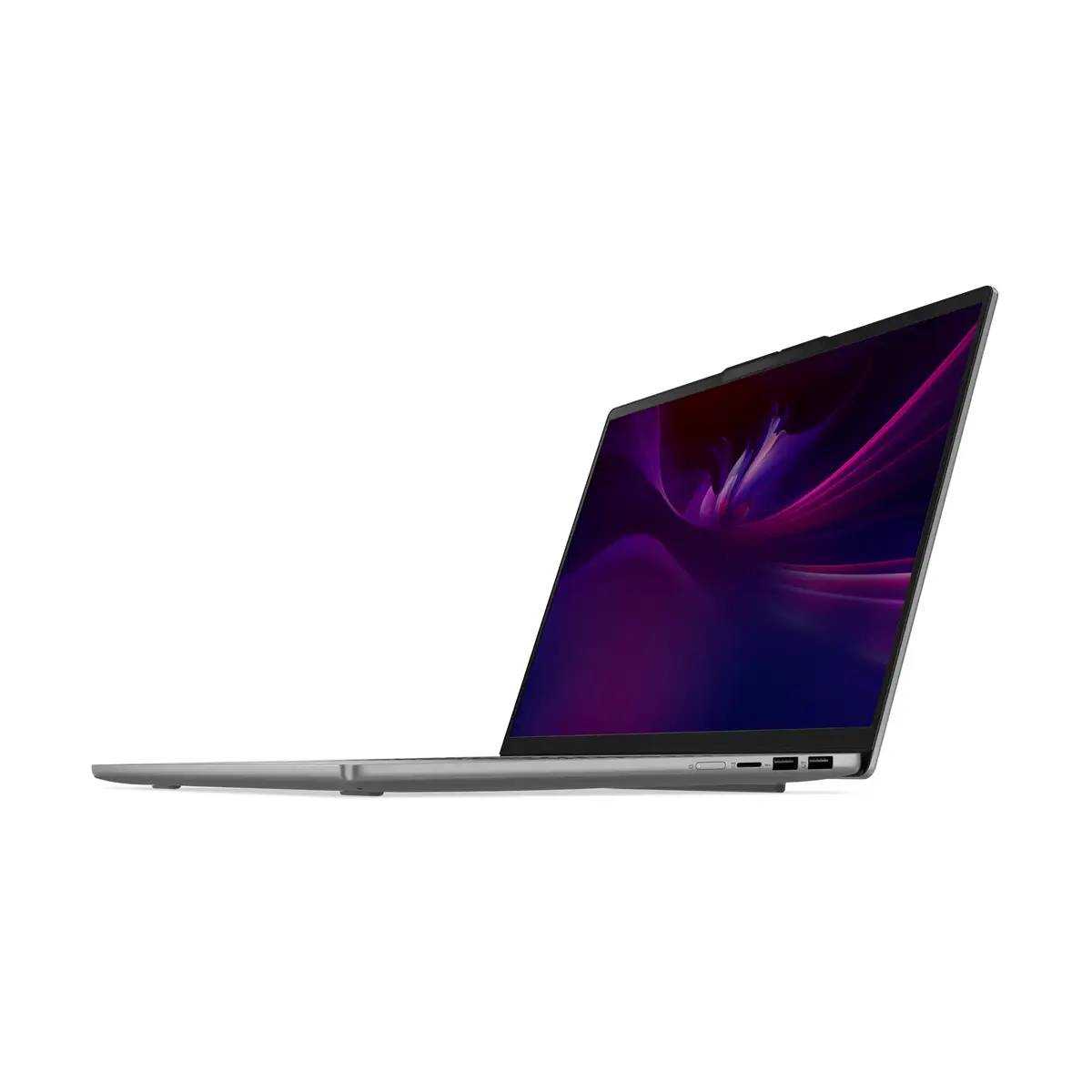
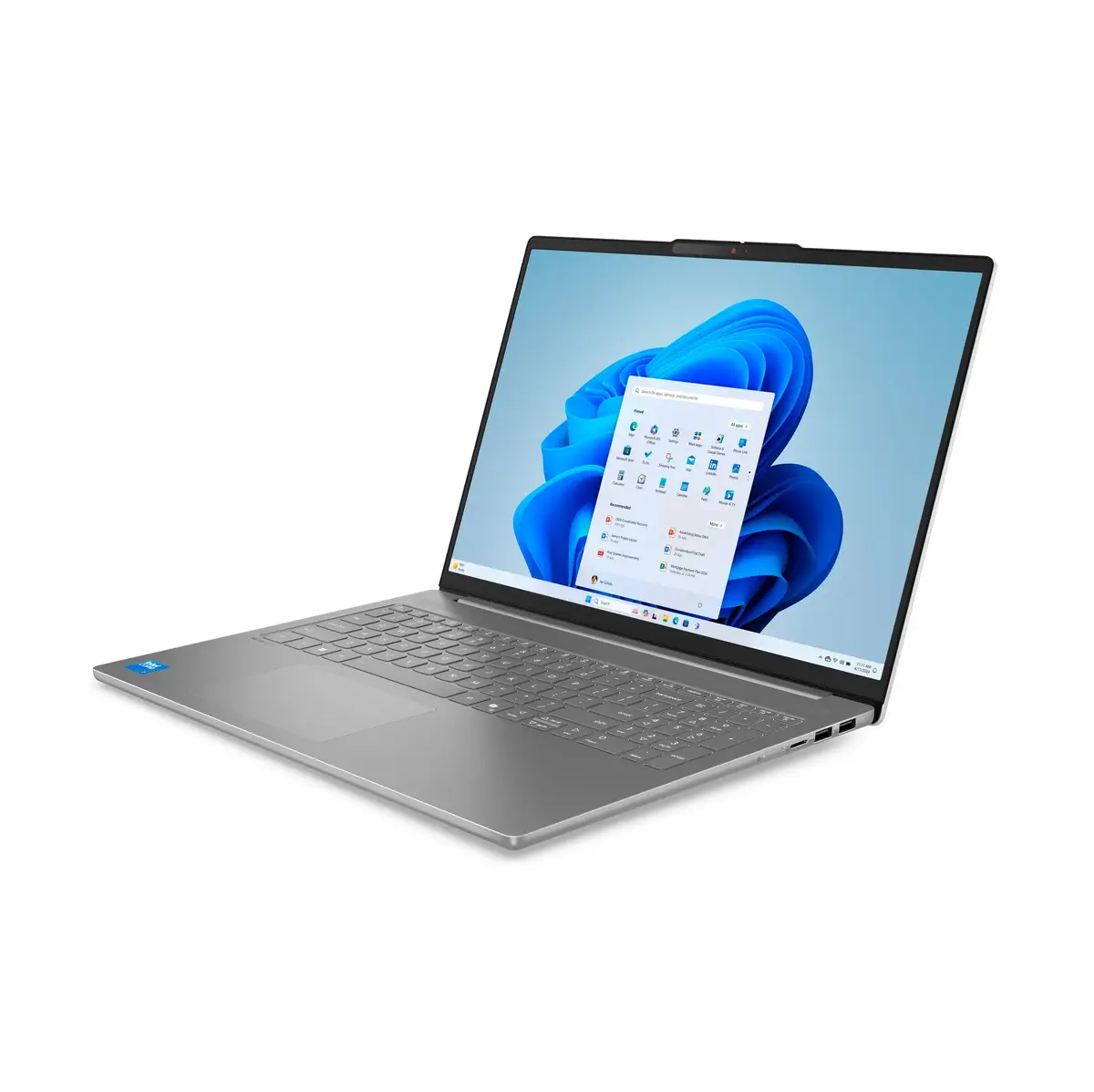
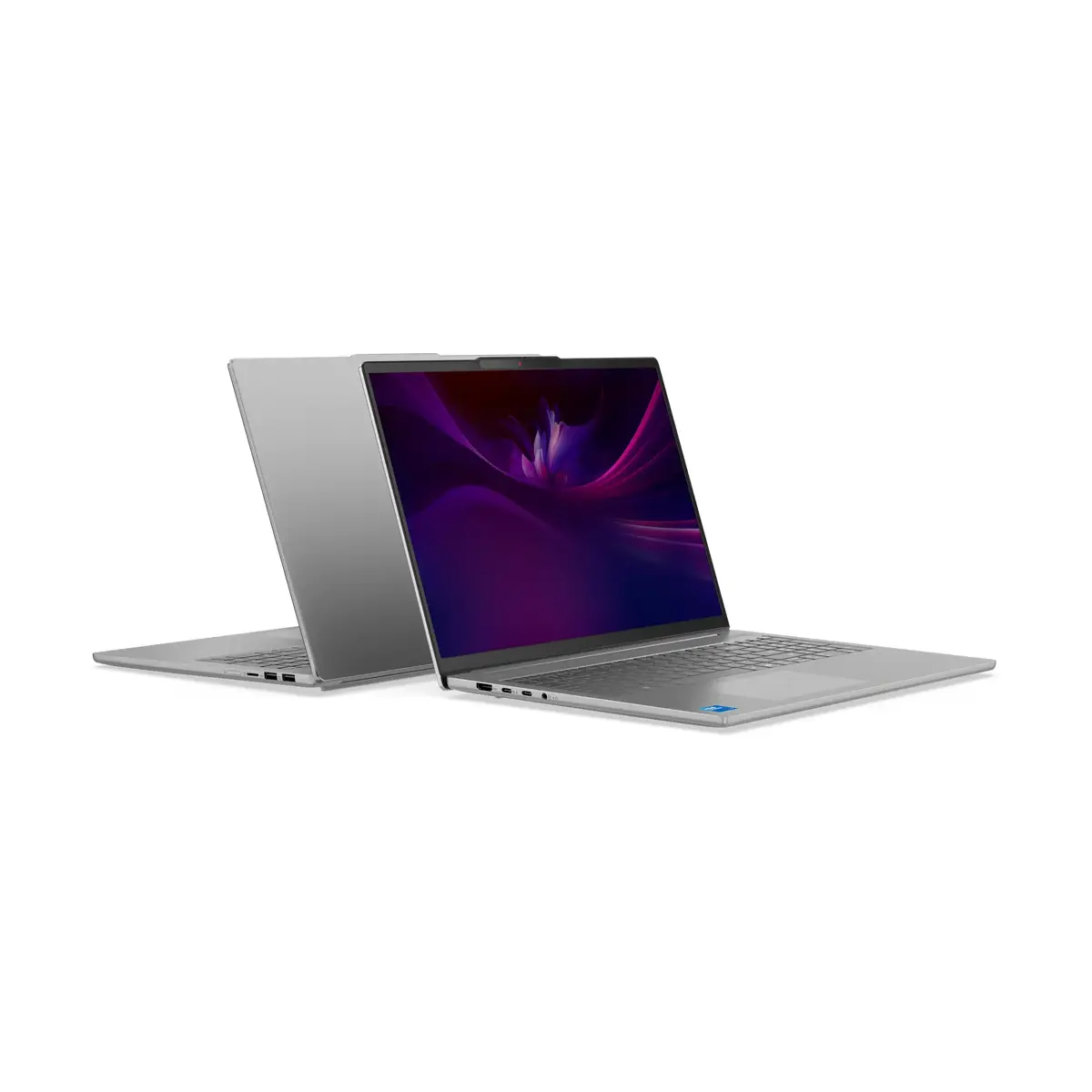
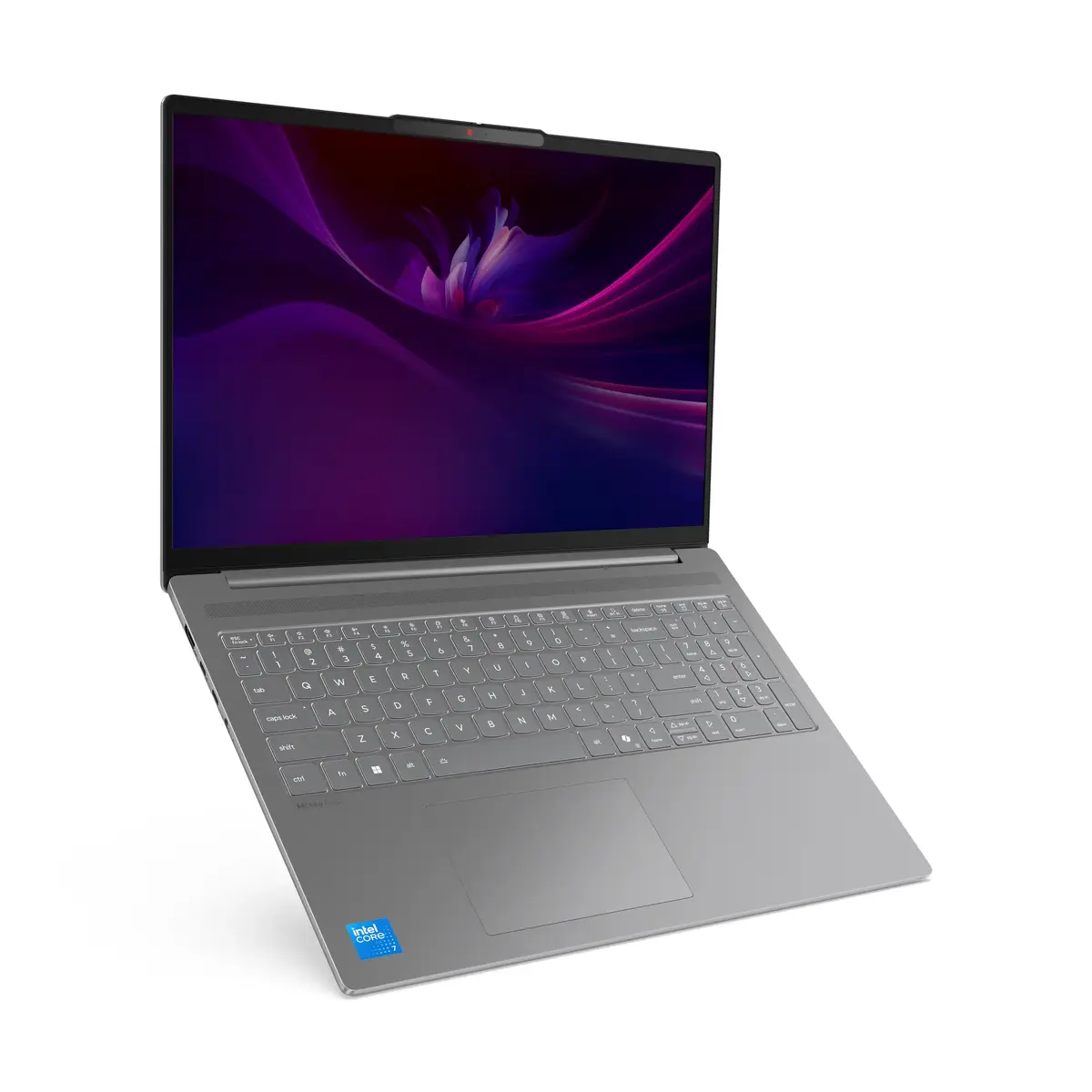
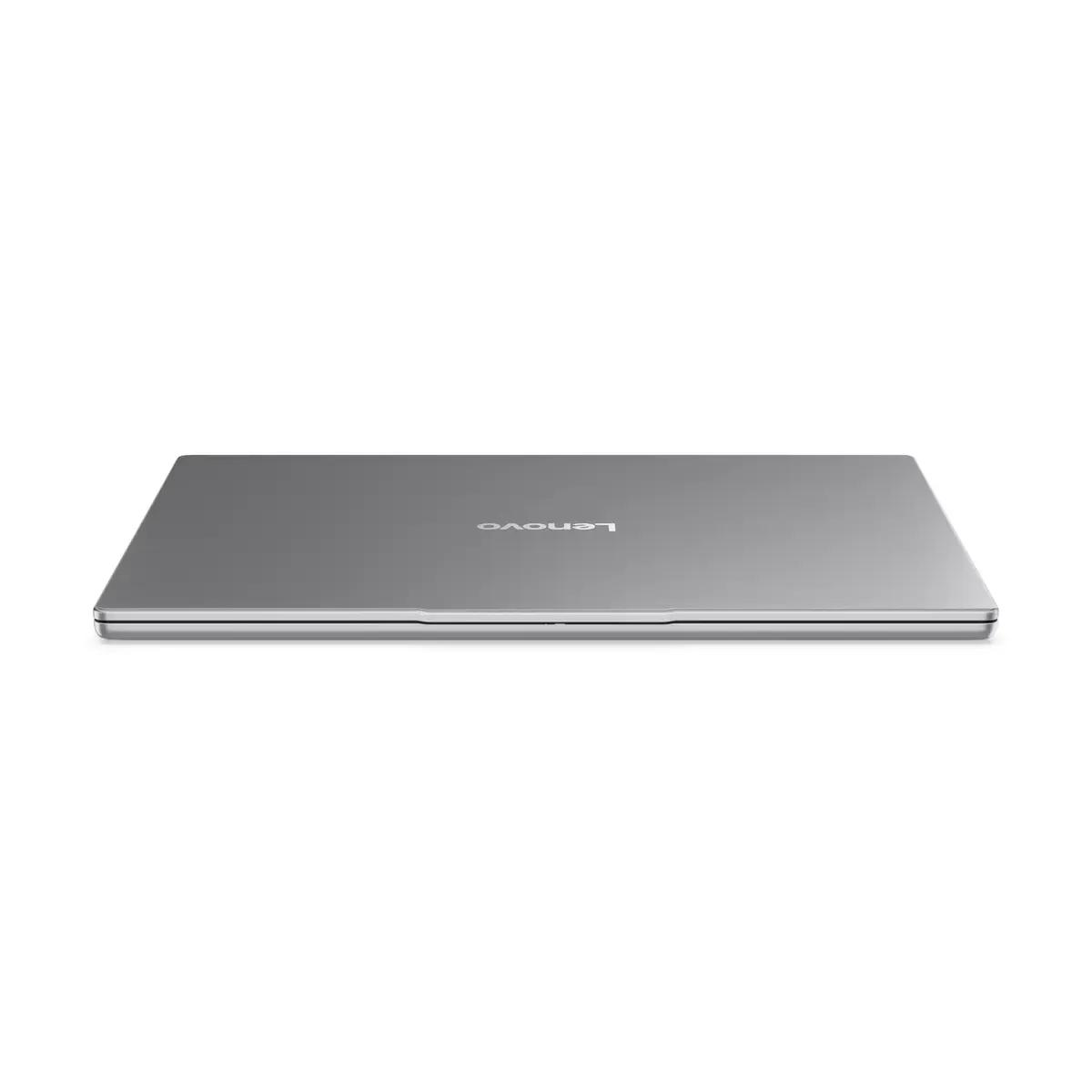
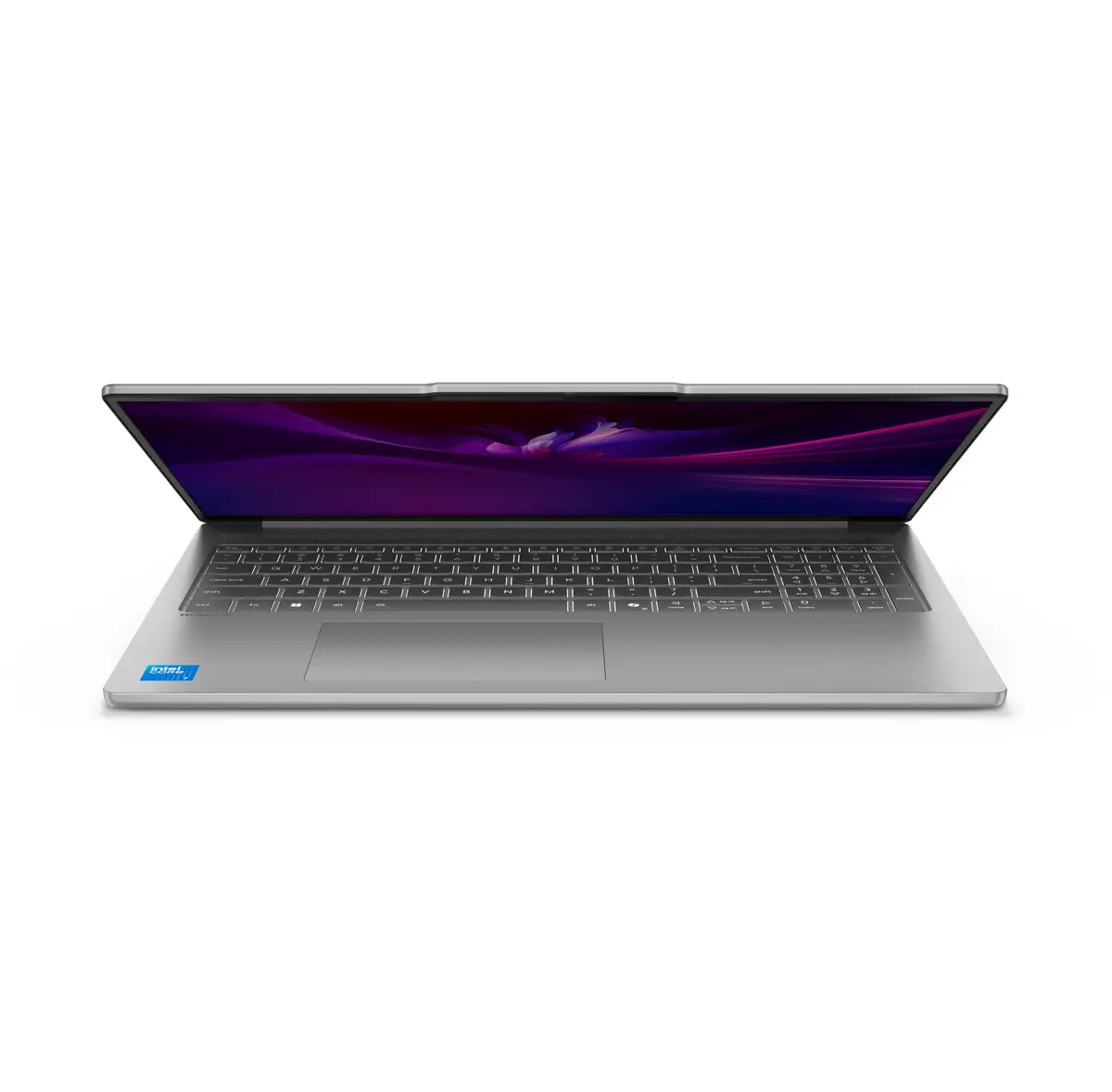
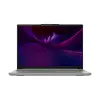
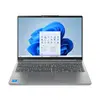
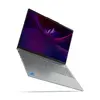
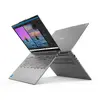
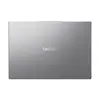
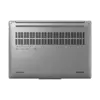
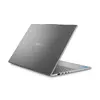
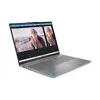
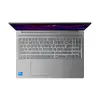
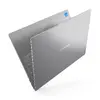
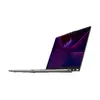
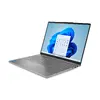
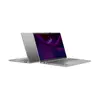
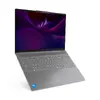
Lenovo IdeaPad Slim 5 16IRH10R Laptop, 16" WUXGA, Intel Core 7 240H, 32GB RAM, 1TB SSD, Windows 11 Home, Grey
The Lenovo IdeaPad Slim 5 16IRH10R is a high-performance laptop designed to balance portability with powerful computing capabilities. Featuring a sleek grey clamshell design, this device is built for professionals and students who require a reliable machine for daily tasks. It is equipped with a 16-inch WUXGA display that offers a clear and expansive workspace, supported by an efficient Intel Core 7 240H processor and a generous 32GB of RAM, ensuring smooth multitasking and rapid responsiveness for demanding applications.
The primary strength of this laptop lies in its combination of high-speed memory and ample storage capacity. With 32GB of DDR5 RAM, users can run multiple resource-intensive programs simultaneously without experiencing slowdowns. The 1TB SSD provides not only significant space for files and media but also ensures quick boot times and fast data access. Furthermore, the 16-inch display with a 16:10 aspect ratio provides more vertical screen real estate, which is particularly beneficial for document editing, web browsing, and data analysis.
This laptop utilizes integrated Intel Graphics, which means it is not designed for high-end gaming or professional-grade 3D rendering and video editing. Users looking for a dedicated workstation for heavy graphical tasks may find the integrated graphics solution limiting.
To begin using the Lenovo IdeaPad Slim 5, simply open the lid and press the power button. Follow the on-screen prompts provided by the Windows 11 Home setup assistant to configure your user account, network settings, and preferences. Once the initial setup is complete, you can install your preferred software and manage your files using the pre-installed storage. The laptop is designed for immediate use, and the integrated hardware is optimized for efficient performance right out of the box.
For optimal battery longevity, keep the laptop updated with the latest firmware and drivers provided by Lenovo. Additionally, ensure the air vents remain unobstructed during use to maintain efficient cooling performance.
{{highlightedFeature.featureTitle}}:
{{getProductFeatureValueById(product, highlightedFeature.featureId)}}
{{ productComparisonGenerationError }}
