
Hurry and order now – up to 50% off!
In cart {{totalProductsCount}} item(s)
Your cart is empty
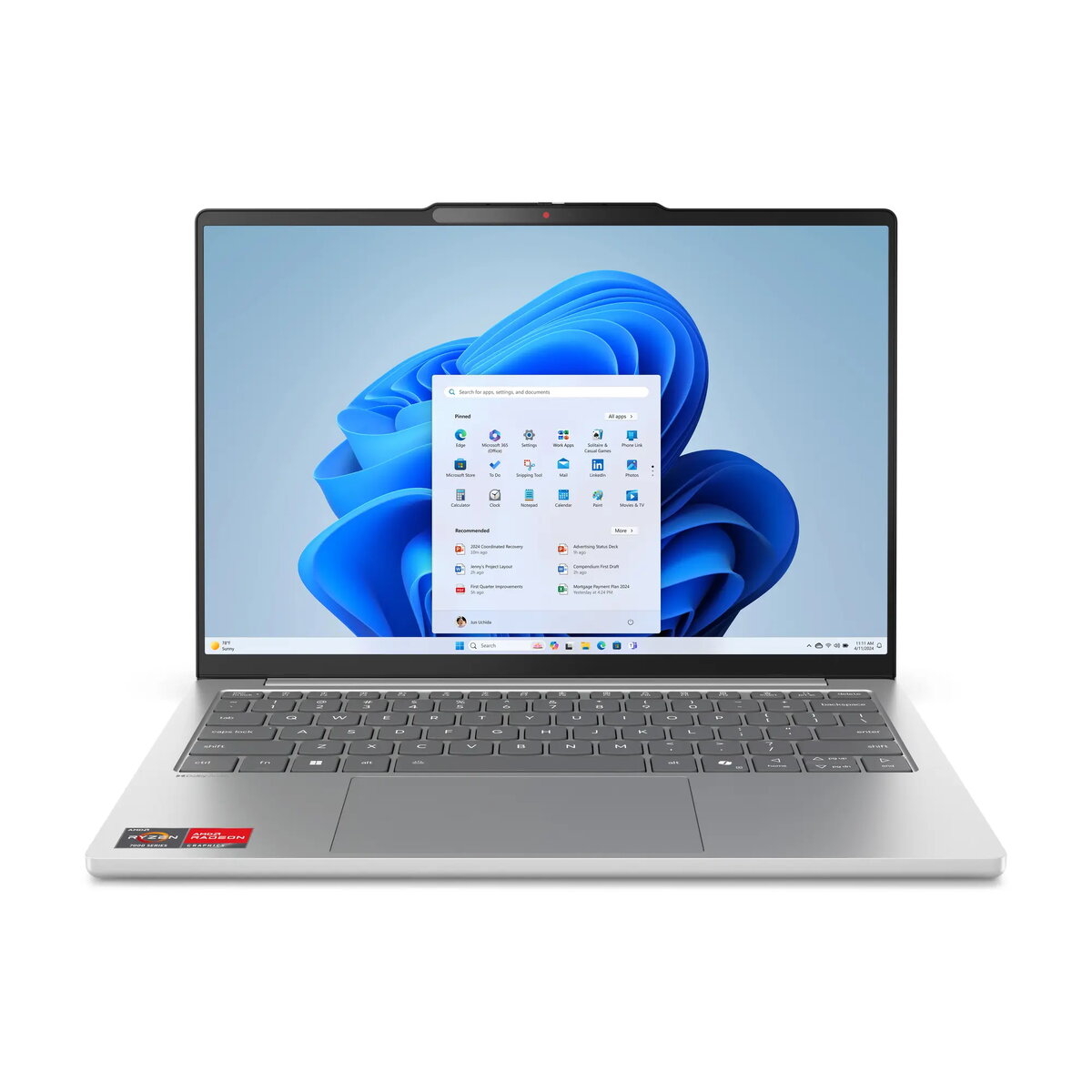
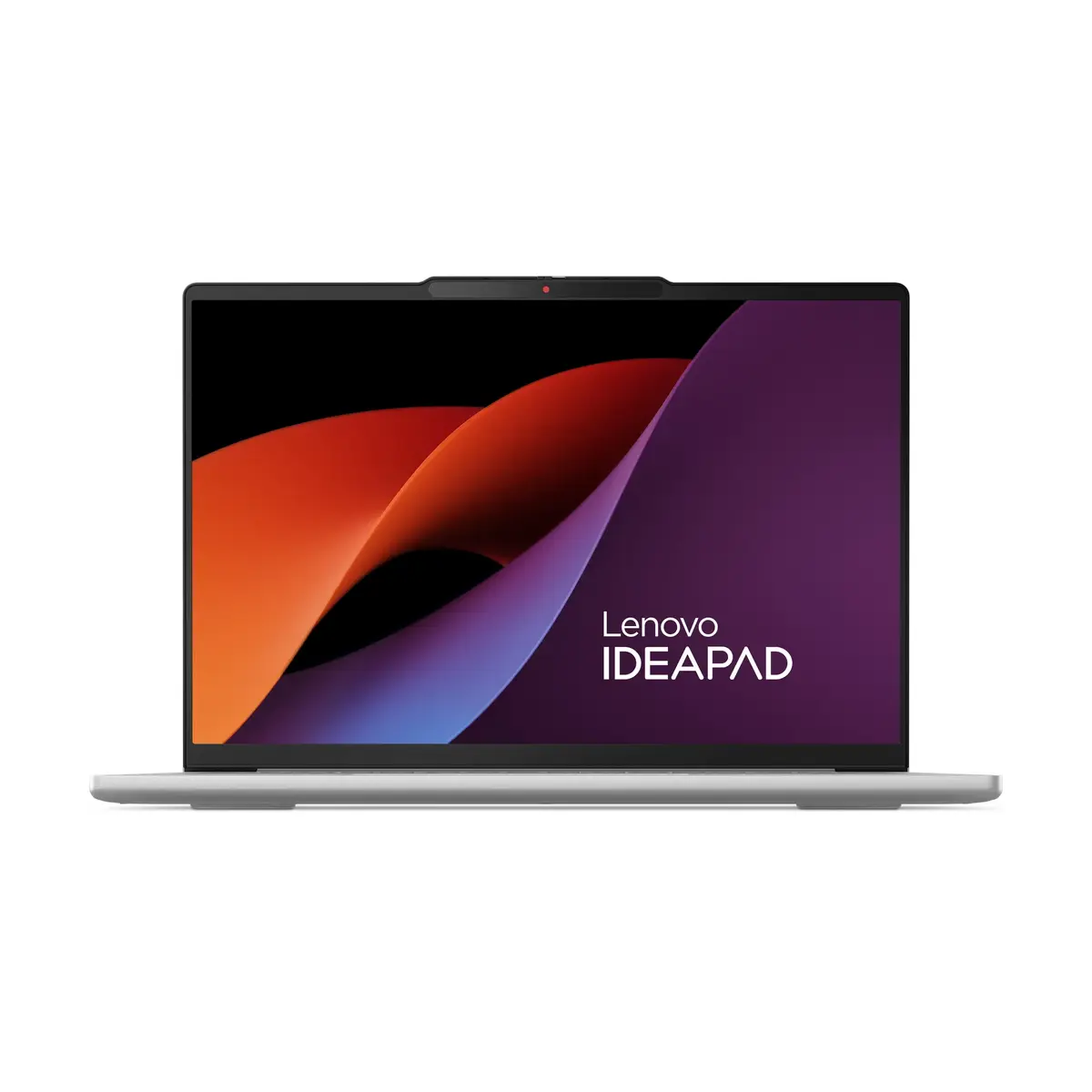
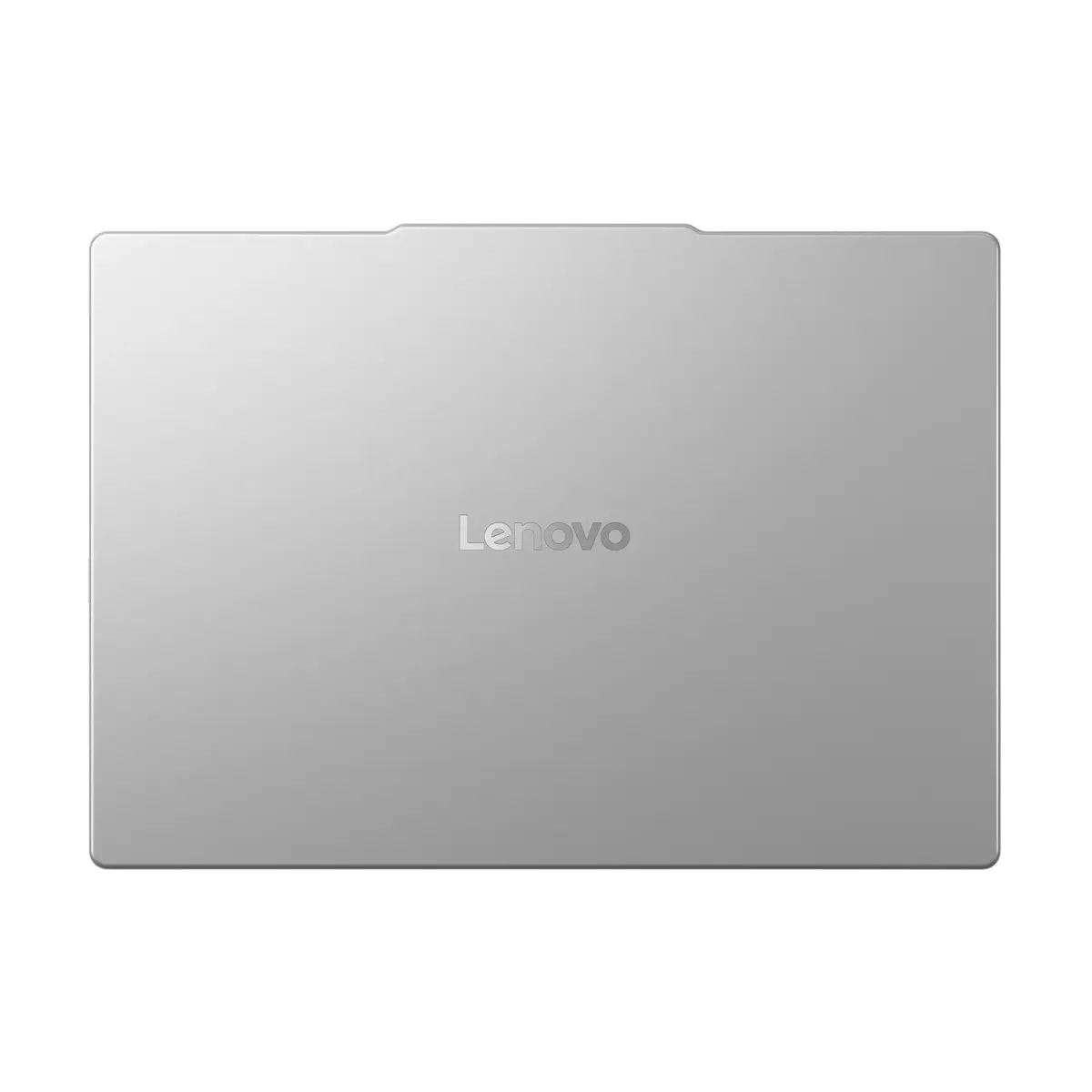
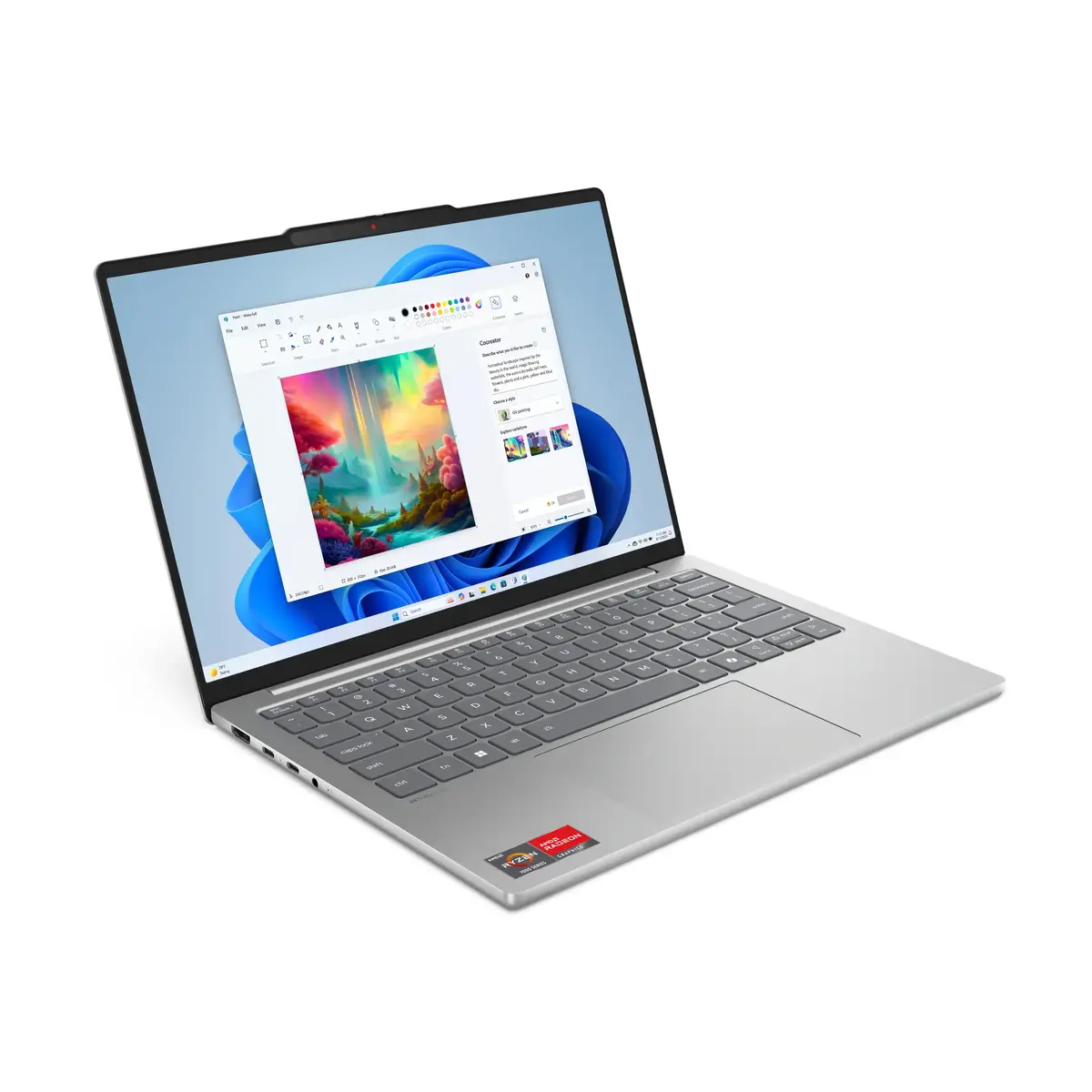
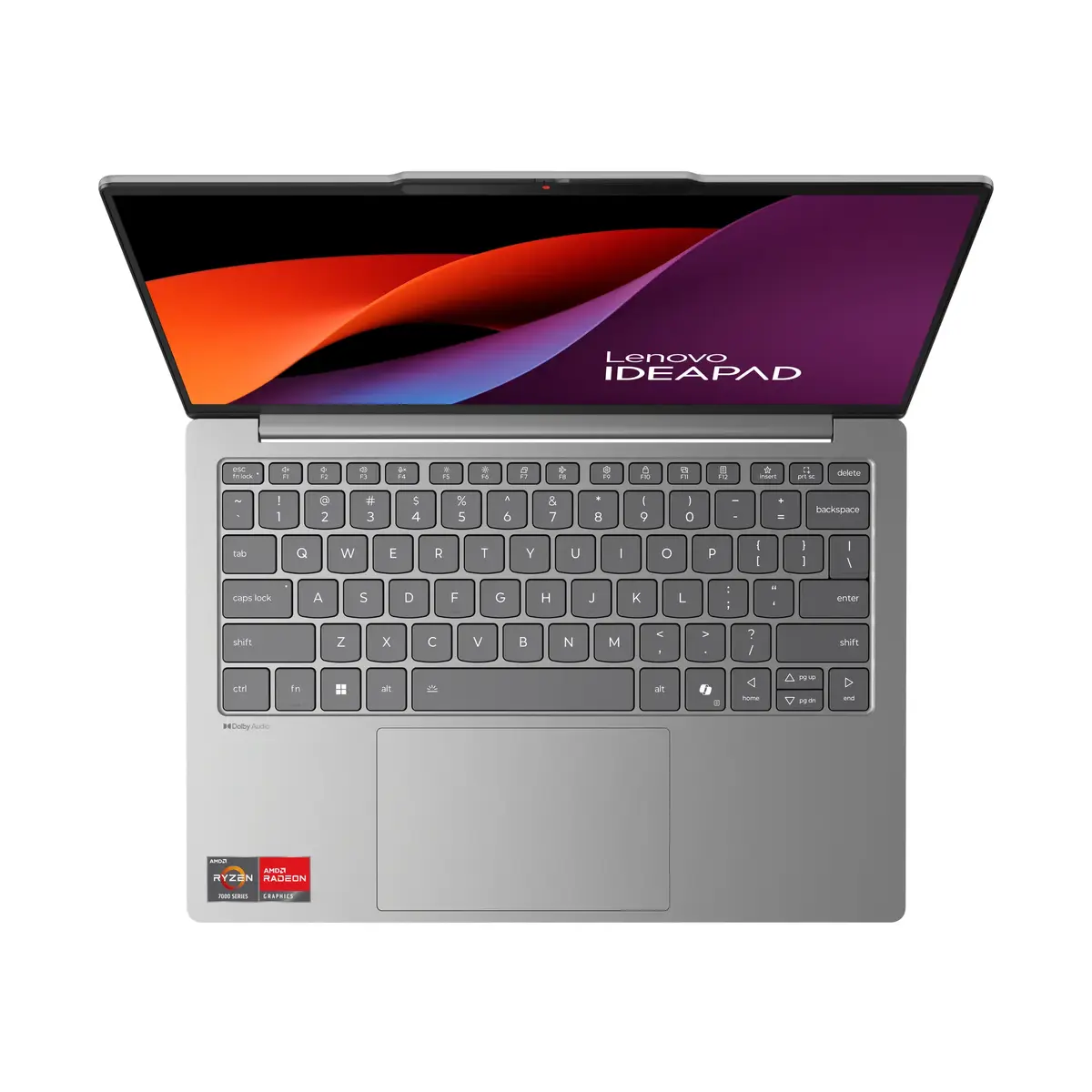
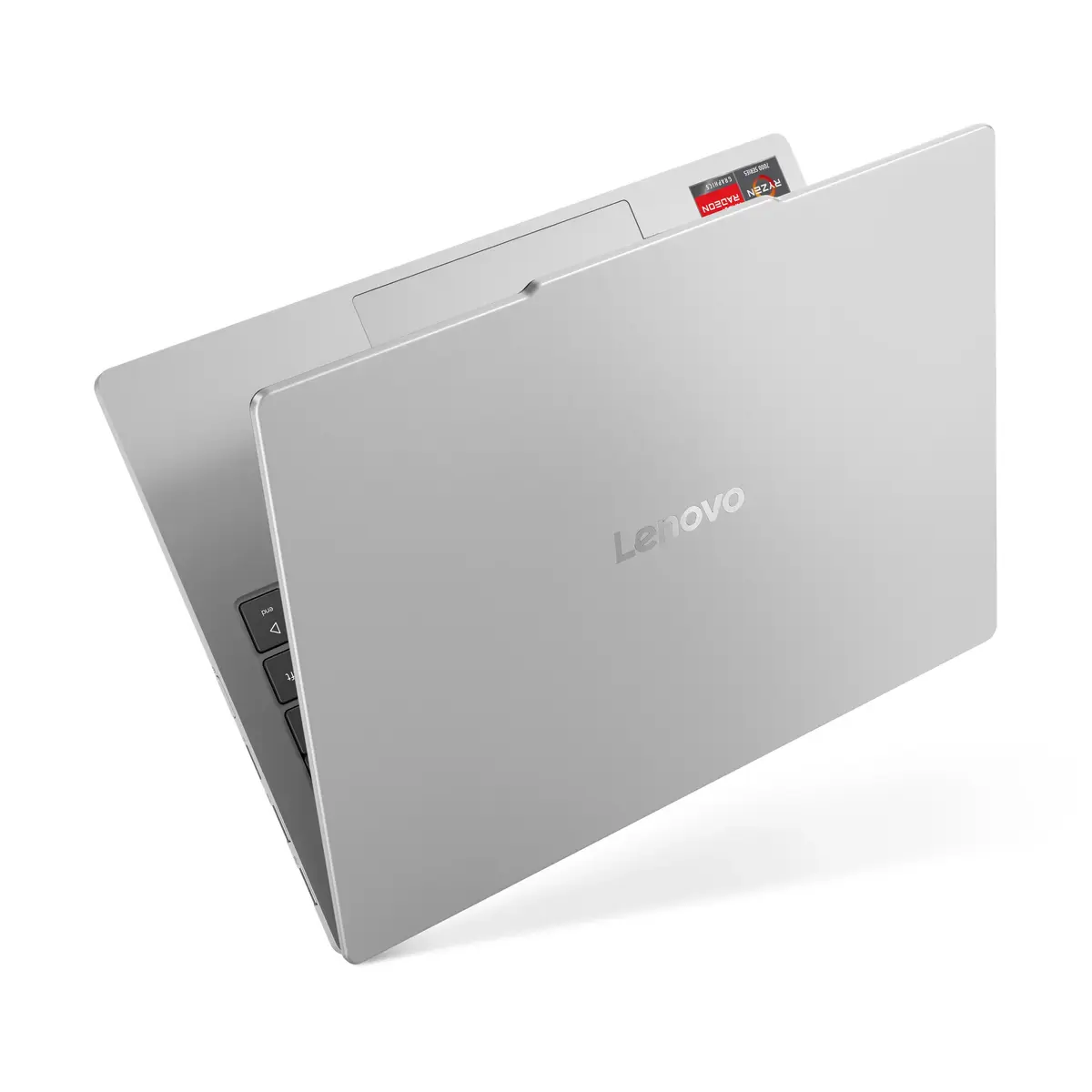
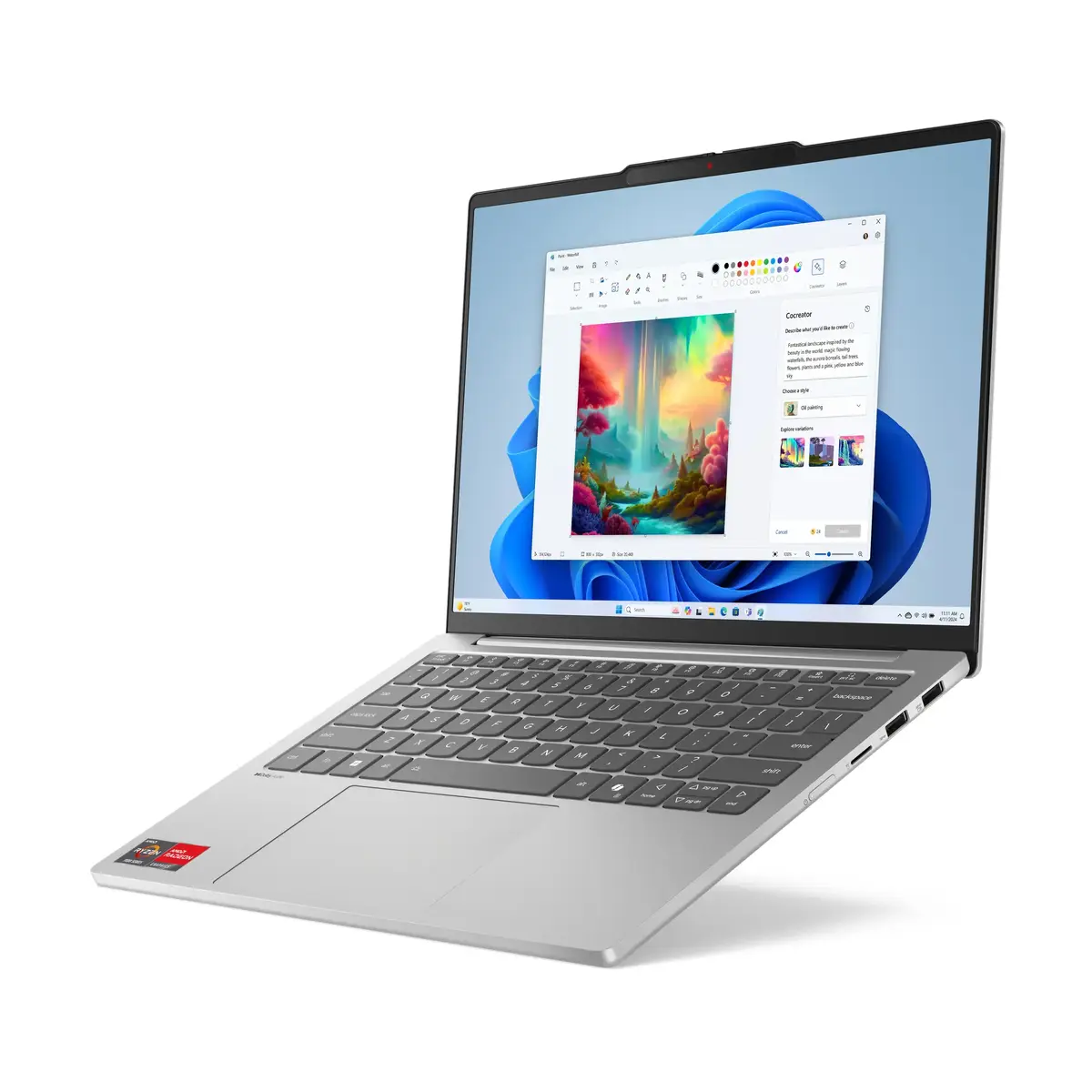
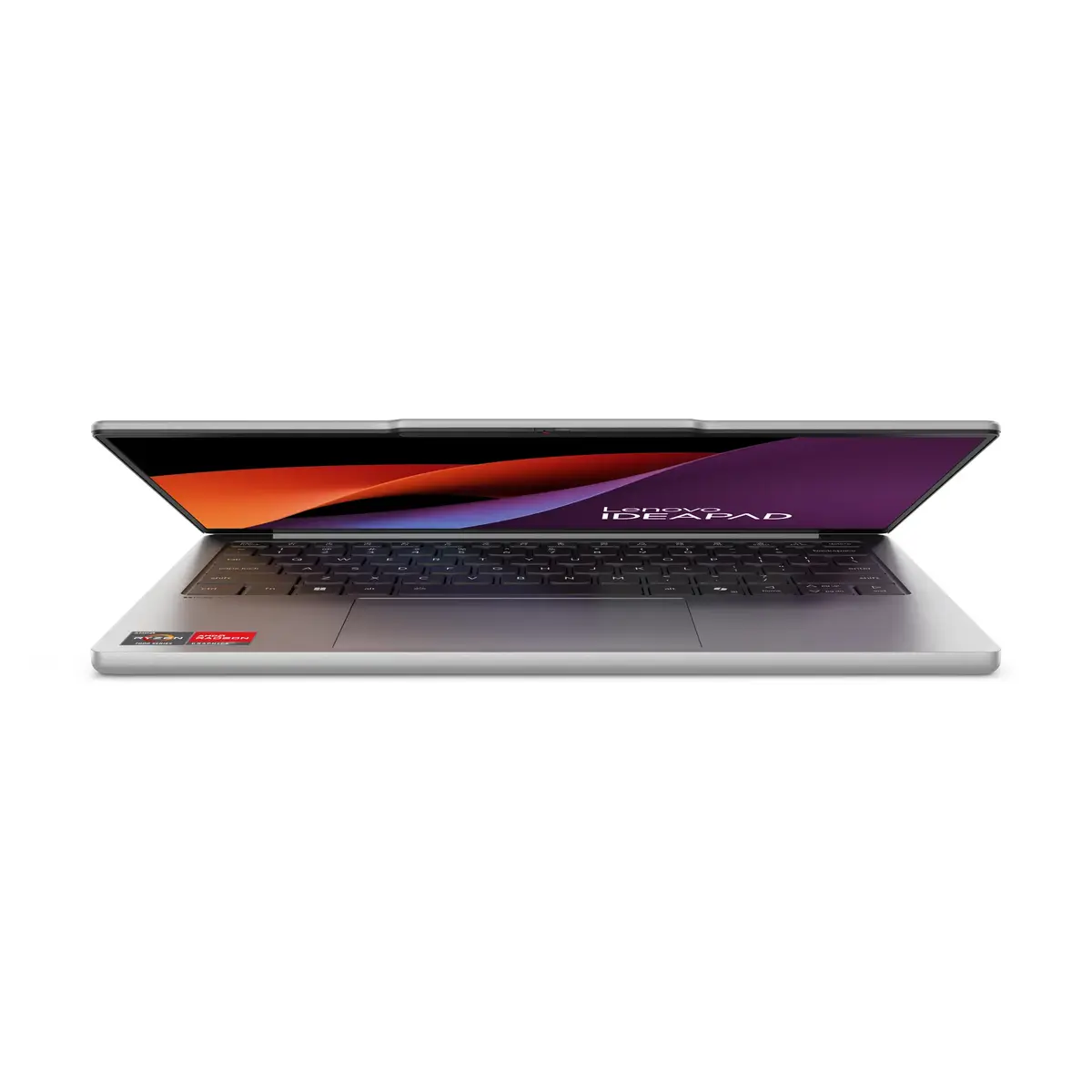
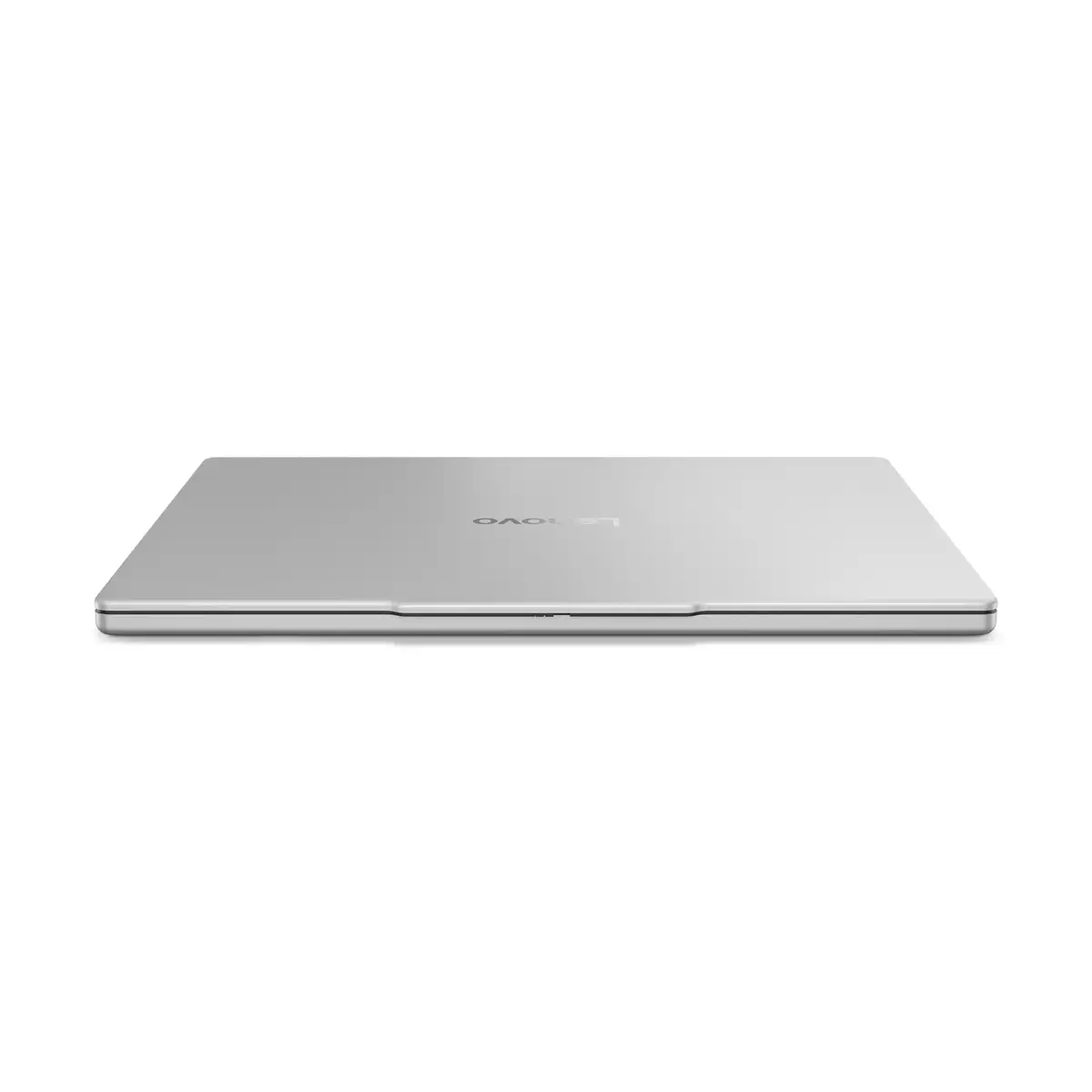
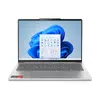
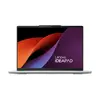
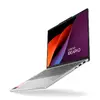
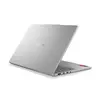
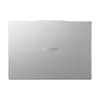
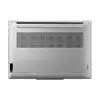
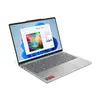
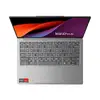
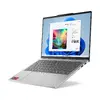
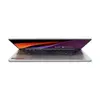
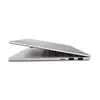
Lenovo IdeaPad Slim 5 13ARP10 Laptop, AMD Ryzen 5 7535HS, 13.3-inch WUXGA, 16GB LPDDR5x, 512GB SSD, AMD Radeon 660M, Windows 11 Home, Grey
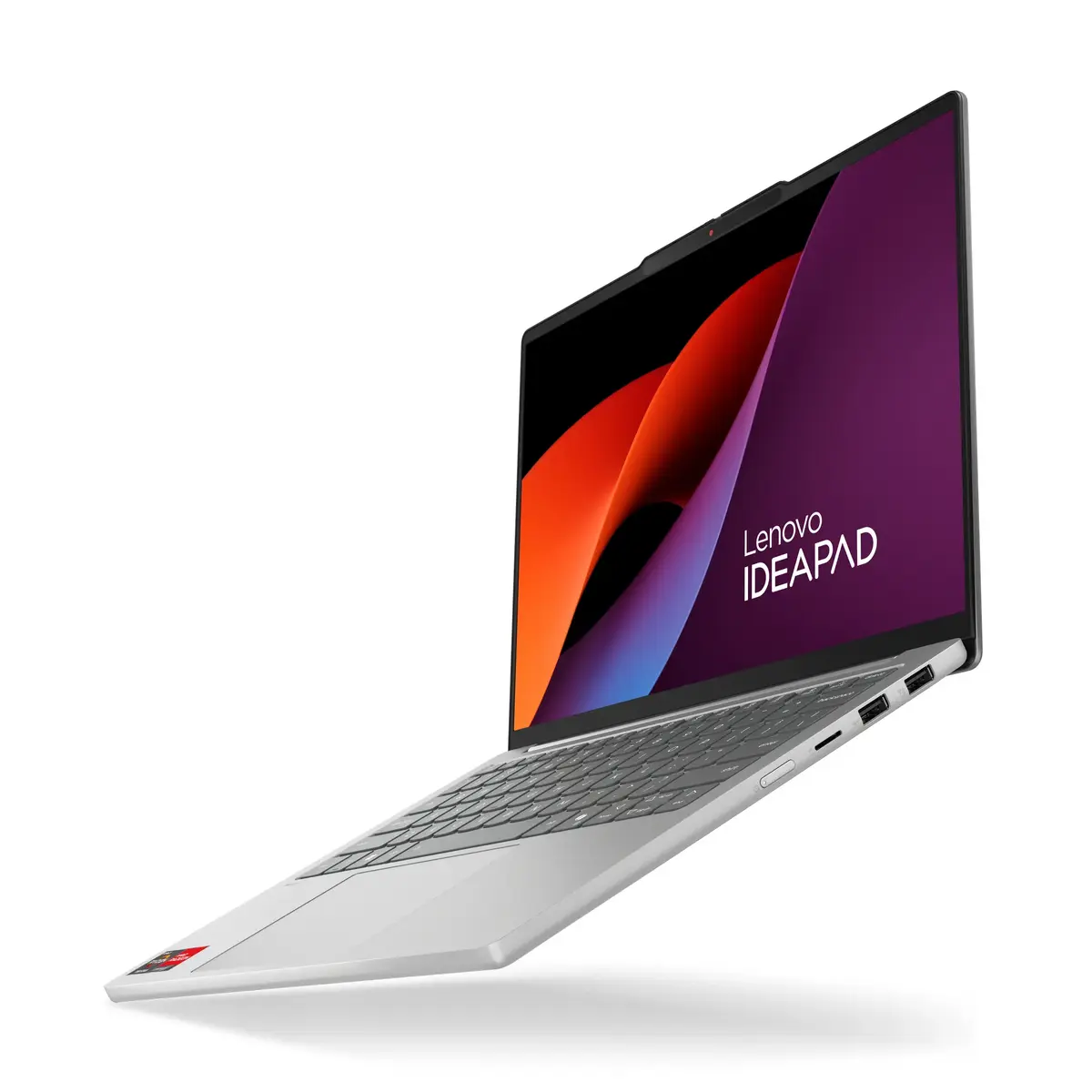
The Lenovo IdeaPad Slim 5 13ARP10 is a compact and lightweight laptop designed for users who prioritize portability without compromising on performance. Featuring an AMD Ryzen 5 7535HS processor and 16GB of high-speed LPDDR5x memory, this device handles daily multitasking, office applications, and media consumption with ease. Its sleek grey chassis houses a 13.3-inch WUXGA display, providing a sharp and immersive visual experience for both work and entertainment.
This laptop excels in mobility, weighing only 1.15 kg, which makes it an ideal companion for students and professionals on the move. The integration of the AMD Ryzen 5 processor ensures efficient power management and responsive performance for a variety of tasks. With a 512GB SSD, users benefit from fast boot times and quick access to files. The high-resolution display offers a 16:10 aspect ratio, providing extra vertical space that is particularly useful for document editing and web browsing. Furthermore, the robust build quality ensures longevity, while the pre-installed Windows 11 Home operating system provides a modern and secure user interface right out of the box.
This laptop is not designed for high-end gaming or intensive professional video rendering, as it relies on integrated graphics rather than a dedicated GPU. Additionally, users who require a larger screen for complex multitasking or specialized engineering software may find the 13.3-inch display limiting.
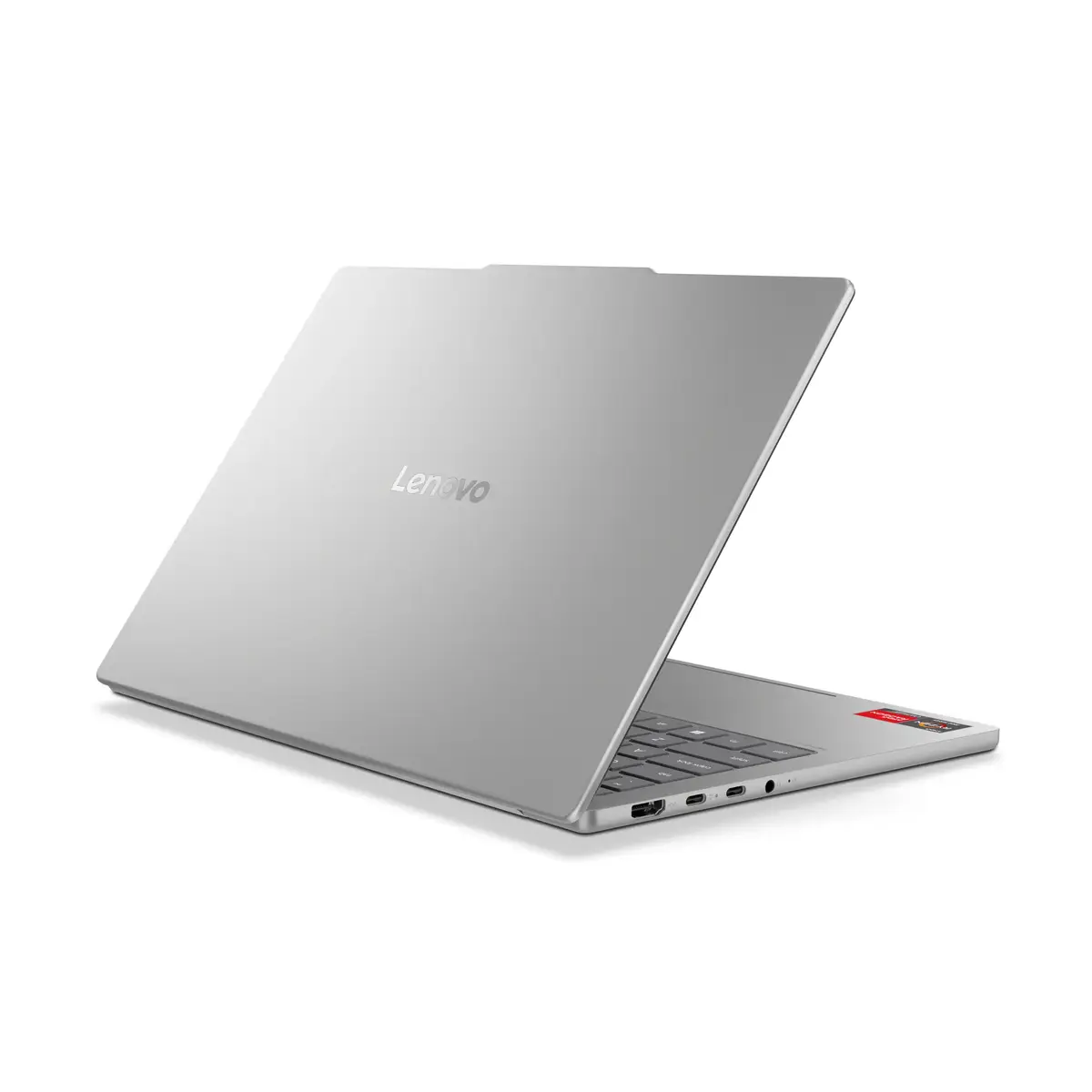
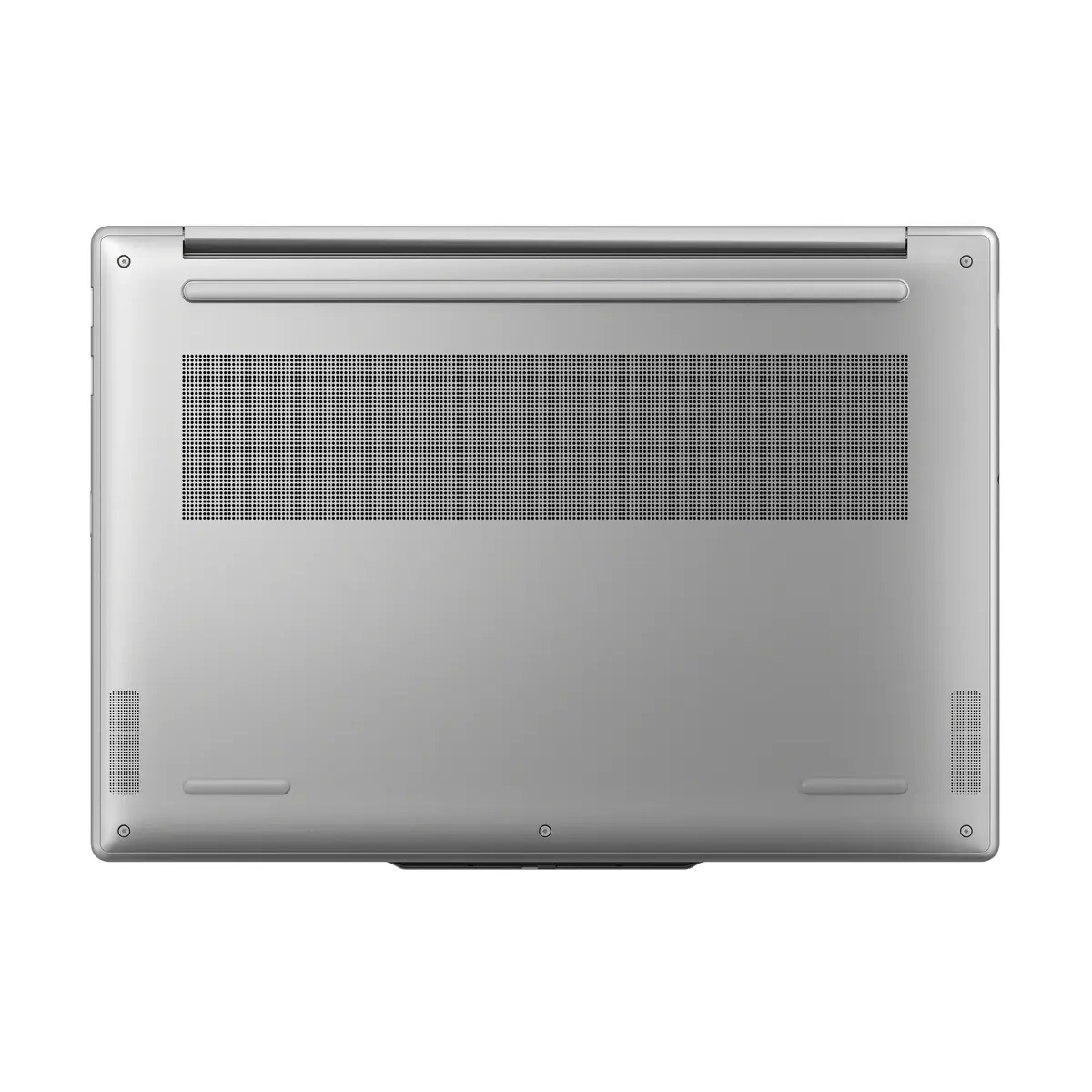
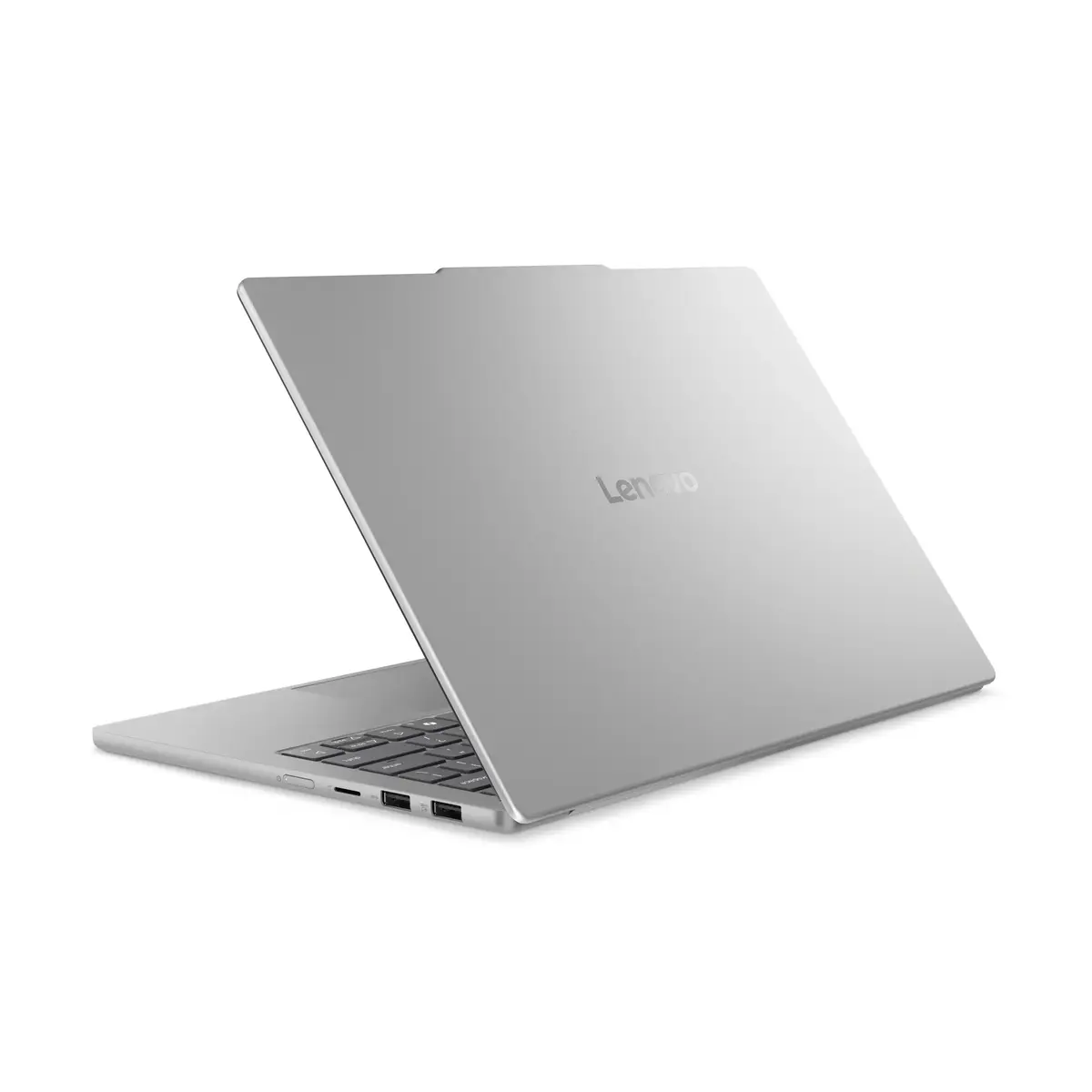
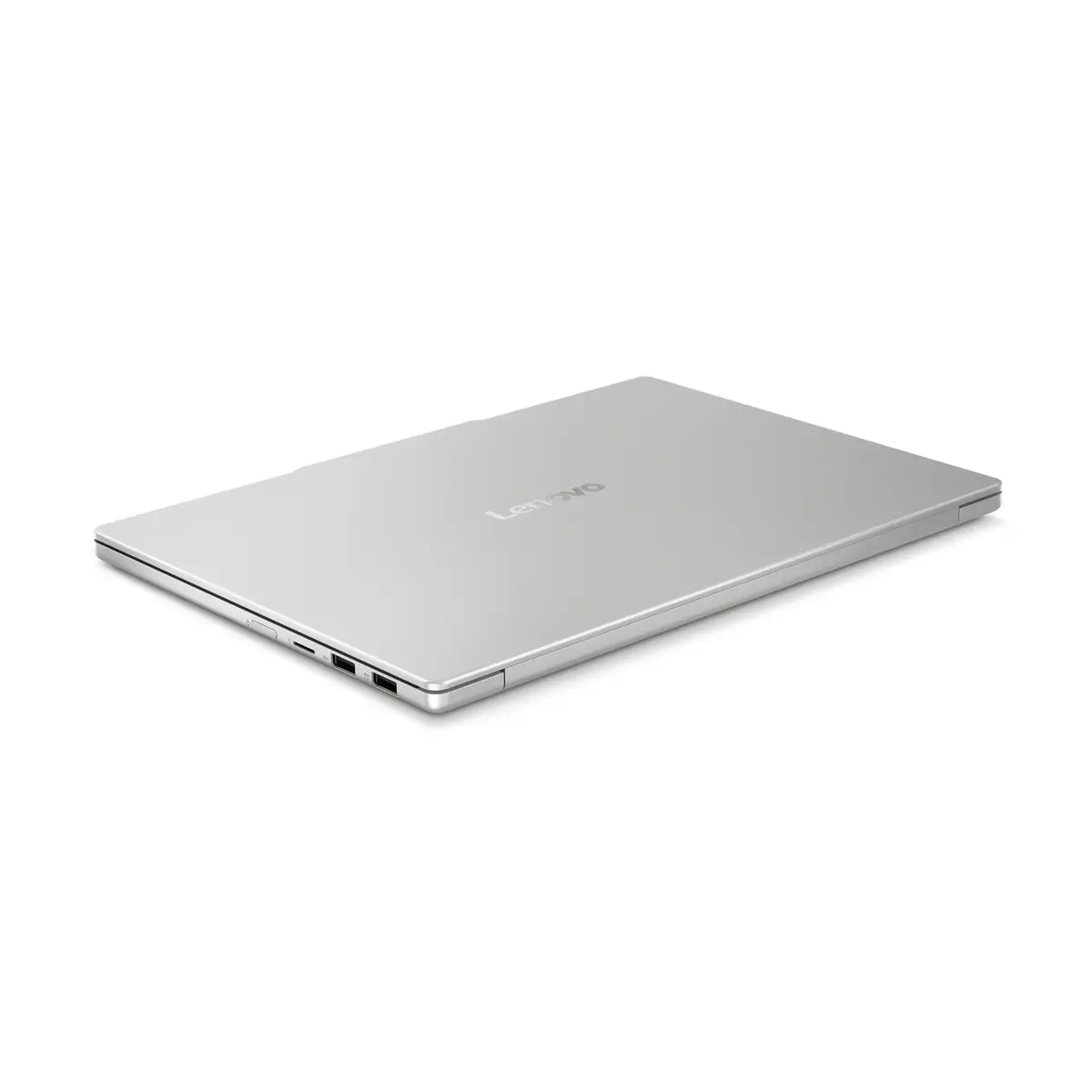
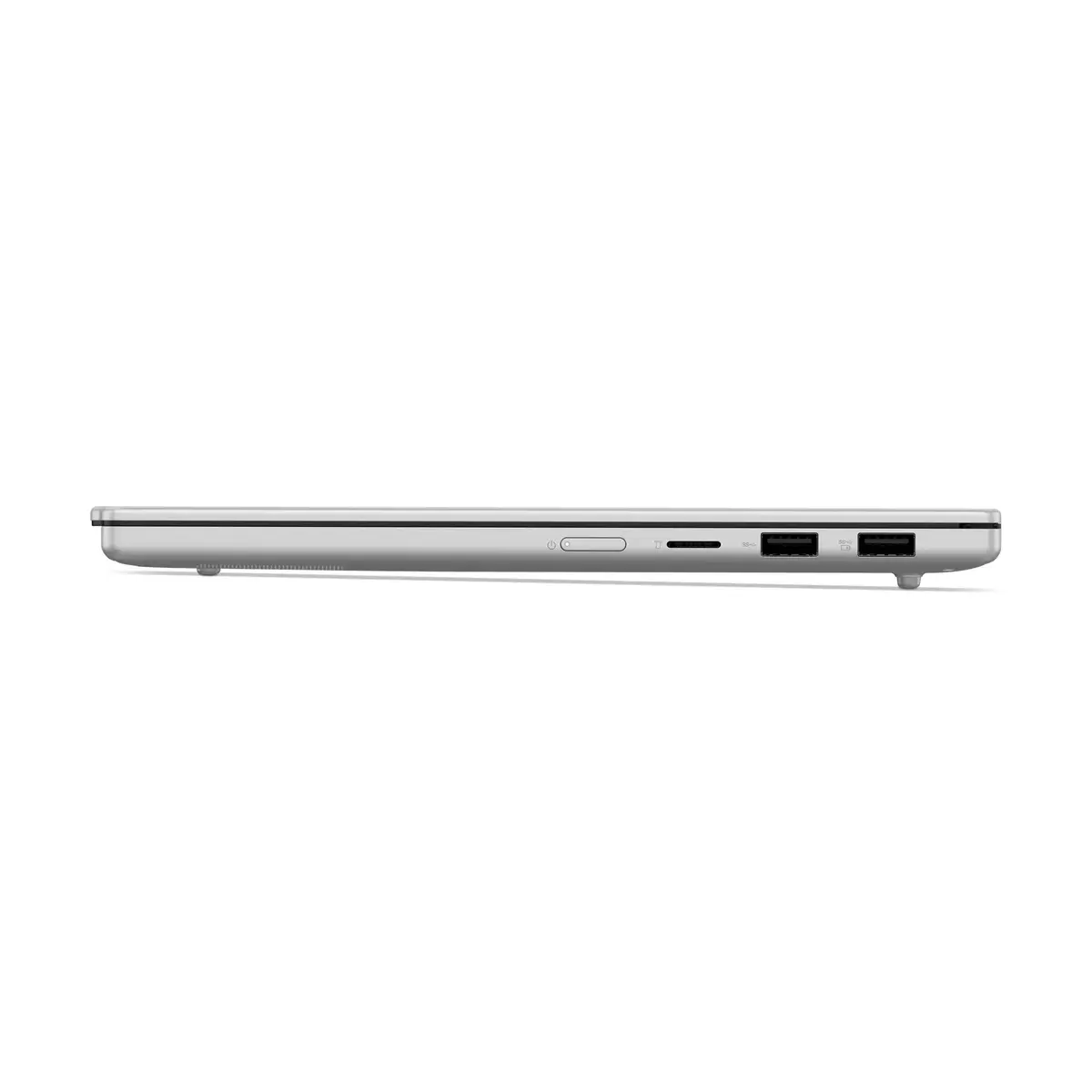
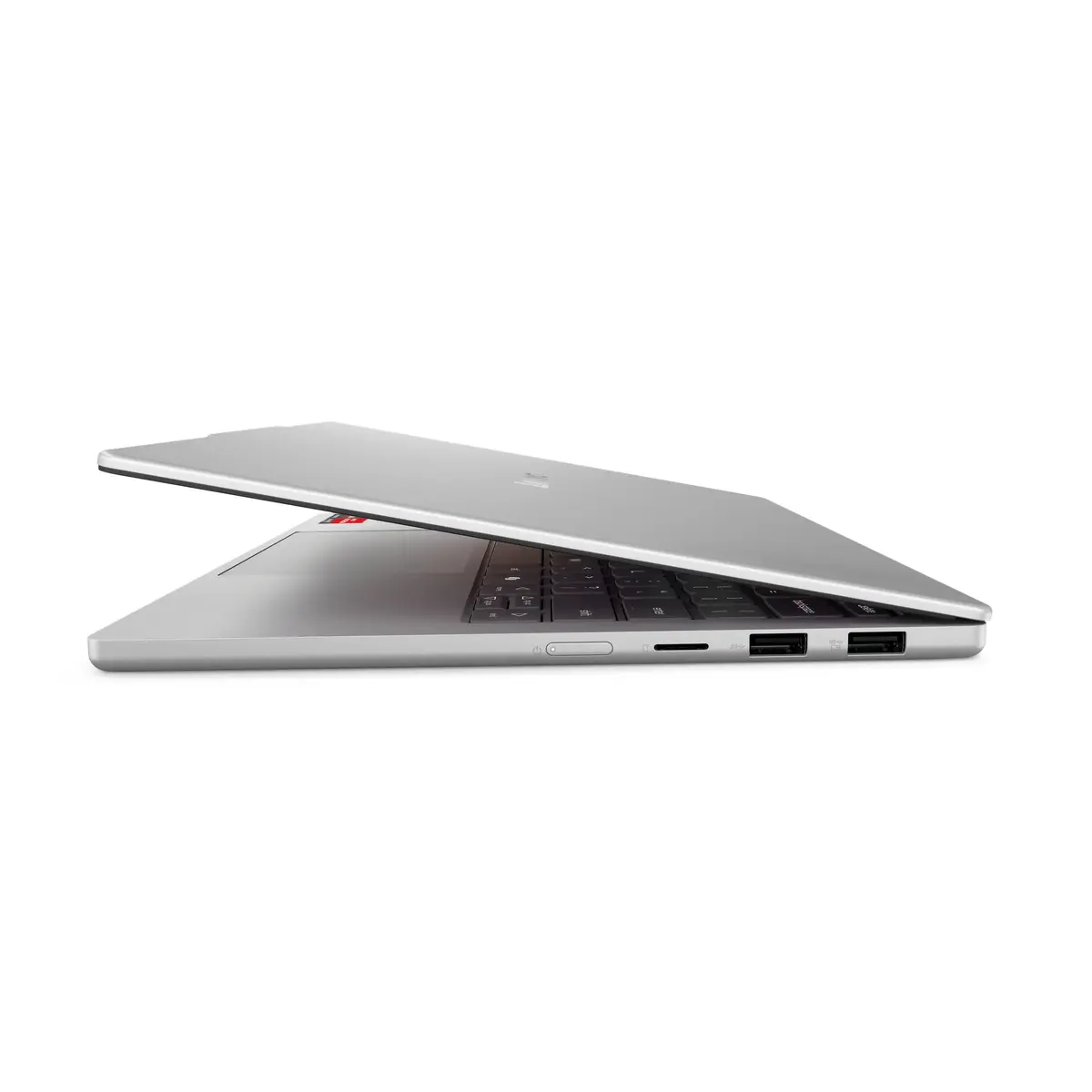
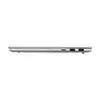
To begin using your Lenovo IdeaPad Slim 5, simply open the lid to power on the device. Follow the on-screen prompts provided by Windows 11 Home to configure your user account, connect to your local Wi-Fi network, and set up security features. The laptop is equipped with multiple ports for peripheral connectivity; ensure you use the appropriate cables for external monitors or storage devices. Keep the air vents clear during operation to maintain optimal thermal performance and battery health.
Usage recommendations: To maximize the lifespan of your device, keep the software updated through the Windows Update settings and avoid exposing the laptop to extreme temperatures. For optimal battery longevity, use the provided power adapter and avoid leaving the device plugged in at 100% charge for extended periods when not in use.
{{highlightedFeature.featureTitle}}:
{{getProductFeatureValueById(product, highlightedFeature.featureId)}}
{{ productComparisonGenerationError }}
