

Powerful EcoFlow stations for energy anywhere!
In cart {{totalProductsCount}} item(s)
Your cart is empty
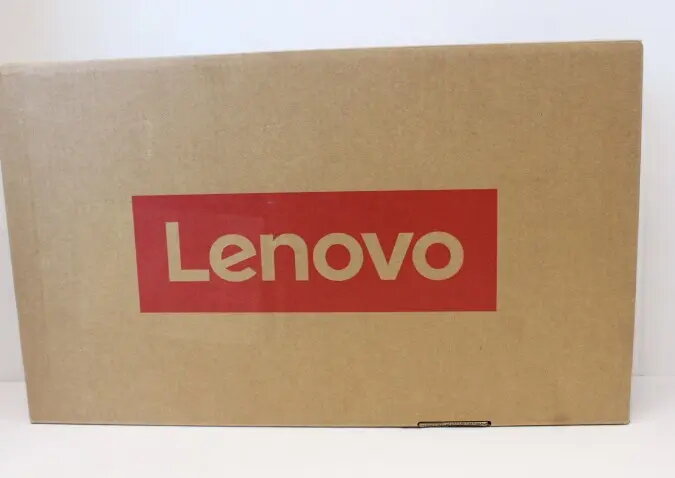
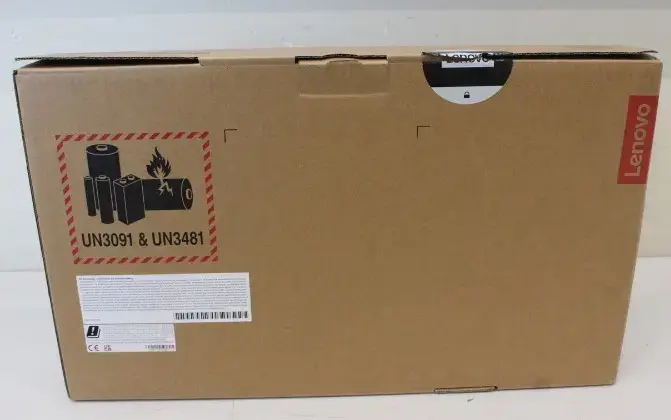
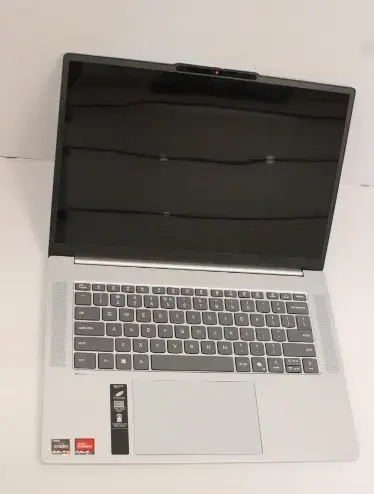
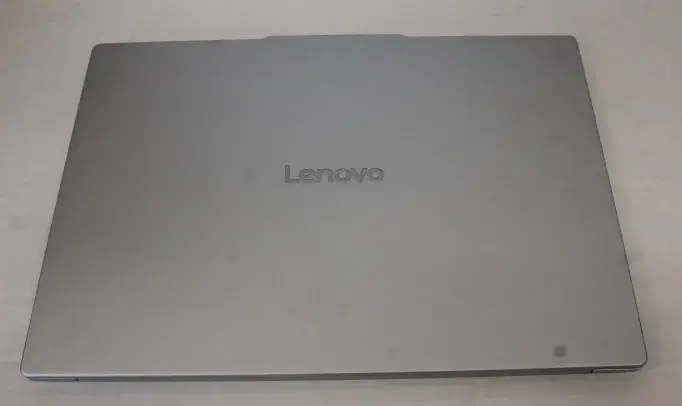
Laptop Lenovo IdeaPad Slim 5 15ARP10 — 15.1" WQXGA OLED, AMD Ryzen 5 7535HS, 16GB LPDDR5x, 512GB PCIe 4.0 NVMe, AMD Radeon 660M, Windows 11 Home, Clou...
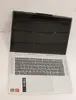
Lenovo IdeaPad Slim 5 15ARP10 is a 15.1" laptop with a WQXGA (2560×1600) OLED display, powered by an AMD Ryzen 5 7535HS six-core processor with boost up to 4.55 GHz. It includes 16GB soldered LPDDR5x memory (6400 MHz) and a 512GB M.2 PCIe 4.0 NVMe SSD. Integrated AMD Radeon 660M graphics handle visual tasks. The device ships with Windows 11 Home preinstalled and features a Full HD + IR camera with privacy shutter and ToF sensor, Wi‑Fi 6 (802.11ax), Bluetooth 5.3, multiple USB-A and USB-C ports (two USB-C ports support USB 3.2 Gen 2, USB PD 3.0 and DisplayPort 1.4), a microSD card reader and a 3.5 mm combo audio jack. The chassis is Cloud Grey and the product comes with an 18‑month warranty (battery 12 months).
The laptop combines a high-resolution WQXGA OLED display with fast LPDDR5x memory and a PCIe 4.0 NVMe SSD for responsive performance and vivid visuals. Multiple modern ports including USB-C with Power Delivery and DisplayPort make it flexible for docking and external displays. Built-in Wi‑Fi 6 and Bluetooth 5.3 provide up-to-date wireless connectivity, while the FHD+IR camera with privacy shutter and ToF sensor supports secure sign-in and improved video calls.
This model uses soldered RAM (16GB) and therefore does not support memory upgrades; users who require larger or user-replaceable memory should consider alternatives. The integrated AMD Radeon 660M is suitable for light gaming and GPU-accelerated tasks but is not intended for demanding AAA gaming or professional 3D rendering workflows.
Start the laptop by opening the lid and pressing the power button. Set up Windows 11 Home using the on-screen prompts, connect to a Wi‑Fi network, and sign in or create a Microsoft account if required. Use the USB-C ports with PD to charge the device or connect compatible docks and external displays via DisplayPort 1.4. Insert a microSD card into the reader for additional portable storage. For video calls, use the built-in FHD+IR camera and microphone; enable the privacy shutter when not in use.
For the best balance of performance and battery life, keep drivers and Windows updates current, use the USB-C PD charger provided or certified replacements, and avoid running sustained heavy GPU workloads to maintain chassis temperatures and battery health.
{{highlightedFeature.featureTitle}}:
{{getProductFeatureValueById(product, highlightedFeature.featureId)}}
{{ productComparisonGenerationError }}
