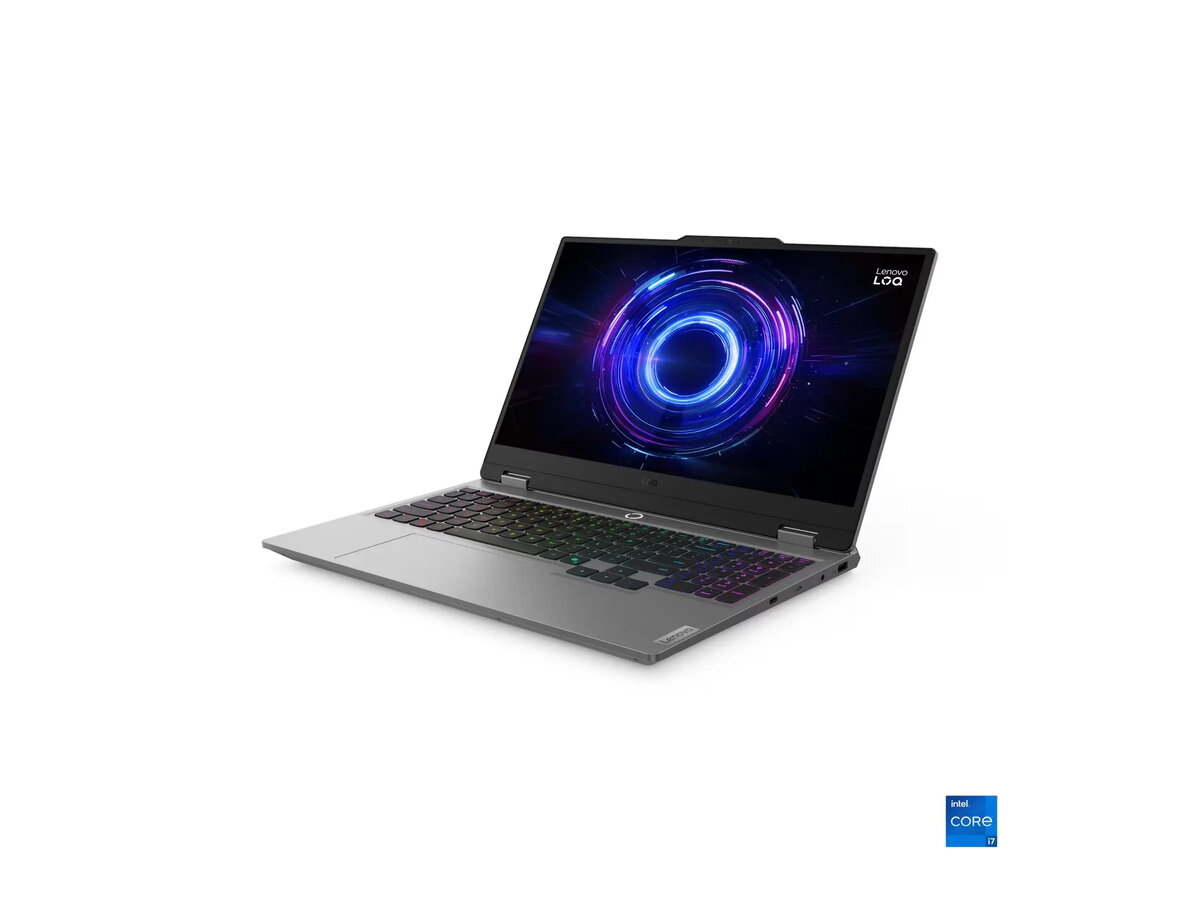
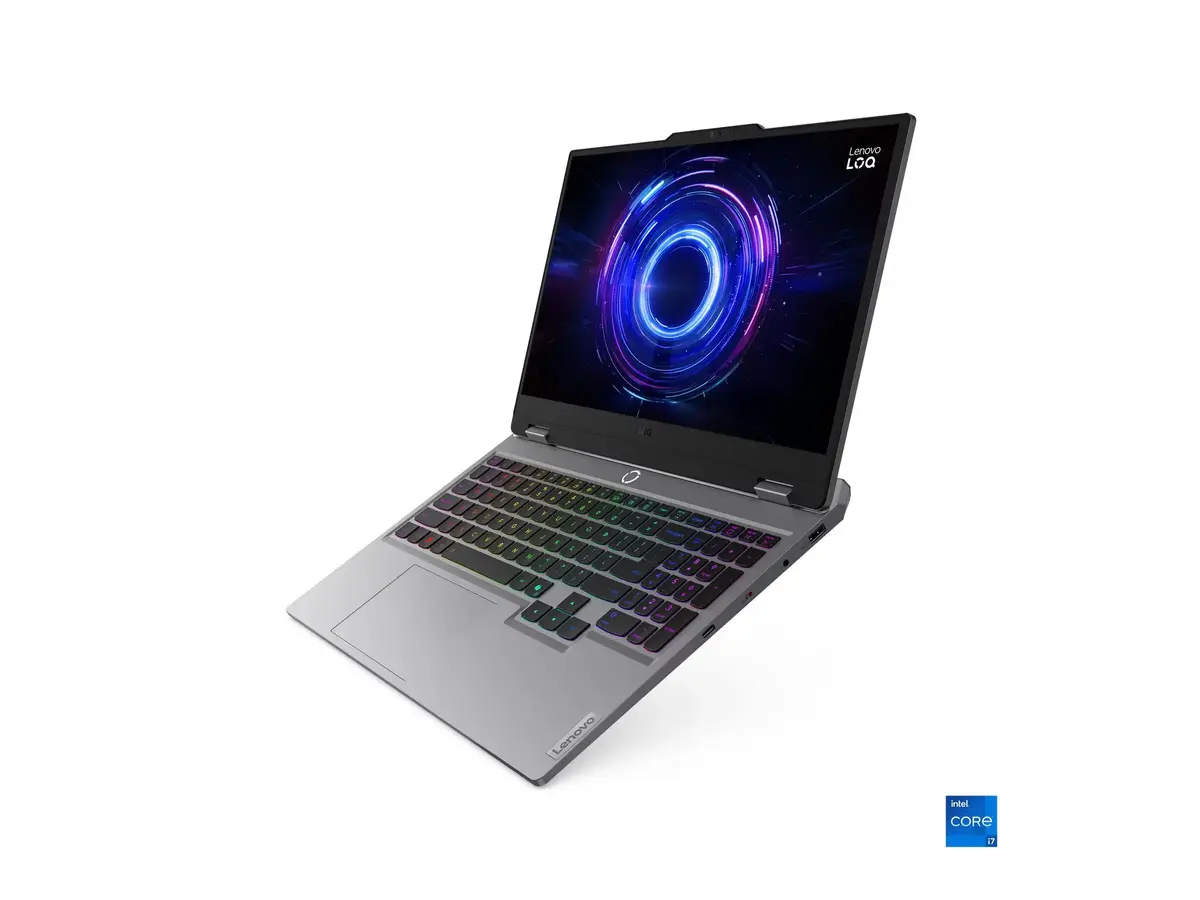
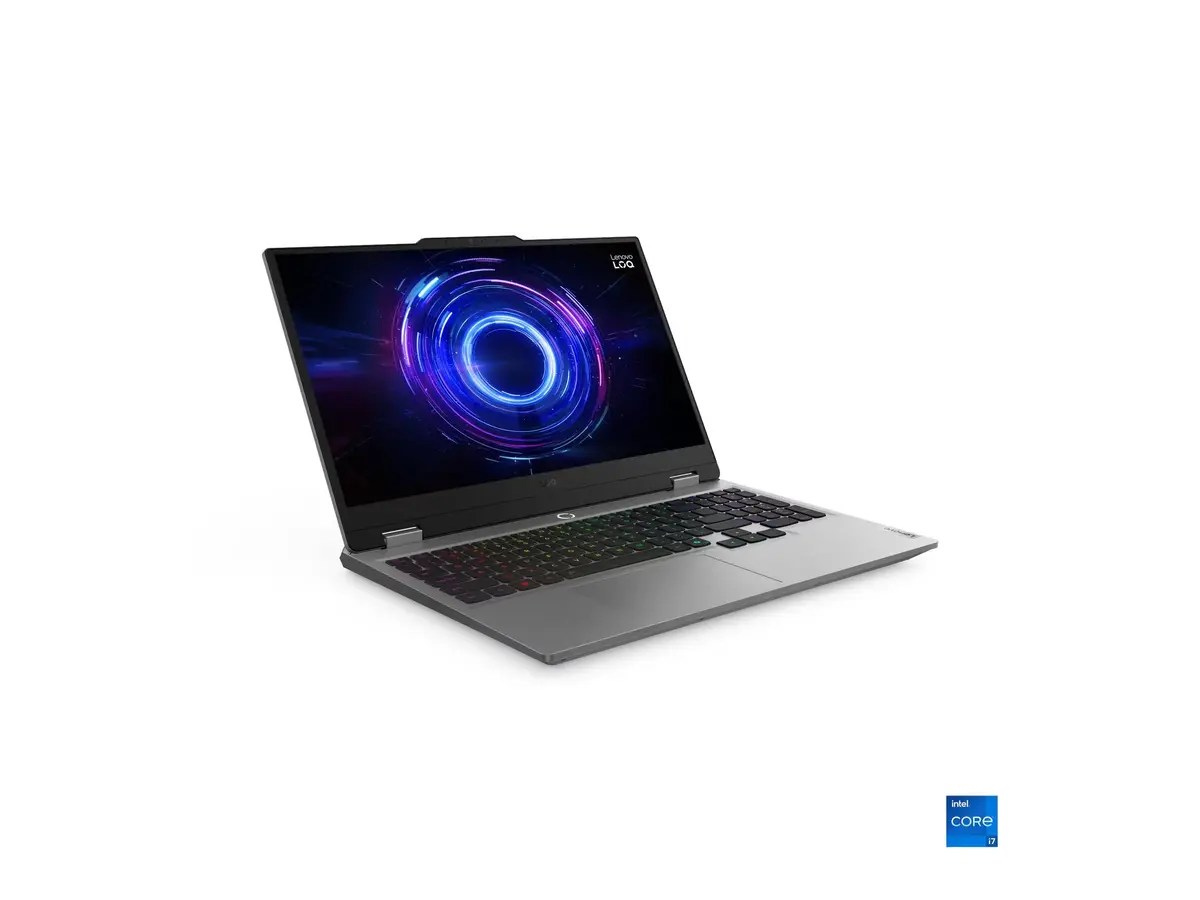
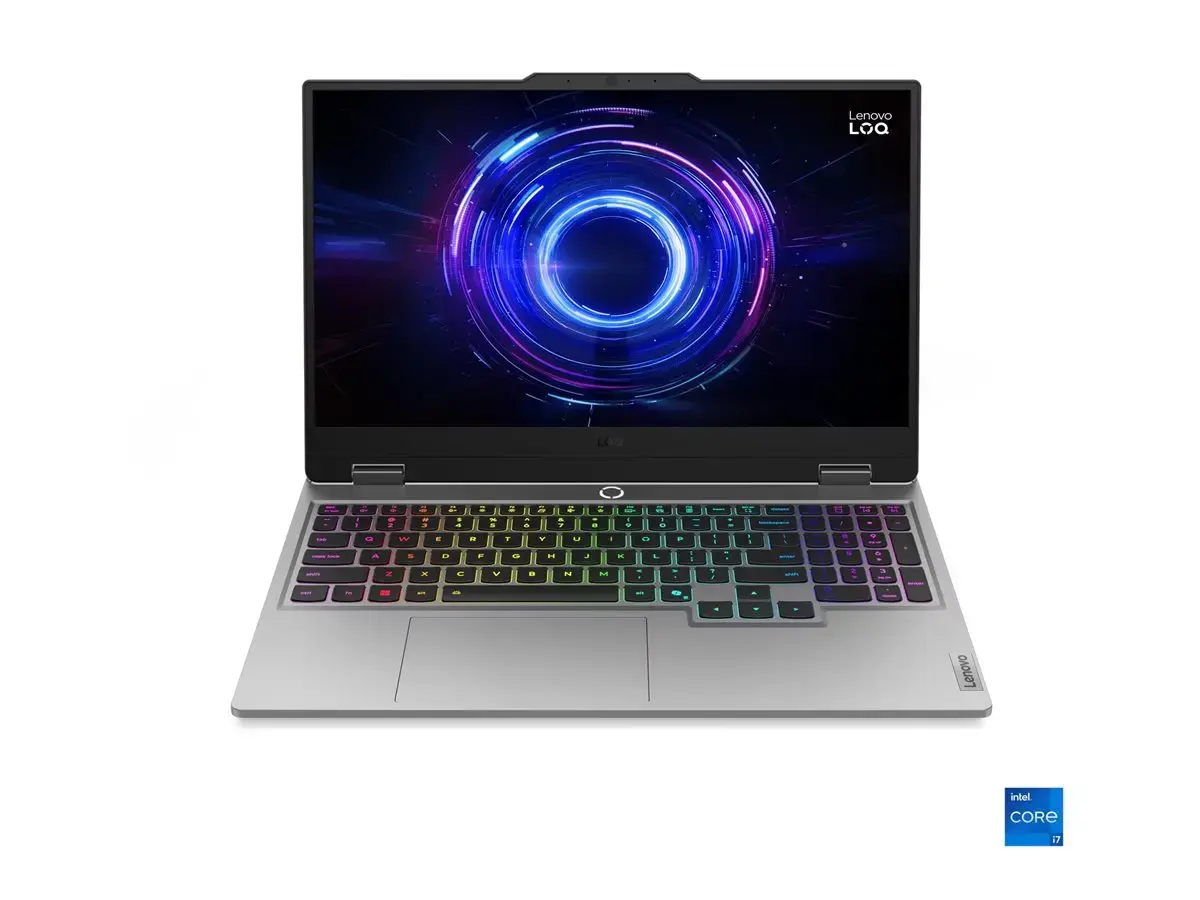
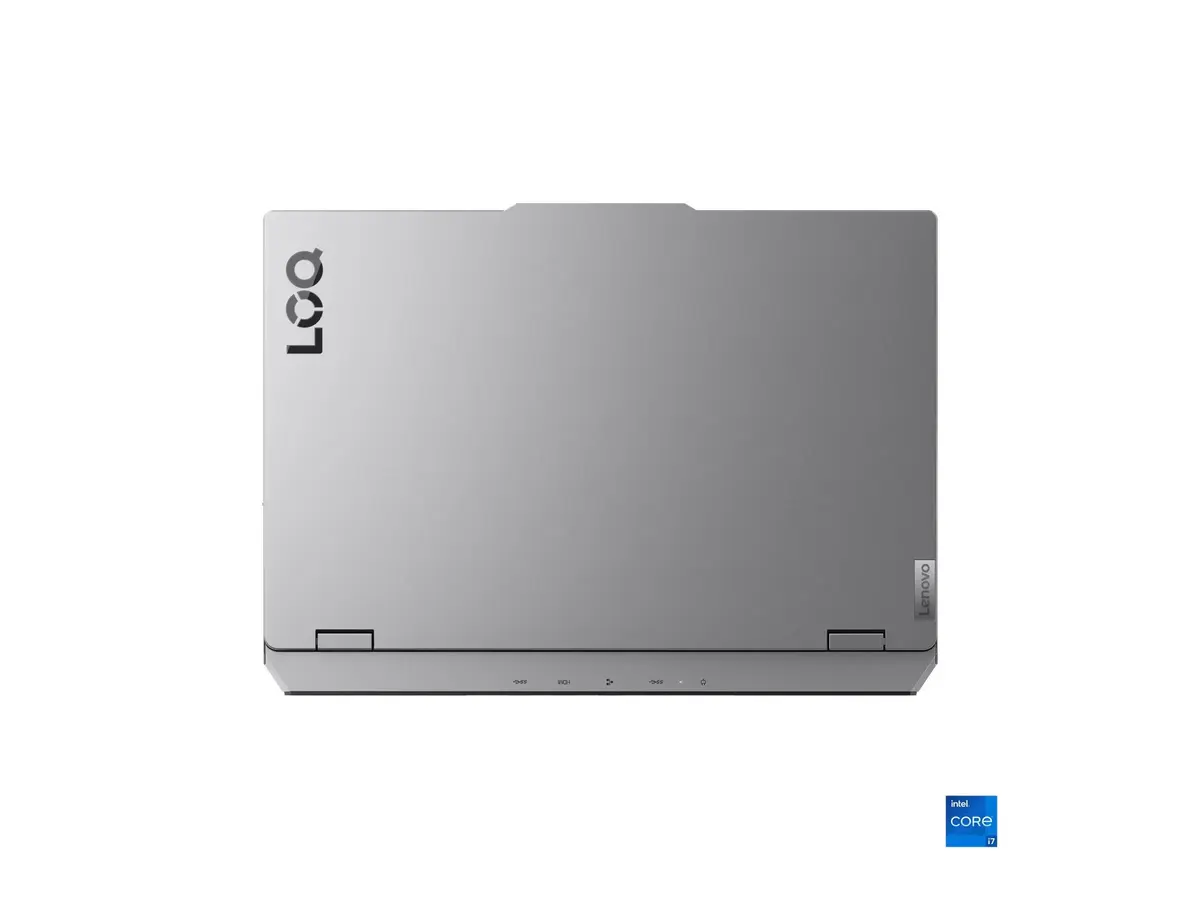
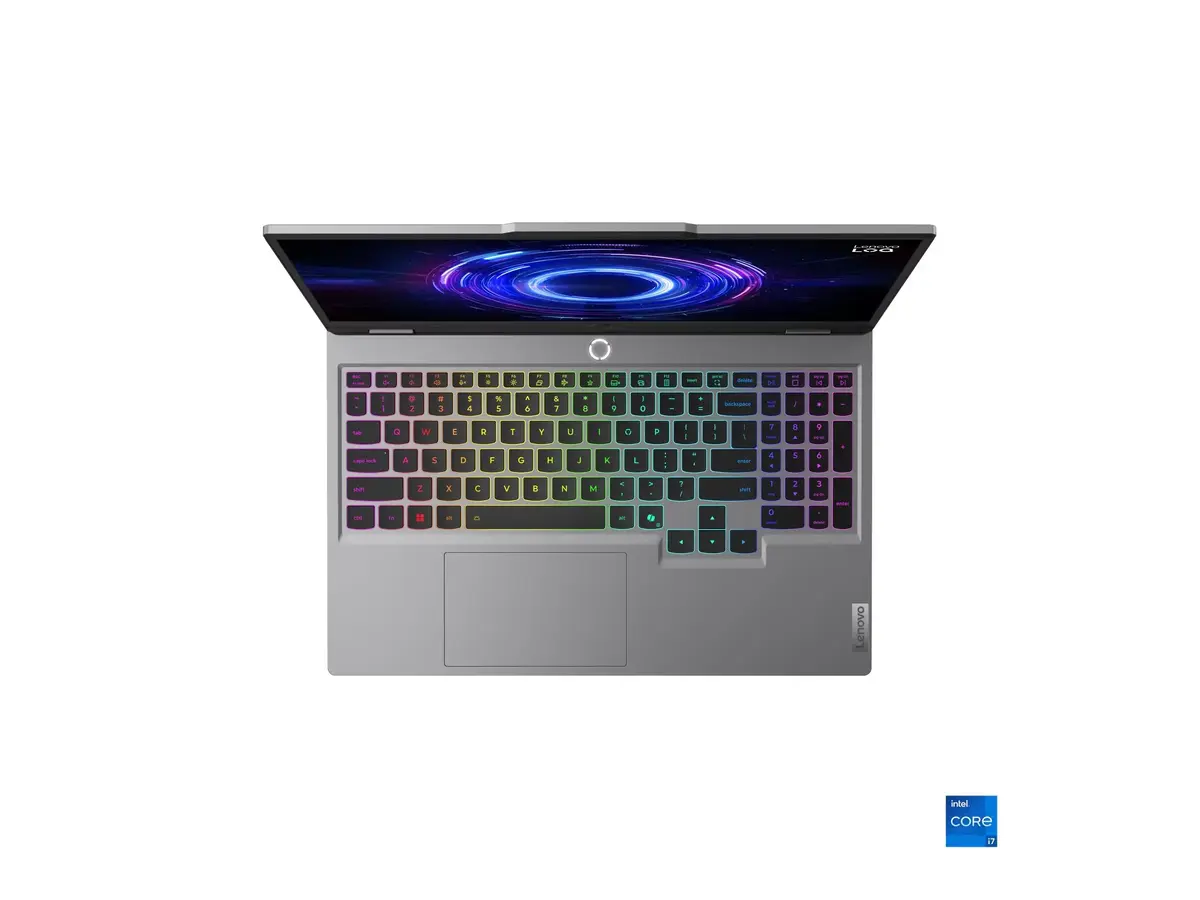
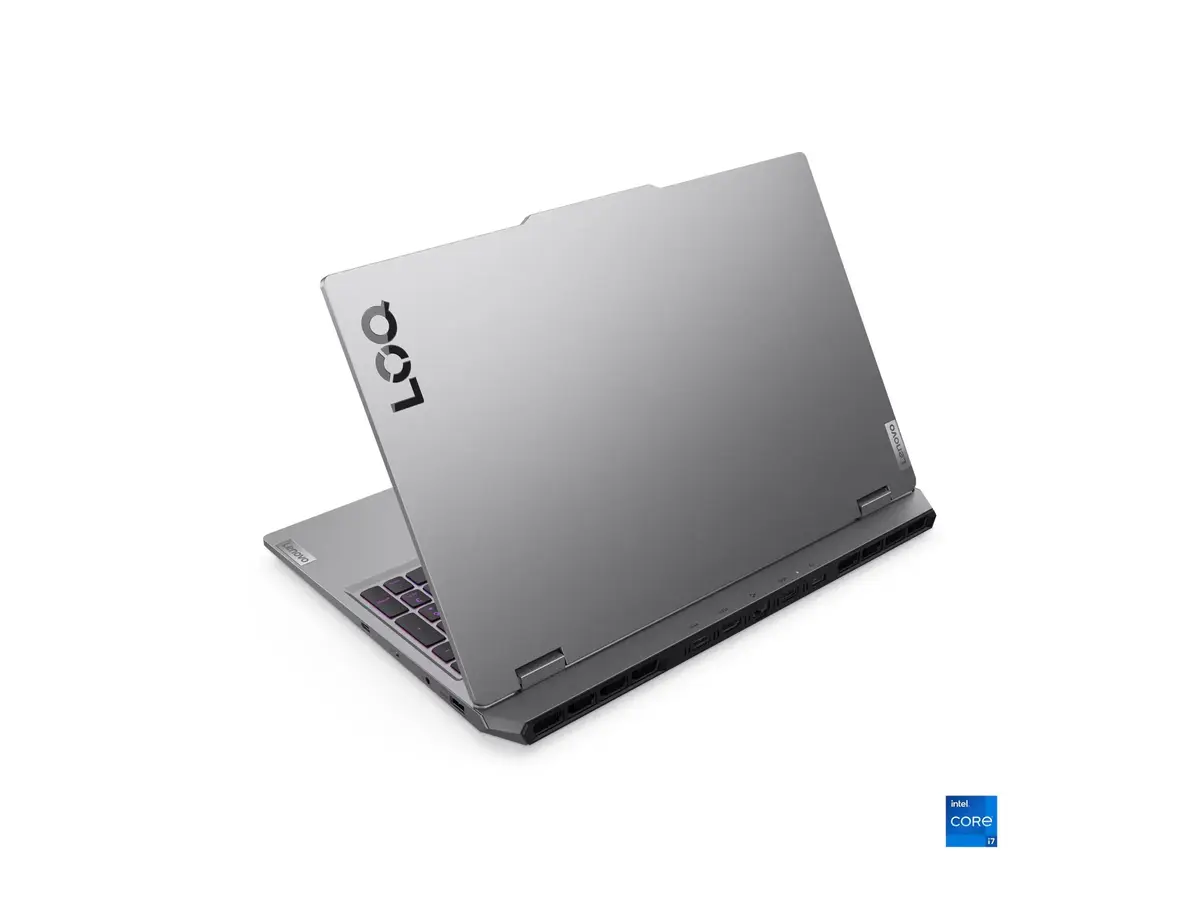
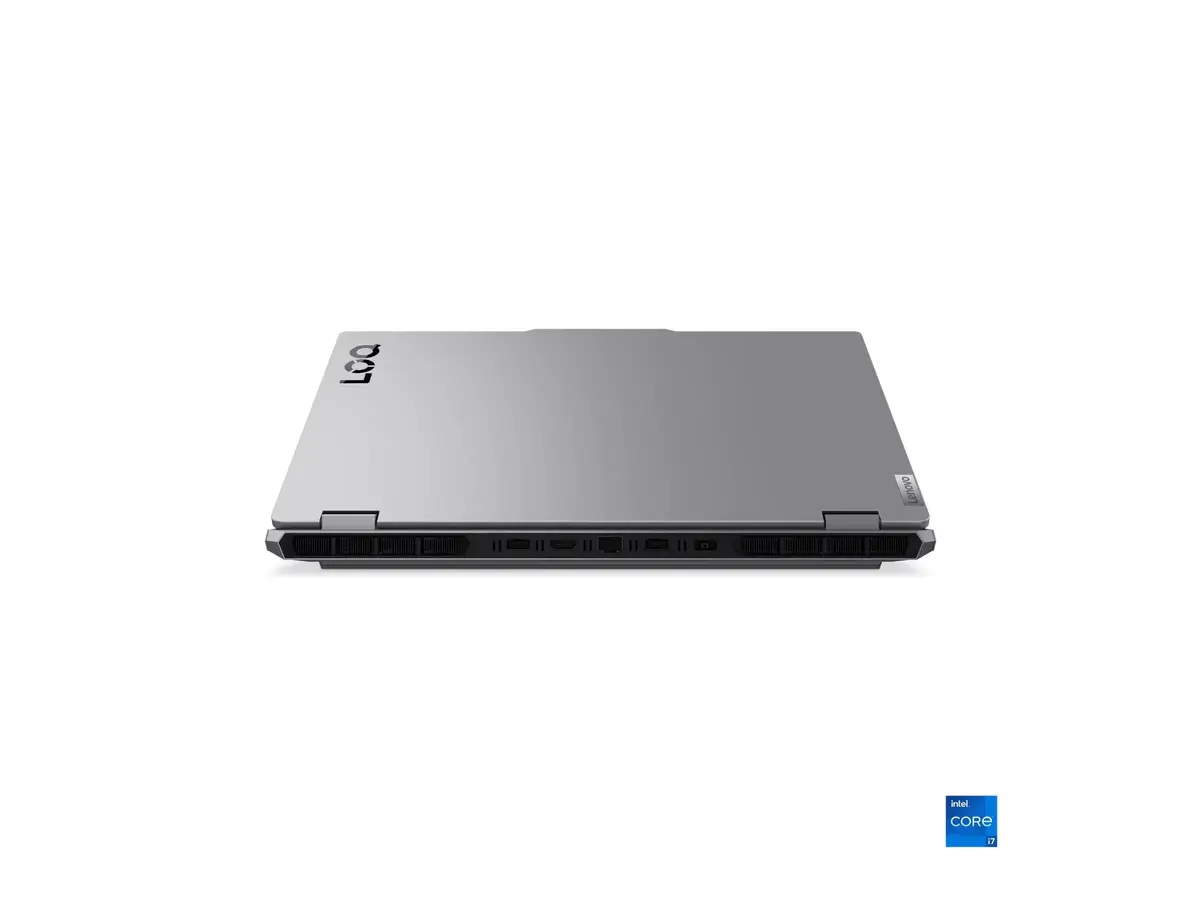
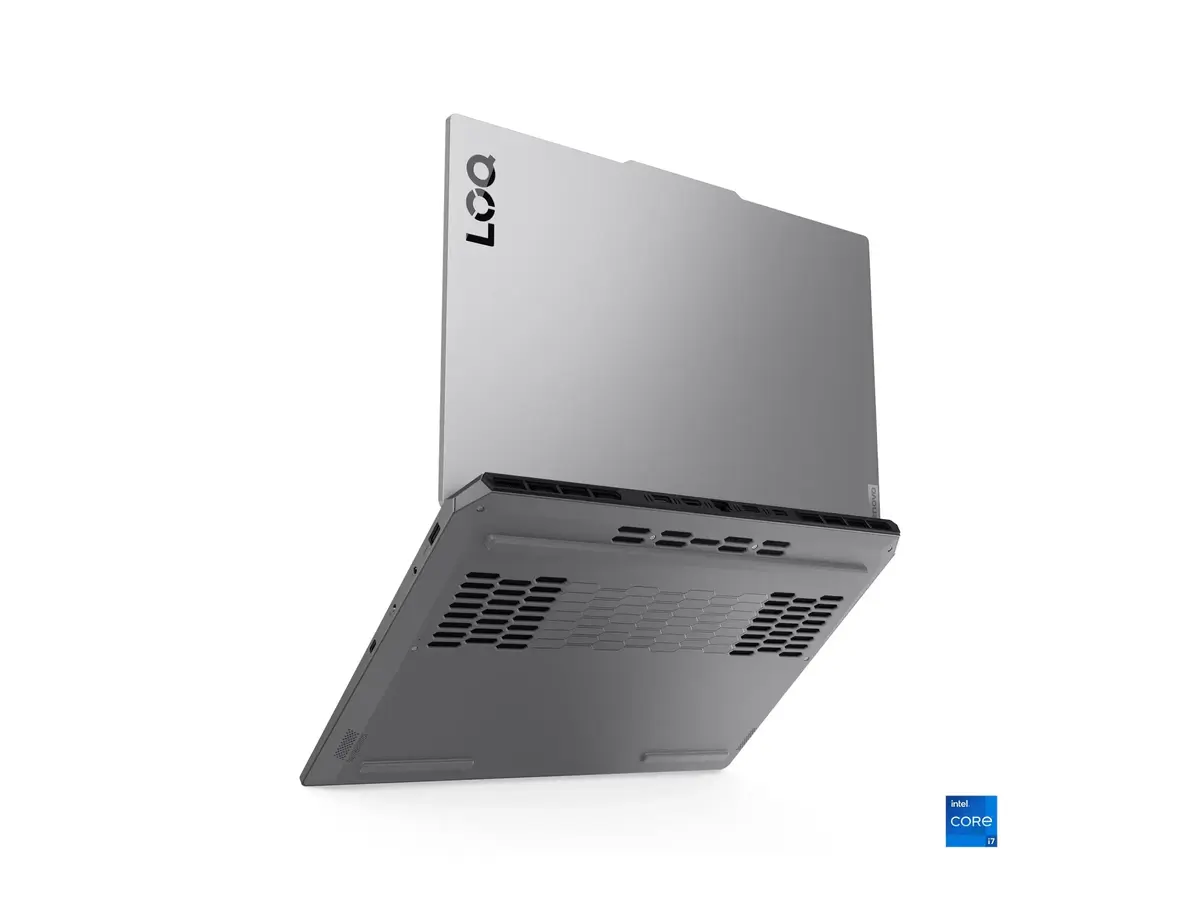
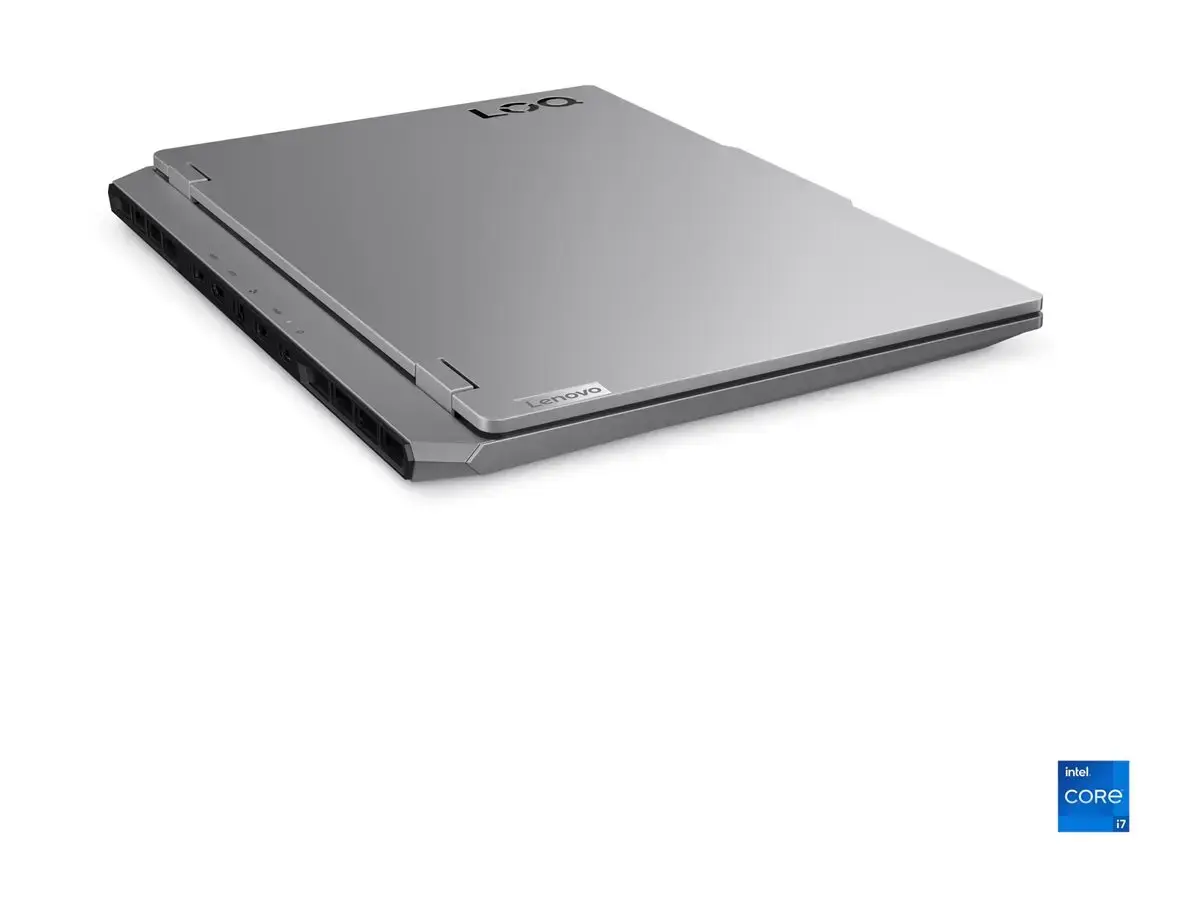
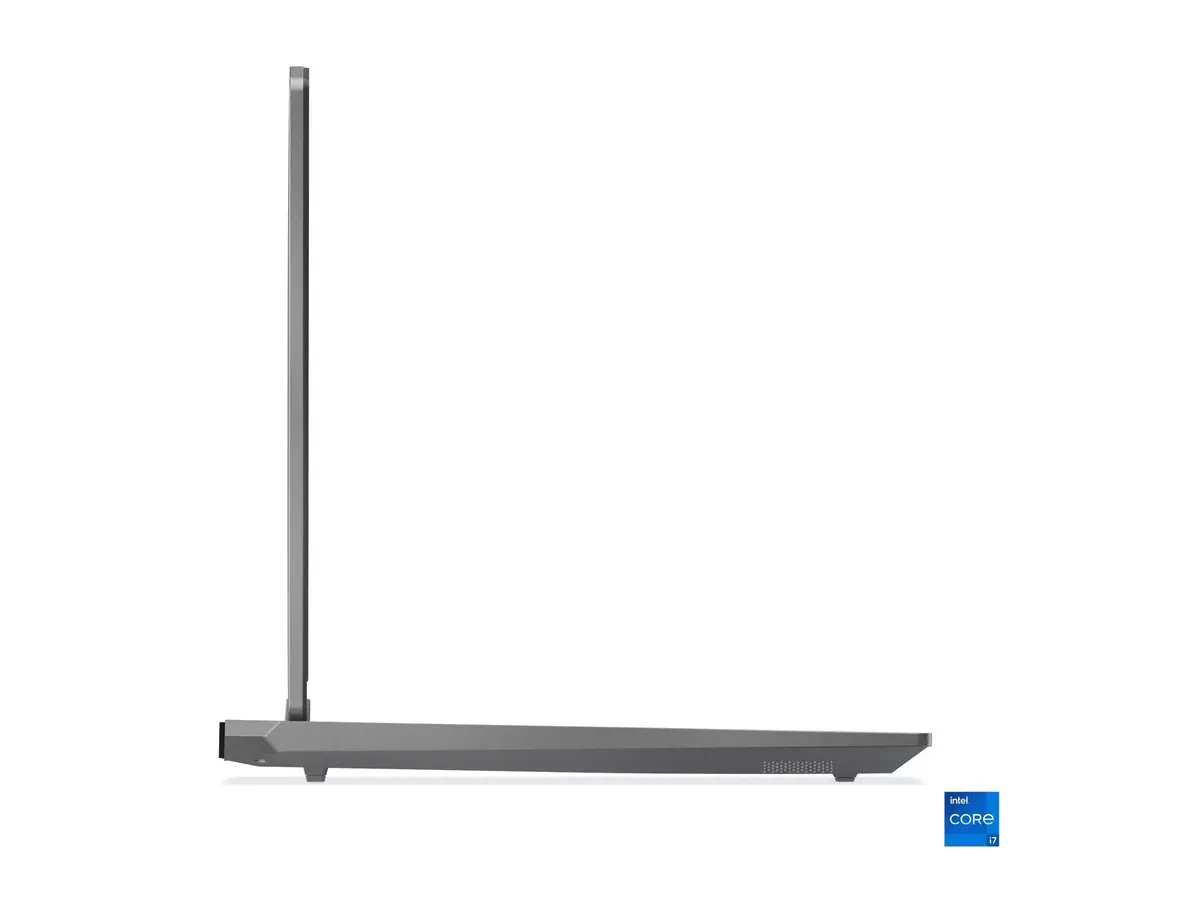
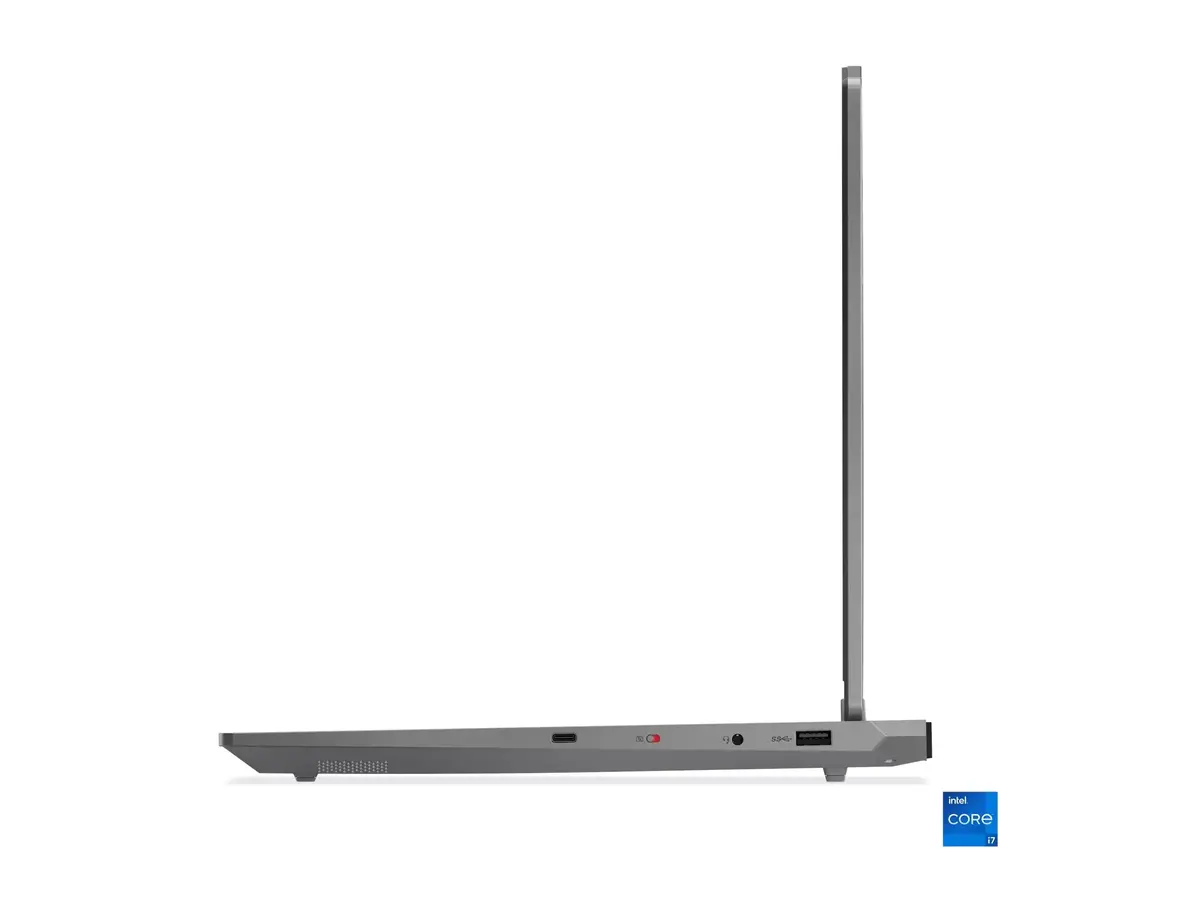
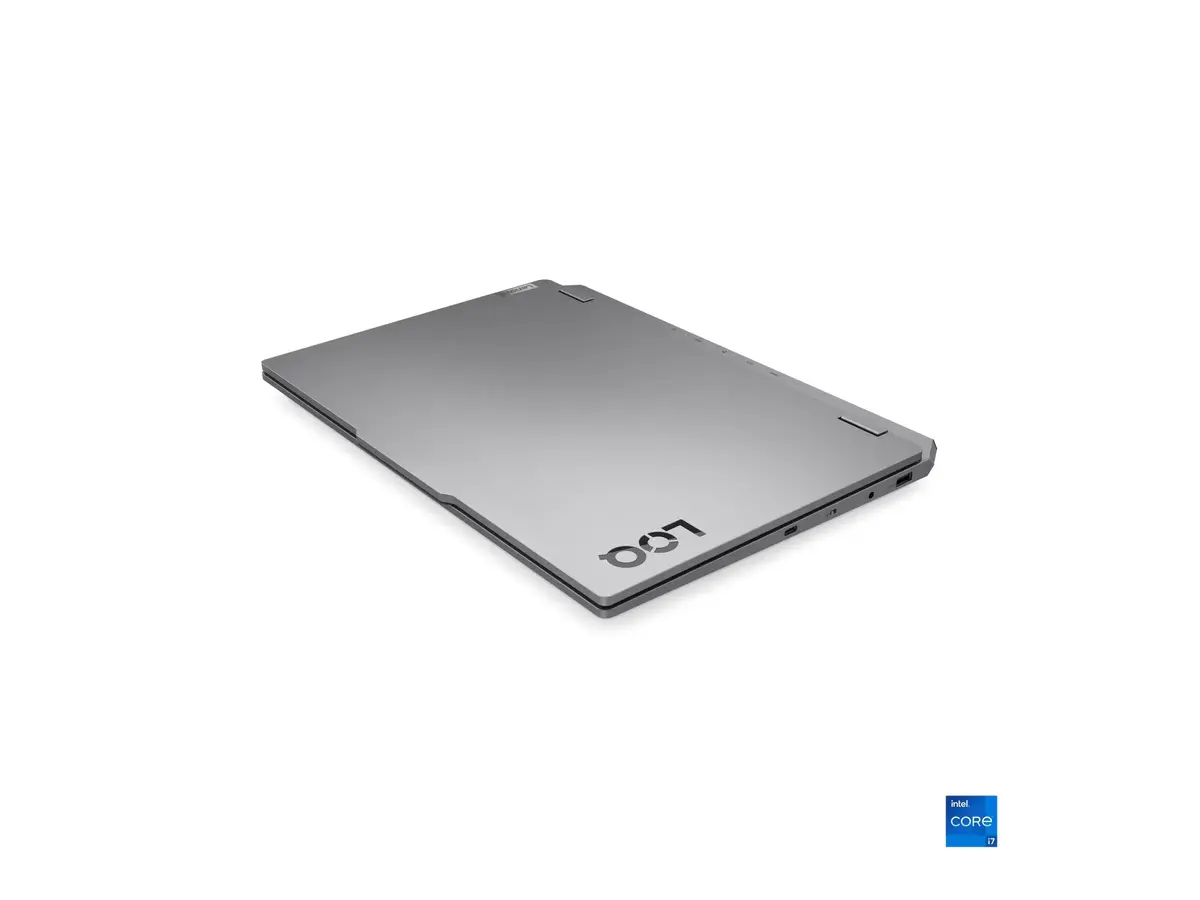
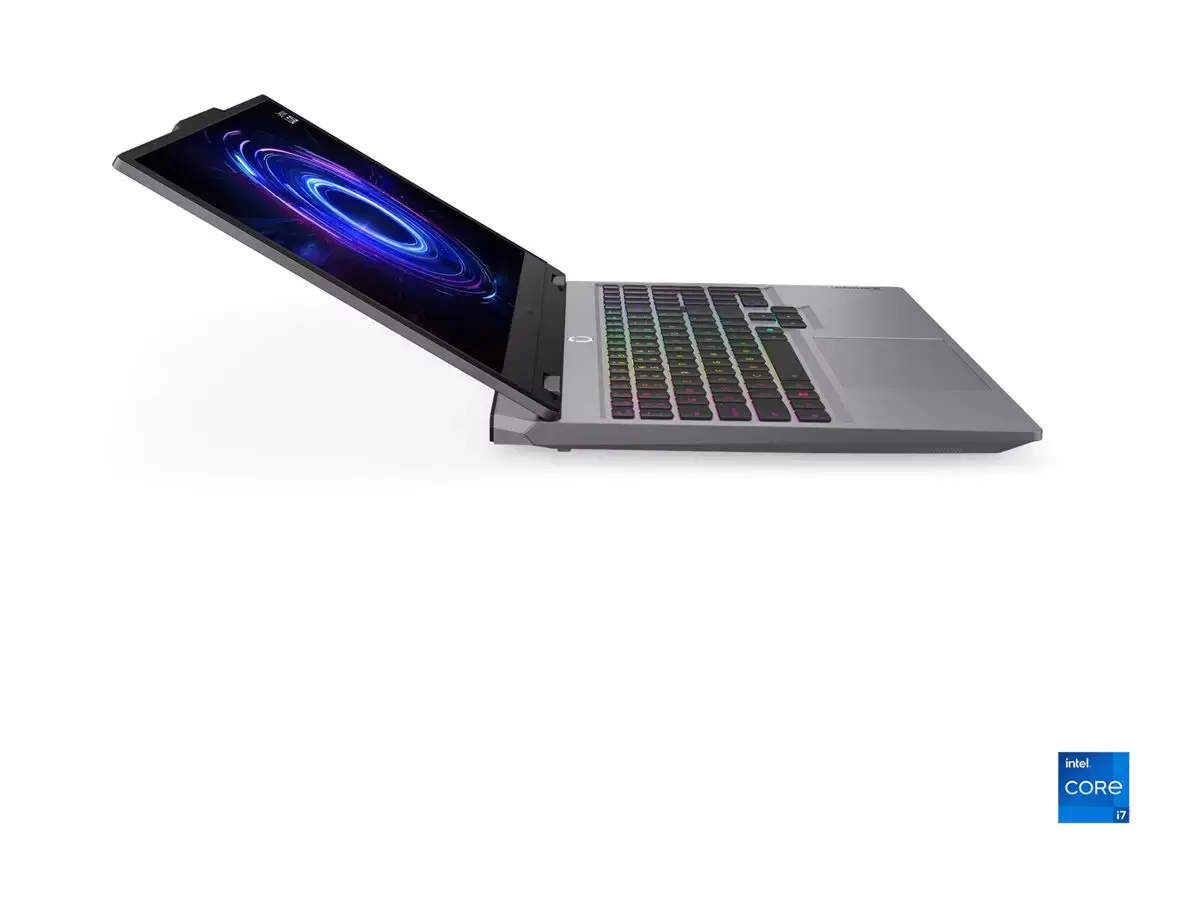
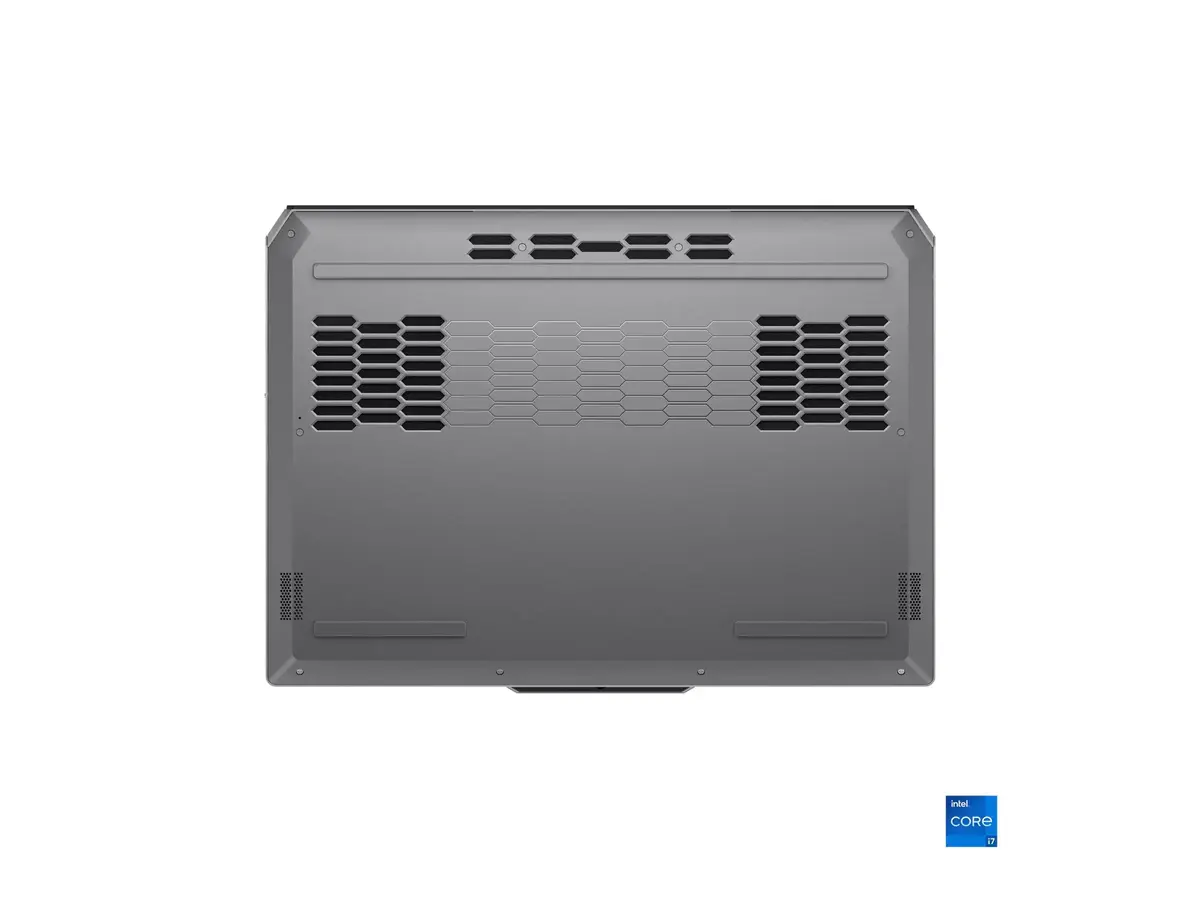
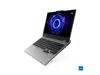
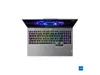
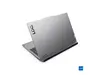
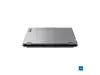
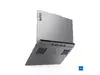
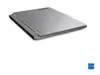
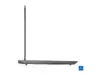
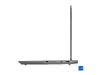
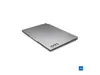
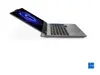
The Lenovo LOQ 15IRX10 in Luna Grey is a 15.6" laptop with an IPS FHD (1920 x 1080) anti-glare display. It is powered by an Intel Core i5-13450HX (10 cores, base 2.4 GHz, boost up to 4.6 GHz) and equipped with 16 GB SO-DIMM DDR5 memory (4800 MHz) and a 1 TB NVMe M.2 SSD (PCIe 4.0x4). Graphics are handled by an NVIDIA GeForce RTX 5060 with 8 GB GDDR7. The system ships with Windows 11 Home, includes a 5.0 MP camera with electronic shutter, a backlit Nordic keyboard, and a 60 Wh internal battery. Connectivity includes Wi‑Fi 802.11ax, Bluetooth 5.2, one RJ-45 Ethernet port, one HDMI, three USB-A (USB 3.2 Gen 1) and one USB-C (USB 3.2 Gen 2) supporting DisplayPort 1.4 and USB Power Delivery (65–100 W).
Advantages
This laptop combines a high-refresh, color-accurate IPS FHD panel with a dedicated NVIDIA GeForce RTX 5060 GPU suitable for graphics-intensive tasks. Fast DDR5 RAM and a PCIe 4.0 NVMe SSD provide responsive system performance and quick application loading. The USB-C port with DisplayPort and PD allows flexible docking and external display support. The backlit Nordic keyboard and anti-glare display improve usability in varied lighting conditions.
Suitable for
- Content creation and video editing
- 3D rendering and GPU-accelerated workloads
- Gaming at FHD resolutions
- Software development and multitasking
- Office work and multimedia consumption
When it may not be suitable
The laptop is relatively compact but not the lightest in its class; users who need a very lightweight or ultra-portable device for frequent travel may prefer thinner models. Battery capacity is 60 Wh, which may provide moderate runtime under heavy GPU load, so extended unplugged use for demanding tasks could require carrying the charger.
Key specifications
- Display: 15.6" IPS, FHD (1920 x 1080), anti-glare
- Processor: Intel Core i5-13450HX, 10 cores, 2.4 GHz base, 4.6 GHz boost
- Memory: 16 GB SO-DIMM DDR5, 4800 MHz (1 x 16 GB)
- Storage: 1 TB SSD M.2 2242 PCIe 4.0x4 NVMe
- Graphics: NVIDIA GeForce RTX 5060, 8 GB GDDR7
- Camera: 5.0 MP with electronic shutter
- Battery: 60 Wh (internal)
- Connectivity: Wi‑Fi 802.11ax, Bluetooth 5.2, 1x RJ-45, 1x HDMI, 3x USB-A (USB 3.2 Gen 1), 1x USB-C (USB 3.2 Gen 2, DP 1.4, PD 65–100 W)
- Keyboard: Nordic layout, backlit
- Operating system: Windows 11 Home
- Colour: Luna Grey
- Warranty: 24 months (device), 12 months (battery)
- Weight (net): 2.38 kg
How to use
Set up the Lenovo LOQ by connecting the charger and completing the Windows 11 Home initial configuration. Install required drivers and updates via Windows Update and Lenovo support if needed. For external displays or docking, connect a compatible USB-C cable to use DisplayPort output and USB Power Delivery. Store large files on the onboard 1 TB NVMe SSD and consider enabling Windows power plans appropriate for performance or battery savings depending on workload.
What to consider before purchase
- Intended workloads: ensure the RTX 5060 and i5-13450HX meet your performance needs for gaming, content creation, or GPU-accelerated applications
- Portability vs. battery life: 2.38 kg net weight and 60 Wh battery offer moderate mobility but may limit unplugged heavy use
- Memory configuration: shipped with a single 16 GB SO-DIMM module (1x16GB) — check upgrade options if more channels or capacity are required
- Display preferences: 15.6" FHD IPS anti-glare is suitable for many tasks but not a higher-resolution or touchscreen option
Usage recommendations
For best performance in demanding applications, use the supplied power adapter and select a high-performance power profile. Keep system drivers and GPU firmware updated, and ensure adequate cooling during extended GPU workloads to maintain sustained performance.