
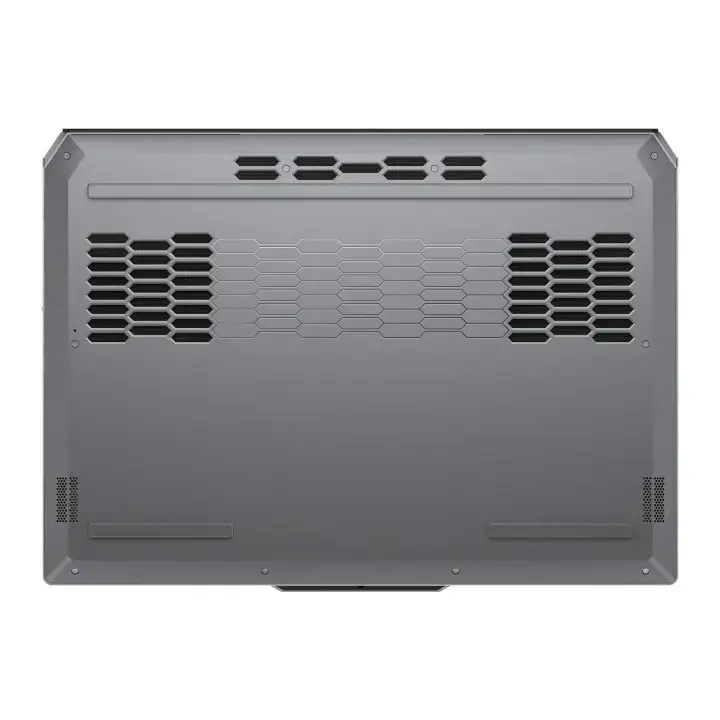
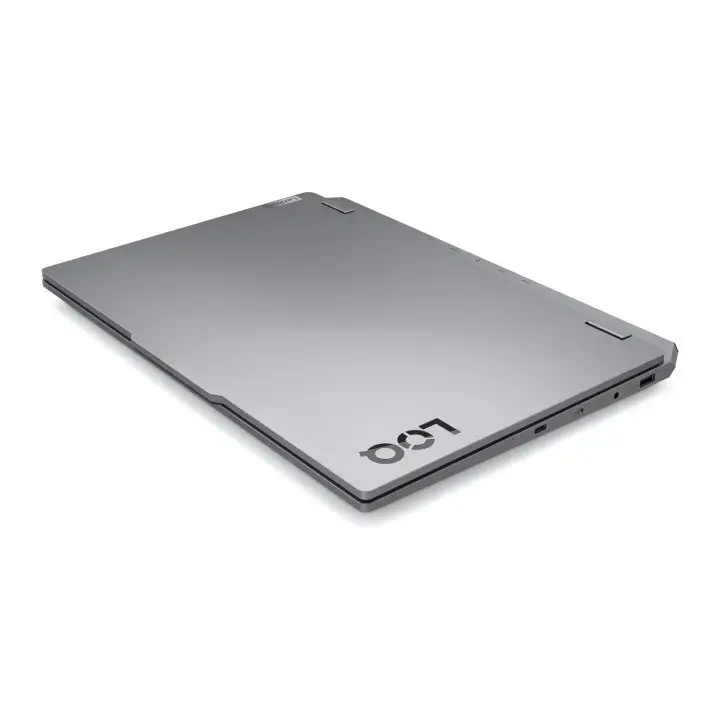
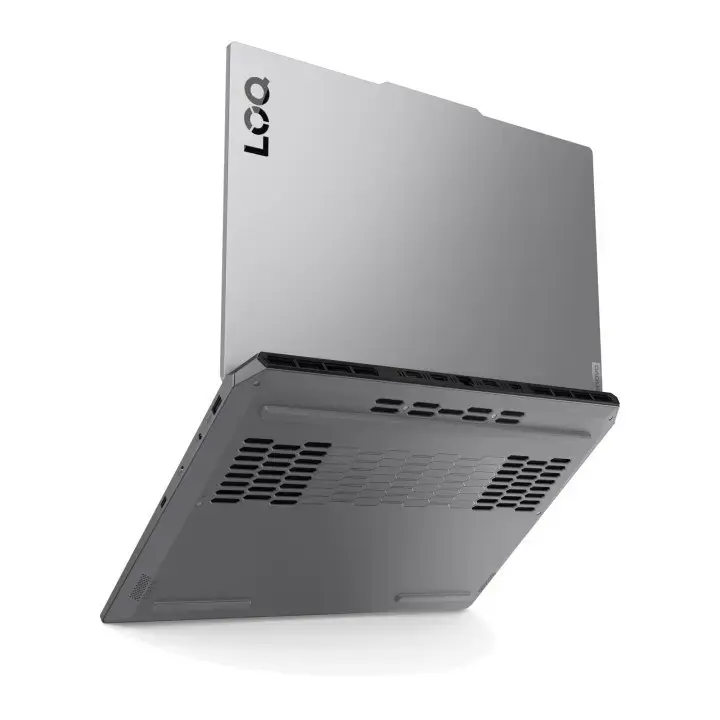
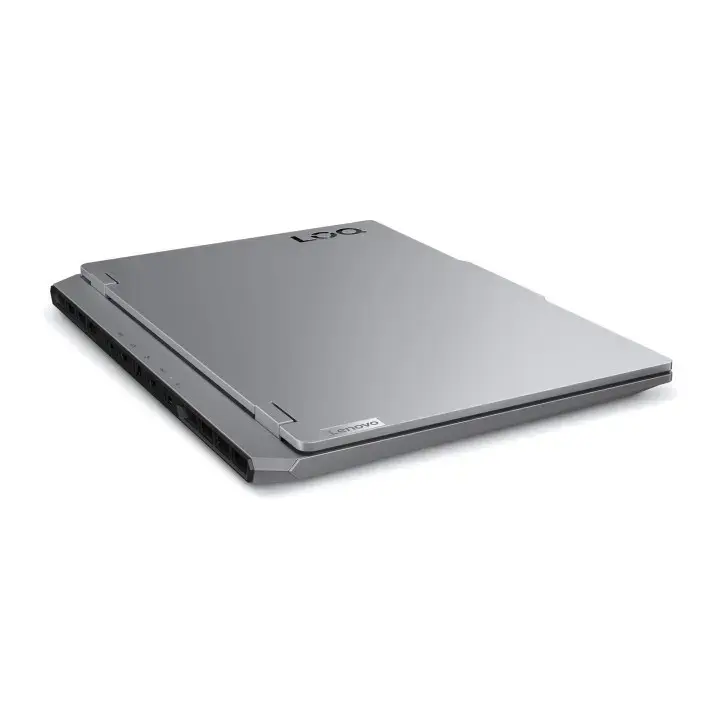
Save time and money with our discounts!
In cart {{totalProductsCount}} item(s)
Your cart is empty
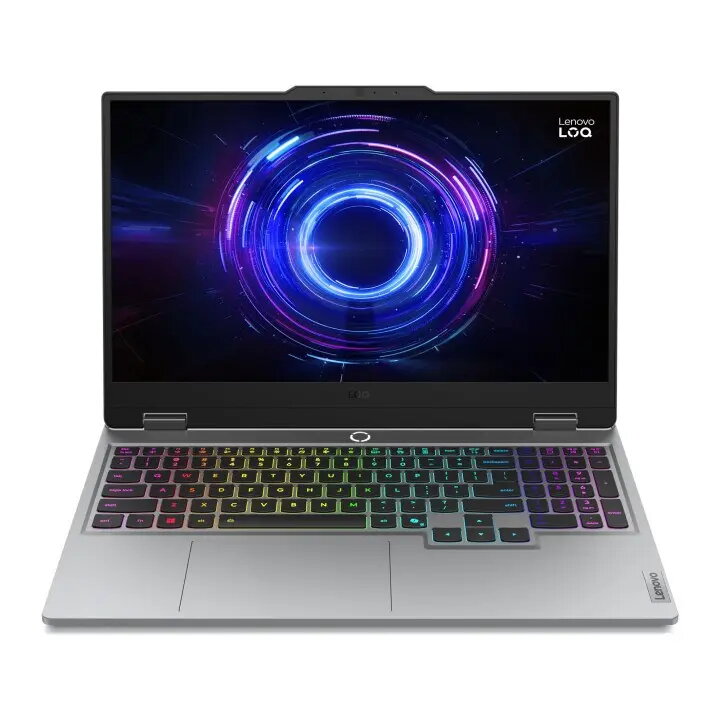
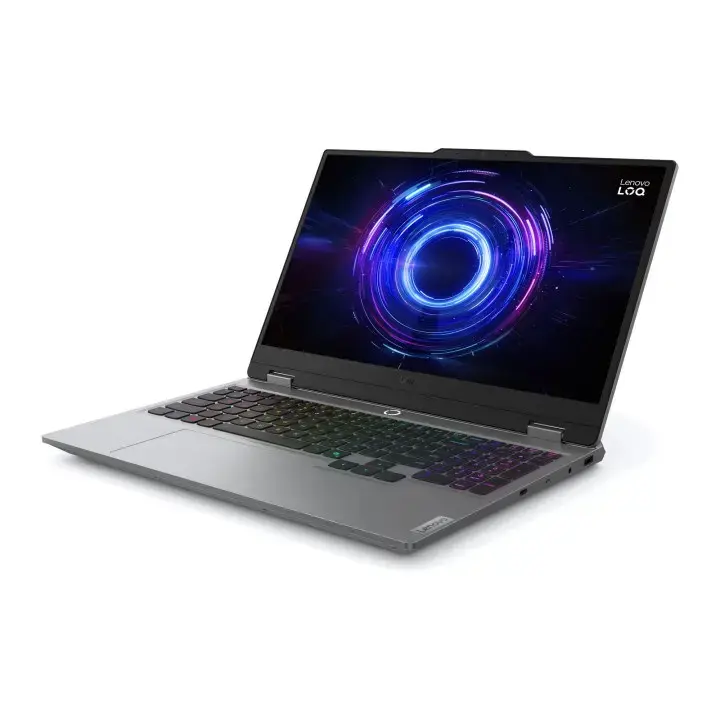
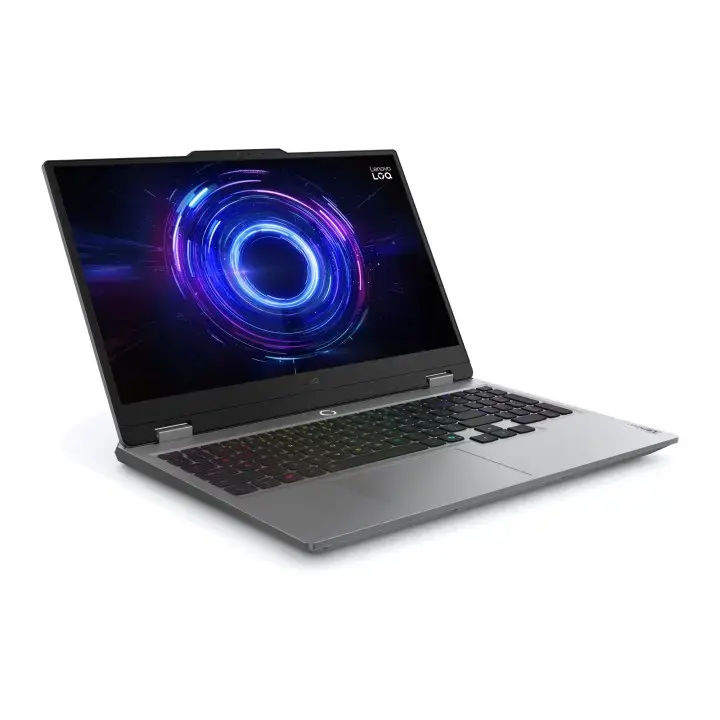
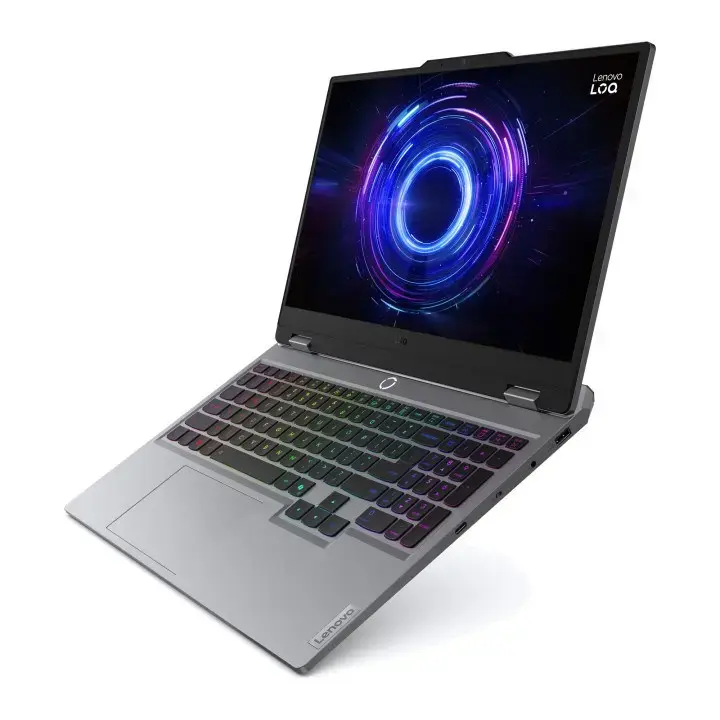
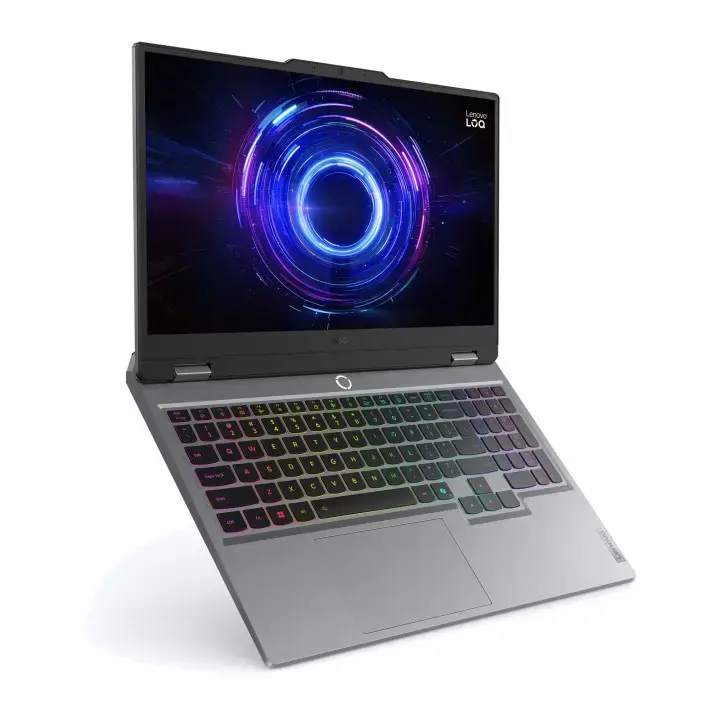
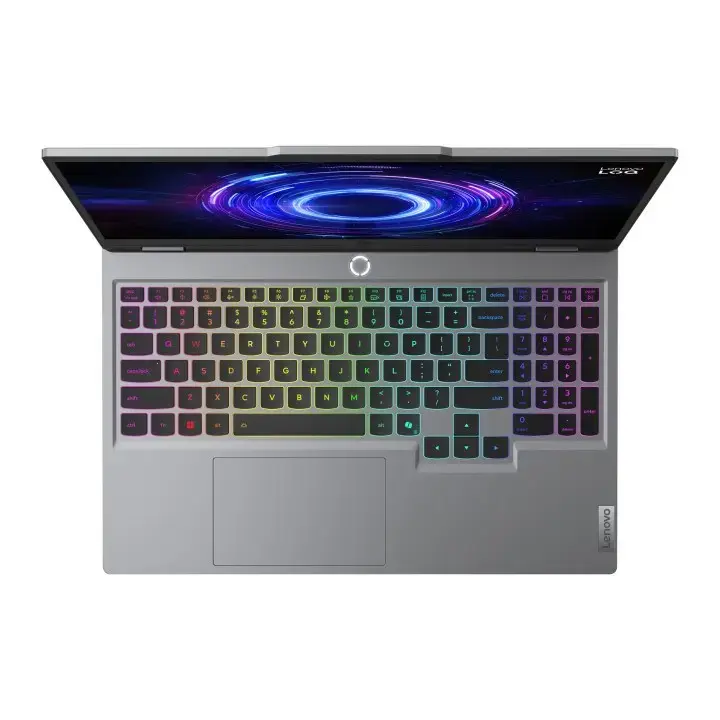
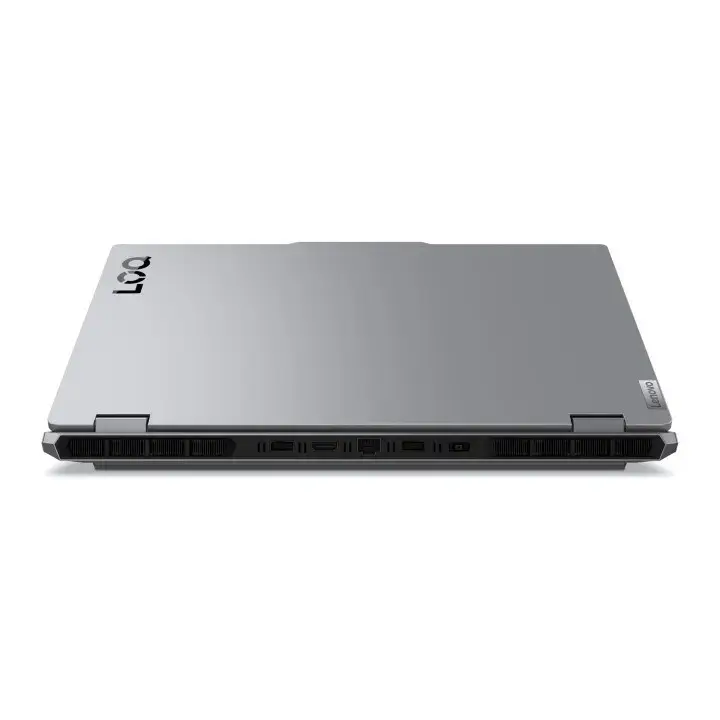
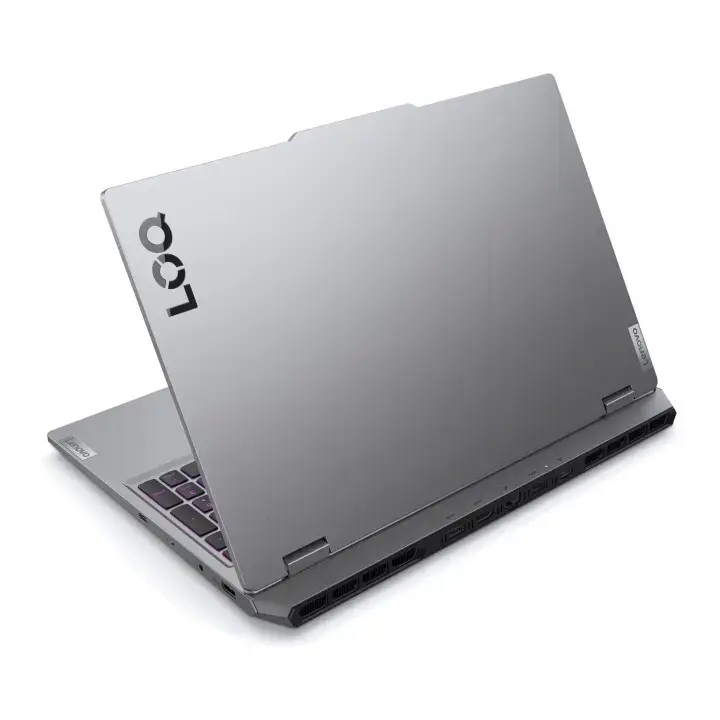
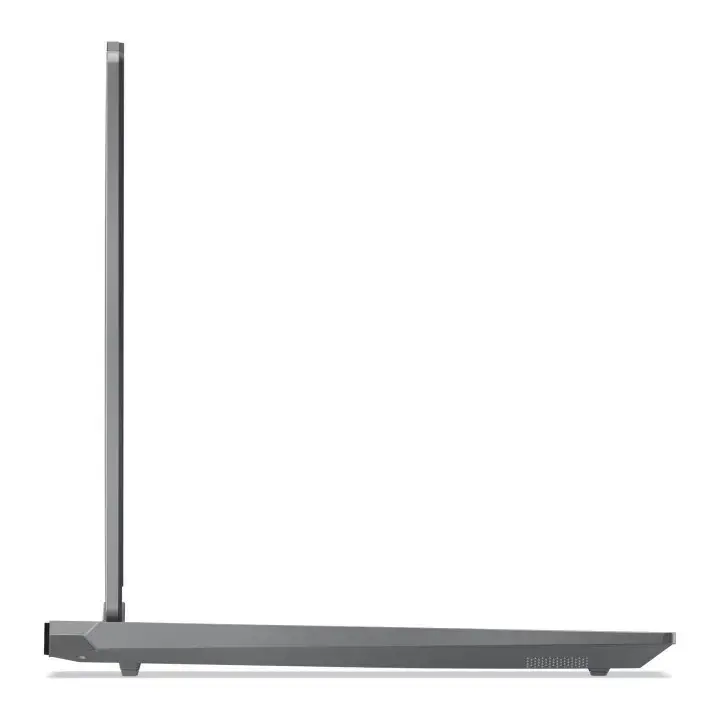
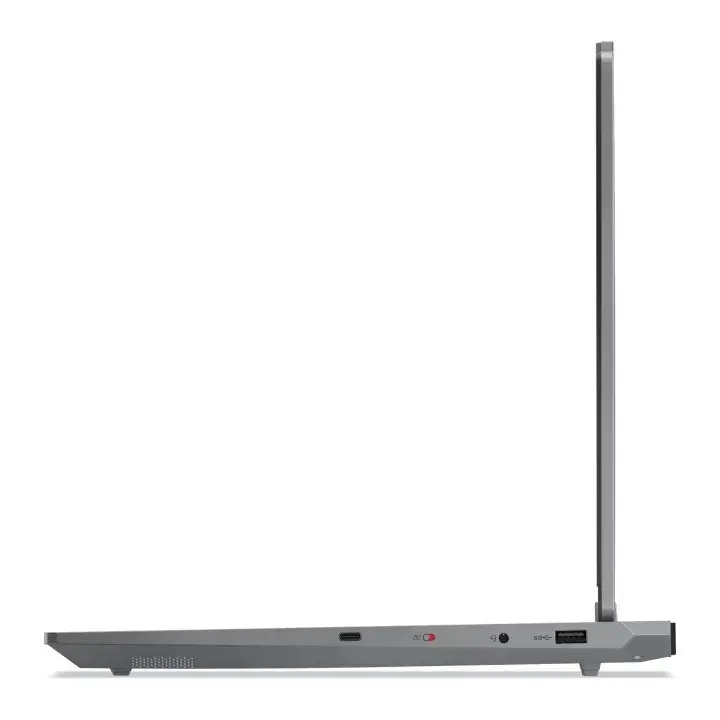
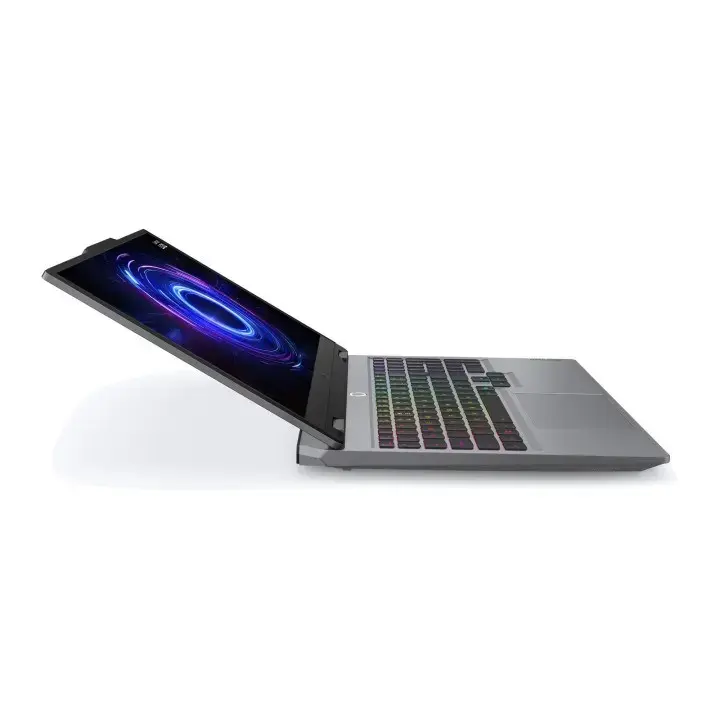
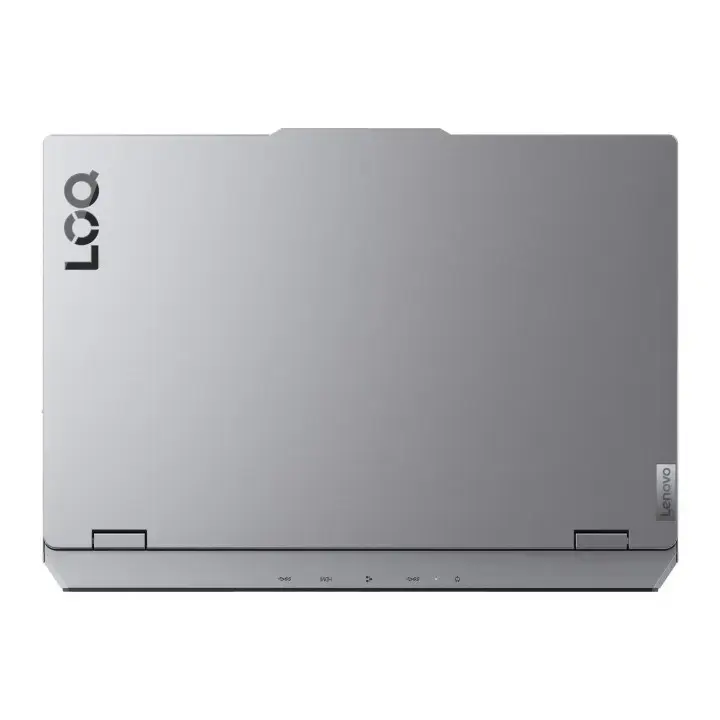
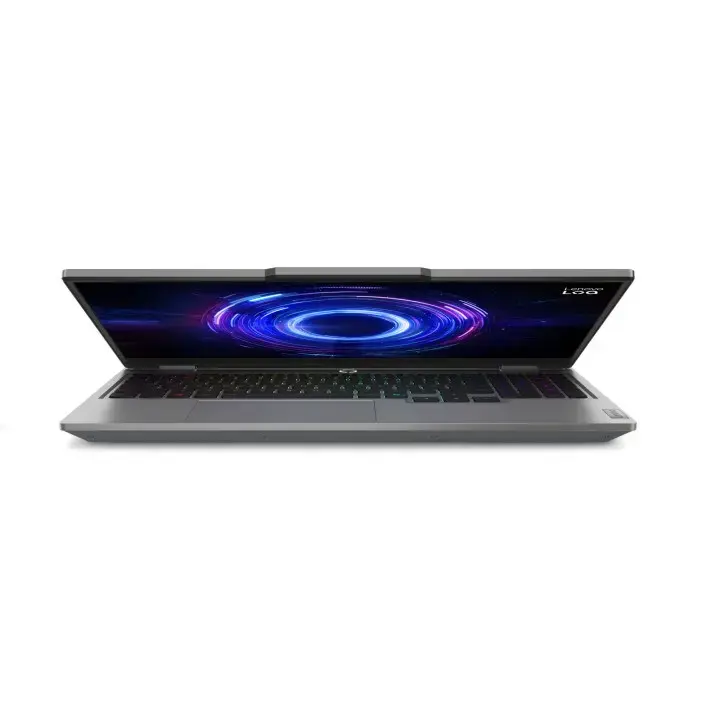
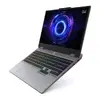
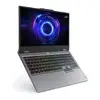
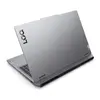
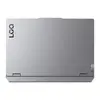
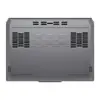
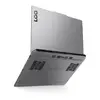
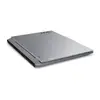
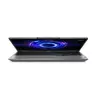
Laptop Lenovo LOQ 15IRX10 15.6" Full HD IPS 144Hz i5-13450HX 16GB DDR5 512GB SSD RTX 5060 8GB Luna Grey
Lenovo LOQ 15IRX10 is a 15.6" laptop with a Full HD IPS display (1920×1080, 144 Hz, 300 cd/m², DisplayHDR 400, 100% DCI‑P3). It is powered by an Intel Core i5‑13450HX processor (10 cores, up to 4.6 GHz), 16 GB DDR5 (4800 MHz, 1 x 16 GB installed, two SO‑DIMM slots, upgradable to 32 GB) and a 512 GB NVMe PCIe 4.0 SSD. Discrete NVIDIA GeForce RTX 5060 graphics with 8 GB GDDR7 memory provides dedicated GPU performance. The chassis is finished in Luna Grey and the laptop includes Wi‑Fi 6, Bluetooth 5.2, Gigabit Ethernet, HDMI 2.1, multiple USB ports and a 5 MP front camera.
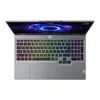
The laptop combines a high-refresh Full HD IPS display with wide DCI‑P3 coverage and HDR support, a modern 10-core Intel Core i5 processor and an NVIDIA GeForce RTX 5060 GPU for improved graphics performance. Fast DDR5 memory and a PCIe 4.0 NVMe SSD deliver responsive system performance and quick application loading. Connectivity options include Wi‑Fi 6, Bluetooth 5.2 and Ethernet, while the backlit keyboard, numeric keypad and a 60 Wh battery support extended use.
Power on the laptop with the power button, configure BIOS/UEFI settings if needed and install an operating system or use it with an existing OS image. Insert additional SO‑DIMM memory into the free slot to increase RAM up to 32 GB, and connect external displays via HDMI 2.1 or USB‑C (if supported by the connected device). Use the NVMe M.2 slot for storage upgrades or replacements following manufacturer guidelines. Charge the device with the supplied 170 W AC adapter and follow standard safety practices for battery charging and storage.
For sustained gaming or heavy GPU workloads, ensure adequate ventilation and use the laptop on a hard, flat surface. Keep firmware and drivers up to date (graphics, chipset and BIOS) to maintain compatibility and performance. When upgrading memory or storage, disconnect power and consult the maintenance manual or a qualified technician.
{{highlightedFeature.featureTitle}}:
{{getProductFeatureValueById(product, highlightedFeature.featureId)}}
{{ productComparisonGenerationError }}
