
Save time and money with our discounts!
In cart {{totalProductsCount}} item(s)
Your cart is empty
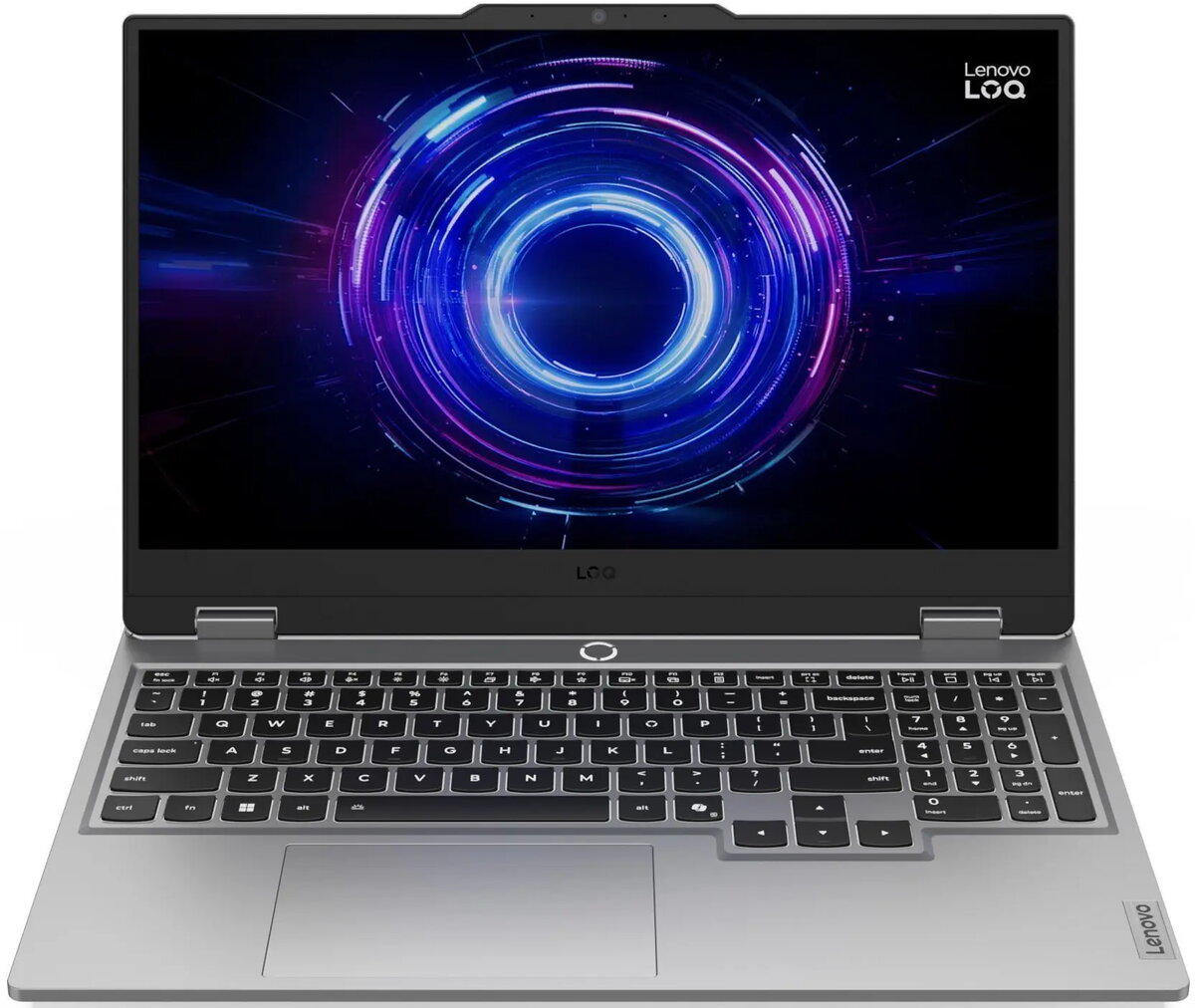
Laptop Lenovo LOQ 15IRX10 15.6" i7-13650HX 32GB 1TB RTX 5070 Windows
The Lenovo LOQ 15IRX10 15.6" i7-13650HX laptop combines a 15.6-inch display, Intel i7-13650HX performance, 32GB of memory and a 1TB solid-state drive with NVIDIA RTX 5070 graphics to deliver a balanced platform for gaming and productivity. Running Windows, this model offers a familiar desktop environment, fast storage for large projects, and a high-performance CPU and GPU combination for demanding applications. The design and configuration are tailored for users who need a portable system capable of handling modern games, content creation and multitasking.
This Lenovo LOQ model provides a high-performance Intel i7-13650HX processor that supports sustained multi-threaded workloads, paired with 32GB RAM to enable smooth multitasking and application switching. The 1TB SSD offers fast boot times and quick file access, while the NVIDIA RTX 5070 GPU accelerates real-time graphics, rendering and hardware-accelerated tasks. The 15.6" display balances screen area and portability, and Windows compatibility ensures broad software support and driver availability.
Set up the Lenovo LOQ 15IRX10 by completing the Windows initial configuration and installing the latest system and graphics drivers from official sources. Use the included storage to transfer games, projects and media files; configure power and performance profiles in Windows and the GPU control panel to match your tasks. For gaming, update game settings and drivers to obtain optimal frame rates. For creative work, store active projects on the internal SSD and consider external backup for archives.
For sustained high-performance tasks, keep the laptop on a hard, ventilated surface to ensure adequate cooling, monitor temperatures during intensive workloads, and use the power profile that prioritizes performance. Regularly update Windows and GPU drivers, and maintain backups of important data to the cloud or external drives. Adjust in-game or application settings to balance performance and thermals according to your needs.
{{highlightedFeature.featureTitle}}:
{{getProductFeatureValueById(product, highlightedFeature.featureId)}}
{{ productComparisonGenerationError }}
