


Filters you can trust. Pure water every day.
In cart {{totalProductsCount}} item(s)
Your cart is empty
Laptop Lenovo LOQ 15AHP10 15.6" FHD IPS, AMD Ryzen 5 220 (6 cores, up to 4.9GHz), 16GB DDR5, 512GB PCIe 4.0 NVMe, NVIDIA GeForce RTX 5050 8GB, Windows...
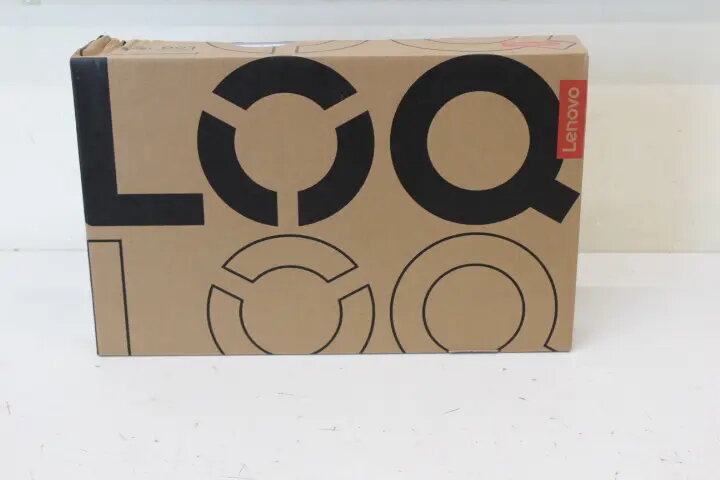
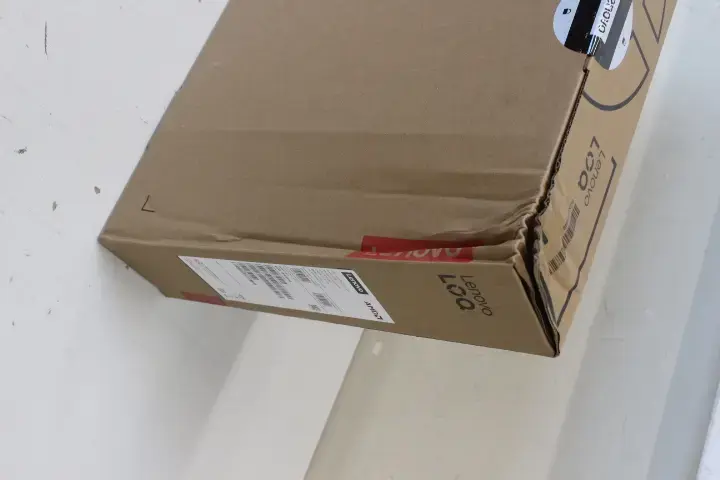
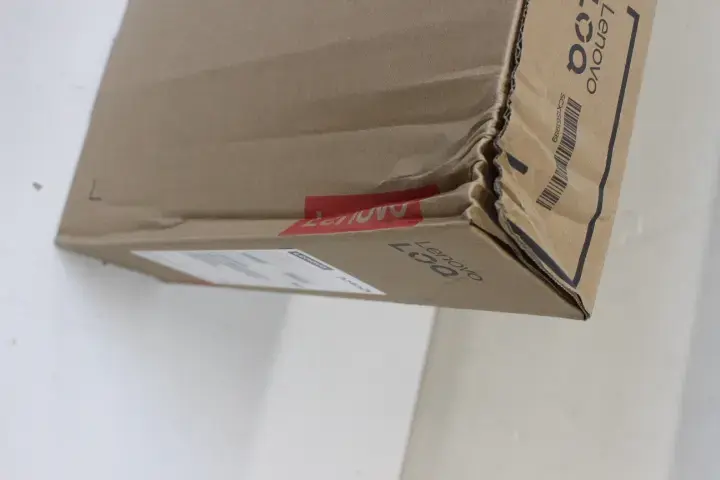
The Lenovo LOQ 15AHP10 is a 15.6" laptop with an FHD (1920×1080) IPS anti-glare display designed for general-purpose computing, multimedia and mid-range gaming. It is powered by an AMD Ryzen 5 220 six-core processor with boost up to 4.9 GHz, paired with 16GB DDR5 (5600 MHz) memory and a 512GB M.2 PCIe 4.0 NVMe SSD. Graphics are handled by a discrete NVIDIA GeForce RTX 5050 with 8GB GDDR7 memory. The system runs Windows 11 Home and includes a 60Wh battery, Wi‑Fi 6 (802.11ax), Bluetooth 5.3, an English backlit keyboard, a 5MP camera with e-shutter, and a range of ports including USB-A, USB-C with Power Delivery and DisplayPort, HDMI and RJ‑45. The unit is offered with damaged packaging and includes a 24‑month warranty.
The combination of a six-core Ryzen 5 CPU, fast DDR5 memory and a PCIe 4.0 NVMe SSD provides responsive system performance for multitasking and application loading. Discrete NVIDIA GeForce RTX 5050 graphics with 8GB of GDDR7 memory enables gameplay at moderate settings and accelerates GPU‑dependent workloads such as content creation and hardware-accelerated video encoding. The 15.6" FHD IPS anti-glare display offers wide viewing angles and reduced reflections for extended use. A 60Wh battery delivers portable runtime while modern connectivity including USB-C PD, HDMI and Ethernet supports docking, external displays and wired networks.
Unpack the laptop and connect the included power adapter to charge the internal 60Wh battery before first use. Power on and follow the Windows 11 Home setup prompts to configure language, user account and network settings. Use the USB-C port to connect to compatible chargers or docks supporting USB Power Delivery for charging and external display output via DisplayPort 1.4. Install required applications and drivers through Windows Update and Lenovo support resources. For gaming or creative applications, confirm GPU drivers are up to date to ensure optimal performance.
For balanced performance and battery life, use the system power profiles in Windows to select the appropriate power mode for your task. When performing GPU-intensive work or gaming, connect the laptop to external power and ensure adequate ventilation. Keep drivers and firmware updated and back up important data from the 512GB NVMe SSD regularly. Note that this unit has damaged packaging but is covered by a 24‑month warranty; inspect the device on receipt and report any functional issues within the warranty period.
{{highlightedFeature.featureTitle}}:
{{getProductFeatureValueById(product, highlightedFeature.featureId)}}
{{ productComparisonGenerationError }}
