
Filters you can trust. Pure water every day.
In cart {{totalProductsCount}} item(s)
Your cart is empty
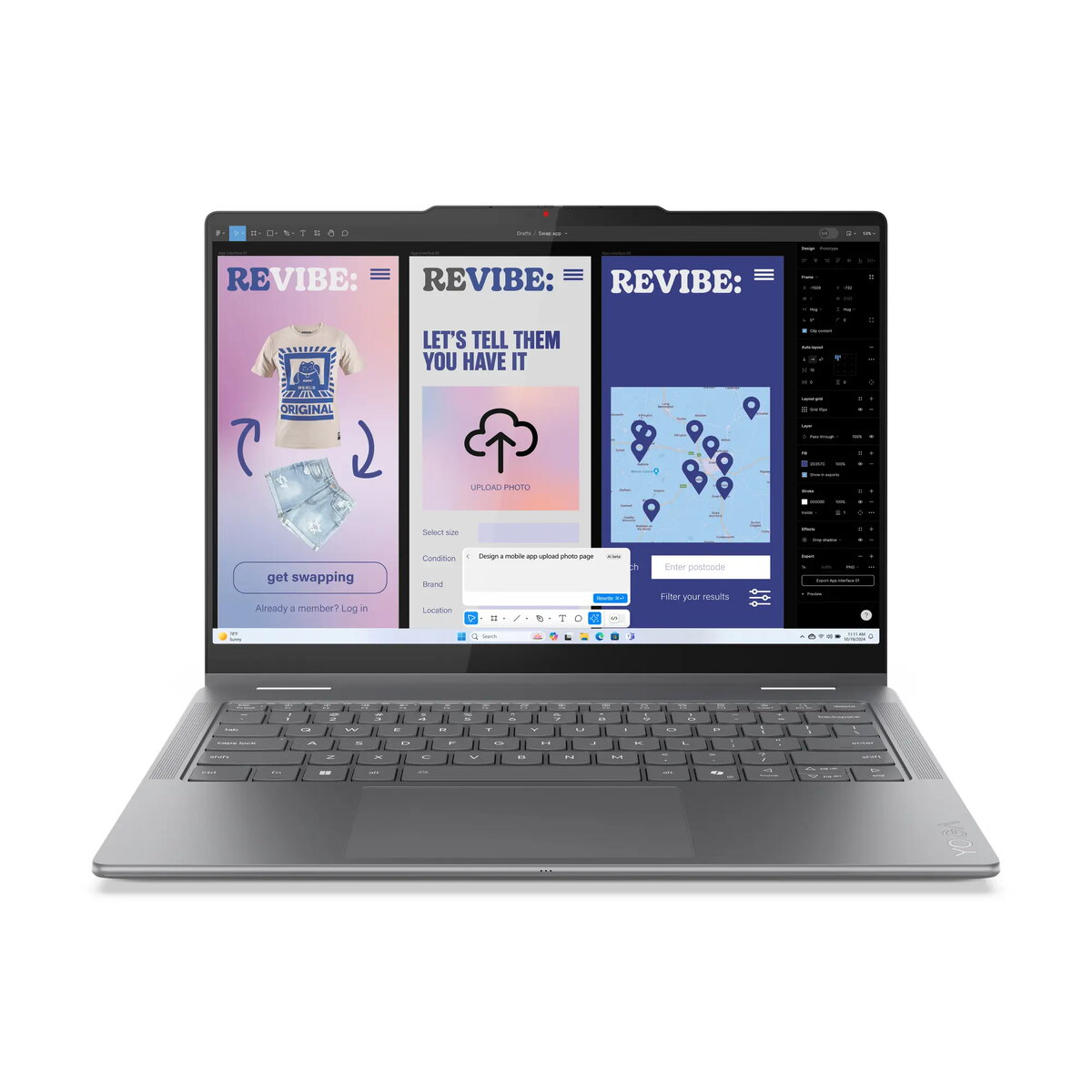
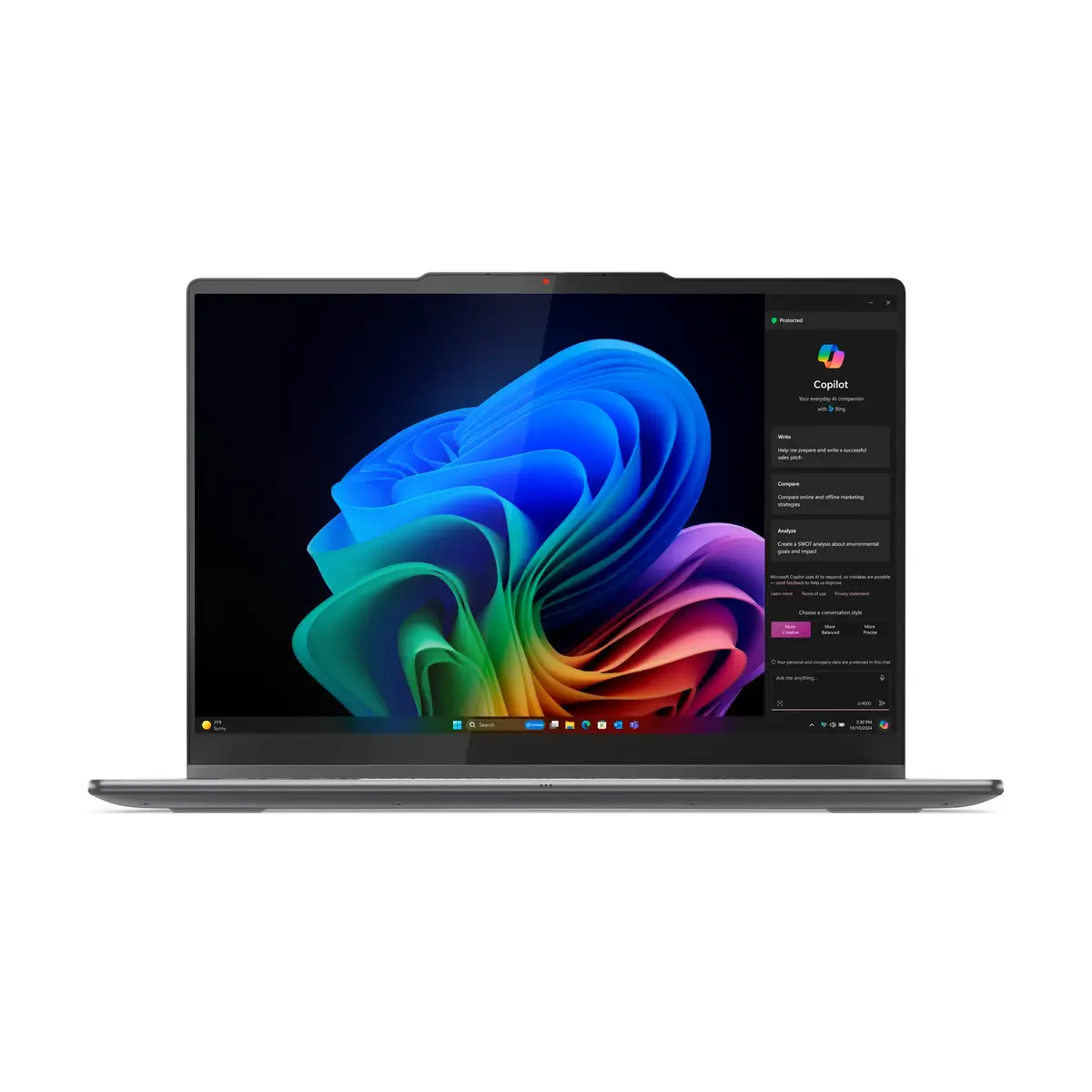
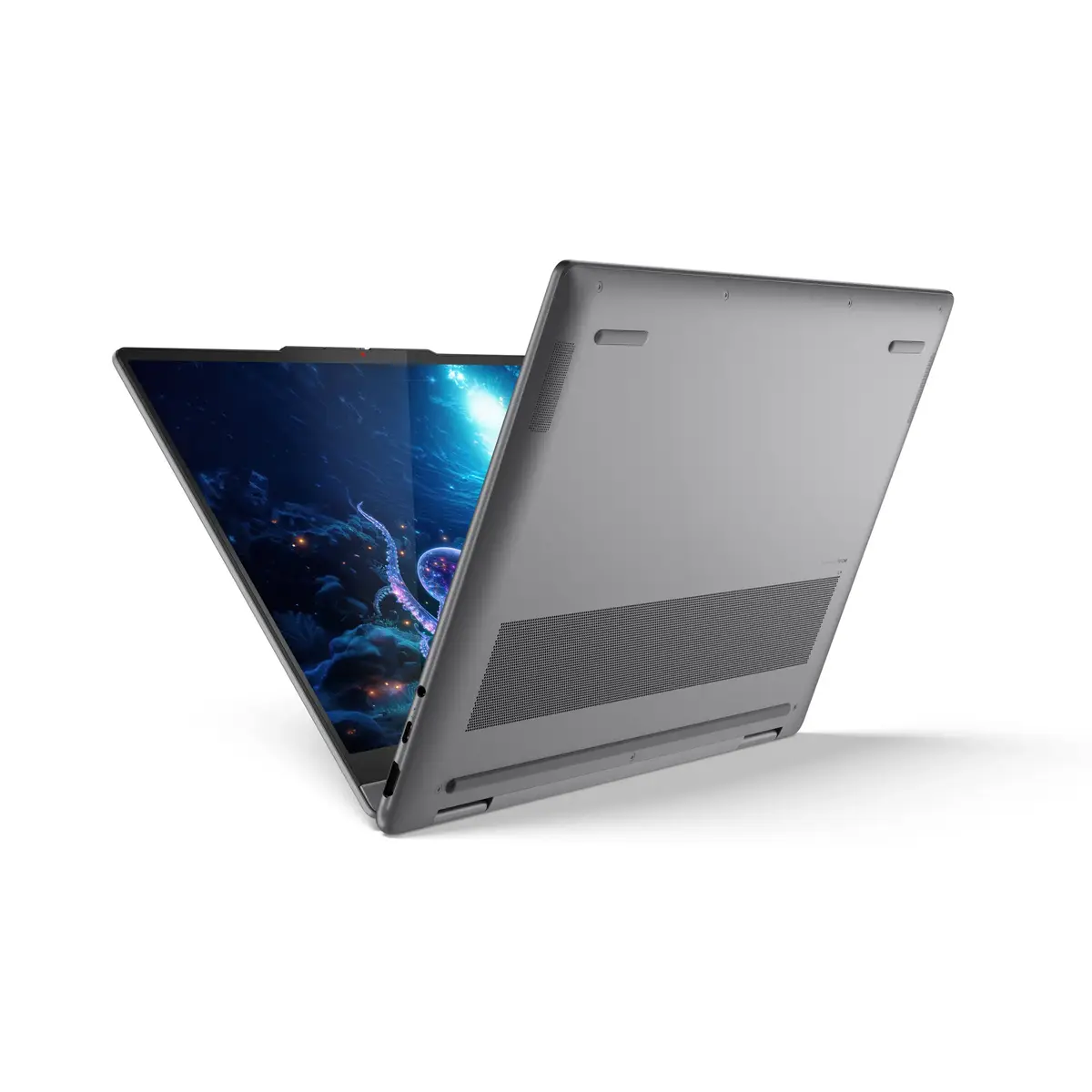
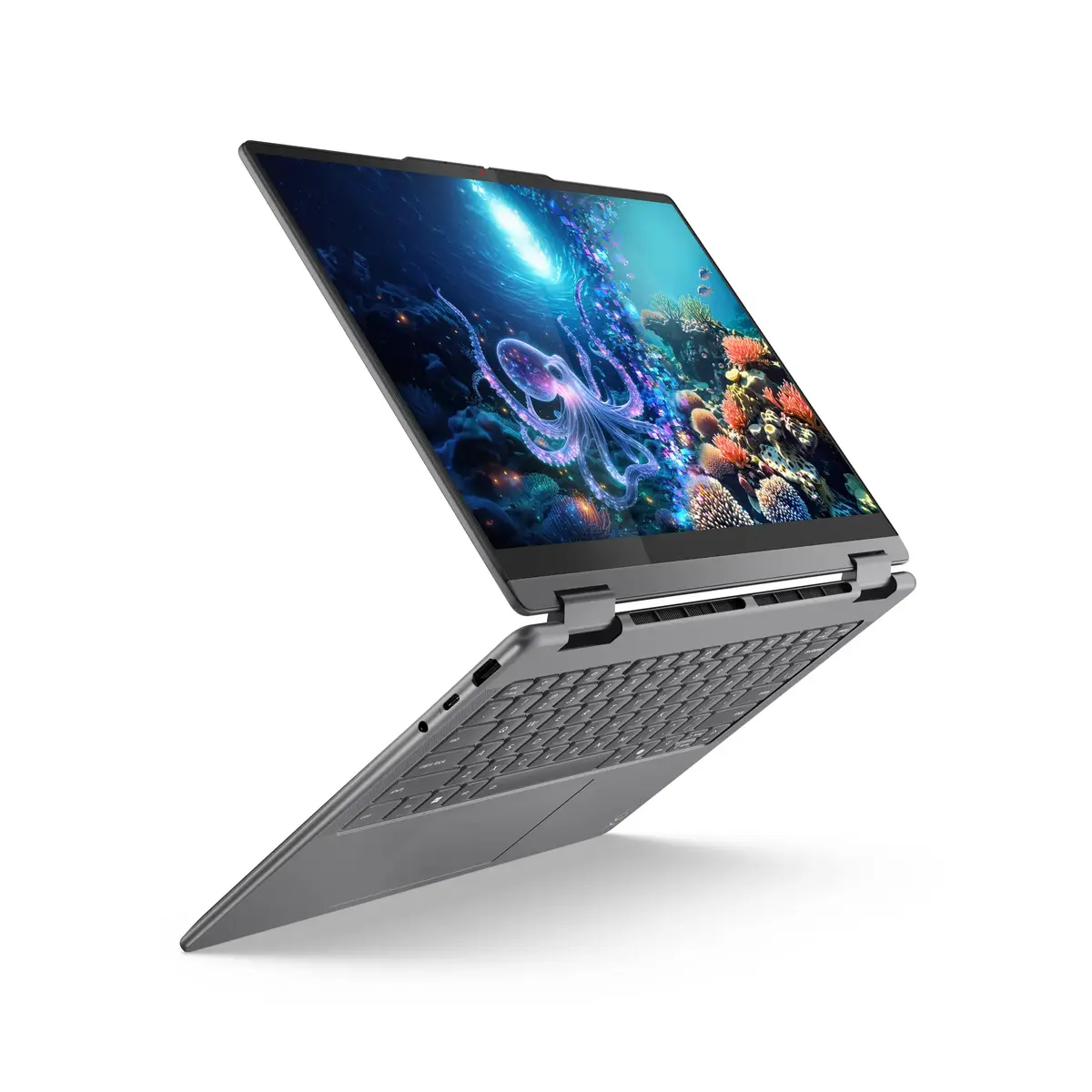
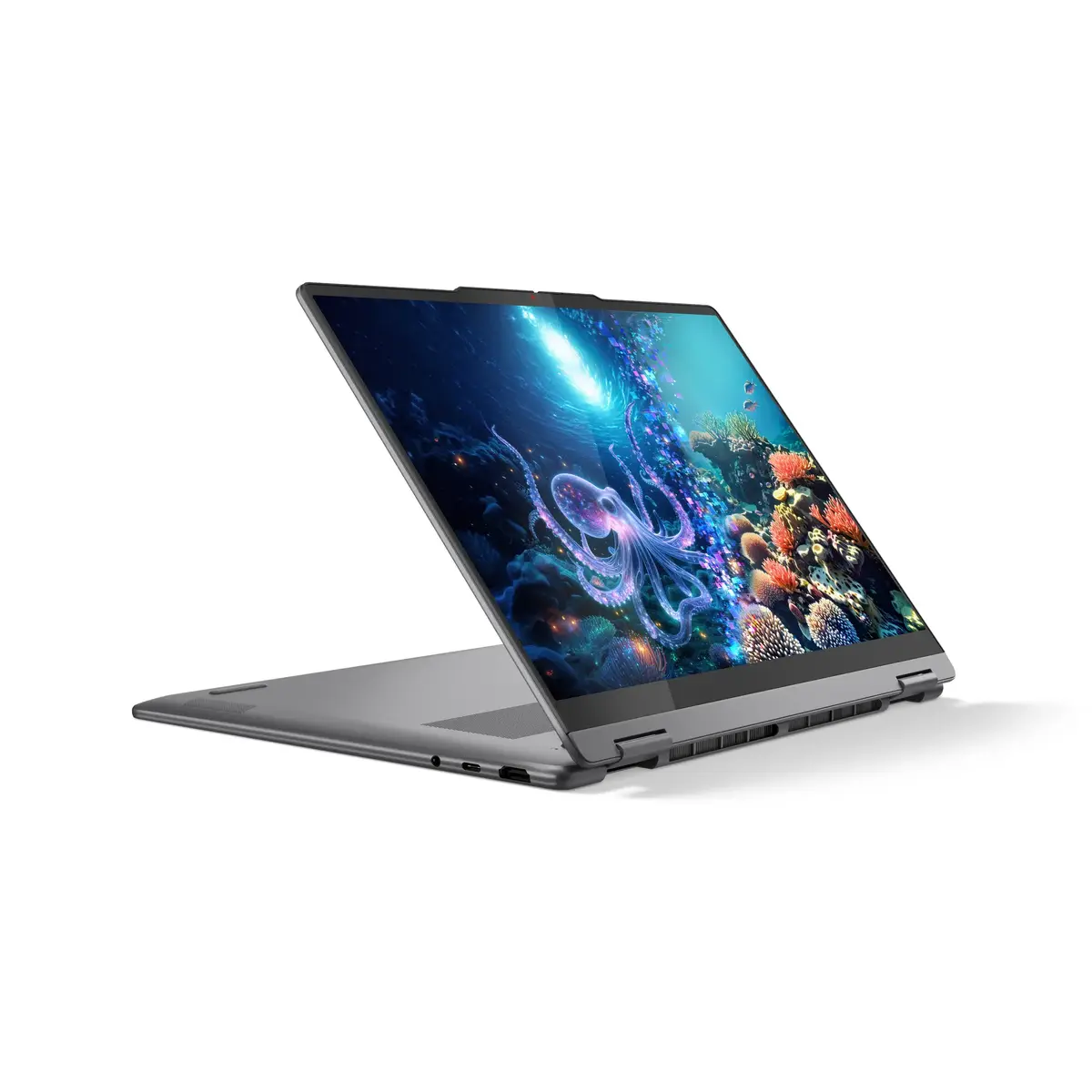
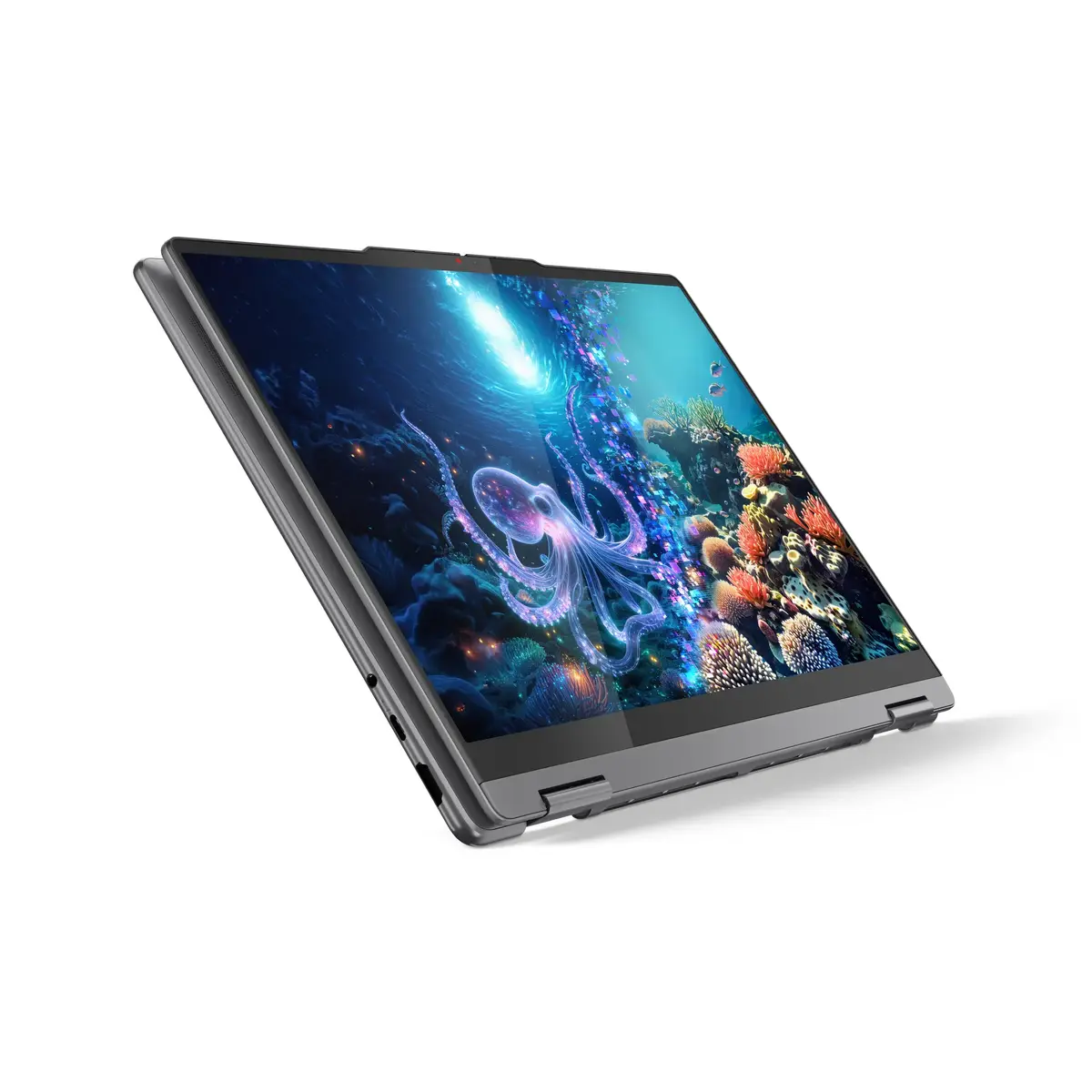
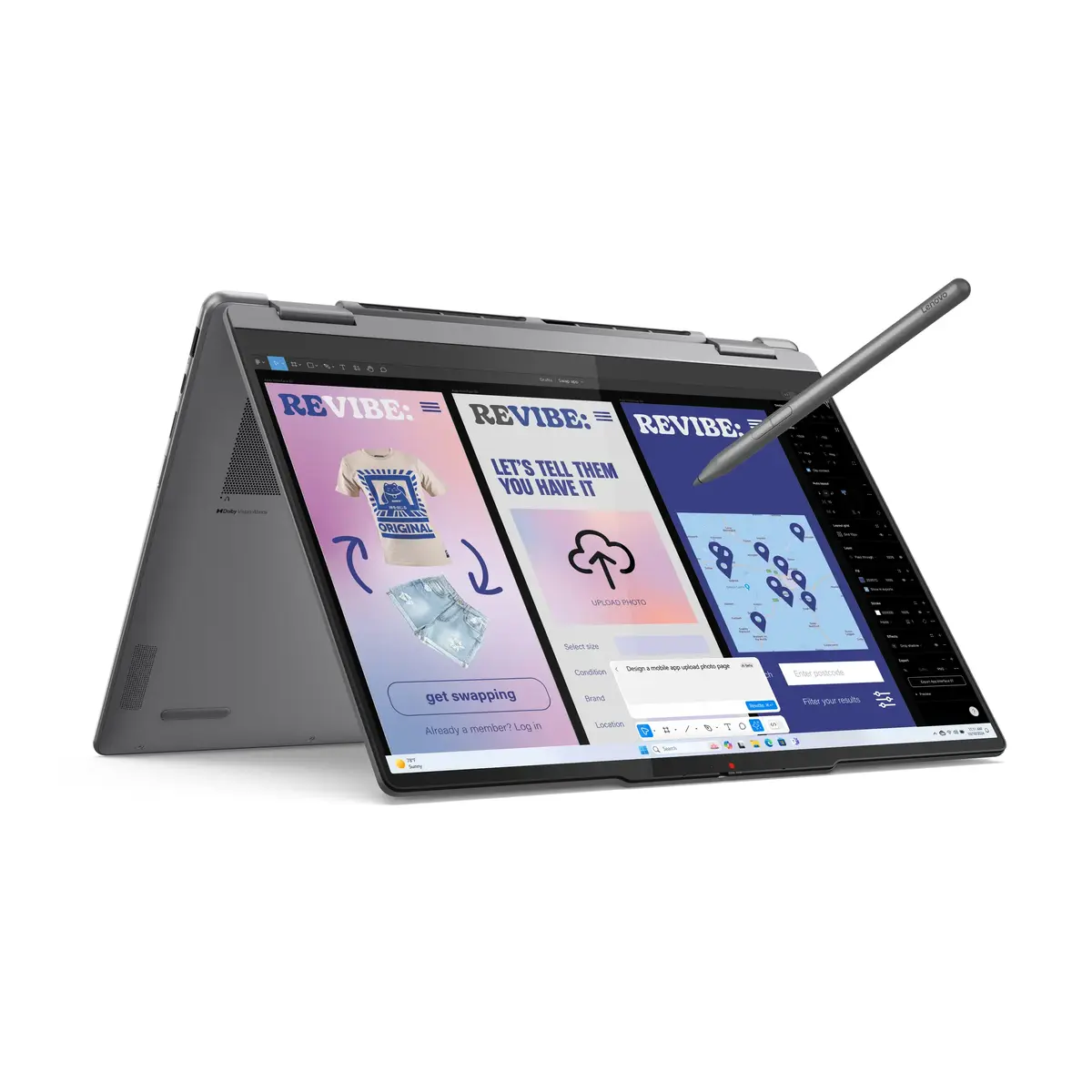
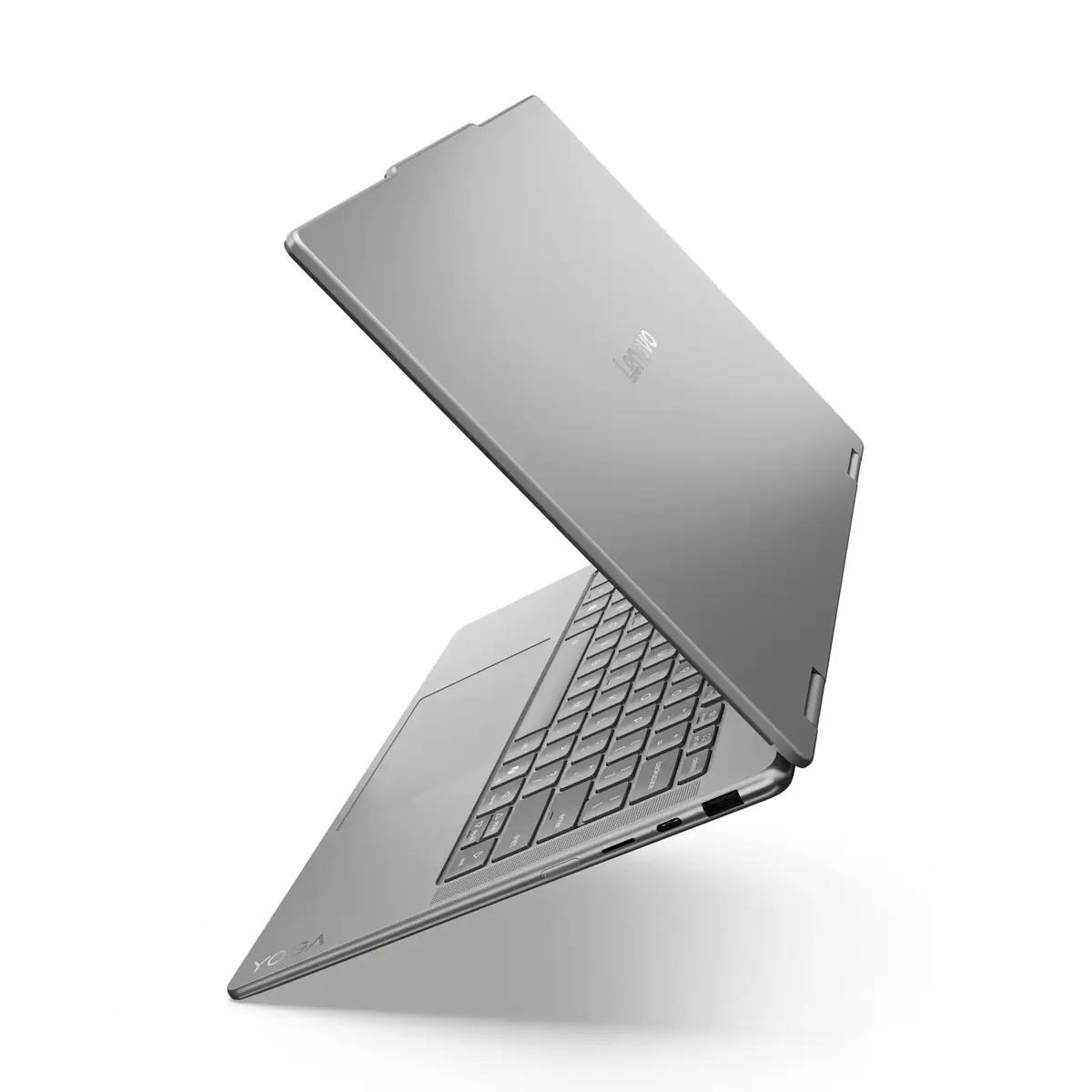
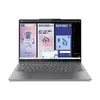
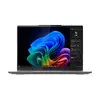
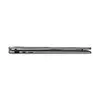
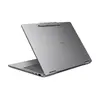
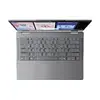
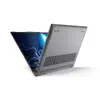
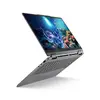
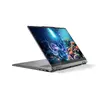
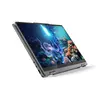
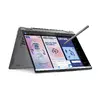
Hybrid Laptop Lenovo Yoga 7 14" Intel Core Ultra 7 16GB 1TB Intel Arc Windows 11
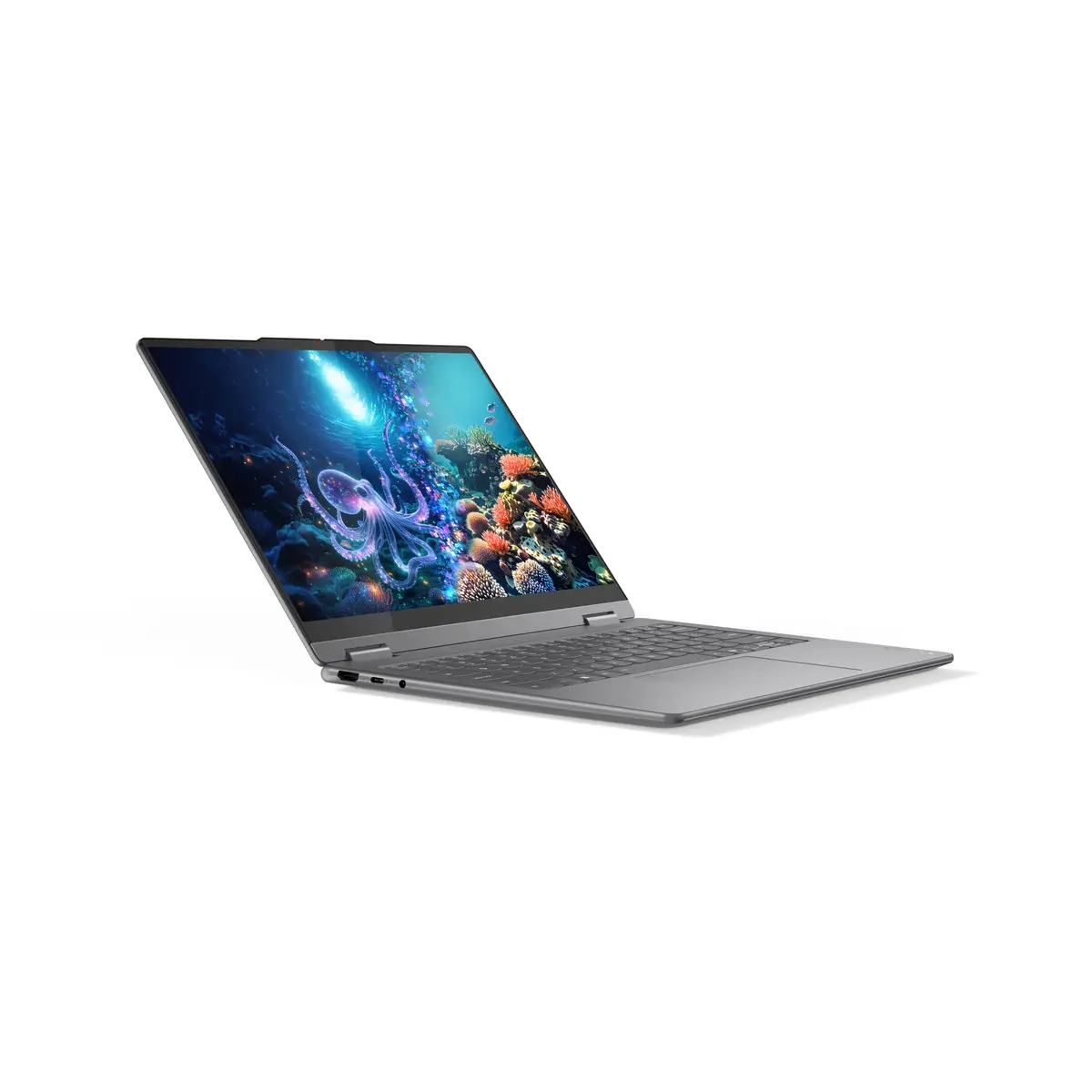
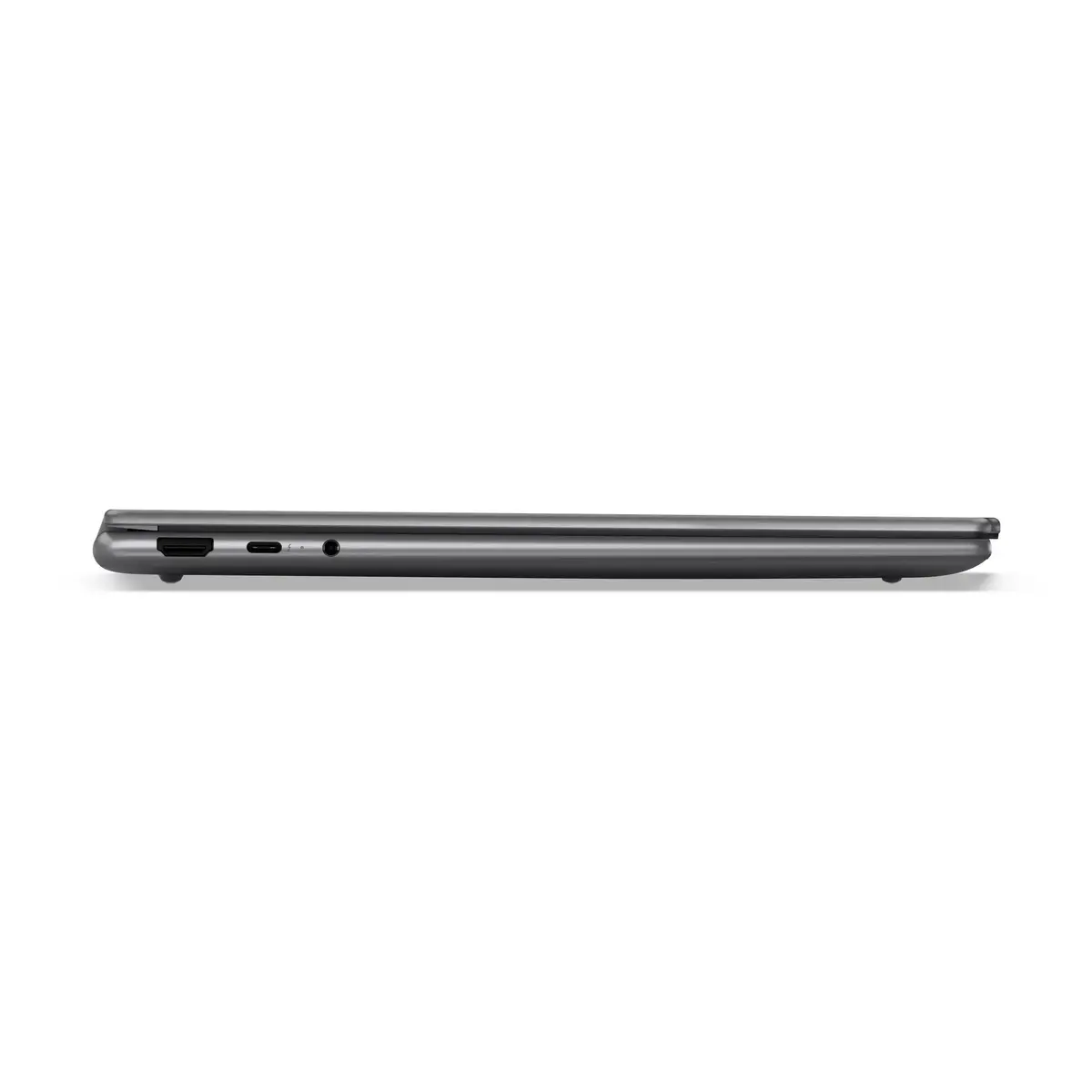
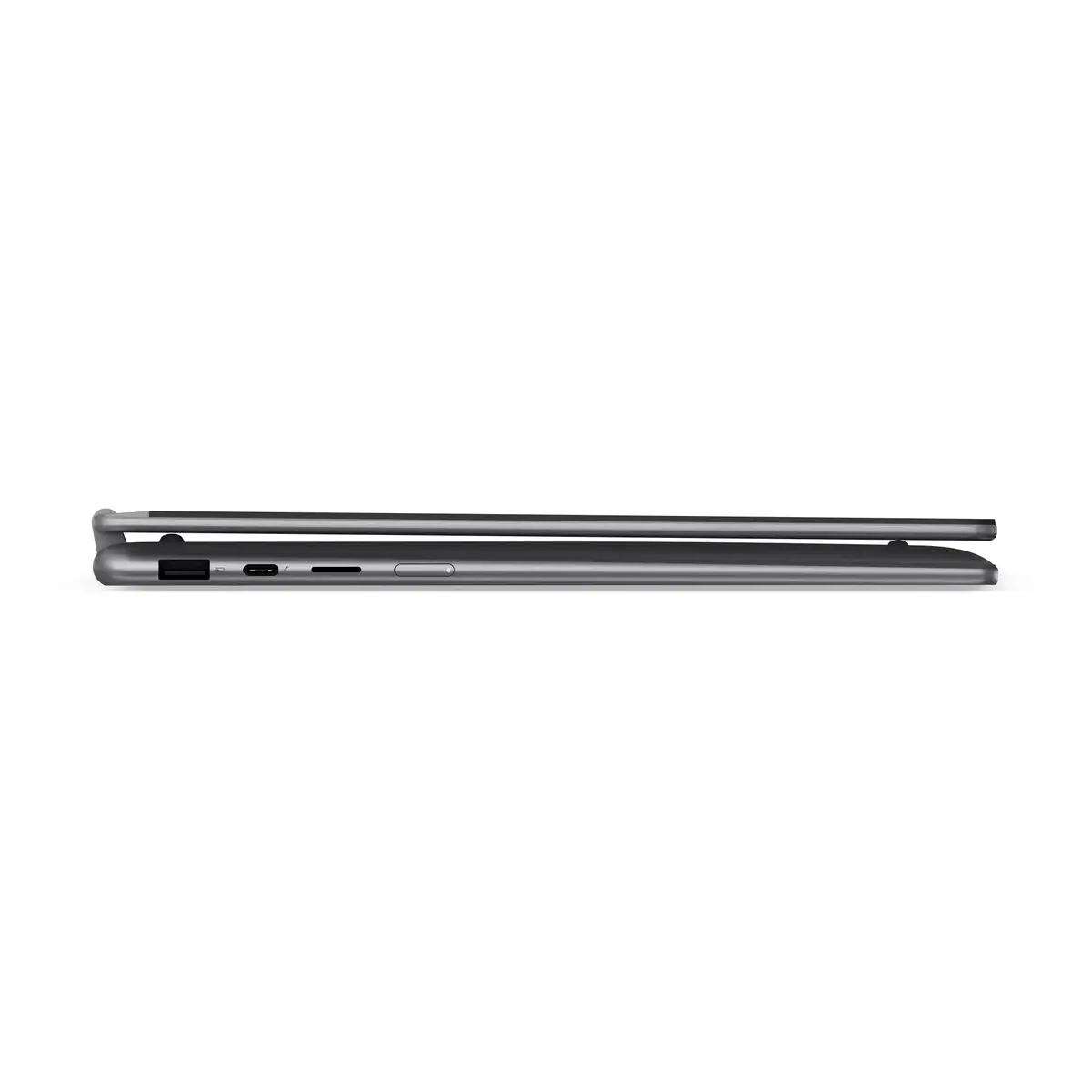
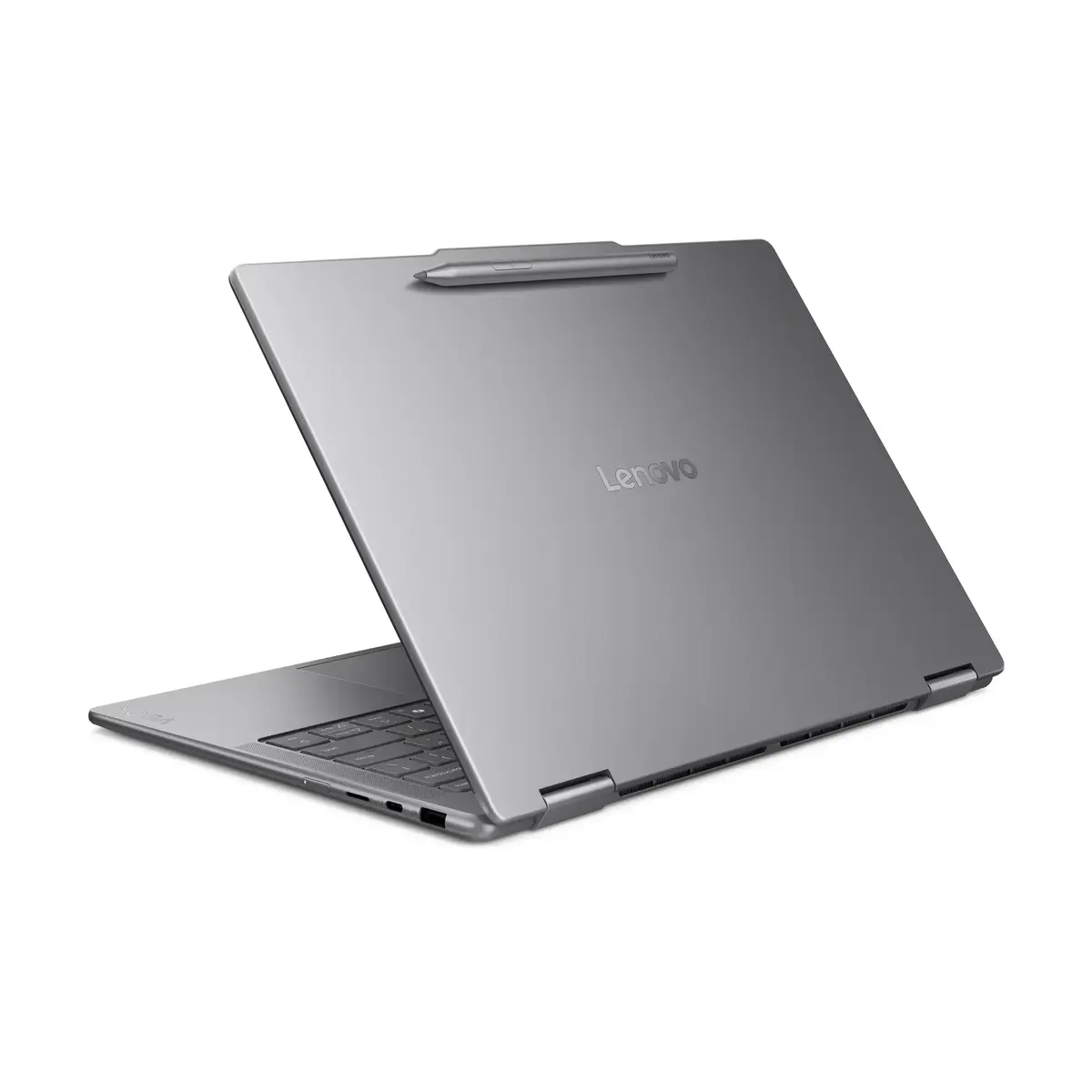
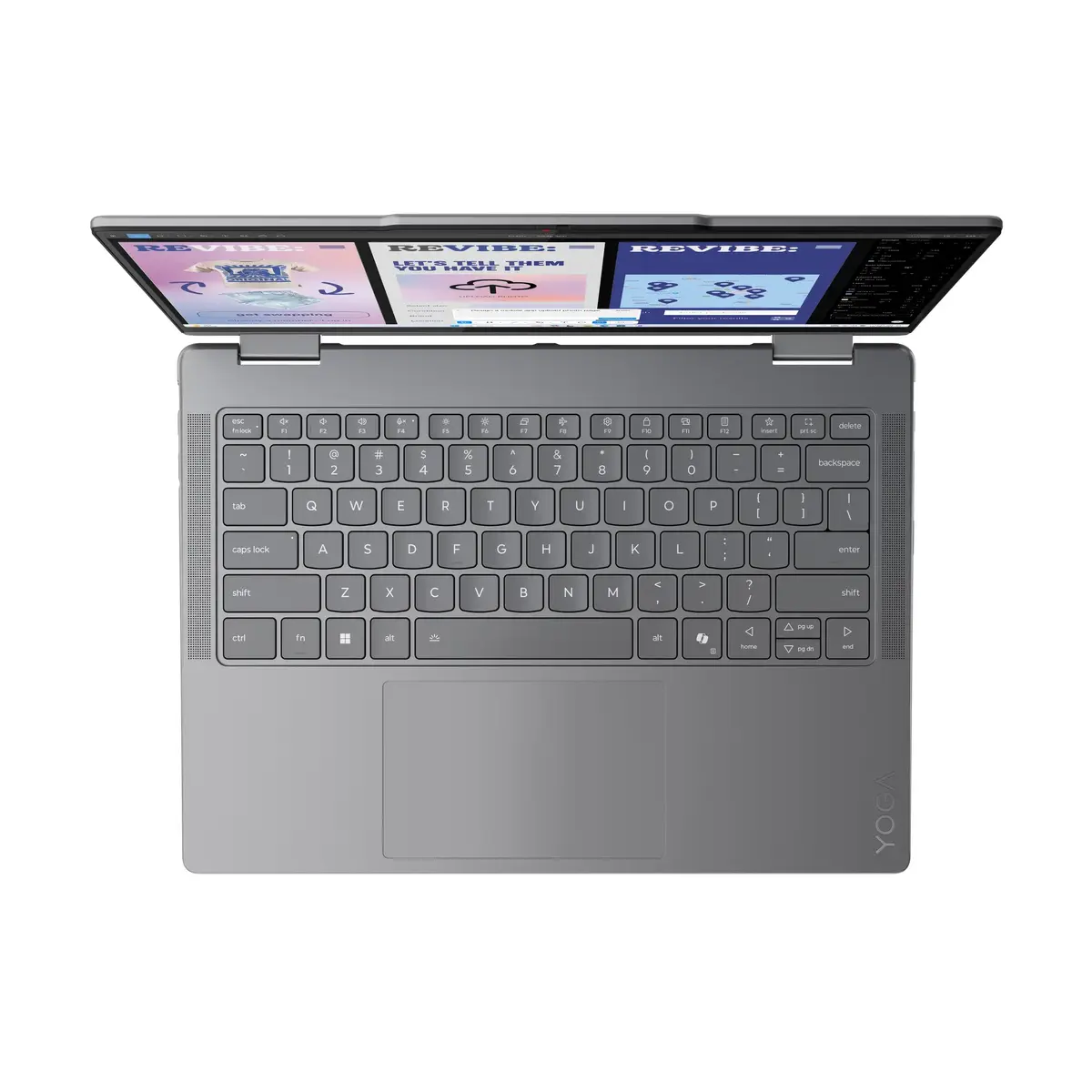
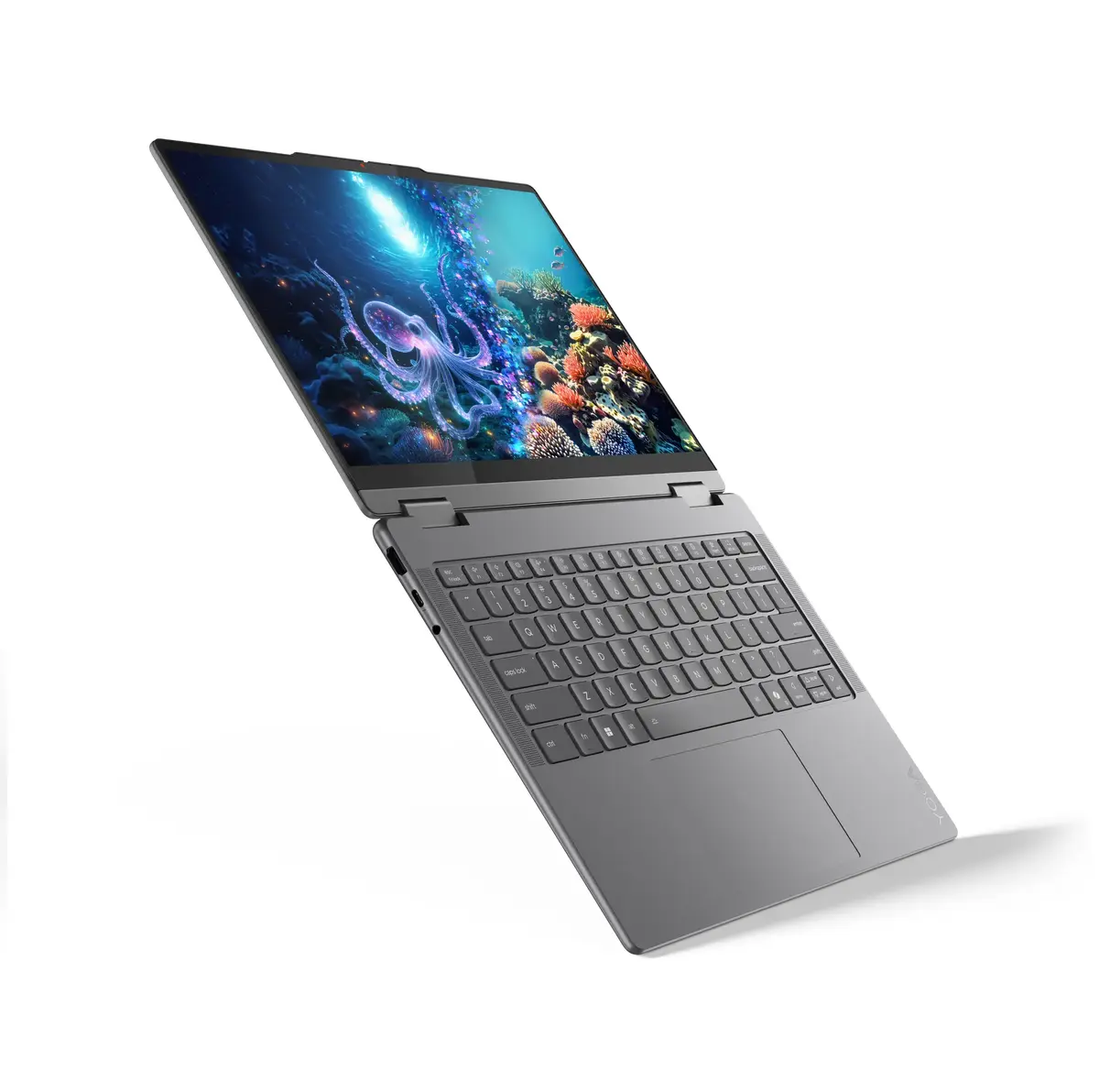
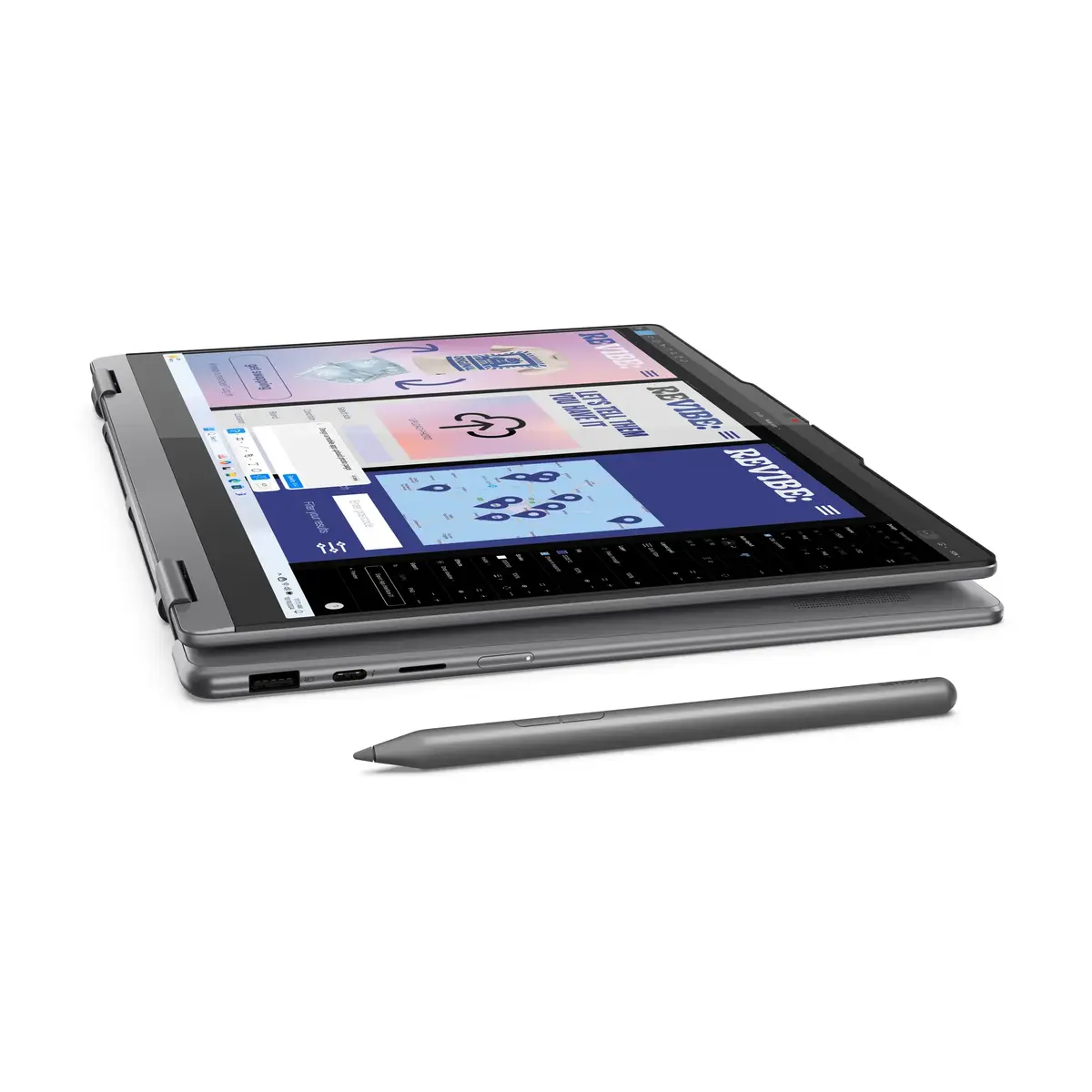
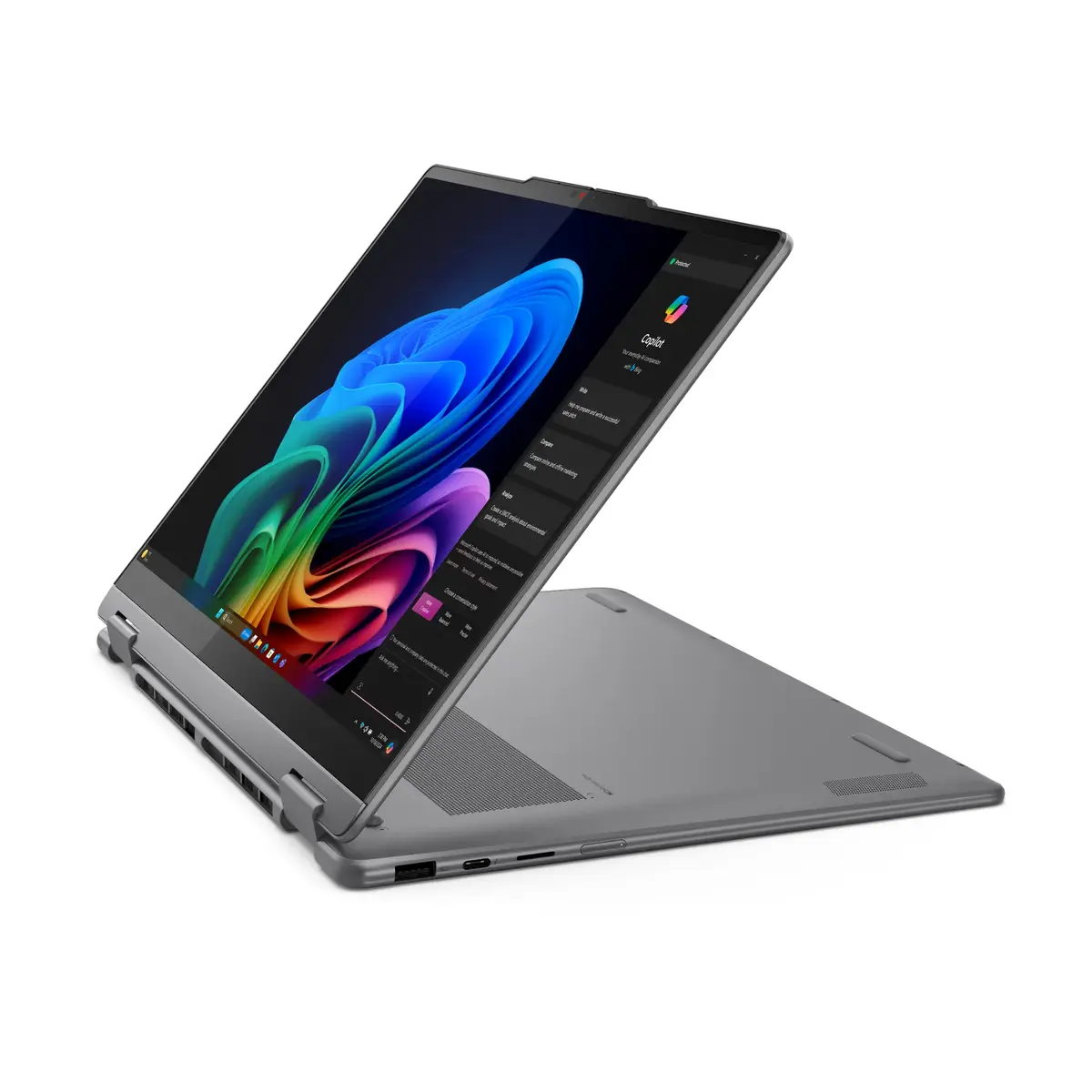
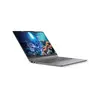
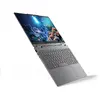
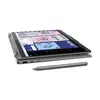
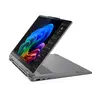
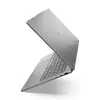
The Lenovo Yoga 7 14" is a hybrid 2-in-1 laptop designed for flexible everyday use, combining a 14" 2.8K touchscreen with a convertible hinge that supports laptop and tablet modes. Powered by an Intel Core Ultra 7 processor and equipped with 16 GB of LPDDR5x RAM and a 1 TB SSD, it delivers responsive performance for multitasking, content creation and media playback. Integrated Intel Arc graphics enhance visual fidelity for streaming and light graphics work, while Windows 11 Home provides a modern, secure software environment. The device is finished in a grey chassis and weighs approximately 1.38 kg, making it suitable for mobile use.
The combination of a high-resolution 2880 x 1800 touchscreen and a convertible form factor enables versatile use cases from productivity to media consumption. Fast LPDDR5x memory and a 1 TB solid-state drive reduce load and boot times, while the Intel Core Ultra 7 processor provides multiple cores and threads for demanding tasks. Integrated Intel Arc graphics offer improved rendering and video playback compared with basic integrated solutions. The relatively low weight and compact 14" footprint make the unit easy to carry between work locations.
Start the device and complete the Windows 11 setup to configure user accounts, network settings and security options. Use the convertible hinge to switch between laptop mode for typing and tablet mode for touch input or presentations. Open Task View or the system settings to manage power profiles and performance modes depending on whether you need longer battery life or higher performance. Install required applications from the Microsoft Store or trusted vendors and use the built-in display and Intel Arc graphics for video playback and visual tasks.
For consistent performance, keep Windows and device drivers updated and use the recommended power plan for the intended task: select balanced or battery-saver modes for extended battery life and performance mode when running intensive applications. Regularly back up important data to an external drive or cloud storage and avoid exposing the touchscreen to sharp objects. When using the device in tablet mode, support the unit on a stable surface to reduce strain on the hinge.
{{highlightedFeature.featureTitle}}:
{{getProductFeatureValueById(product, highlightedFeature.featureId)}}
