
Filters you can trust. Pure water every day.
In cart {{totalProductsCount}} item(s)
Your cart is empty
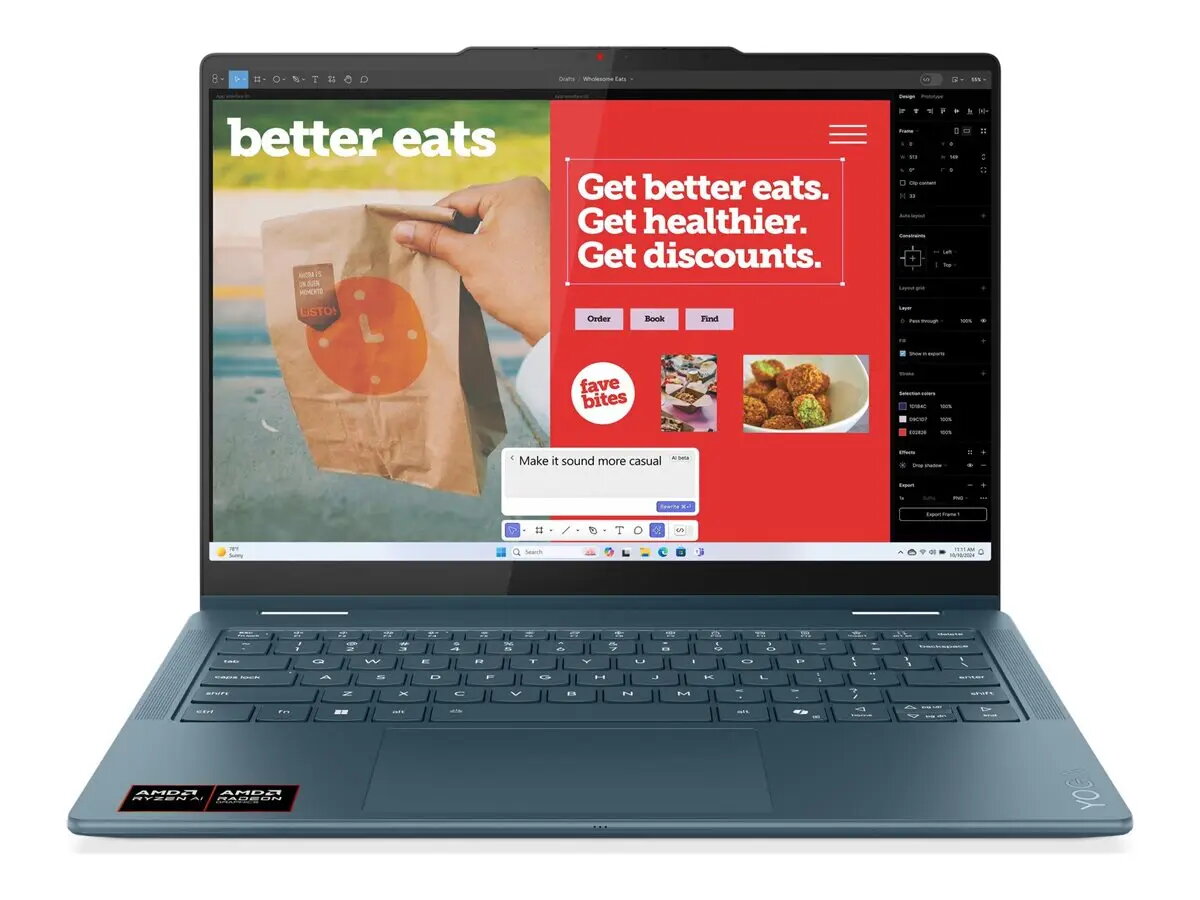
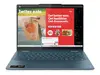
Lenovo Yoga 7 2-in-1 14AKP10 Laptop, 14" WUXGA OLED Touchscreen, AMD Ryzen AI 7 350, 16GB RAM, 512GB SSD, AMD Radeon Graphics, Windows 11 Home, Nordic...
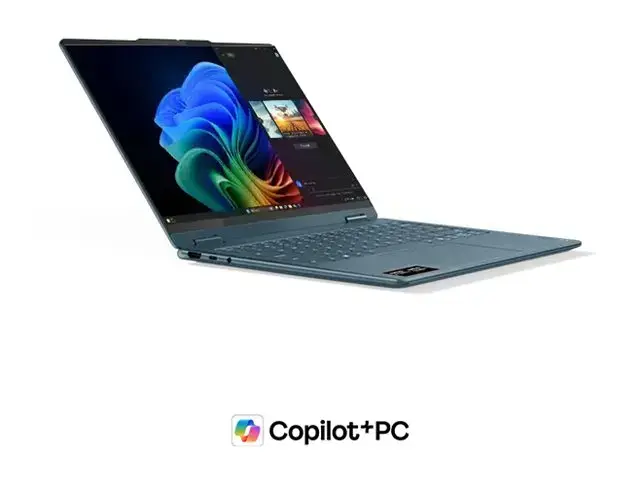
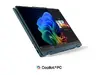
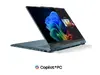
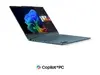
The Lenovo Yoga 7 2-in-1 14AKP10 is a versatile convertible laptop designed to adapt to your professional and creative needs. Featuring a 14-inch WUXGA OLED touchscreen, this device offers vibrant visuals and precise touch control in a flexible form factor. Powered by the efficient AMD Ryzen AI 7 350 processor and equipped with 16GB of LPDDR5 RAM, it provides responsive performance for multitasking and demanding applications. With its sleek Tidal Teal finish and lightweight design, it is an ideal companion for users who require both power and portability in their daily computing tasks.
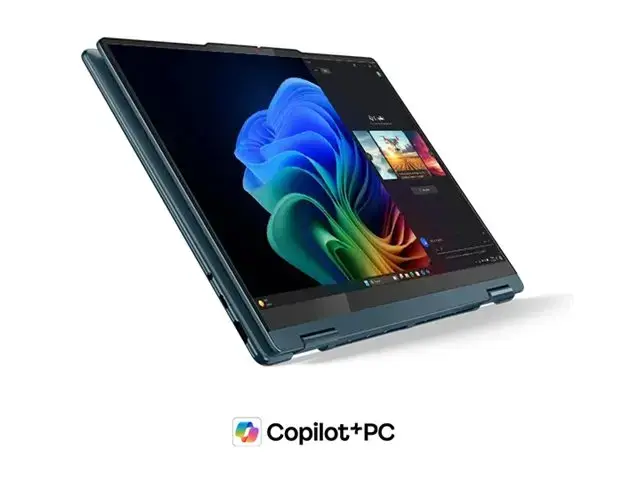
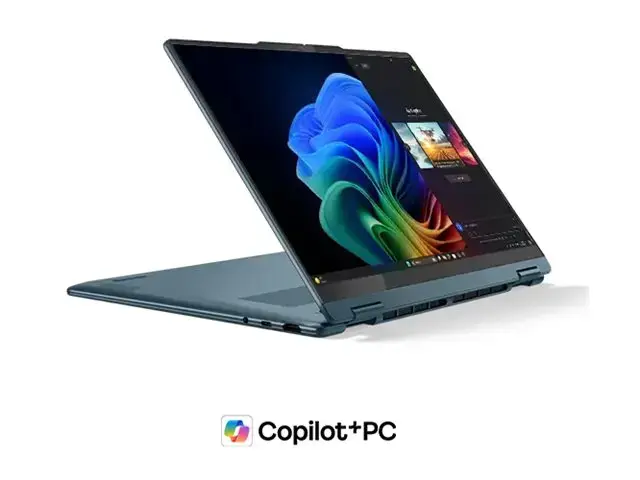
This laptop excels through its high-quality OLED display, which delivers deep blacks and vivid colors, making it perfect for media consumption and creative work. The 2-in-1 design allows for seamless transitions between laptop and tablet modes, providing flexibility for presentations or note-taking. The inclusion of the latest Wi-Fi 7 and Bluetooth 5.4 standards ensures fast and reliable connectivity. Furthermore, the integrated AMD Radeon graphics and the powerful 8-core processor configuration allow for smooth operation across various software environments, while the backlit Nordic keyboard enhances usability in low-light conditions.
This device may not be suitable for users who require a dedicated high-performance graphics card for professional-grade 3D rendering or intensive gaming. Additionally, since it does not include a power adapter in the package, users will need to ensure they have a compatible USB-C charger available for operation.
To use the Lenovo Yoga 7, simply power on the device and follow the on-screen Windows 11 setup instructions to configure your user profile and network settings. The 2-in-1 hinge allows you to rotate the screen fully to use the device as a tablet or in tent mode for viewing content. You can interact with the system using the touchscreen, the touchpad, or an external mouse. Ensure the device is kept updated via the system settings to maintain optimal performance and security.
For the best experience, keep the device firmware and Windows drivers updated through the Lenovo Vantage software. When using the device in tablet mode, ensure the keyboard area is placed on a clean surface to avoid accidental key presses or scratches.
{{highlightedFeature.featureTitle}}:
{{getProductFeatureValueById(product, highlightedFeature.featureId)}}
{{ productComparisonGenerationError }}
