



Dreame vacuums for fast and efficient cleaning!
In cart {{totalProductsCount}} item(s)
Your cart is empty
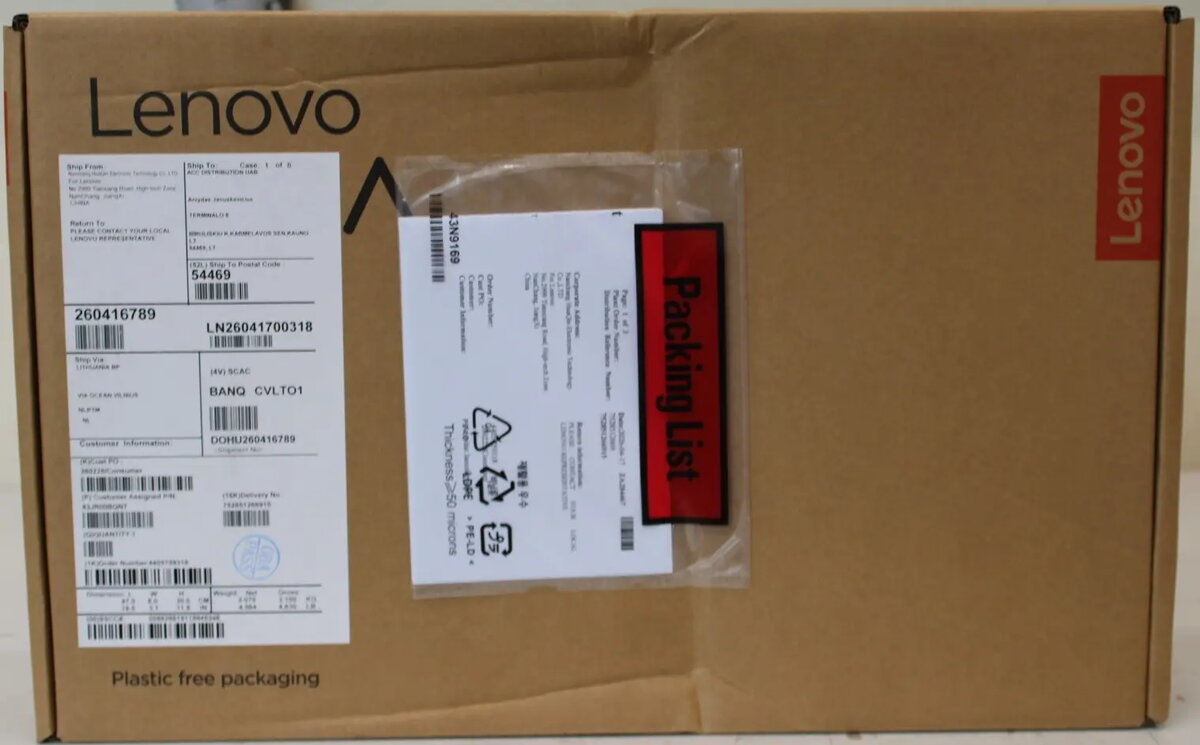
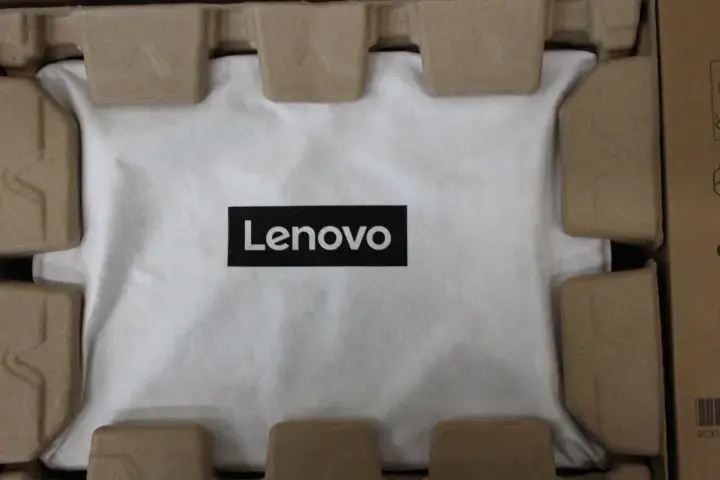
Lenovo Yoga 7 2-in-1 14AKP10 Laptop, 14" WUXGA OLED, AMD Ryzen AI 7 350, 16GB RAM, 512GB SSD, AMD Radeon 860M, Windows 11 Home, Tidal Teal
The Lenovo Yoga 7 2-in-1 14AKP10 is a versatile and portable laptop designed for users who value both performance and aesthetics. Featuring a 14-inch WUXGA OLED display with a resolution of 1920 x 1200 pixels, this device offers sharp visuals and vibrant colors. It is powered by the AMD Ryzen AI 7 350 processor, ensuring efficient multitasking and responsiveness for a wide range of computing tasks. With its sleek Tidal Teal finish and robust build, it serves as a reliable companion for professionals and students alike.
This laptop excels in providing a high-quality viewing experience thanks to its OLED panel, which delivers deep blacks and excellent contrast. The inclusion of 16GB of LPDDR5 memory and a fast 512GB SSD ensures quick boot times and smooth operation across various applications. The device is equipped with modern connectivity options, including Wi-Fi 7 and Bluetooth 5.4, allowing for high-speed wireless data transfer. Additionally, the 70Wh battery provides sufficient longevity for extended work sessions, while the backlit keyboard enhances usability in low-light environments.
This device may not be suitable for users requiring high-end dedicated graphics for professional-grade 3D rendering, heavy video editing, or demanding AAA gaming. While the integrated AMD Radeon 860M graphics are capable for daily tasks and light media work, they are not designed for intensive graphical workloads.
To begin using the Lenovo Yoga 7, simply power on the device and follow the on-screen instructions provided by the Windows 11 Home setup wizard. You can connect your peripherals via the available USB-C and USB-A ports, or utilize the microSD card reader for quick file transfers. The integrated IR camera supports secure login features, while the privacy shutter allows you to physically cover the lens when not in use.
For optimal battery health, it is recommended to keep the device updated with the latest firmware and drivers via the Lenovo Vantage software. Avoid exposing the OLED display to static images for prolonged periods to prevent potential image retention.
{{highlightedFeature.featureTitle}}:
{{getProductFeatureValueById(product, highlightedFeature.featureId)}}
{{ productComparisonGenerationError }}
