


Powerful EcoFlow stations for energy anywhere!
In cart {{totalProductsCount}} item(s)
Your cart is empty
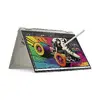
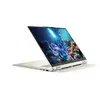
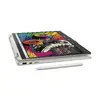
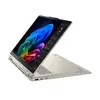
Laptop Lenovo YOGA 7 2-in-1 16" Ryzen AI 7 350 16GB 512GB Win11Home
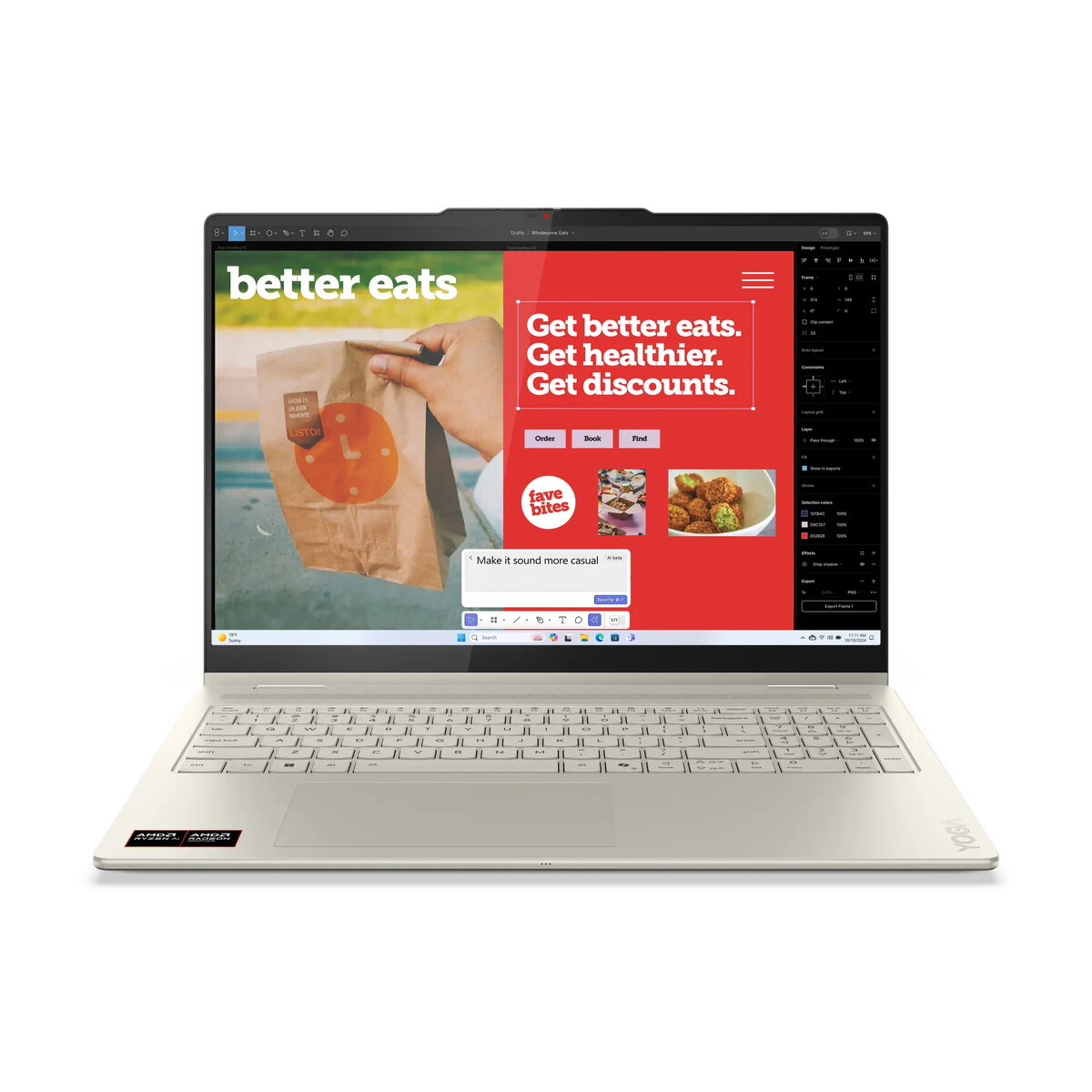
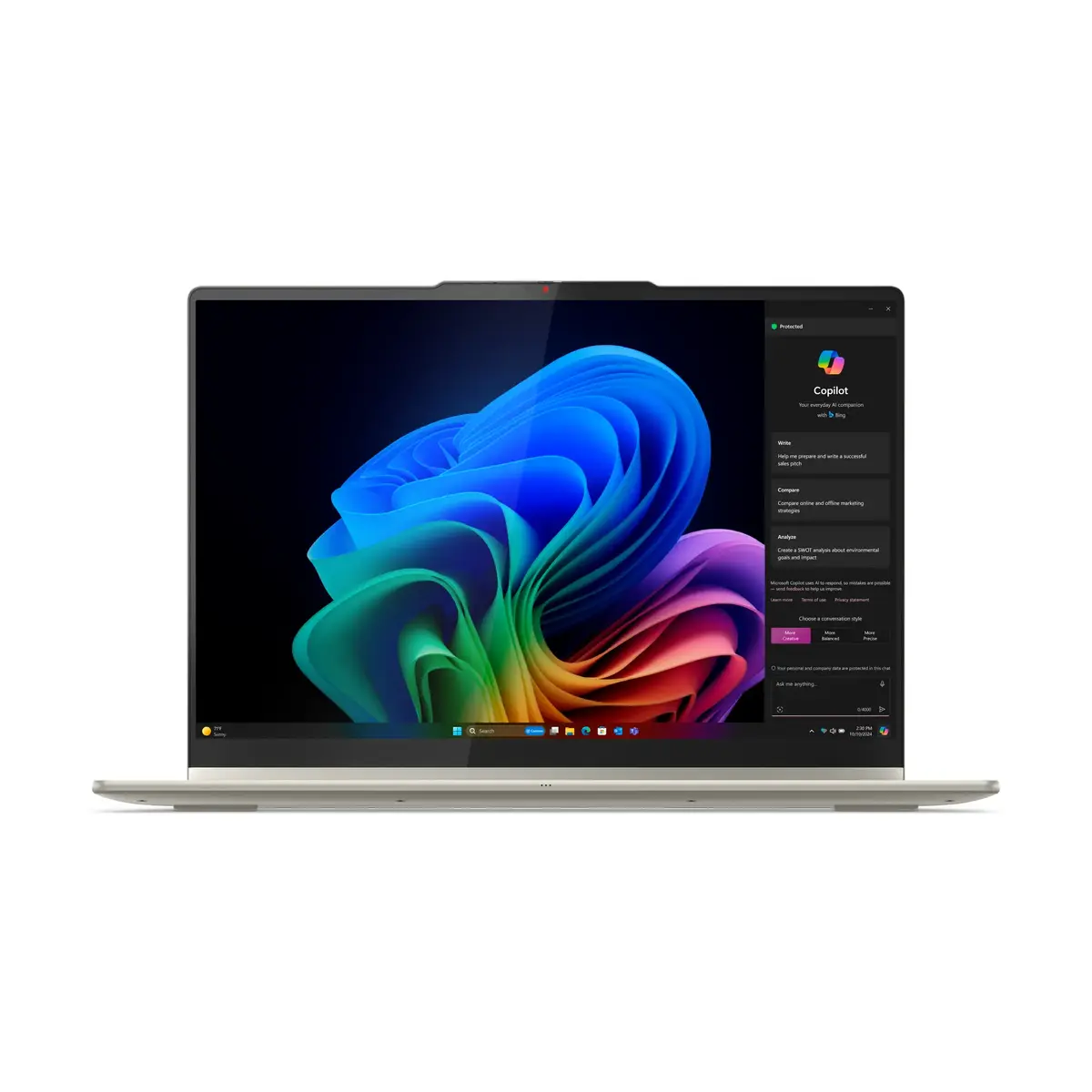
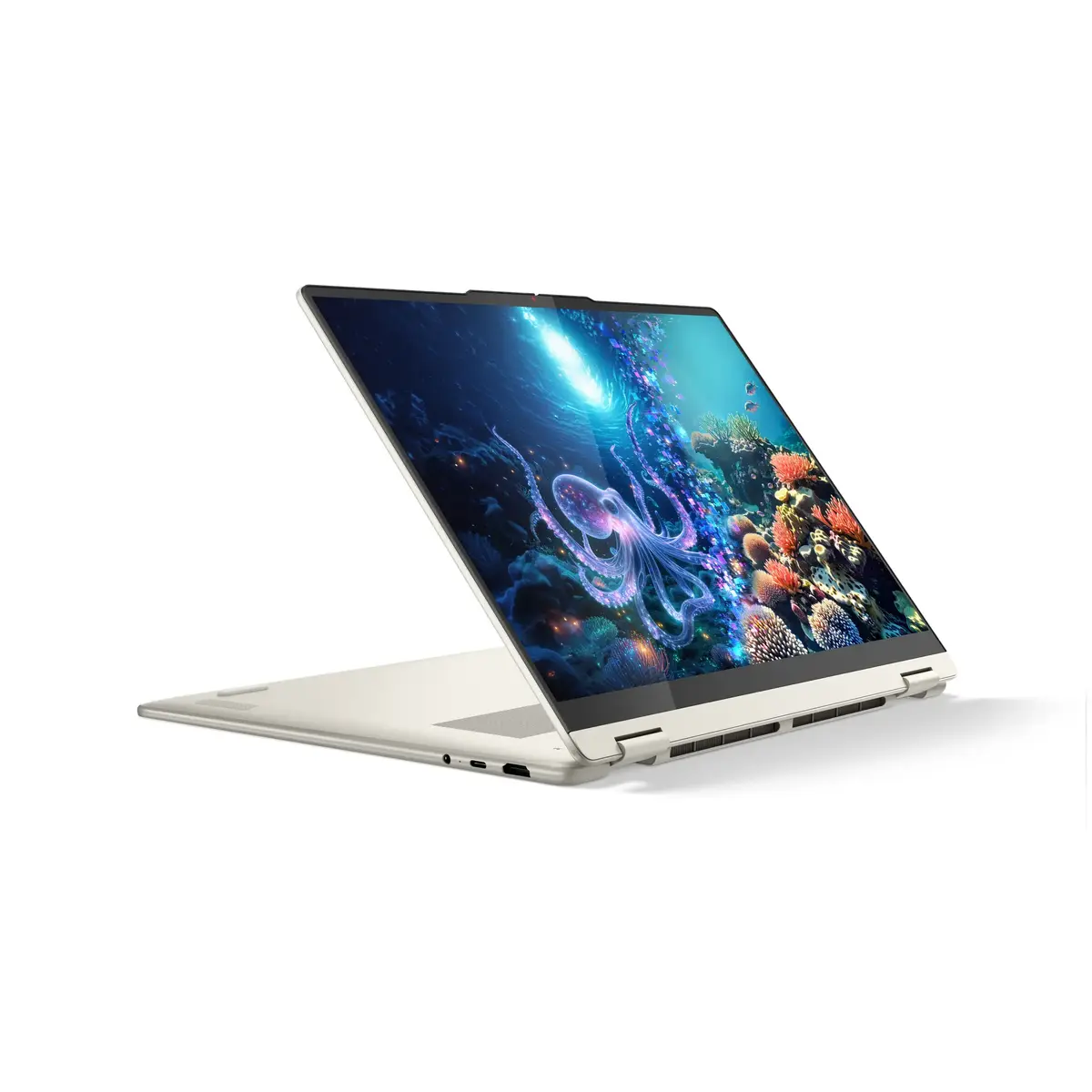
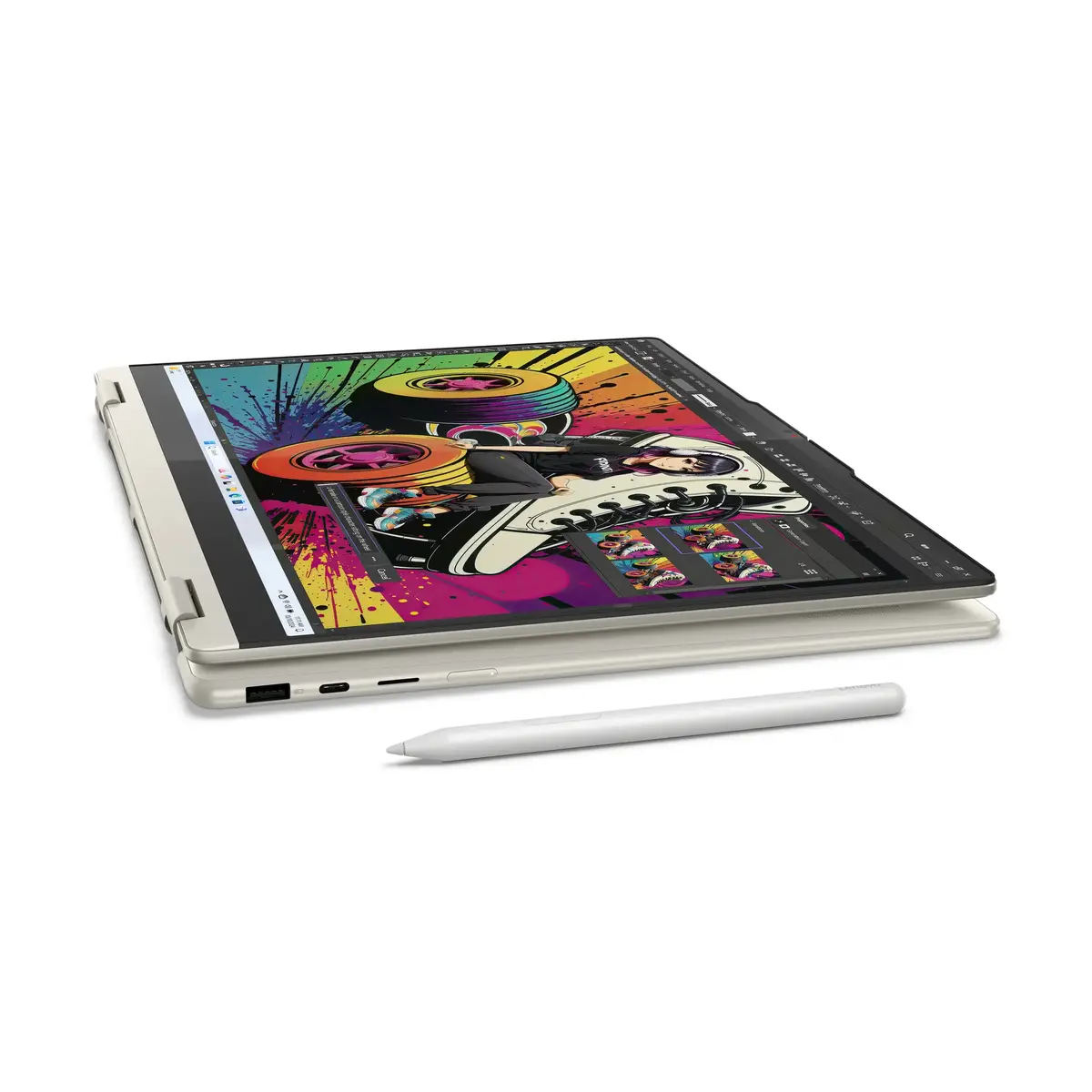
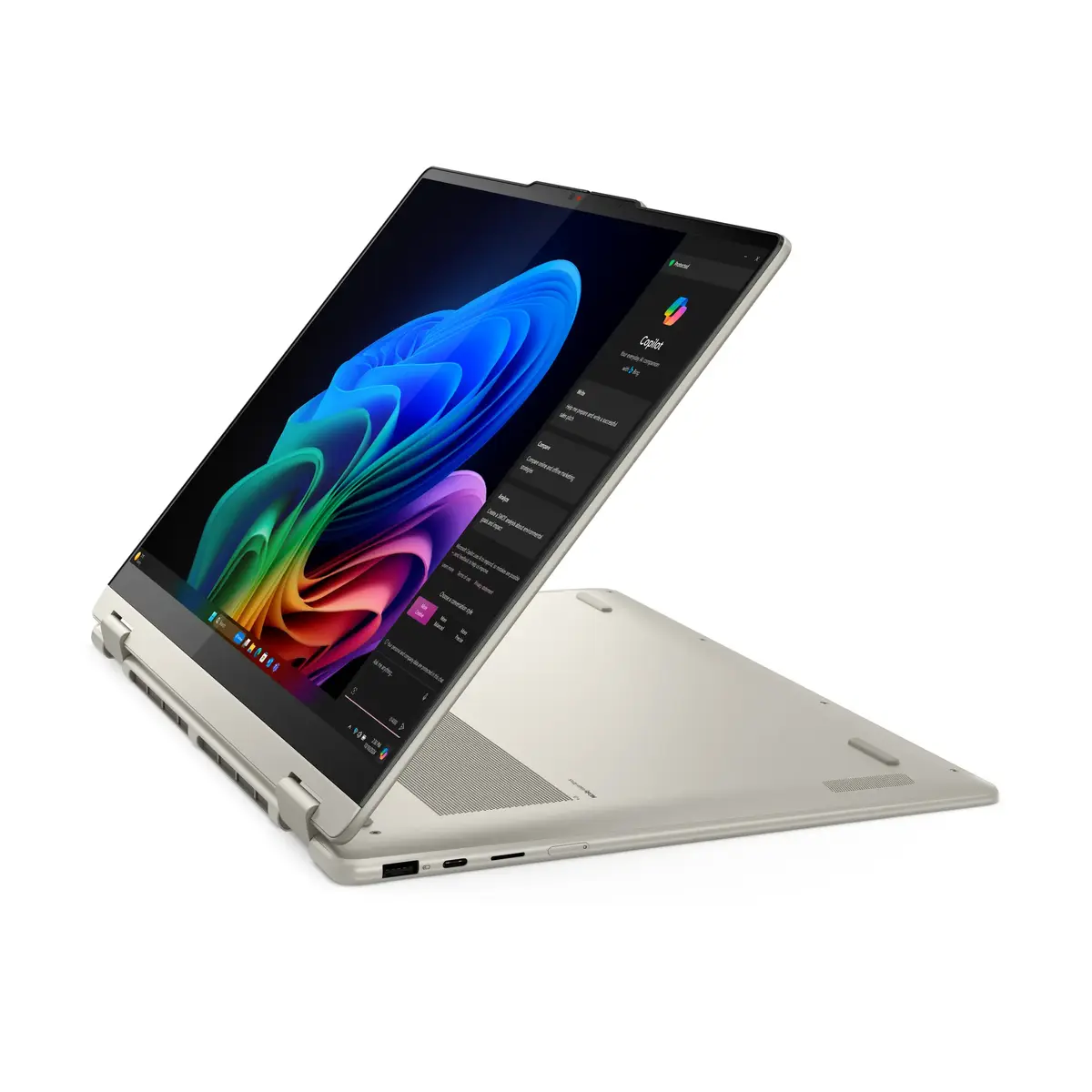
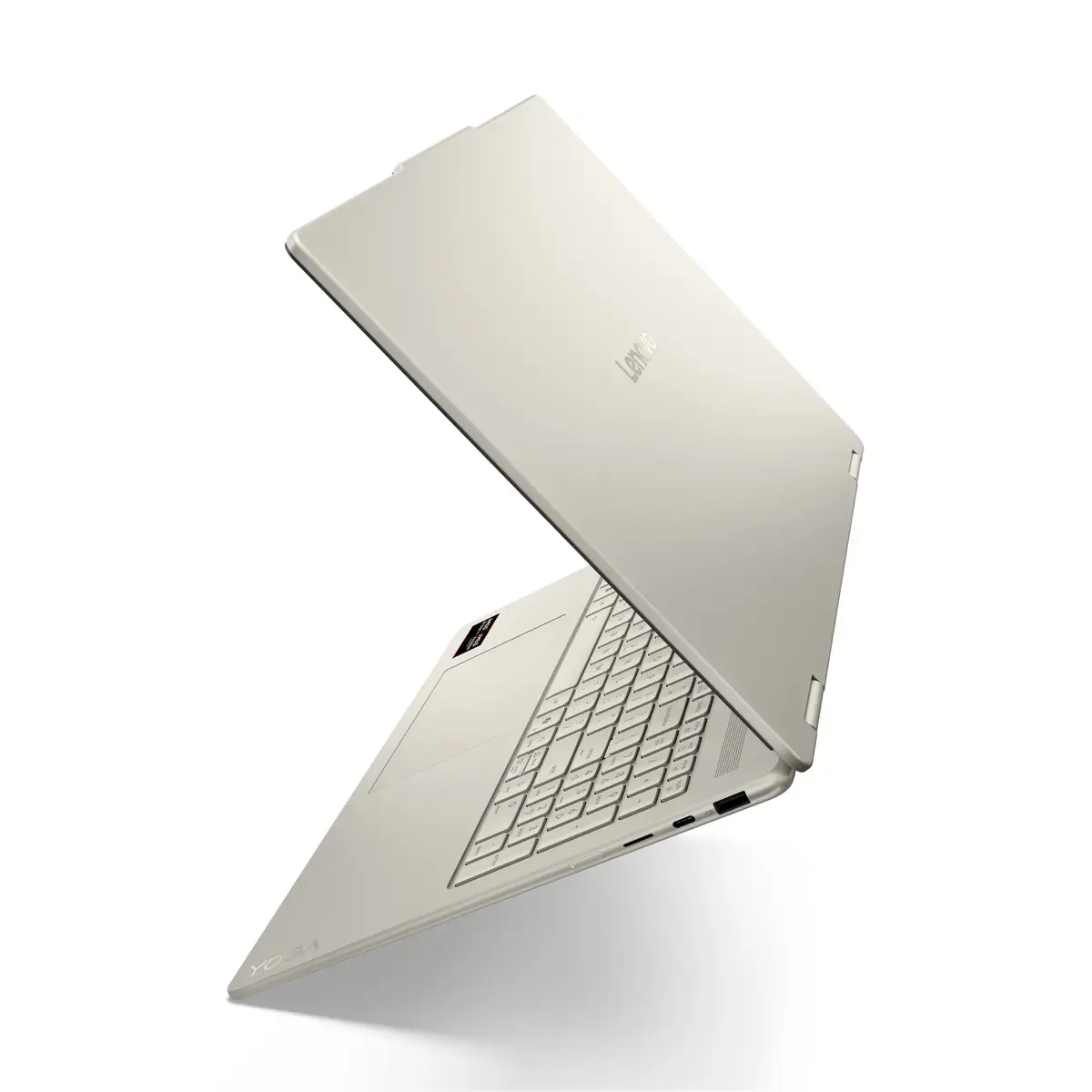
The Lenovo YOGA 7 2-in-1 16" combines a 16" 2.8K WQXGA+ OLED touchscreen with an AMD Ryzen™ AI 7 350 processor, 16GB LPDDR5x memory and a 512GB PCIe 4.0 NVMe SSD. The convertible design, aluminum chassis and Sea Shell finish house a high-brightness OLED panel with Dolby Vision®, a 120Hz refresh rate and multi-touch input. The system includes integrated AMD Radeon™ 860M graphics, built-in AMD Ryzen™ AI NPU and Windows® 11 Home (Polish). Connectivity includes Wi‑Fi 7, Bluetooth 5.4, two USB-C ports with power delivery and DisplayPort, an HDMI 2.1 port and a USB-A port. Security features include Microsoft® Pluton TPM 2.0, an IR camera with Windows Hello and a camera privacy shutter.
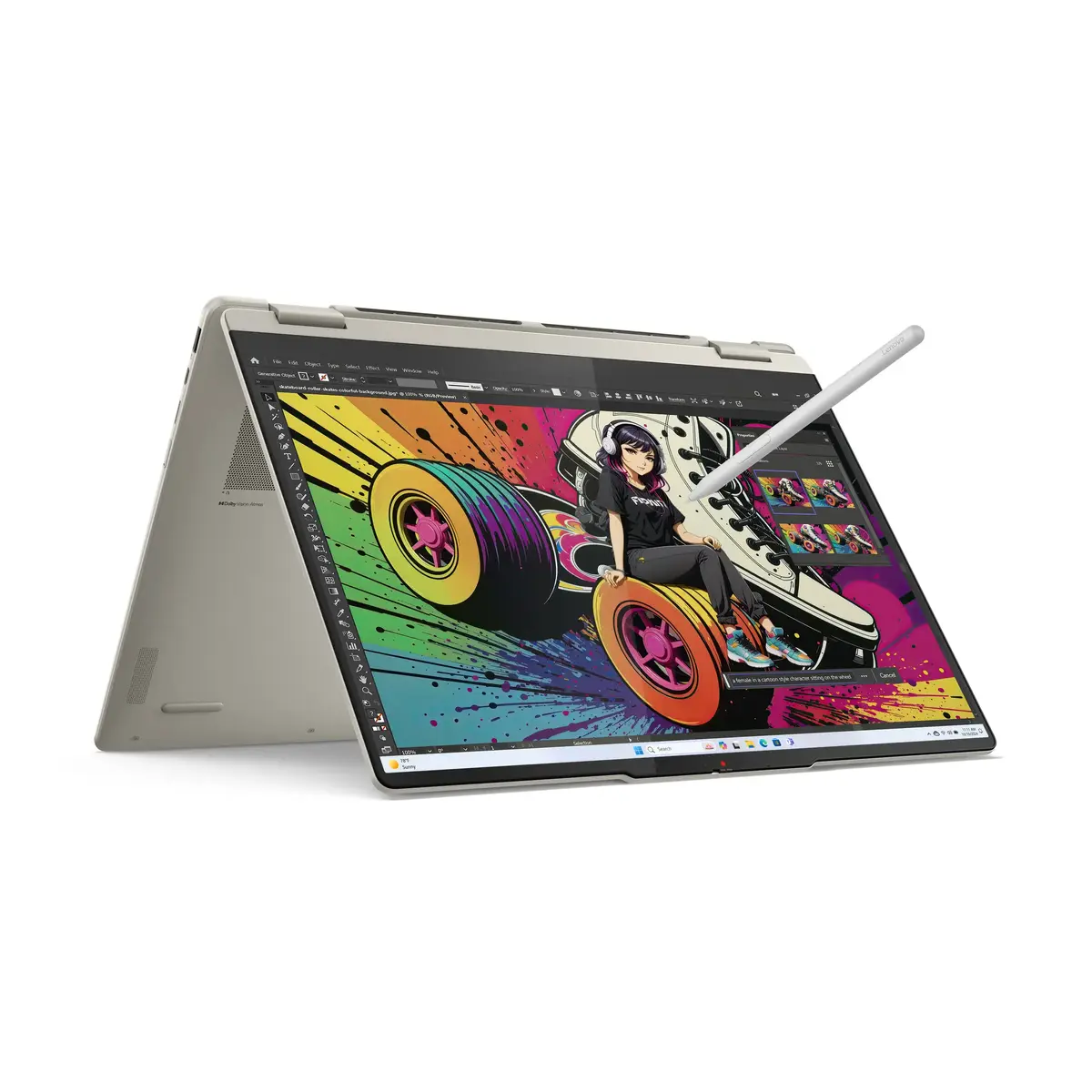
The device offers a high-performance Ryzen™ AI 7 processor with built-in NPU acceleration, a vivid 2.8K OLED display with Dolby Vision® and a 120Hz refresh rate, and integrated AMD Radeon™ 860M graphics for everyday graphics tasks. It provides fast storage via a 512GB PCIe 4.0 NVMe SSD and soldered LPDDR5x memory optimized for dual-channel bandwidth. Audio is delivered through a four-speaker system tuned with Dolby Atmos® and Smart Amplifier technology. The chassis is machined aluminum with an anodized finish and the convertible form factor includes a 10-point multi-touch screen and an active Lenovo® Yoga® Pen.
Open the Yoga 2‑in‑1 and use it in laptop mode for typing and productivity or fold it into tablet and tent modes for touch and pen interaction. The touchscreen supports 10‑point multi‑touch and works with the included Lenovo® Yoga® Pen for drawing or note taking. Connect external displays and power via the USB‑C ports (supporting USB PD and DisplayPort), or use the HDMI 2.1 port for direct video output. Use Windows Hello with the IR camera for secure sign‑in and enable the camera privacy shutter when the camera is not needed. Manage storage and system updates through Windows 11 settings.
For balanced performance and battery life, use power profiles in Windows 11 to match workloads: select higher performance for intensive editing or AI‑assisted tasks and a balanced profile for general office work and media playback. Keep the system firmware and drivers updated to ensure optimal Wi‑Fi 7 and NPU performance.
{{highlightedFeature.featureTitle}}:
{{getProductFeatureValueById(product, highlightedFeature.featureId)}}
{{ productComparisonGenerationError }}
