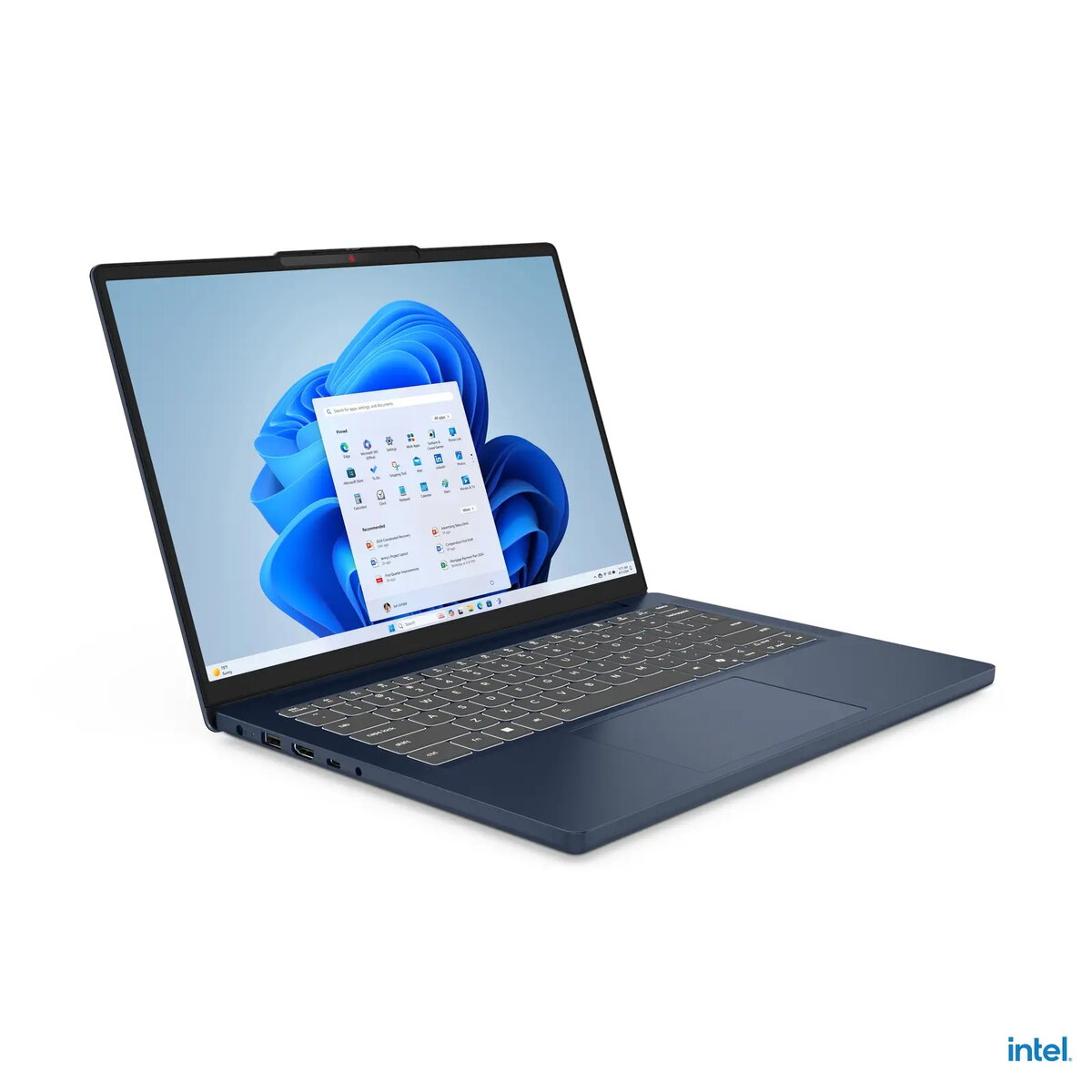
The Lenovo IdeaPad Slim 3 14" i5-13420H pairs a 14-inch display with an Intel i5-13420H processor, 8 GB of RAM and a 512 GB solid-state drive to provide balanced performance for everyday productivity and multimedia. Integrated UHD Xe graphics handle video playback, casual photo editing and light gaming, while Windows 11 Home offers a modern desktop experience. The laptop's slim profile and lightweight chassis make it straightforward to carry between home, office and study environments.
Advantages
The combination of a capable 14" display, a 12th/13th-generation Intel H-series mobile CPU architecture and a 512 GB NVMe SSD results in fast system responsiveness, quick application launches and short boot times. 8 GB of RAM supports multitasking for common office applications, web browsing with multiple tabs and media streaming. Integrated UHD Xe graphics provide improved video decoding and smoother playback compared with older integrated solutions. The compact, lightweight design contributes to portability while Windows 11 Home includes features for productivity and security.
Suitable for
- Office productivity: word processing, spreadsheets, presentations
- Remote work and video conferencing
- Web browsing, email, and multimedia streaming
- Student use: research, coursework and note-taking
- Light content editing and casual gaming
When it may not be suitable
This laptop is not intended for sustained heavy workstation workloads such as professional 3D rendering, large-scale video production, or advanced scientific computing that require high-core-count CPUs, professional GPUs or very large amounts of RAM. For users planning to run demanding AAA games at high settings or to perform extensive photo/video editing on large files, a model with a discrete graphics card and 16 GB or more of RAM would be more appropriate.
Key specifications
- Screen size: 14 inches
- Processor: Intel Core i5-13420H
- Memory: 8 GB RAM
- Storage: 512 GB SSD
- Graphics: Integrated UHD Xe graphics
- Operating system: Windows 11 Home
- Form factor: Slim, lightweight laptop
How to use
Set up the laptop by completing the Windows 11 Home initial configuration, creating or signing in with a Microsoft account if desired, and connecting to a Wi‑Fi network. Use the 512 GB SSD for the operating system and applications to take advantage of fast boot and load times. For routine maintenance, keep the system updated through Windows Update, perform regular backups of important files, and manage storage by uninstalling unused applications or moving large media files to external drives or cloud storage. Adjust power settings to balance battery life and performance when working unplugged.
What to consider before purchase
- Confirm that 8 GB RAM meets your multitasking and application needs; consider models with more memory for heavier workloads.
- Check display resolution and panel type if color accuracy or high resolution is critical for your work.
- Assess battery life expectations and whether you need extended battery capacity for long mobile use.
- Verify available ports and wireless connectivity to ensure compatibility with your peripherals and networks.
Usage recommendations
For typical office and student workflows, keep the system current with Windows updates, use an external backup solution for important documents, and consider adding an external monitor and docking setup for extended desk use to improve ergonomics and productivity.