

Save time and money with our discounts!
In cart {{totalProductsCount}} item(s)
Your cart is empty
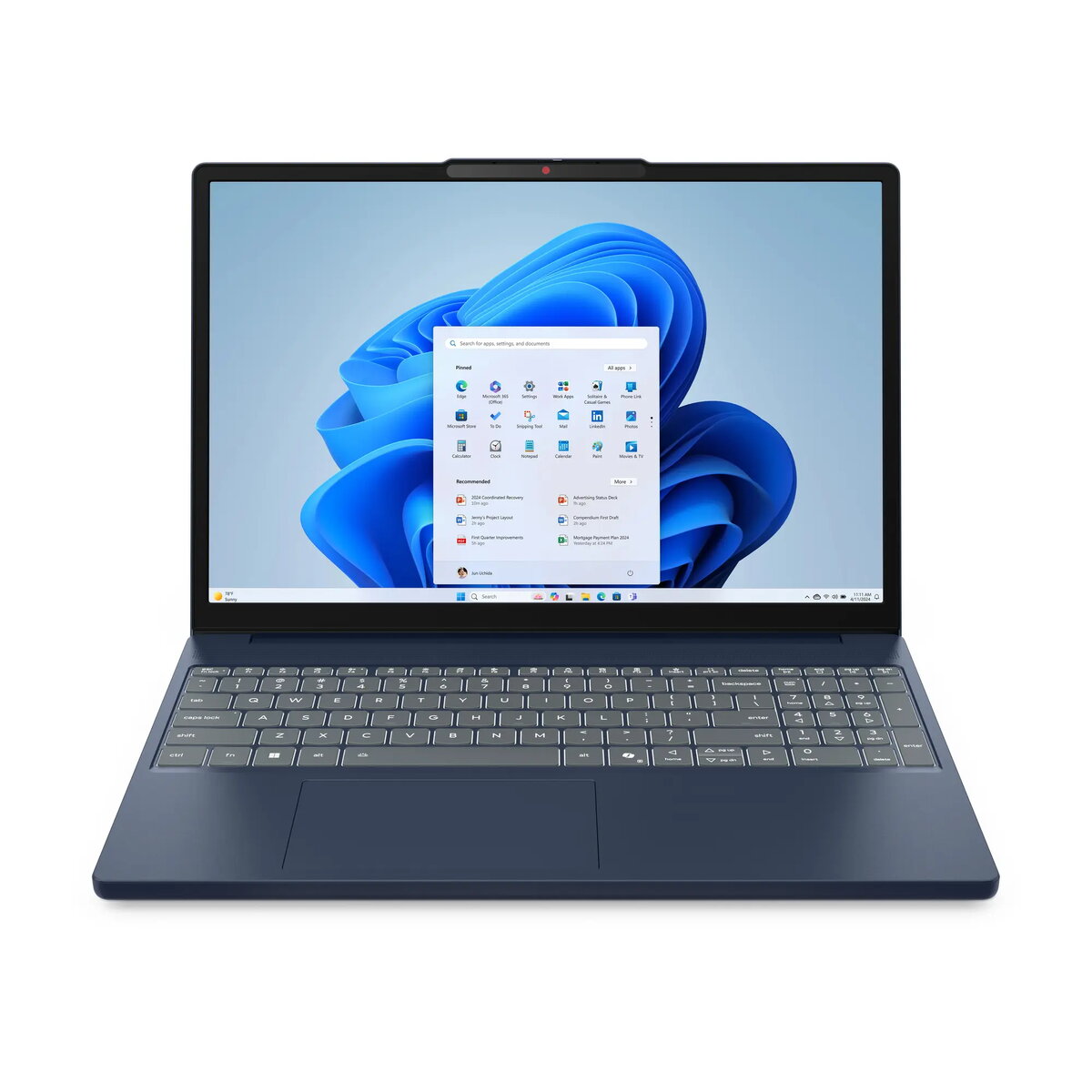
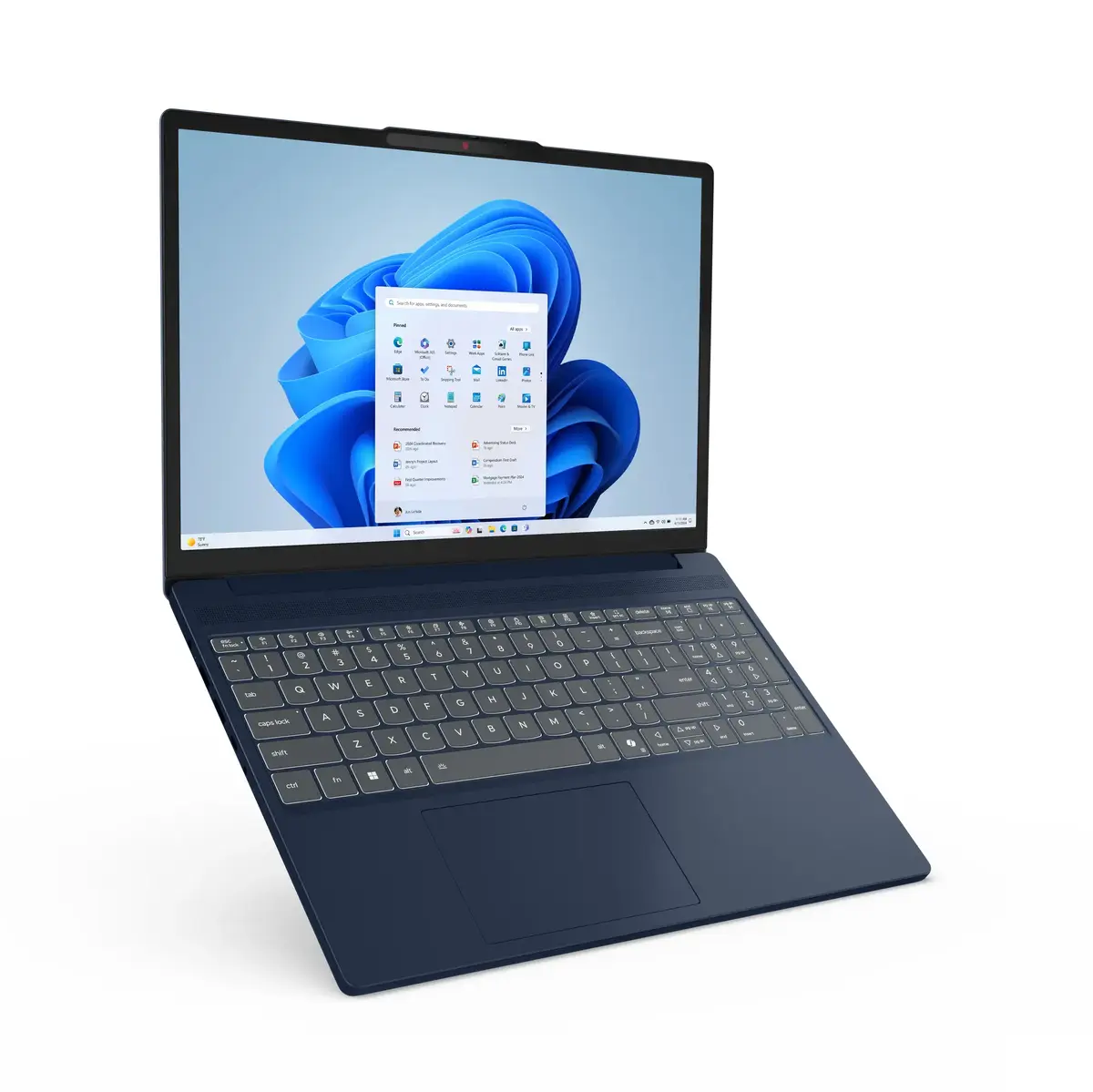
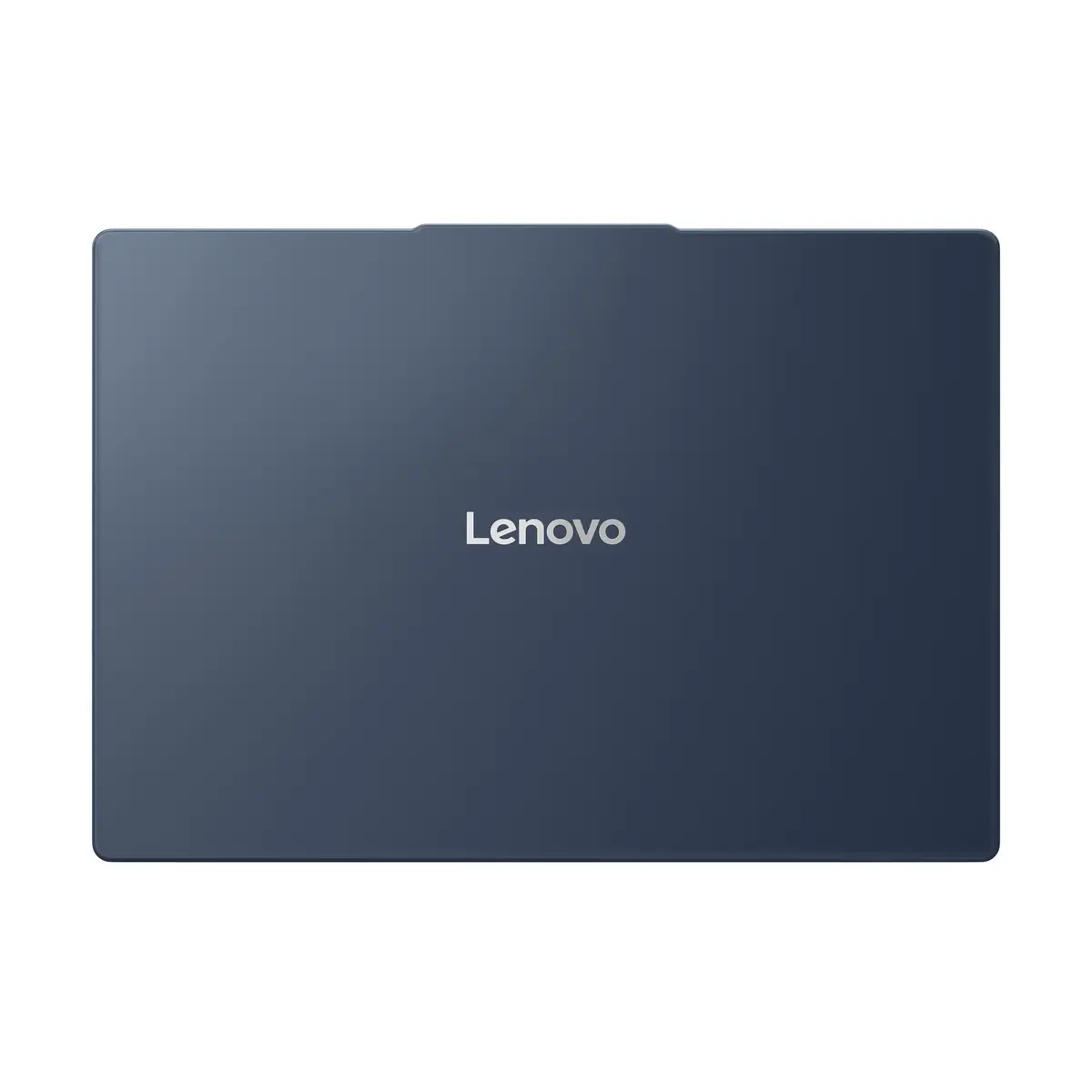
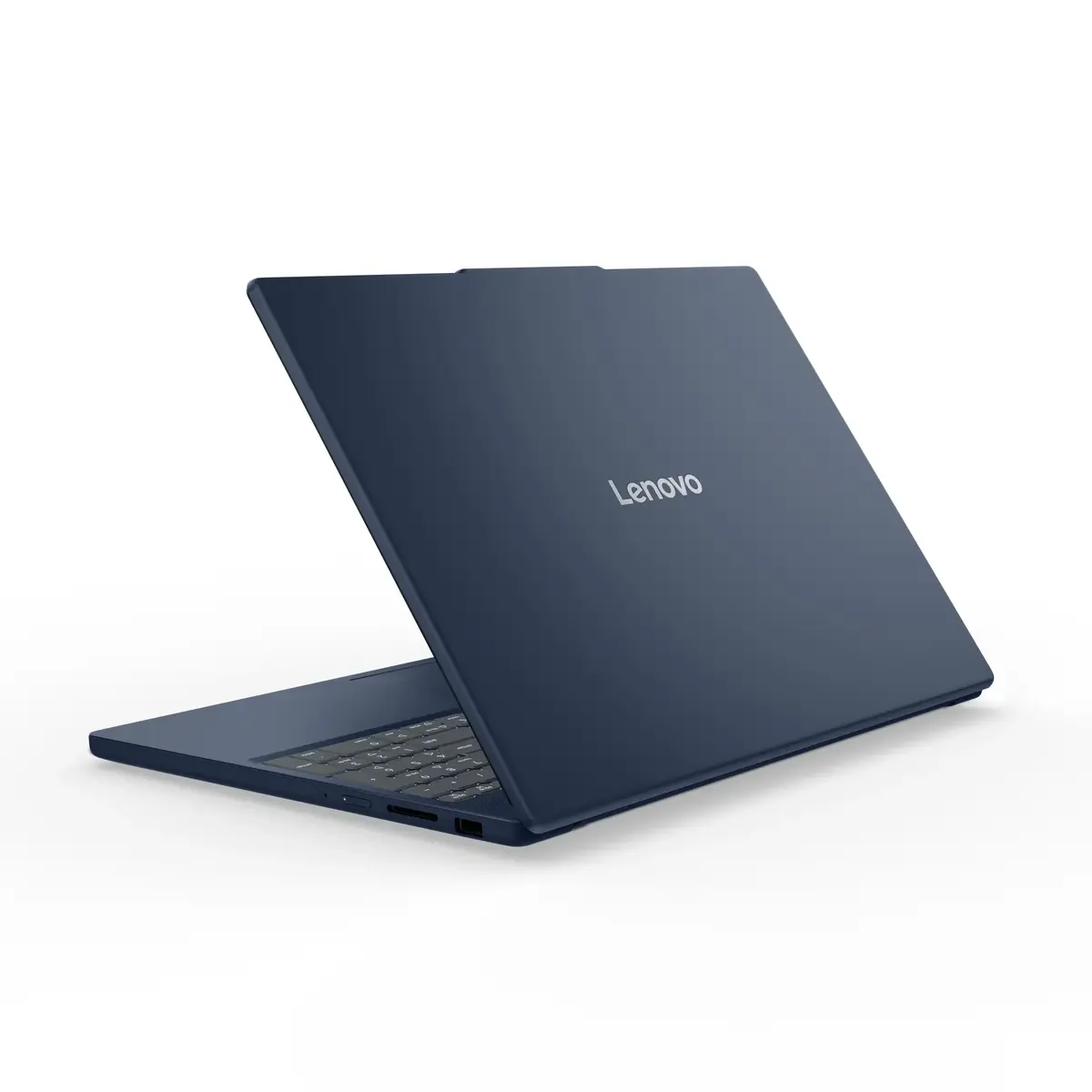
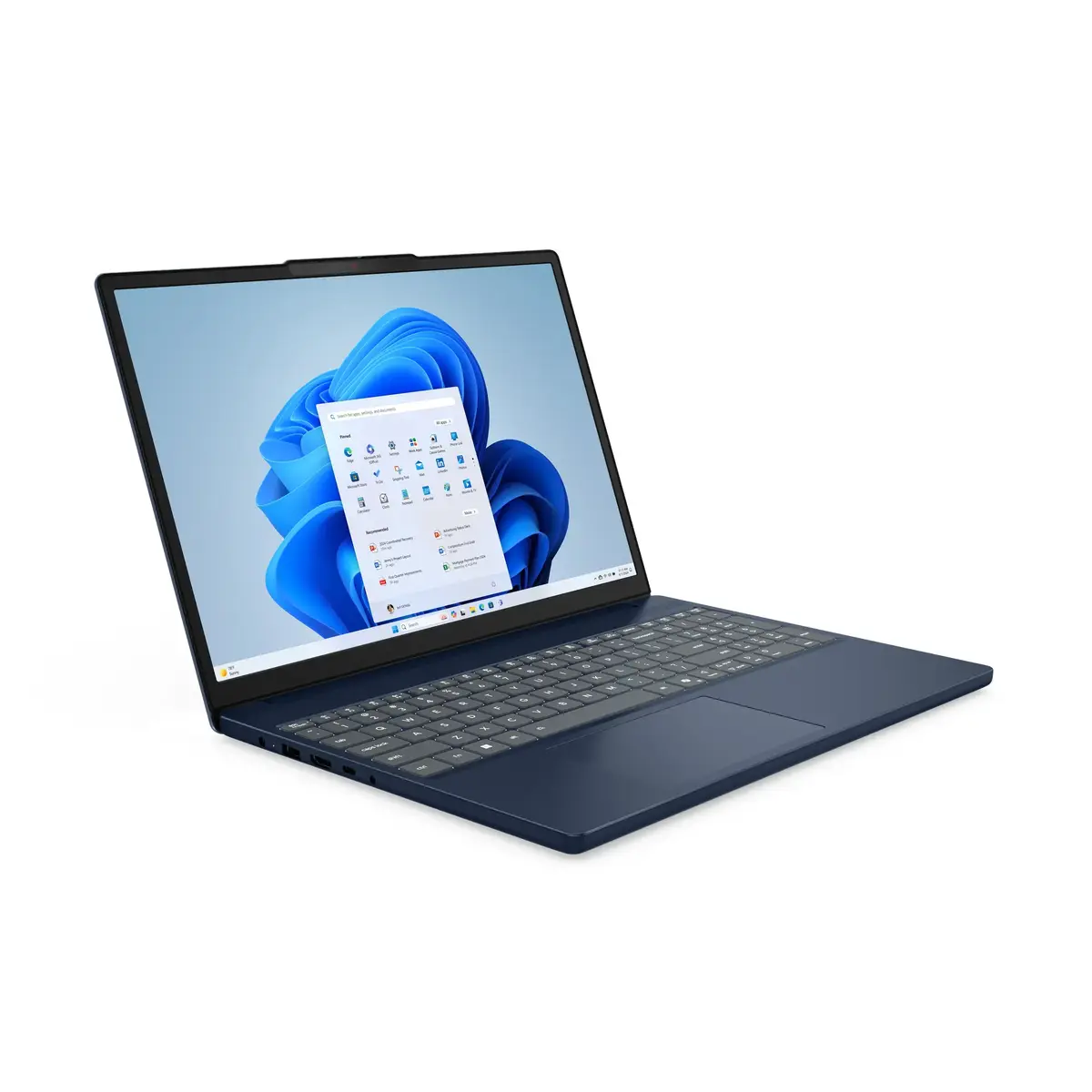
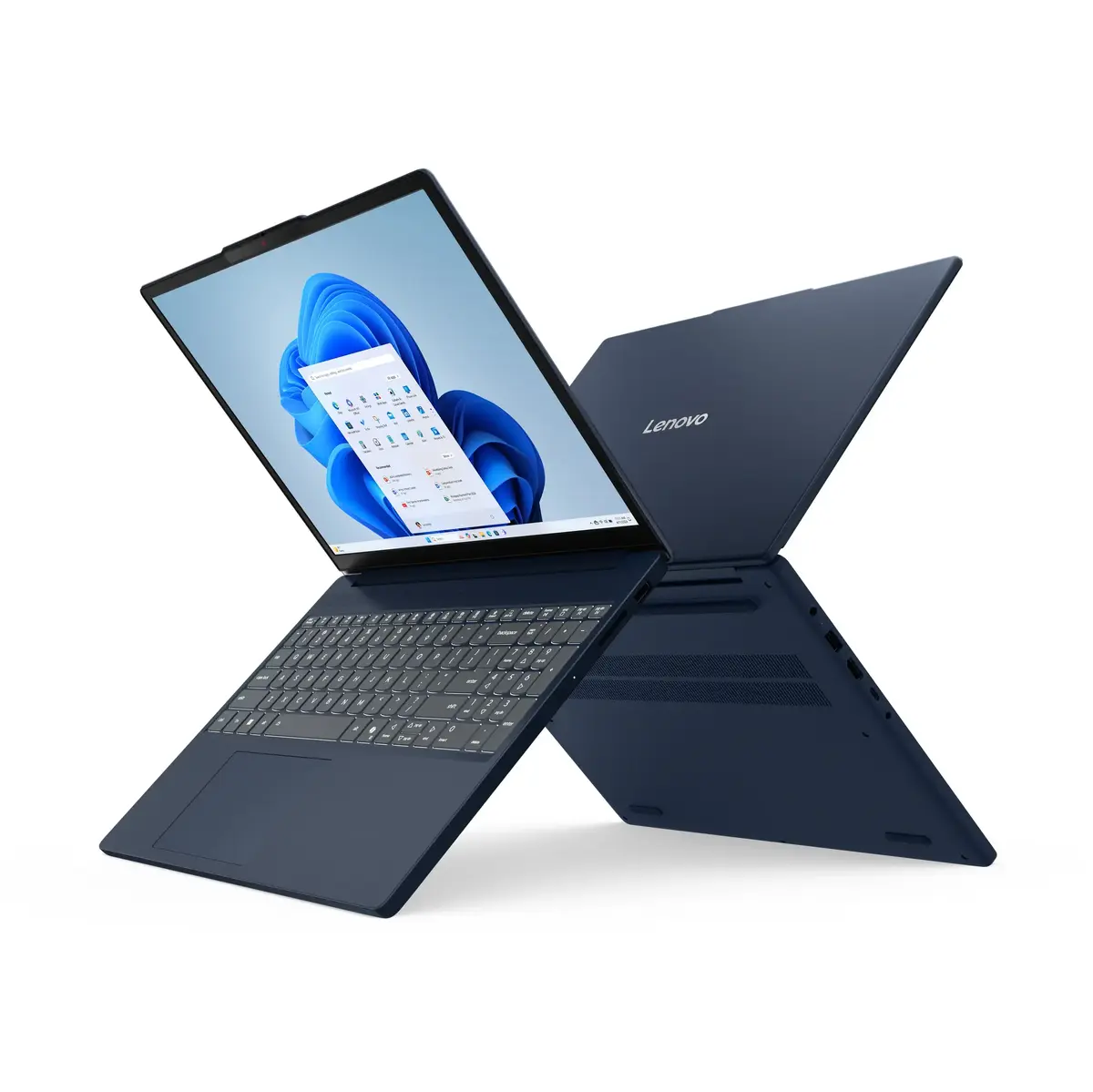
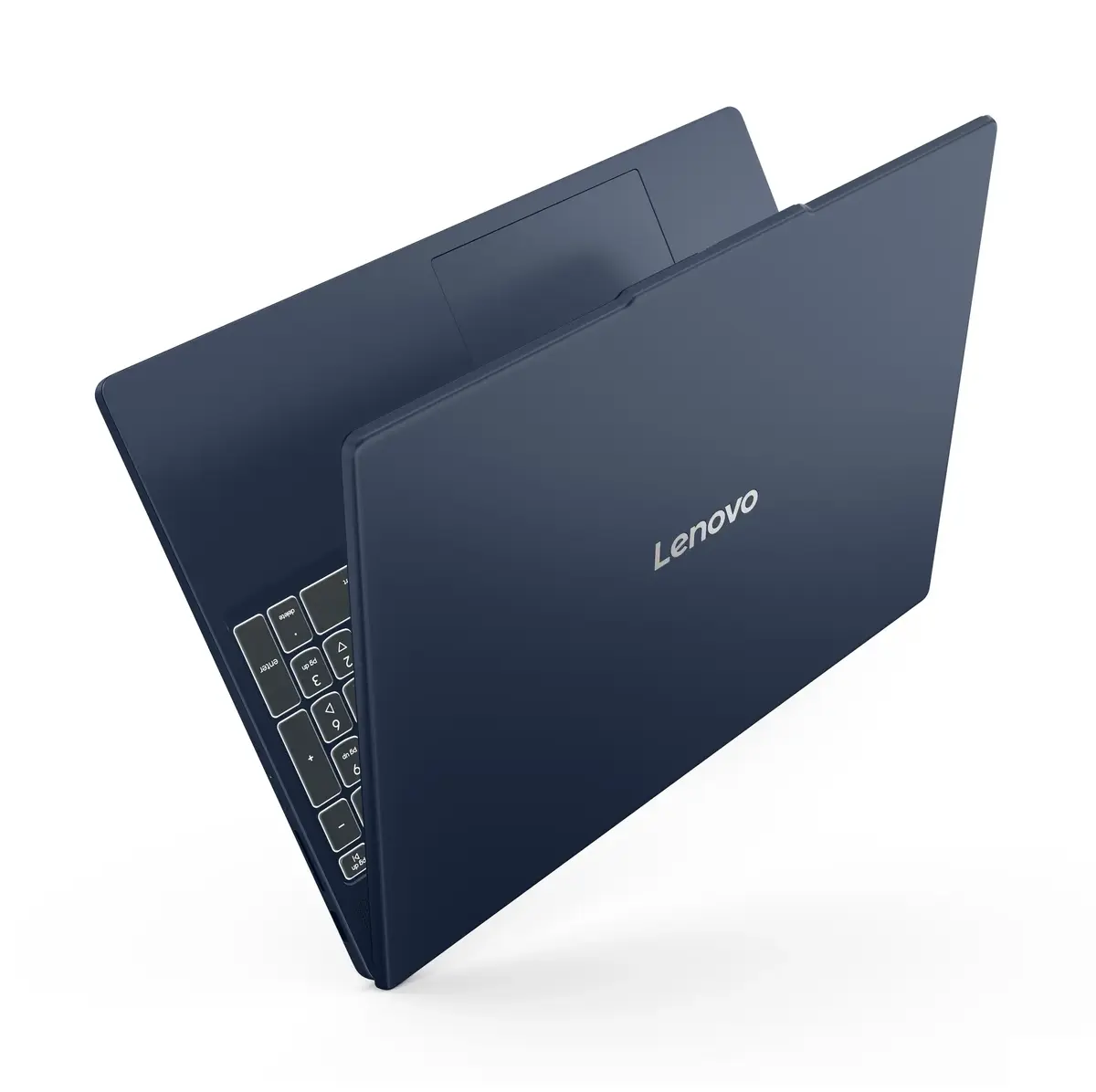
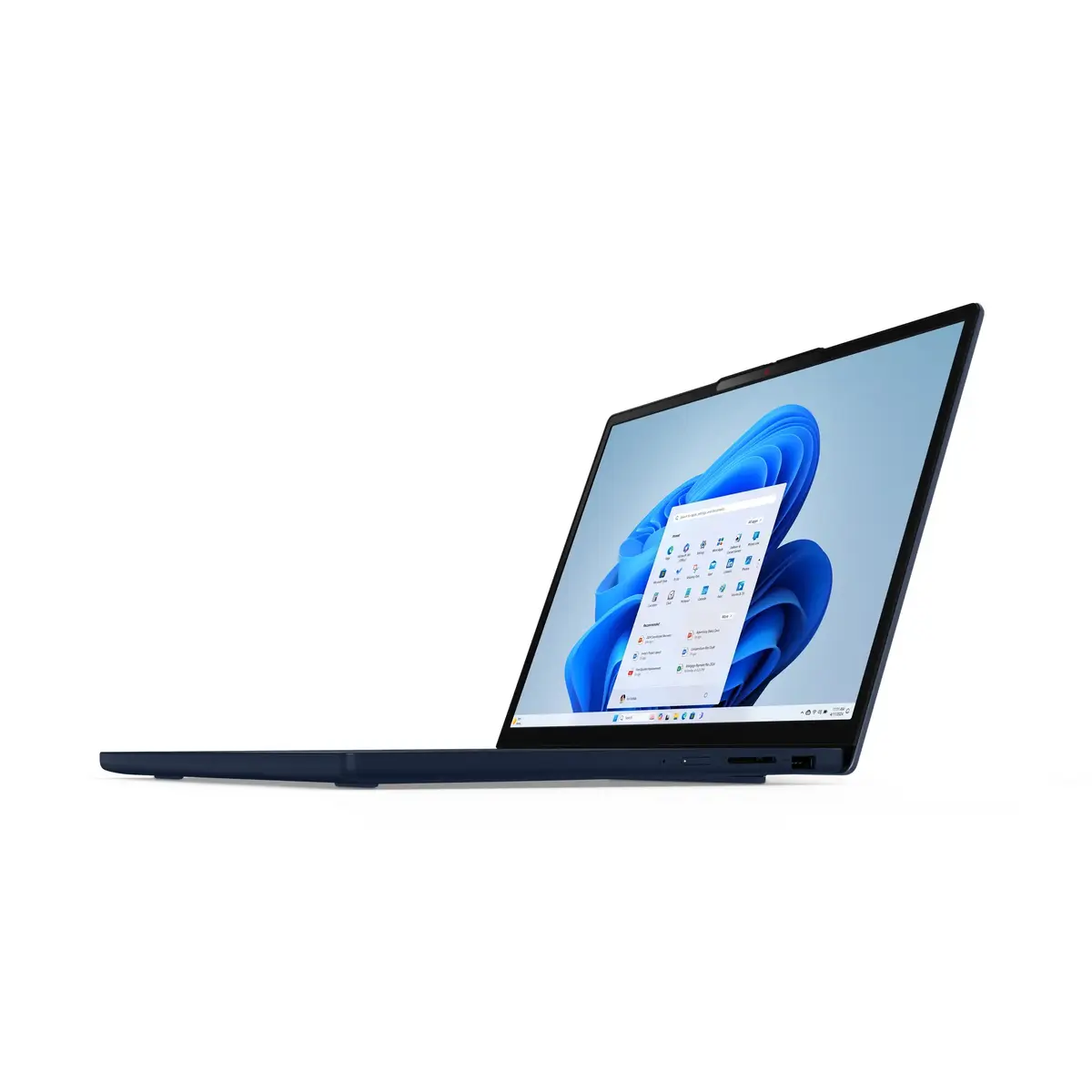
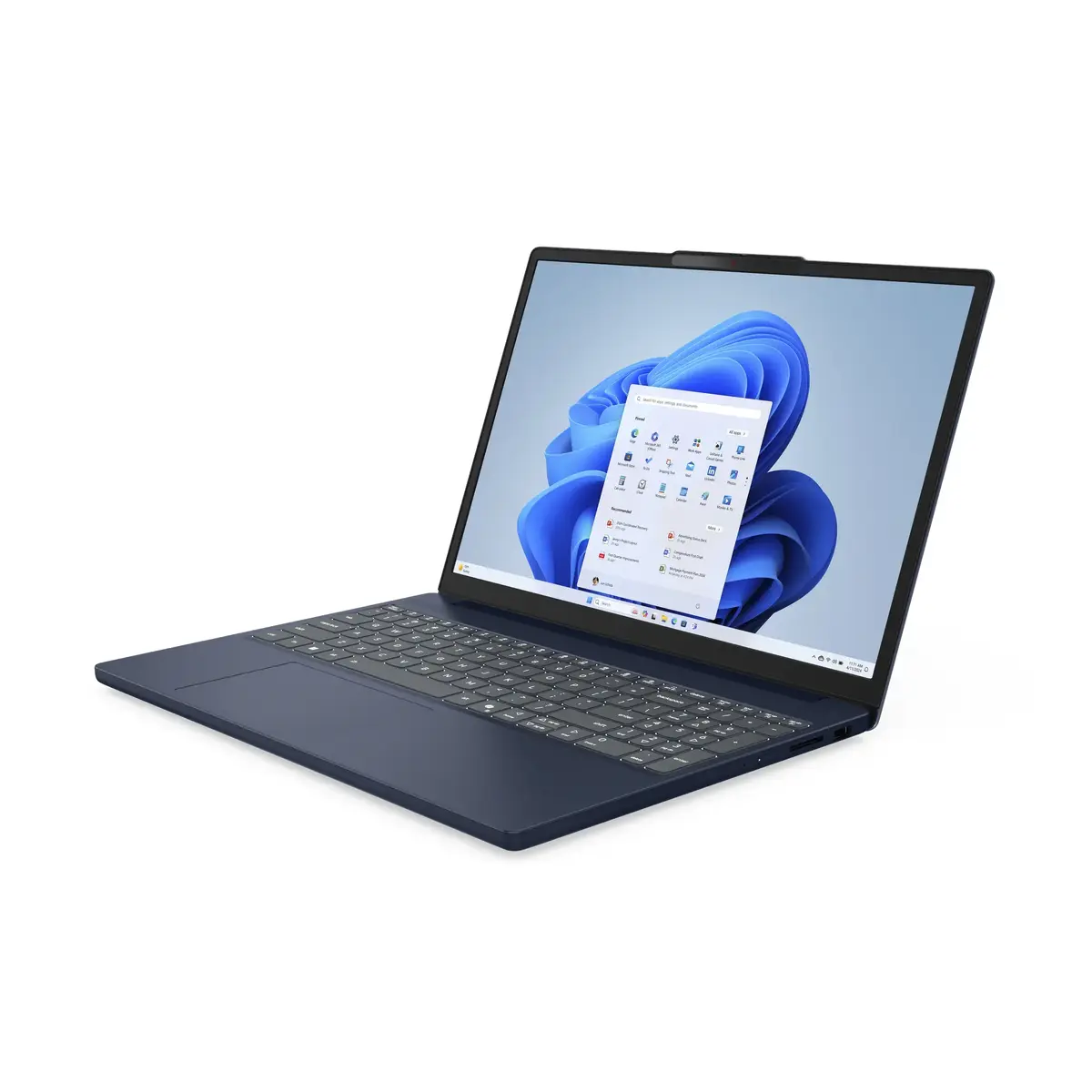
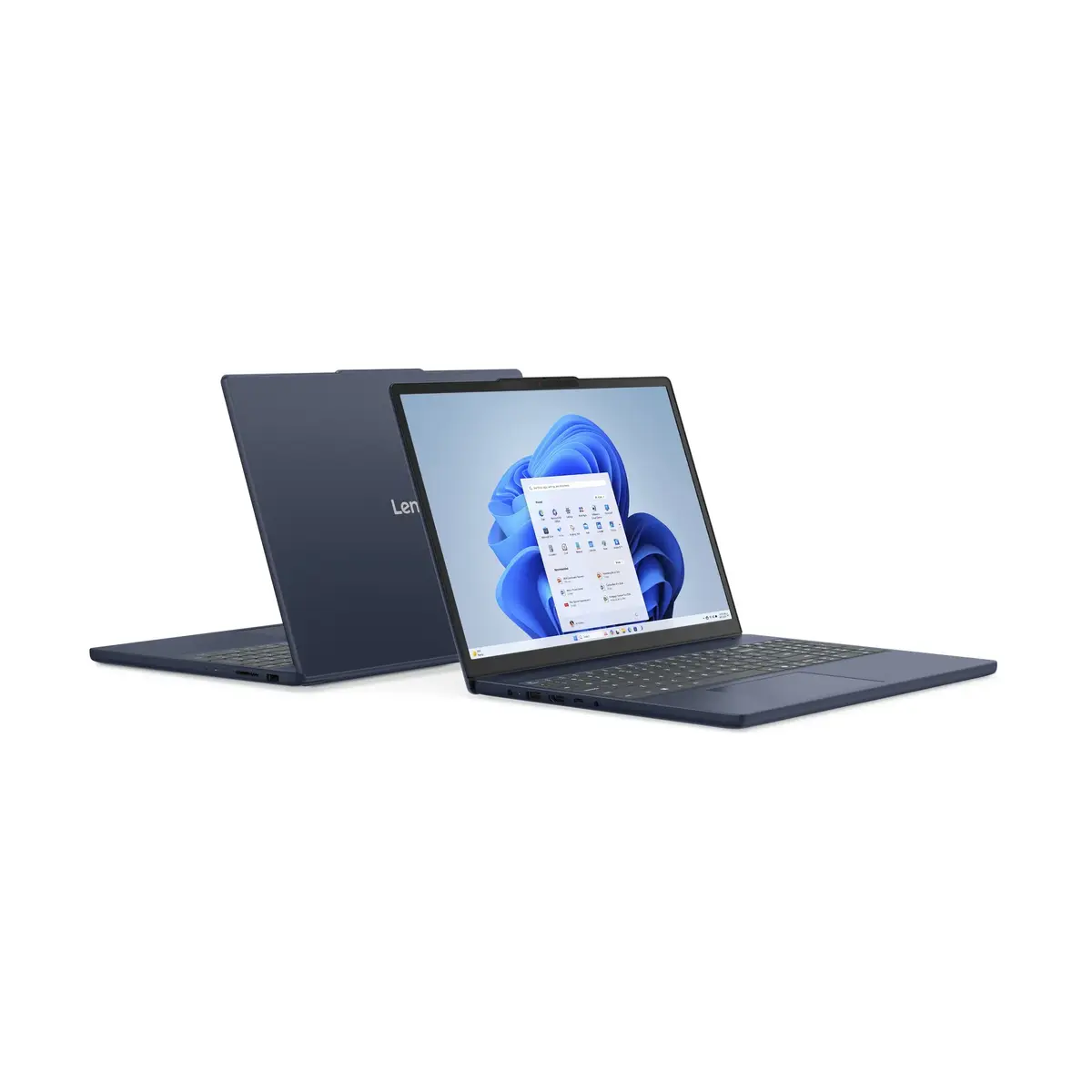
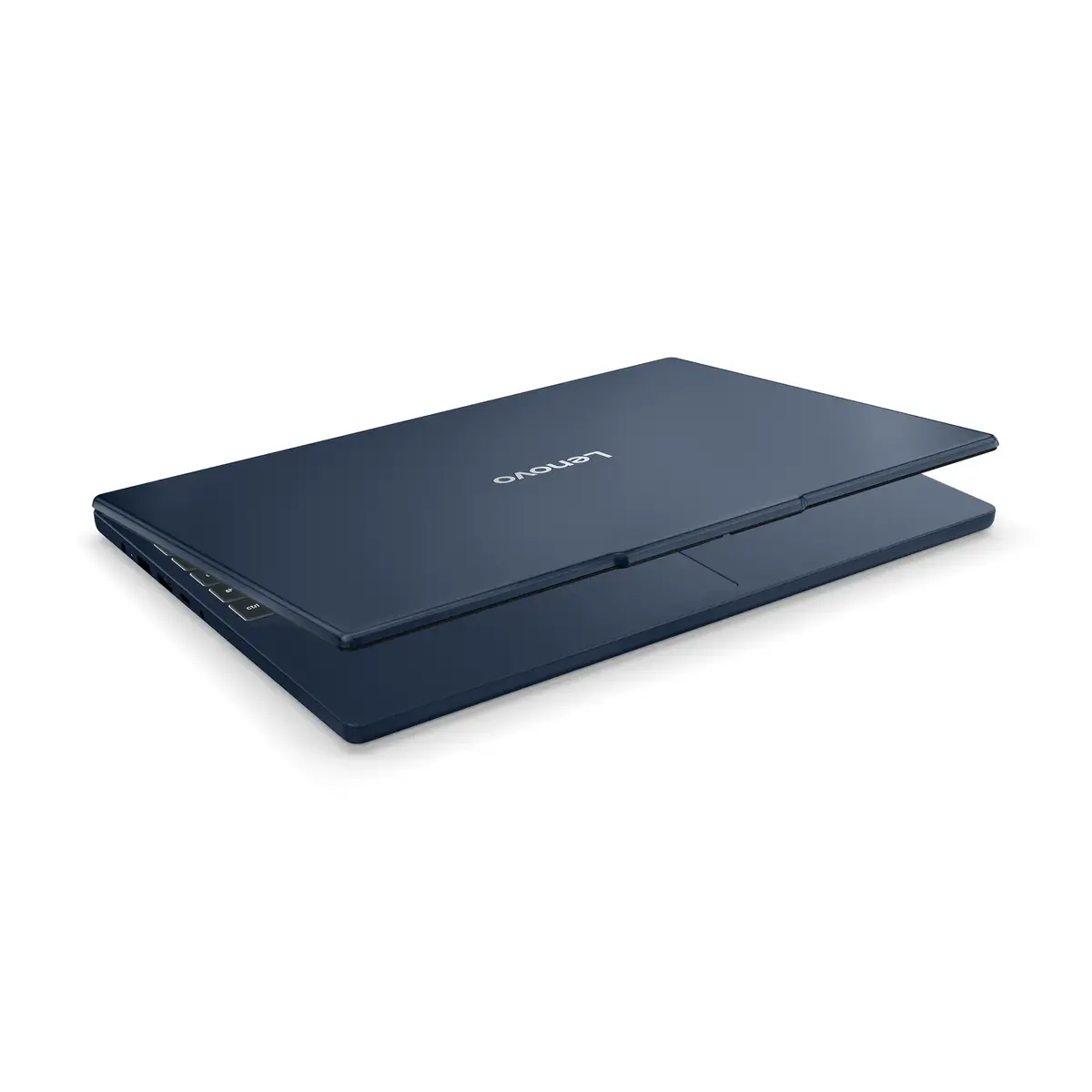
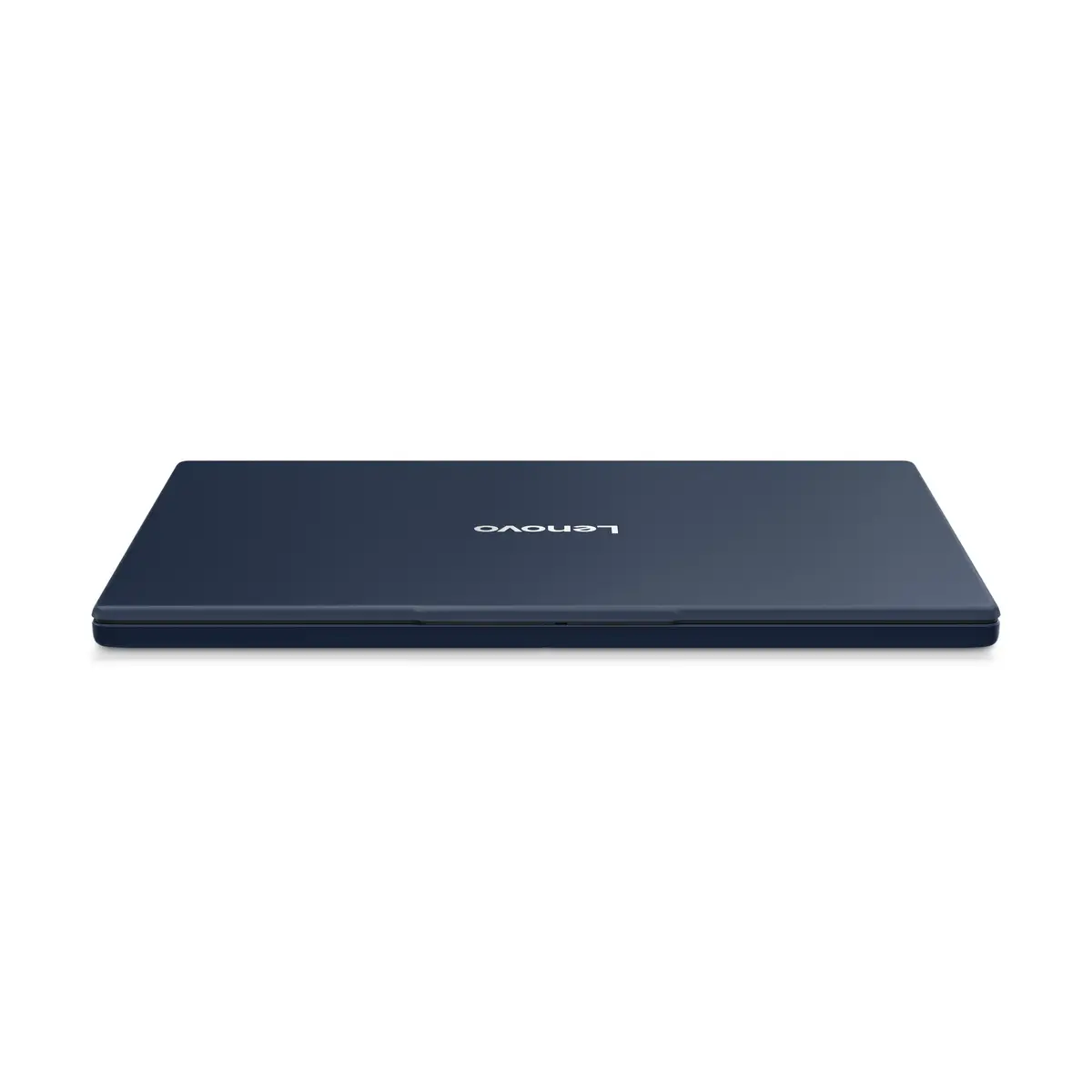
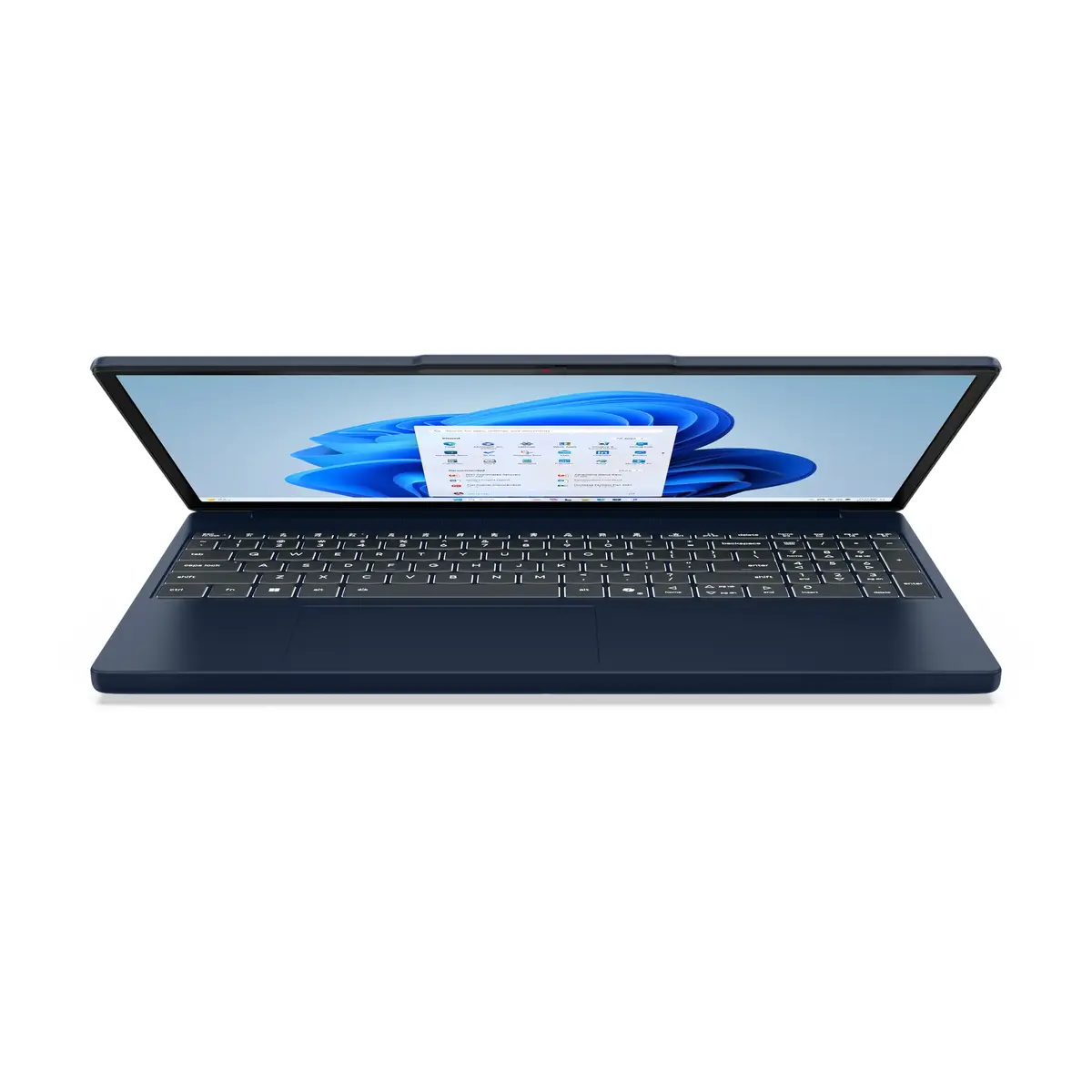
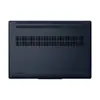
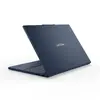
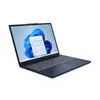
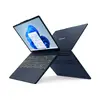
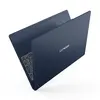
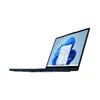
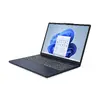
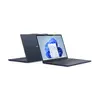
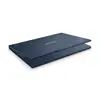
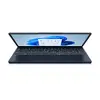
Lenovo IdeaPad Slim 3 15ARP10 Laptop, AMD Ryzen 5 7533HS, 15.3" WUXGA, 16GB DDR5, 512GB SSD, Windows 11 Home, Blue
The Lenovo IdeaPad Slim 3 15ARP10 is a versatile and efficient laptop designed to meet the demands of modern daily computing. Featuring a sleek blue chassis and a reliable clamshell design, this device is built for users who require a balance of performance and portability. Powered by the AMD Ryzen 5 7533HS processor and supported by 16GB of high-speed DDR5 memory, it handles multitasking, office applications, and web browsing with ease. The 15.3-inch WUXGA display provides a crisp 1920 x 1200 resolution, offering an immersive viewing experience for media consumption and document editing.
This laptop stands out due to its efficient hardware configuration, which ensures smooth operation across various software environments. The inclusion of a 512GB SSD provides ample space for files while significantly reducing boot times and application loading speeds. Its lightweight construction makes it an excellent companion for students and professionals on the move. Furthermore, the integrated AMD Radeon 660M graphics and the modern Windows 11 Home operating system deliver a stable and responsive user interface, suitable for both work and entertainment.
This laptop may not be suitable for users who require high-end performance for professional video editing, 3D rendering, or playing modern, graphics-intensive video games. Since it relies on integrated graphics, it is optimized for productivity rather than heavy creative or gaming workloads.
To begin using the Lenovo IdeaPad Slim 3, simply power on the device and follow the on-screen prompts provided by the Windows 11 Home setup assistant. Ensure the laptop is connected to a stable Wi-Fi network to complete the initial system updates. Once configured, you can install your preferred productivity software and organize your files on the high-speed SSD. The device is ready for immediate use, offering a seamless transition between tasks thanks to its efficient memory management.
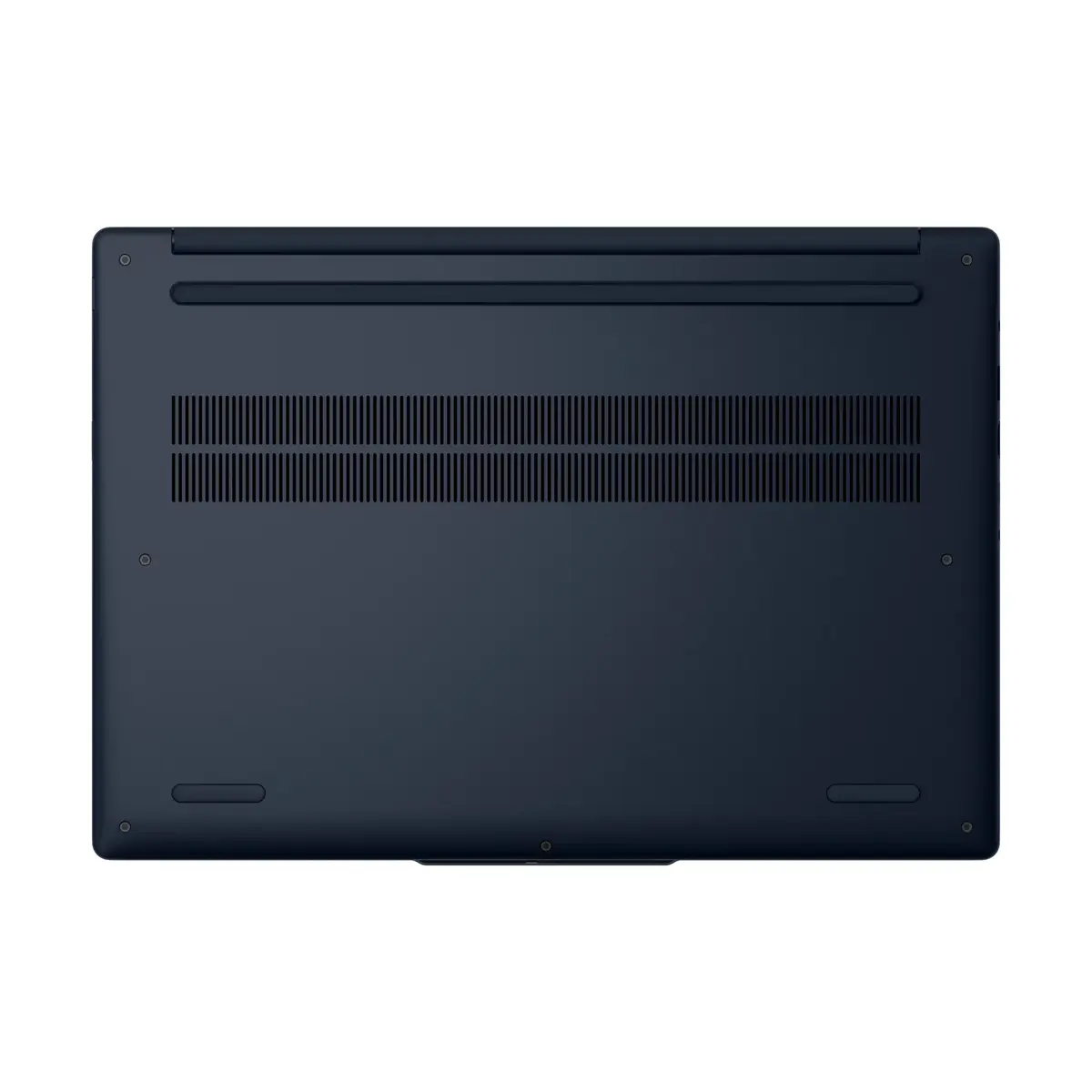
Usage recommendations: To maintain optimal battery health and performance, keep the device updated with the latest system drivers via the Lenovo Vantage software and avoid blocking the air vents during operation to ensure proper cooling.
{{highlightedFeature.featureTitle}}:
{{getProductFeatureValueById(product, highlightedFeature.featureId)}}
{{ productComparisonGenerationError }}
