
Powerful EcoFlow stations for energy anywhere!
In cart {{totalProductsCount}} item(s)
Your cart is empty
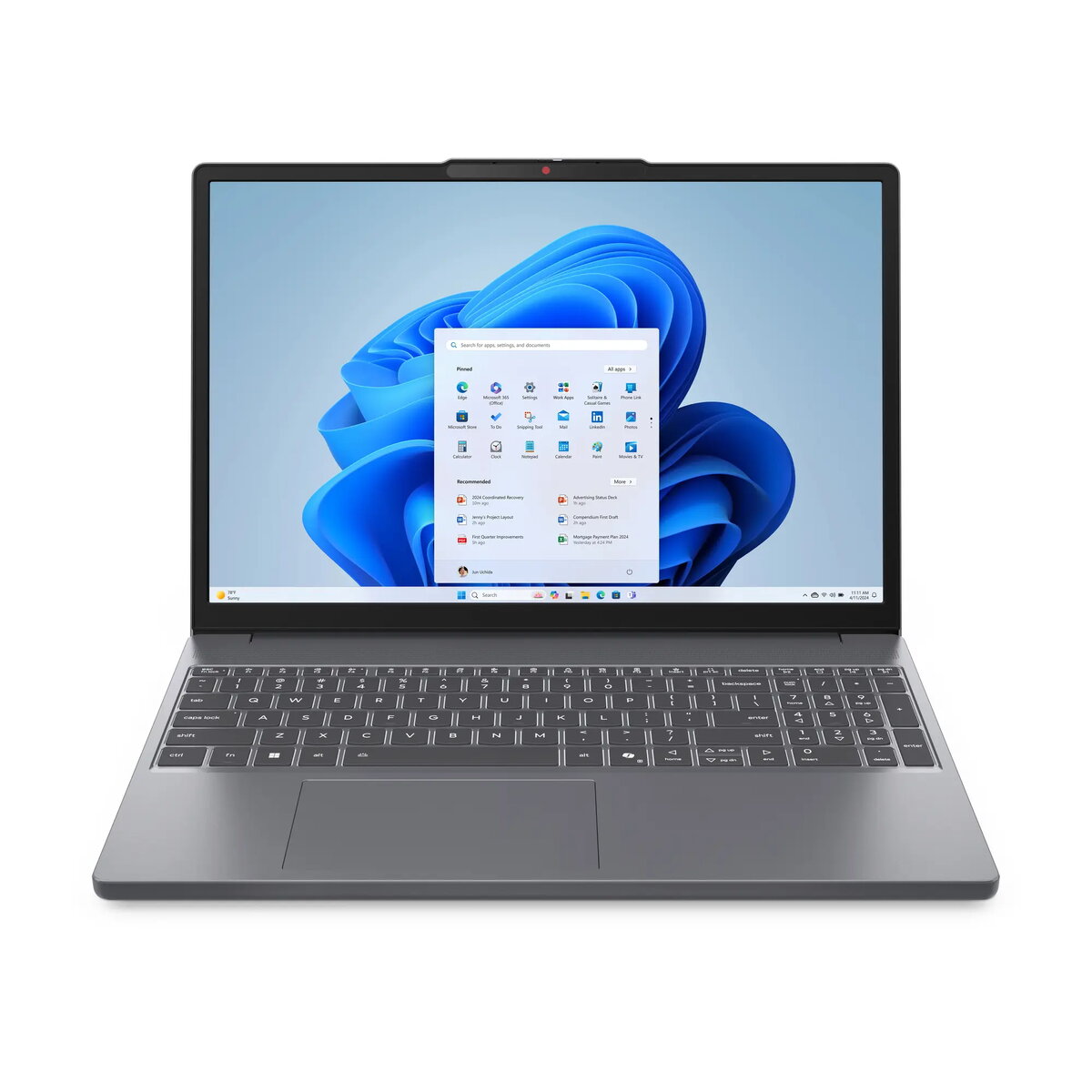
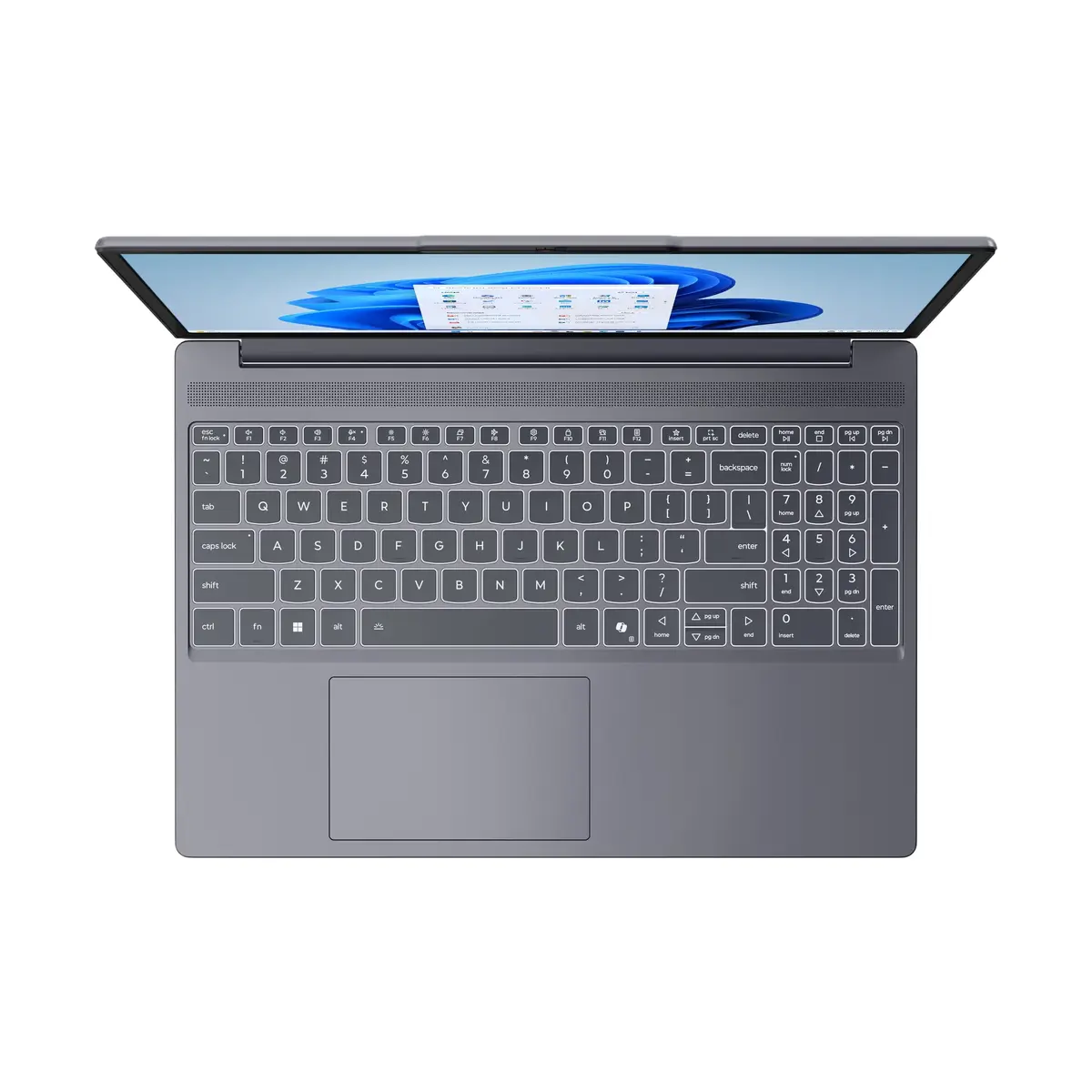
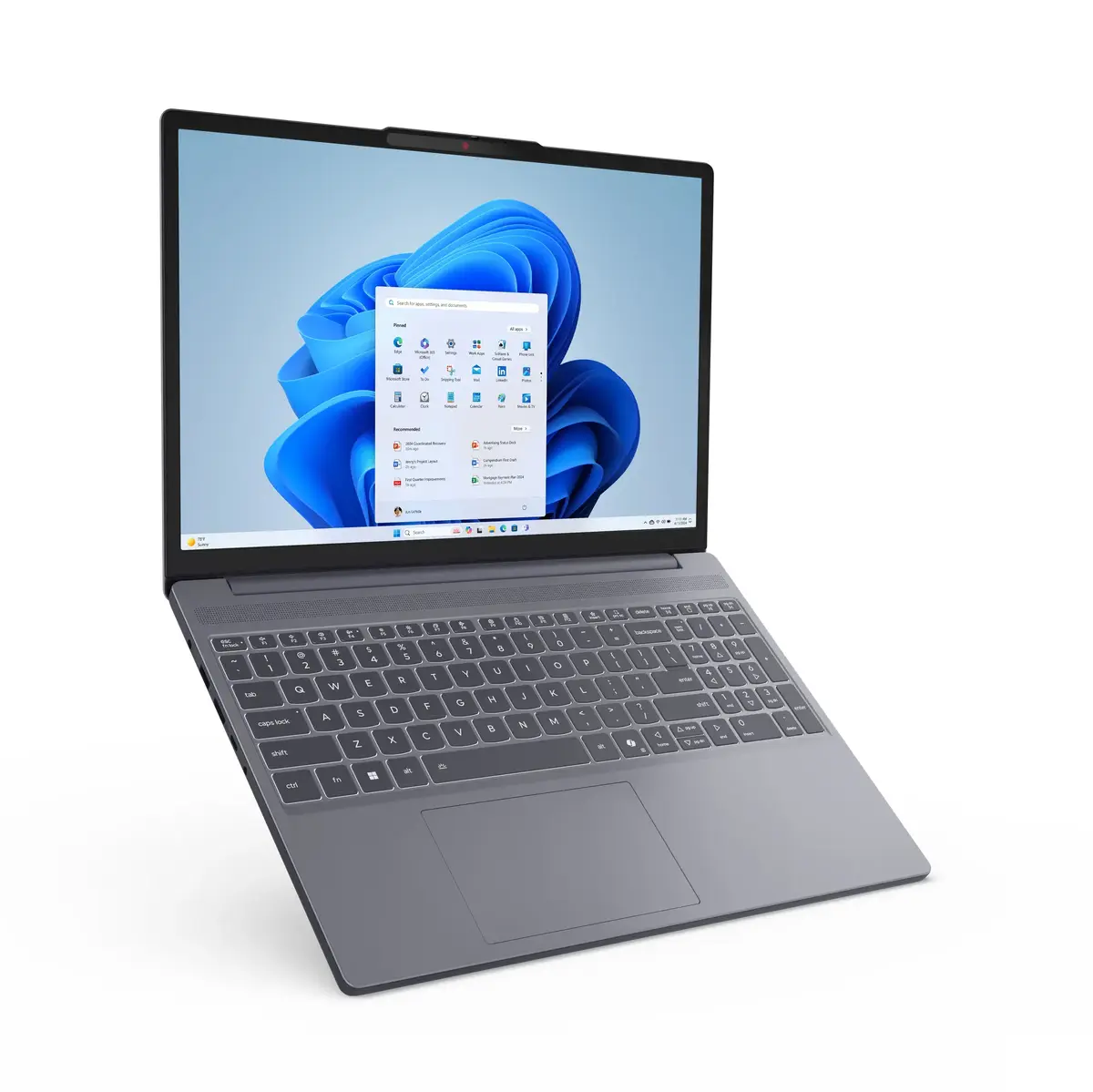
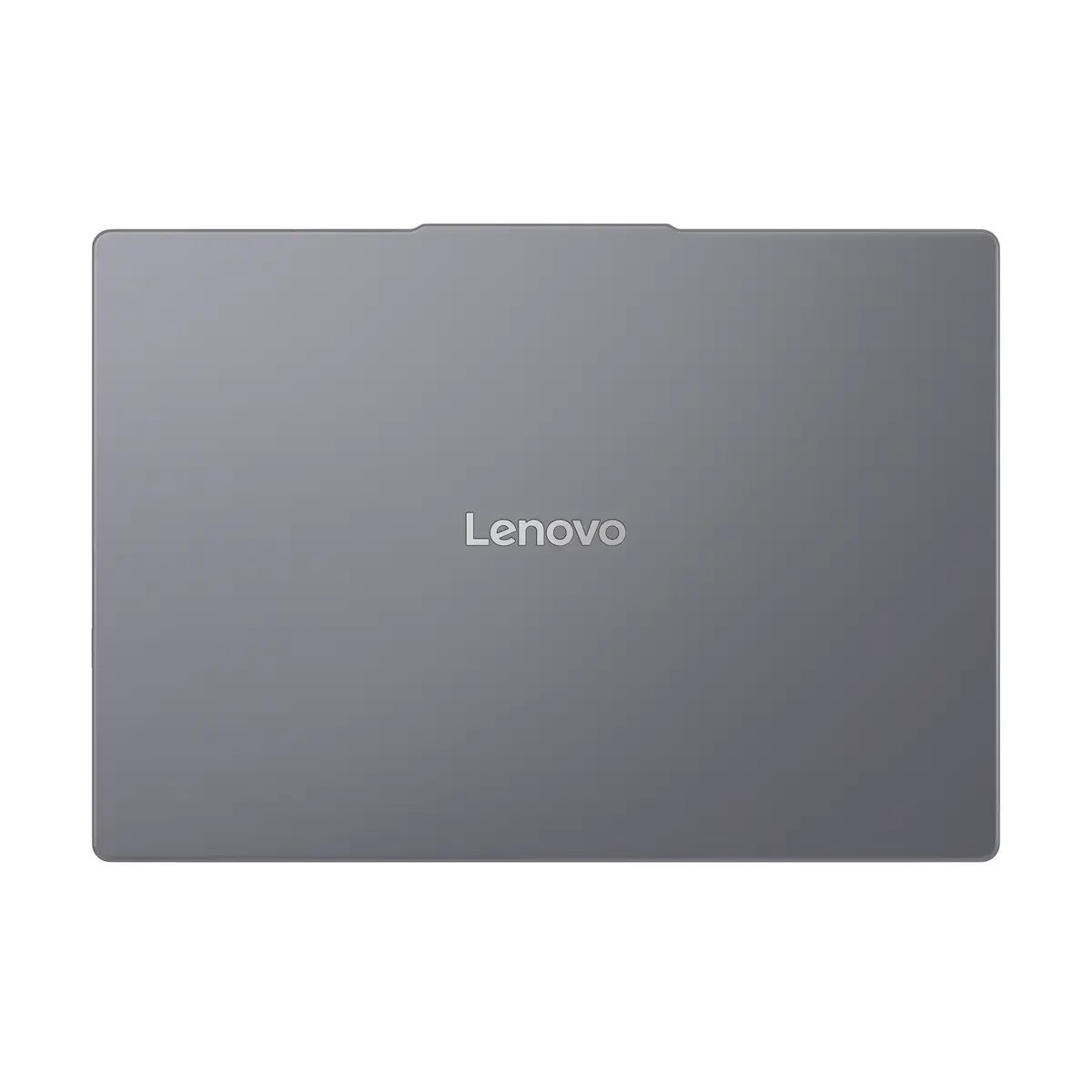
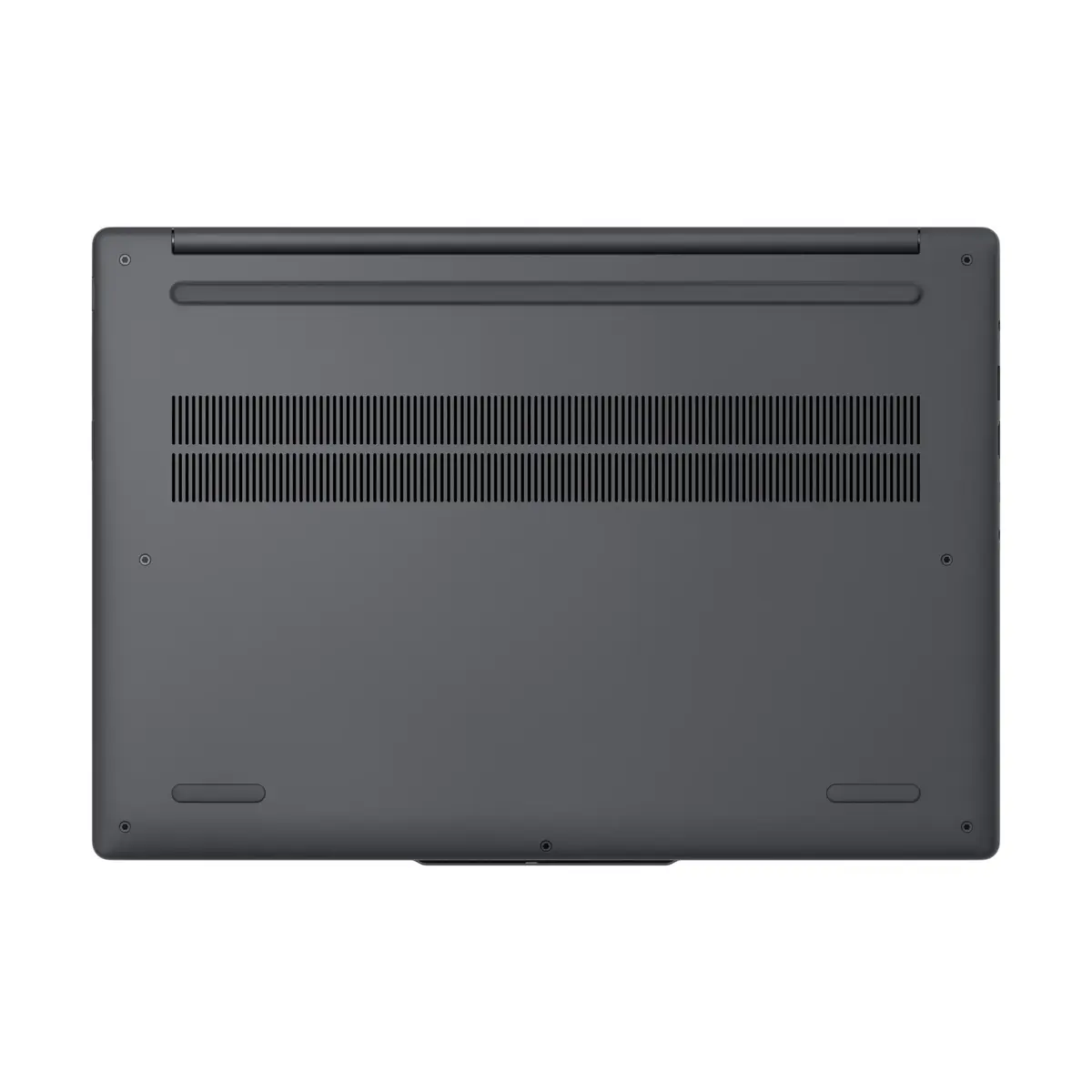
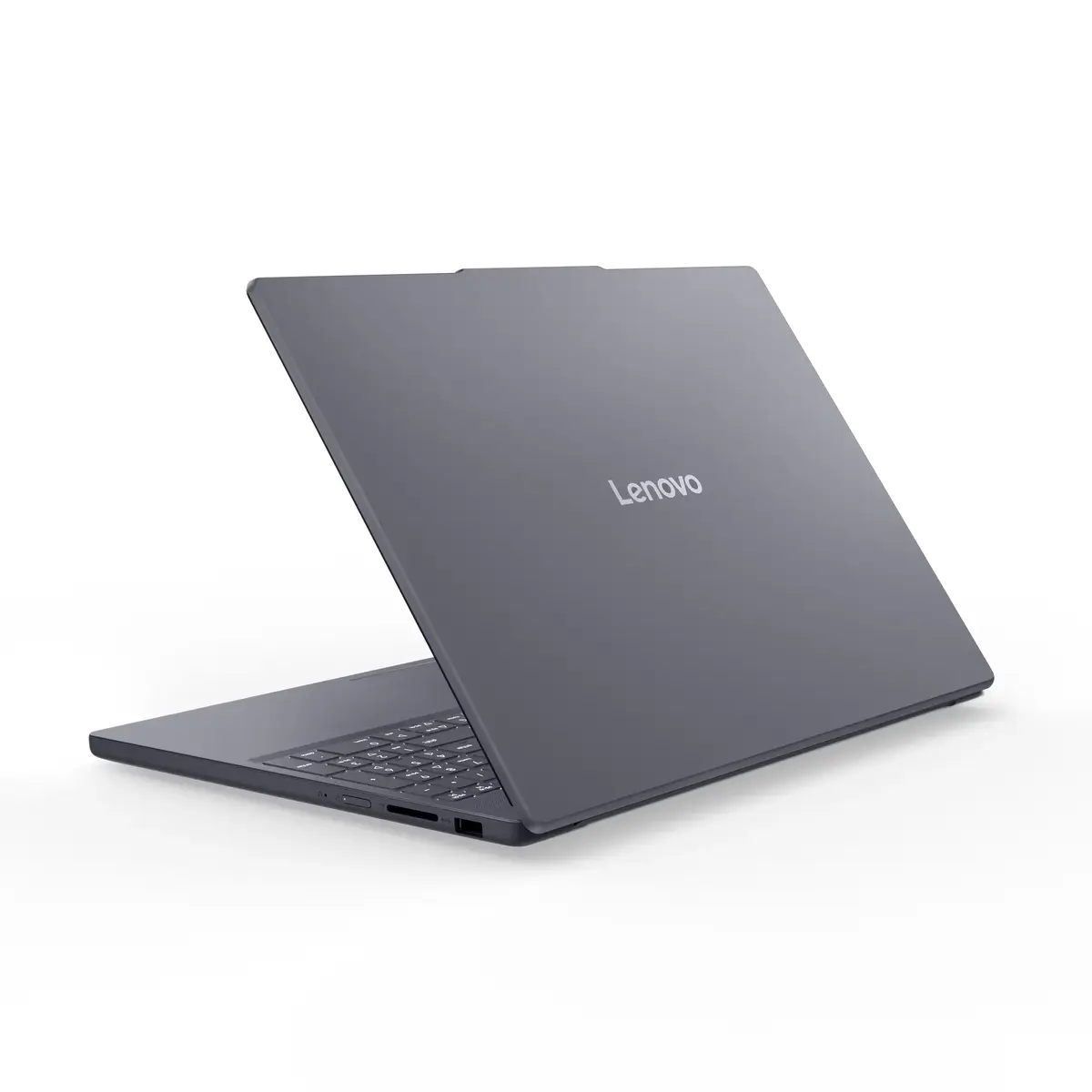
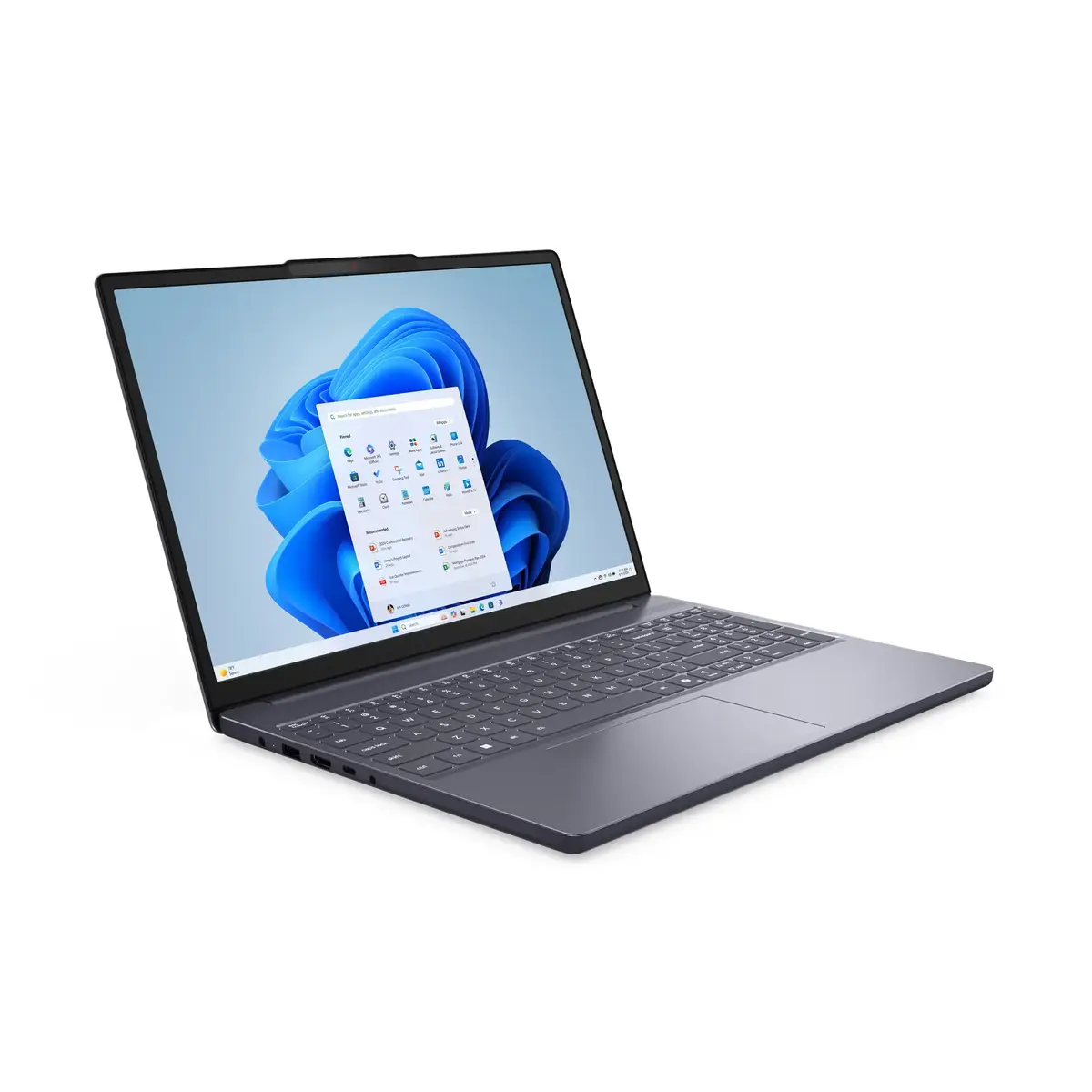
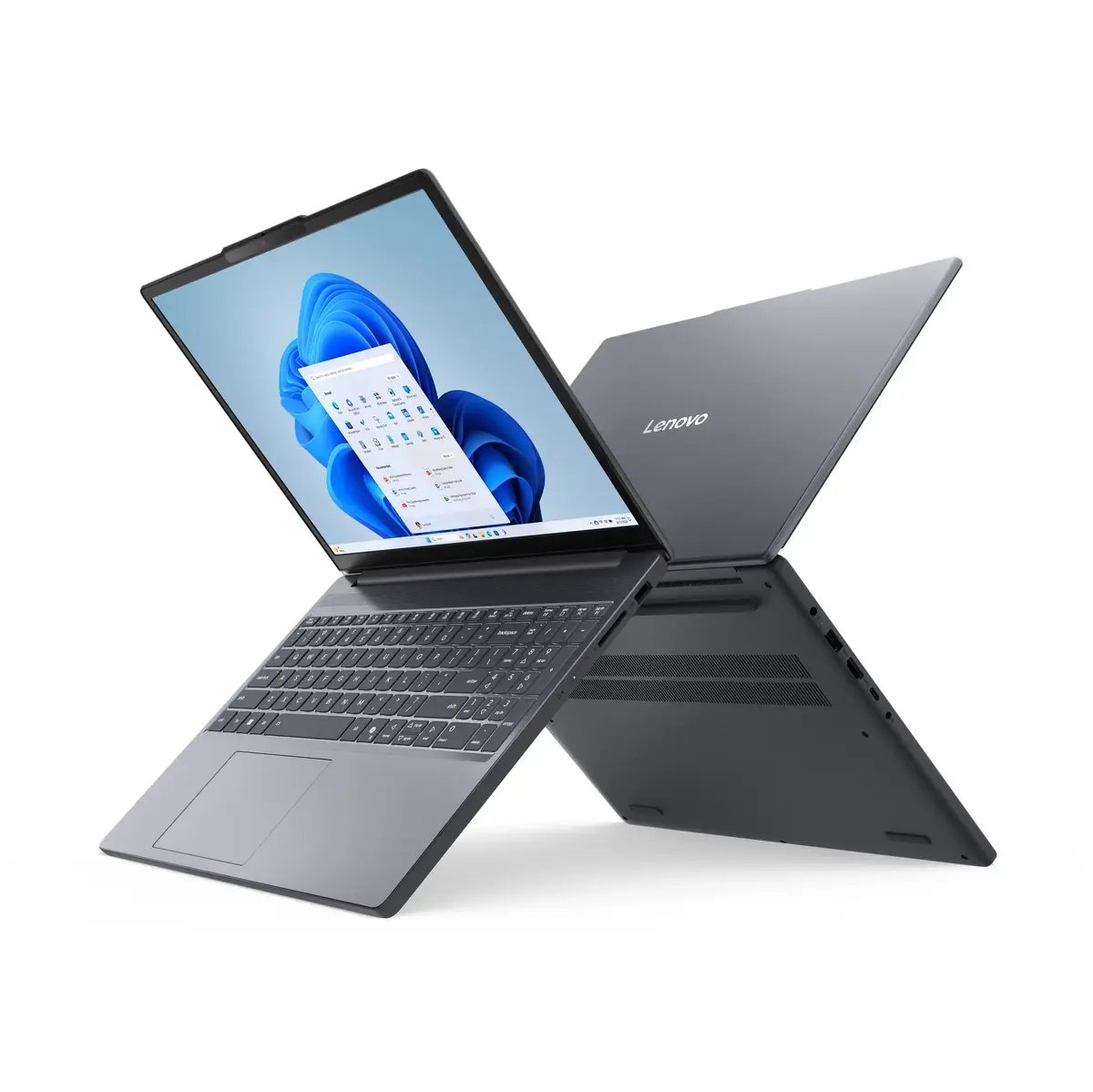
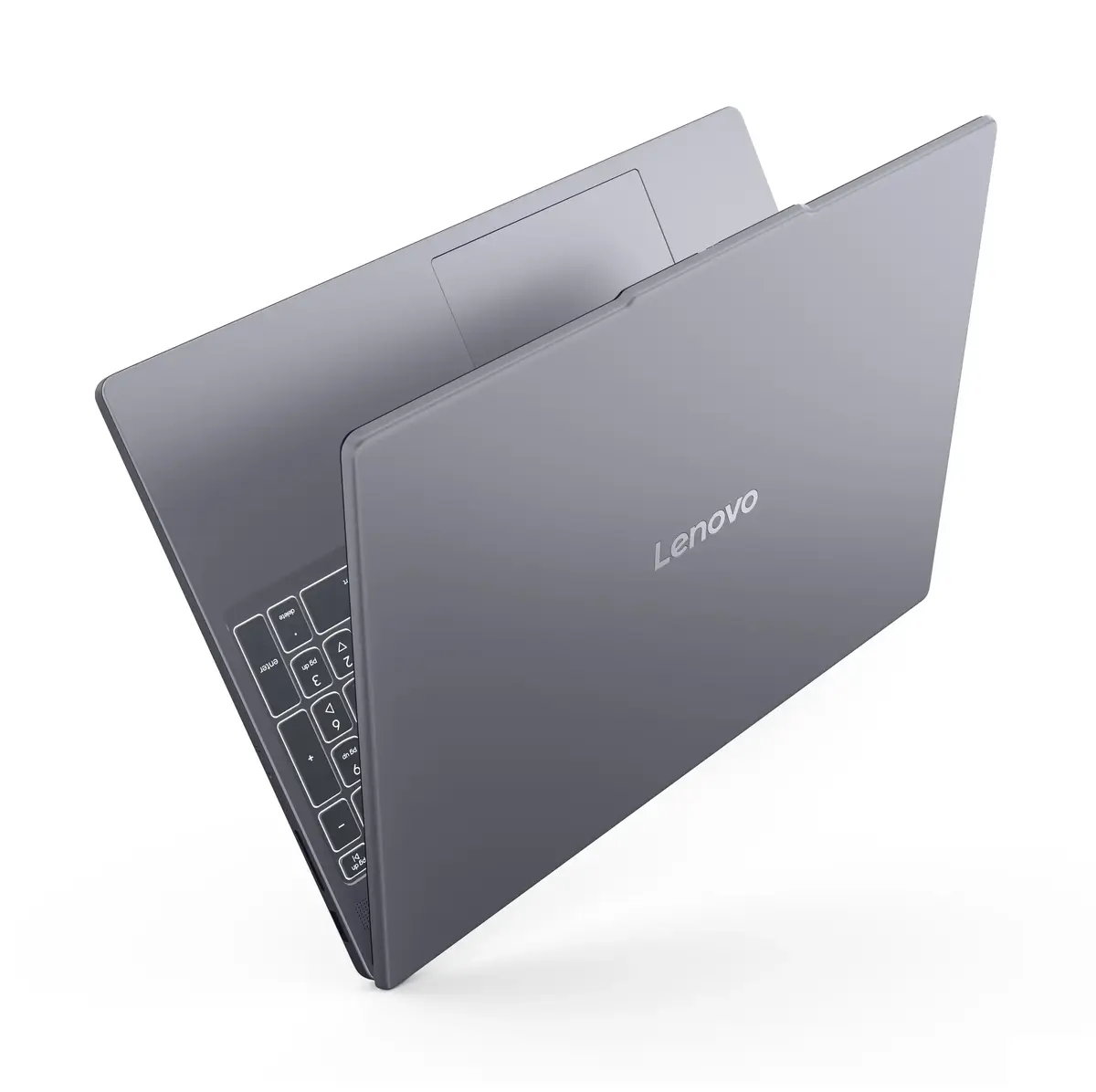
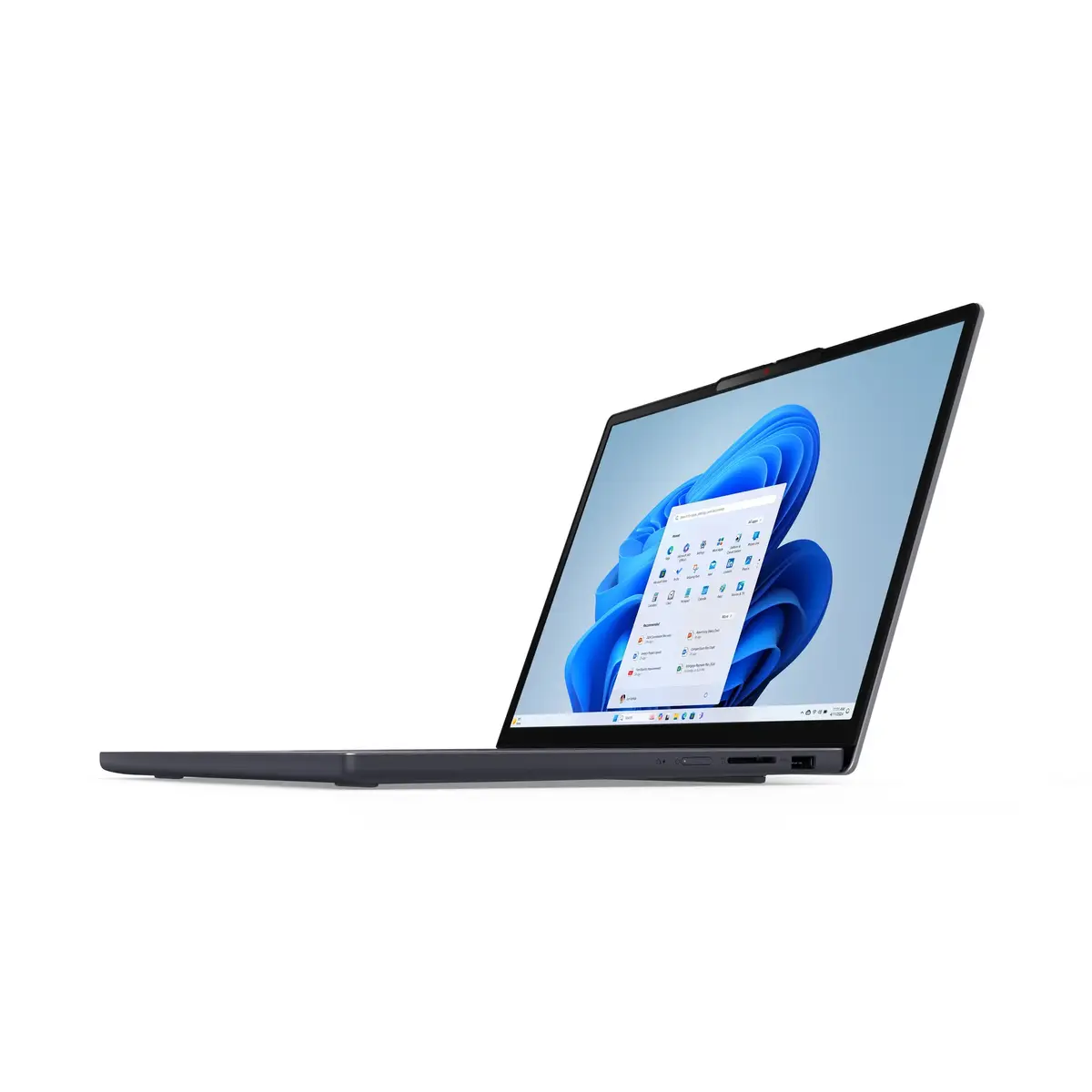
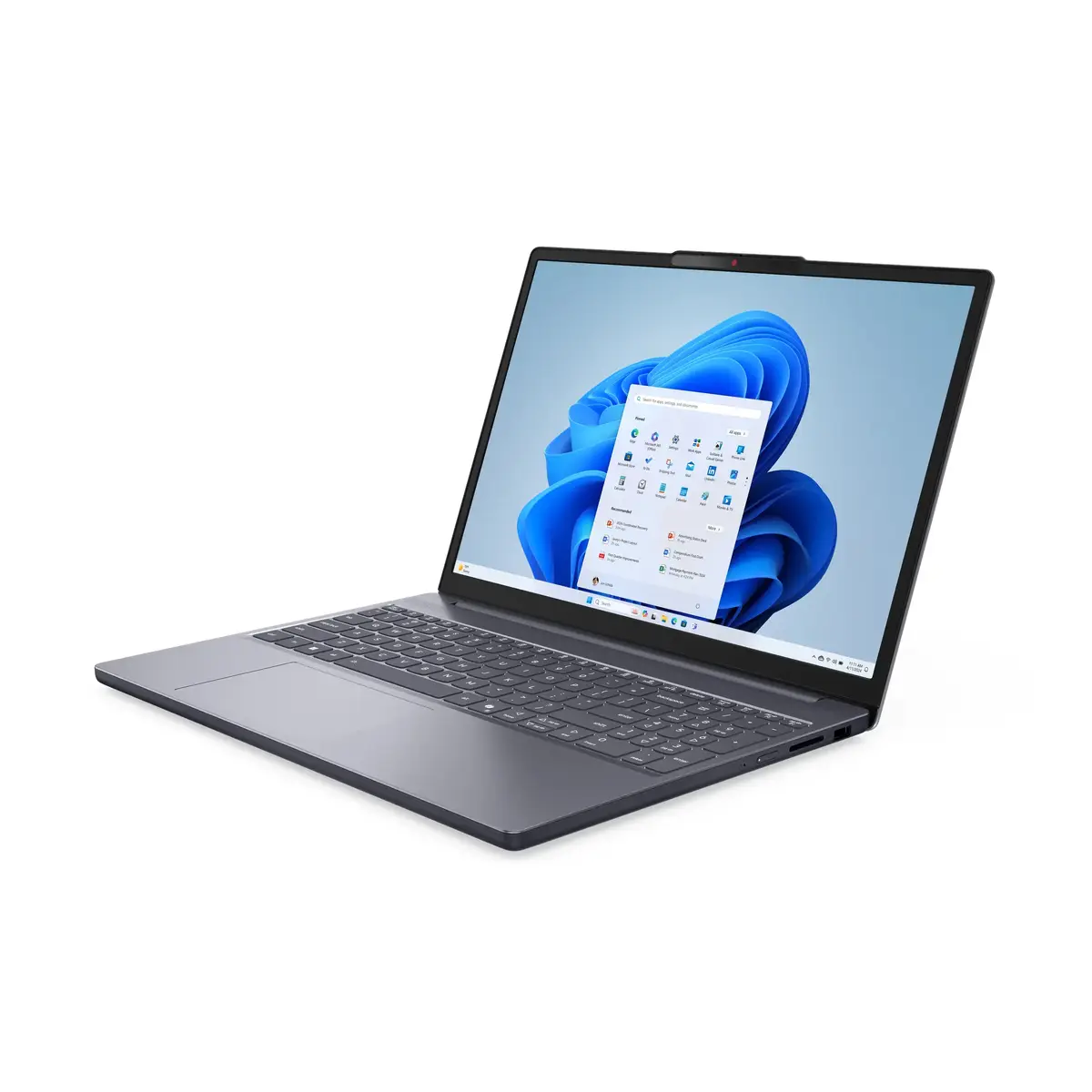
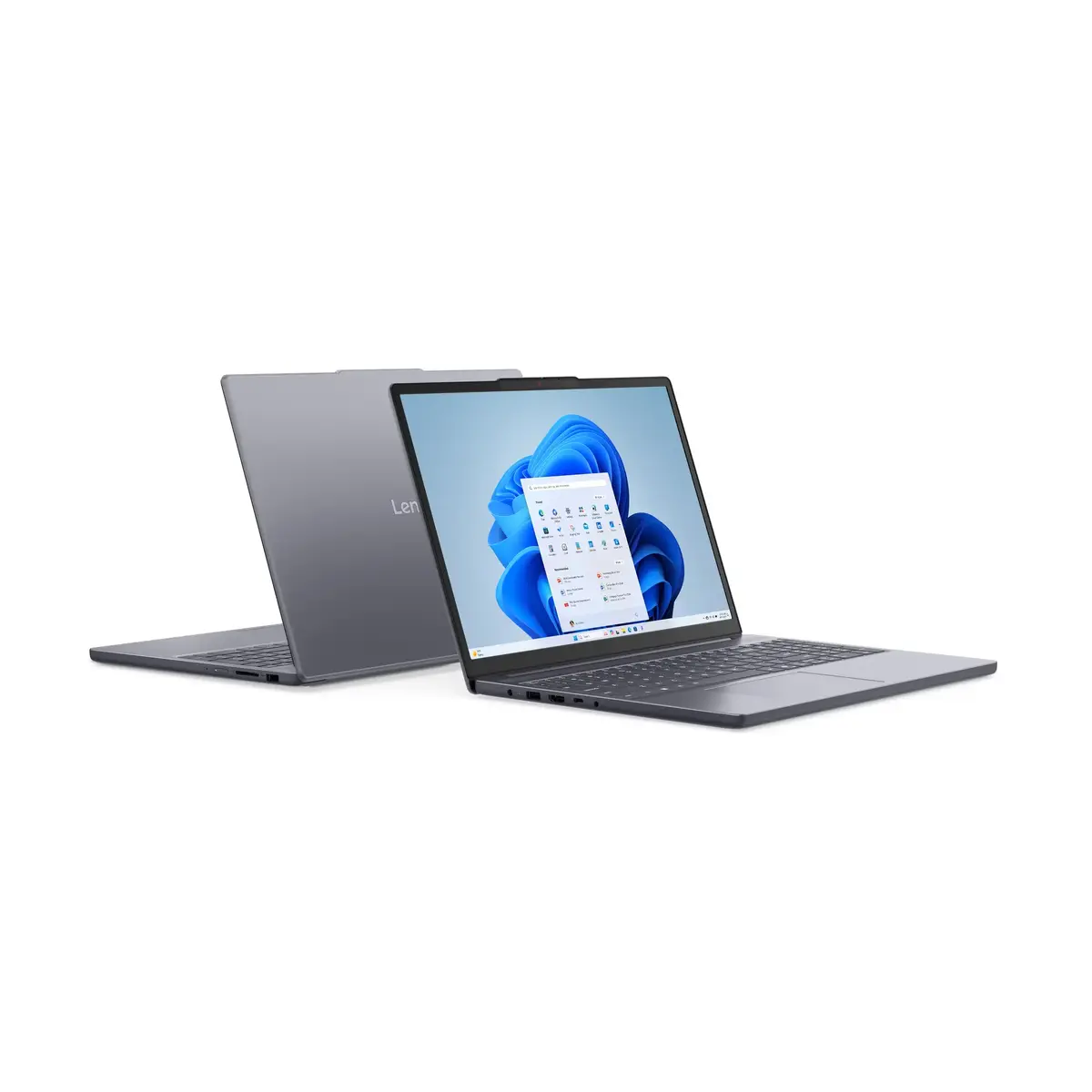
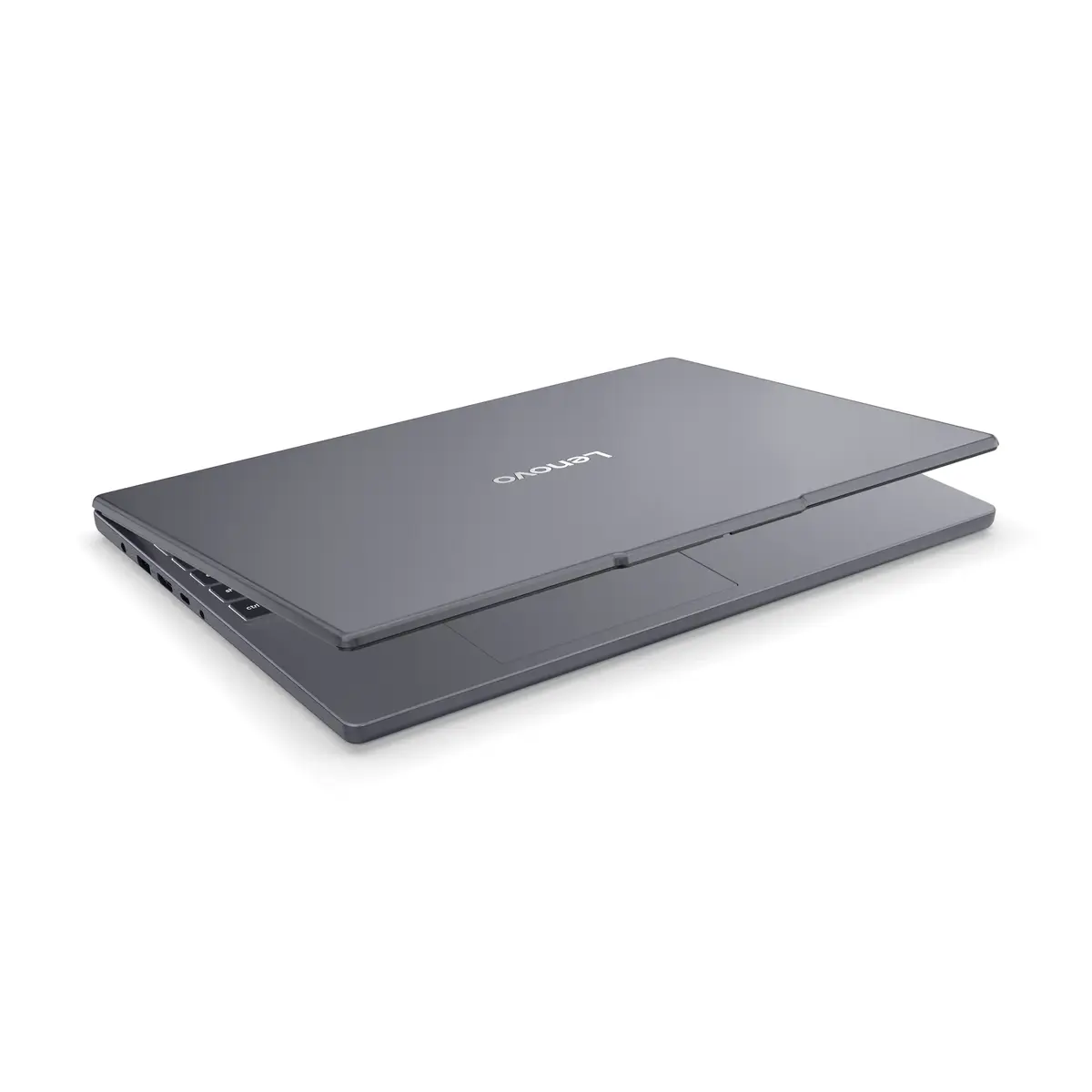
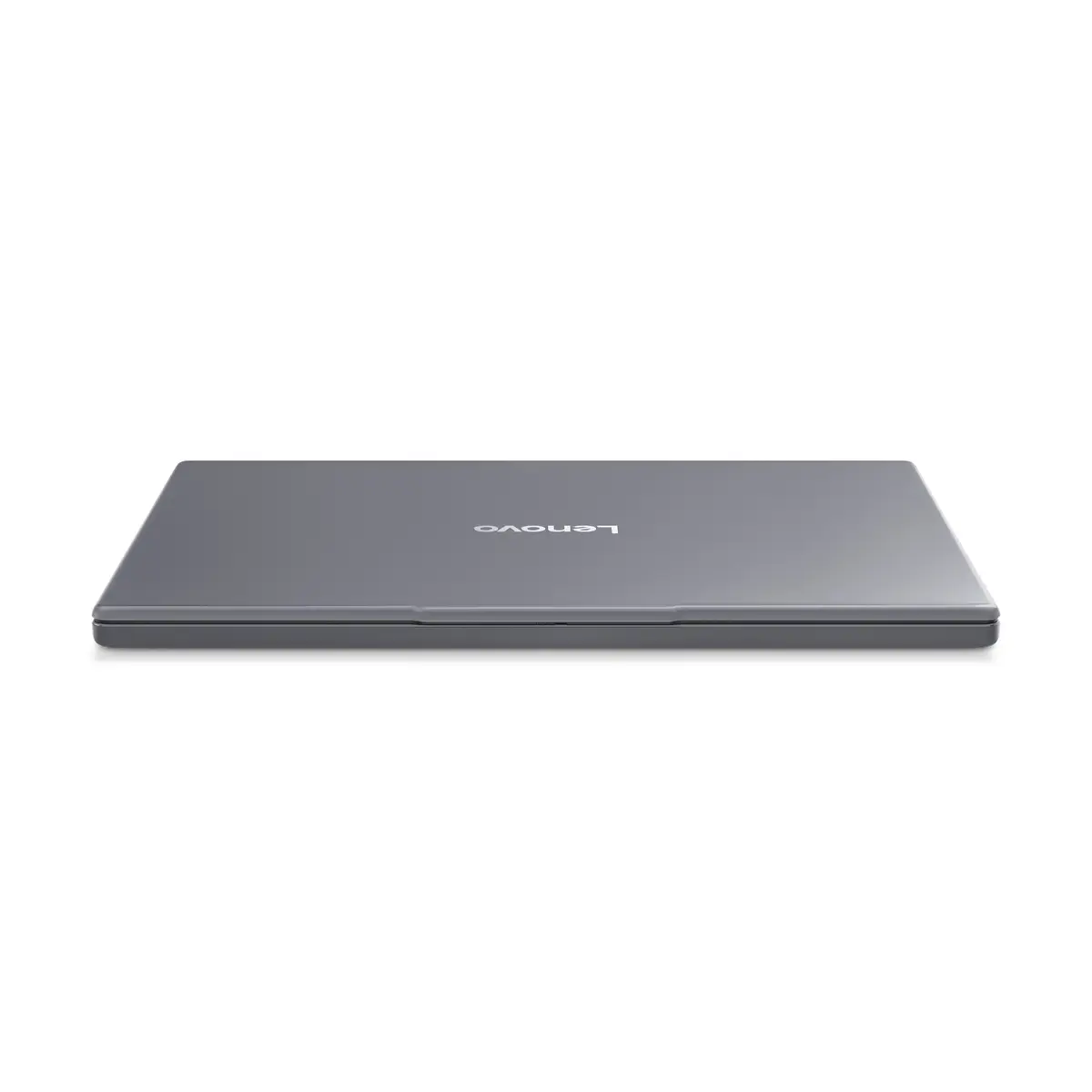
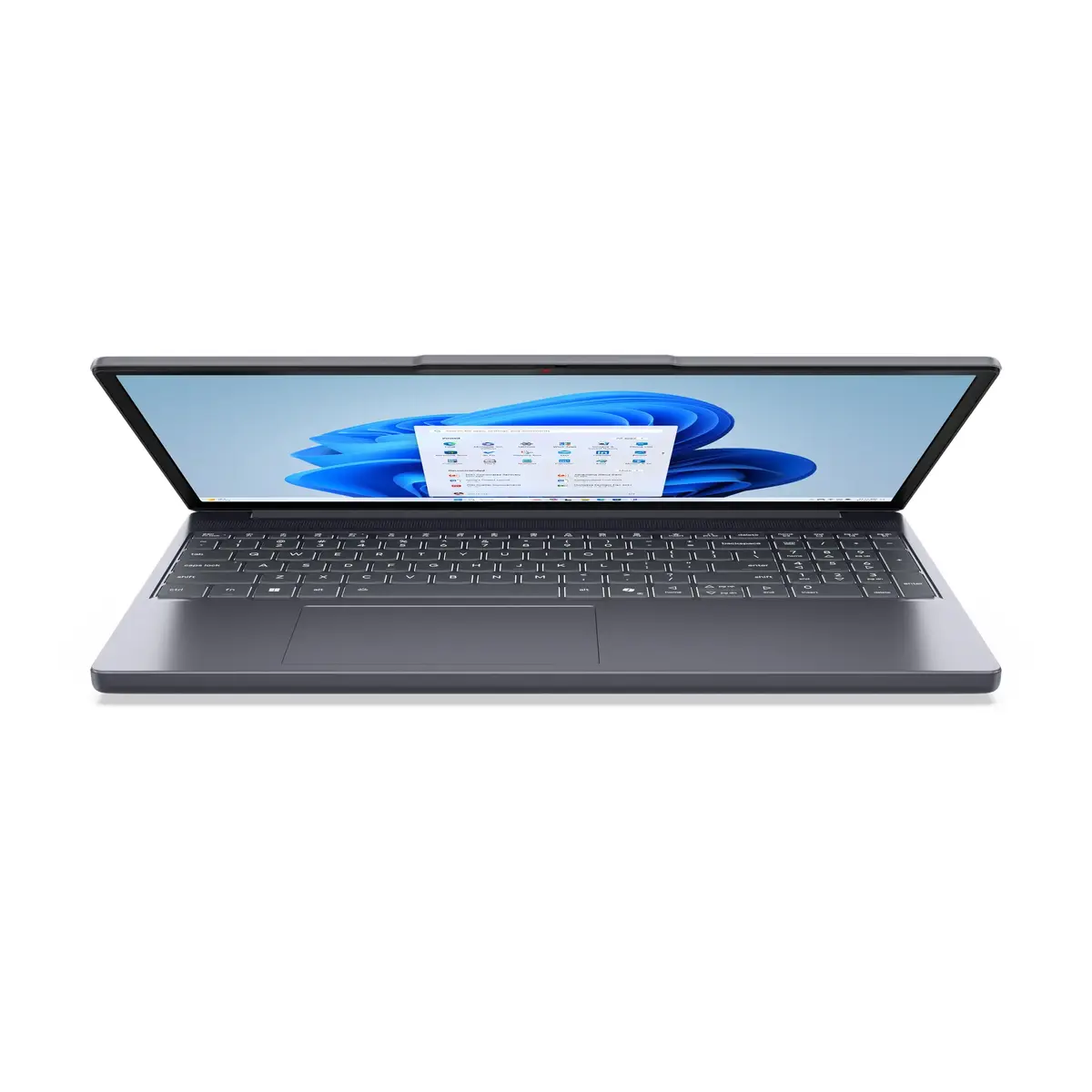
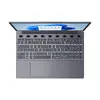
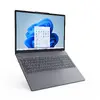
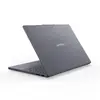
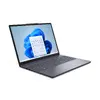
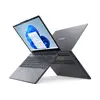
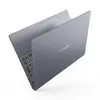
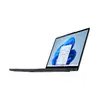
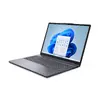
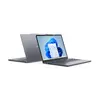
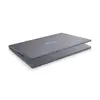
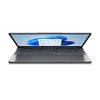
Laptop Lenovo IdeaPad Slim 3 15ARP10 AMD Ryzen 5 7535HS, 15.3" WUXGA, 16 GB DDR5, 1 TB SSD, Windows 11 Home, Grey
The Lenovo IdeaPad Slim 3 15ARP10 is a 15.3" clamshell laptop powered by an AMD Ryzen 5 7535HS processor and integrated AMD Radeon 660M graphics. It offers a 1920 × 1200 WUXGA IPS display with a 16:10 aspect ratio, 16 GB DDR5 RAM and a 1 TB SSD for responsive system performance and fast file access. The device runs Windows 11 Home, weighs approximately 1.59 kg and comes in a grey finish, making it suitable for everyday multitasking, office tasks, media streaming and light content creation.
The balanced combination of an AMD Ryzen 5 7535HS CPU and 16 GB of DDR5 memory provides smooth multitasking and responsive application performance. The 1920 × 1200 WUXGA IPS display delivers clearer vertical space for documents and web pages compared with standard 16:9 panels. A 1 TB SSD ensures fast boot times and ample storage for applications and media. Integrated AMD Radeon 660M graphics enable everyday graphics tasks and light editing without the need for a discrete GPU. Windows 11 Home comes preinstalled for a modern, secure user interface and compatibility with current software ecosystems.
Unbox the laptop and connect the provided 65 W power adapter for initial charging. Power on the system and follow the Windows 11 Home setup prompts to configure language, user account and network connection. Use the built‑in settings to adjust display brightness, power profile and Wi‑Fi configuration. Install required productivity applications, drivers and updates from Windows Update or Lenovo support pages to ensure system stability. For file storage, copy or move documents and media to the internal 1 TB SSD; consider using cloud backup for important files.
For optimal performance, keep the system firmware and drivers up to date, use balanced or performance power profiles when running demanding tasks, and avoid blocking ventilation openings. Regularly back up important data from the SSD and use trusted antivirus software. When performing prolonged work sessions, connect to the power adapter to maintain performance and stability.
{{highlightedFeature.featureTitle}}:
{{getProductFeatureValueById(product, highlightedFeature.featureId)}}
{{ productComparisonGenerationError }}
