
Save time and money with our discounts!
In cart {{totalProductsCount}} item(s)
Your cart is empty
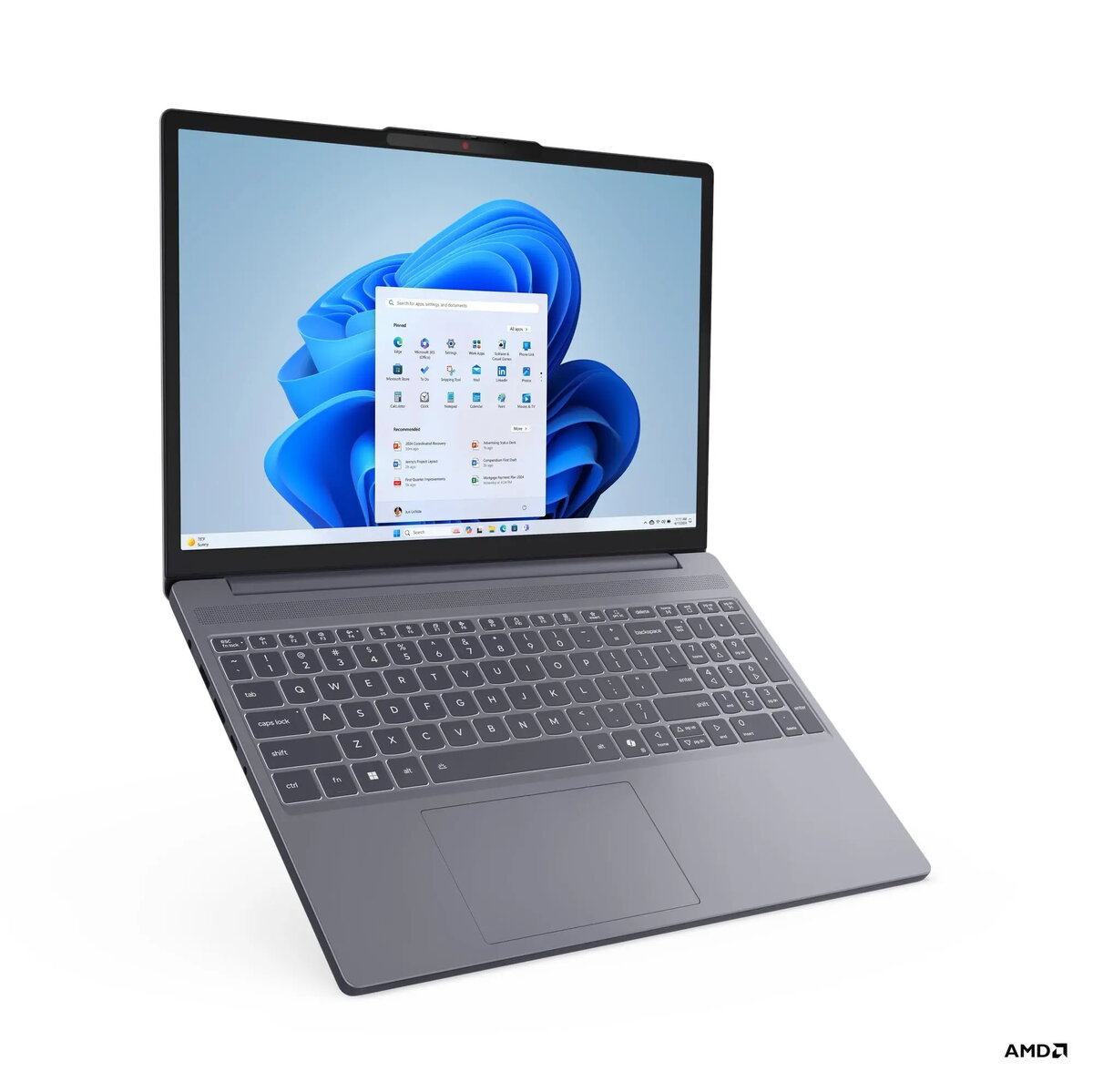
Lenovo IdeaPad Slim 3 15ARP10 Laptop, 15.3-inch WUXGA Display, AMD Ryzen 5 150, 16GB RAM, 512GB SSD, AMD Integrated Graphics, No OS
The Lenovo IdeaPad Slim 3 15ARP10 is a versatile and portable laptop designed to meet the demands of modern daily computing. Featuring a 15.3-inch WUXGA display with anti-glare technology, it provides a clear and comfortable viewing experience for both work and entertainment. Powered by an AMD Ryzen 5 150 processor and 16GB of high-speed DDR5 memory, this device ensures smooth multitasking and efficient performance. Its sleek design, combined with a durable aluminum top cover, makes it an ideal companion for users who need a reliable machine that balances performance with mobility.
This laptop stands out due to its efficient hardware configuration, which includes a fast 512GB NVMe SSD for quick system boot times and rapid file access. The inclusion of a 15.3-inch display with a 1920x1200 resolution offers more vertical screen space compared to standard panels, enhancing productivity for document editing and web browsing. Users will appreciate the backlit keyboard with a numeric keypad, which facilitates comfortable typing in various lighting conditions. Furthermore, the integrated 60Wh battery provides long-lasting power, while the inclusion of a Full HD IR camera with a privacy shutter ensures both high-quality video calls and enhanced security.
This device is not intended for high-end gaming, professional 3D rendering, or intensive video editing tasks, as it relies on integrated graphics. Additionally, since it is shipped without an operating system, it may not be suitable for users who prefer a pre-installed software environment and are not comfortable with manual OS installation and driver configuration.
To use the Lenovo IdeaPad Slim 3, first ensure you have a compatible operating system installation media ready, as the device comes without a pre-installed OS. Once the OS is installed, download the latest drivers from the official Lenovo support website to ensure all hardware components, such as the Wi-Fi adapter and audio system, function correctly. Connect your peripherals via the available USB-A or USB-C ports, and use the HDMI port if you need to connect an external monitor for an expanded workspace.
For optimal performance and longevity, keep the laptop's ventilation areas clear of obstructions during use. Regularly update your operating system and security software, and utilize the privacy shutter on the webcam when it is not in use to maintain your digital security.
{{highlightedFeature.featureTitle}}:
{{getProductFeatureValueById(product, highlightedFeature.featureId)}}
{{ productComparisonGenerationError }}
