





Dreame vacuums for fast and efficient cleaning!
In cart {{totalProductsCount}} item(s)
Your cart is empty
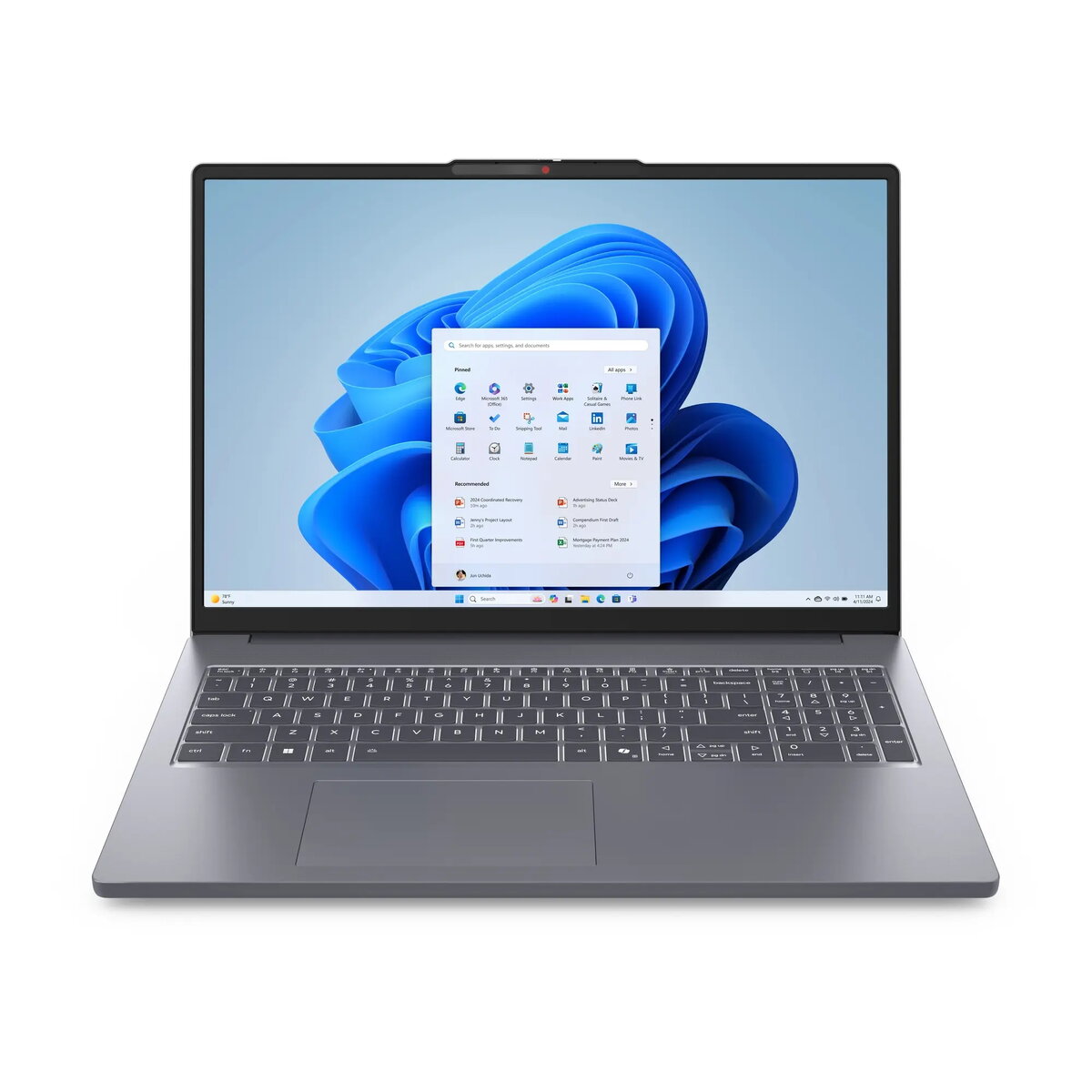
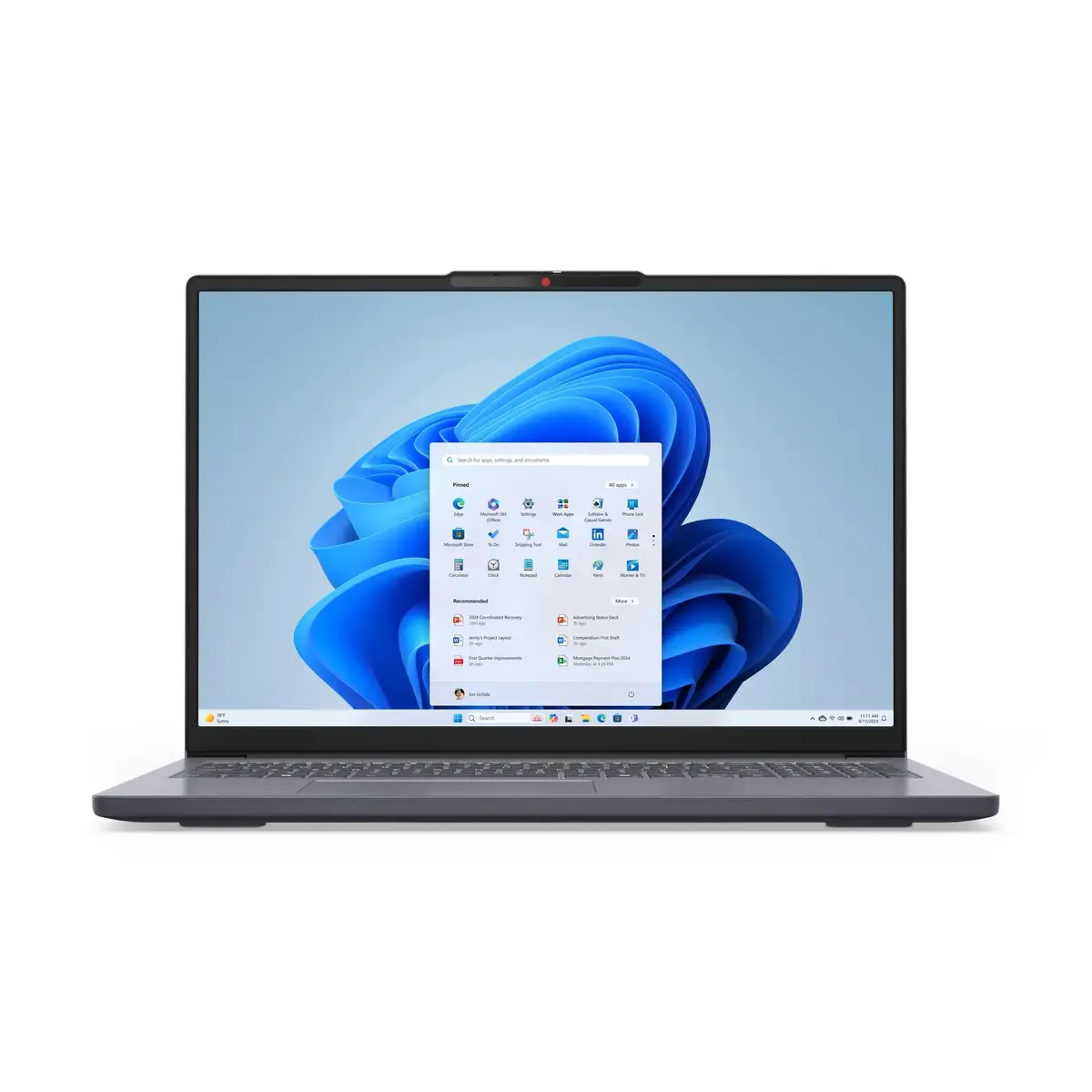
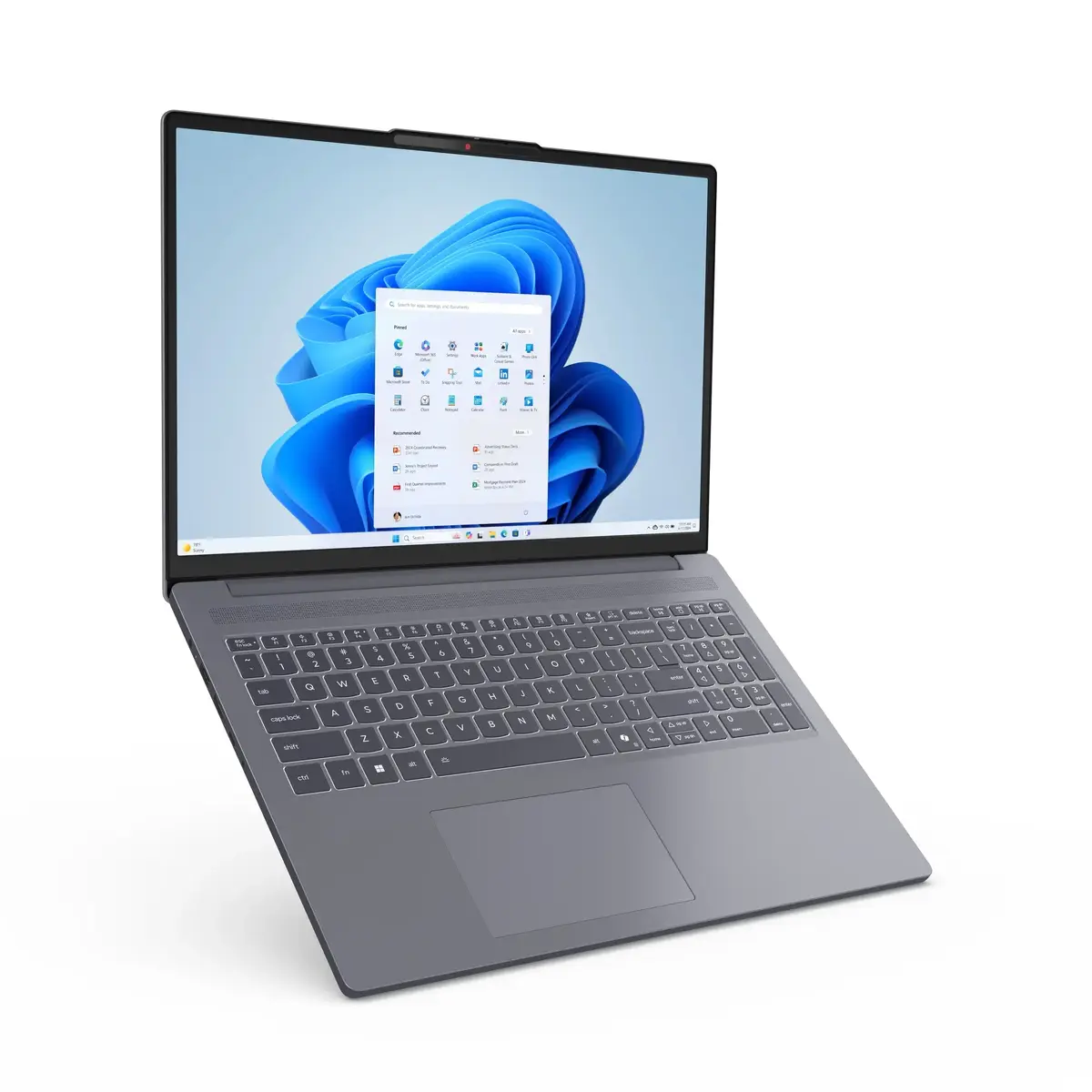
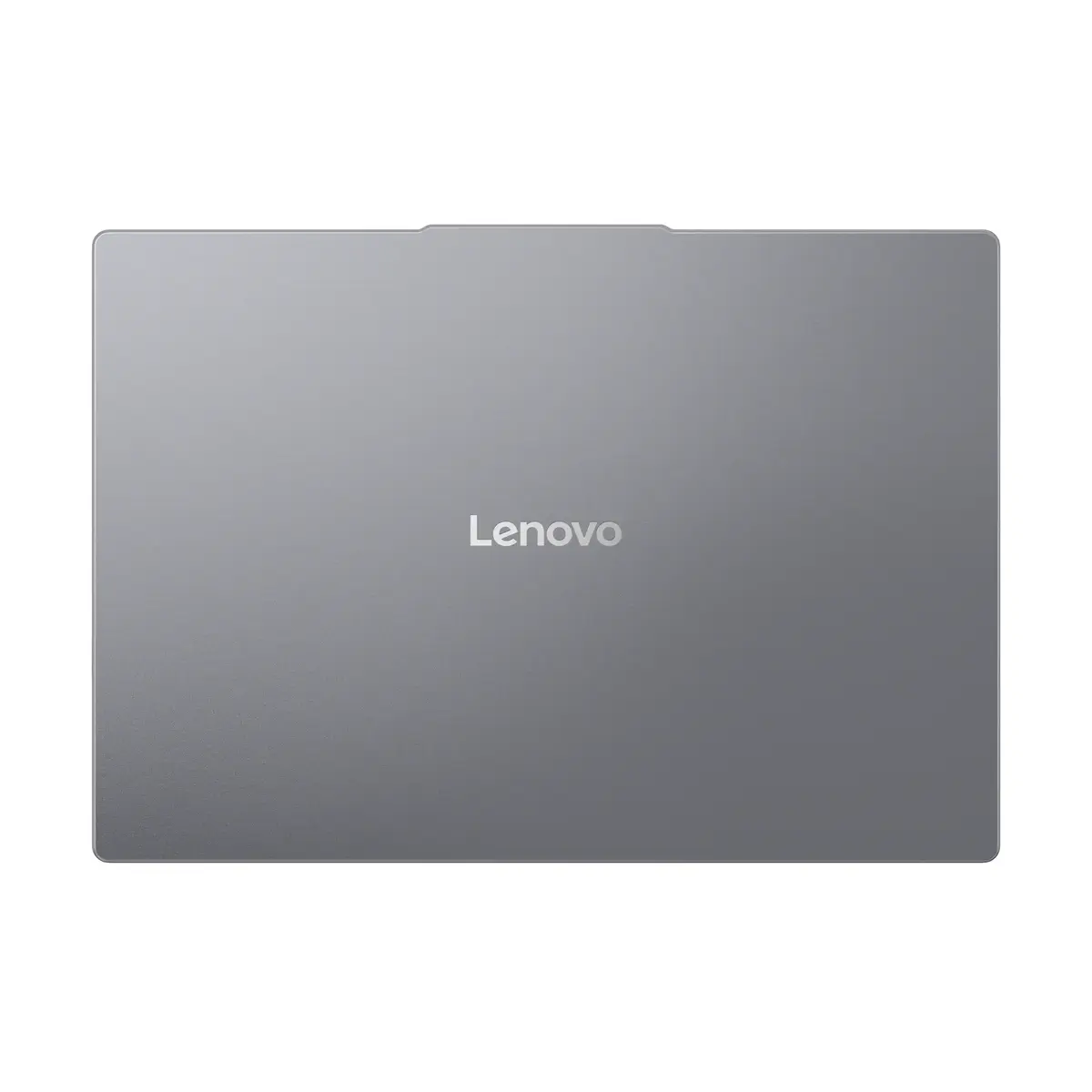
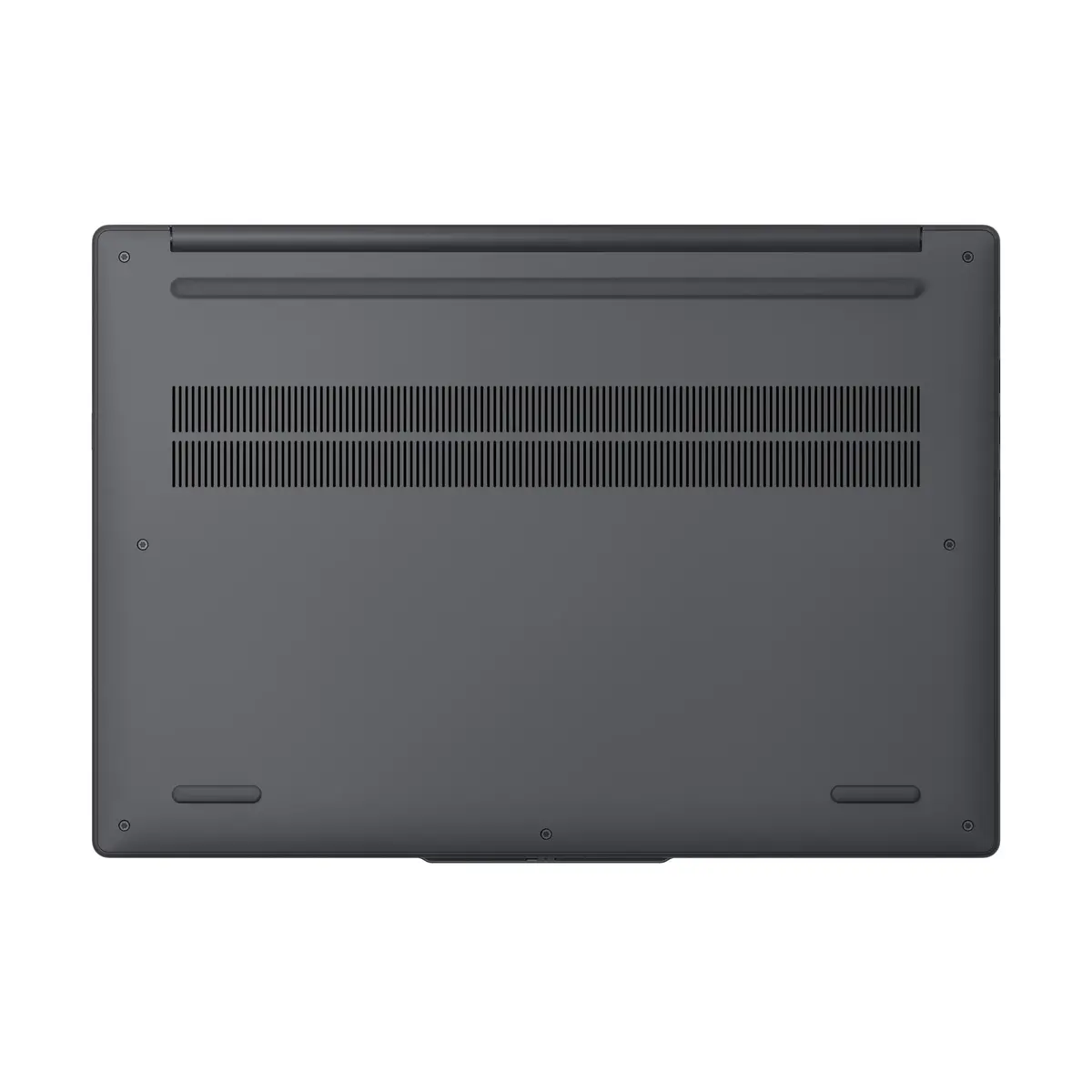
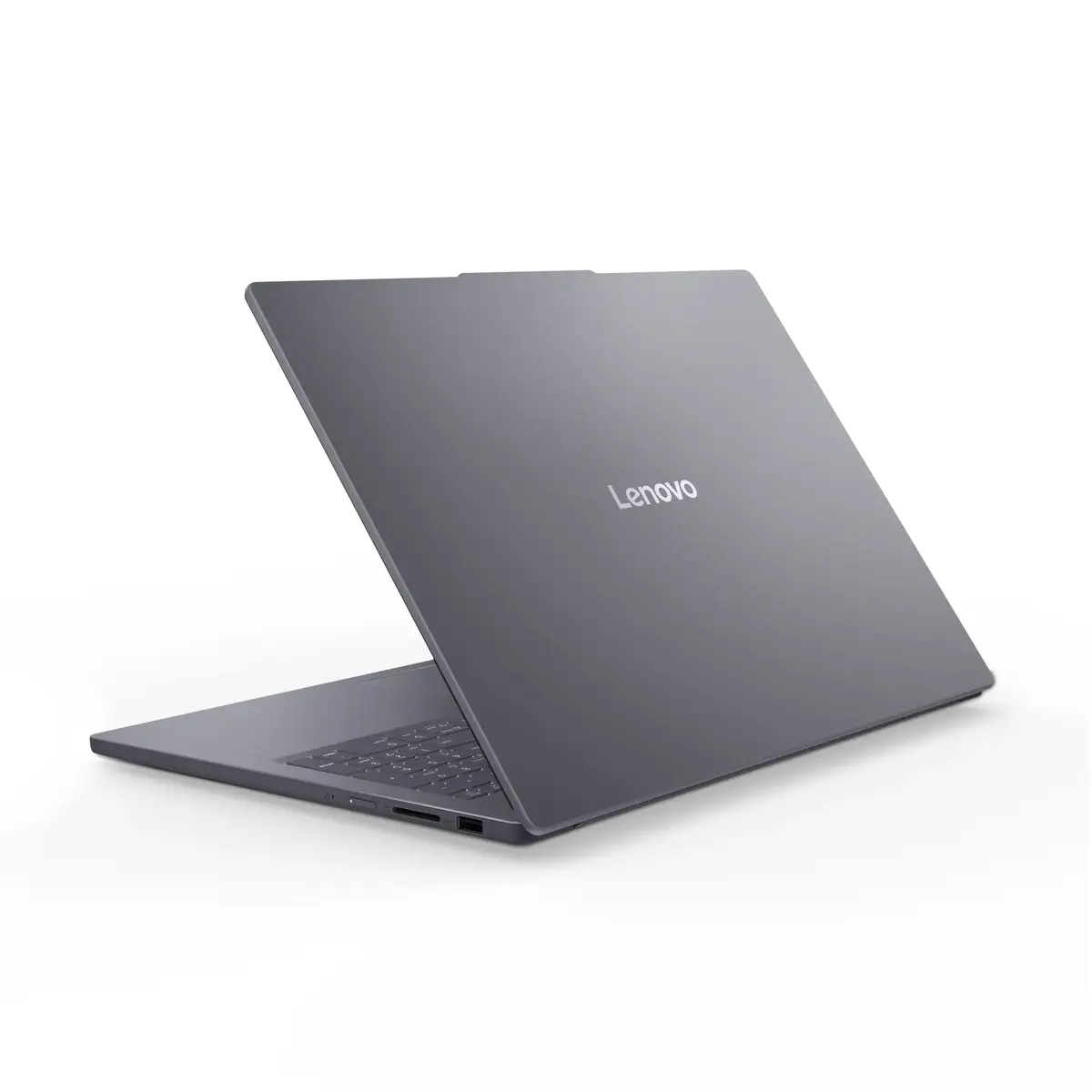
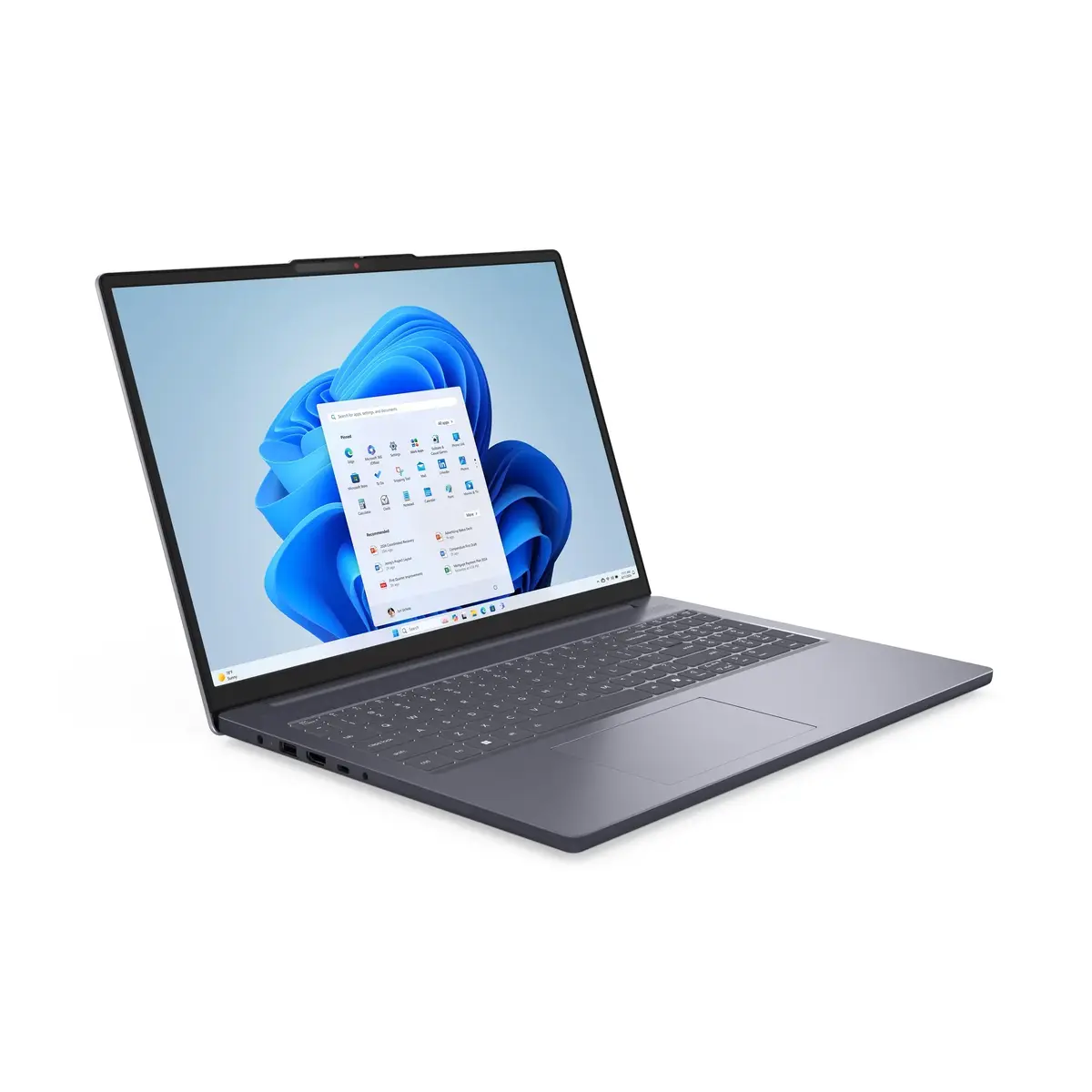
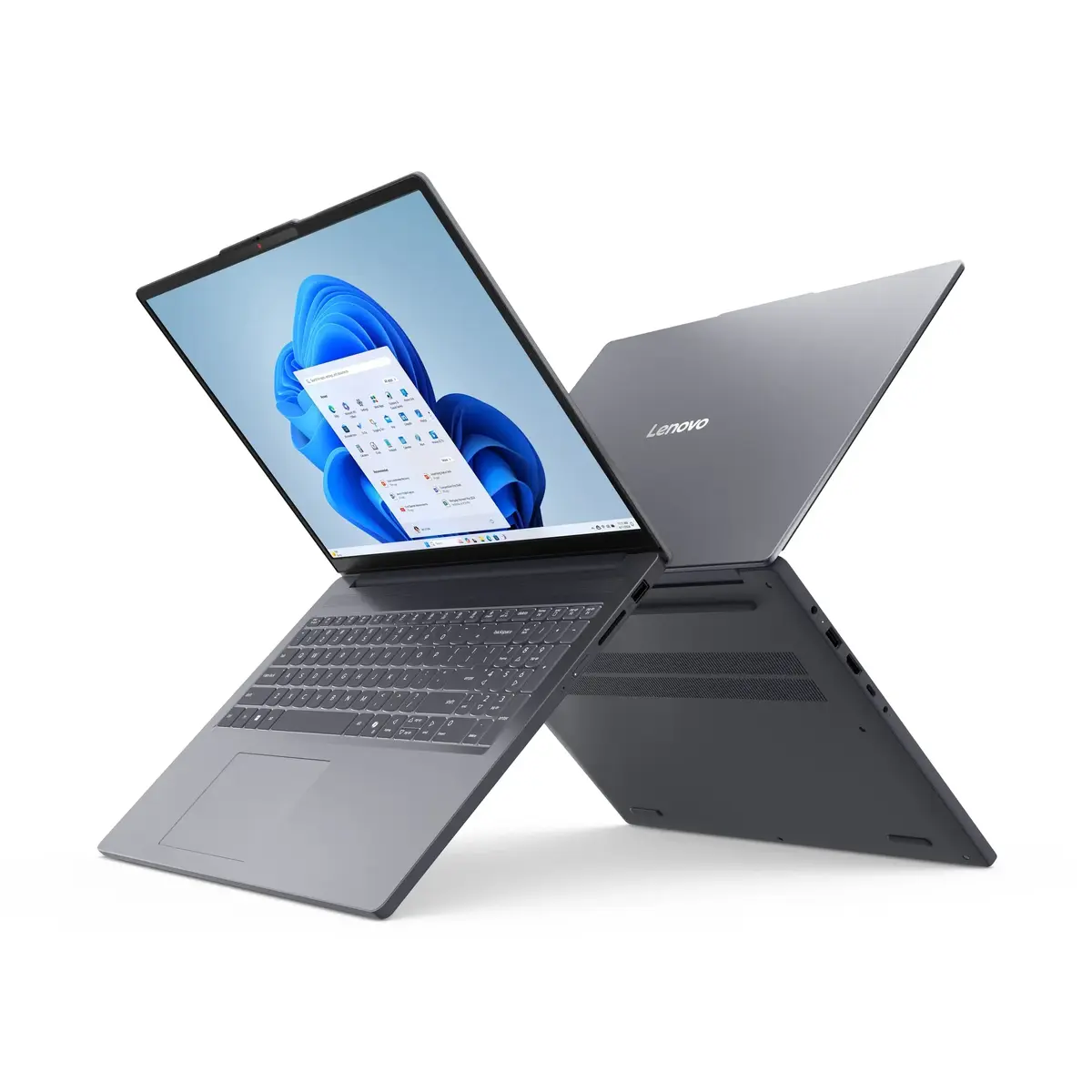
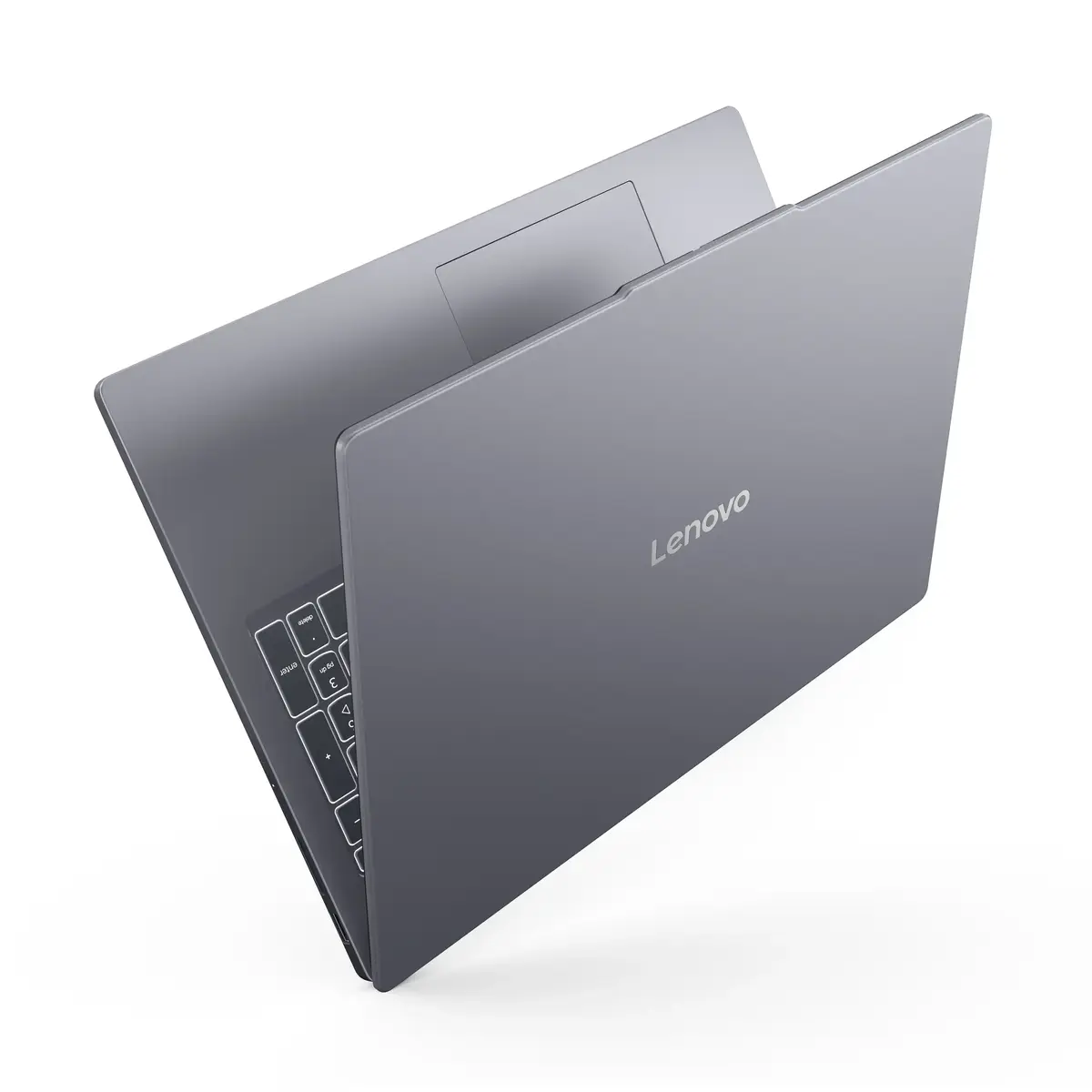
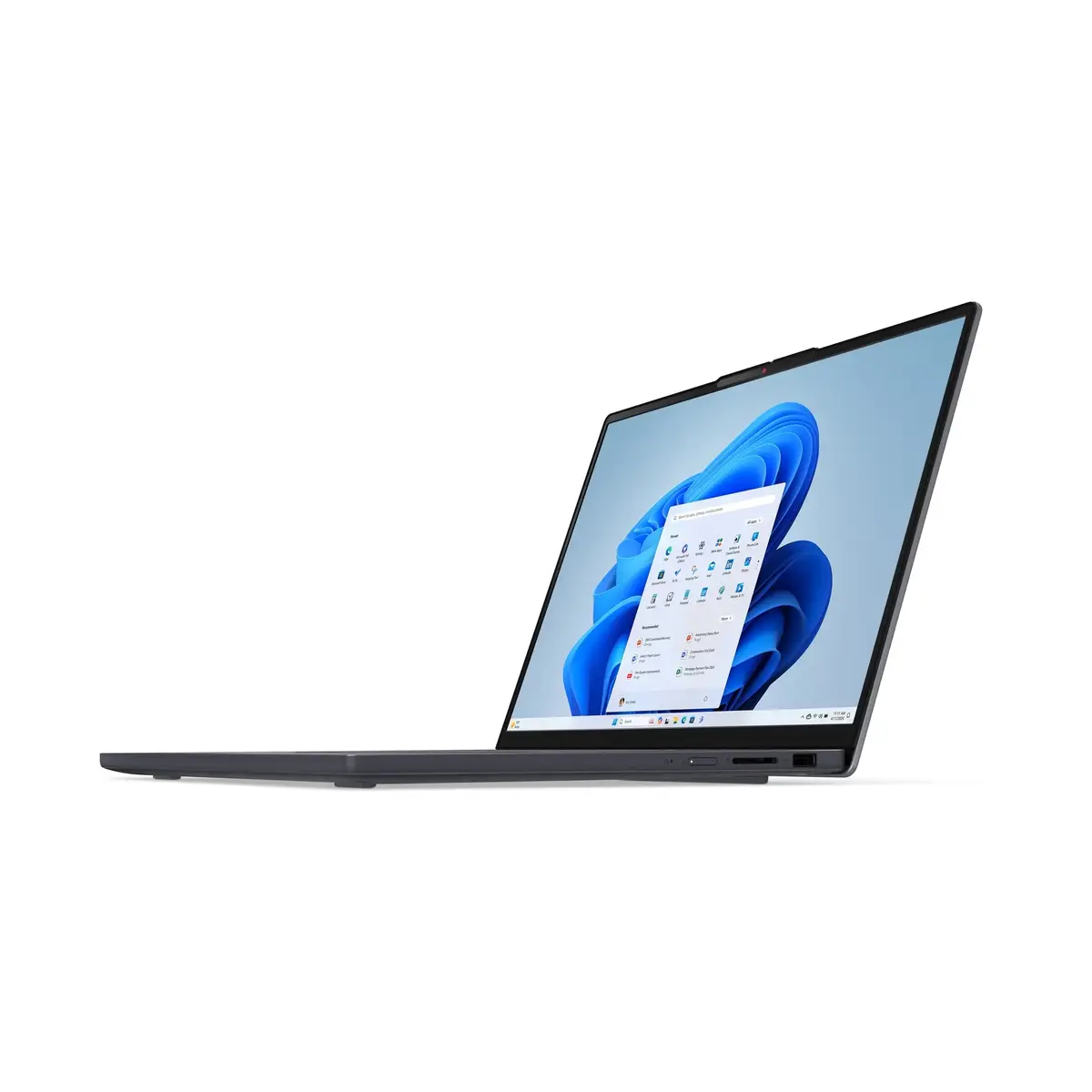
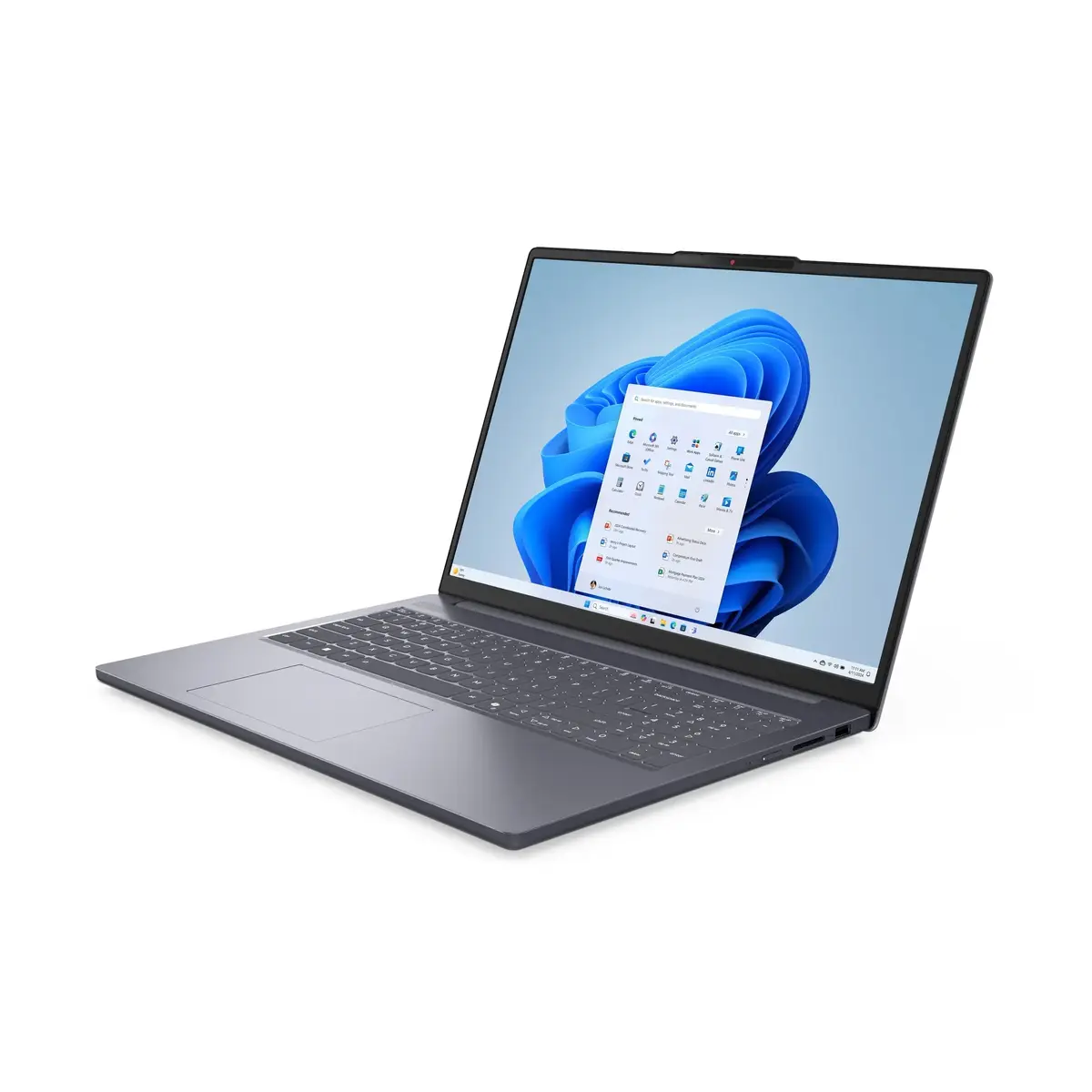
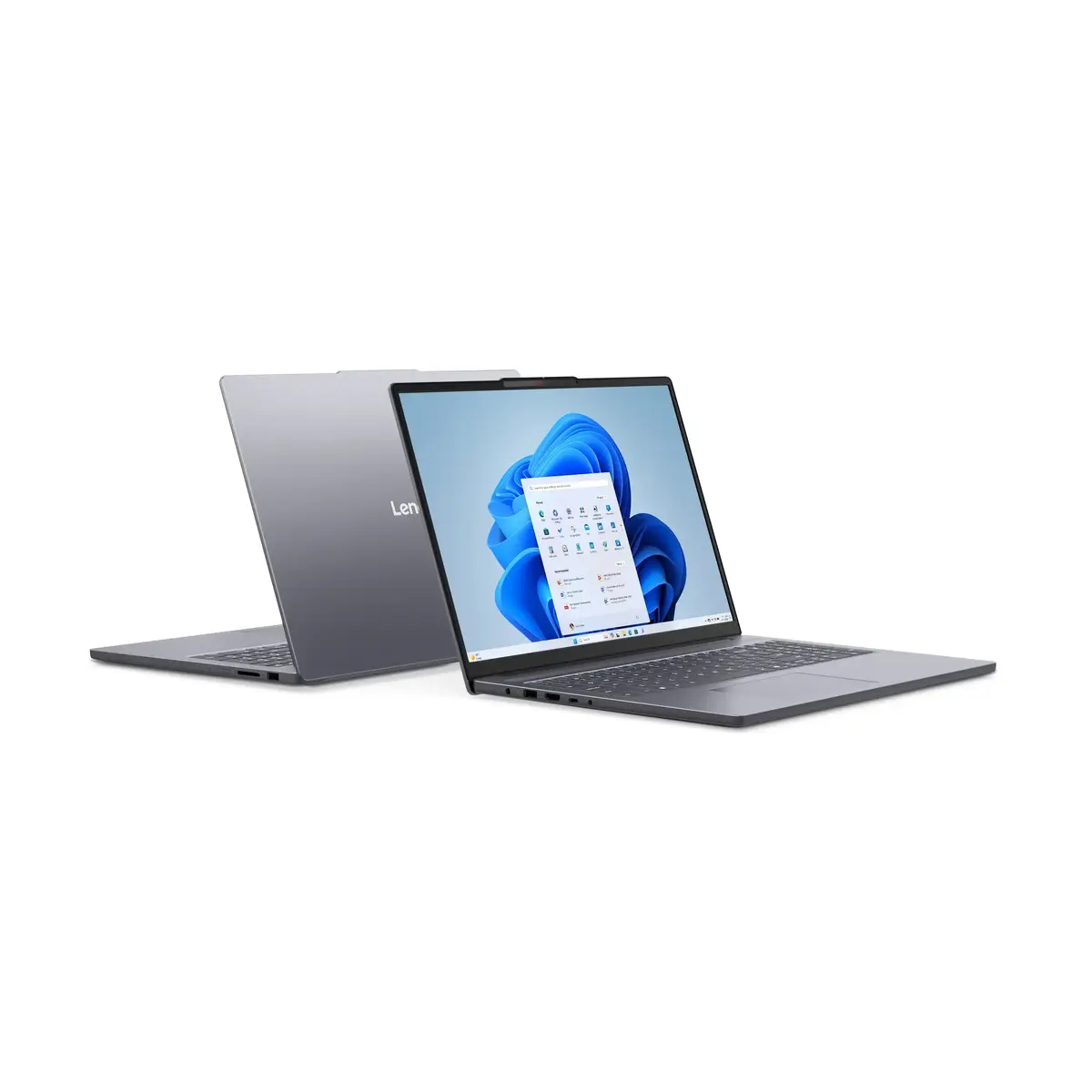
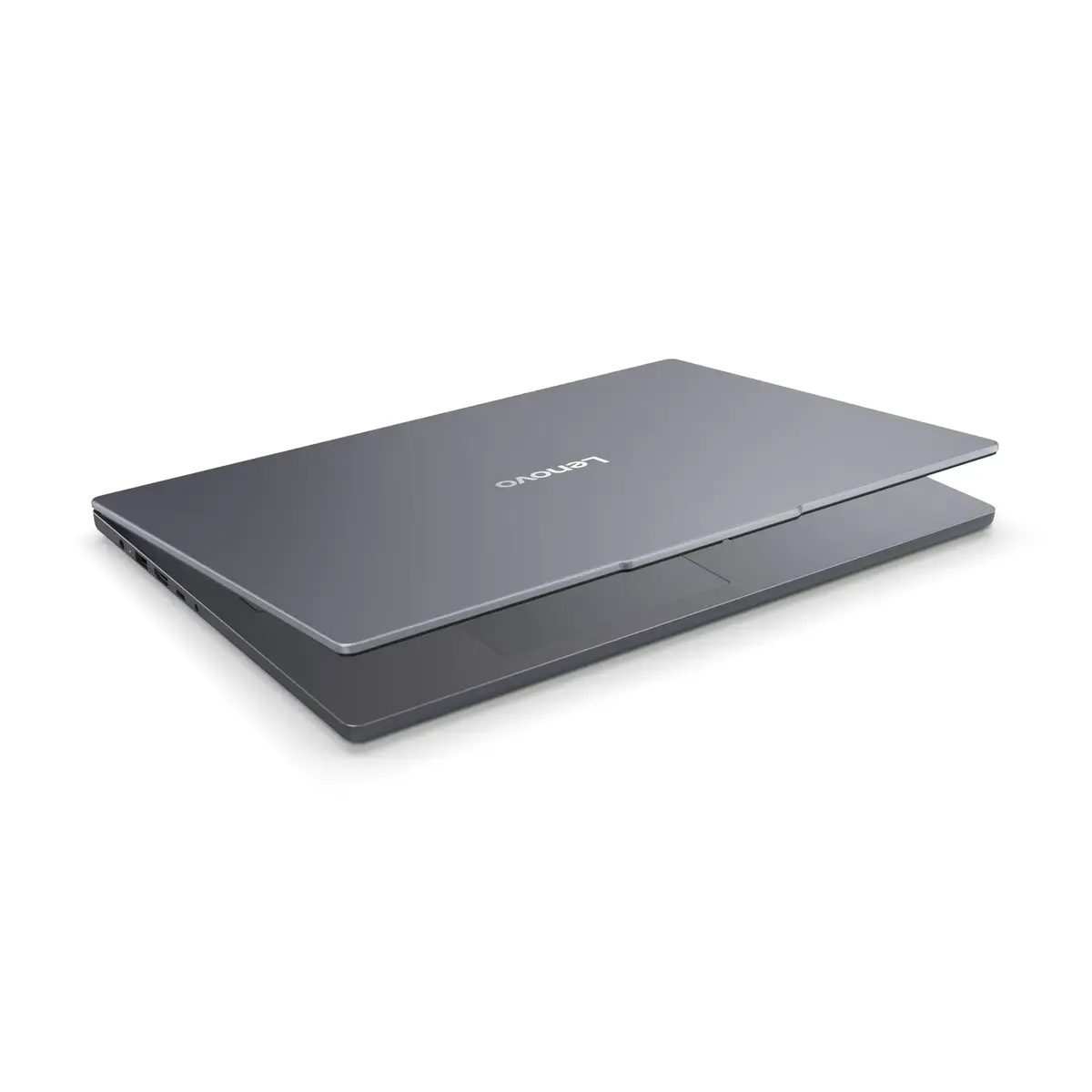
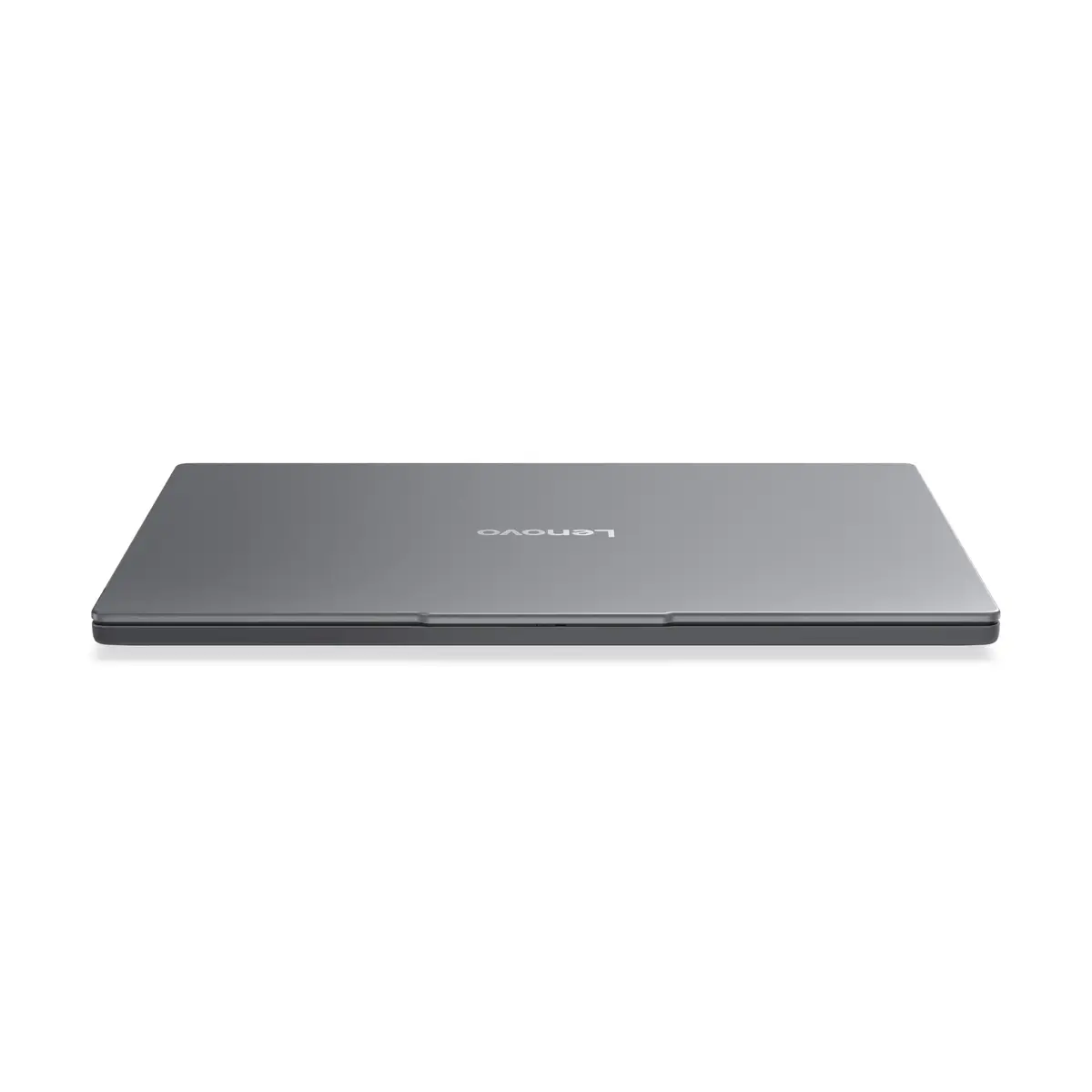
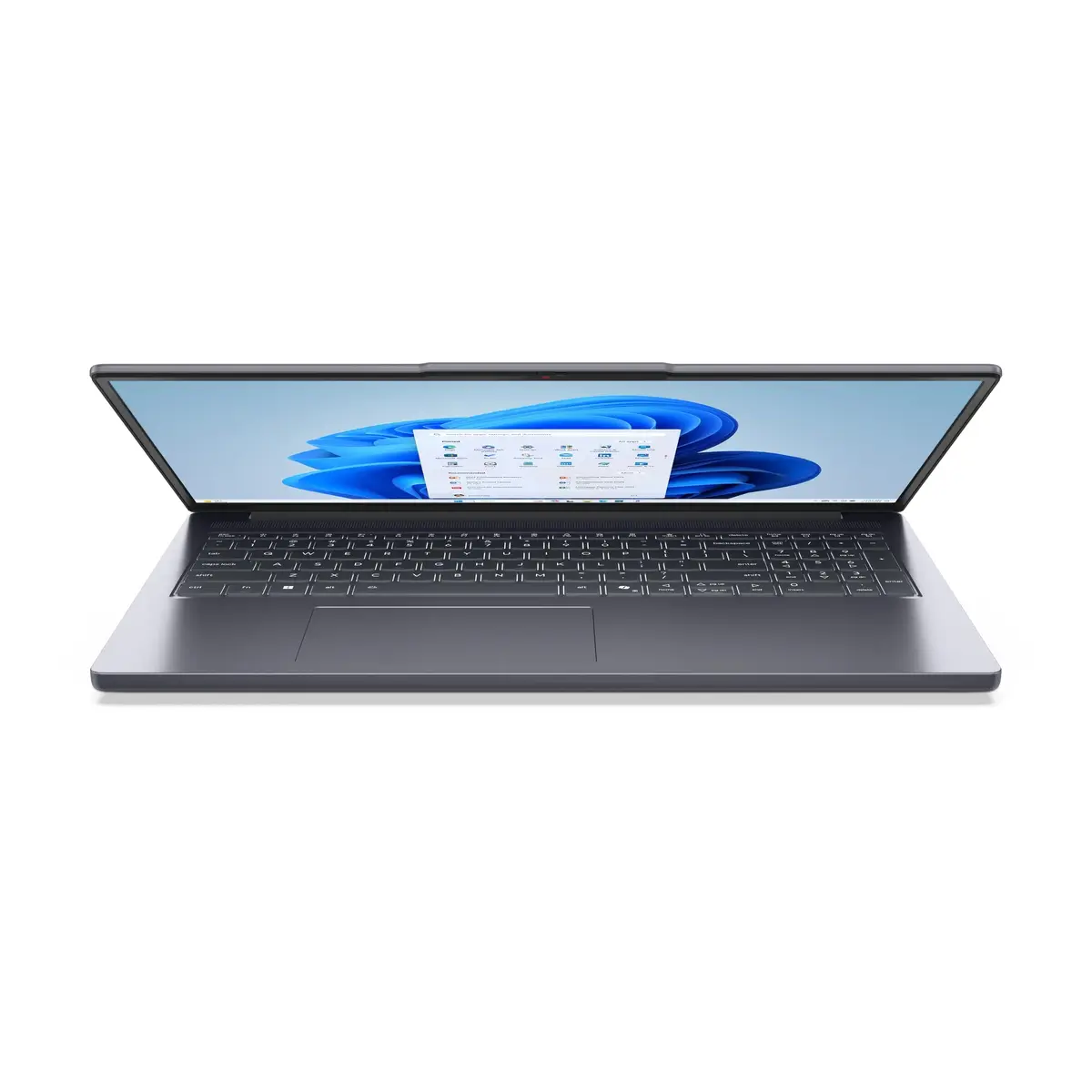
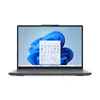
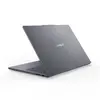
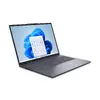
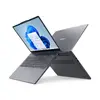
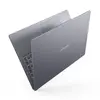
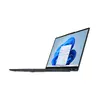
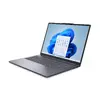
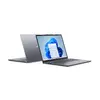
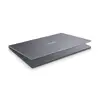
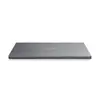
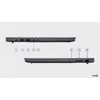
Laptop Lenovo IdeaPad Slim 3 16ARP10 — 16" WUXGA IPS 1920x1200, AMD Ryzen 5 7535HS, 16 GB DDR5, 512 GB SSD, AMD Radeon 660M, Windows 11 Home
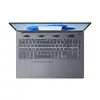
The Lenovo IdeaPad Slim 3 16ARP10 is a 16-inch laptop featuring a WUXGA (1920×1200) IPS anti-glare display designed for clear text rendering and wide viewing angles. Powered by an AMD Ryzen 5 7535HS processor, 16 GB of soldered DDR5 memory and a 512 GB solid-state drive, this configuration balances responsive everyday performance, multitasking capacity and fast storage access. Integrated AMD Radeon 660M graphics handle everyday multimedia and light creative tasks while Windows 11 Home provides a modern, secure operating environment. Built-in Wi‑Fi 6 and Bluetooth 5.3 ensure reliable wireless connectivity and a Nordic backlit keyboard supports comfortable typing in low-light conditions.
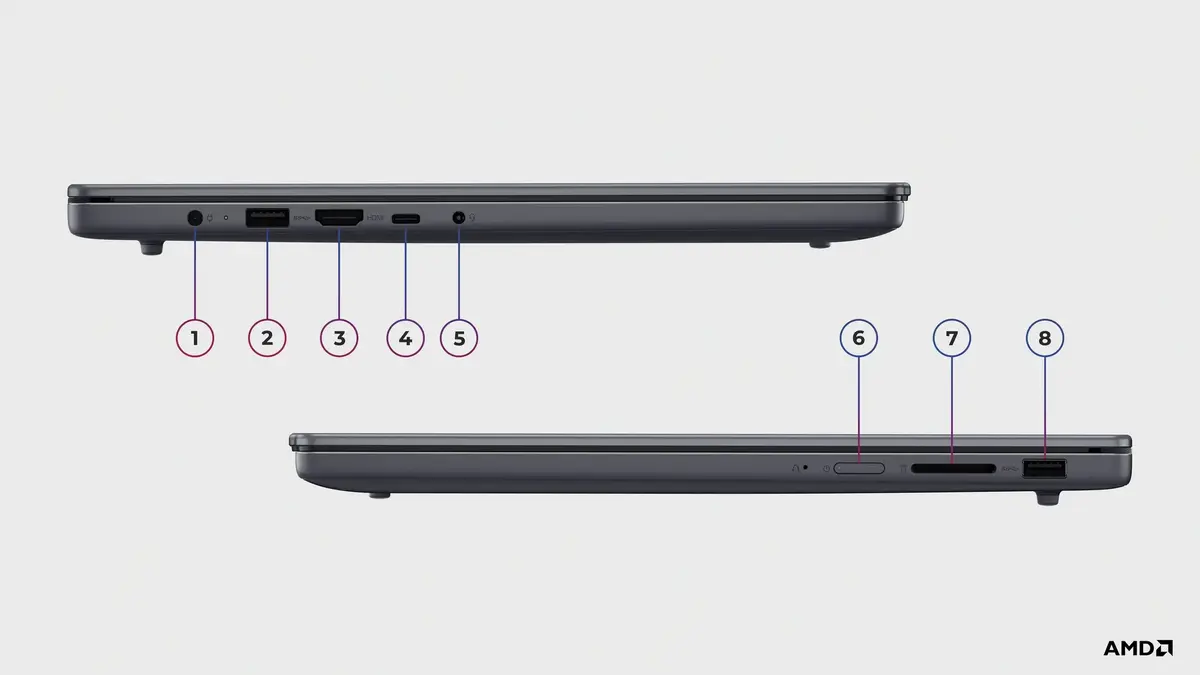
The combination of a high-resolution 16" WUXGA IPS panel and a low-reflection coating delivers sharp visuals with reduced glare for extended use. DDR5 memory and an SSD enable quicker application load times and smoother multitasking compared with previous-generation components. The AMD Ryzen 5 7535HS provides an efficient balance of performance and power consumption suitable for productivity and study. Compact design and integrated connectivity options make the laptop suitable for both stationary and mobile use without additional adapters.
When setting up the Lenovo IdeaPad Slim 3 16ARP10 for the first time, follow the Windows 11 Home setup assistant to create or sign in with a user account and configure privacy settings. Connect to a Wi‑Fi 6 network to take advantage of faster wireless speeds and pair peripherals via Bluetooth 5.3 as needed. Use the built-in storage for the operating system and primary applications, and organize personal files on the internal SSD. For better battery life, select a balanced or power‑saving profile in Windows power settings when running on battery.
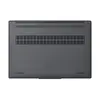
Keep the laptop on a flat, stable surface with unobstructed ventilation around the chassis to maintain thermal performance. Regularly install Windows updates and driver updates from Lenovo to ensure system stability and security. For storage longevity, avoid filling the SSD to full capacity; maintain at least 10–20% free space for optimal performance. Use a surge protector and safe transport case to protect the device during travel.
{{highlightedFeature.featureTitle}}:
{{getProductFeatureValueById(product, highlightedFeature.featureId)}}
{{ productComparisonGenerationError }}
