



Filters you can trust. Pure water every day.
In cart {{totalProductsCount}} item(s)
Your cart is empty
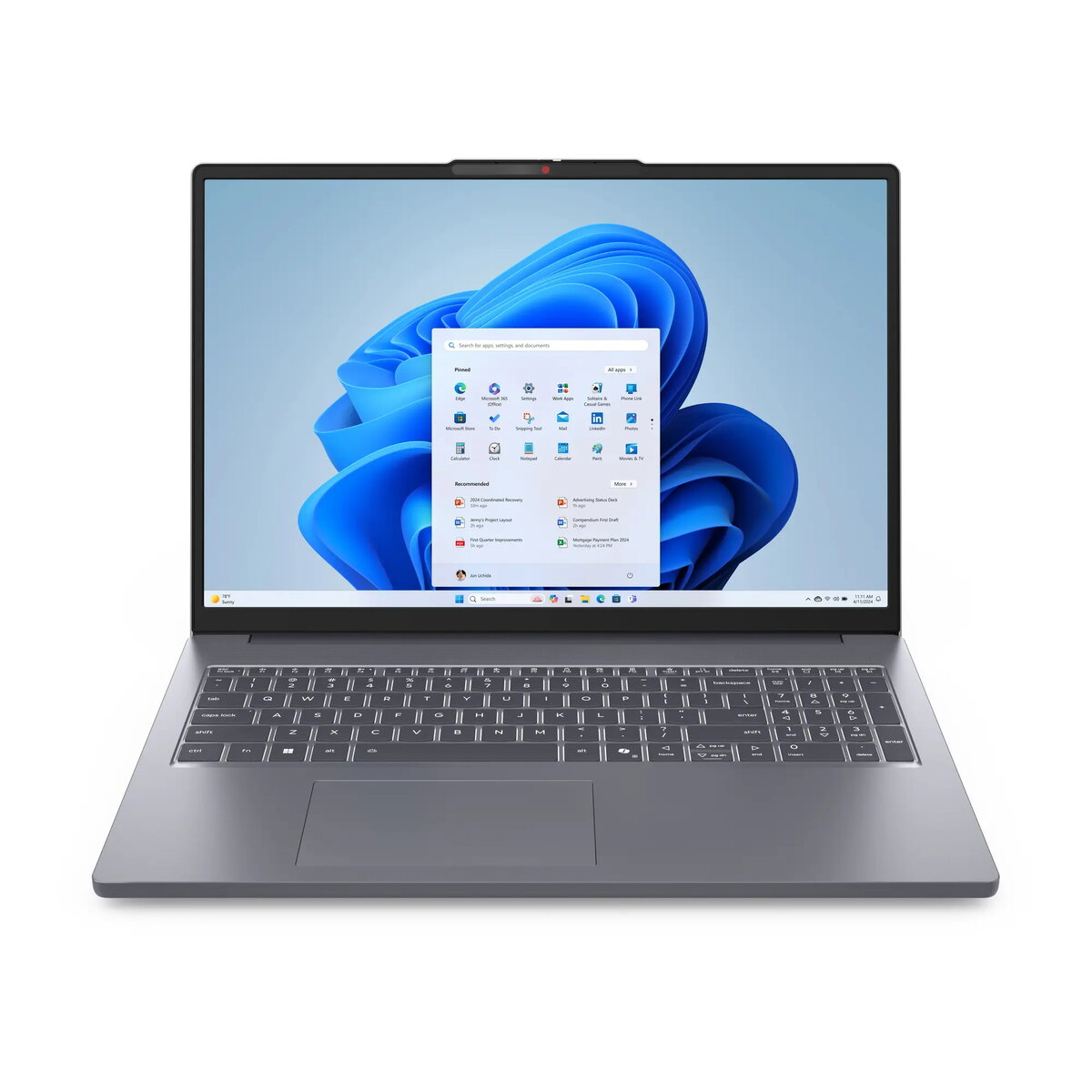
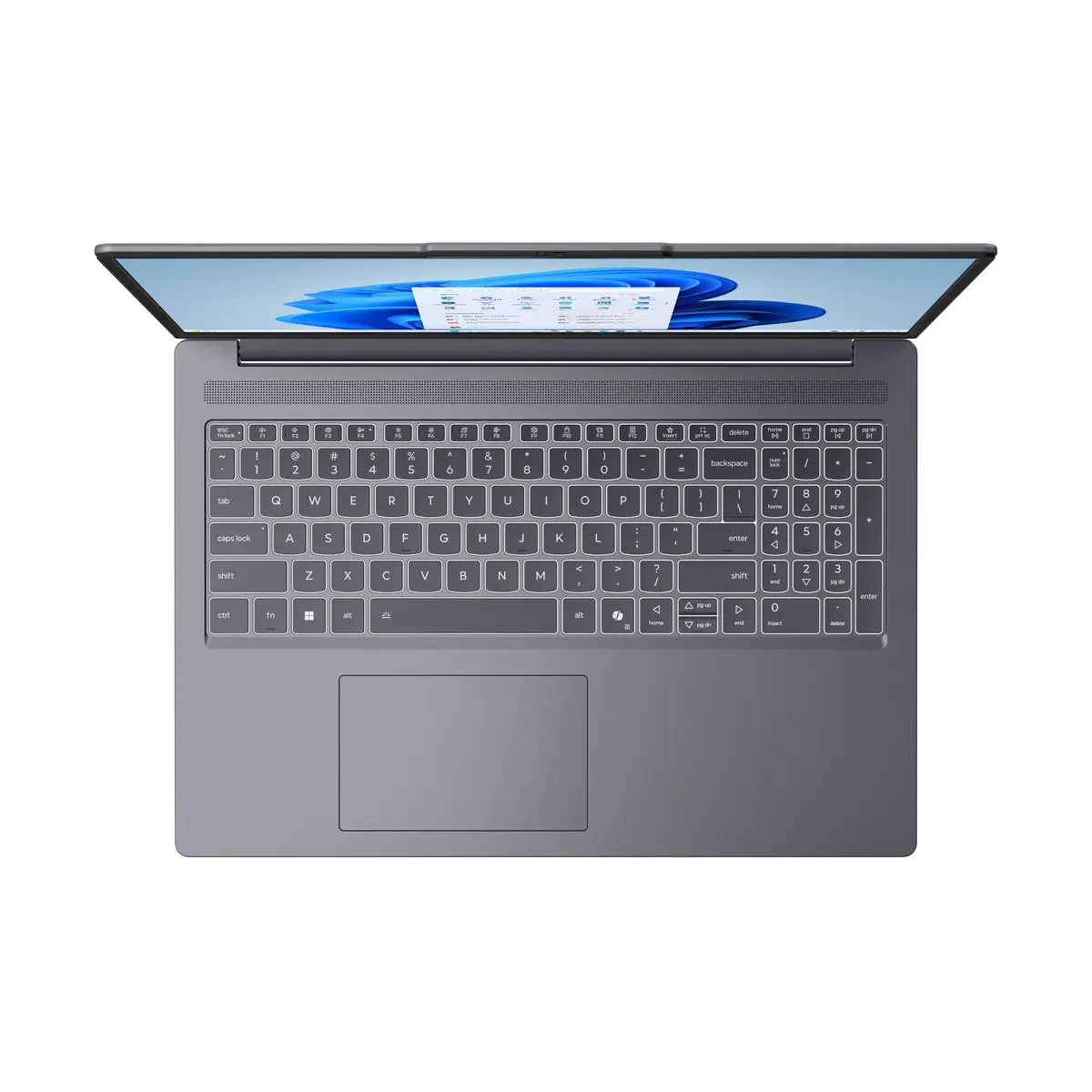
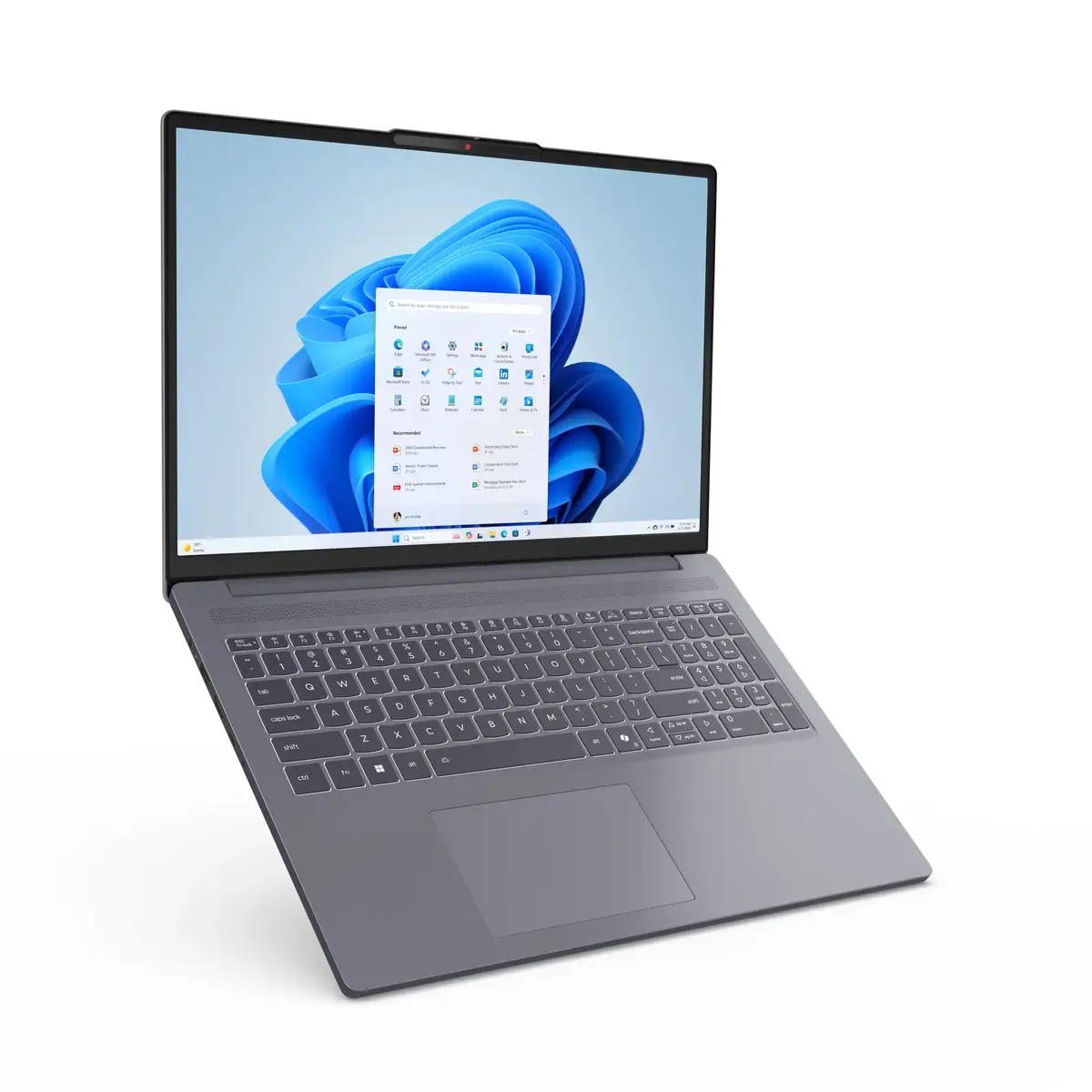
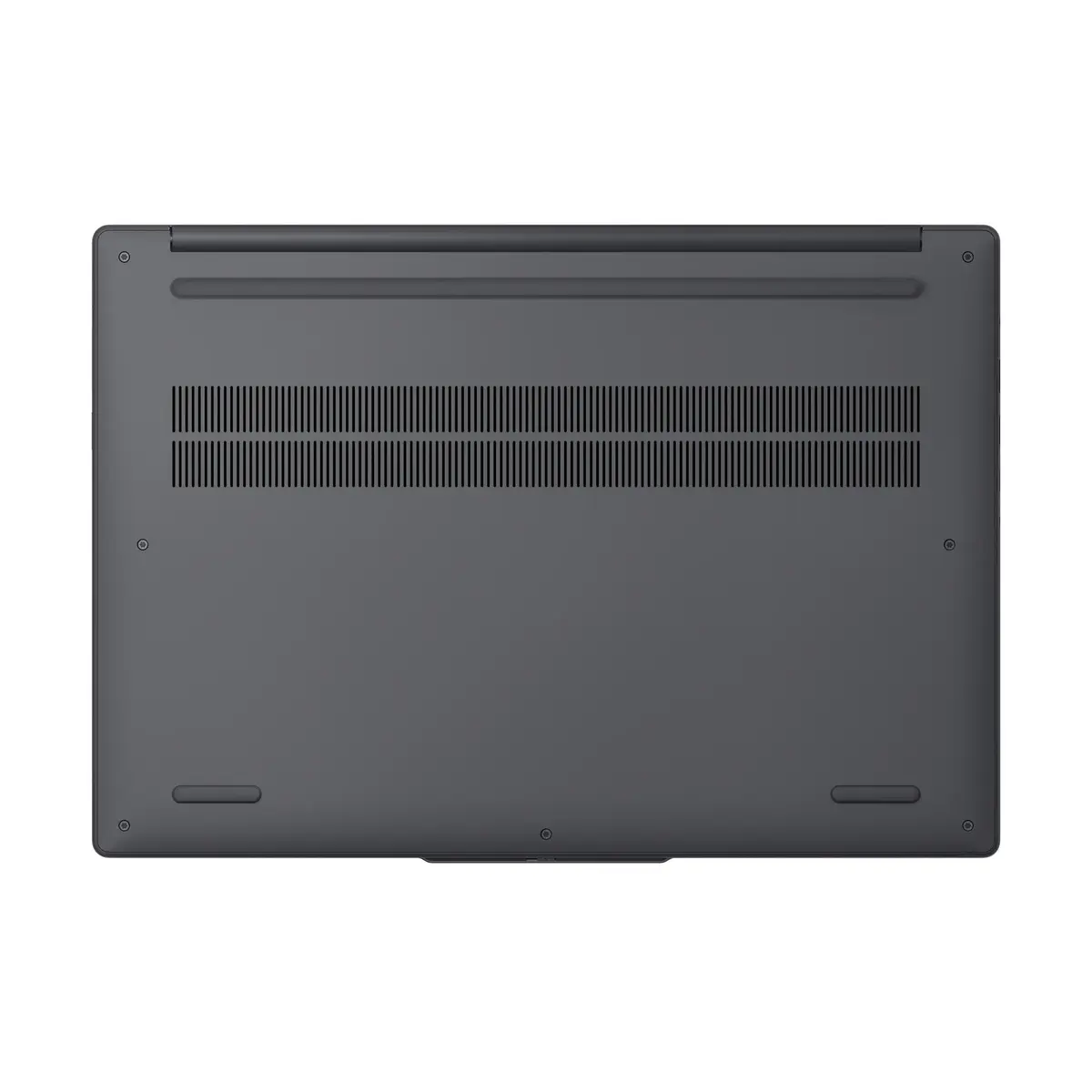
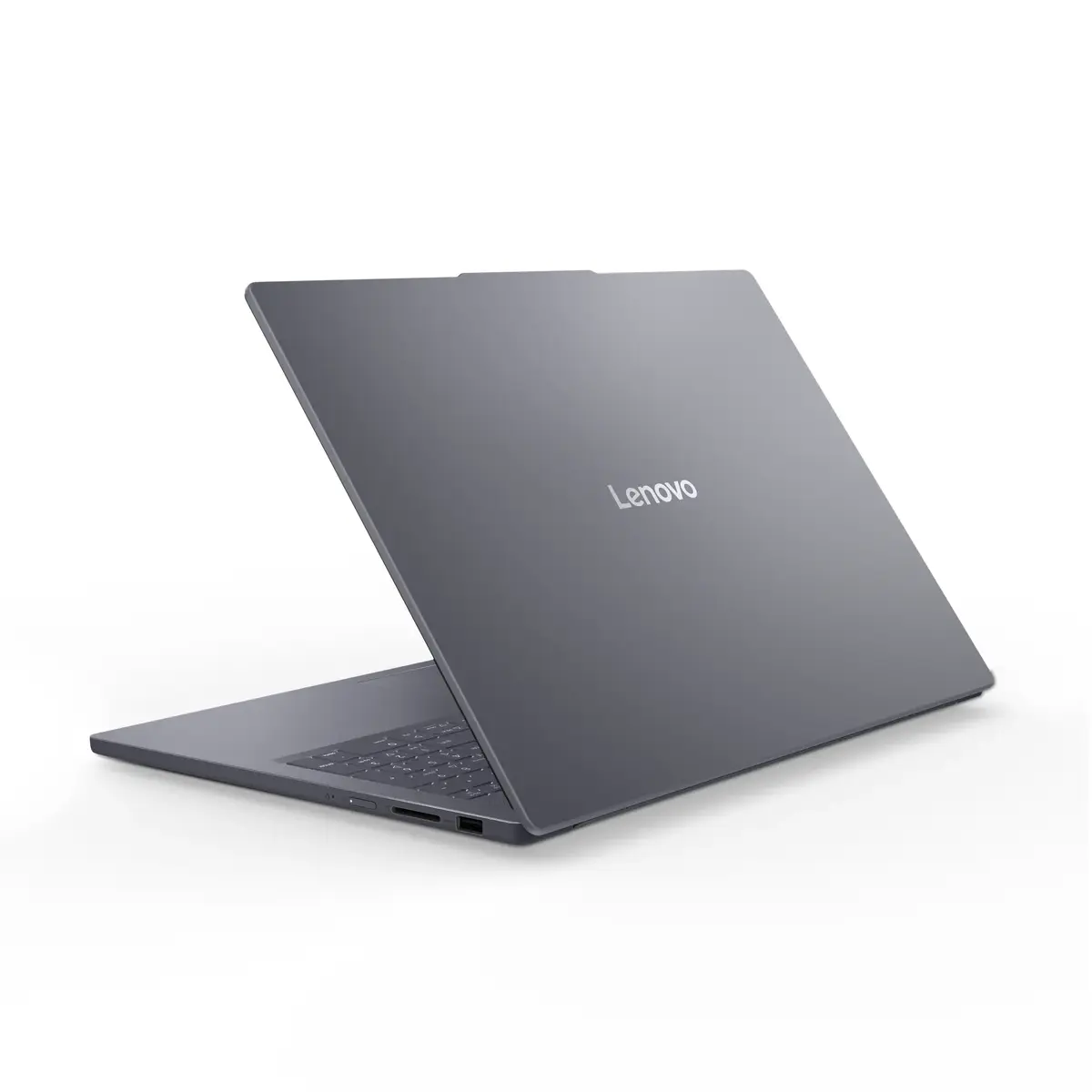
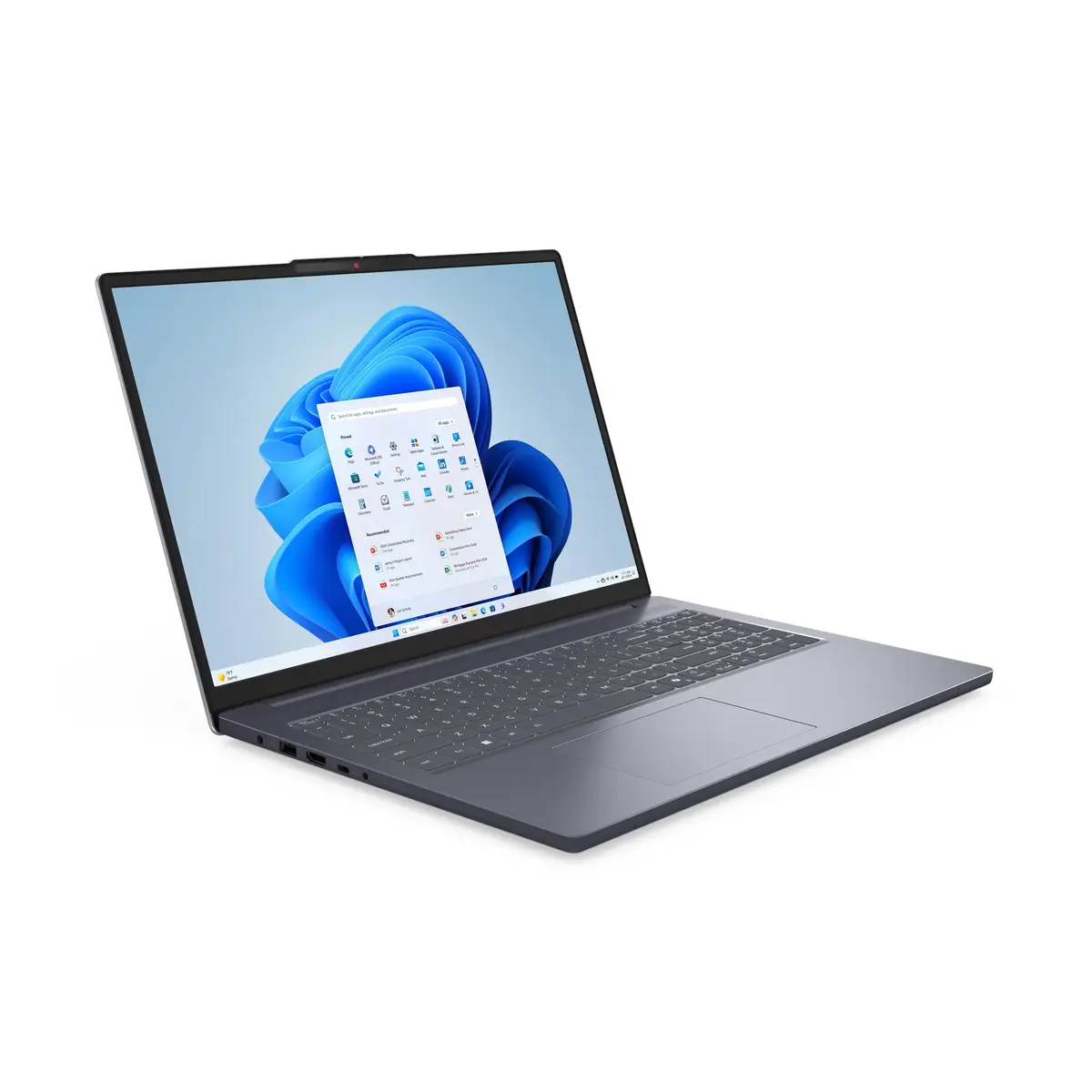
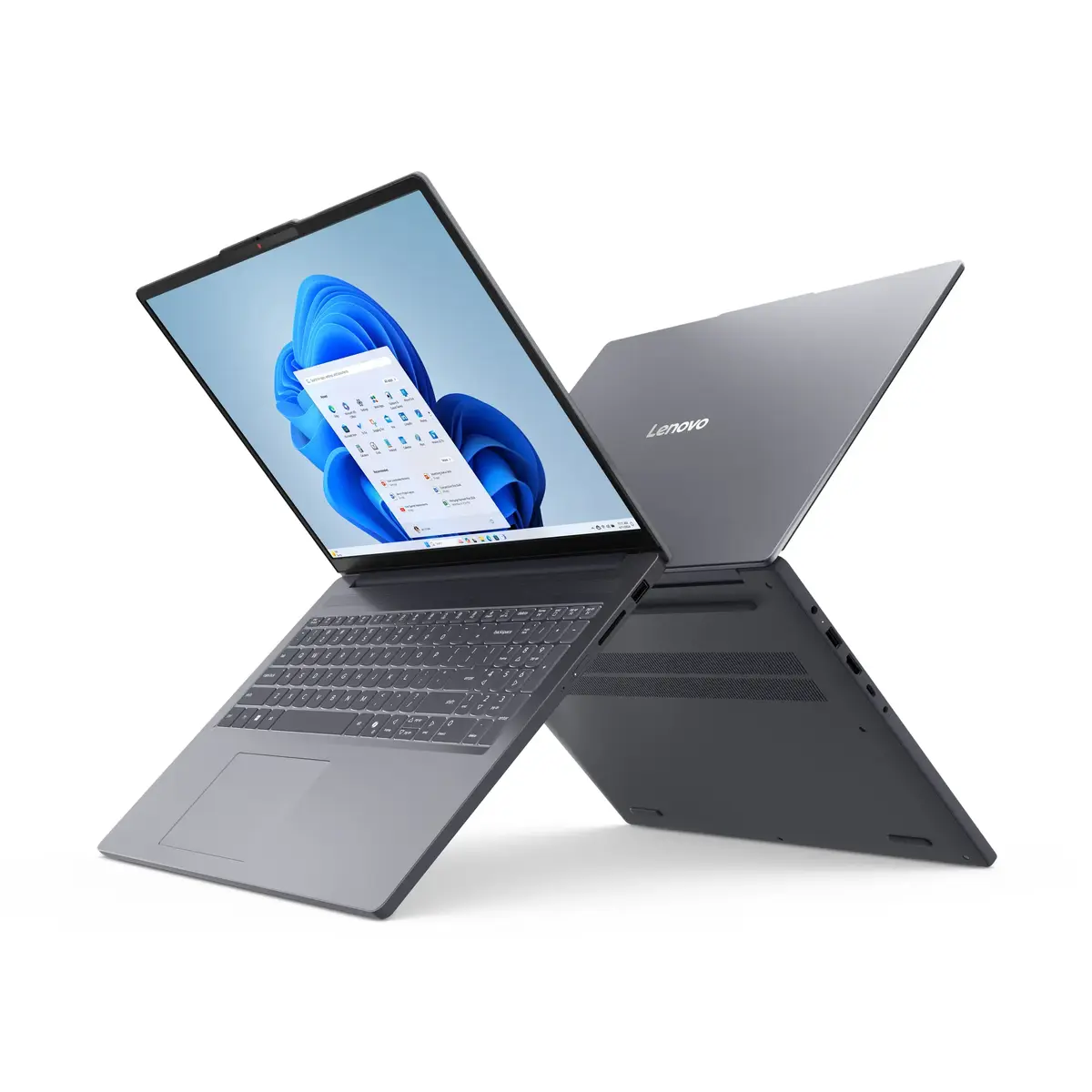
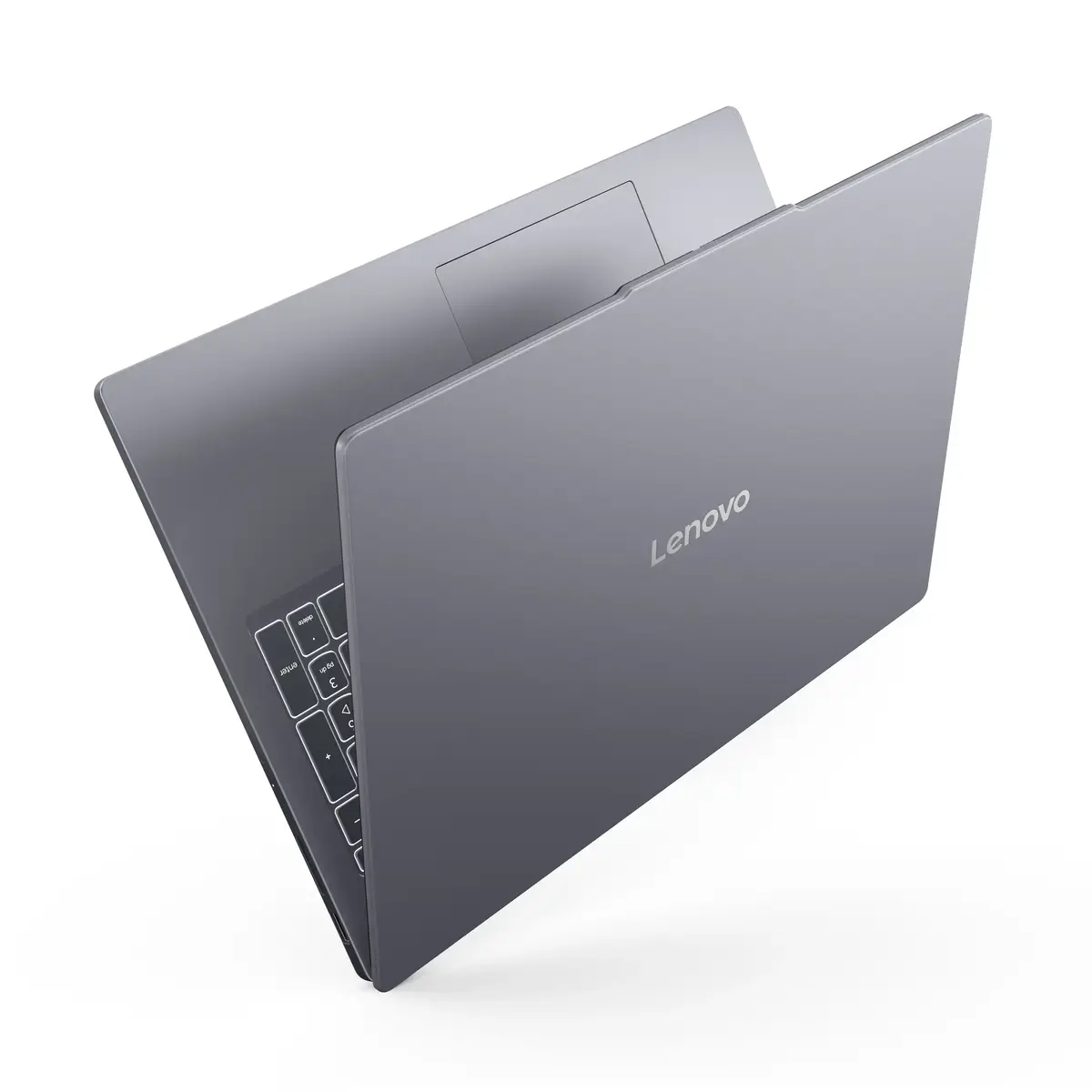
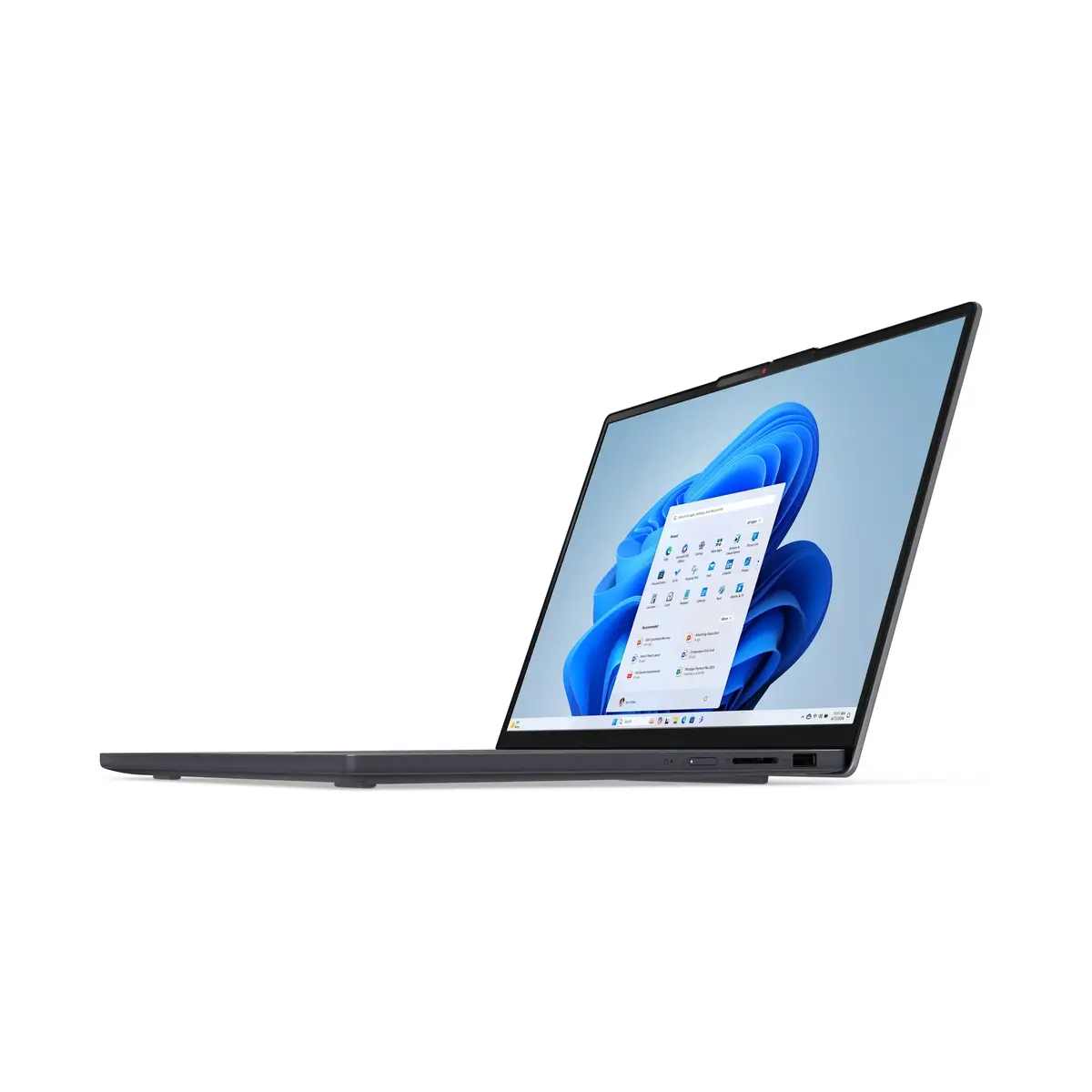
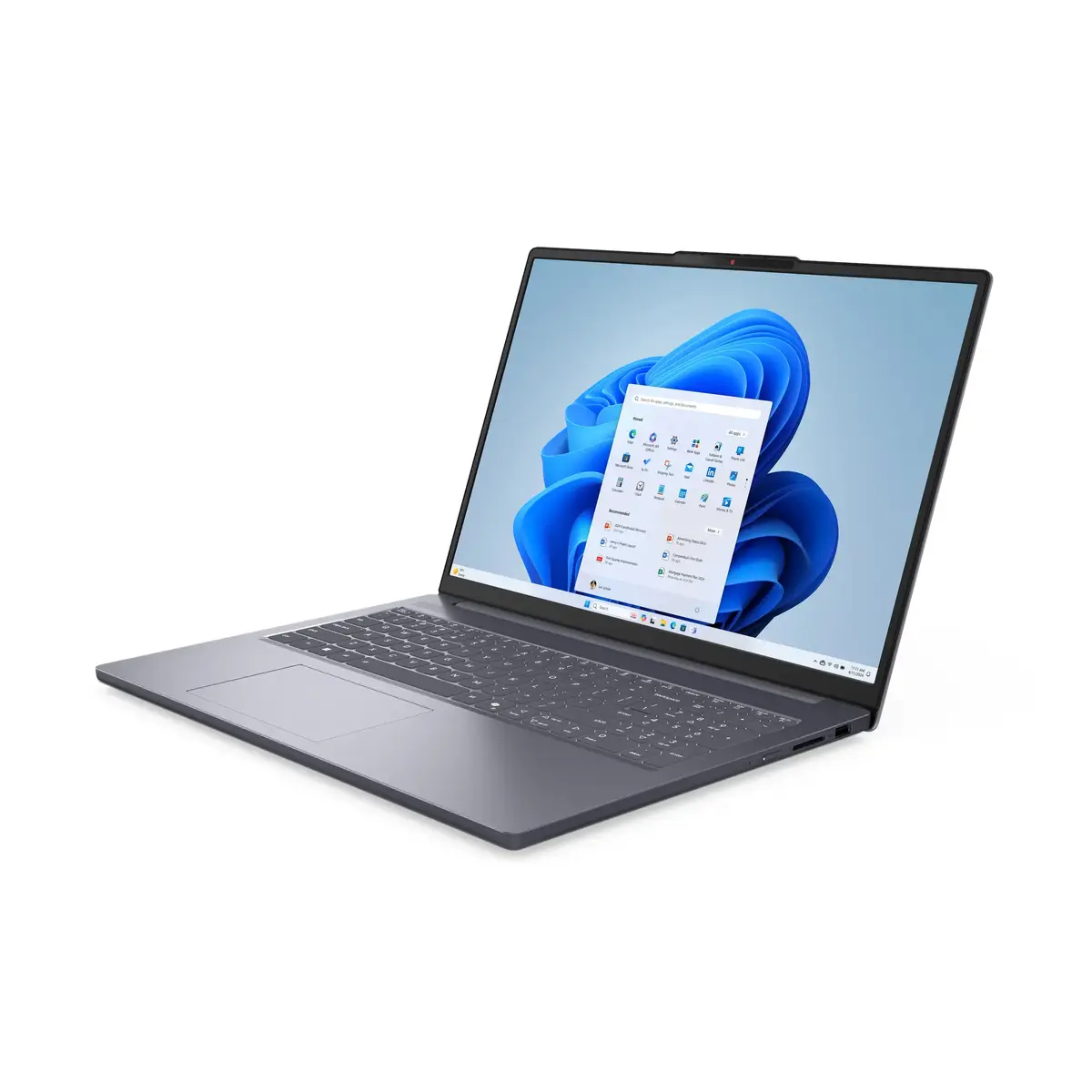
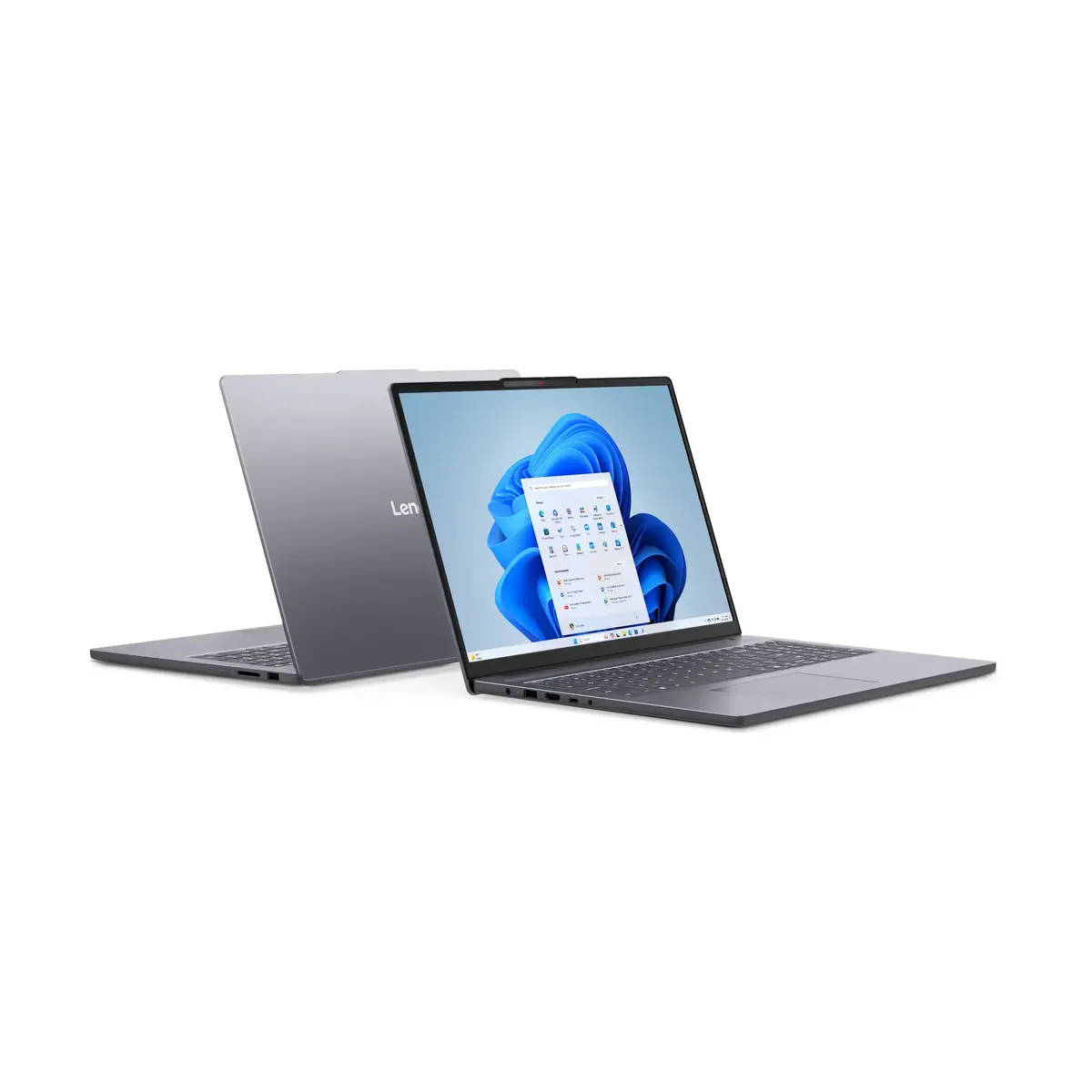
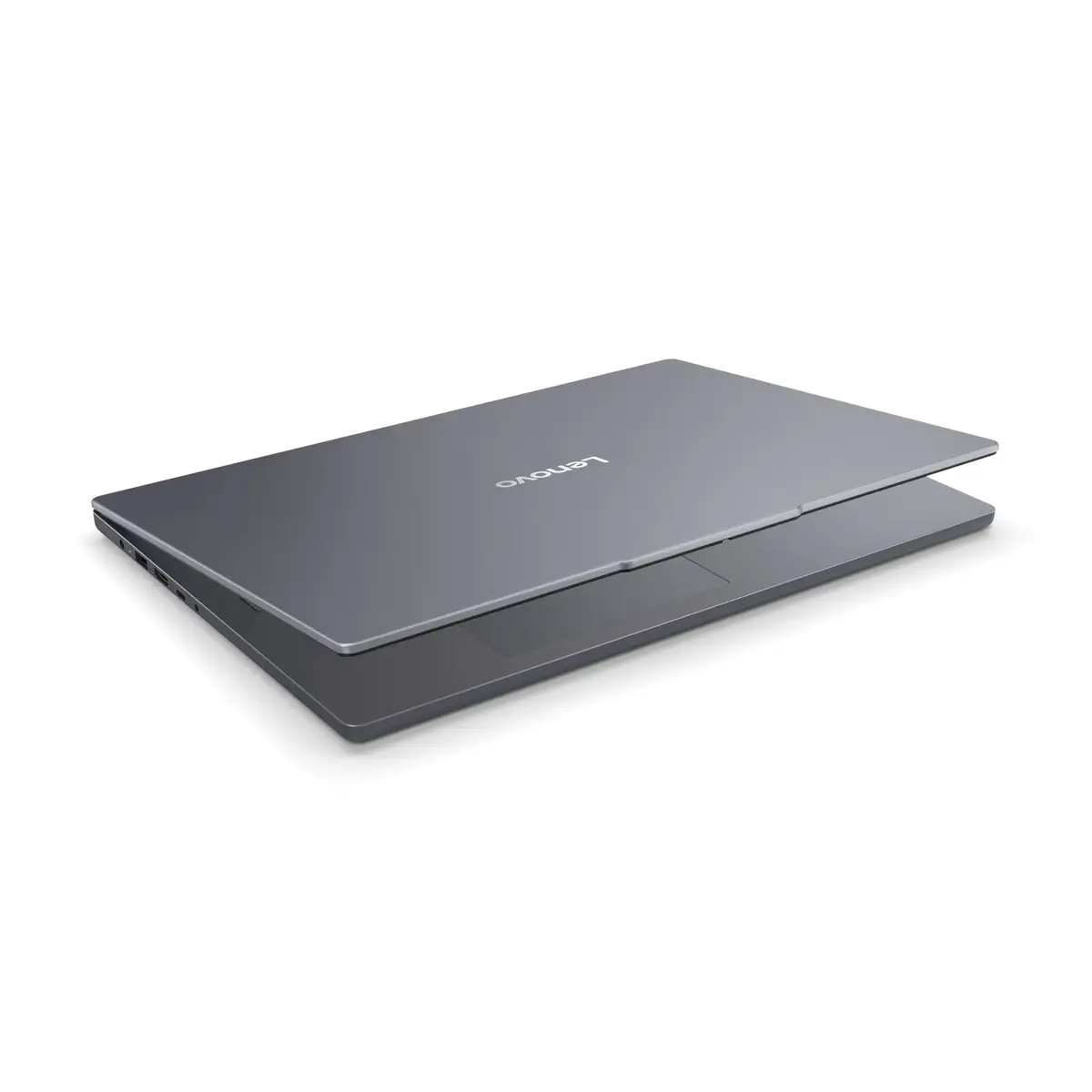
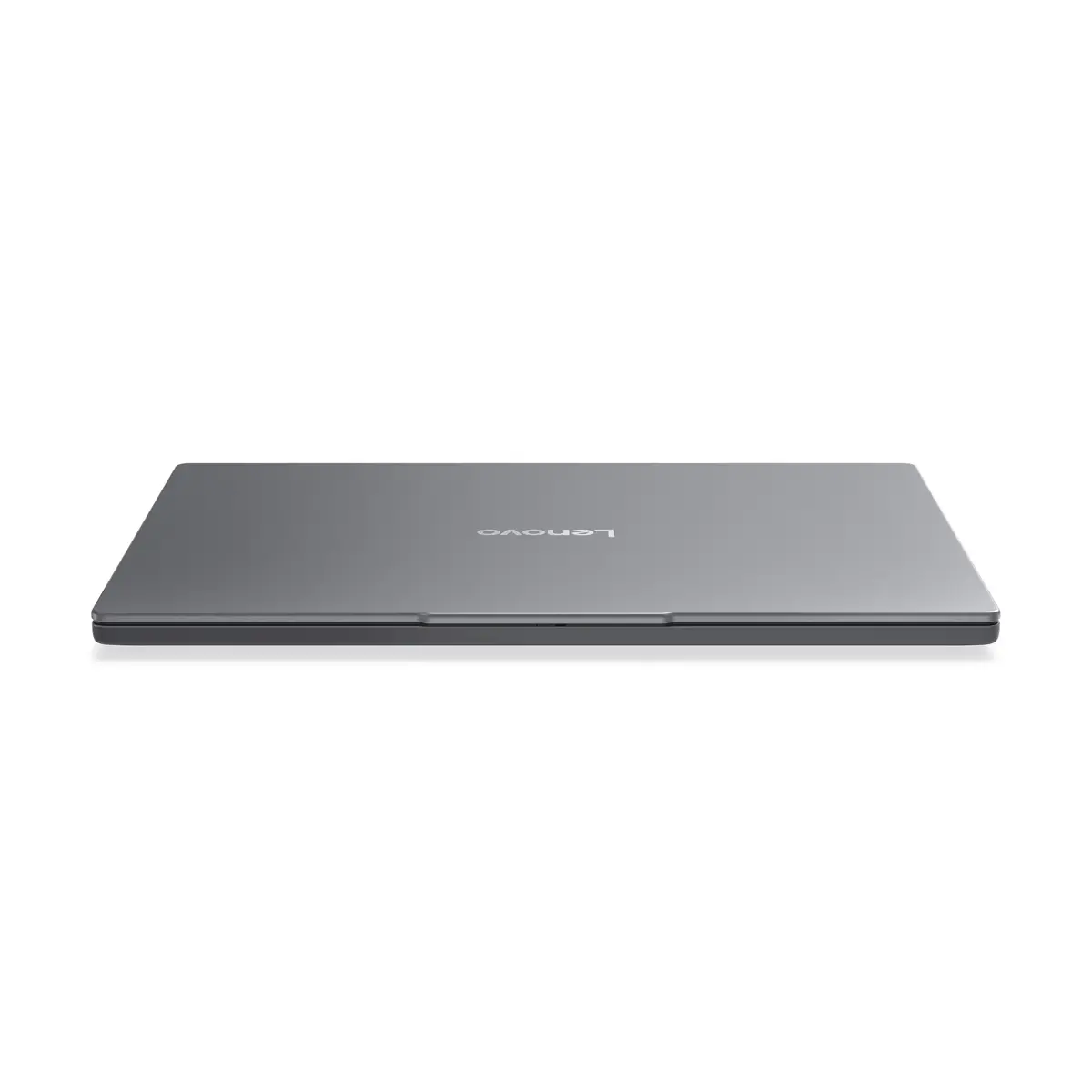
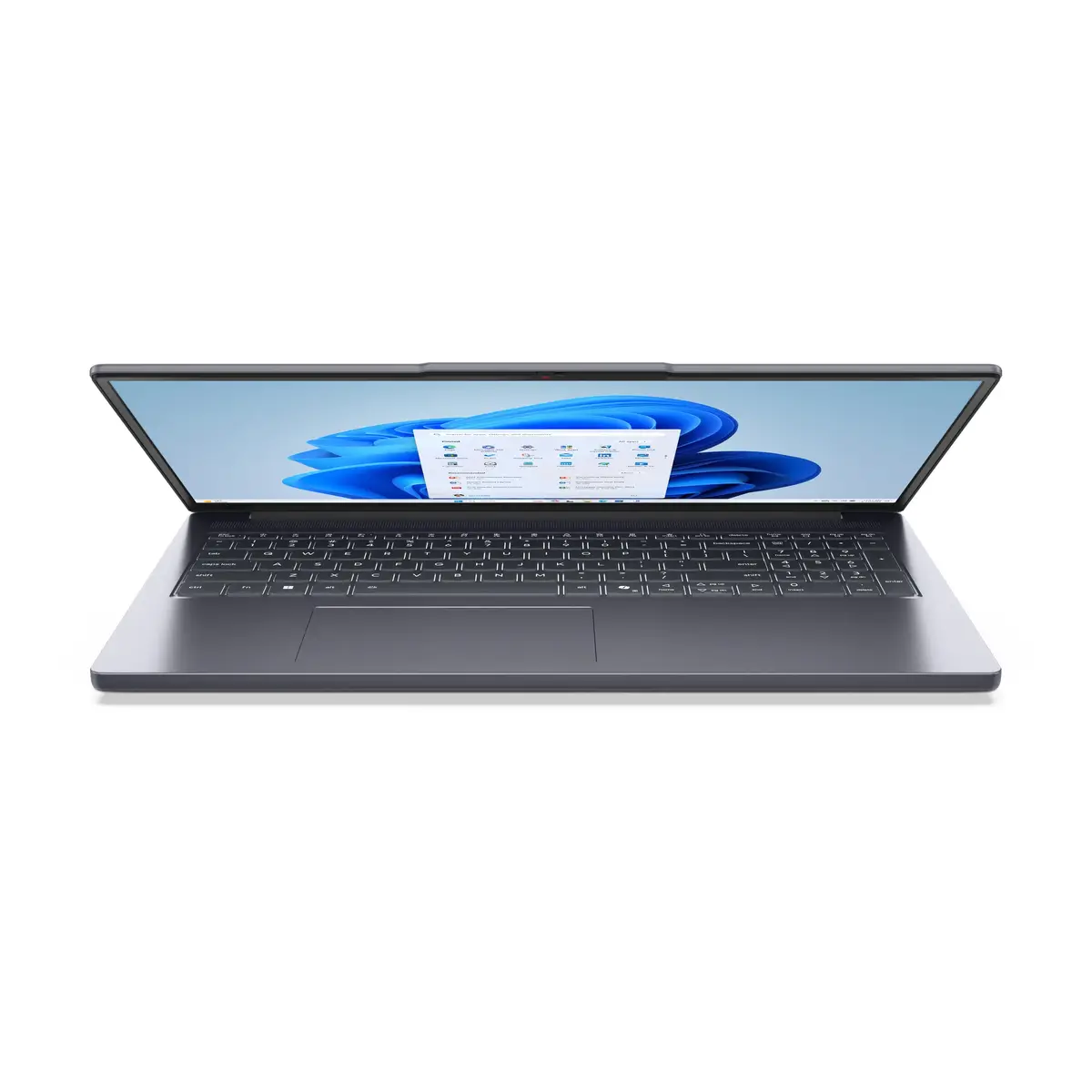
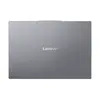
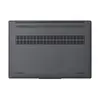
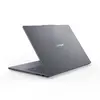
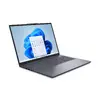
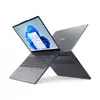
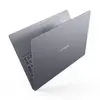
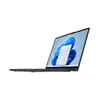
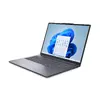
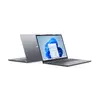
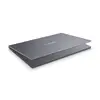
Laptop Lenovo IdeaPad Slim 3 16" AMD Ryzen 7 PRO 16GB 512GB SSD AMD Radeon 780M Windows 11
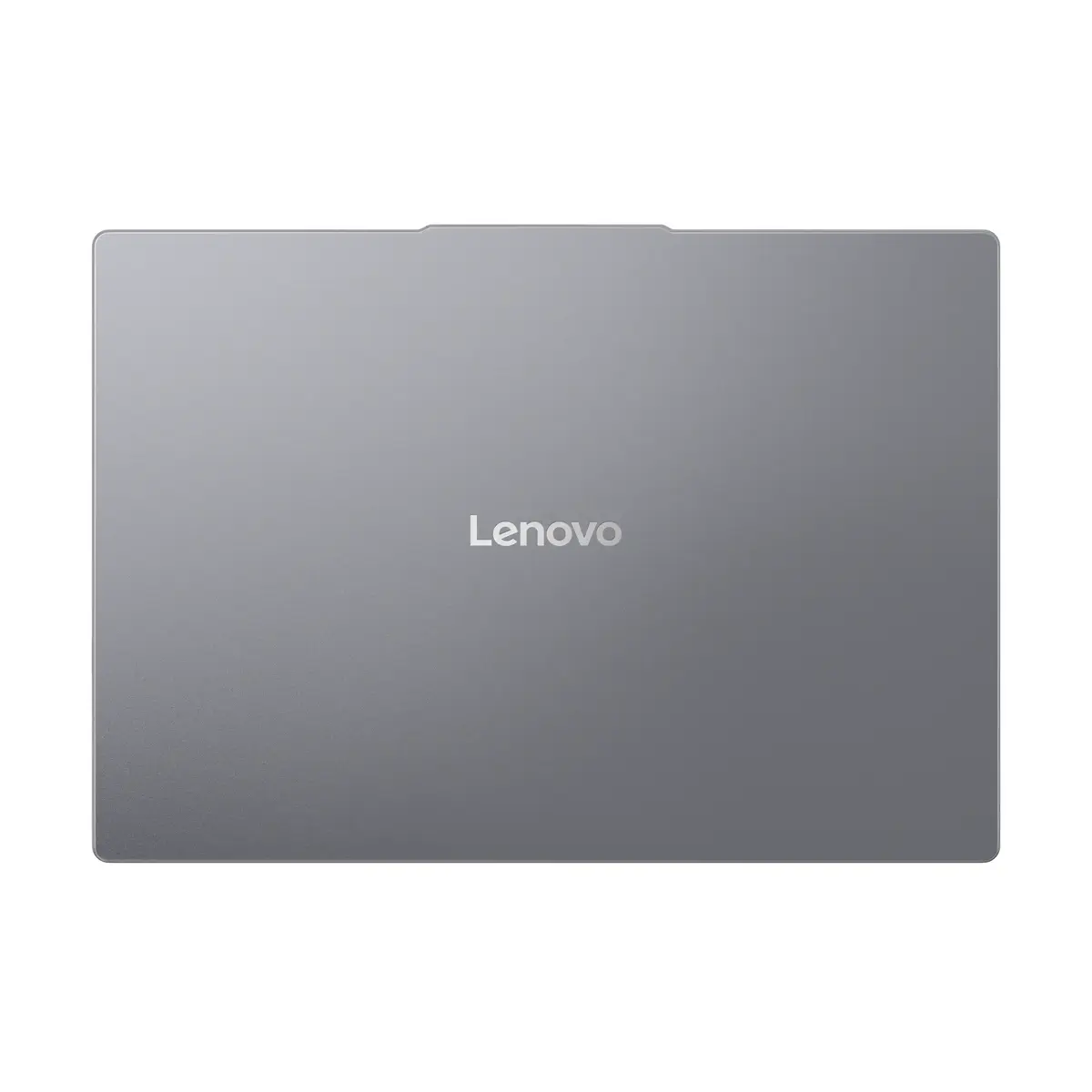
The Lenovo IdeaPad Slim 3 16" AMD Ryzen 7 PRO 16GB 512GB SSD AMD Radeon 780M Windows 11 is a compact 16‑inch laptop designed for everyday productivity and multimedia. It is powered by an AMD Ryzen 7 PRO 8840HS processor (base frequency 3.3 GHz) and equipped with 16 GB of DDR5 RAM and a 512 GB SSD. The 16" WUXGA display (1920 x 1200) delivers clear visuals while the integrated AMD Radeon 780M graphics handle video playback, light content creation and casual gaming. The system runs Windows 11 Home and comes in a grey chassis with a weight of approximately 1.68 kg, making it suitable for mobile work and home use.
The combination of an AMD Ryzen 7 PRO CPU and DDR5 memory provides responsive multitasking and improved performance for office applications, web browsing and multimedia. A 512 GB SSD ensures fast system boot and application launch times while offering substantial storage for documents and media. The 16" 1920 x 1200 display gives increased vertical space for productivity compared with standard 16:9 panels. Integrated AMD Radeon 780M graphics deliver adequate performance for video streaming, photo editing and casual gaming without requiring a discrete GPU. Lightweight construction and Windows 11 Home provide a ready-to-use environment for business and personal tasks.
Set up the laptop on a stable, flat surface and connect the included power adapter before first use to ensure the battery is charged. Use Windows 11 Home for initial configuration: follow on-screen prompts to create or sign in with a Microsoft account, adjust regional and privacy settings, and install required software updates. Store personal files on the internal 512 GB SSD or configure cloud storage for backup. For sustained performance, keep the ventilation areas clear and install drivers and firmware updates from Lenovo Support when available.
For optimal battery life and system longevity, use balanced power settings during typical work sessions, avoid blocking air vents, and periodically update Windows and GPU drivers. For tasks requiring heavier GPU or sustained high CPU loads, consider connecting to external power and ensuring adequate cooling.
{{highlightedFeature.featureTitle}}:
{{getProductFeatureValueById(product, highlightedFeature.featureId)}}
{{ productComparisonGenerationError }}
