
JBL speakers and headphones for pure and deep sound!
In cart {{totalProductsCount}} item(s)
Your cart is empty
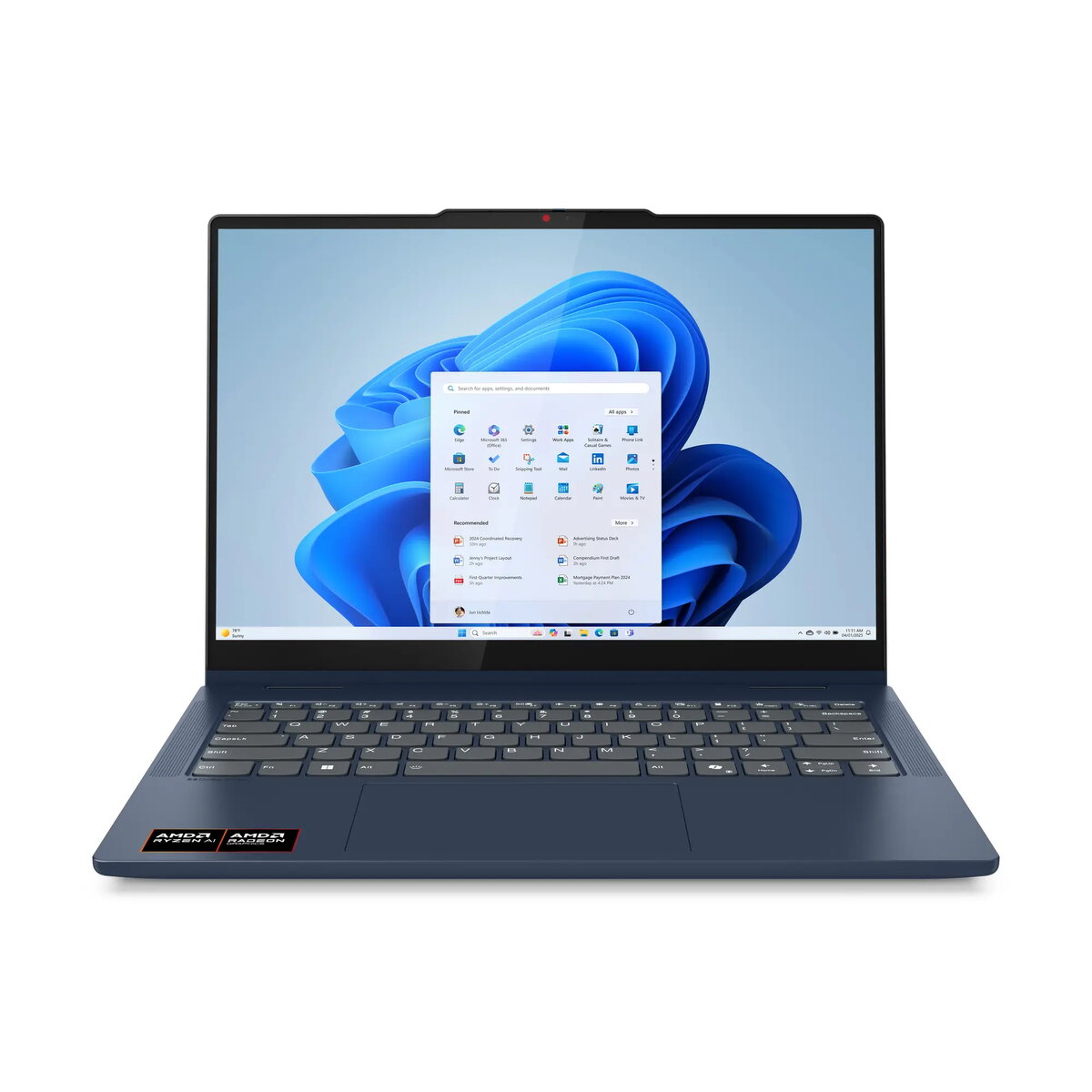
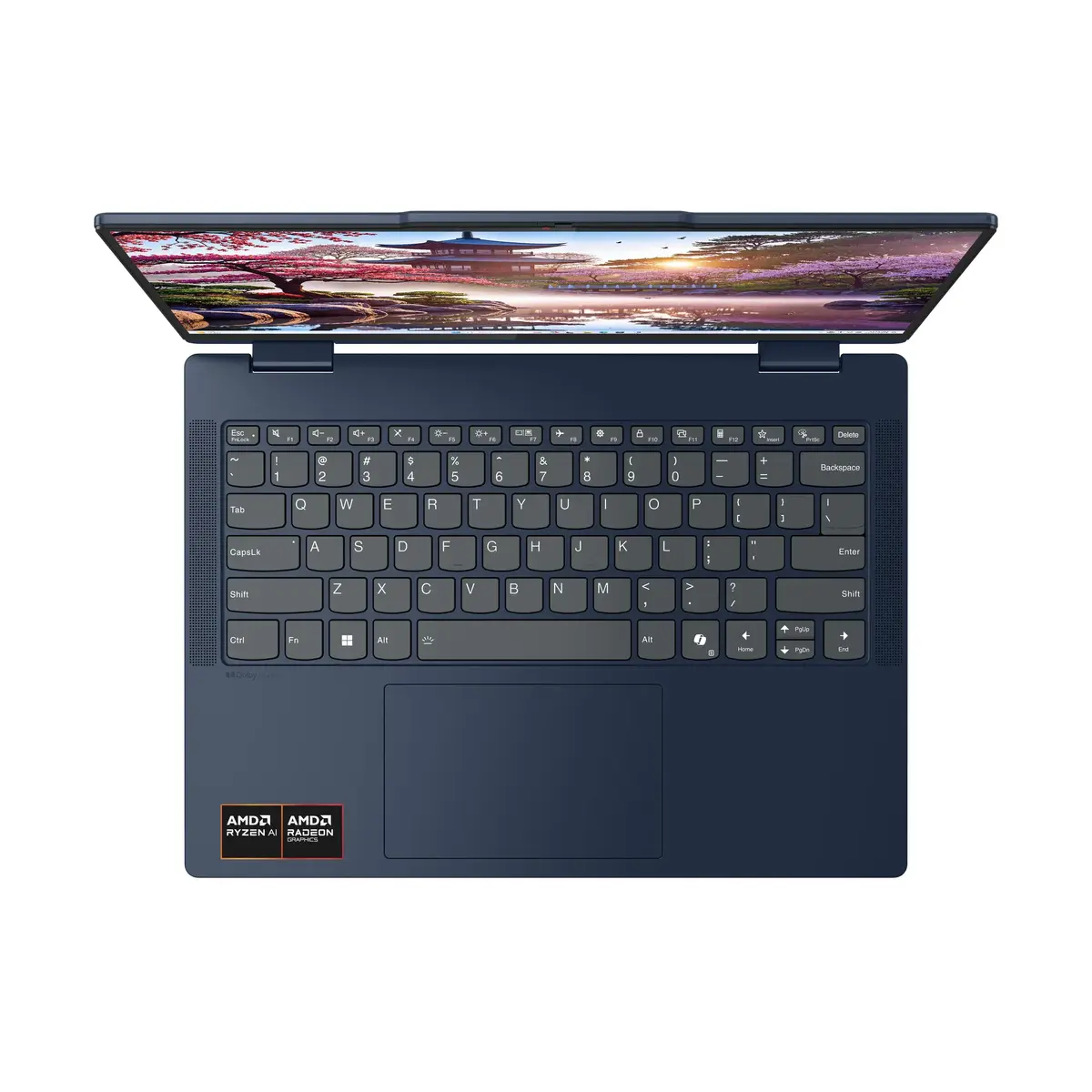
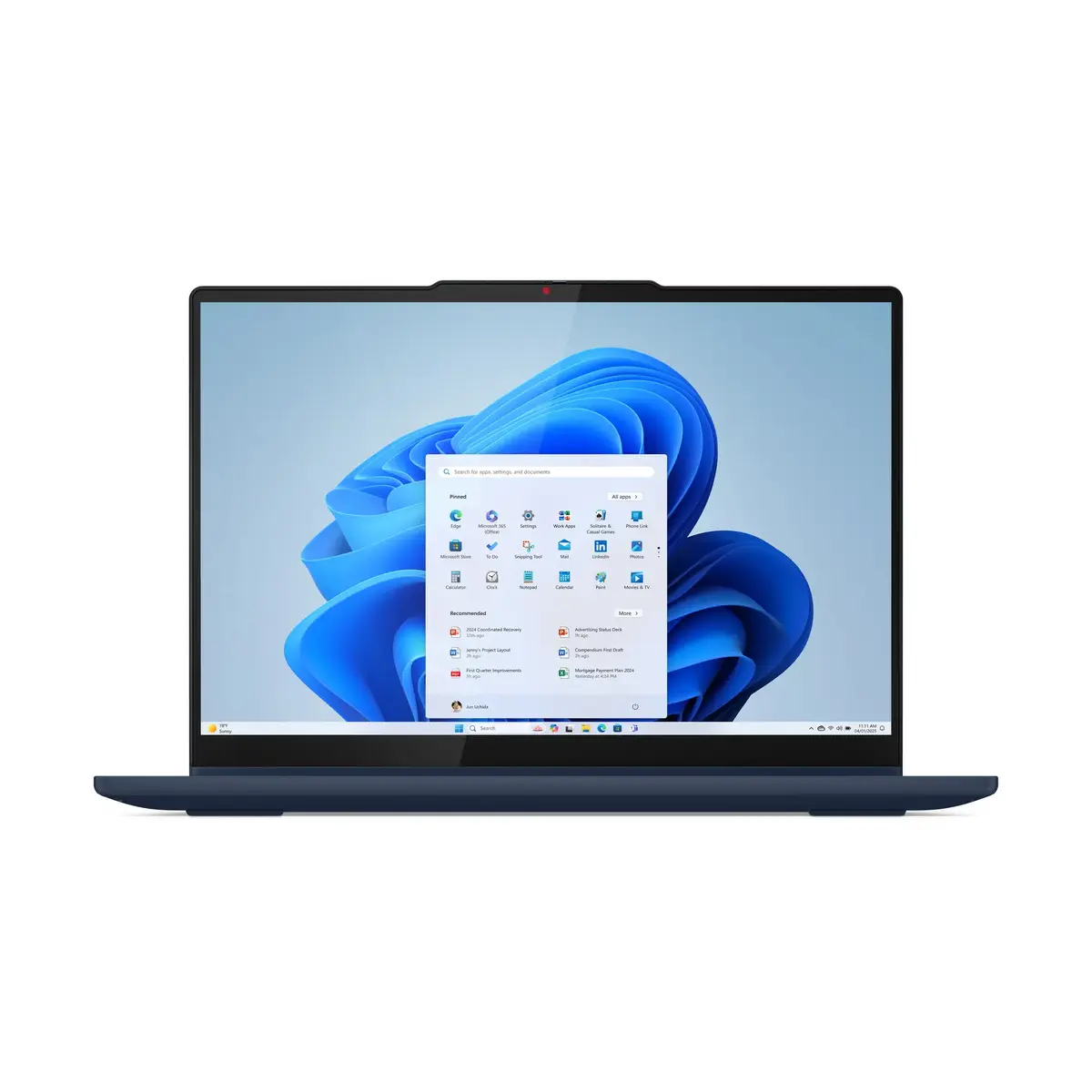
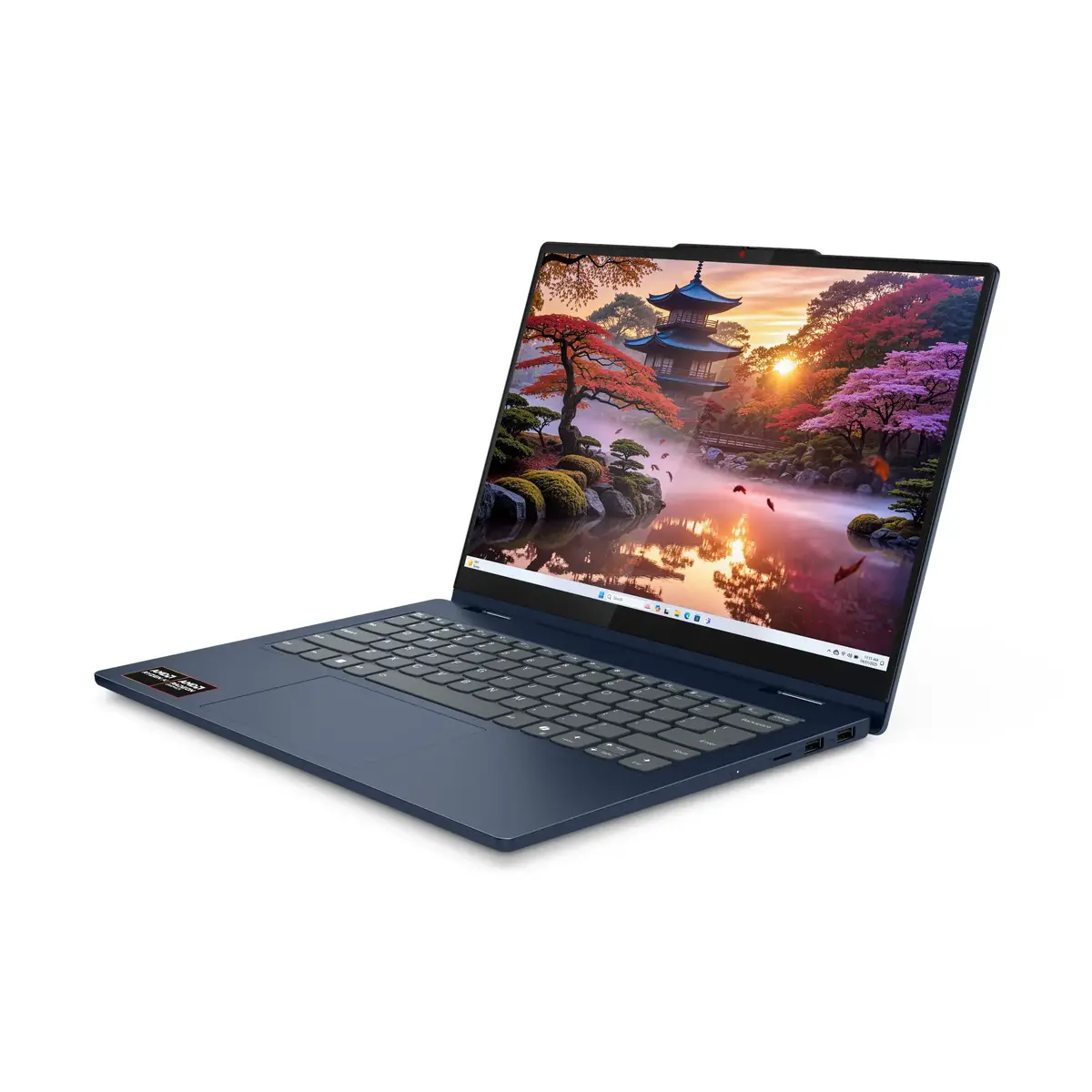
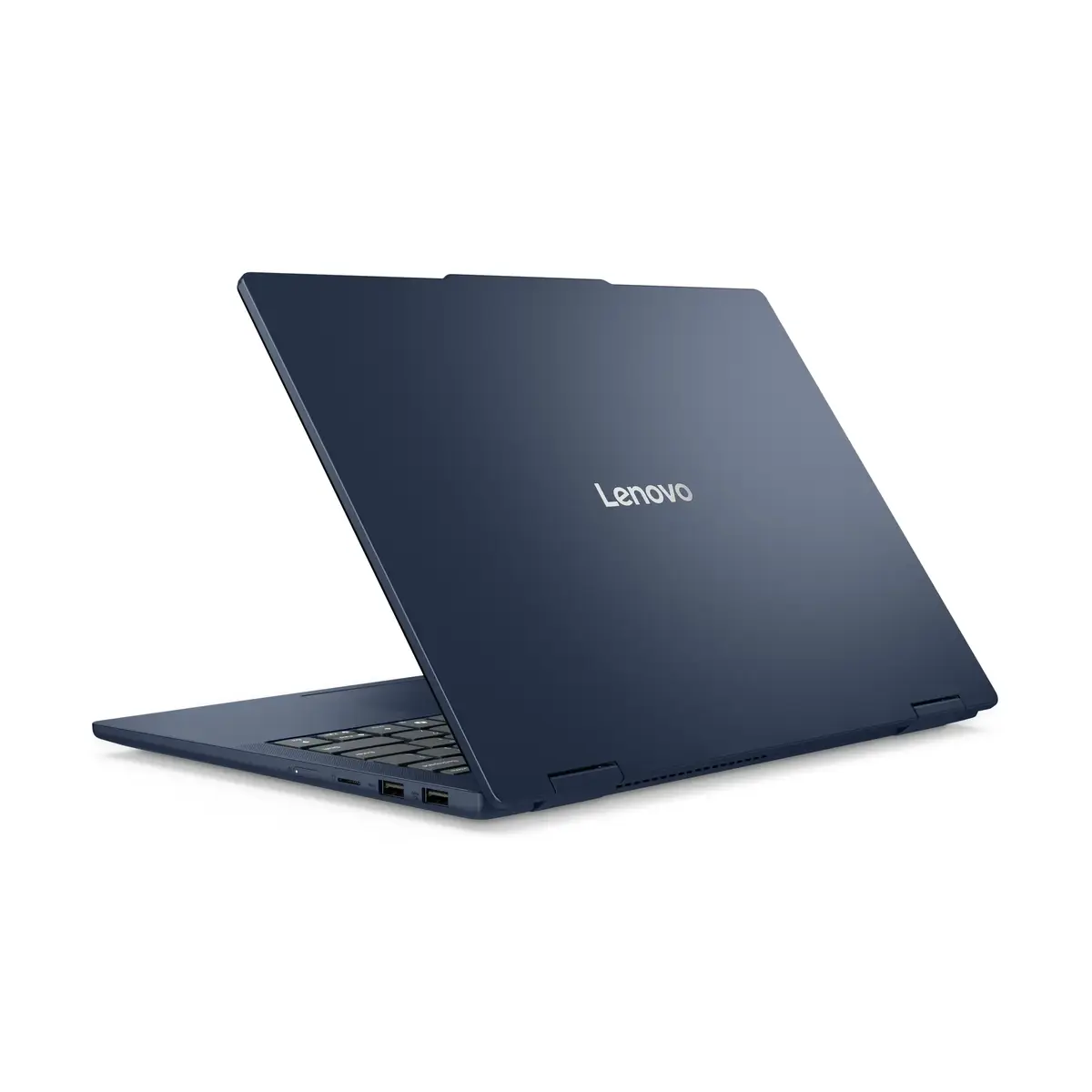
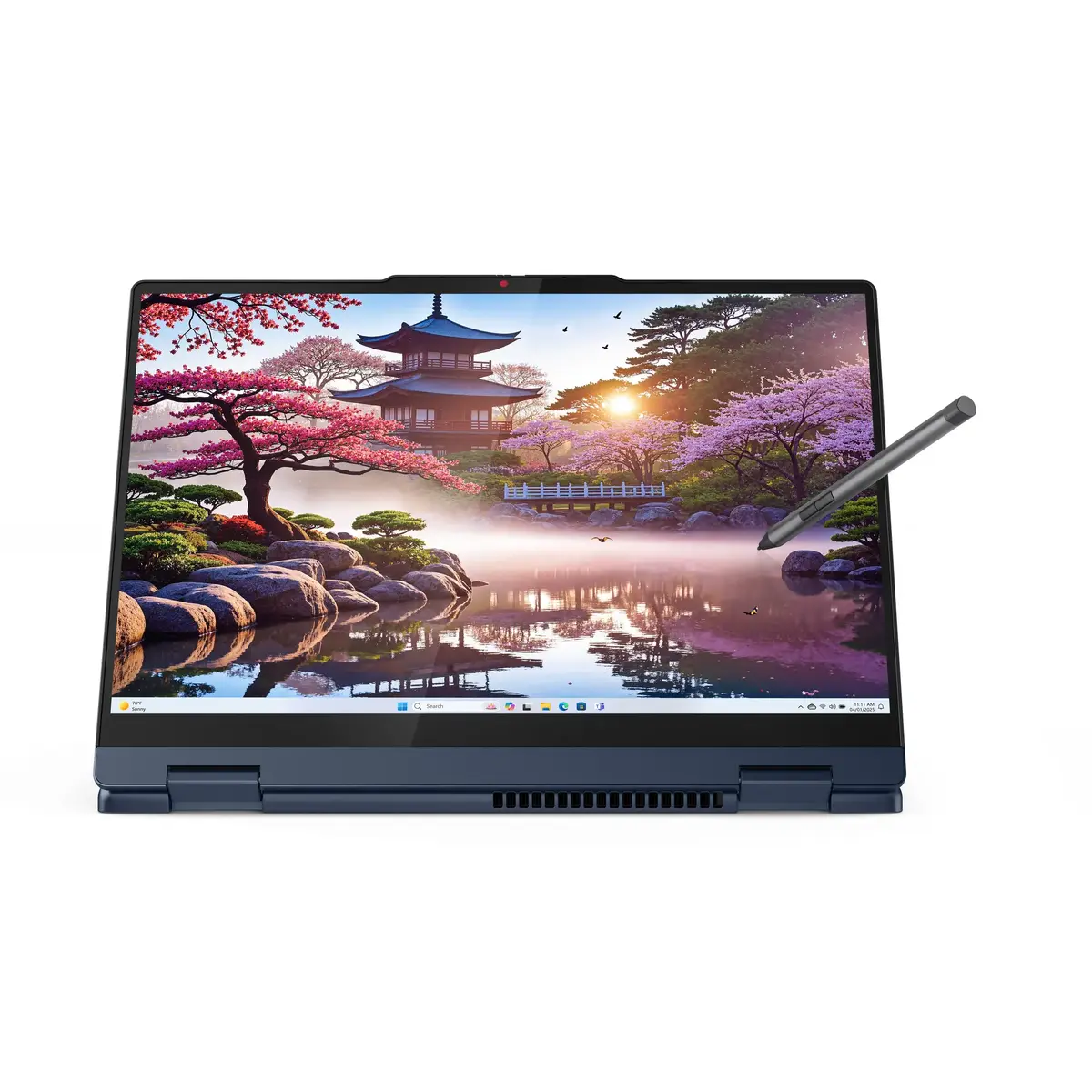
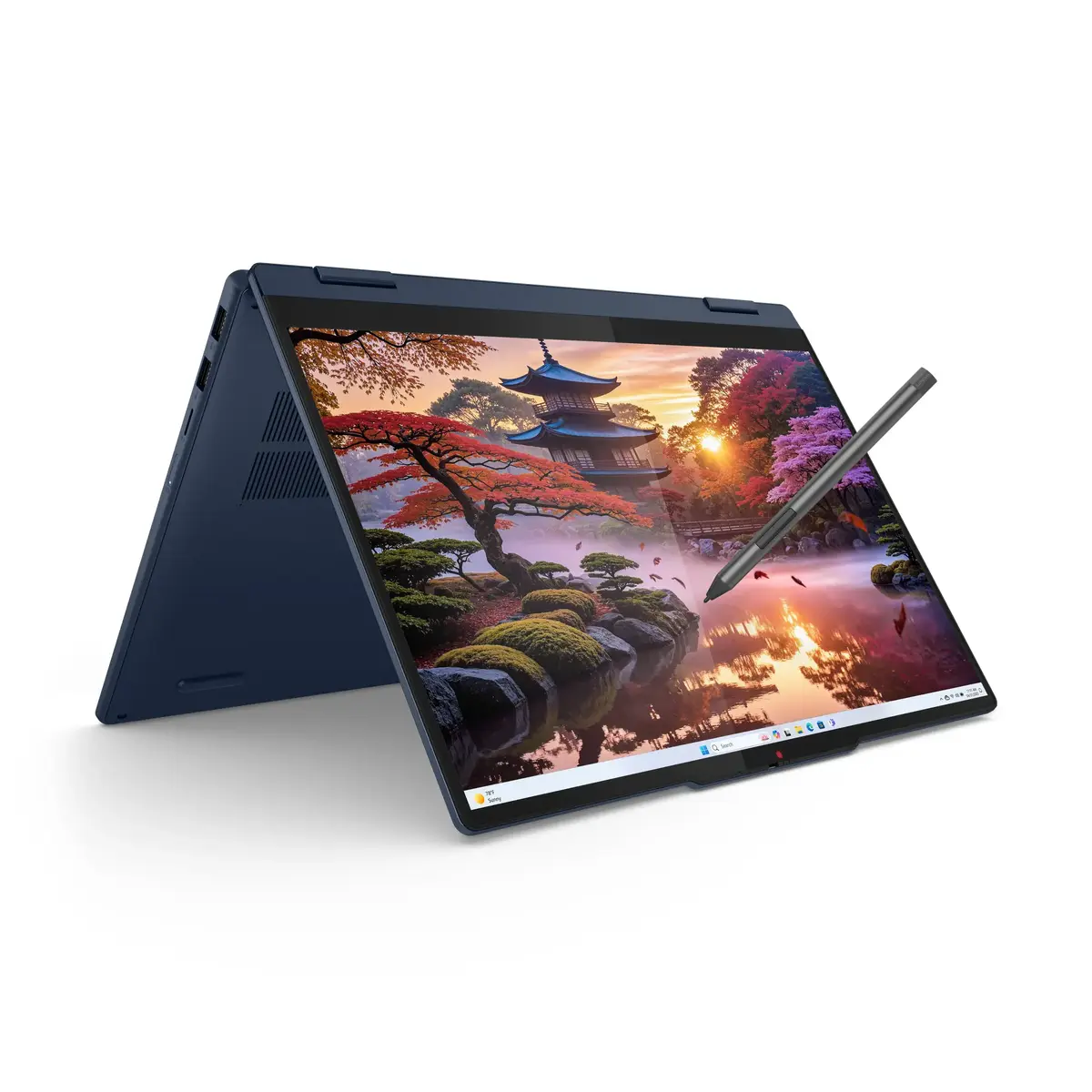
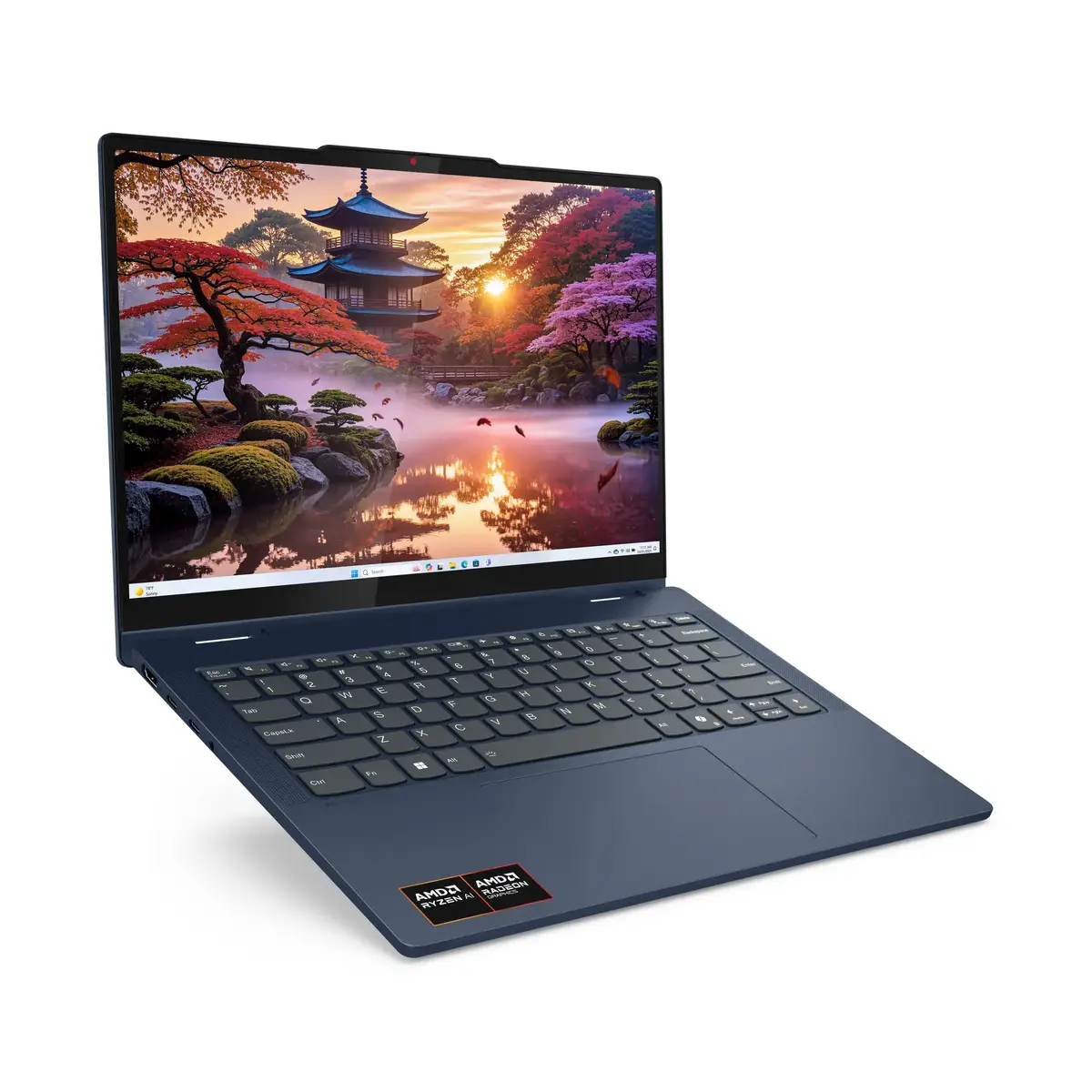
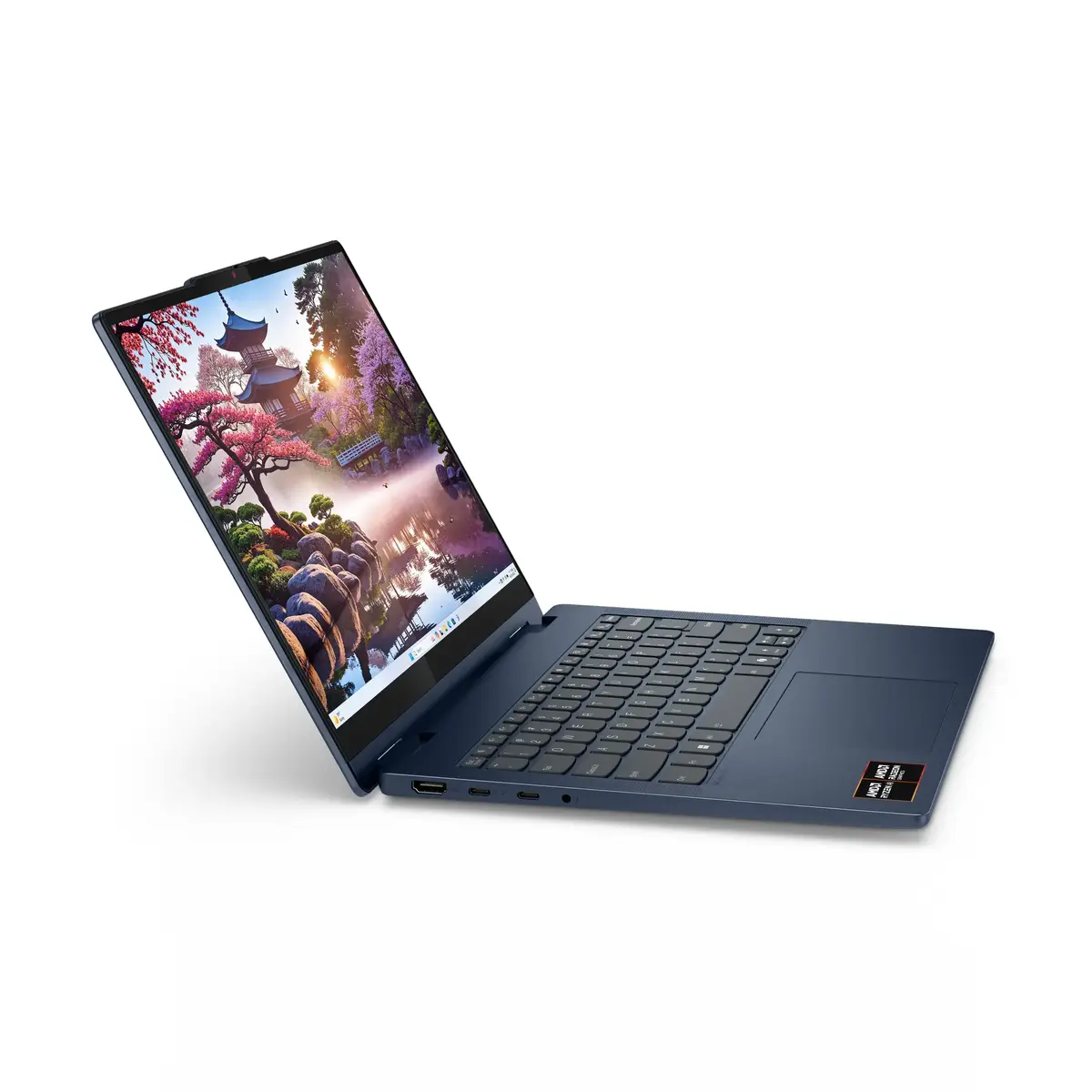
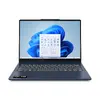
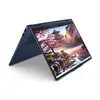
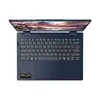
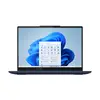
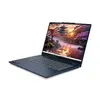
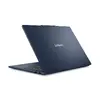
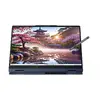
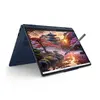
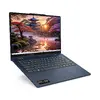
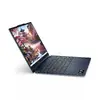
Hybrid (2-in-1) laptop Lenovo IdeaPad 5 14AKP10 — AMD Ryzen AI 7 350, 14" WUXGA touchscreen, 16 GB LPDDR5x, 1 TB SSD, Wi‑Fi 7, Windows 11 Home, Blue
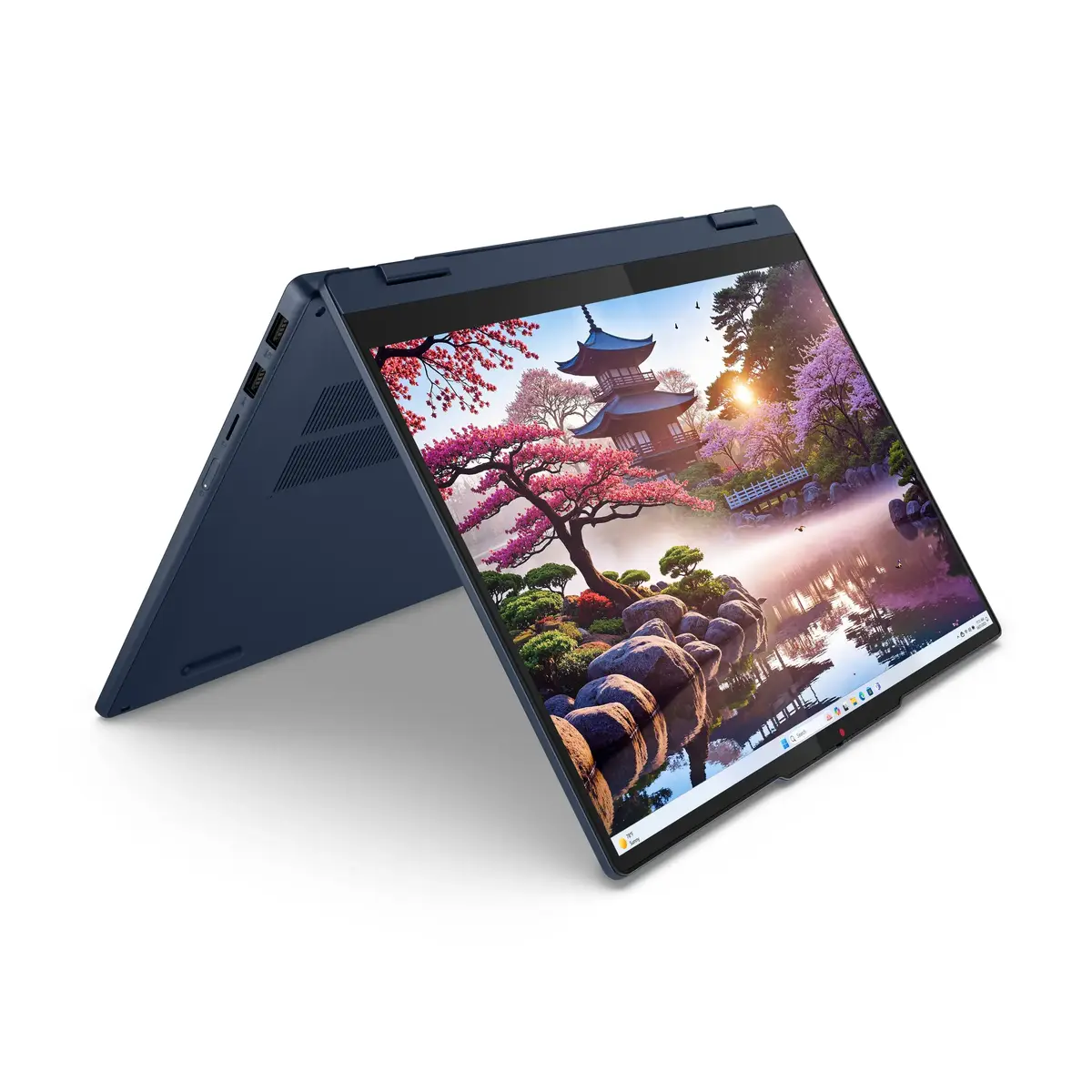
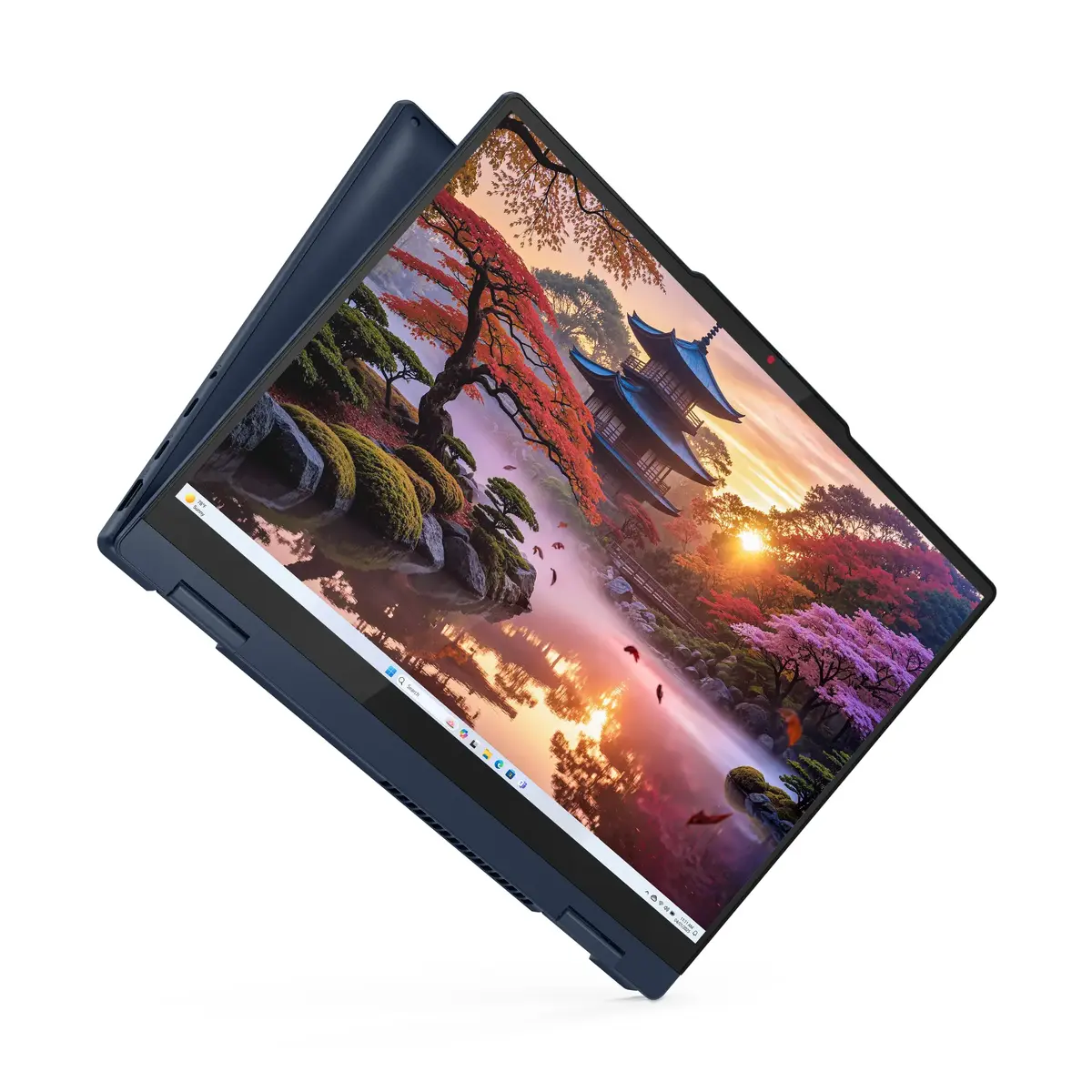
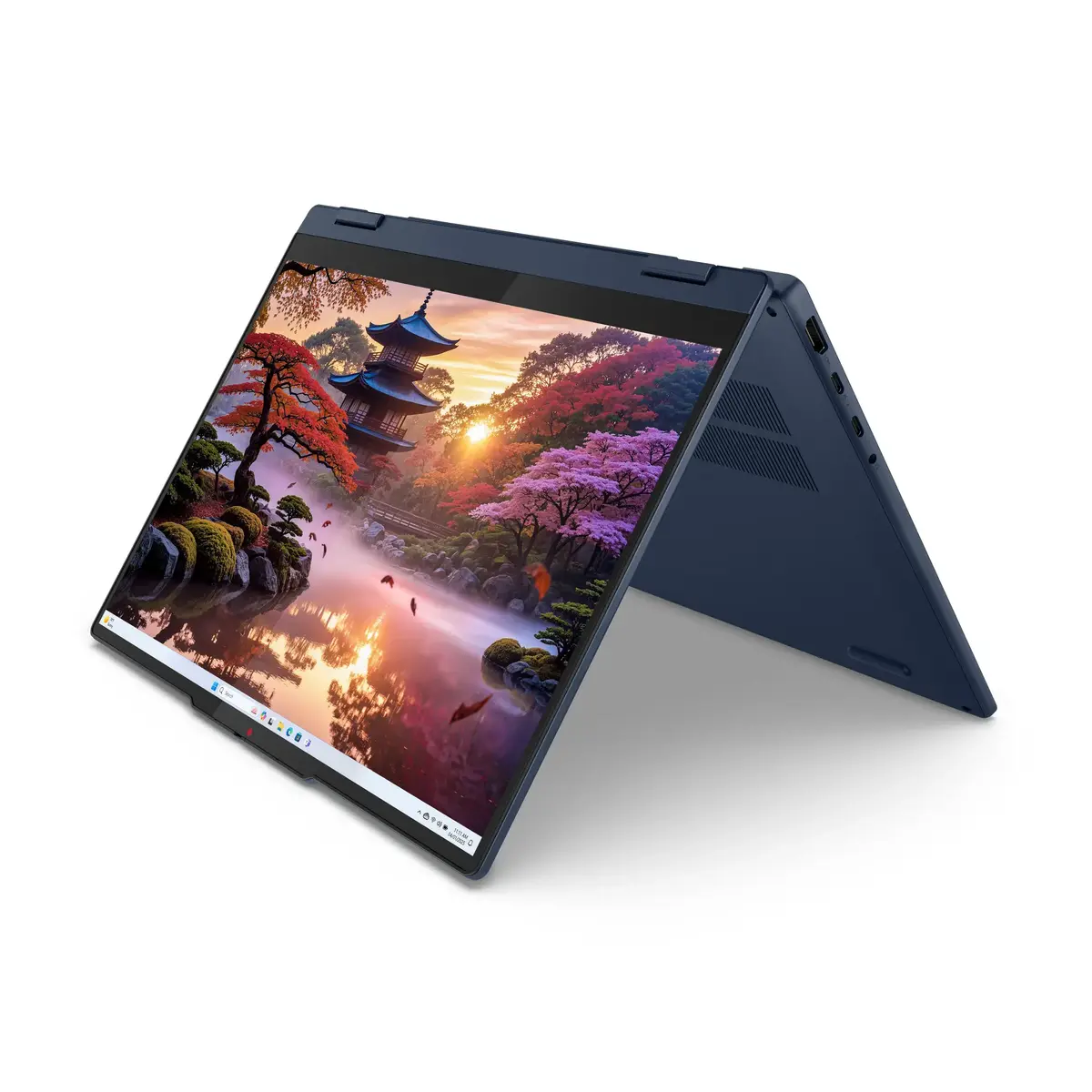
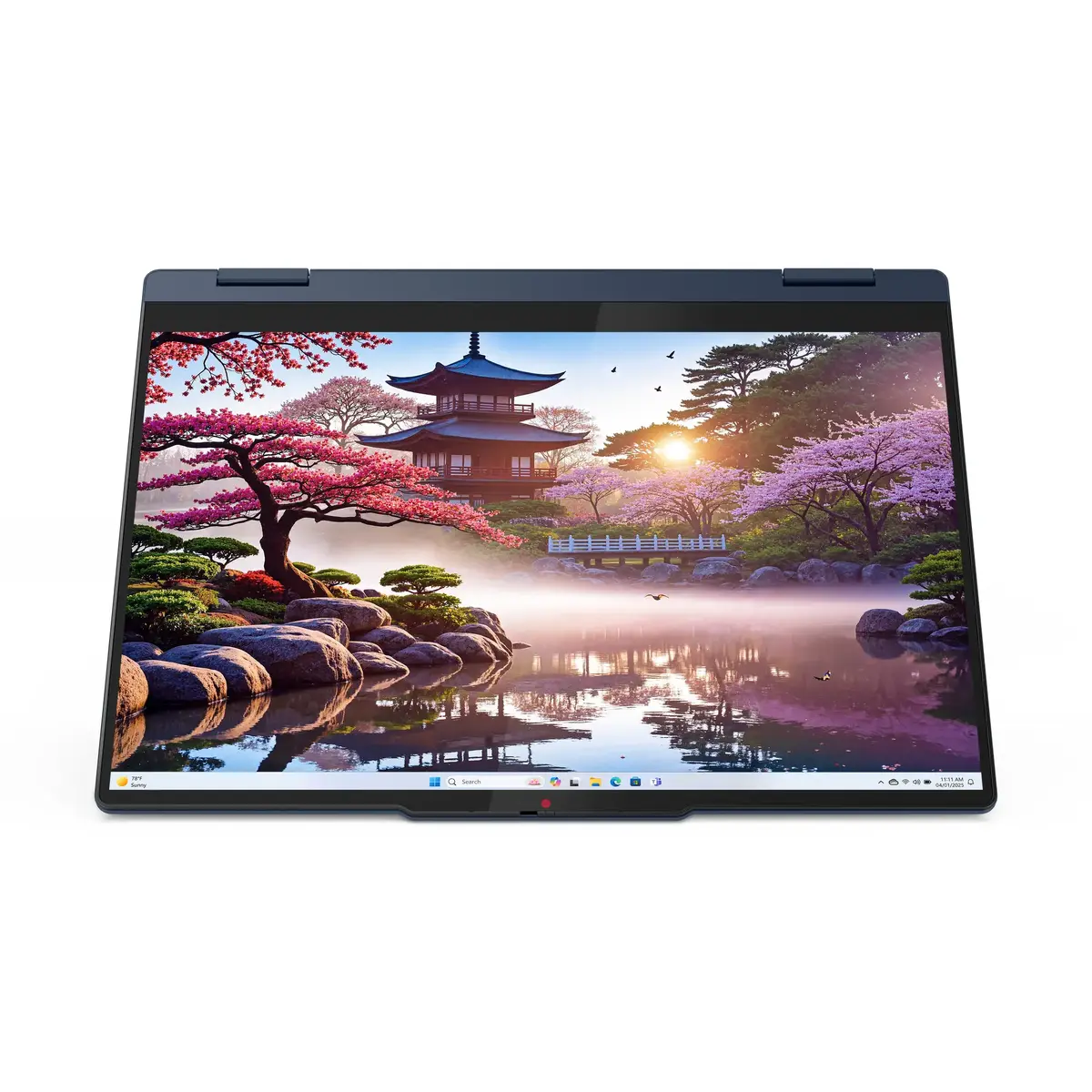
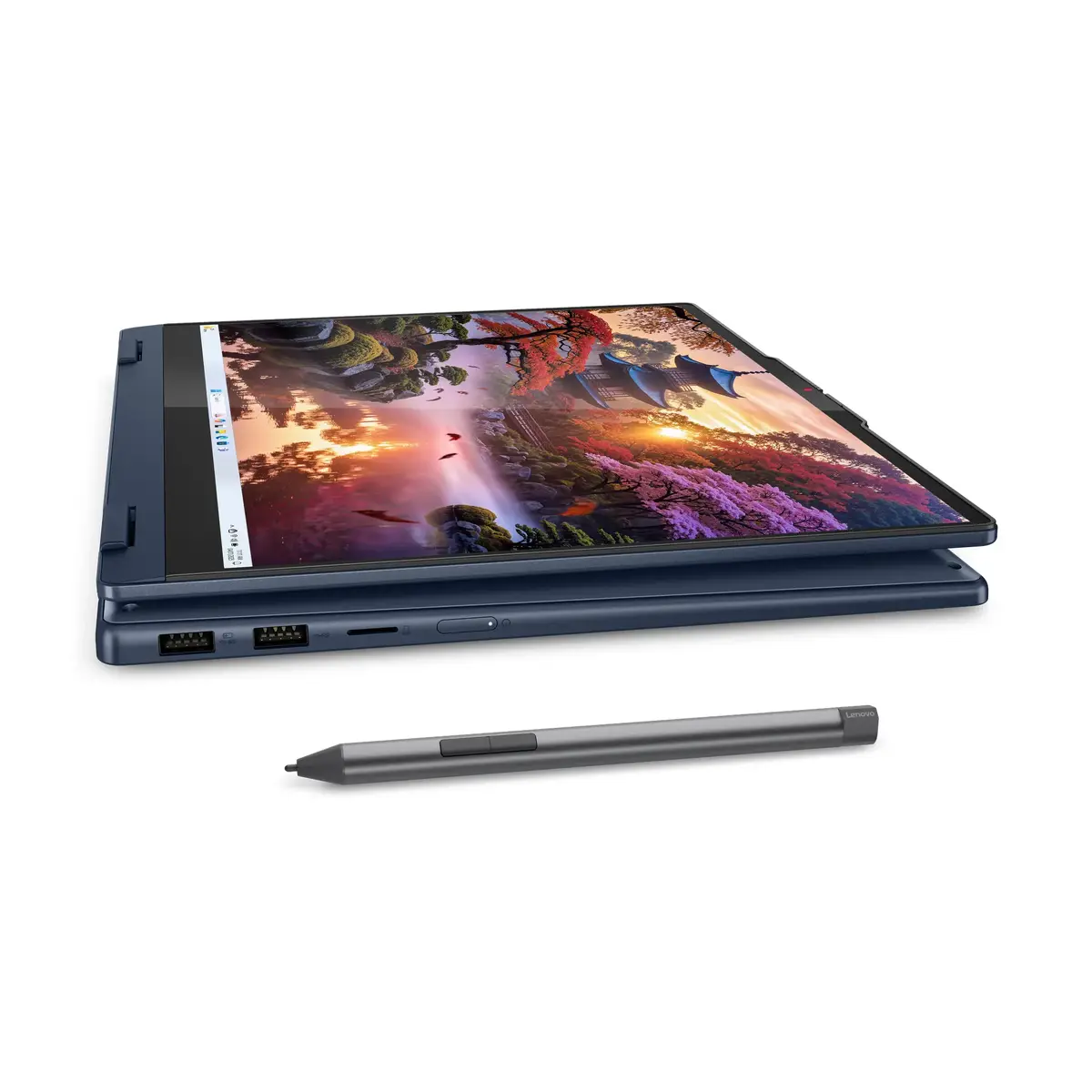
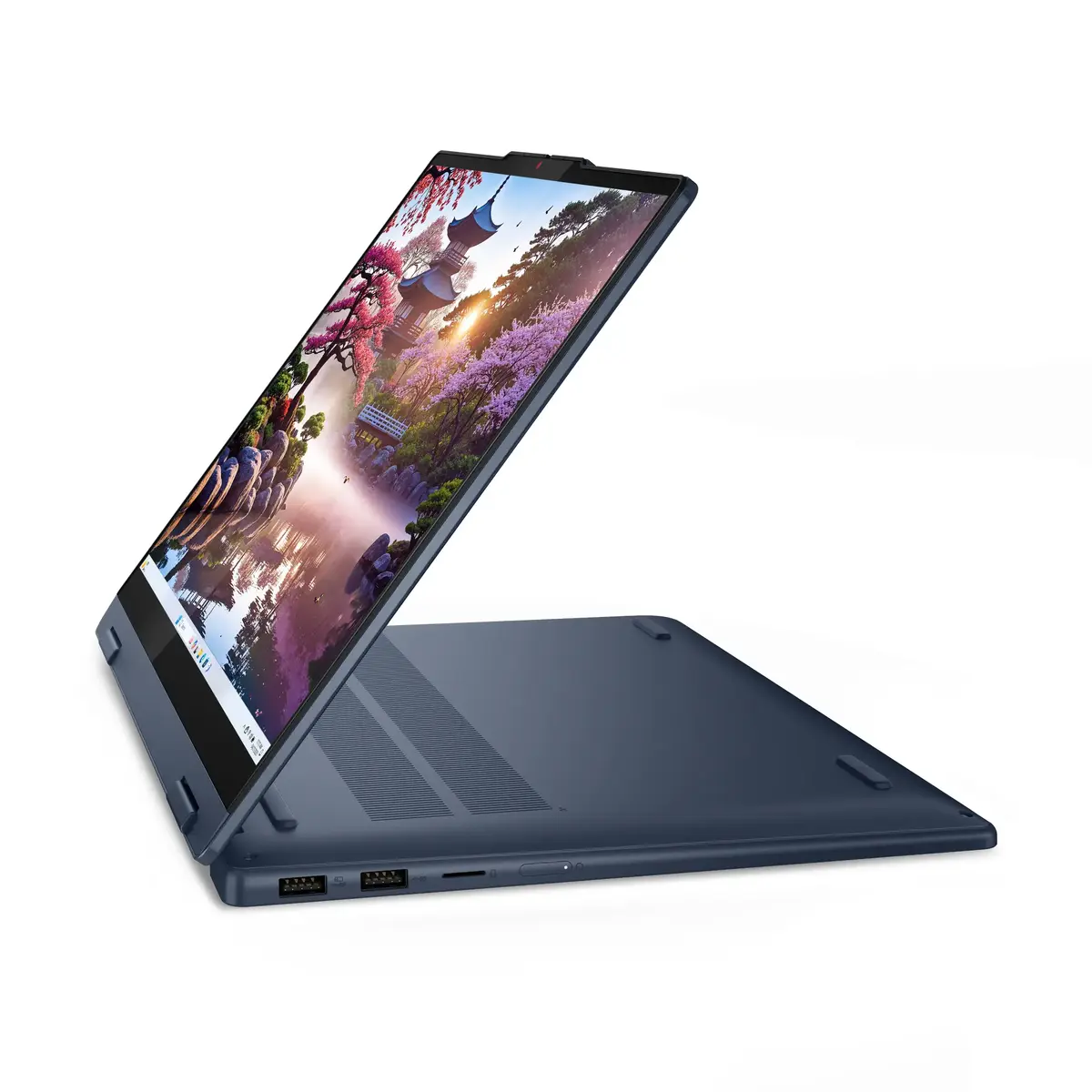
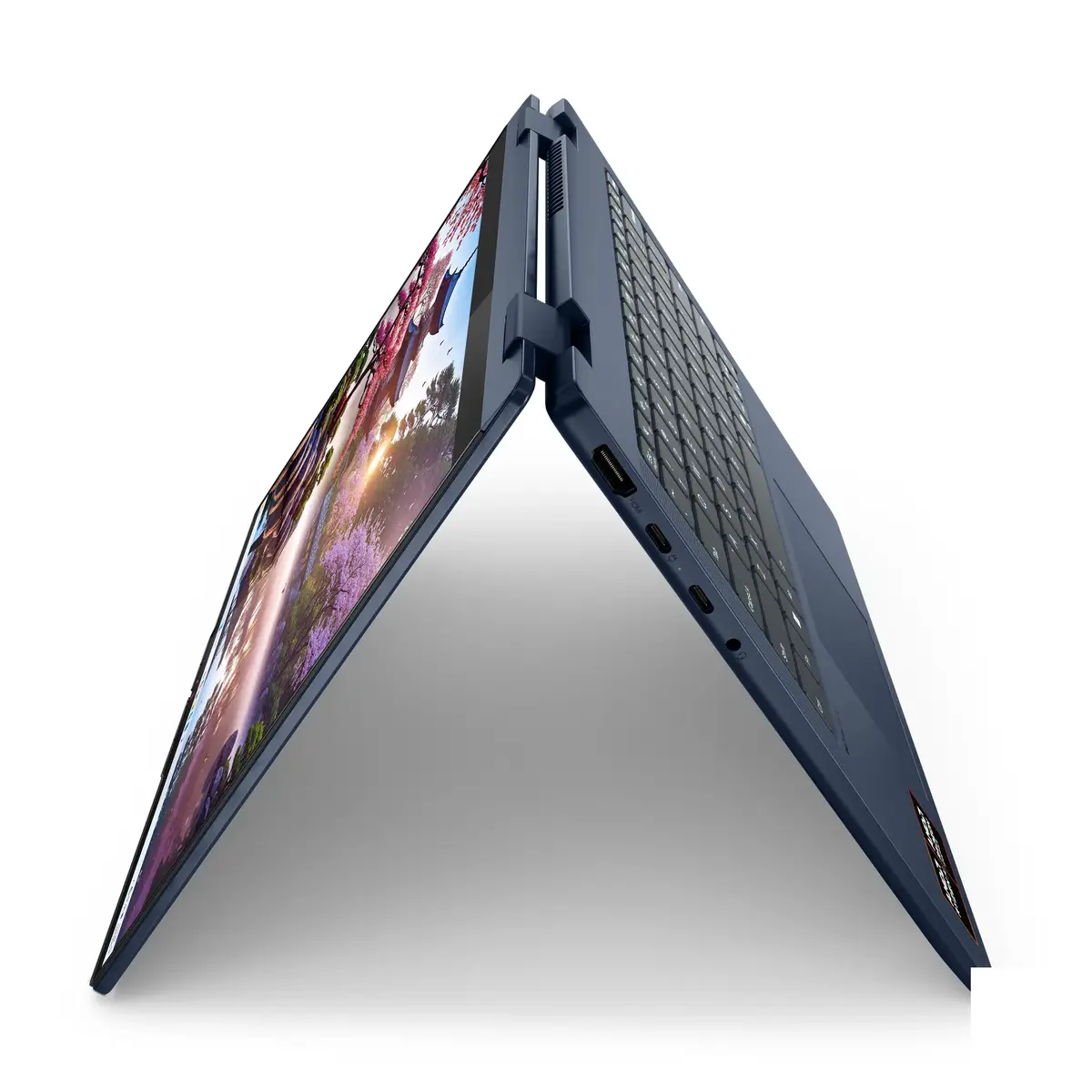
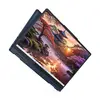
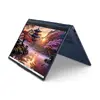
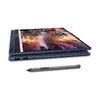
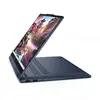
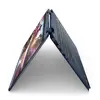
The Lenovo IdeaPad 5 2-in-1 14AKP10 Copilot+ is a compact convertible laptop with a 14" WUXGA touchscreen, AMD Ryzen™ AI 7 350 processor and integrated NPU to assist AI-driven tasks. It combines a slim, lightweight chassis with a 360° hinge so you can use it as a laptop, tablet, tent, or stand device. The system ships with Windows 11 Home, 16 GB LPDDR5x memory and a 1 TB SSD, and supports fast wireless connectivity with Wi‑Fi 7 and Bluetooth 5.4.
This hybrid PC delivers improved multitasking and AI-accelerated workflows thanks to the AMD Ryzen AI 7 350 processor and built-in neural processing unit. The high-resolution 1920 x 1200 IPS touchscreen with slim bezels provides a larger usable area for work and media, while Dolby Audio and low‑blue‑light technology reduce eye strain during extended use. The 57 Wh battery supports long sessions and fast charging, and the convertible form factor adds flexibility for note-taking, presentations and media consumption.
This IdeaPad 2‑in‑1 is not designed for heavy dedicated graphics workloads or high‑end gaming because it relies on integrated graphics. Users requiring extensive GPU performance or workstation‑class compute should consider devices with discrete graphics or more powerful cooling systems. Also, while memory is fast and soldered for performance, it is not user‑serviceable for future upgrades.
Open the hinge and select the appropriate mode—laptop for typing, tablet for touch input and pen use, tent or stand for presentations and media. Sign in quickly with Windows Hello if configured, connect to your Wi‑Fi network, and install or update apps via Windows Update. Use the touchscreen and optional digital pen for note‑taking and sketching. Keep the system charged with the supplied USB‑C power adapter and use Rapid Charge for quick top‑ups during the day.
For everyday productivity and creative tasks, use the laptop mode for extended typing sessions and switch to tablet mode with the digital pen for quick sketches or note-taking. Enable the low‑blue‑light setting for long viewing periods and keep your system updated to benefit from AI and performance optimizations.
{{highlightedFeature.featureTitle}}:
{{getProductFeatureValueById(product, highlightedFeature.featureId)}}
{{ productComparisonGenerationError }}
