
Hurry and order now – up to 50% off!
In cart {{totalProductsCount}} item(s)
Your cart is empty
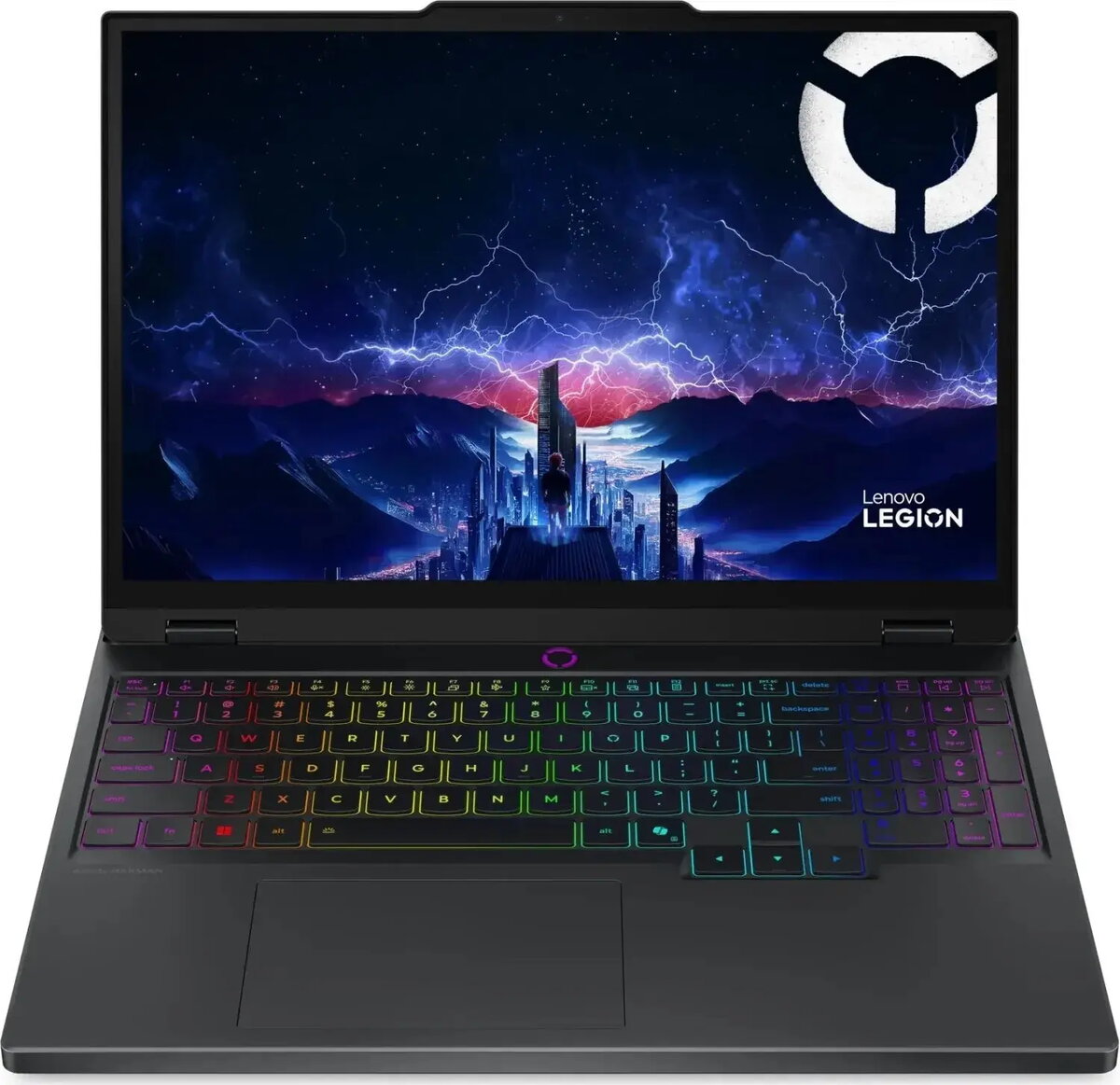
Lenovo Legion 5 15IRX10 Gaming Laptop, Intel Core i7-13650HX, 16GB RAM, 512GB SSD, NVIDIA GeForce RTX 5050, 165Hz Display, Windows 11
The Lenovo Legion 5 15IRX10 is a high-performance gaming laptop engineered to deliver robust computing power and fluid graphical performance. Built with the Intel Core i7-13650HX processor and the NVIDIA GeForce RTX 5050 graphics card, this machine is capable of handling intensive gaming sessions, complex multitasking, and demanding software applications with ease. The integration of a 165Hz display ensures that motion remains crisp and clear, providing a competitive edge in fast-paced titles while maintaining visual fidelity for creative work.
This laptop stands out due to its balanced combination of processing power and thermal management, which allows the hardware to maintain high performance levels during extended use. The inclusion of 16GB of RAM facilitates efficient multitasking, while the 512GB SSD provides rapid data access and quick system boot times. Its design prioritizes both durability and portability, making it a versatile choice for users who require a powerful workstation that can also function as a dedicated gaming rig. The pre-installed Windows 11 operating system offers a modern interface and optimized support for the latest gaming technologies.
This device may not be the ideal choice for users who prioritize extreme portability or long battery life above raw performance, as the high-end components require significant power. Additionally, it might be overkill for individuals who only perform basic office tasks or web browsing.
To begin using the Lenovo Legion 5, connect the provided power adapter to ensure the system has sufficient energy for initial setup. Follow the on-screen instructions provided by Windows 11 to configure your user account, network settings, and system preferences. Once the setup is complete, it is recommended to update the graphics drivers through the official manufacturer software to ensure optimal performance in games and applications.
To maintain peak performance and longevity, ensure the laptop is placed on a hard, flat surface during operation to allow for proper airflow through the cooling vents. Regularly clean the vents to prevent dust accumulation and keep the system software updated to benefit from the latest security and performance enhancements.
{{highlightedFeature.featureTitle}}:
{{getProductFeatureValueById(product, highlightedFeature.featureId)}}
{{ productComparisonGenerationError }}
