
Filters you can trust. Pure water every day.
In cart {{totalProductsCount}} item(s)
Your cart is empty
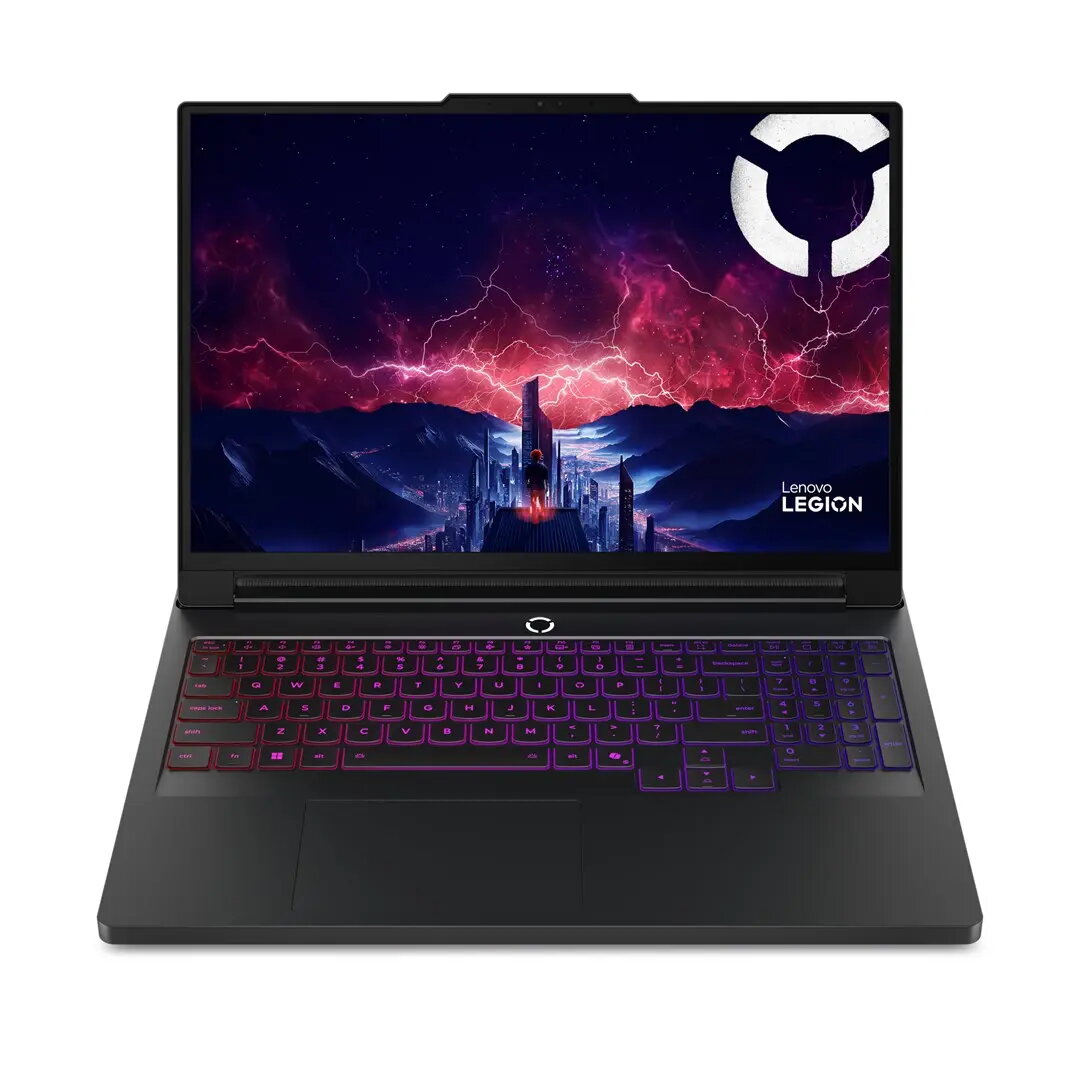
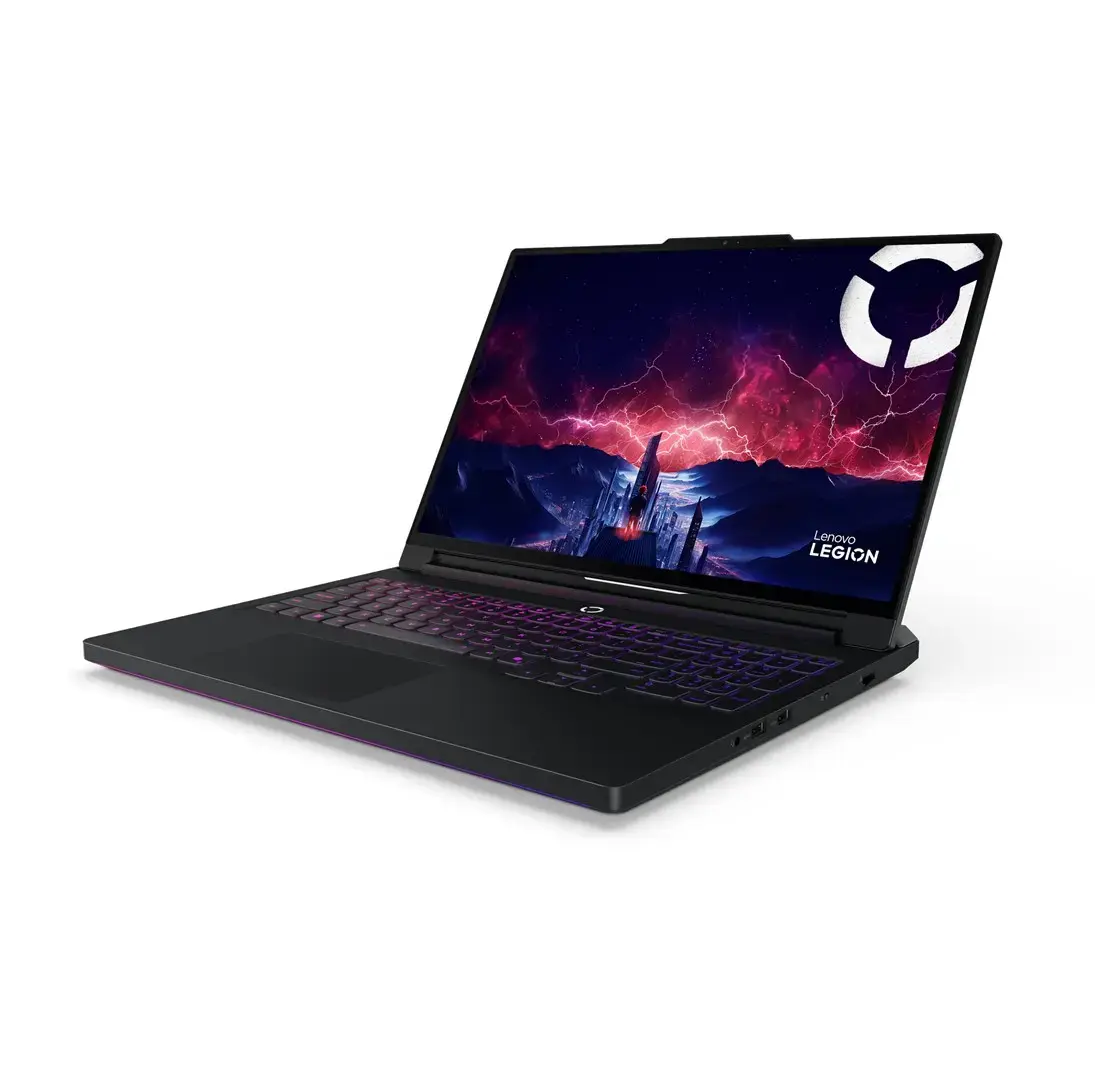
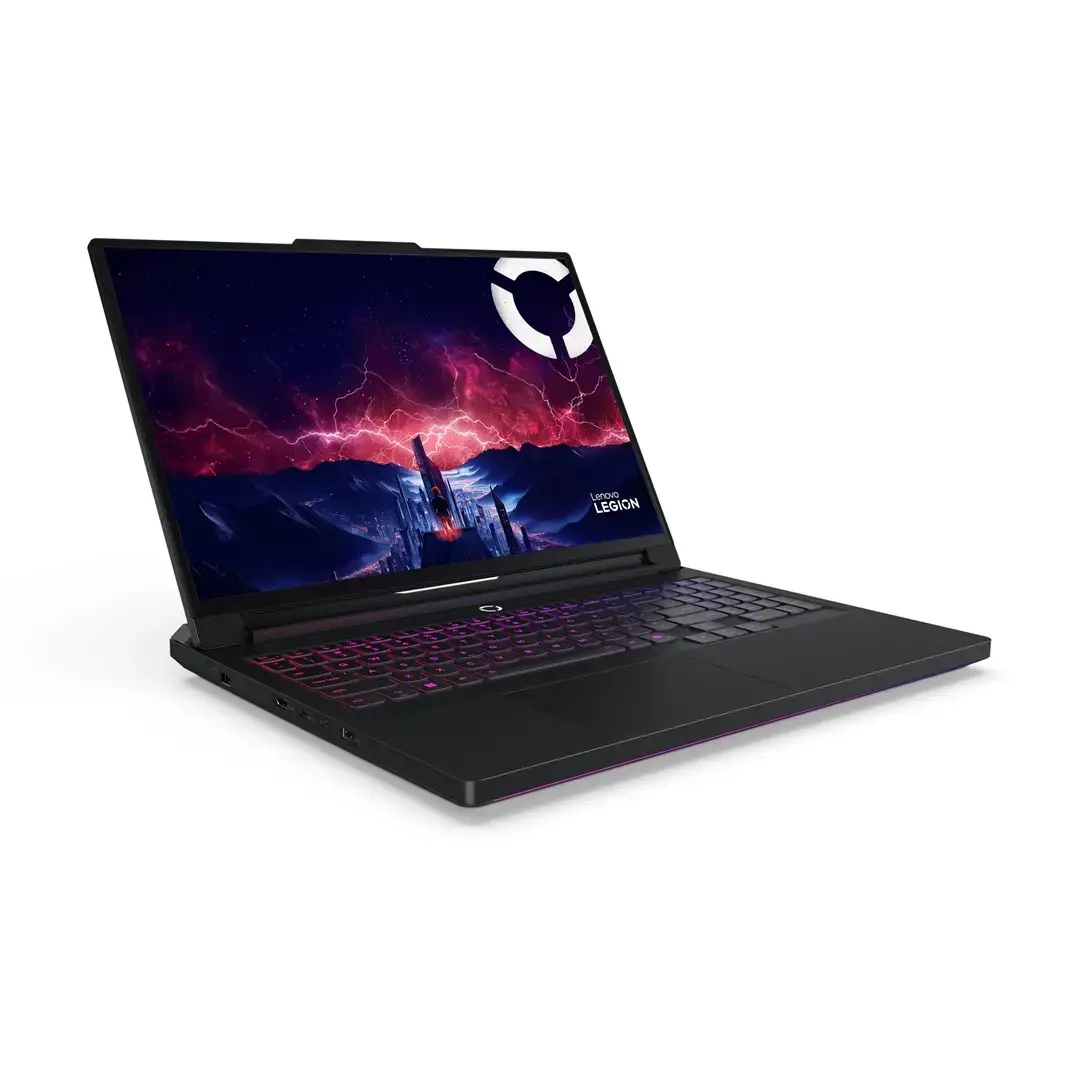
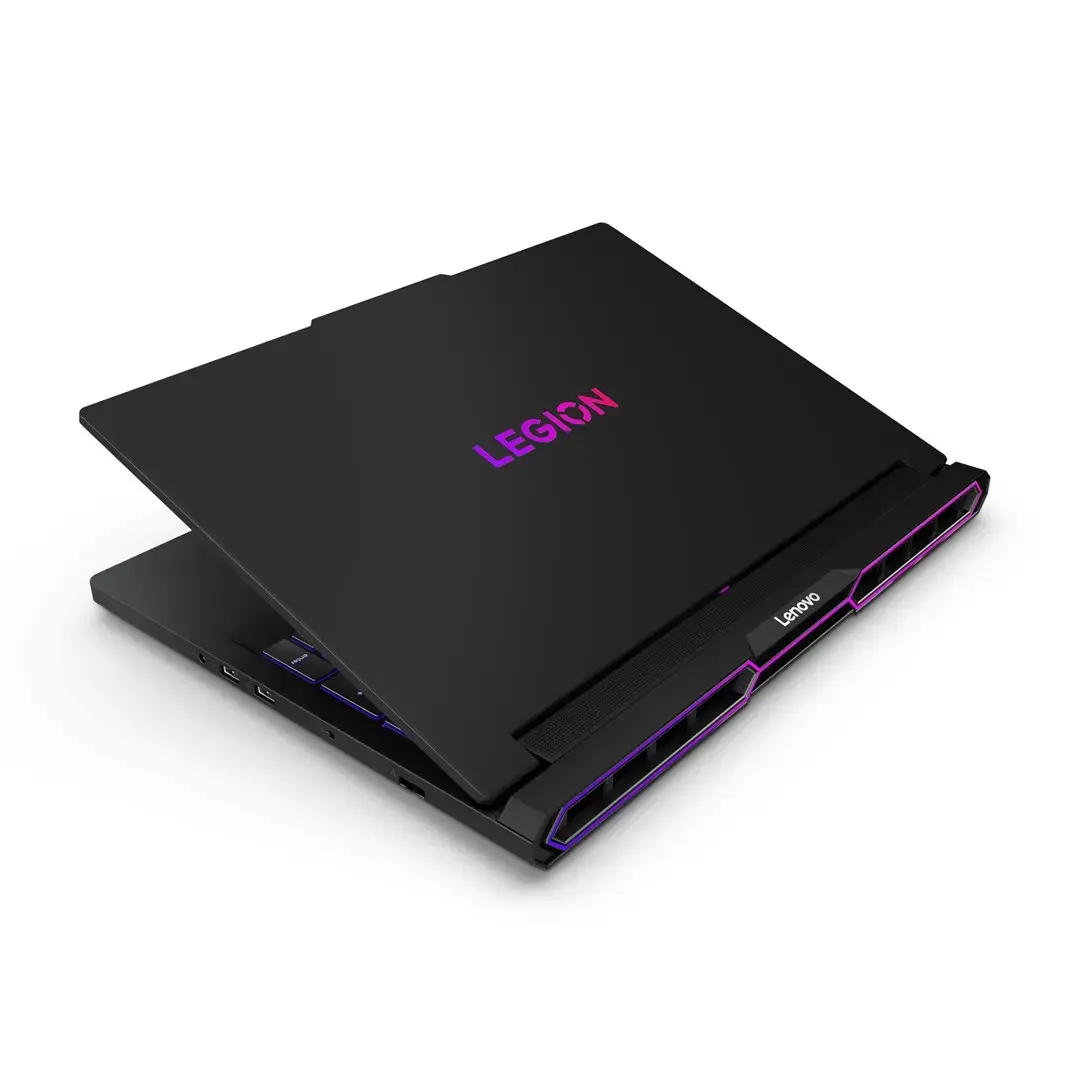
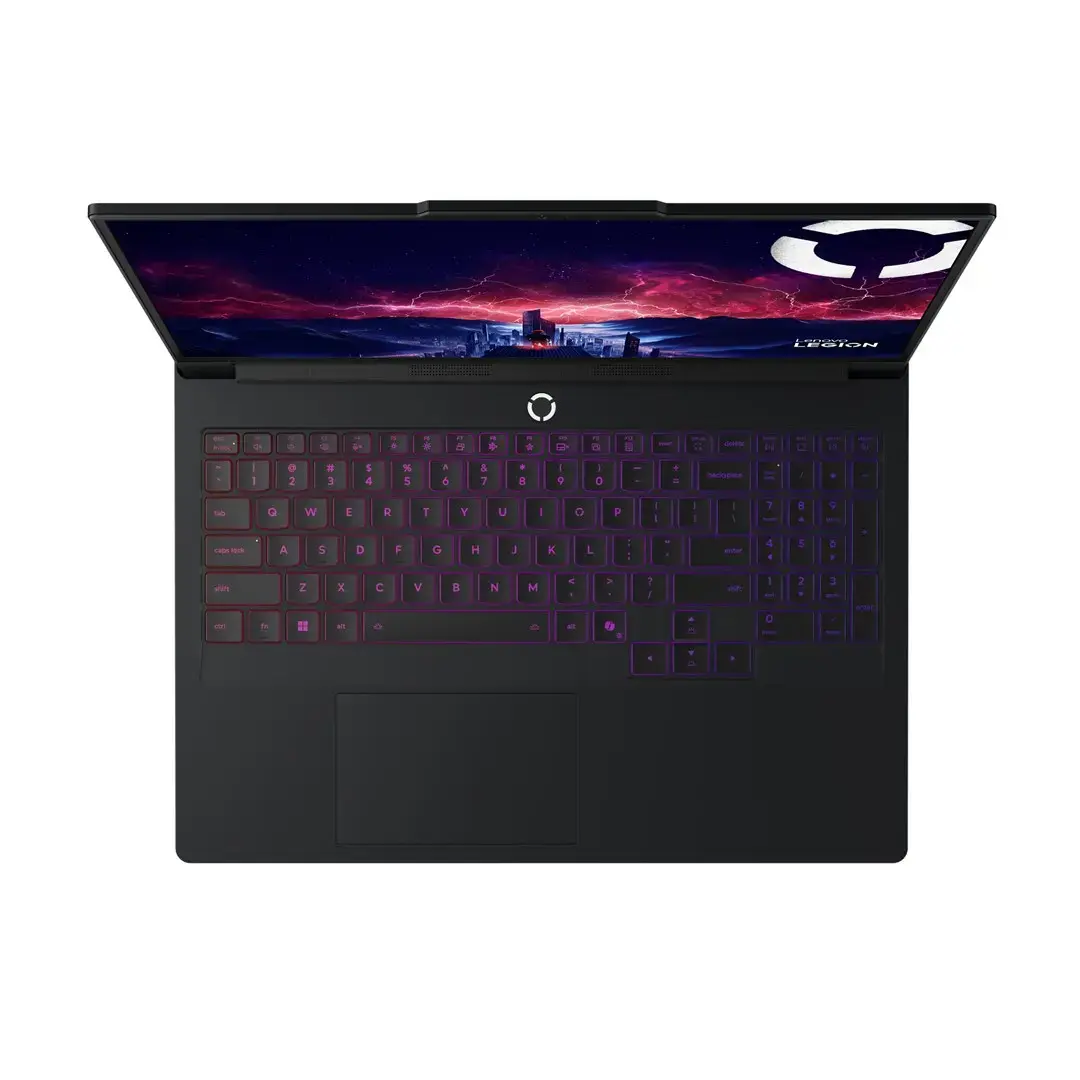
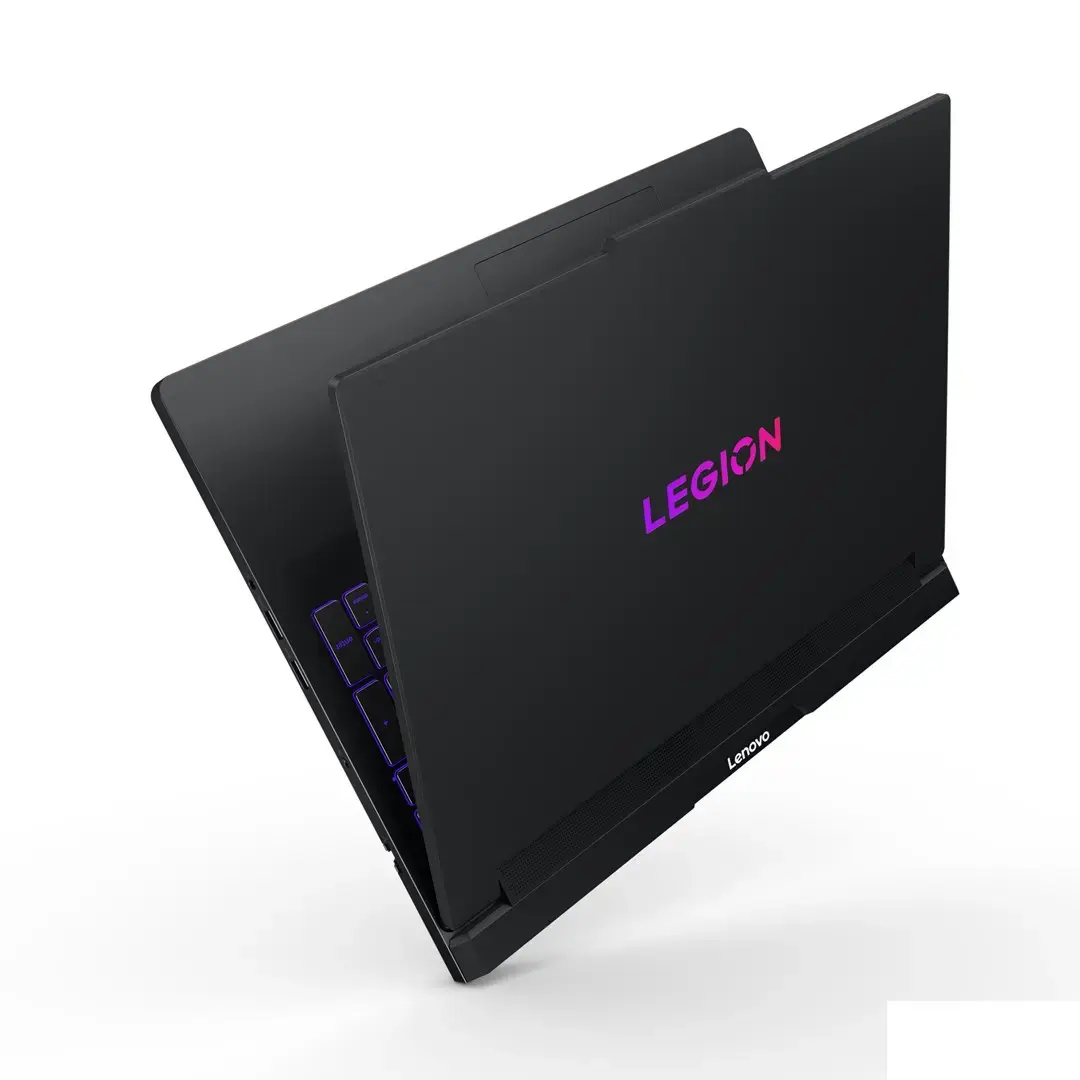
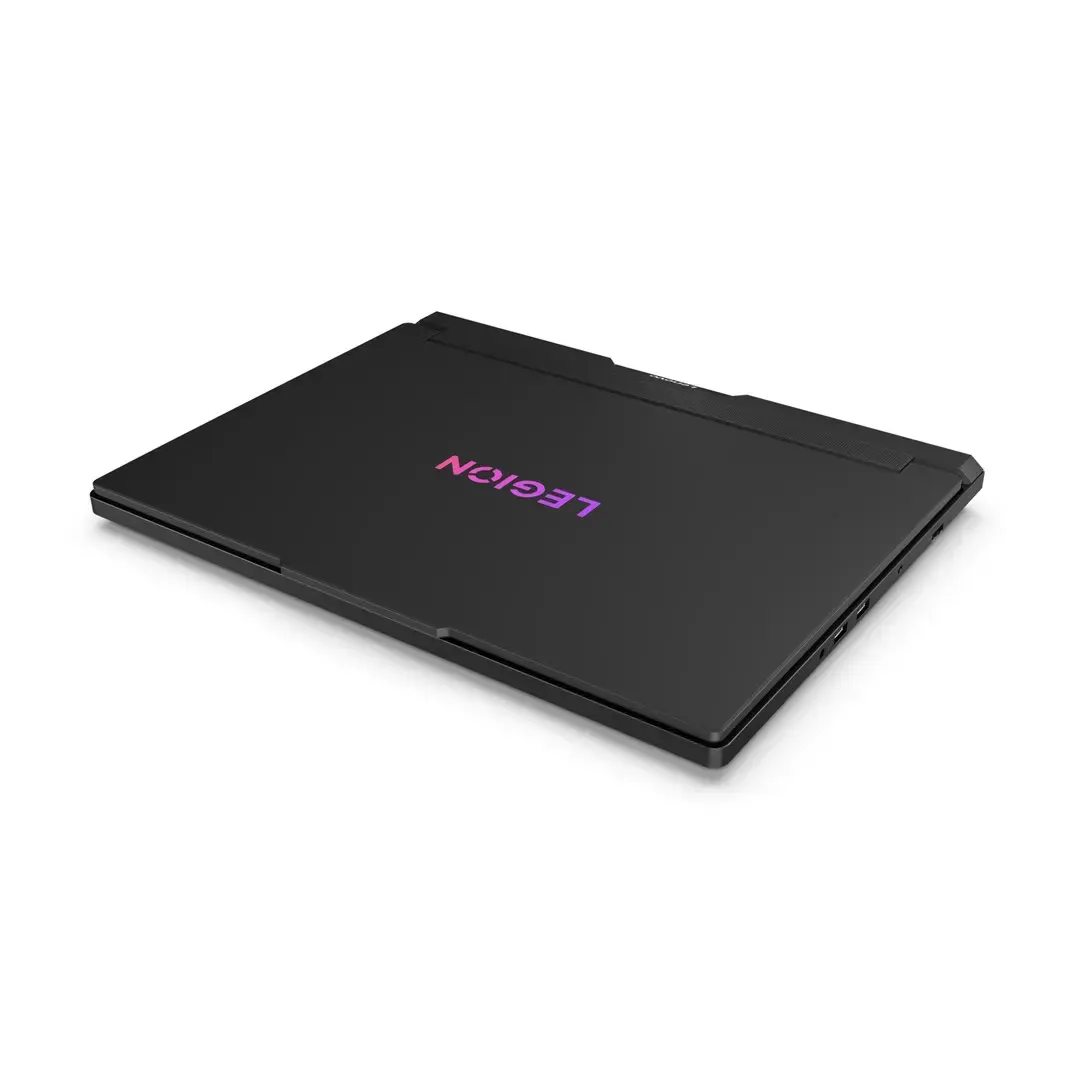
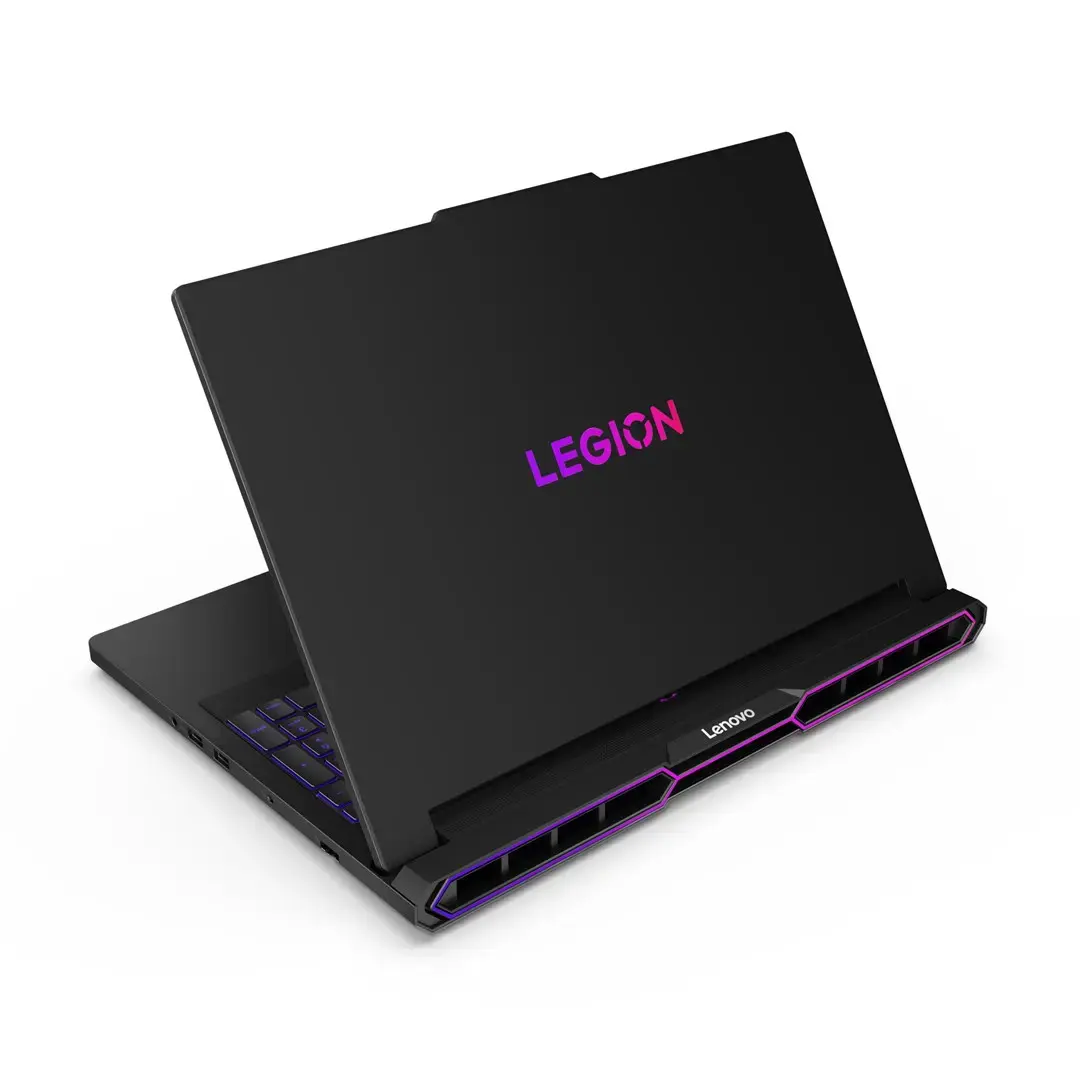
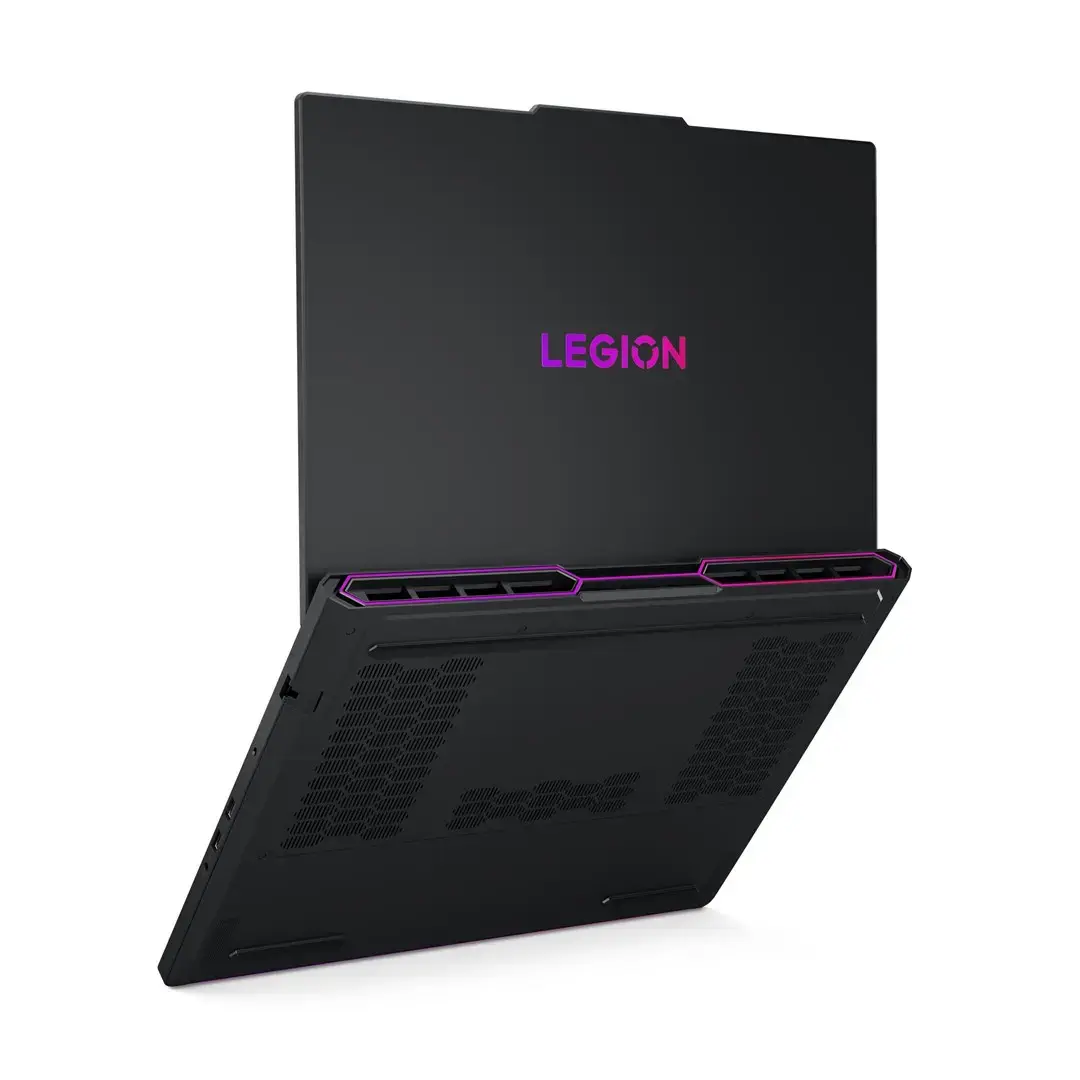
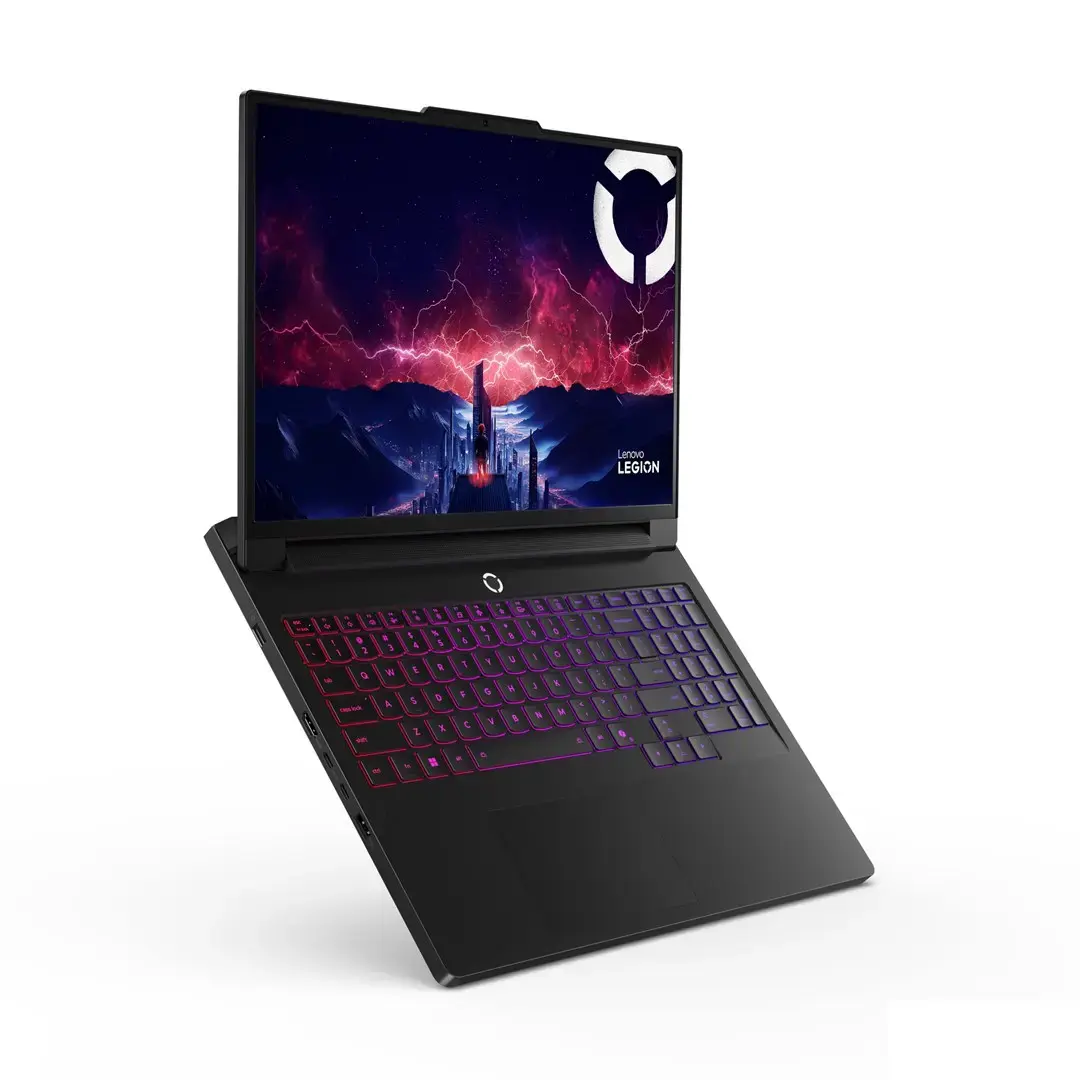
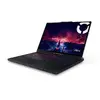
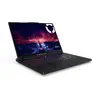
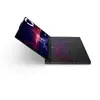
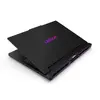
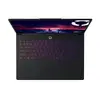
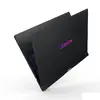
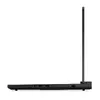
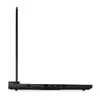
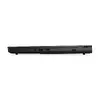
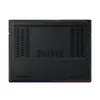
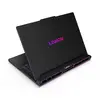
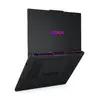
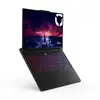
Laptop Lenovo Legion Pro 7-16 — 16" WQXGA OLED 240Hz, AMD Ryzen 9 9955HX, 64GB RAM, 2TB SSD, NVIDIA RTX 5080, Windows 11 Pro
Lenovo Legion Pro 7-16 is a high-performance 16" WQXGA (2560×1600) OLED laptop designed for demanding gaming and professional workloads. It features a 240 Hz refresh rate and 500 cd/m² peak brightness, an AMD Ryzen 9 9955HX processor with 16 cores and 32 threads (boost up to 5.4 GHz), an NVIDIA GeForce RTX 5080 discrete GPU with 16 GB GDDR7 memory, 64 GB DDR5-6400 RAM and a 2 TB PCIe M.2 SSD. The chassis is made of aluminium and the system ships with Windows 11 Pro installed.
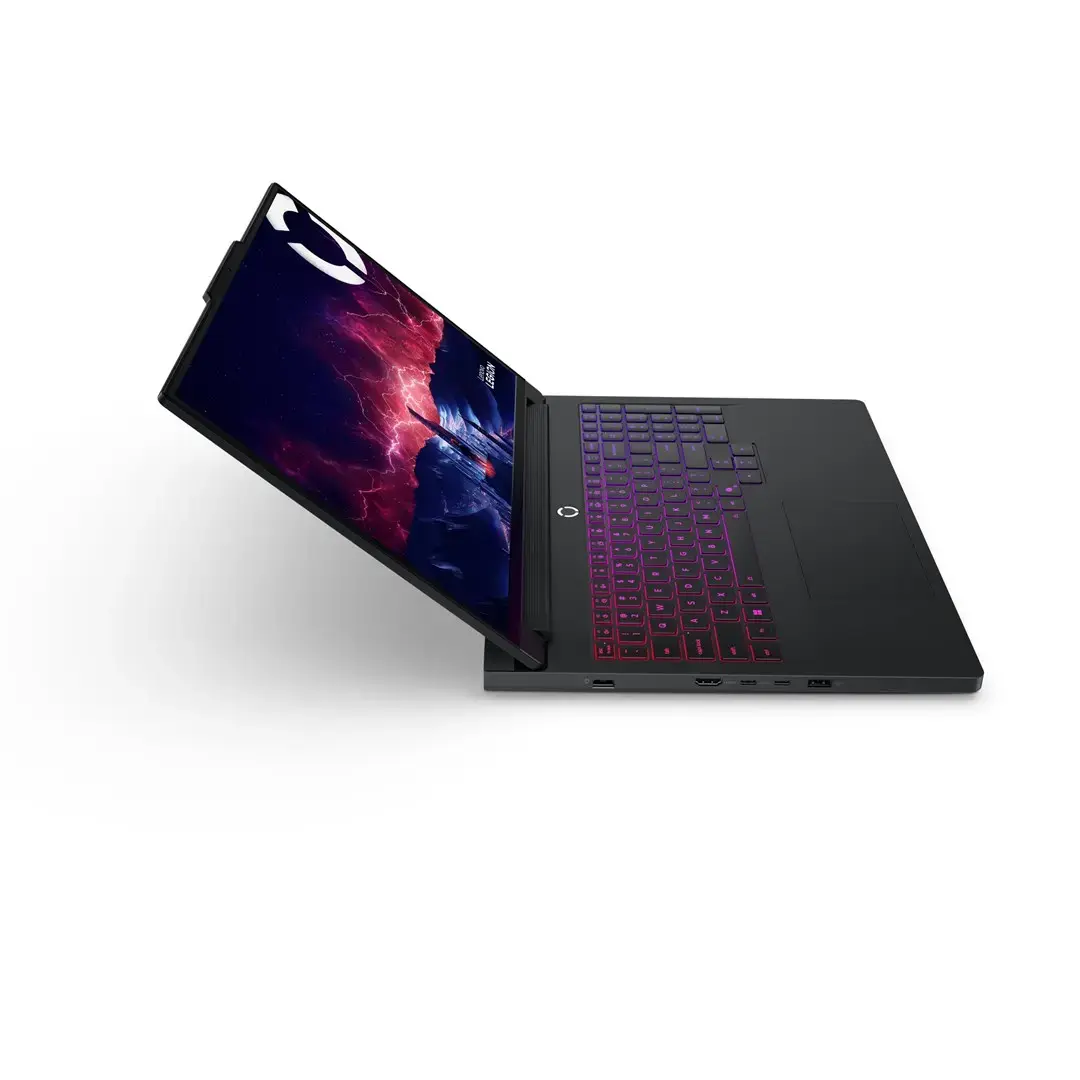
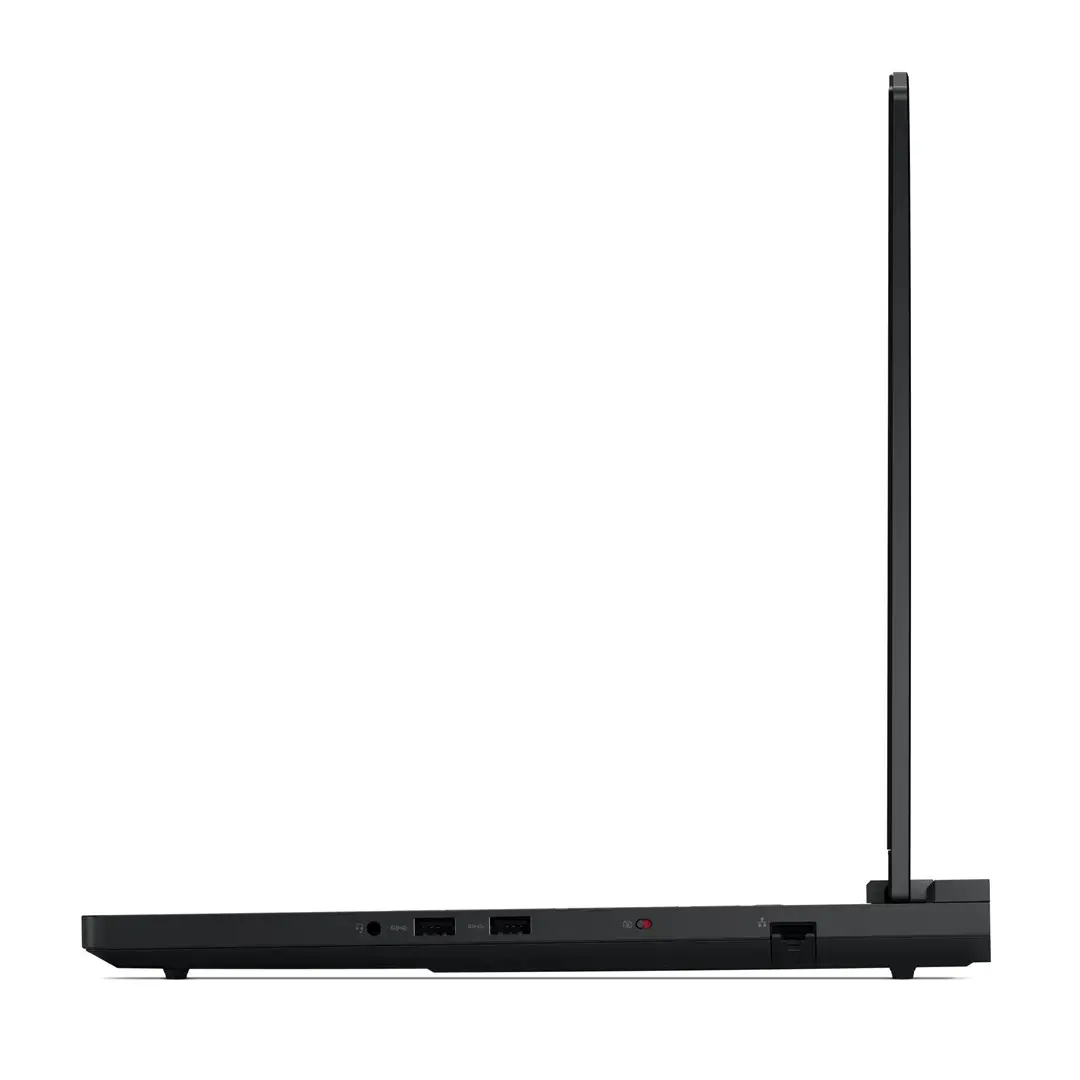
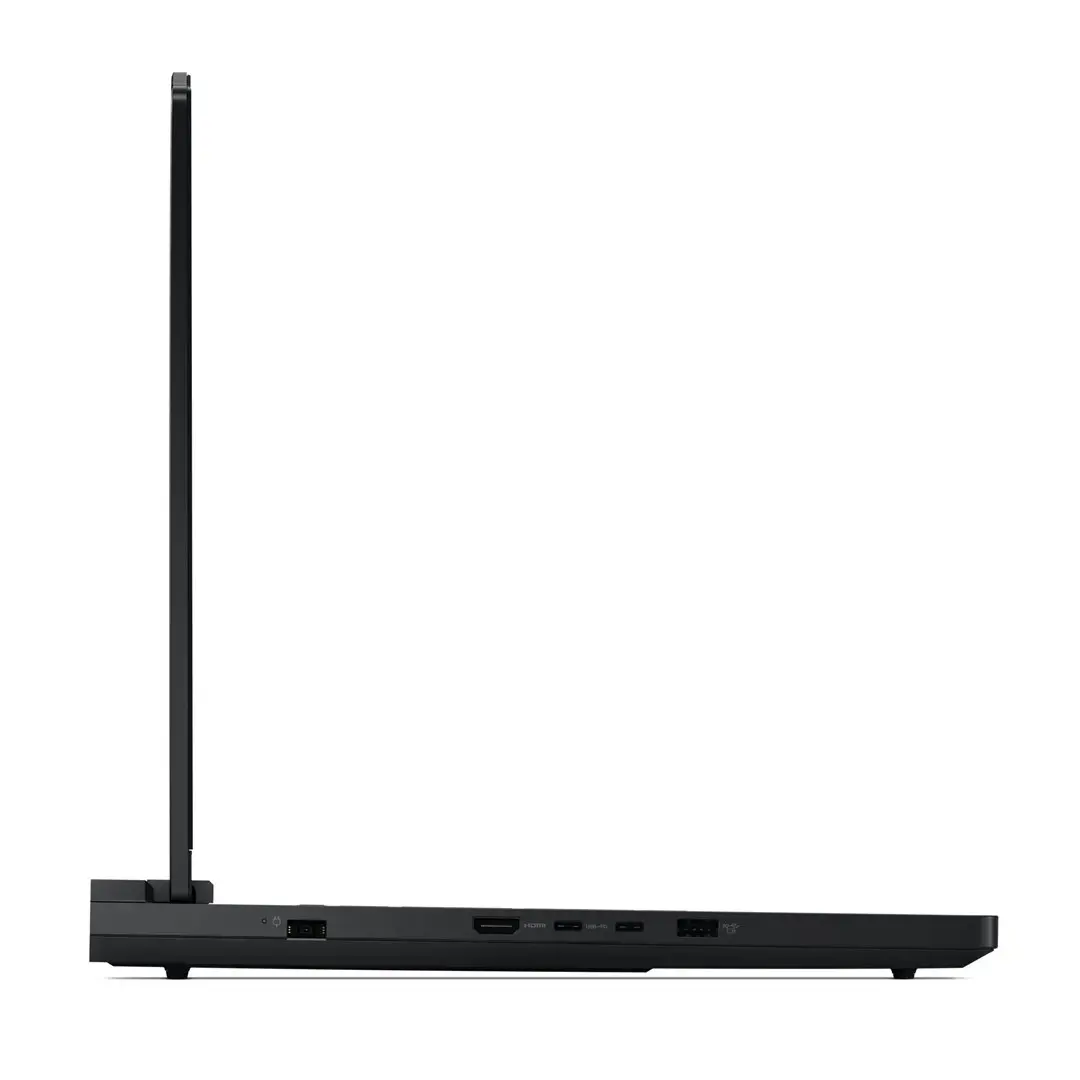
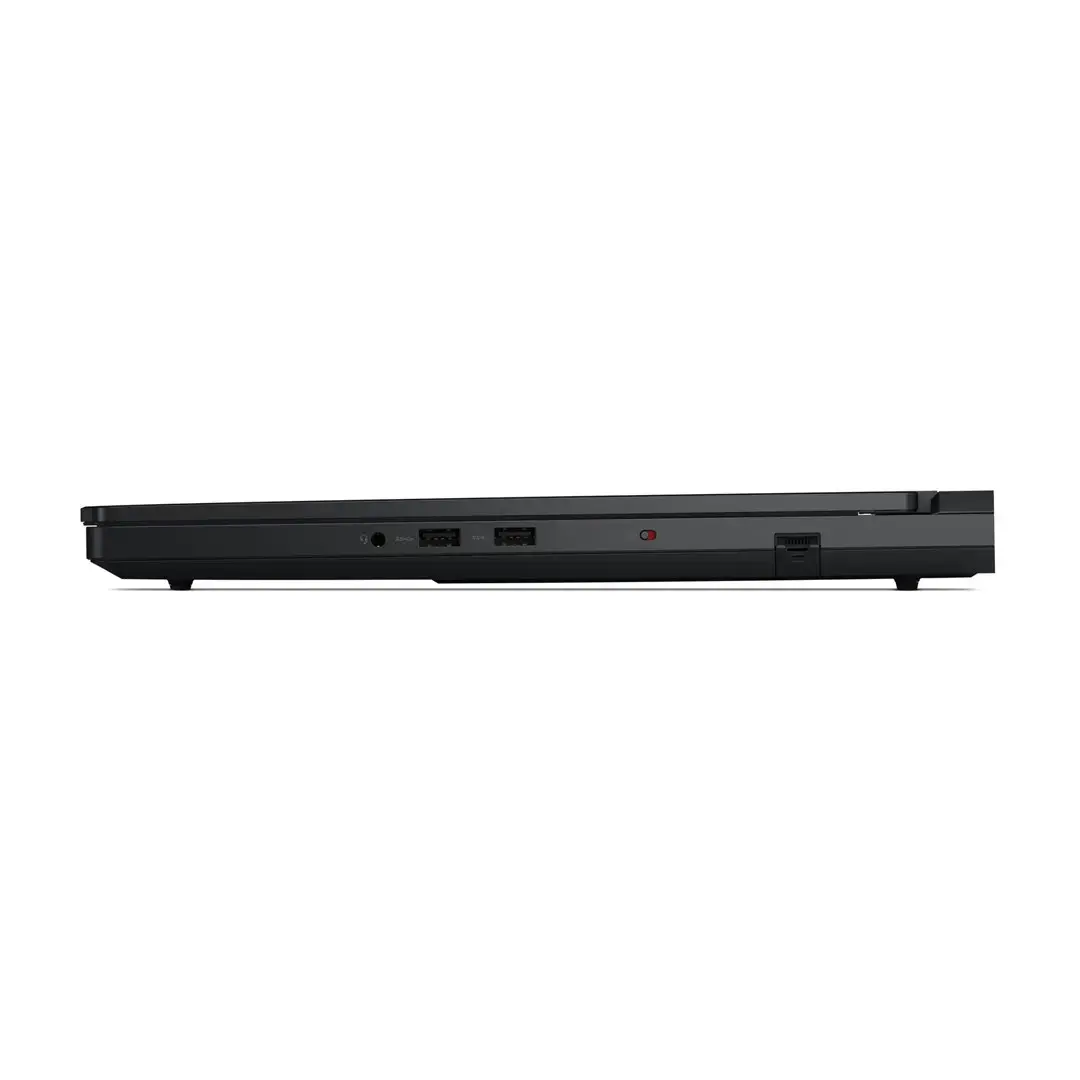
The combination of a 16-core Ryzen 9 9955HX CPU and an NVIDIA GeForce RTX 5080 GPU delivers high multicore and graphics performance for gaming, content creation and compute-heavy tasks. A 16" OLED panel with WQXGA resolution, 240 Hz refresh rate, 100% DCI‑P3 coverage and 500 cd/m² brightness provides sharp, color-accurate imagery and smooth motion. Fast DDR5 memory and a 2 TB PCIe SSD ensure responsive system performance and ample storage for large projects. Connectivity includes Wi‑Fi 7, Bluetooth 5.4, Ethernet and multiple USB-C/Type-A ports, while the RGB backlit keyboard and aluminium housing offer durable, user-friendly design.
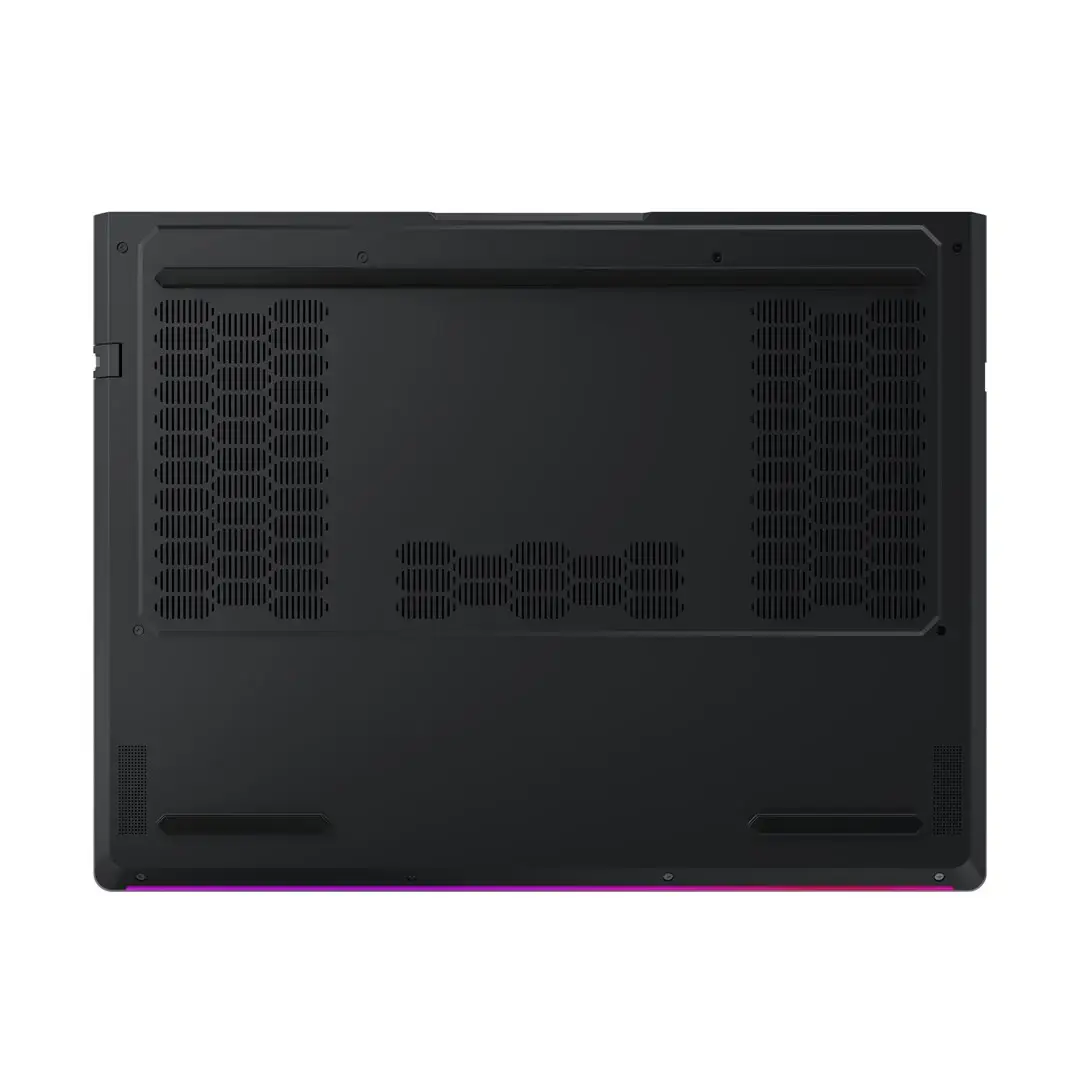
Set up the laptop on a stable surface, connect the included 400 W AC adapter for initial charging and install any required updates via Windows Update. Use the preinstalled Windows 11 Pro environment to install games, creative applications or professional software. For optimal thermal performance during high-load tasks, ensure ventilation around the chassis and avoid blocking air intakes. Use the HDMI 2.1 port or USB‑C with compatible adapters for external displays, and configure display settings in Windows to match desired resolution and refresh rate.
For sustained high-performance gaming or rendering sessions, connect the laptop to AC power, keep firmware and GPU drivers up to date, and place the system on a hard, flat surface to maintain airflow. When color-critical work is required, calibrate the OLED panel with a hardware calibrator and enable HDR in supported applications.
{{highlightedFeature.featureTitle}}:
{{getProductFeatureValueById(product, highlightedFeature.featureId)}}
{{ productComparisonGenerationError }}
