
JBL speakers and headphones for pure and deep sound!
In cart {{totalProductsCount}} item(s)
Your cart is empty
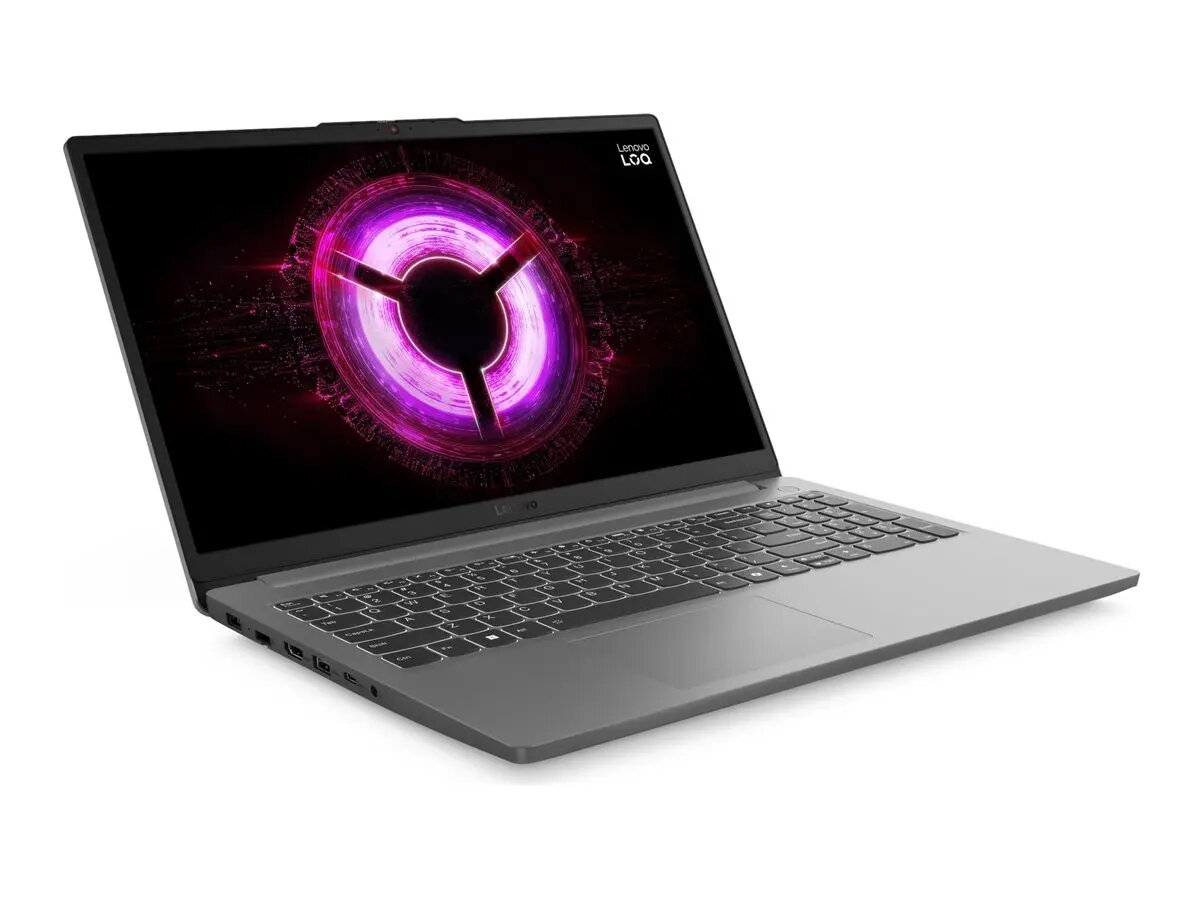
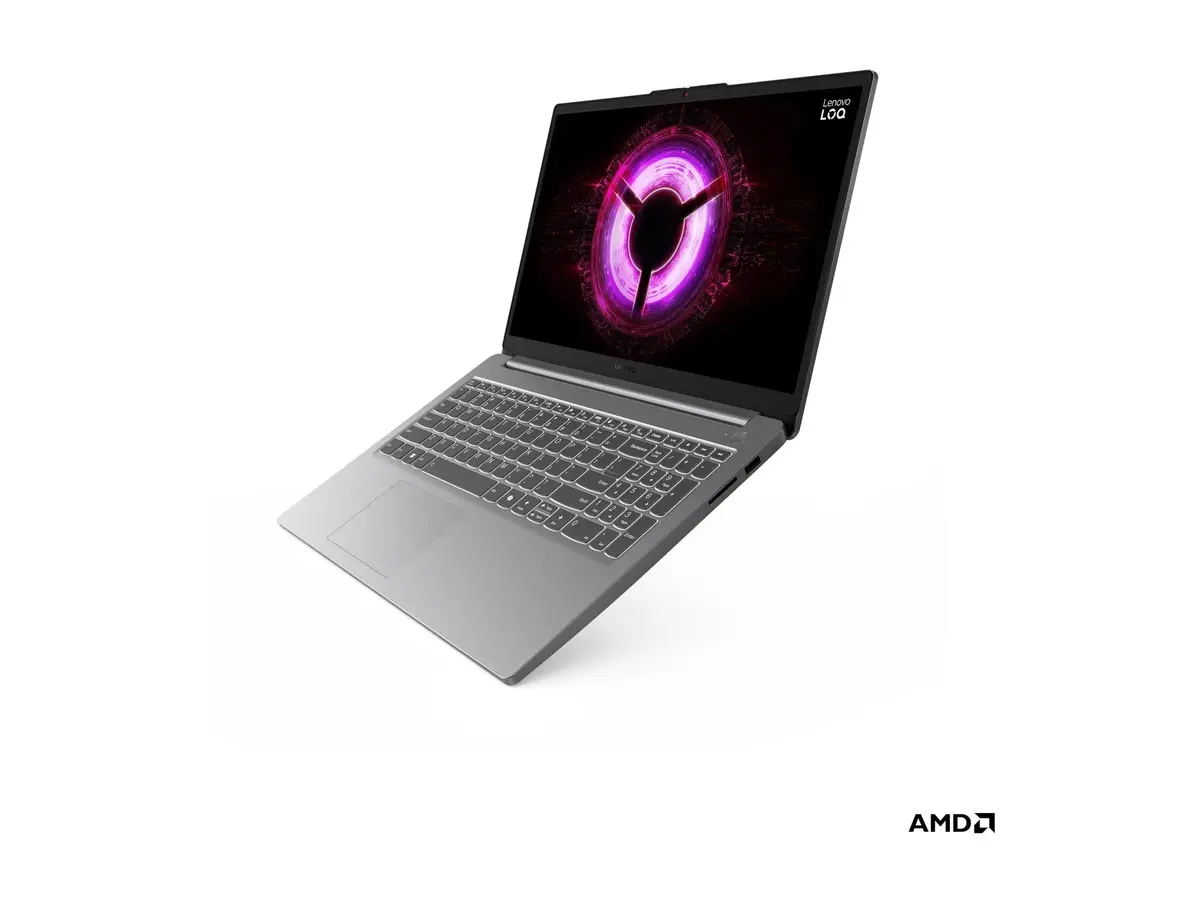
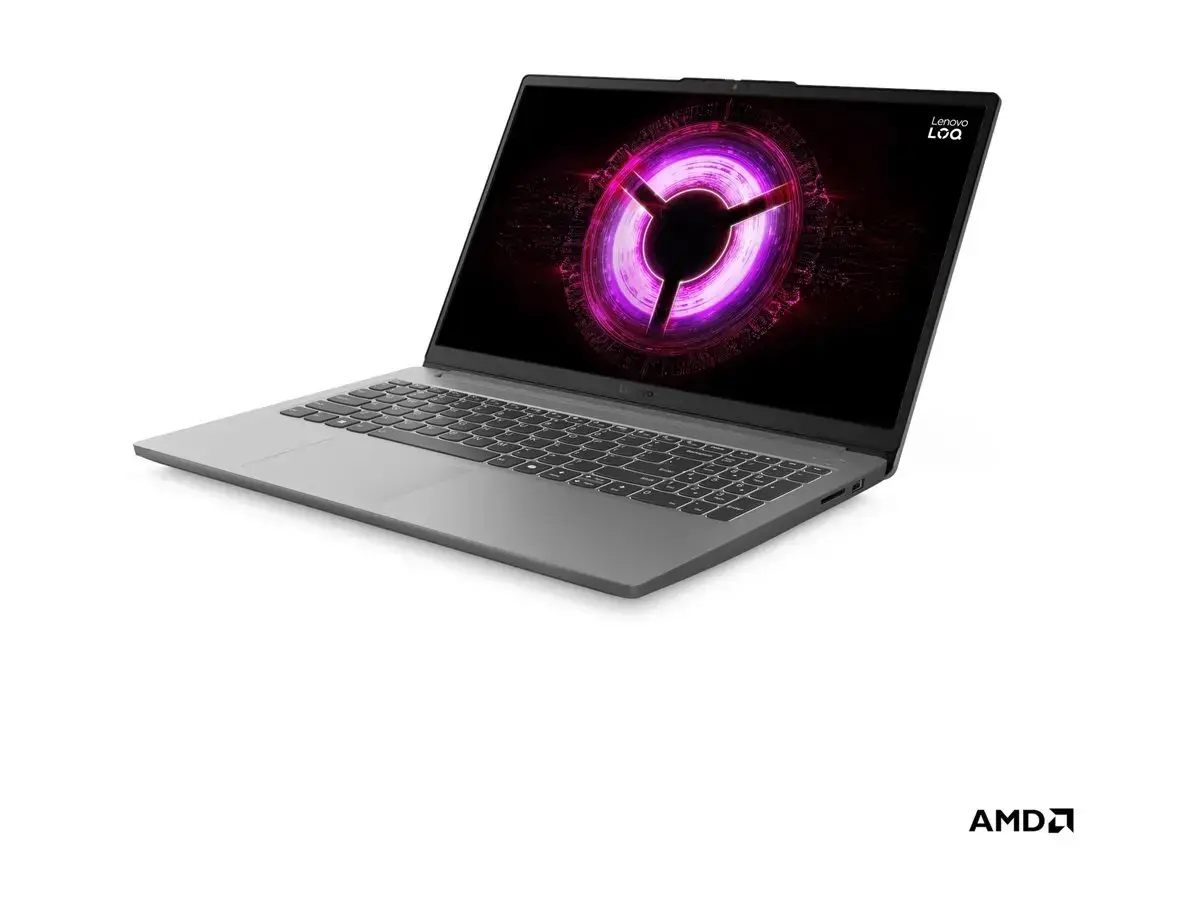
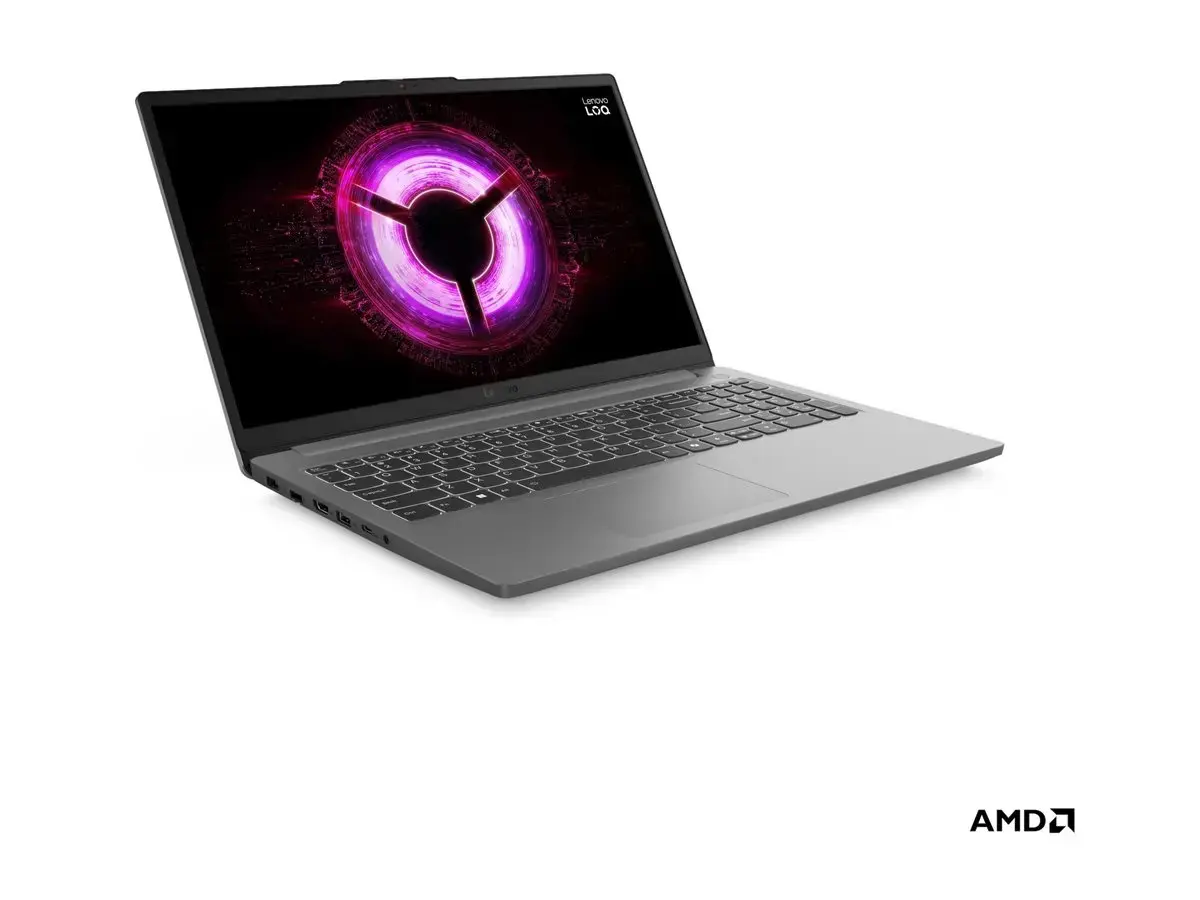
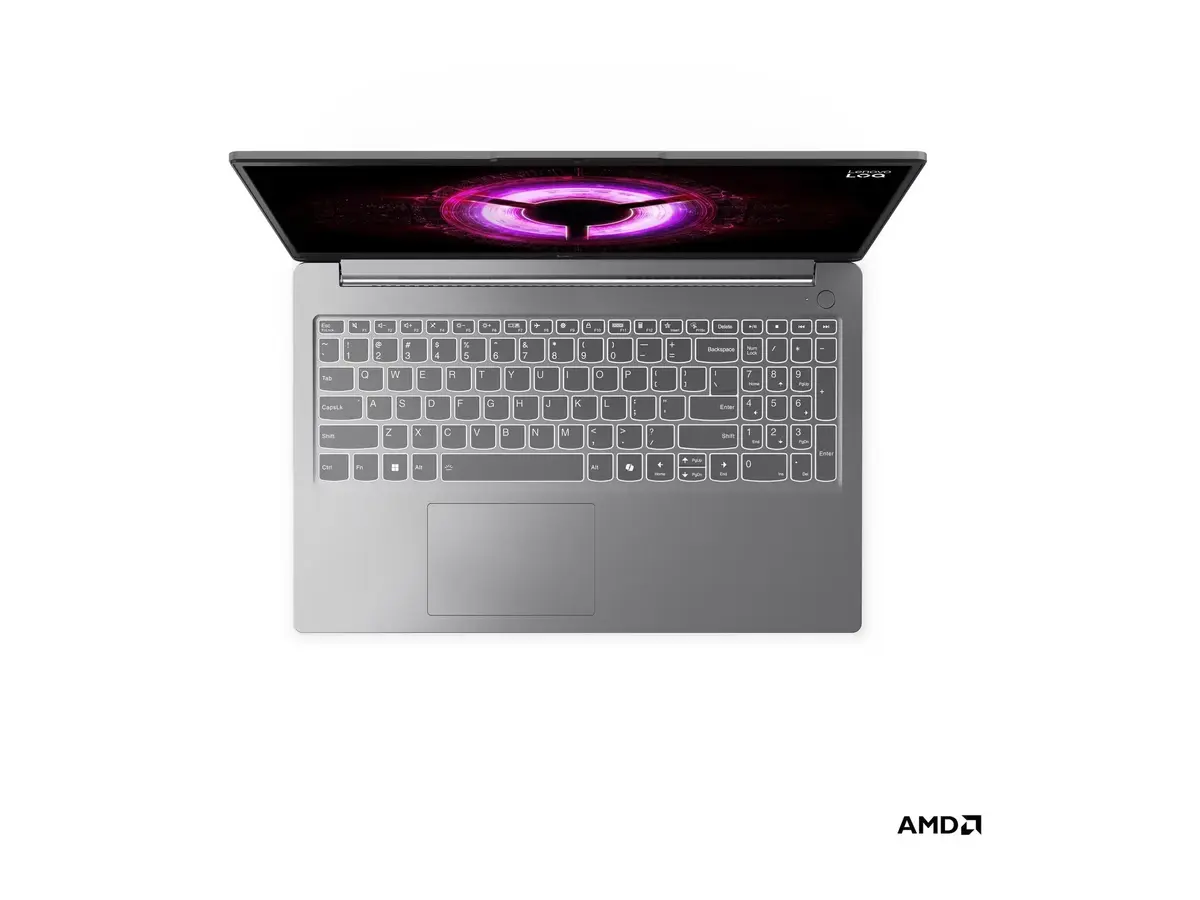
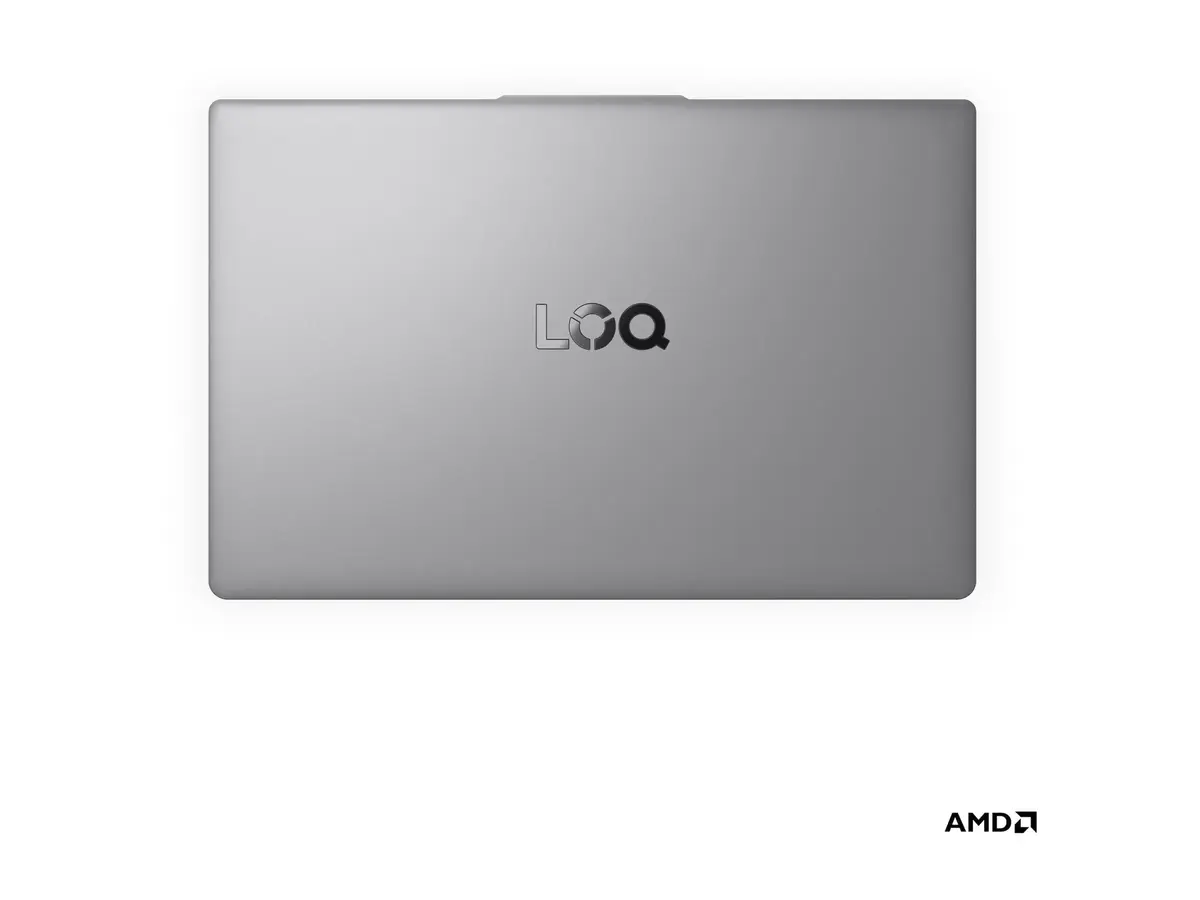
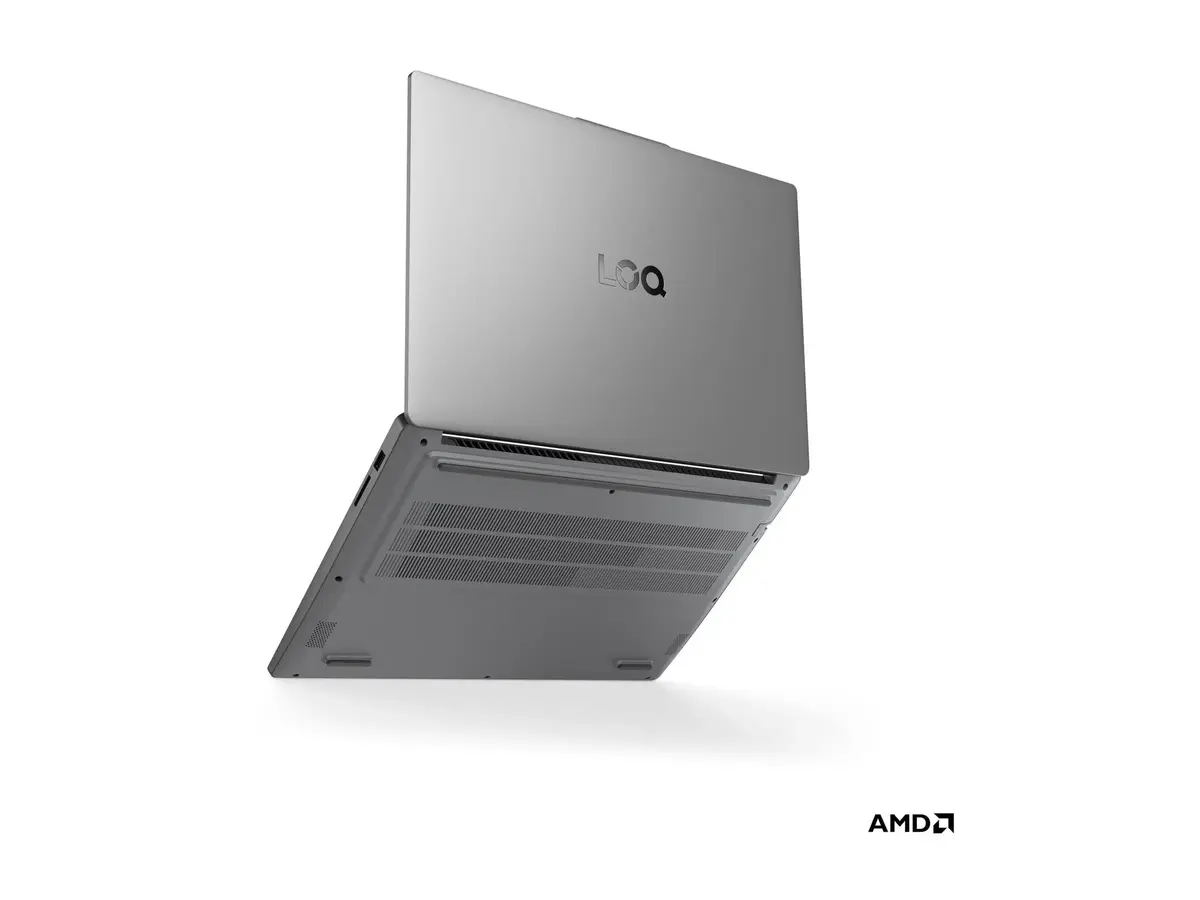
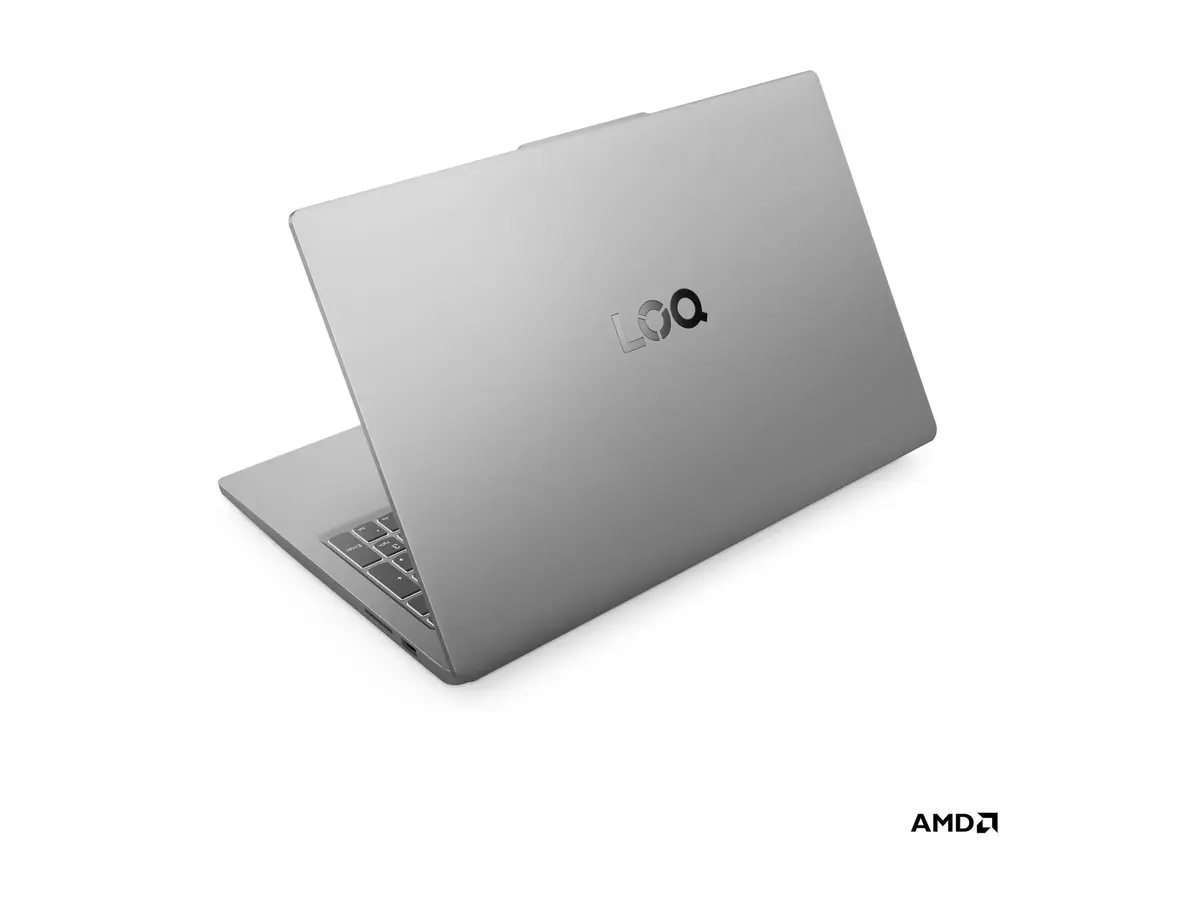
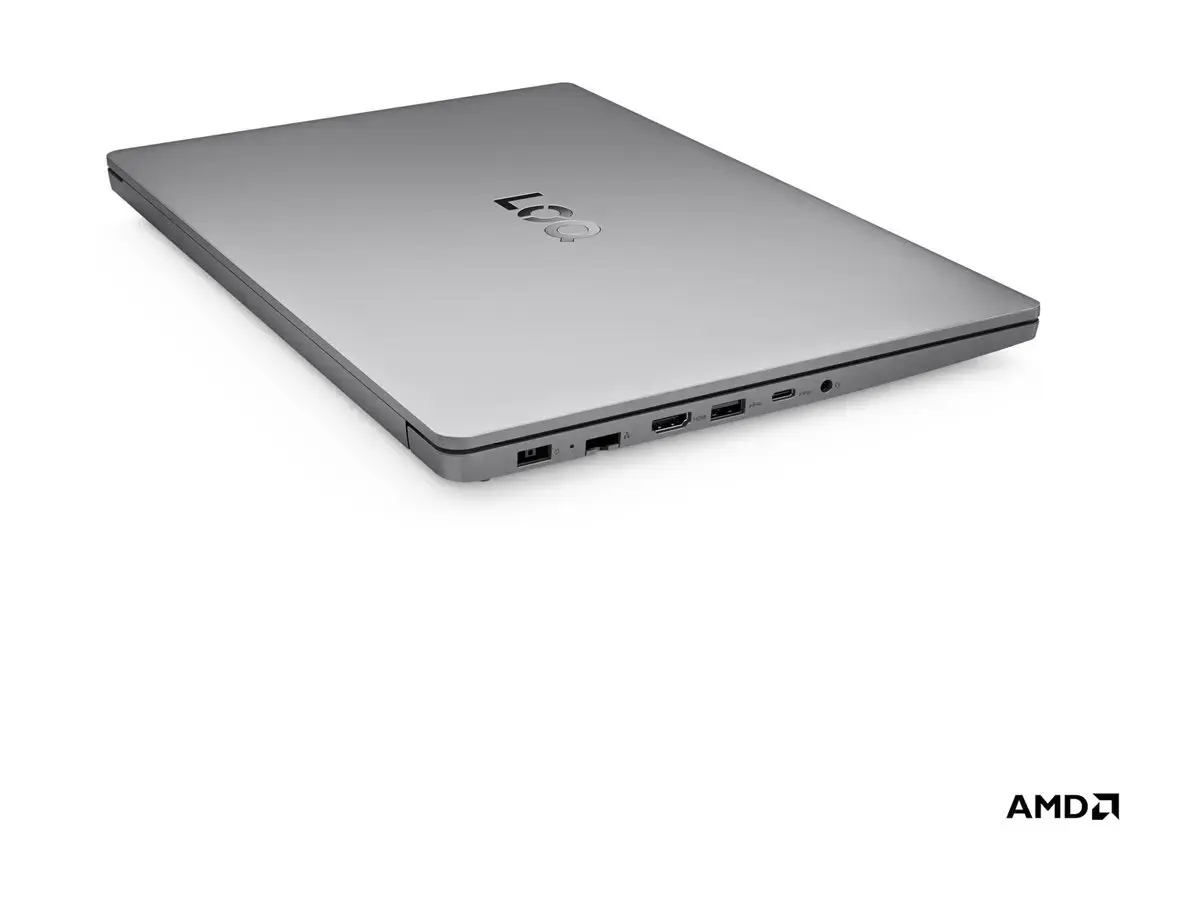
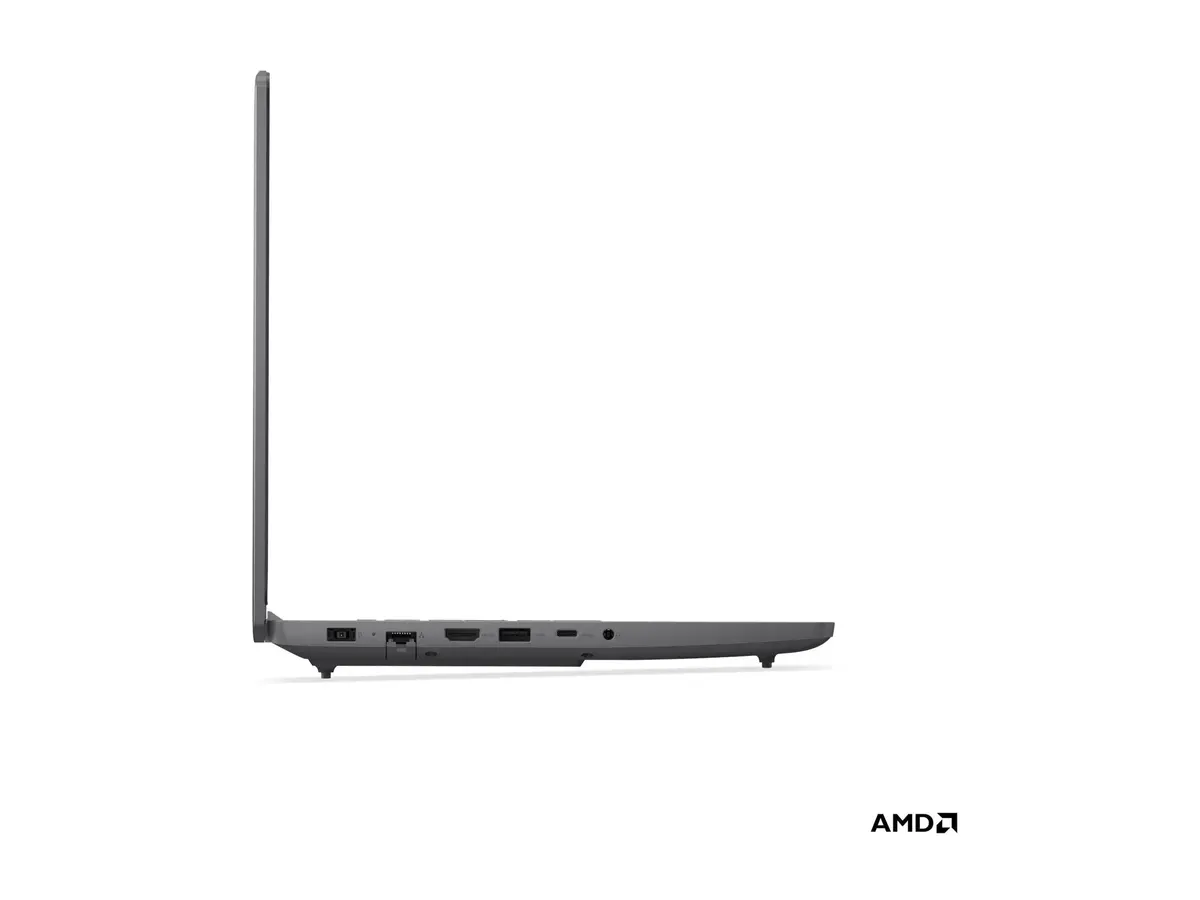
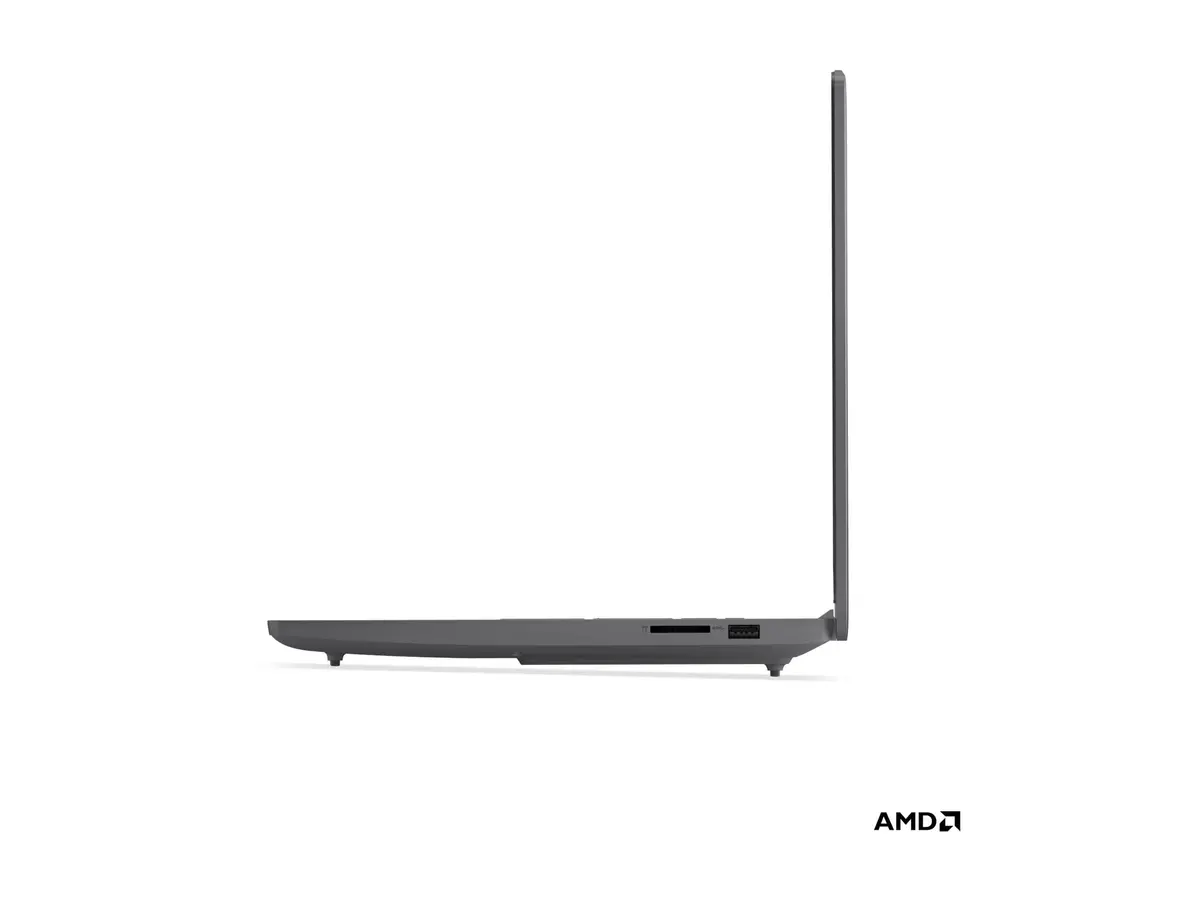
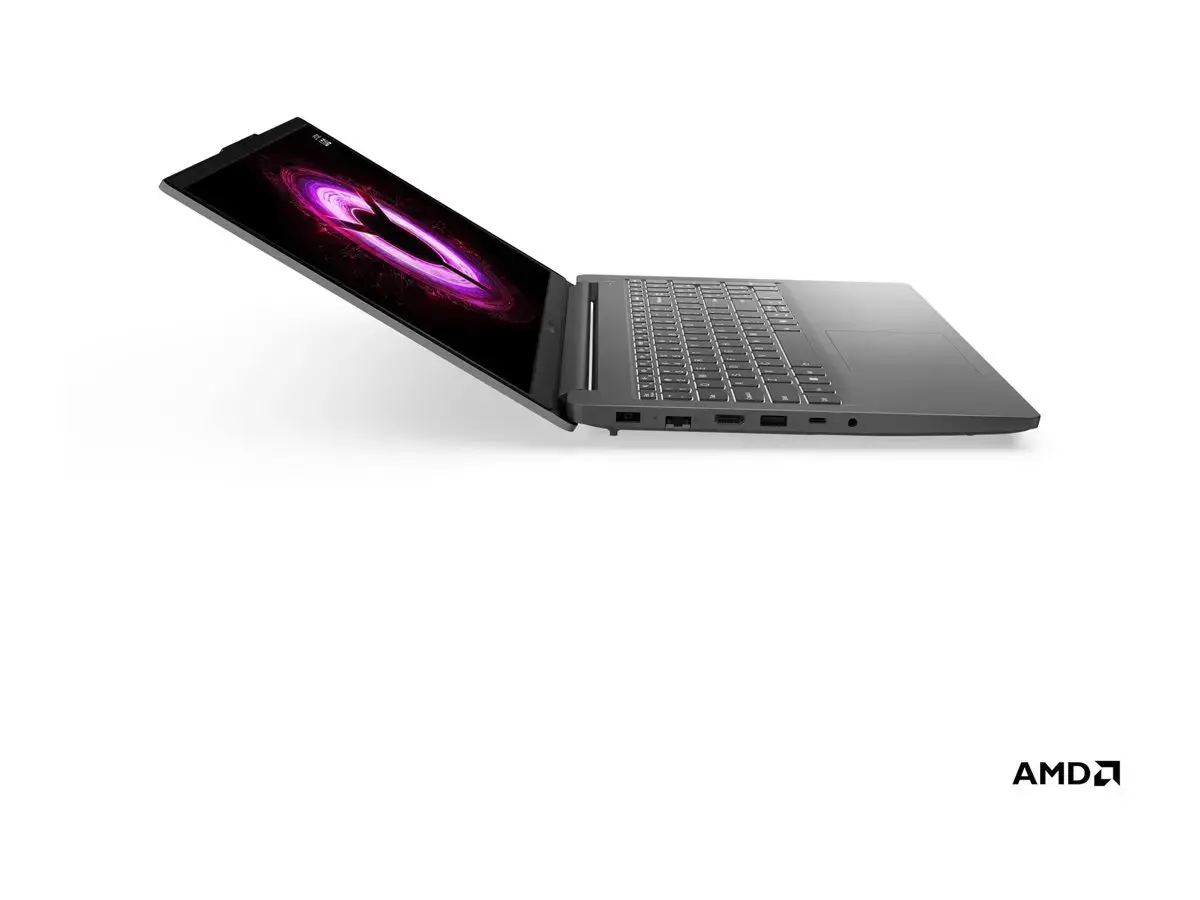
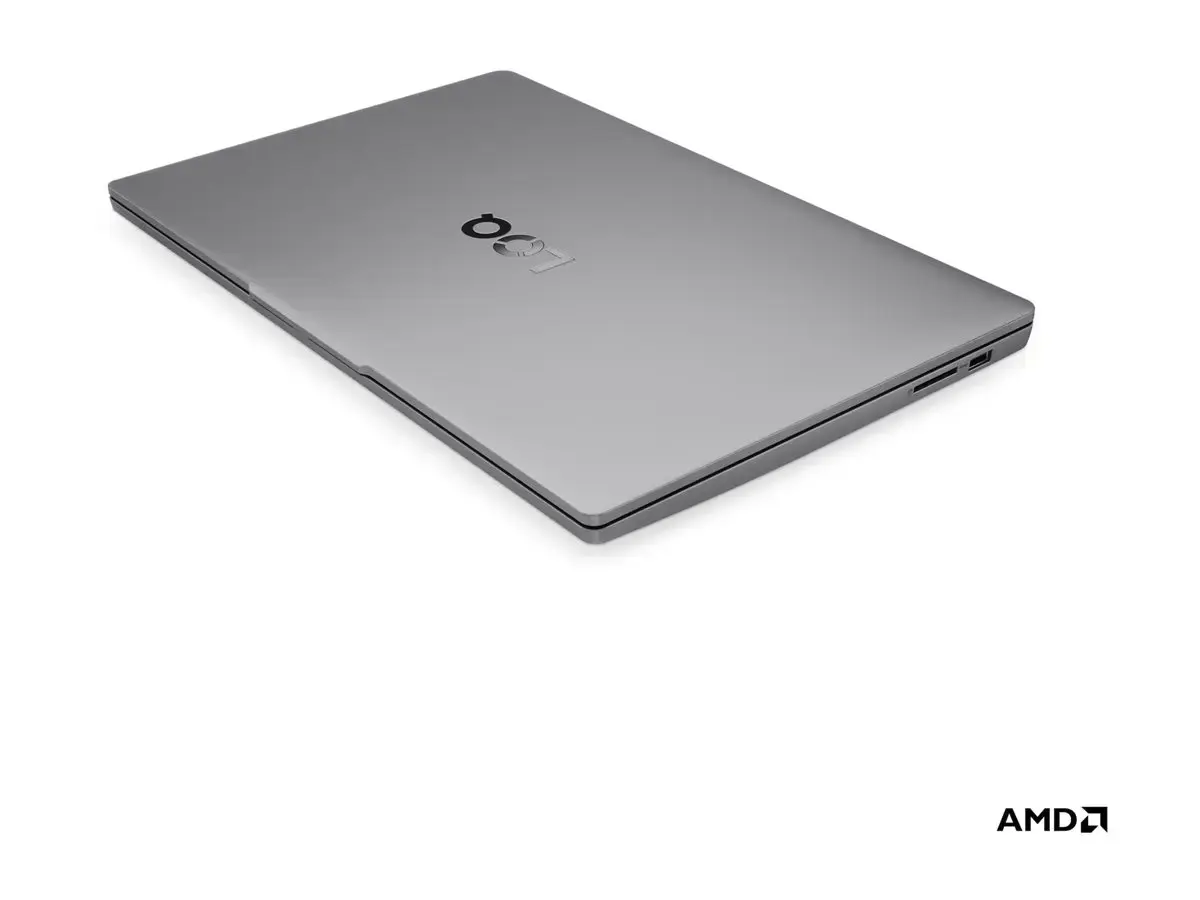
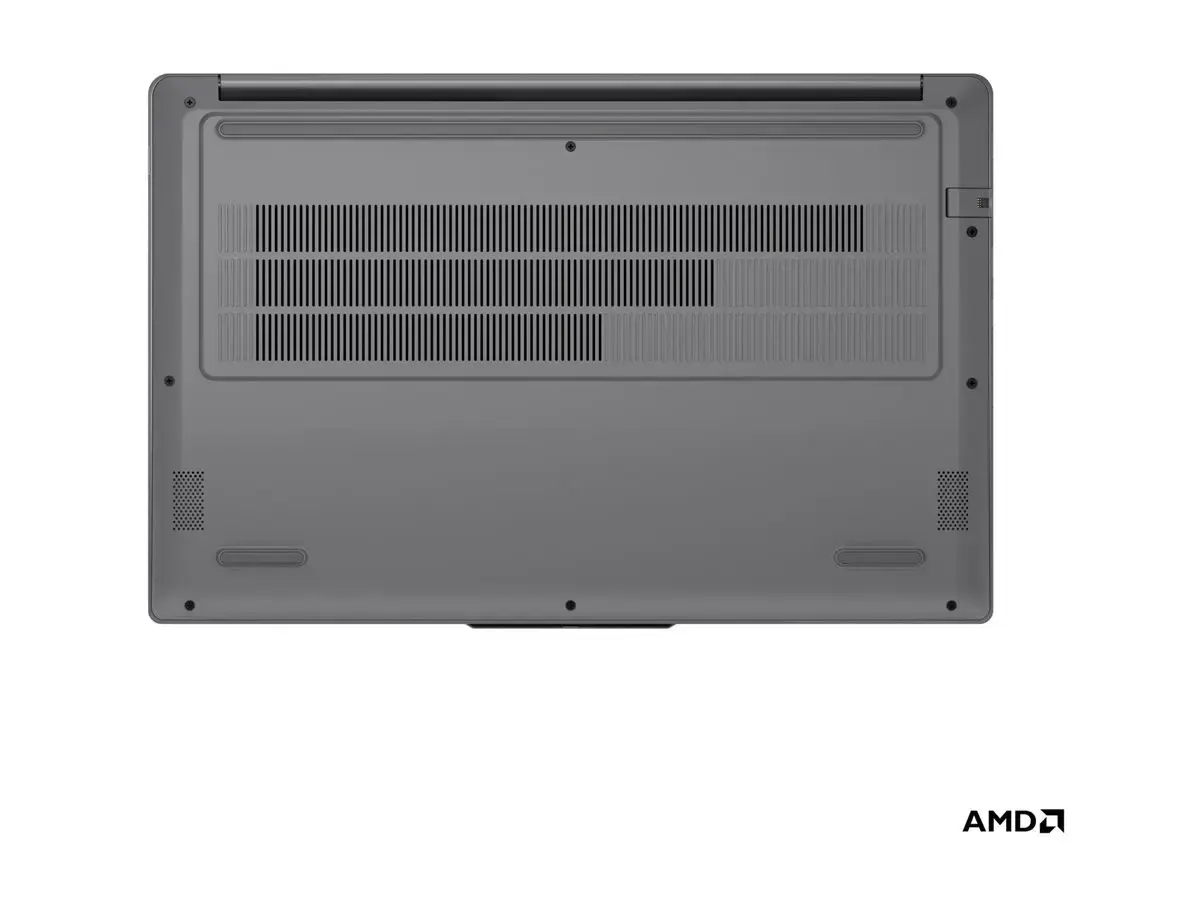
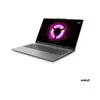
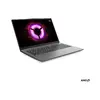
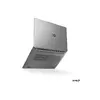
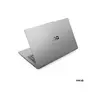
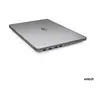
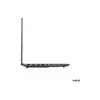
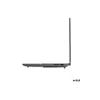
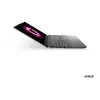
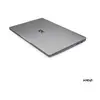
Laptop Lenovo LOQ 15ARP10E 15.6" FHD IPS Luna Grey — AMD Ryzen 7 7735HS, 16GB DDR5, 512GB SSD, NVIDIA RTX 4050 6GB, Win11 Home
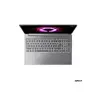
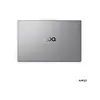
Lenovo LOQ 15ARP10E is a 15.6" laptop with an FHD (1920×1080) IPS anti-glare display, designed for performance-oriented users. It is powered by an AMD Ryzen 7 7735HS octa-core processor with up to 4.75 GHz boost and 3.2 GHz base frequency, paired with 16 GB DDR5 (4800 MHz) memory and a 512 GB PCIe 4.0 NVMe M.2 SSD. Dedicated NVIDIA GeForce RTX 4050 graphics with 6 GB GDDR6 memory provides hardware acceleration for gaming and creative tasks. The system runs Windows 11 Home and includes modern connectivity such as Wi‑Fi 6 (802.11ax), Bluetooth 5.2, an HD 720p webcam with a privacy shutter, English backlit keyboard and a 57.5 Wh battery. The laptop is finished in Luna Grey and comes with a two-year warranty.
The combination of a Ryzen 7 7735HS CPU, 16 GB DDR5 memory and a PCIe 4.0 NVMe SSD delivers fast application loading, responsive multitasking and reduced wait times for data transfers. NVIDIA GeForce RTX 4050 provides hardware-accelerated graphics and supports GPU-accelerated workflows for gaming, video editing and 3D rendering. The 15.6" FHD IPS anti-glare panel offers wide viewing angles and clear image reproduction for extended use. Built-in Wi‑Fi 6 and Bluetooth 5.2 ensure stable wireless connections, while the HD webcam with privacy shutter addresses basic video conferencing privacy needs. A backlit English keyboard allows work in low-light environments and the 57.5 Wh battery provides mobile runtime for everyday productivity.
Unpack the laptop and connect the included power adapter for the initial charge. Complete Windows 11 Home setup and install required drivers and security updates. Use the built-in Wi‑Fi or an Ethernet connection to access the internet and sign in with your user account. Install productivity, creative or gaming applications as needed and store files on the internal 512 GB SSD or an external storage device. Adjust power and performance settings in Windows to balance battery life and processing power depending on workload.
For optimal performance in gaming and content creation, keep graphics drivers and system firmware up to date. When working on intensive tasks, connect the laptop to power to allow sustained CPU and GPU performance. Use a cooling-friendly surface and ensure adequate ventilation. Regularly back up important data from the internal SSD and consider external storage or cloud services for large media projects.
{{highlightedFeature.featureTitle}}:
{{getProductFeatureValueById(product, highlightedFeature.featureId)}}
{{ productComparisonGenerationError }}
