
Hurry and order now – up to 50% off!
In cart {{totalProductsCount}} item(s)
Your cart is empty
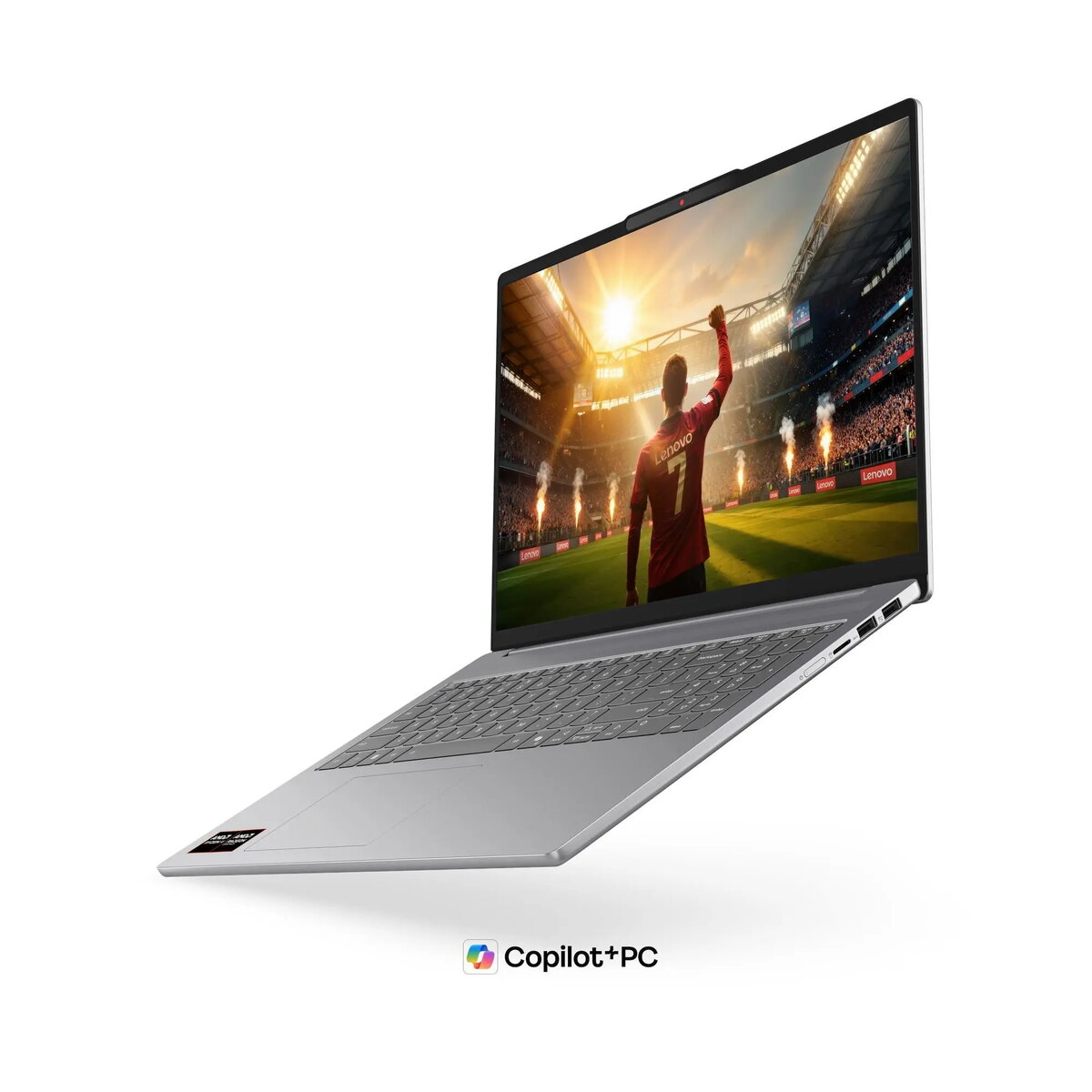
Lenovo IdeaPad Slim 5 16AGP11 Laptop, 16" WUXGA, AMD Ryzen 7 8845HS, 16GB RAM, 512GB SSD, No OS, Gray
The Lenovo IdeaPad Slim 5 16AGP11 is a high-performance laptop designed for users who require a balance of portability and power. Featuring a sleek aluminum chassis in Luna Gray, this 16-inch device is built for modern computing needs, offering a large WUXGA OLED display that delivers vibrant colors and sharp details. Powered by the AMD Ryzen AI 7 445 processor with integrated NPU capabilities, it provides efficient performance for both professional workflows and daily tasks. The laptop comes without a pre-installed operating system, allowing users the freedom to configure their preferred software environment.
This laptop stands out due to its robust build quality and advanced internal components. The inclusion of high-speed DDR5 memory and a fast PCIe 4.0 SSD ensures quick system responsiveness and efficient multitasking. The display is a highlight, offering 100% DCI-P3 color coverage, which is excellent for creative work and media consumption. Furthermore, the device supports modern connectivity standards including Wi-Fi 7 and versatile USB-C ports with Power Delivery and DisplayPort support, making it a future-proof choice for various peripheral setups.
This device is not designed for high-end gaming or intensive 3D rendering, as it relies on integrated graphics rather than a dedicated GPU. Additionally, users who require a pre-installed operating system out of the box may find the lack of an OS inconvenient.
To begin using your Lenovo IdeaPad Slim 5, ensure you have a bootable installation media for your chosen operating system. Insert the media into one of the USB ports, power on the device, and access the boot menu to initiate the installation process. Once the operating system is installed, download the latest drivers from the official Lenovo support website to ensure all hardware components, including the NPU and audio system, function correctly. The laptop features a backlit keyboard and a numeric keypad, which can be toggled using the function keys.
Usage recommendations: To maintain the longevity of the OLED display, avoid leaving static images on the screen for extended periods. Utilize the privacy shutter on the webcam when not in use to ensure your security. For optimal performance, keep the laptop firmware updated via the manufacturer's support portal.
{{highlightedFeature.featureTitle}}:
{{getProductFeatureValueById(product, highlightedFeature.featureId)}}
{{ productComparisonGenerationError }}
