
Filters you can trust. Pure water every day.
In cart {{totalProductsCount}} item(s)
Your cart is empty
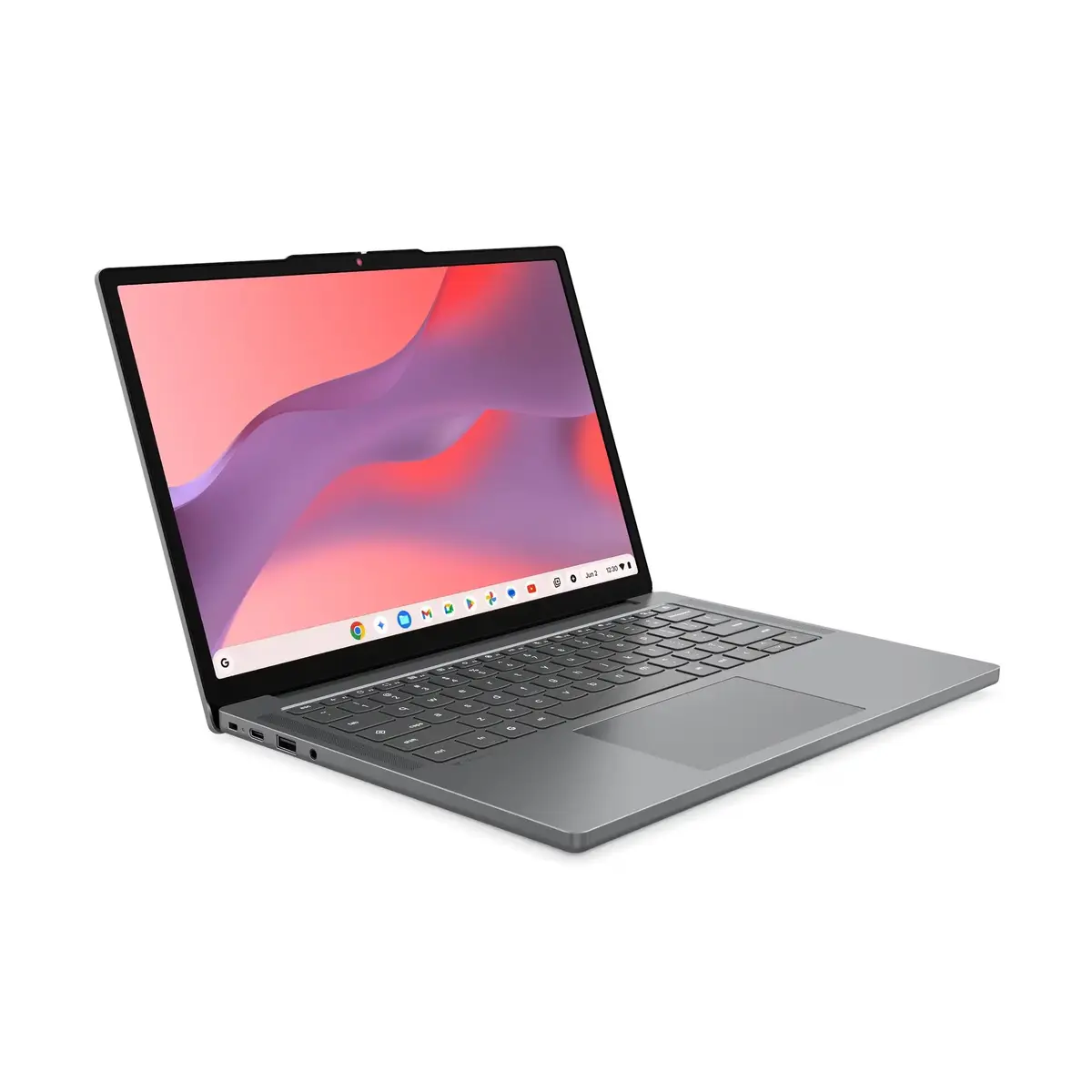
Lenovo Chrome 14M8911 Laptop, 14-inch WUXGA Display, MediaTek MTK-540, 4GB RAM, 64GB Storage, Mali G57 Graphics, ChromeOS, Gray
The Lenovo Chrome 14M8911 is a reliable and portable 14-inch laptop designed for users who prioritize efficiency and simplicity. Powered by the MediaTek Kompanio 540 processor and running on the streamlined ChromeOS, this device offers a responsive experience for web-based applications and daily productivity tasks. Its compact design and lightweight construction make it an excellent companion for students and professionals on the move.
This laptop stands out due to its high-quality 14-inch WUXGA IPS display, which provides sharp visuals and excellent brightness levels of 400 nits, ensuring clarity even in well-lit environments. The inclusion of Wi-Fi 6E technology guarantees fast and stable wireless connectivity, while the versatile USB-C ports support both power delivery and external display output. With a robust 50Wh battery and a durable, lightweight chassis, the device is built to handle long hours of work or study without frequent recharging. The integrated privacy shutter on the webcam adds an extra layer of security for your personal space.
This device is not intended for resource-intensive tasks such as professional video editing, 3D rendering, or running complex desktop software that requires Windows or macOS. Due to the 4GB of RAM and 64GB of storage, it is also not suitable for users who need to store large local media libraries or run multiple demanding applications simultaneously.
To begin using your Lenovo Chrome 14M8911, simply open the lid to power on the device. Follow the on-screen instructions to connect to your Wi-Fi network and sign in with your Google account. ChromeOS will automatically update and sync your settings. You can manage your files through the Files app and install web applications or compatible Android apps via the Google Play Store. Use the USB-C ports for charging or connecting to external monitors, and utilize the HDMI port for additional display connectivity.
For optimal performance, keep your ChromeOS updated to the latest version. Utilize cloud storage services like Google Drive to manage your files effectively, as the internal storage is optimized for a web-centric workflow. When traveling, use the USB-C power adapter to ensure your battery remains charged throughout the day.
{{highlightedFeature.featureTitle}}:
{{getProductFeatureValueById(product, highlightedFeature.featureId)}}
{{ productComparisonGenerationError }}
