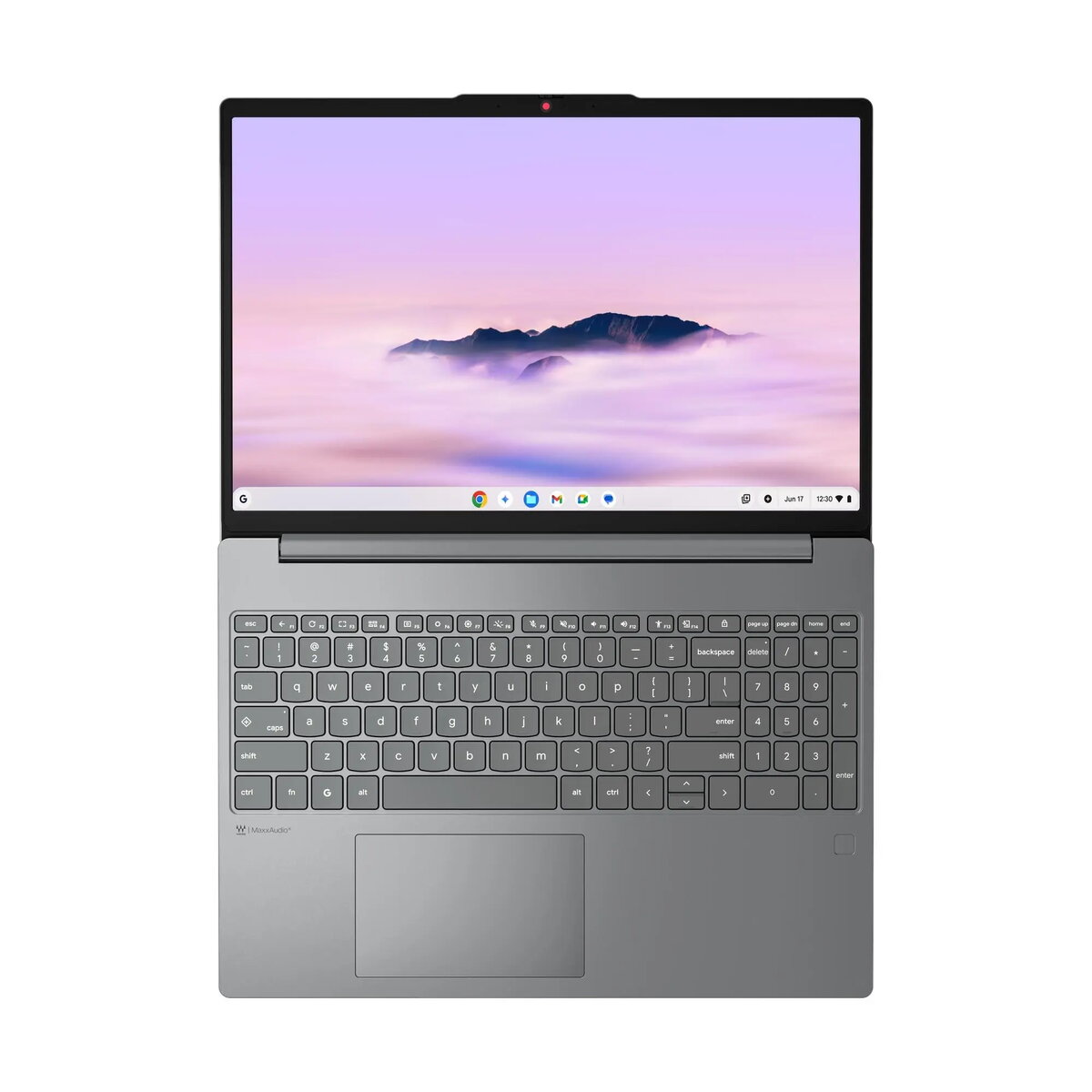
The Lenovo Chrome 15ITN10 is a versatile and efficient laptop designed for users who prioritize speed, security, and ease of use. Featuring a spacious 15.3-inch WUXGA touchscreen with a 120Hz refresh rate, this device offers a smooth and responsive visual experience. Powered by an Intel Core 3 N355 processor and 8GB of LPDDR5 RAM, it handles web-based applications, streaming, and multitasking with ease. The integration of ChromeOS ensures a fast, secure, and intuitive computing environment, making it an excellent choice for modern digital workflows.
Advantages
This laptop stands out due to its high-quality display, which provides vibrant colors and sharp details thanks to the 100% sRGB color gamut and 400 nits brightness. The inclusion of Wi-Fi 6E ensures stable and high-speed wireless connectivity, while the 5.0MP webcam with a privacy shutter offers enhanced security and clarity for video conferencing. Its lightweight design and durable construction make it highly portable, while the versatile USB-C ports support both high-speed data transfer and power delivery, adding to the overall convenience of the device.
Suitable for
- Students requiring a reliable device for research and online learning.
- Professionals managing web-based tasks and cloud-based productivity suites.
- Home users looking for a high-quality screen for media consumption and browsing.
- Users who need a secure and fast-booting system for daily digital activities.
When it may not be suitable
This laptop is not intended for resource-intensive tasks such as professional video editing, 3D rendering, or playing high-end PC games, as it relies on integrated graphics and a processor optimized for efficiency rather than raw power. Additionally, because it runs on ChromeOS, it is not compatible with software designed exclusively for Windows or macOS environments.
Key specifications
- Processor: Intel Core 3 N355 (8 cores, up to 3.9GHz)
- Display: 15.3-inch WUXGA (1920x1200) IPS, 120Hz, 400 nits, Touchscreen
- Memory: 8GB LPDDR5-4800
- Storage: 256GB UFS 2.2
- Connectivity: Wi-Fi 6E, Bluetooth 5.3
- Ports: 2x USB-A, 2x USB-C (with DisplayPort and Power Delivery), 3.5mm audio jack
- Webcam: 5.0MP with privacy shutter
- Weight: 1.56kg
How to use
To begin using the Lenovo Chrome 15ITN10, simply open the lid to power on the device. Follow the on-screen instructions to connect to your Wi-Fi network and sign in with your Google account. The ChromeOS interface is designed for simplicity, allowing you to access your applications via the launcher. You can navigate the system using the integrated touchpad or the touchscreen display. To charge the device, use the provided 65W USB-C power adapter connected to one of the USB-C ports.
What to consider before purchase
- Ensure your essential software is available as a web app or via the Google Play Store.
- Verify that your workflow does not require specialized Windows-only desktop applications.
- Consider the storage capacity, as 256GB is optimized for cloud-based usage.
Usage recommendations
To maintain optimal performance, keep your ChromeOS updated to the latest version. Use the privacy shutter on the webcam when not in use to ensure your security. For extended battery life, adjust the screen brightness and close unused browser tabs.