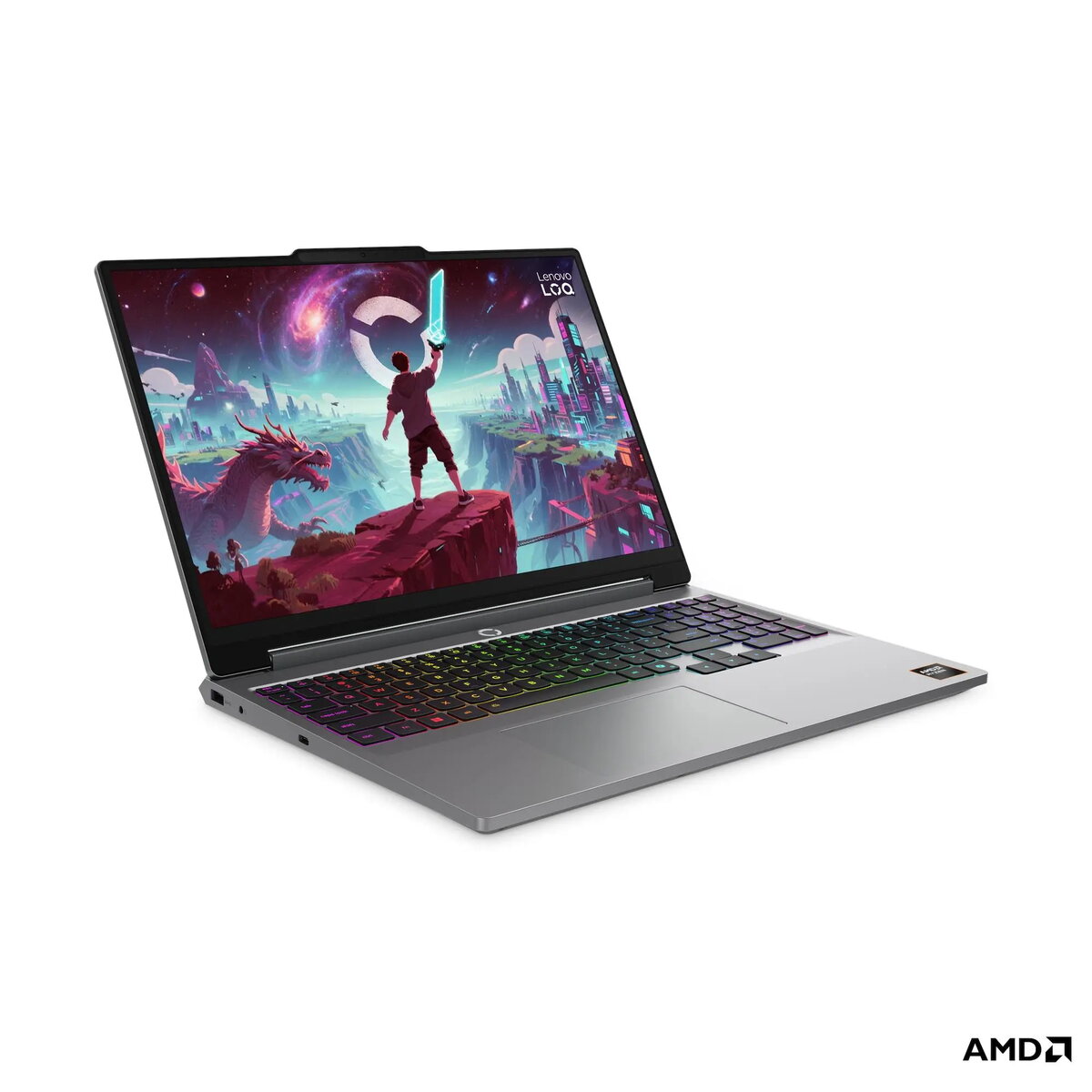
The Lenovo LOQ 15AHP11 is a high-performance gaming laptop engineered to deliver a superior visual and processing experience. Featuring a 15.3-inch WQXGA display with a 180Hz refresh rate, it provides fluid motion and sharp detail for competitive gaming and creative work. Driven by the AMD Ryzen 7 250 processor and an NVIDIA GeForce RTX 5060 graphics card, this machine handles demanding titles and multitasking with ease. The integration of an AI chip enhances system efficiency, while the robust 32GB DDR5 memory and 1TB SSD ensure rapid load times and seamless performance in a durable, stylish Luna Gray chassis.
Advantages
This laptop stands out due to its advanced cooling architecture and AI-driven performance optimization, which dynamically adjusts power to maximize frame rates during intense gaming sessions. The high-resolution display with 100% sRGB color accuracy makes it an excellent choice for both gamers and content creators who require precise color reproduction. With a versatile selection of ports, including a high-speed USB4 interface and HDMI 2.1, users can easily connect multiple peripherals and high-resolution external monitors. The inclusion of a 5MP webcam with an electronic shutter provides both high-quality video conferencing and enhanced privacy, while the 1-zone RGB backlit keyboard offers a customizable and comfortable typing experience.
Suitable for
- High-end gaming and competitive esports
- Video editing and graphic design
- Multitasking with heavy productivity applications
- Streaming and content creation
This laptop may not be the ideal choice for users who prioritize extreme portability, as its weight and dimensions are optimized for performance rather than ultra-thin mobility. Additionally, those who require a device with an integrated optical drive or a built-in memory card reader will need to utilize external accessories to meet those specific needs.
Key specifications
- Processor: AMD Ryzen 7 250 with integrated AI NPU
- Graphics: NVIDIA GeForce RTX 5060 8GB GDDR7
- Display: 15.3-inch WQXGA (2560x1600) IPS, 180Hz, 400 nits
- Memory: 32GB DDR5-5600 RAM
- Storage: 1TB PCIe 4.0 NVMe SSD
- Connectivity: Wi-Fi 6, Bluetooth 5.3, Gigabit Ethernet
- Ports: USB4, 3x USB-A, HDMI 2.1, Audio combo jack
To begin using your Lenovo LOQ 15AHP11, connect the provided 245W power adapter to the rear port and press the power button to initiate the Windows 11 setup process. Follow the on-screen instructions to configure your network and user account. For optimal gaming performance, ensure that the laptop is connected to power and that the Lenovo Vantage software is installed to manage system updates, driver installations, and performance modes. You can customize the keyboard lighting and thermal profiles directly through the pre-installed software to suit your environment.
What to consider before purchase
- Verify that the 15.3-inch form factor fits your preferred carrying bag or backpack.
- Consider if you require additional external storage or a USB hub for specialized peripherals.
- Ensure your workspace has adequate ventilation to allow the cooling system to function efficiently.
For the best experience, keep the device updated via the Lenovo Vantage app and ensure the air vents remain unobstructed during heavy gaming sessions to maintain peak performance and hardware longevity.