
JBL speakers and headphones for pure and deep sound!
In cart {{totalProductsCount}} item(s)
Your cart is empty
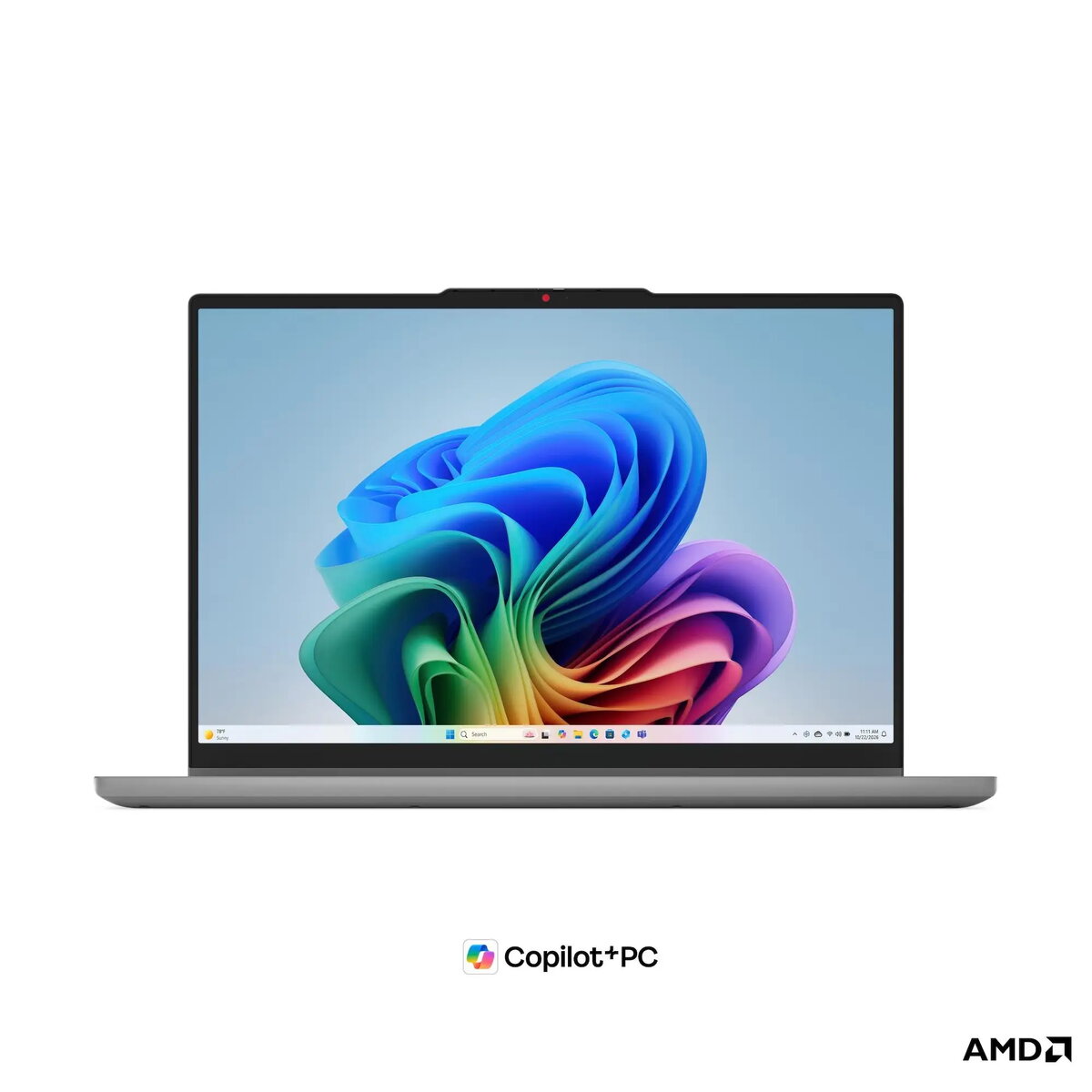
Lenovo IdeaPad 5 2-in-1 15AGP11 Laptop, 15.3" WUXGA Touchscreen, AMD Ryzen 5, 16GB RAM, 512GB SSD, Windows 11 Home, Gray
The Lenovo IdeaPad 5 2-in-1 15AGP11 is a versatile convertible laptop designed for users who need flexibility and performance in a single device. Featuring a 15.3-inch WUXGA touchscreen, this Copilot+ PC combines the power of an AMD Ryzen AI processor with a durable design that meets military-grade standards. Its 2-in-1 form factor allows it to function as both a traditional laptop and a tablet, making it an adaptable tool for various computing needs.
This laptop offers significant versatility through its convertible hinge, allowing for seamless transitions between work and entertainment modes. The inclusion of an AMD Ryzen AI processor provides efficient performance for modern applications, while the high-quality touchscreen display ensures clear visuals and intuitive navigation. With its robust build quality tested to military standards, the device is designed to withstand daily wear and tear. Additionally, the inclusion of a dedicated pen enhances productivity for creative tasks and note-taking.
This device is not intended for high-end professional gaming or resource-intensive tasks such as professional 3D rendering or complex video editing, as it relies on integrated graphics. Users who require a dedicated numeric keypad for heavy data entry may find the layout compact, and those needing wired Ethernet connectivity will need to use an external adapter.
To begin using the Lenovo IdeaPad 5 2-in-1, simply open the lid to power on the device. You can use it in standard laptop mode for typing or rotate the screen 360 degrees to utilize it as a tablet. The included Lenovo Pen Gen 2 can be used directly on the touchscreen for precise input. Connect your peripherals via the USB-C or USB-A ports, and use the HDMI port to connect to external monitors or projectors.
For optimal battery life, adjust the screen brightness and manage background applications through the Windows settings. Keep the device firmware updated to ensure the best performance from the integrated AI features.
{{highlightedFeature.featureTitle}}:
{{getProductFeatureValueById(product, highlightedFeature.featureId)}}
{{ productComparisonGenerationError }}
