
Save time and money with our discounts!
In cart {{totalProductsCount}} item(s)
Your cart is empty
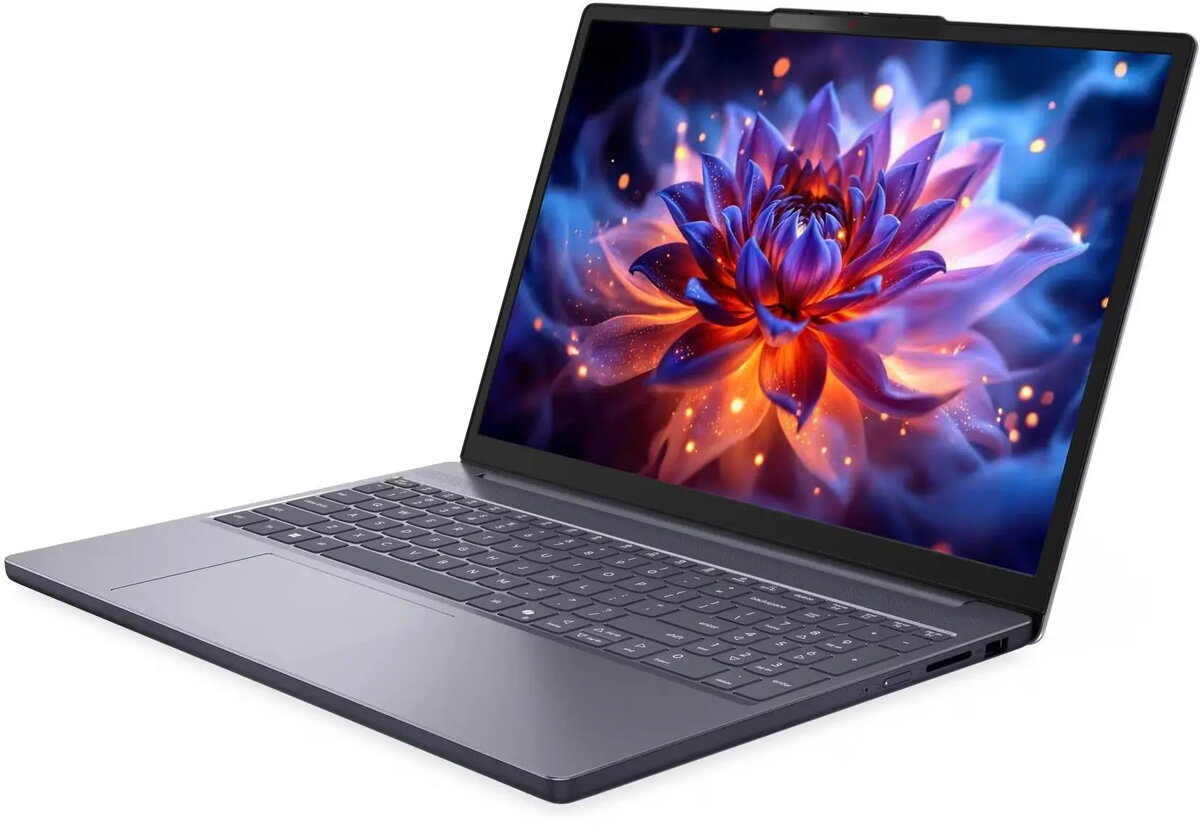
Lenovo IdeaPad Slim 3 15IPH11 Laptop, Intel Core Ultra 5 322, 16GB RAM, 512GB SSD, Windows 11
The Lenovo IdeaPad Slim 3 15IPH11 is a versatile and efficient laptop engineered to meet the demands of modern productivity, academic work, and daily computing. Powered by the Intel Core Ultra 5 322 processor and equipped with 16GB of RAM, this device provides a smooth and responsive experience for multitasking across various applications. With a 512GB SSD, it offers ample storage space for documents, media, and software, ensuring quick boot times and fast file access. The laptop comes pre-installed with Windows 11, providing a modern and secure interface for all your digital tasks.
This laptop stands out due to its slim and lightweight design, which enhances portability for users who need to work on the go. The combination of a high-performance processor and substantial memory allows for seamless operation during intensive office tasks or educational projects. Furthermore, the inclusion of a solid-state drive significantly improves system responsiveness compared to traditional hard drives, while the pre-installed operating system ensures the device is ready for immediate use out of the box.
This device is not designed for high-end gaming or professional-grade video editing that requires a dedicated graphics card. Users looking for a machine specifically for heavy 3D rendering or complex computational simulations may find the integrated hardware limitations restrictive.
To begin using your Lenovo IdeaPad Slim 3, simply connect the power adapter and press the power button to initiate the initial Windows 11 setup process. Follow the on-screen instructions to configure your language, network connection, and user account. Once the setup is complete, you can install your preferred applications and transfer your files. Keep the device updated through the Windows Update settings to ensure optimal performance and security.
To maintain the longevity of your laptop, ensure the air vents remain unobstructed during use to prevent overheating. Regularly clean the screen with a soft, dry microfiber cloth and avoid placing heavy objects on the lid when the laptop is closed.
{{highlightedFeature.featureTitle}}:
{{getProductFeatureValueById(product, highlightedFeature.featureId)}}
{{ productComparisonGenerationError }}
