
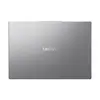
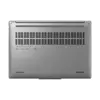
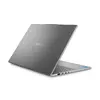
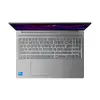
Hurry and order now – up to 50% off!
In cart {{totalProductsCount}} item(s)
Your cart is empty
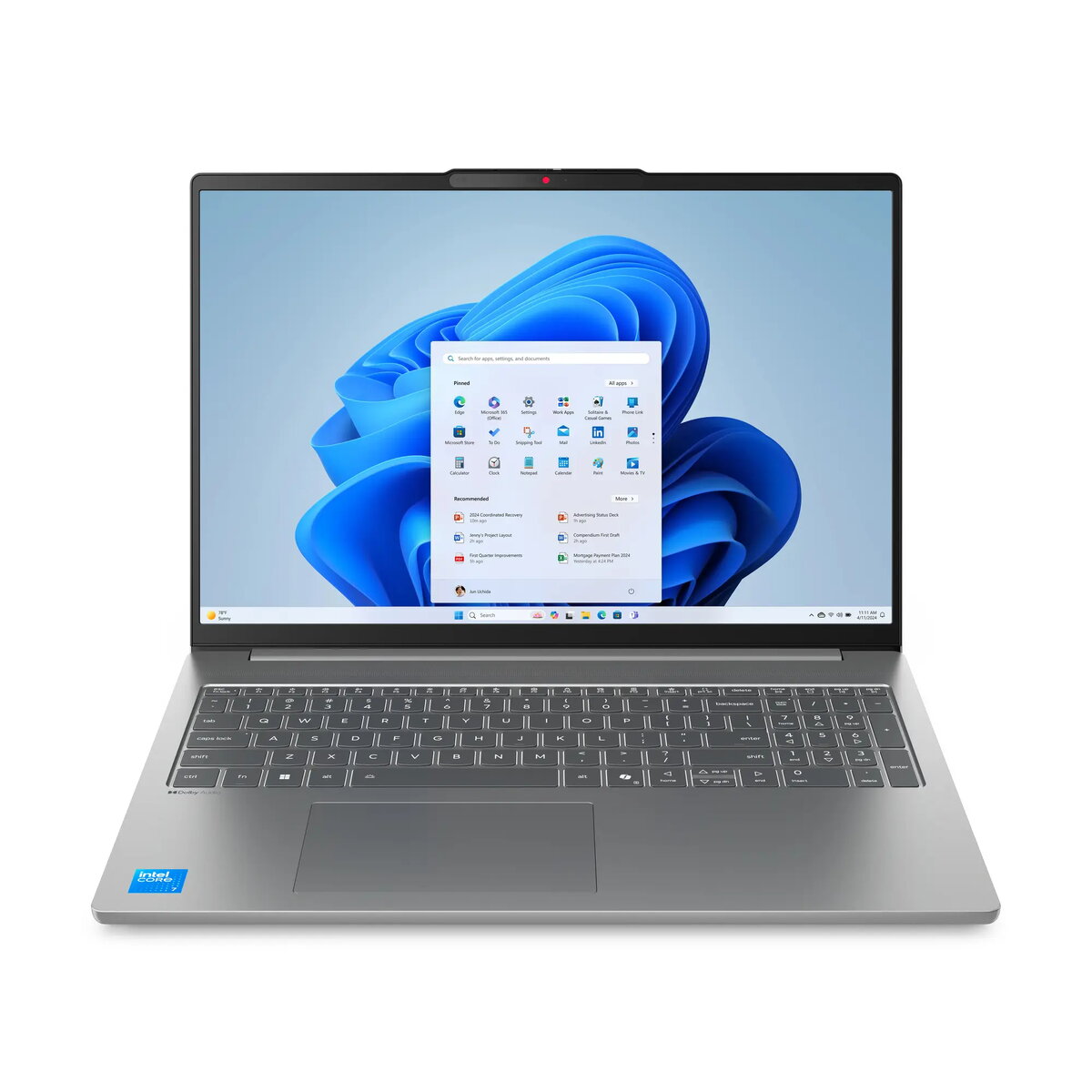
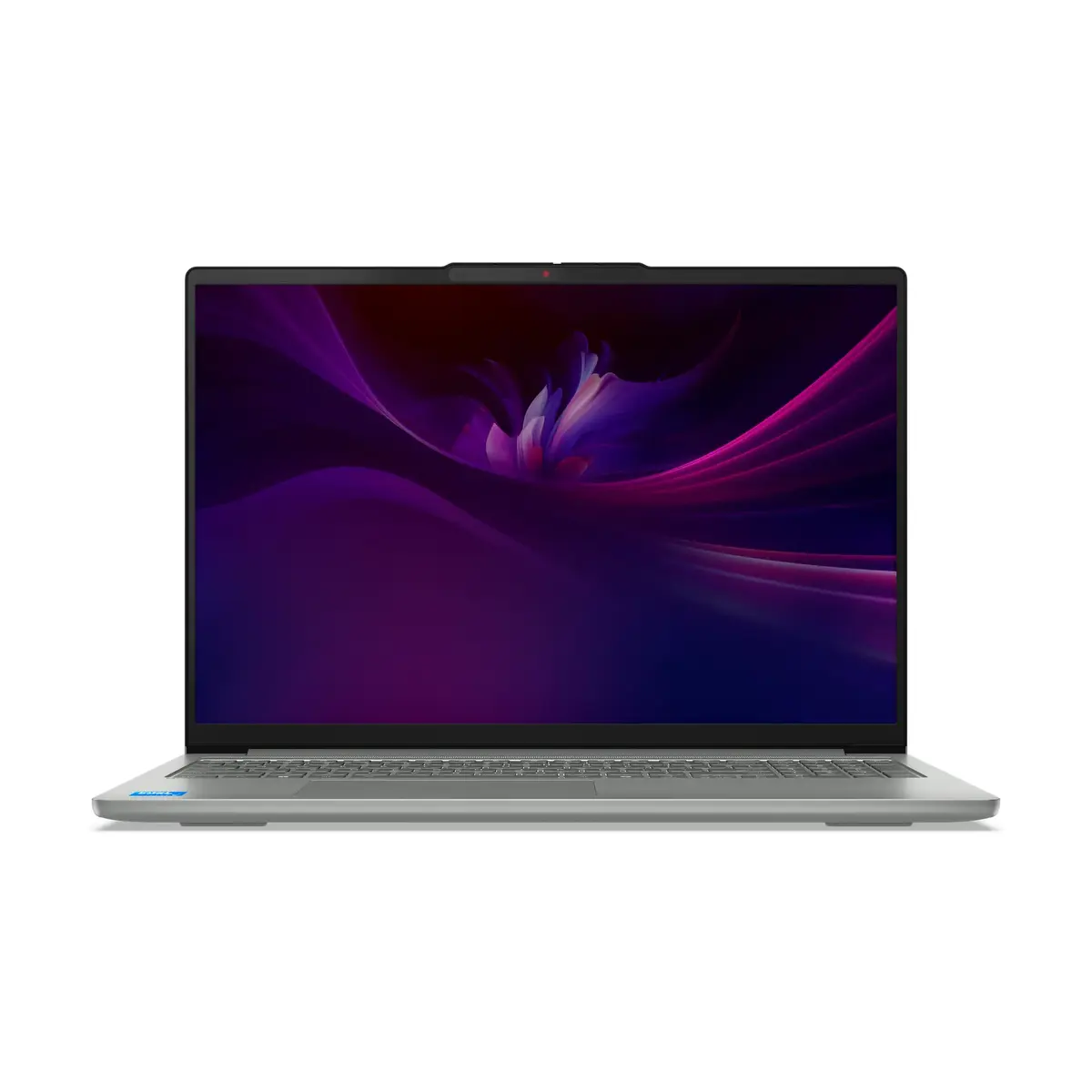
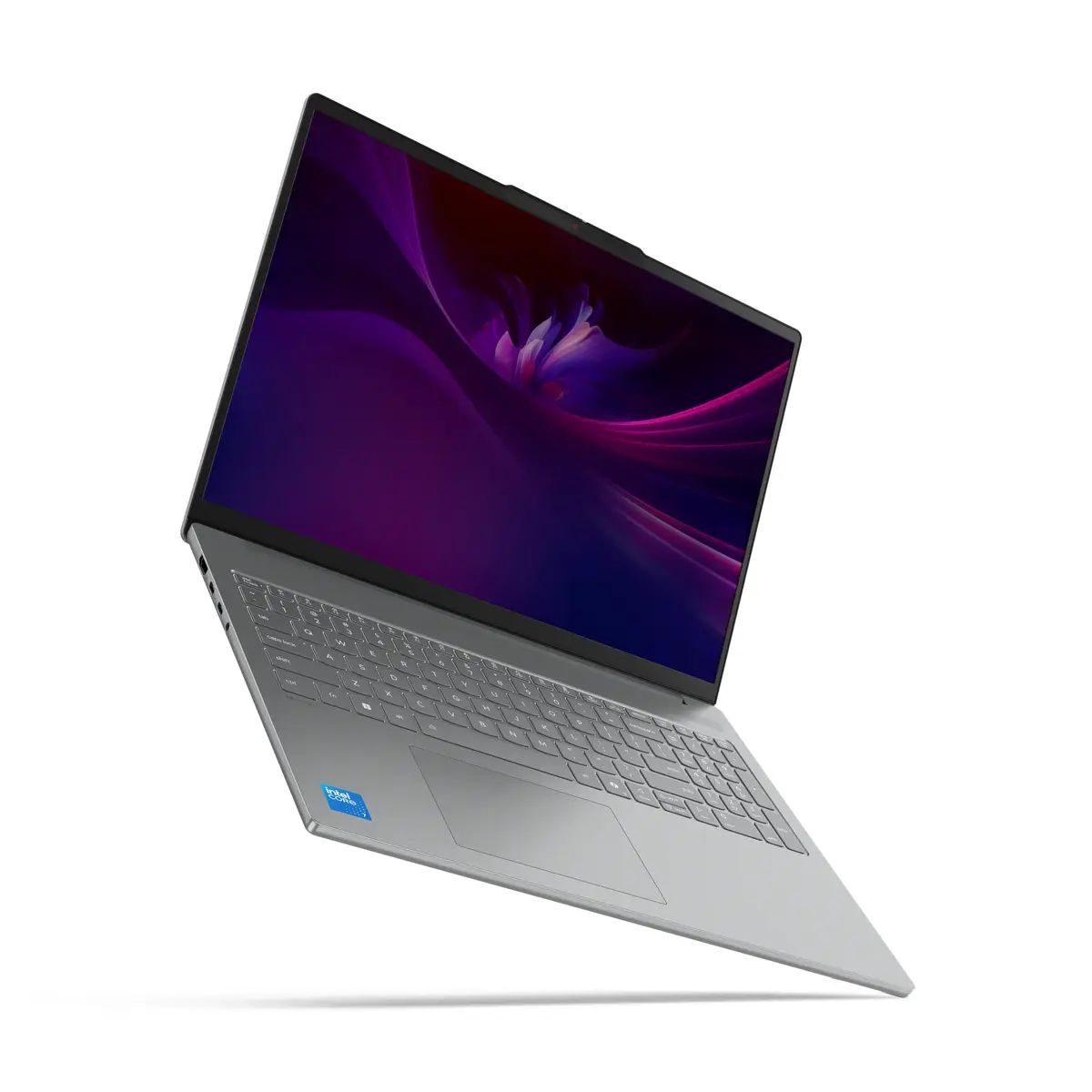
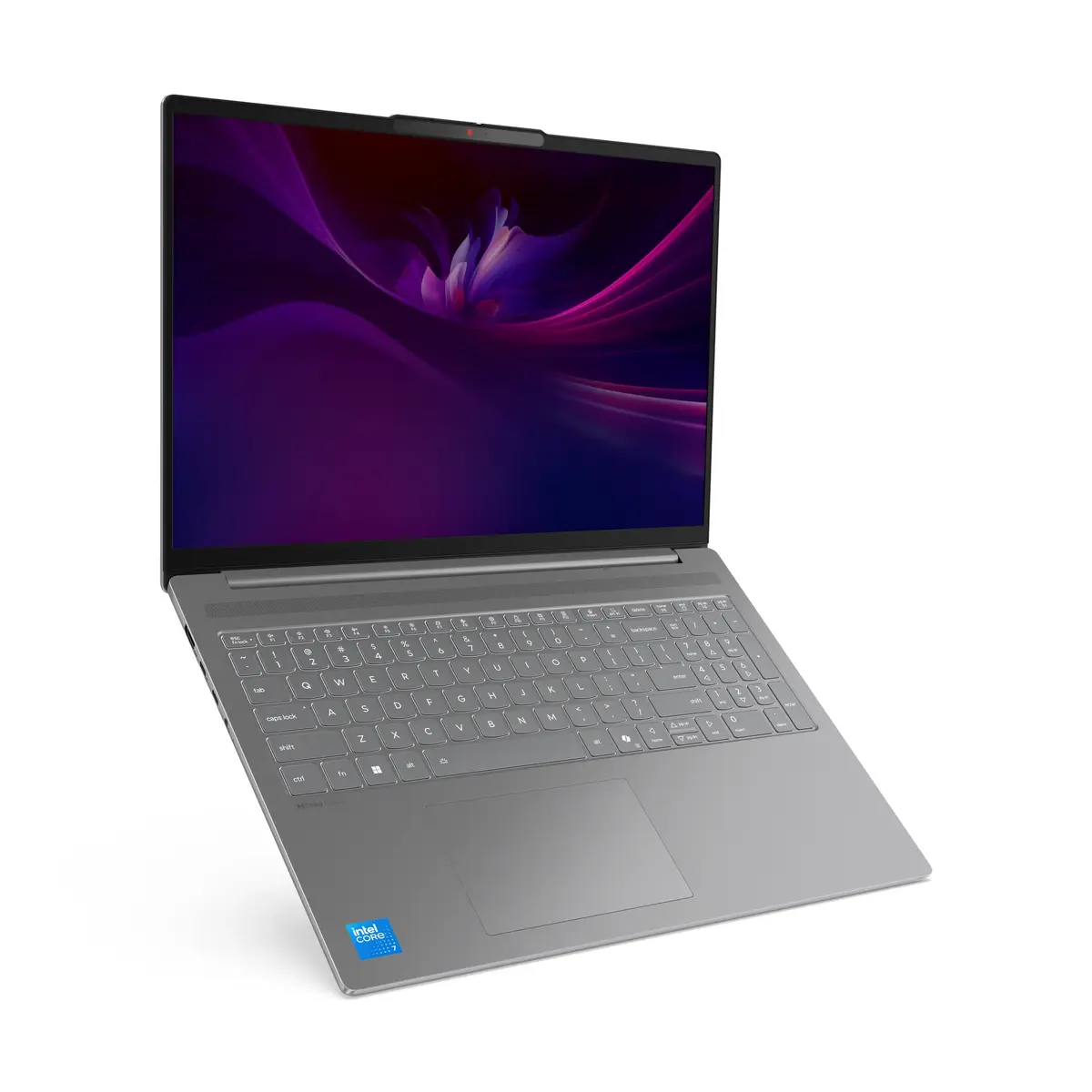
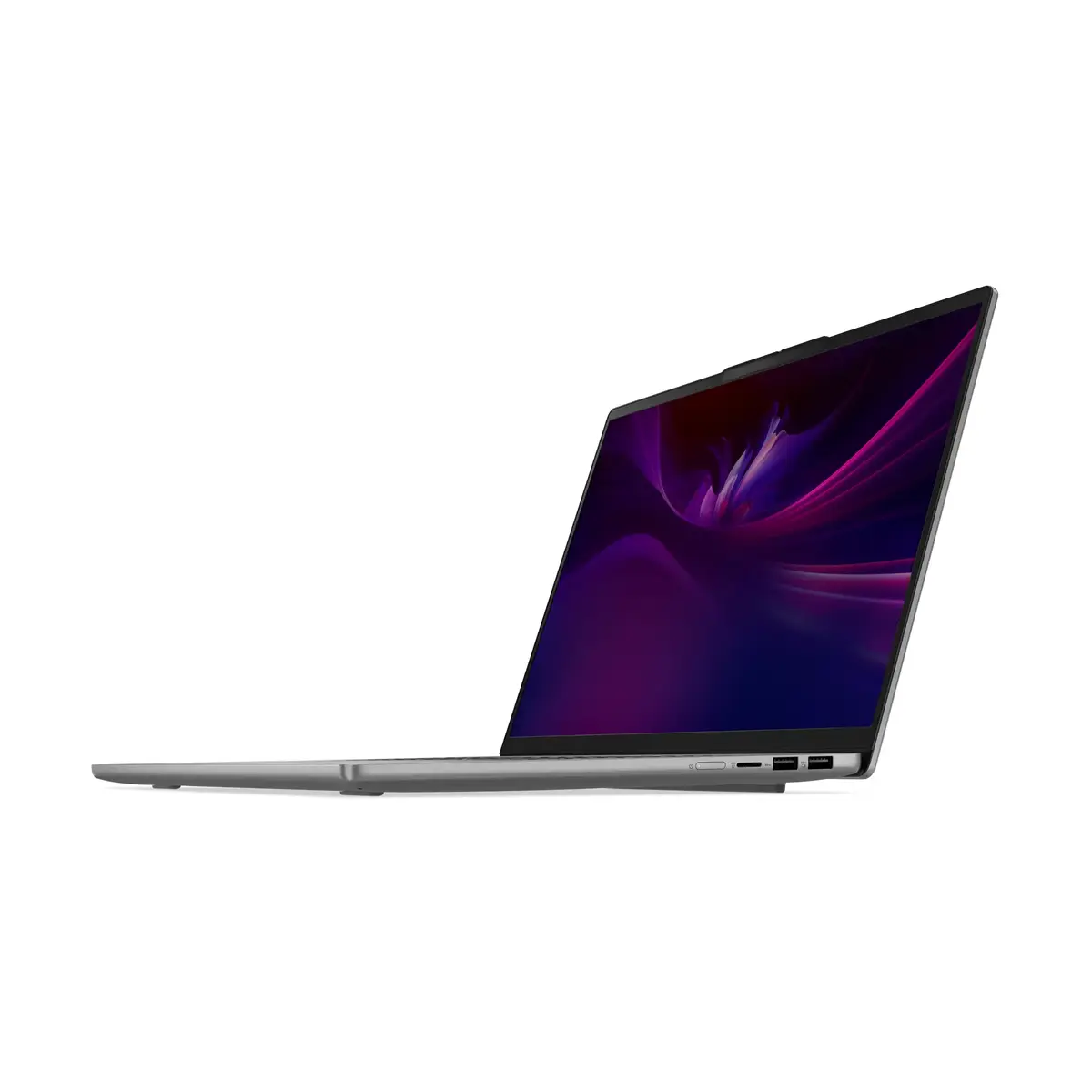
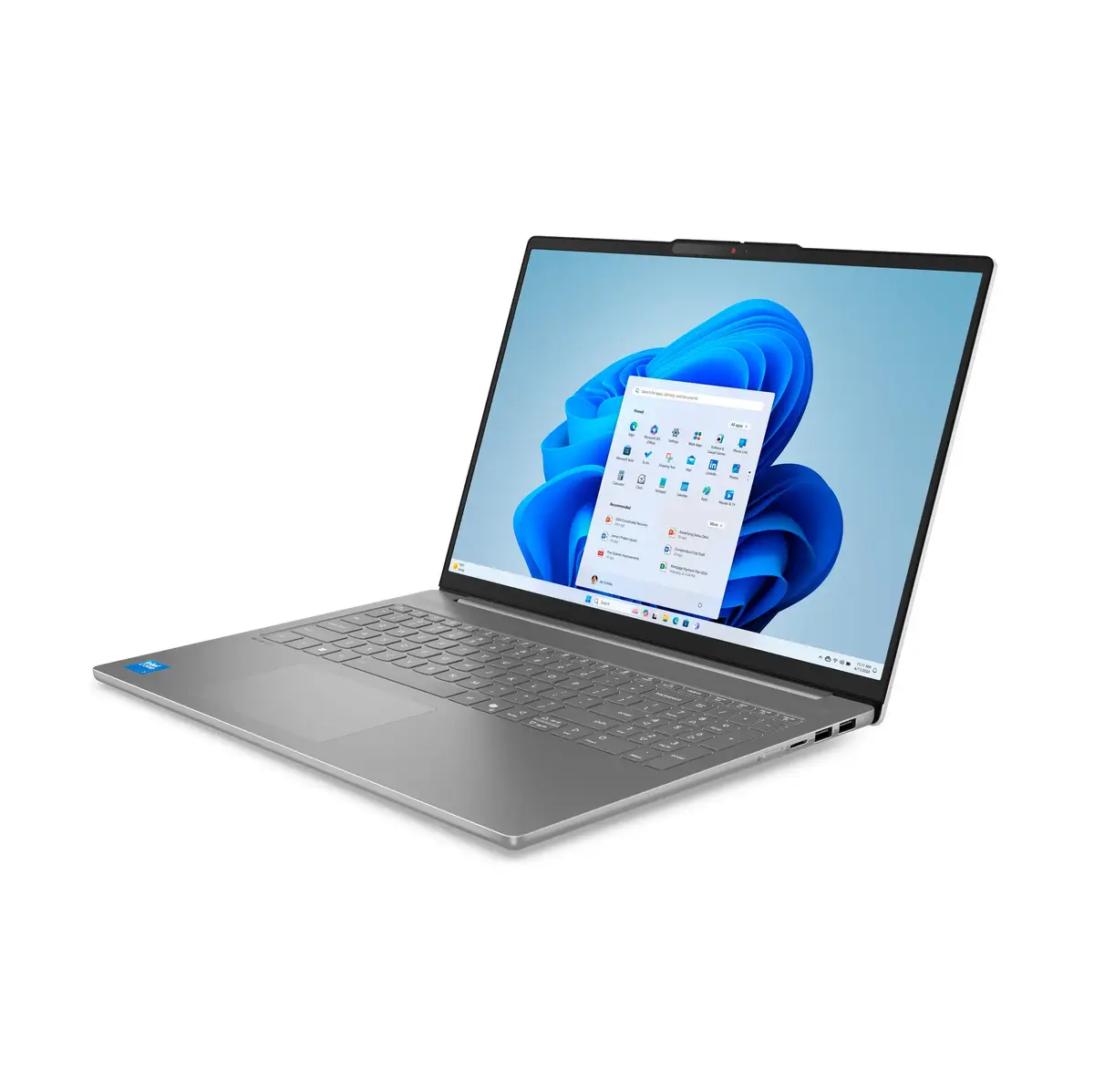
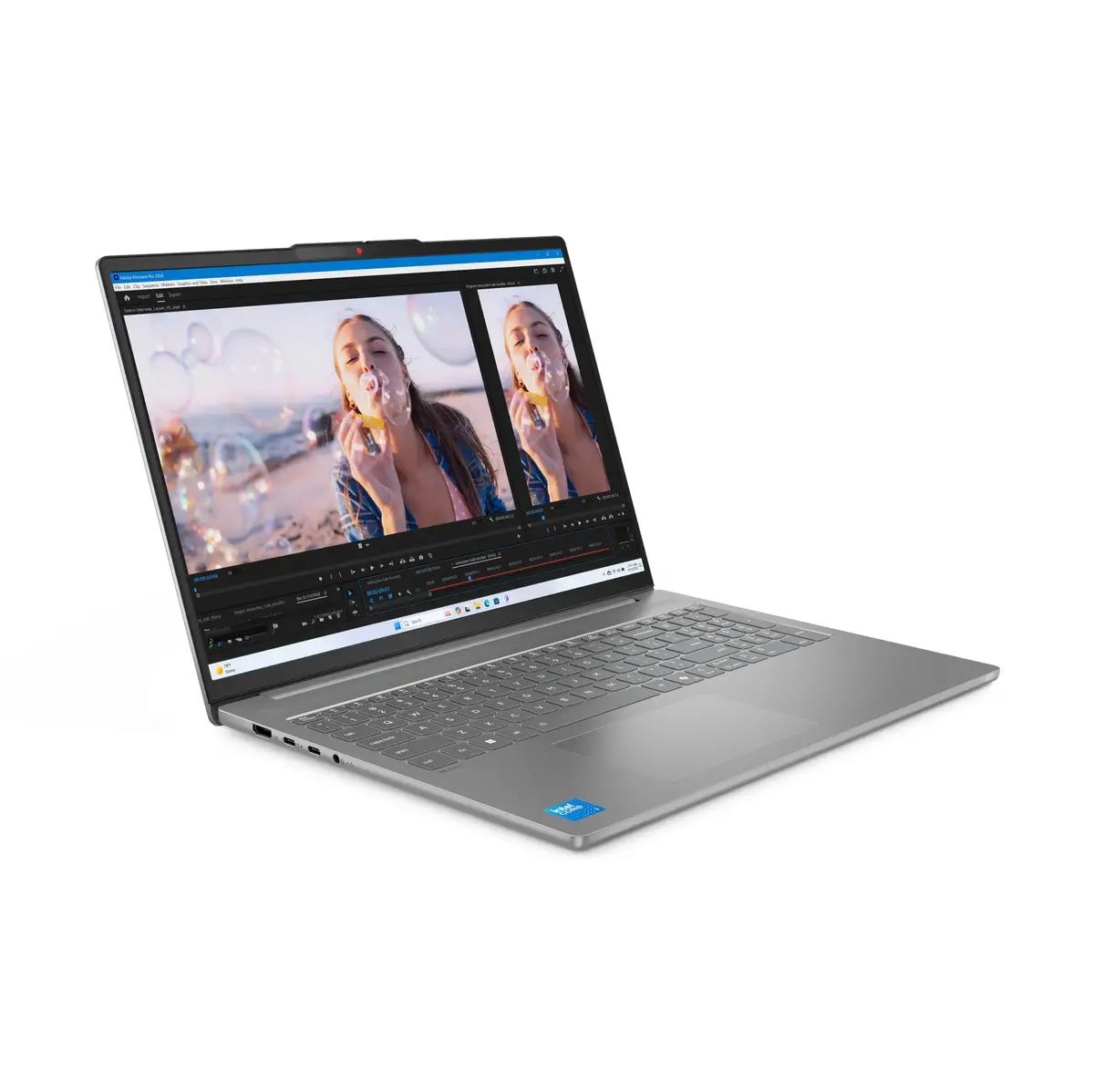
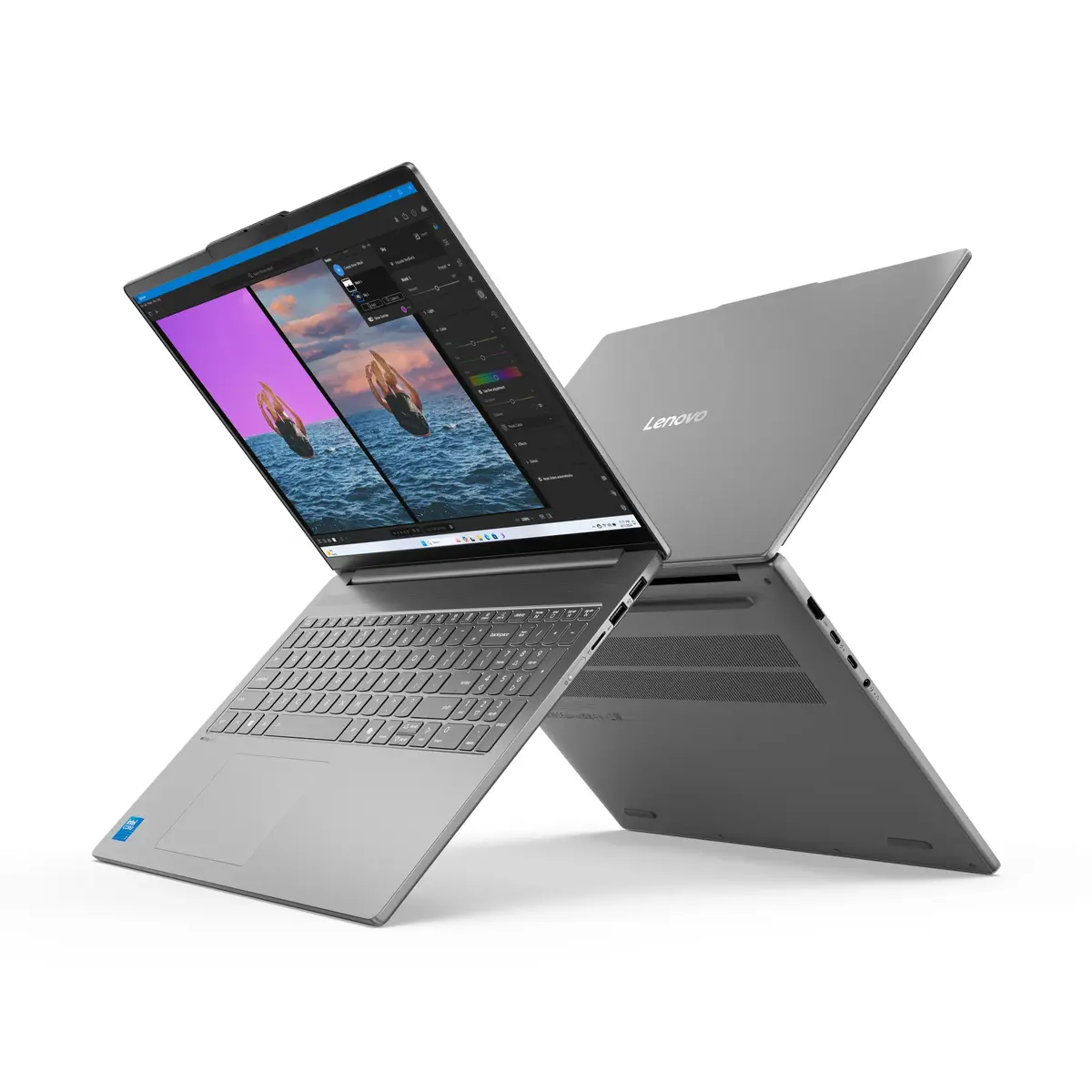
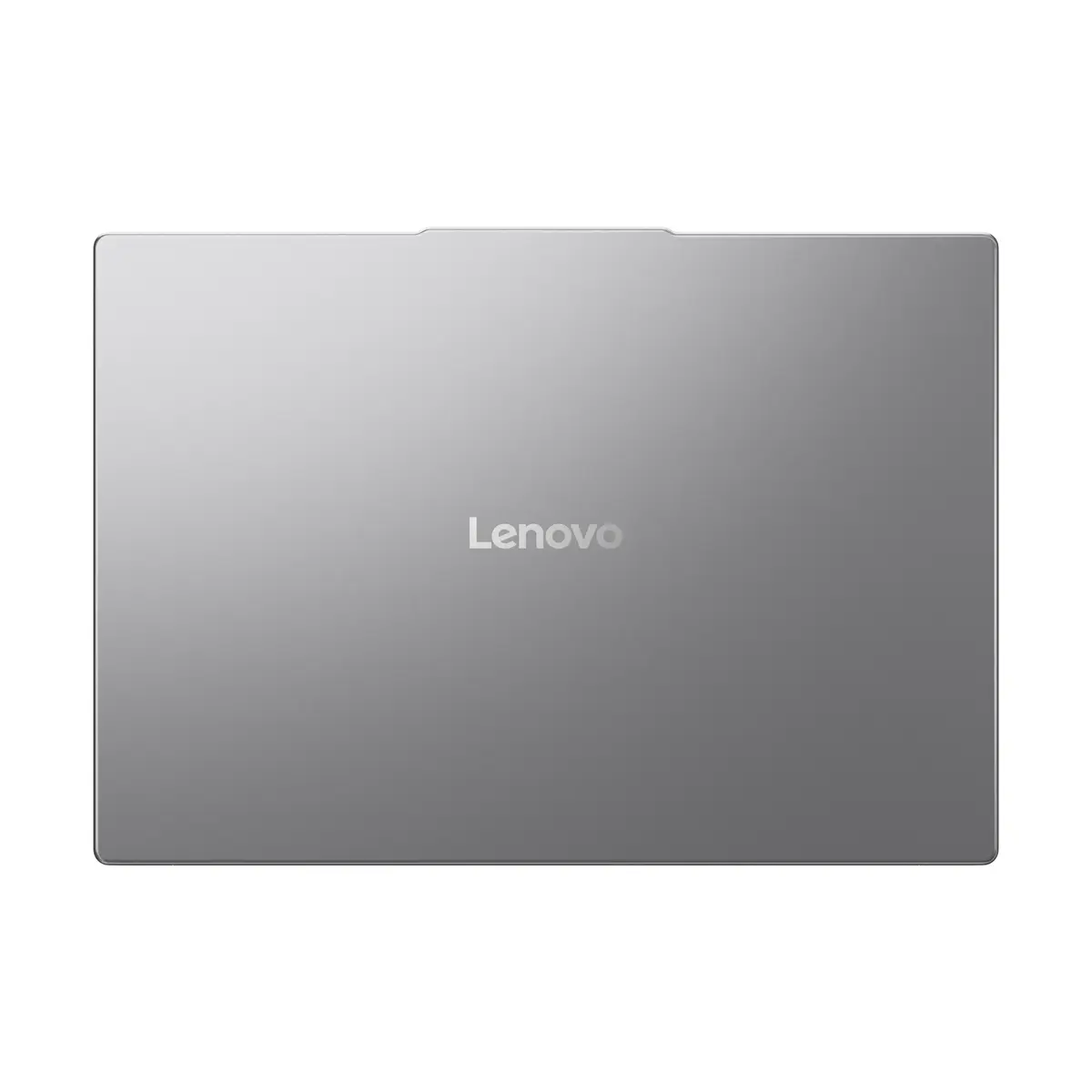
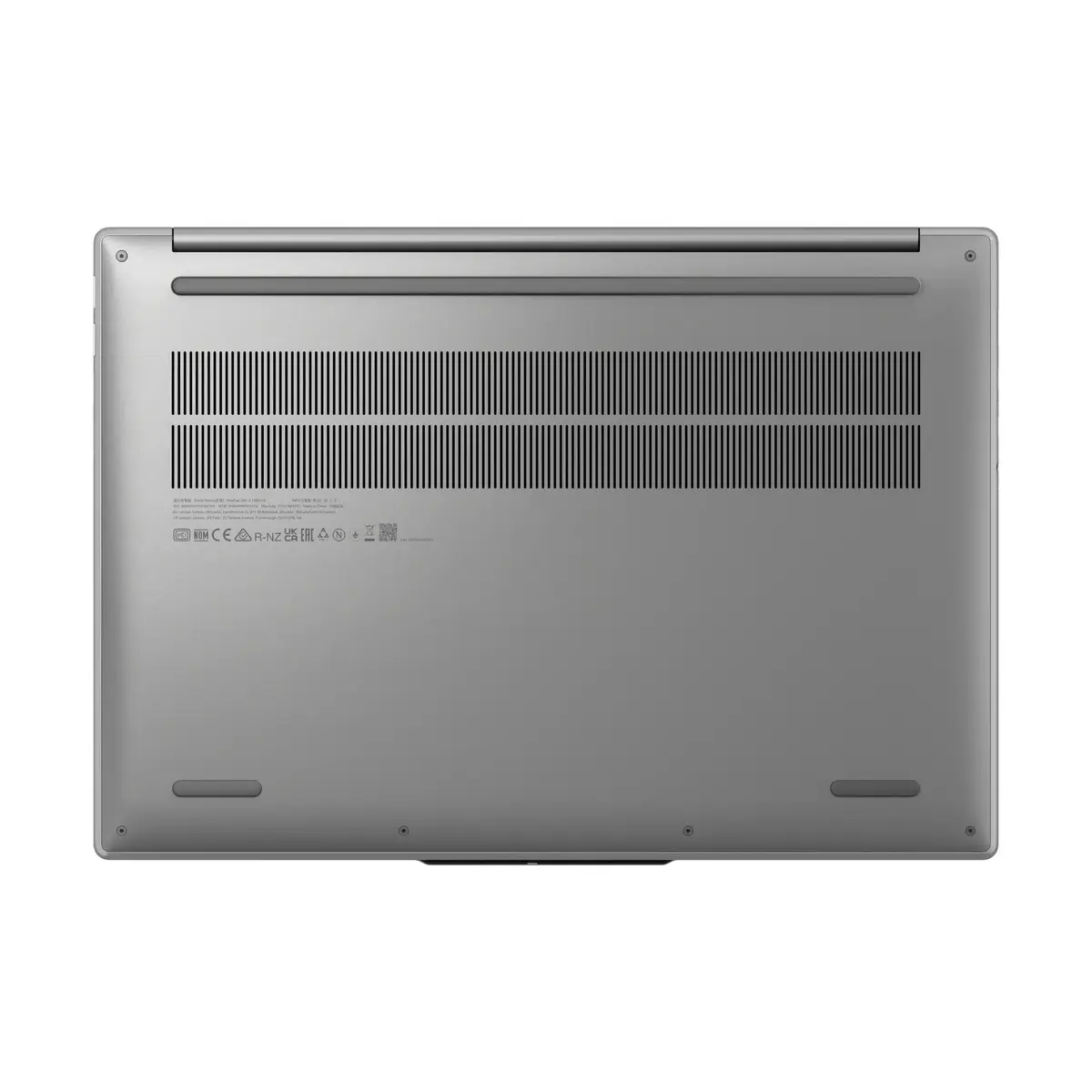
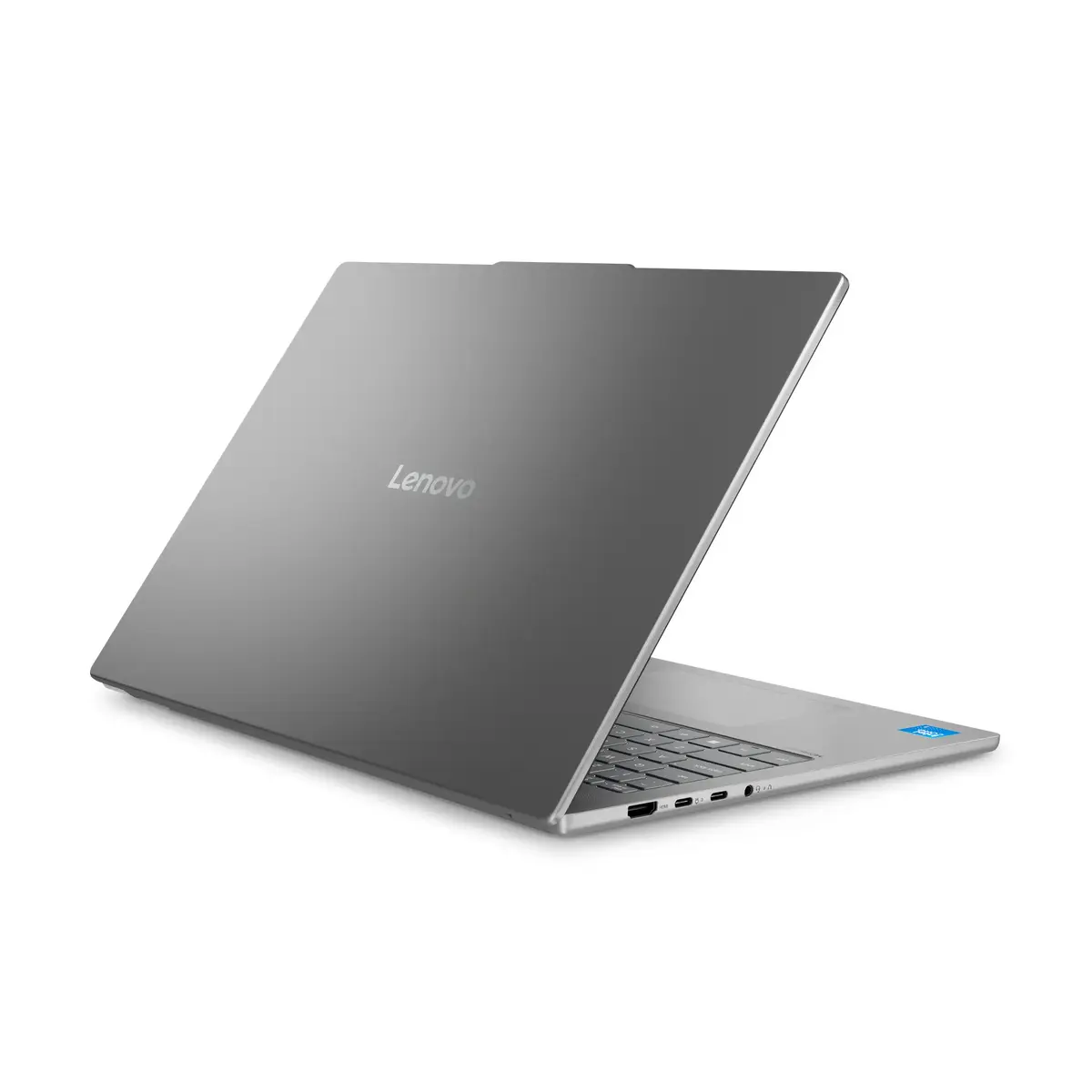
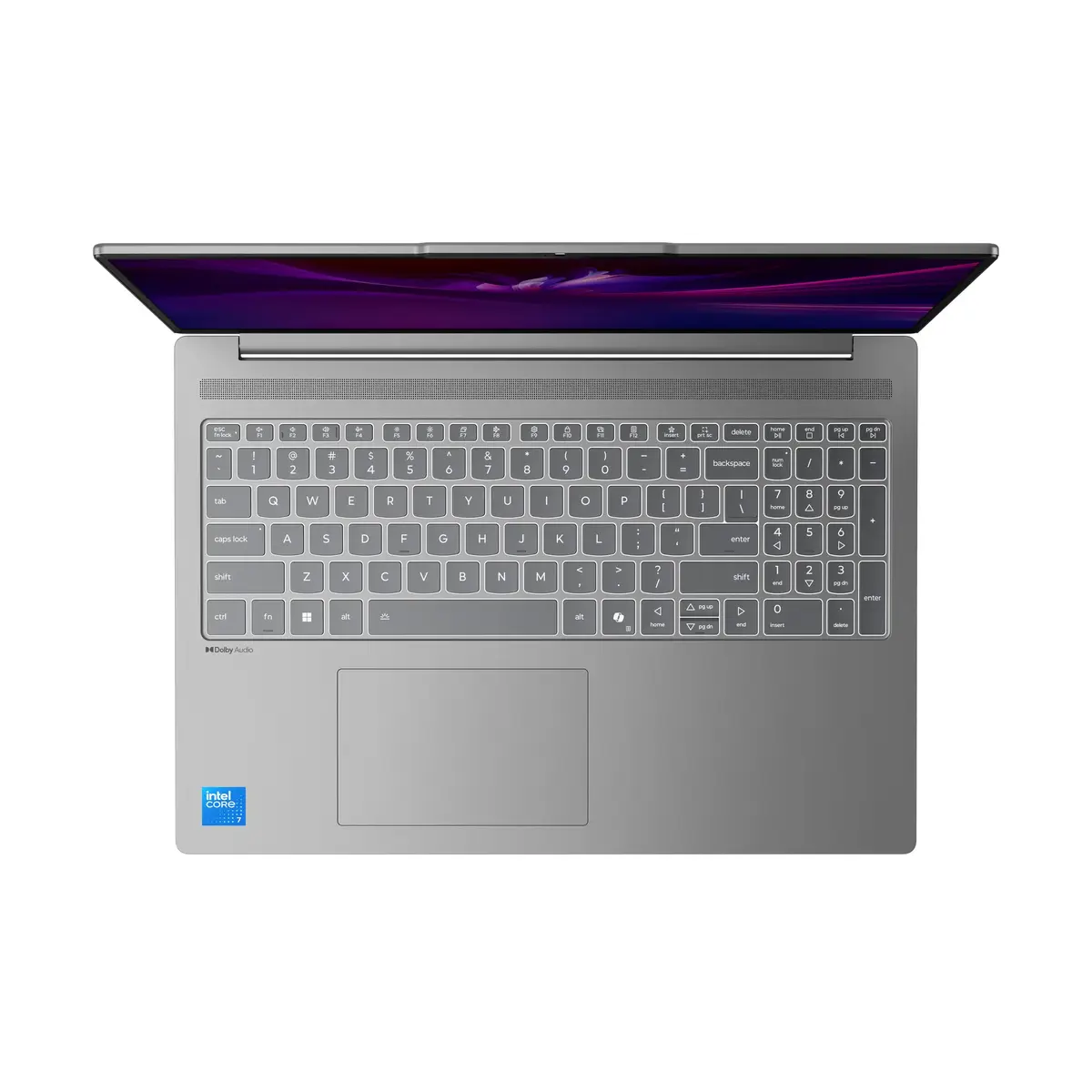
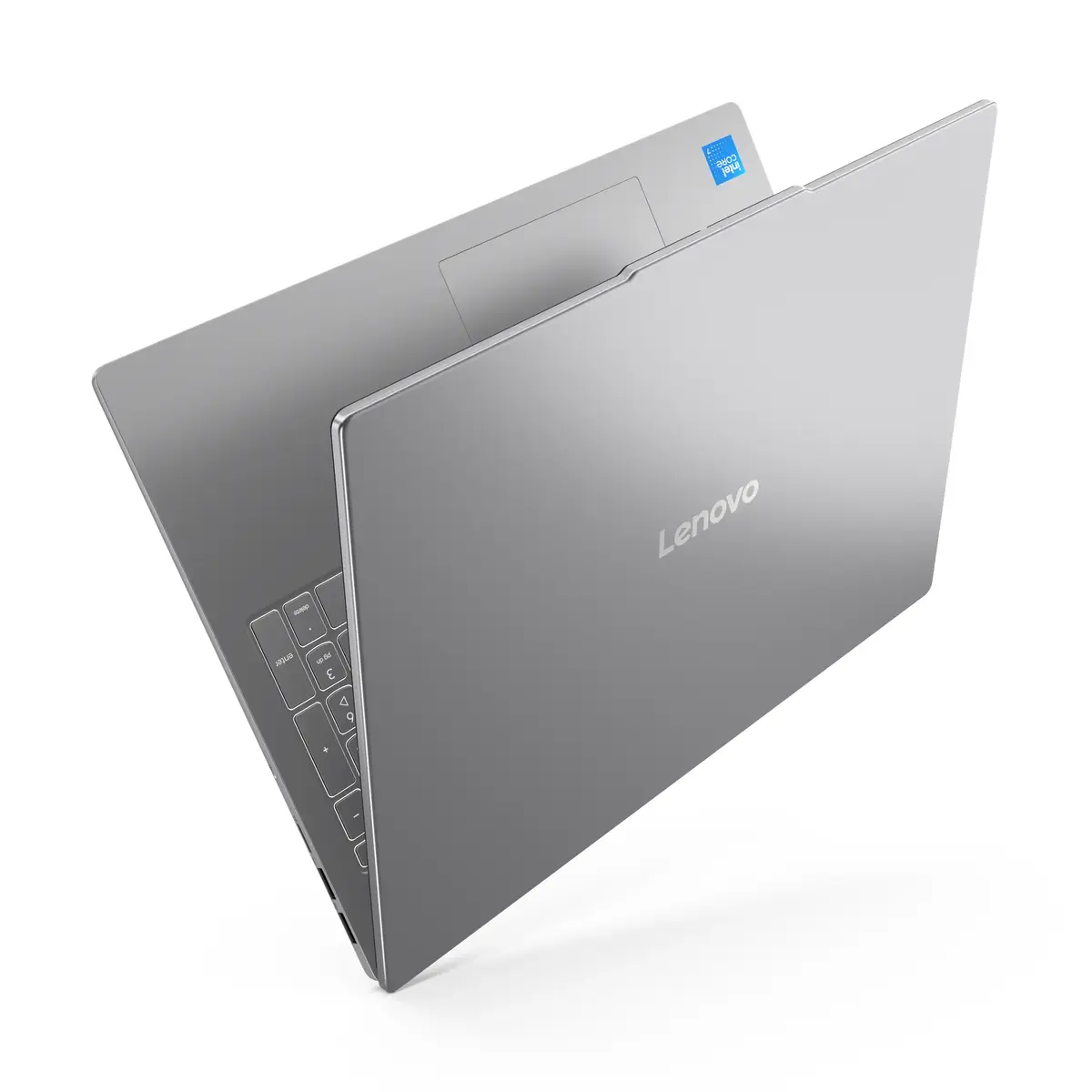
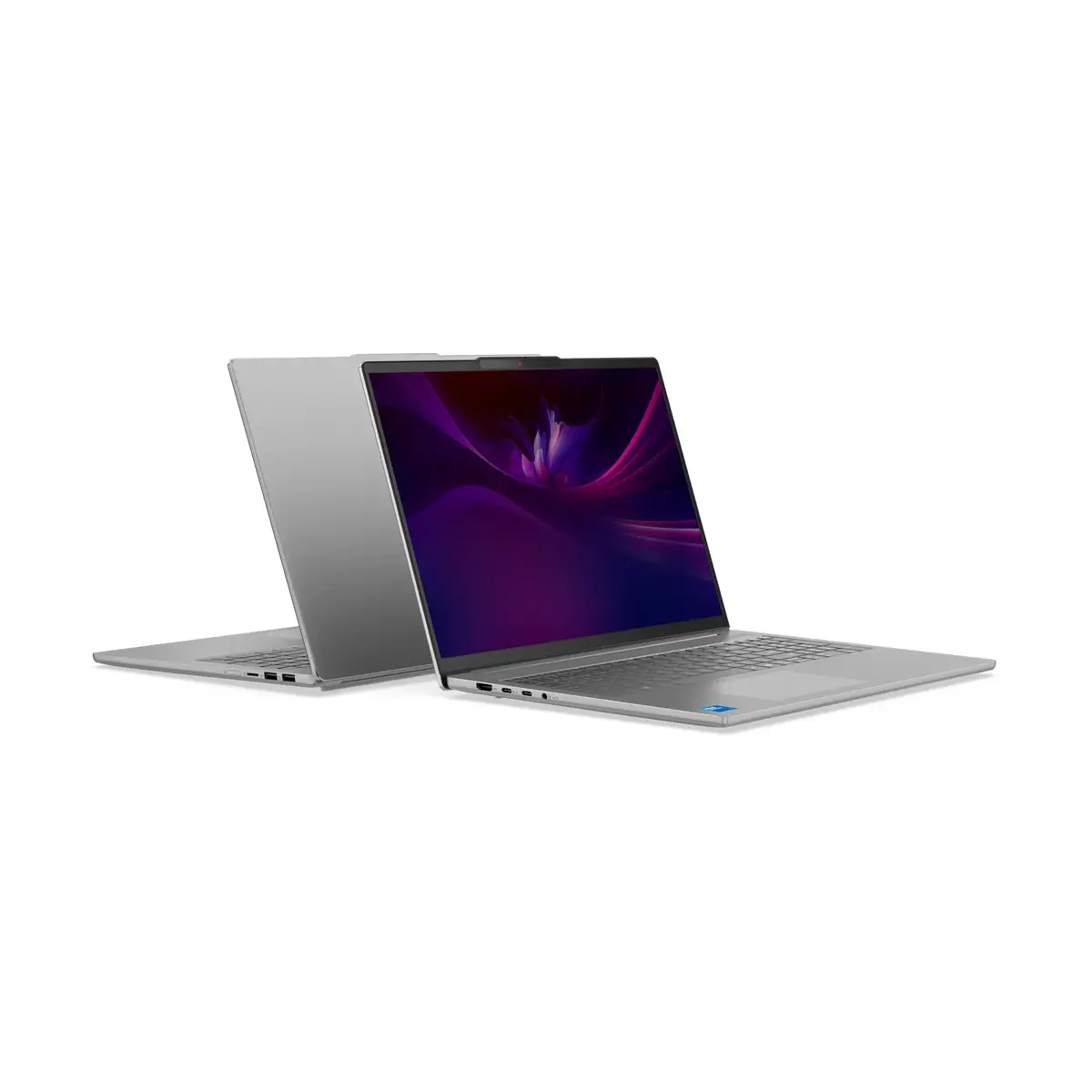
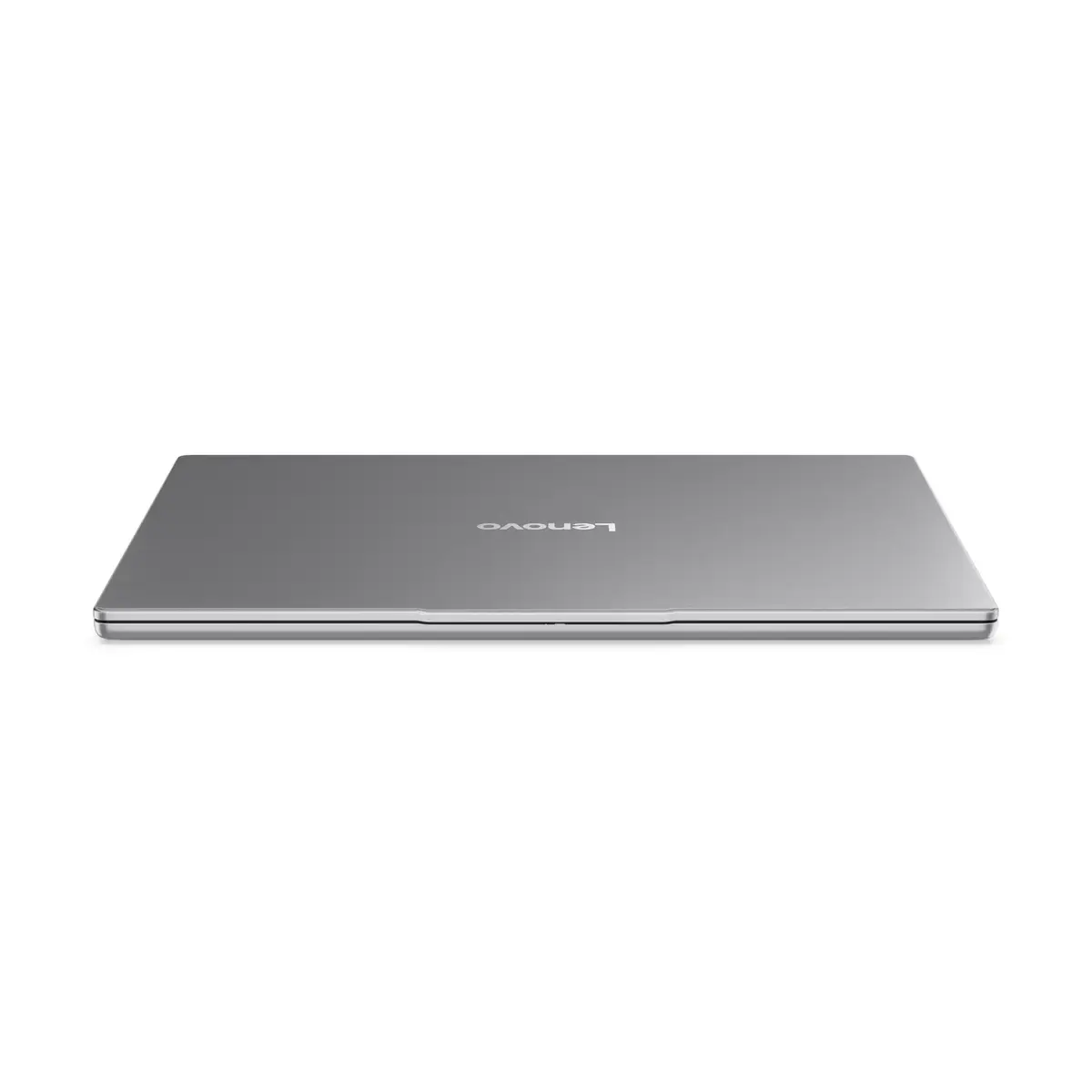
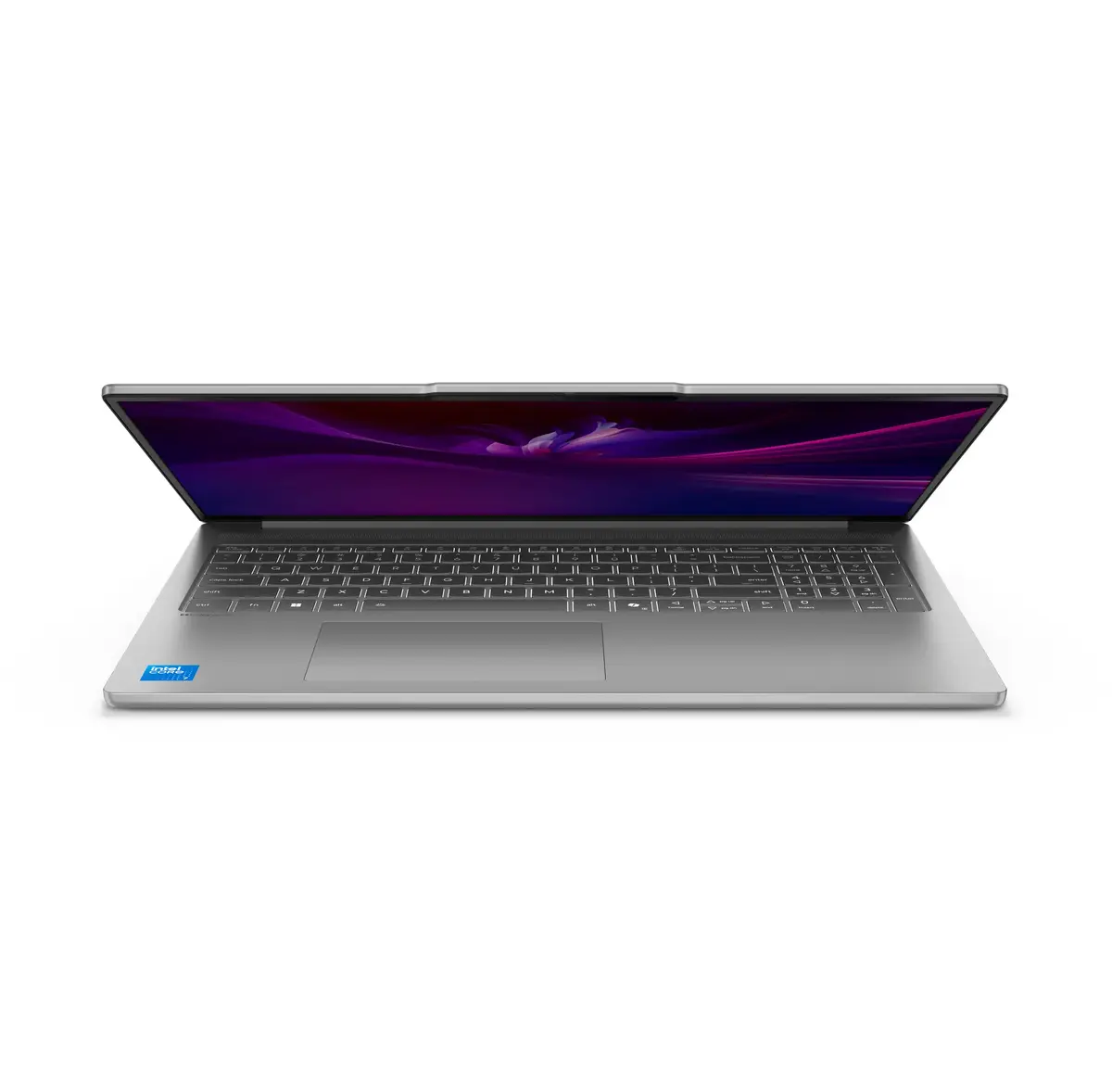
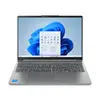
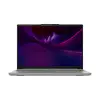
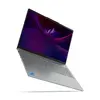
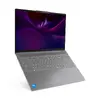
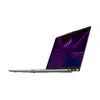
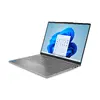
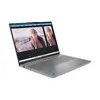
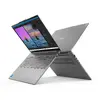
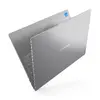
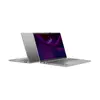
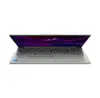
Lenovo IdeaPad Slim 5 16IMH10 Laptop, 16" WUXGA, Intel Core Ultra 5 135H, 24GB RAM, 1TB SSD, Intel Arc Graphics, Windows 11 Home, Grey
The Lenovo IdeaPad Slim 5 16IMH10 is a versatile and high-performance laptop designed to meet the demands of modern computing. Featuring a spacious 16-inch WUXGA display and powered by the efficient Intel Core Ultra 5 135H processor, this device offers a balanced experience for both work and entertainment. With its sleek grey clamshell design, it combines portability with a robust build, making it an ideal companion for professionals and students alike who require a reliable machine for their daily tasks.
This laptop excels in multitasking thanks to its generous 24GB of DDR5 memory, which ensures smooth operation even when running multiple applications simultaneously. The inclusion of a 1TB SSD provides ample space for large files and software while significantly reducing boot times and data access speeds. The integrated Intel Arc Graphics deliver capable visual performance, suitable for creative projects and media consumption. Furthermore, the 16-inch display with a 16:10 aspect ratio offers extra vertical screen space, enhancing productivity by allowing more content to be viewed at once without excessive scrolling.
This laptop is not designed for high-end professional gaming or intensive 3D rendering tasks that require a dedicated high-performance graphics card. Users looking for a device specifically for heavy-duty video editing or complex engineering simulations may find the integrated graphics limiting.
To begin using your Lenovo IdeaPad Slim 5, simply open the lid and press the power button. Follow the on-screen instructions provided by the Windows 11 Home setup wizard to configure your language, network connection, and user account. Once set up, you can install your preferred applications and transfer files to the 1TB SSD. The laptop is ready for immediate use, whether you are connecting to external peripherals via the available ports or using the built-in keyboard and trackpad.
To maintain optimal performance and battery longevity, keep the laptop software updated through the Windows Update settings and avoid blocking the air vents during intensive tasks to ensure proper cooling.
{{highlightedFeature.featureTitle}}:
{{getProductFeatureValueById(product, highlightedFeature.featureId)}}
{{ productComparisonGenerationError }}
