
Hurry and order now – up to 50% off!
In cart {{totalProductsCount}} item(s)
Your cart is empty
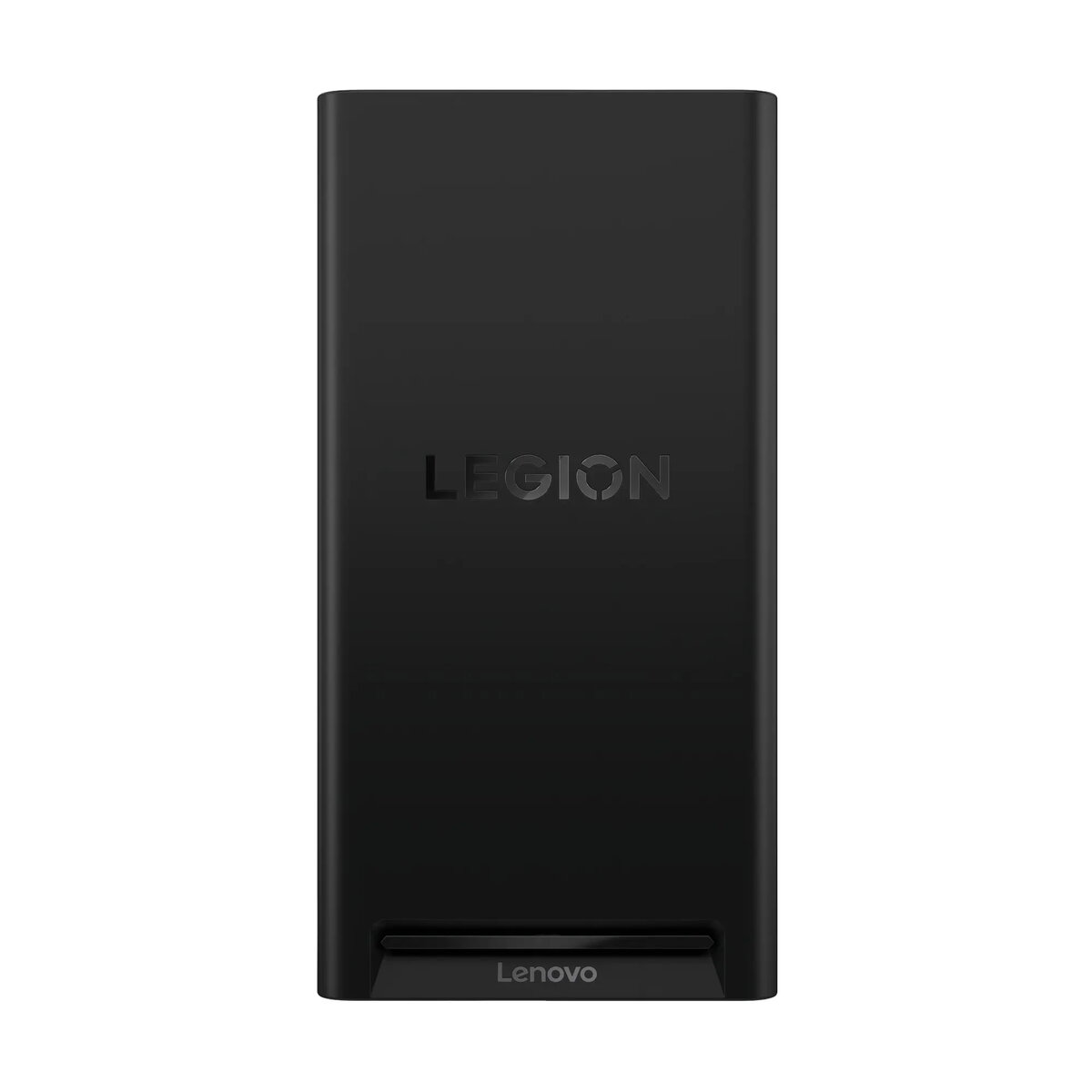
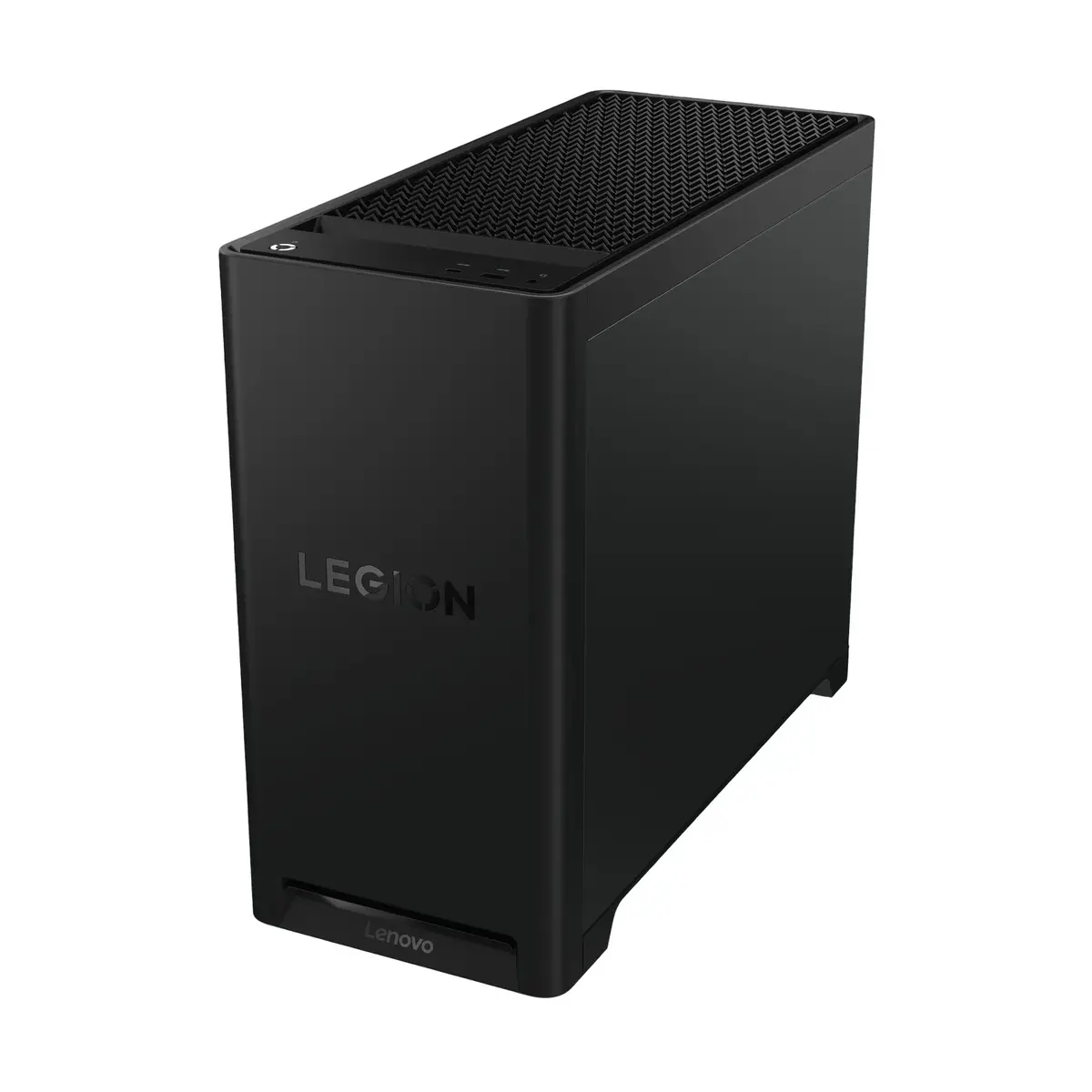
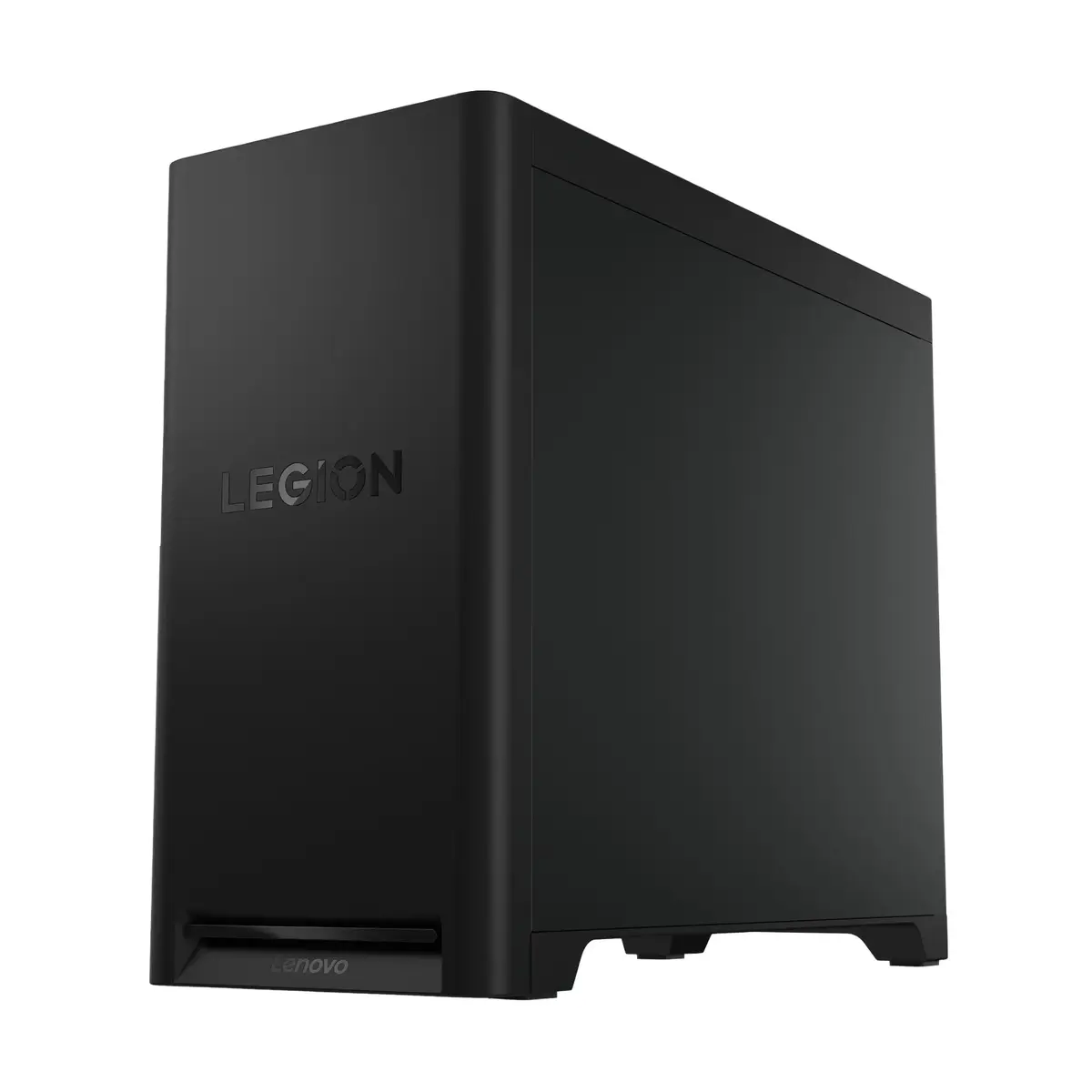
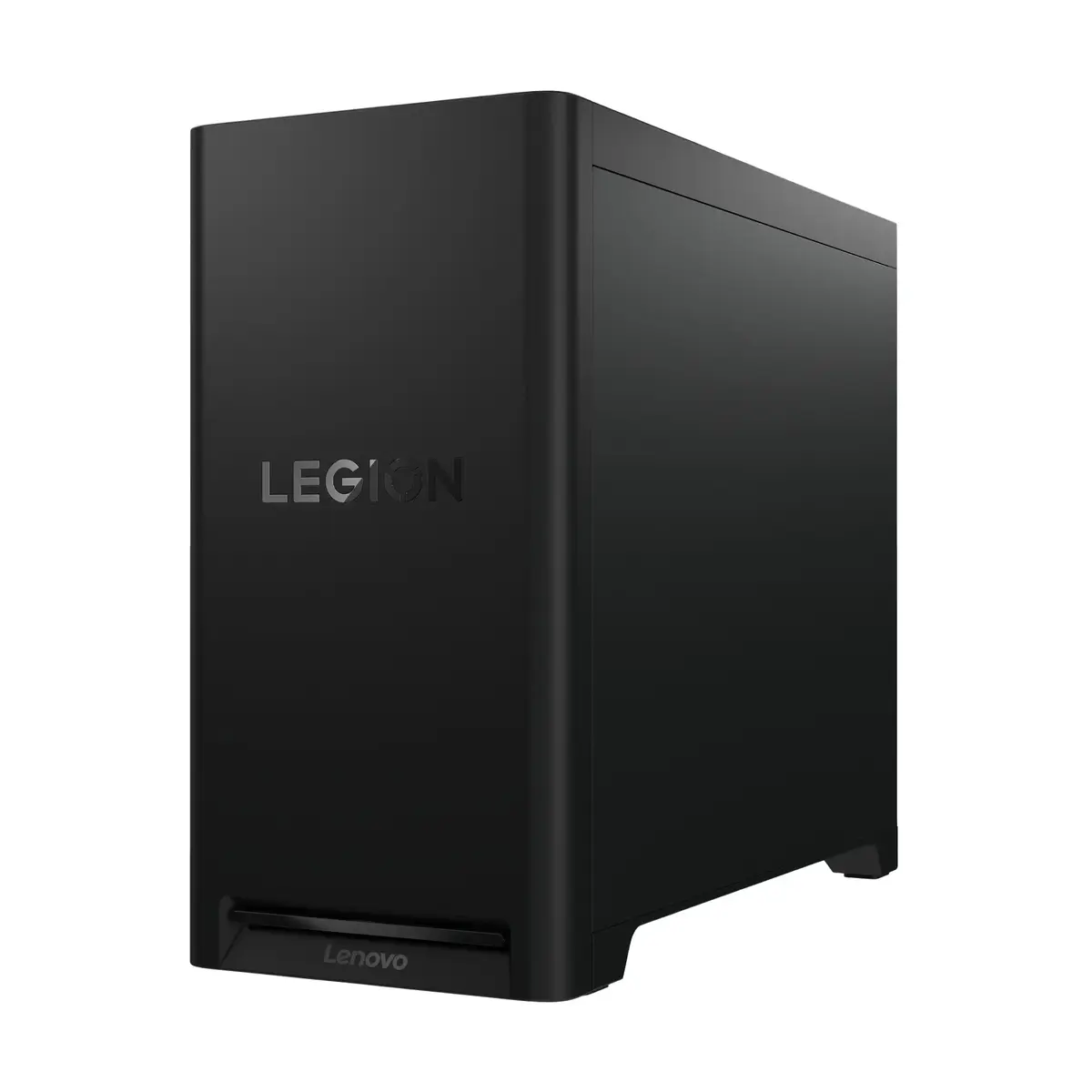
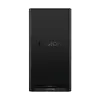
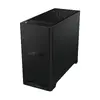
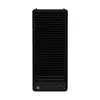
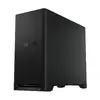
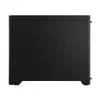
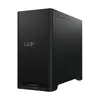
Lenovo Legion T5 30IAS10 Tower PC, Intel Core Ultra 7 270K Plus, 32GB DDR5 RAM, 1TB SSD, NVIDIA GeForce RTX 5070, Windows 11 Home
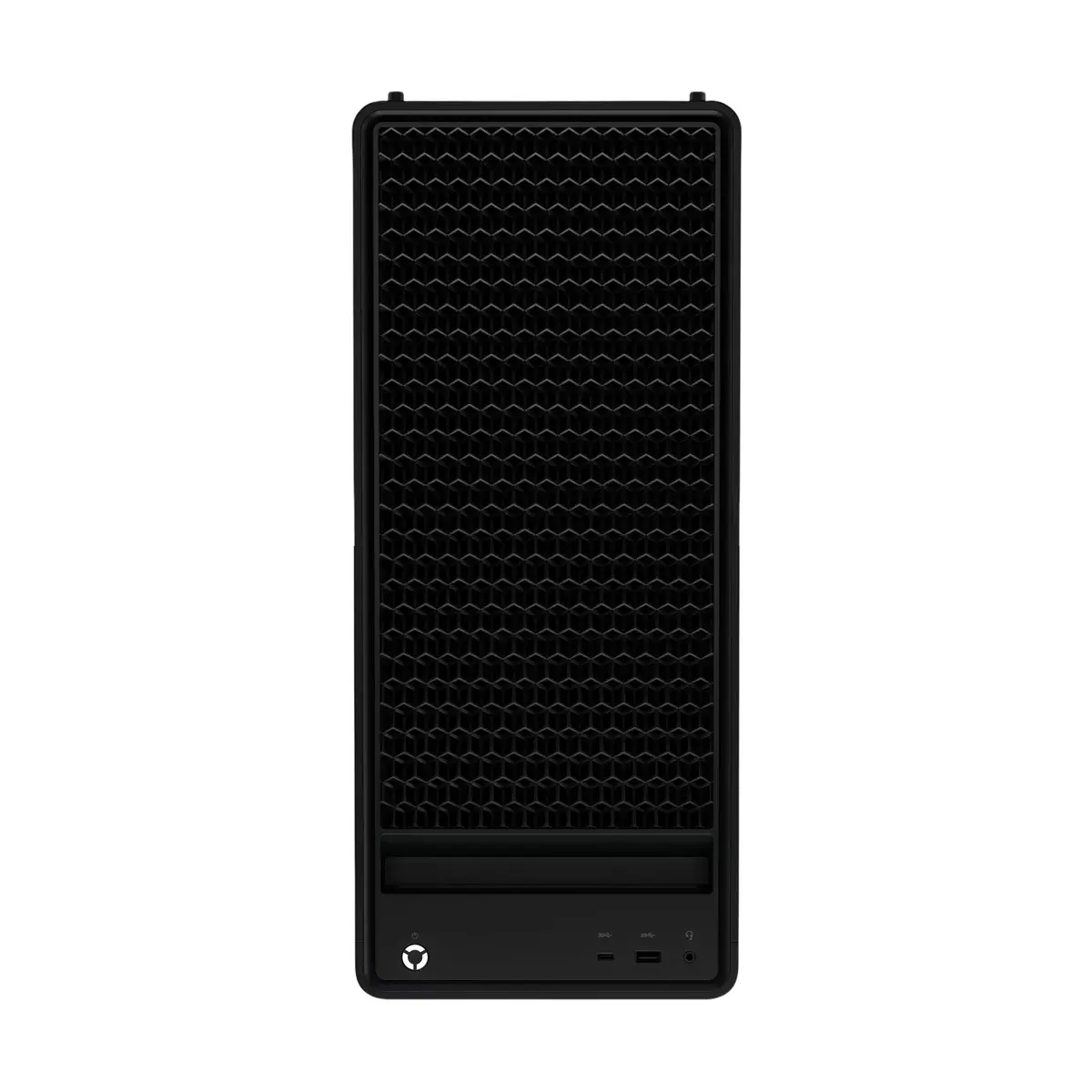
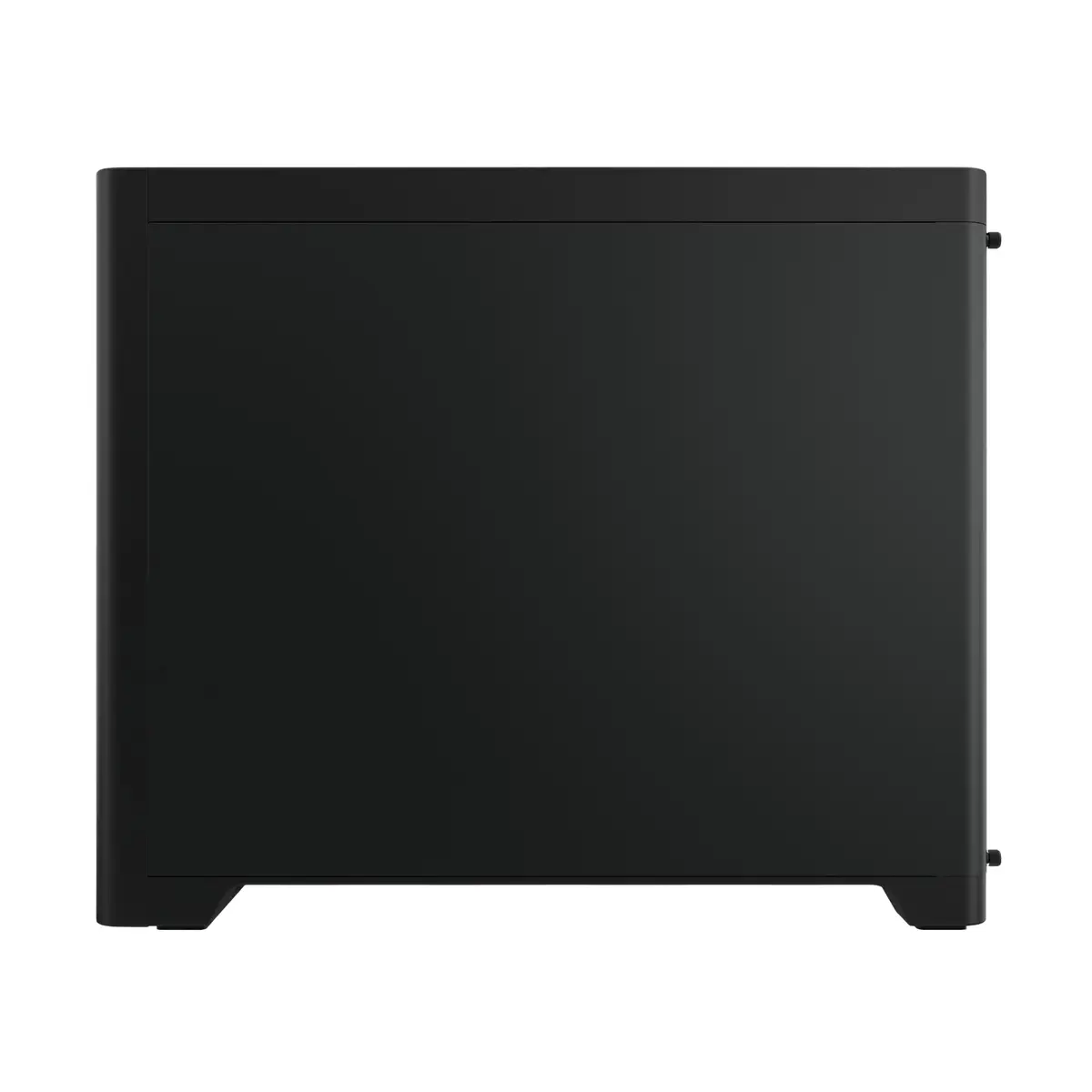
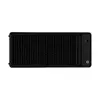
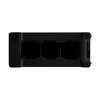
The Lenovo Legion T5 30IAS10 is a high-performance tower PC engineered to meet the needs of modern gamers and creative professionals. Built with a focus on raw power and stability, this desktop computer integrates the latest Intel Core Ultra 7 270K Plus processor and advanced NVIDIA GeForce RTX 5070 graphics, ensuring smooth performance in demanding applications and high-end gaming environments. Housed in a robust black tower chassis, the system is optimized for efficient cooling and reliable operation during extended usage sessions.
This desktop offers exceptional processing capabilities thanks to its 24-core architecture, which allows for seamless multitasking and rapid execution of complex tasks. The inclusion of 32GB of high-speed DDR5 memory ensures that system responsiveness remains high even under heavy workloads. With the NVIDIA GeForce RTX 5070 graphics card, users benefit from advanced visual rendering and high frame rates in modern games. The 1TB SSD provides ample space for large files while significantly reducing load times for software and operating system operations. Furthermore, the integration of Wi-Fi 7 and Bluetooth 5.4 ensures cutting-edge connectivity for all peripherals and network requirements.
This system may not be suitable for users seeking a portable computing solution, as its tower form factor and 15 kg weight are designed for stationary desktop use. Additionally, it may exceed the performance requirements for basic office tasks, web browsing, or media consumption, making it a less cost-effective choice for those specific needs.
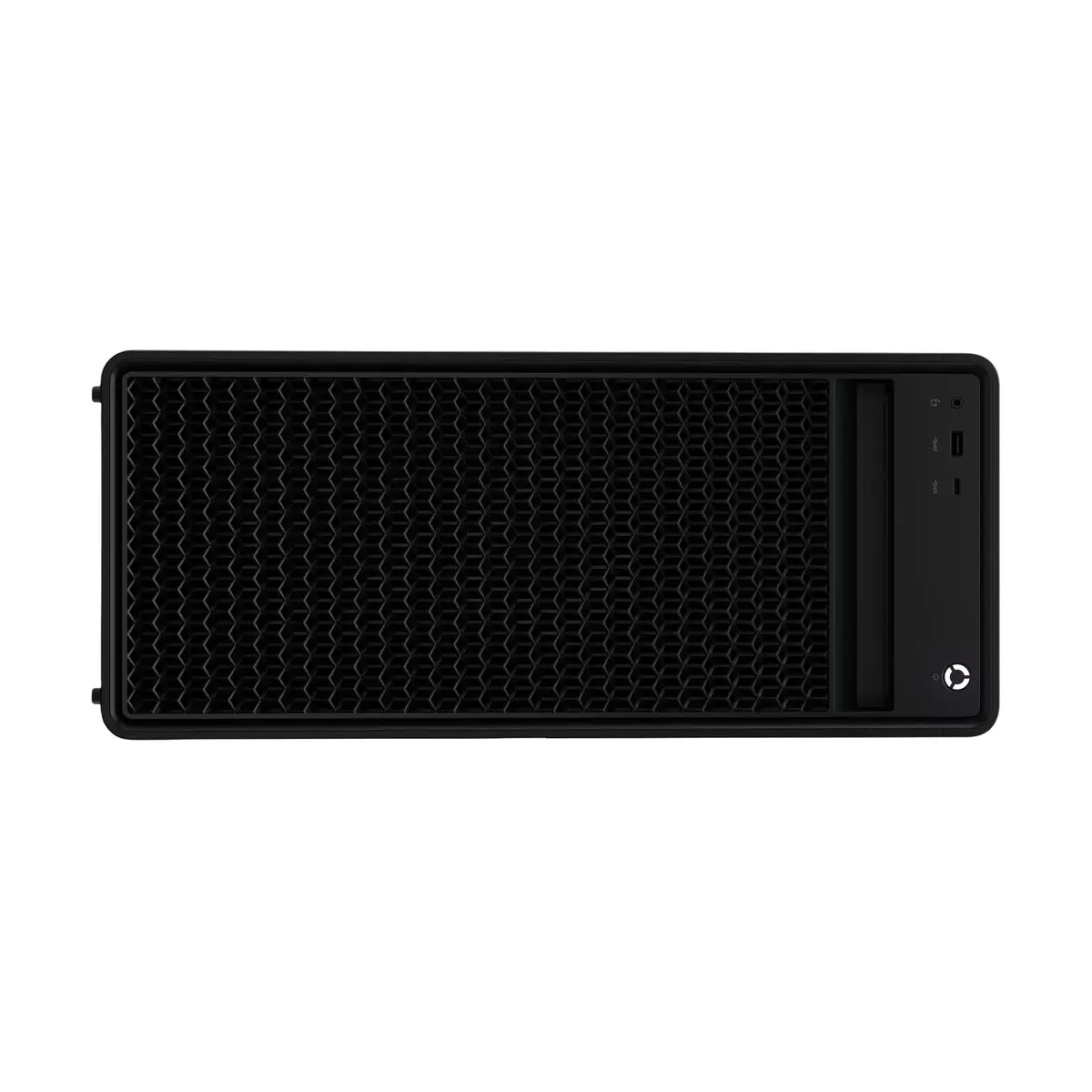
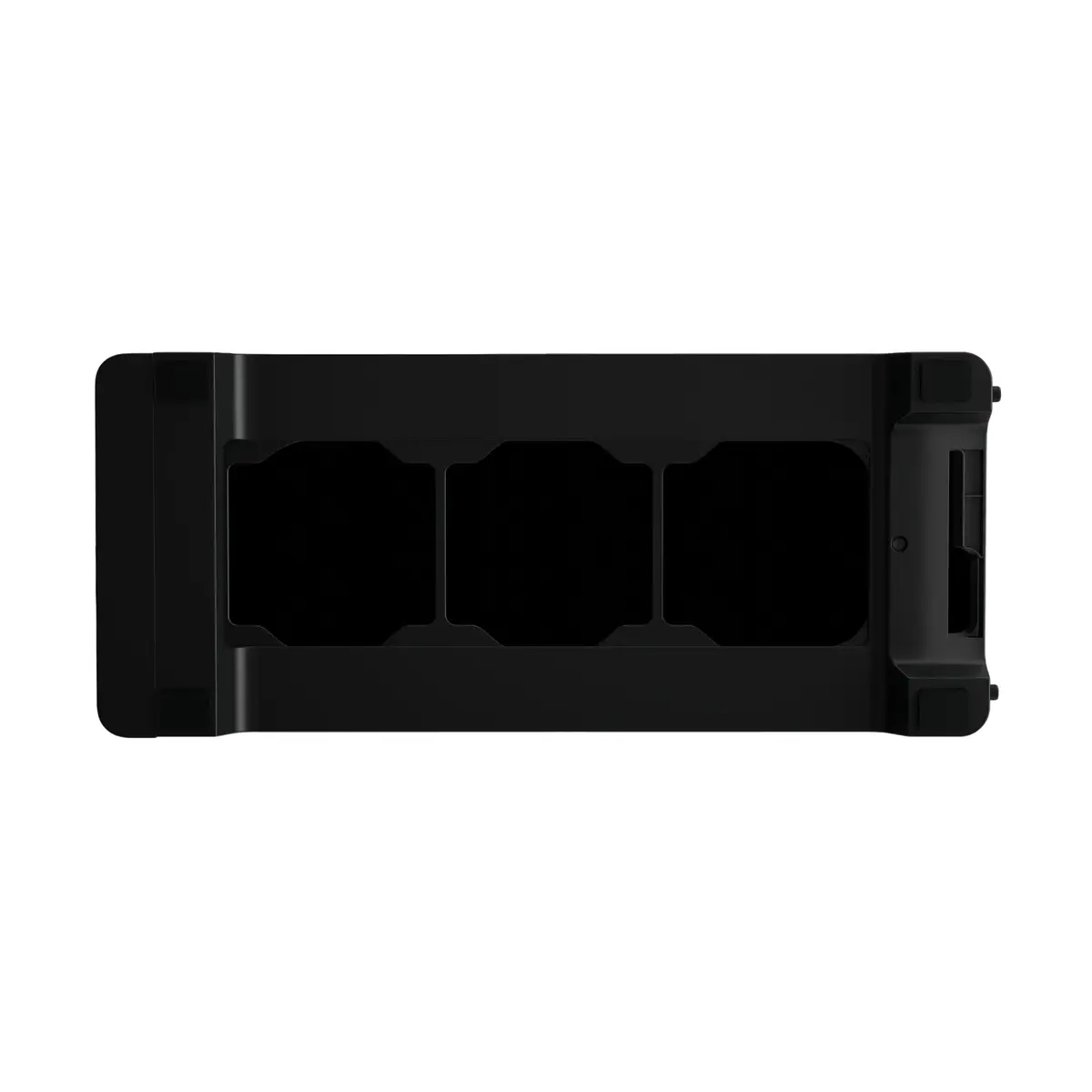
To begin using the Lenovo Legion T5, place the tower on a stable, flat surface with adequate clearance around the ventilation areas to ensure proper airflow. Connect your monitor to the dedicated graphics card output ports on the back of the unit, and plug in your keyboard and mouse. Once connected to a power source, press the power button to initiate the Windows 11 Home setup process. Follow the on-screen instructions to configure your network settings and user account.
Usage recommendations: To maintain optimal performance, keep the system software and graphics drivers updated regularly. Periodically clean the air vents to prevent dust accumulation, which can impact cooling efficiency and system longevity.
{{highlightedFeature.featureTitle}}:
{{getProductFeatureValueById(product, highlightedFeature.featureId)}}
{{ productComparisonGenerationError }}
