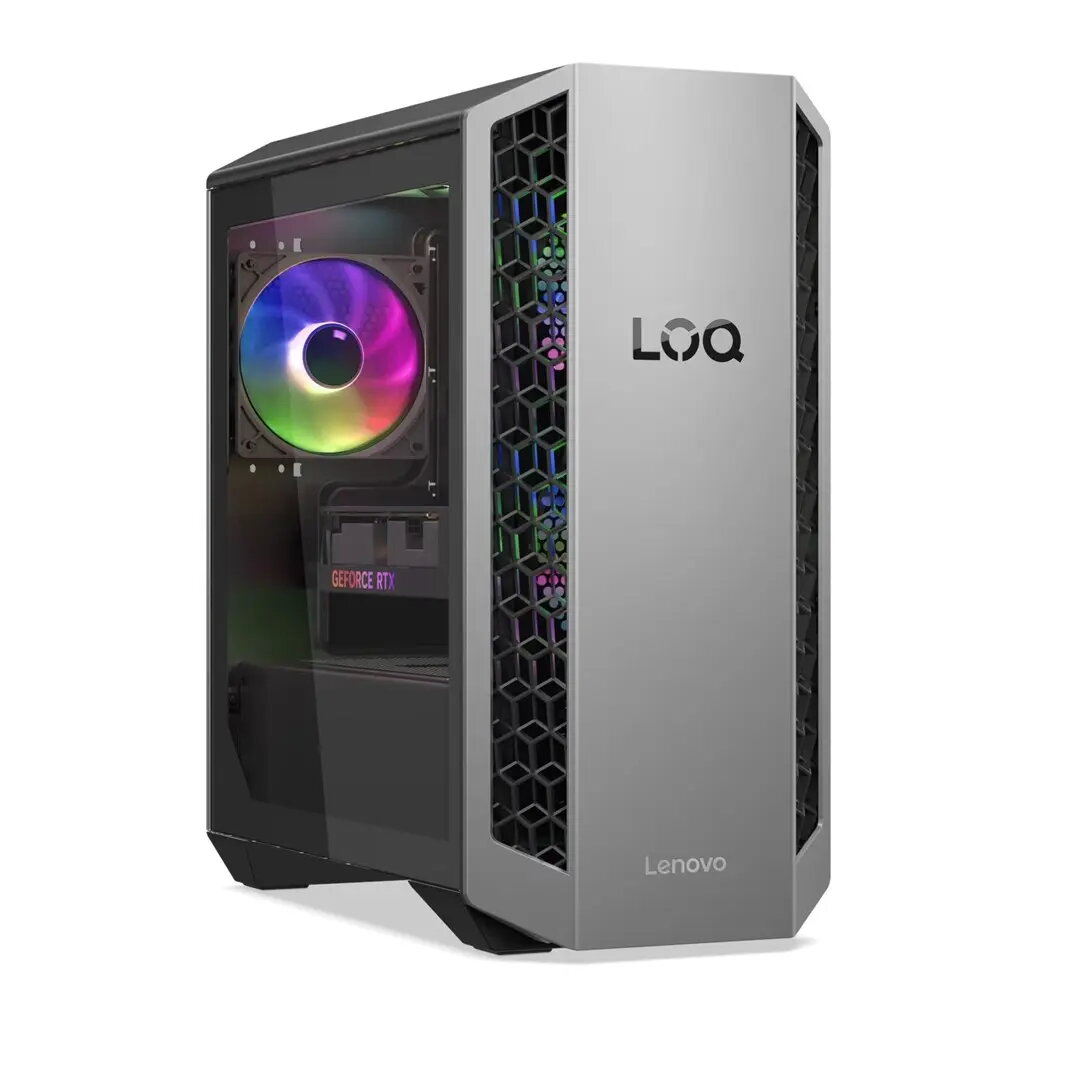
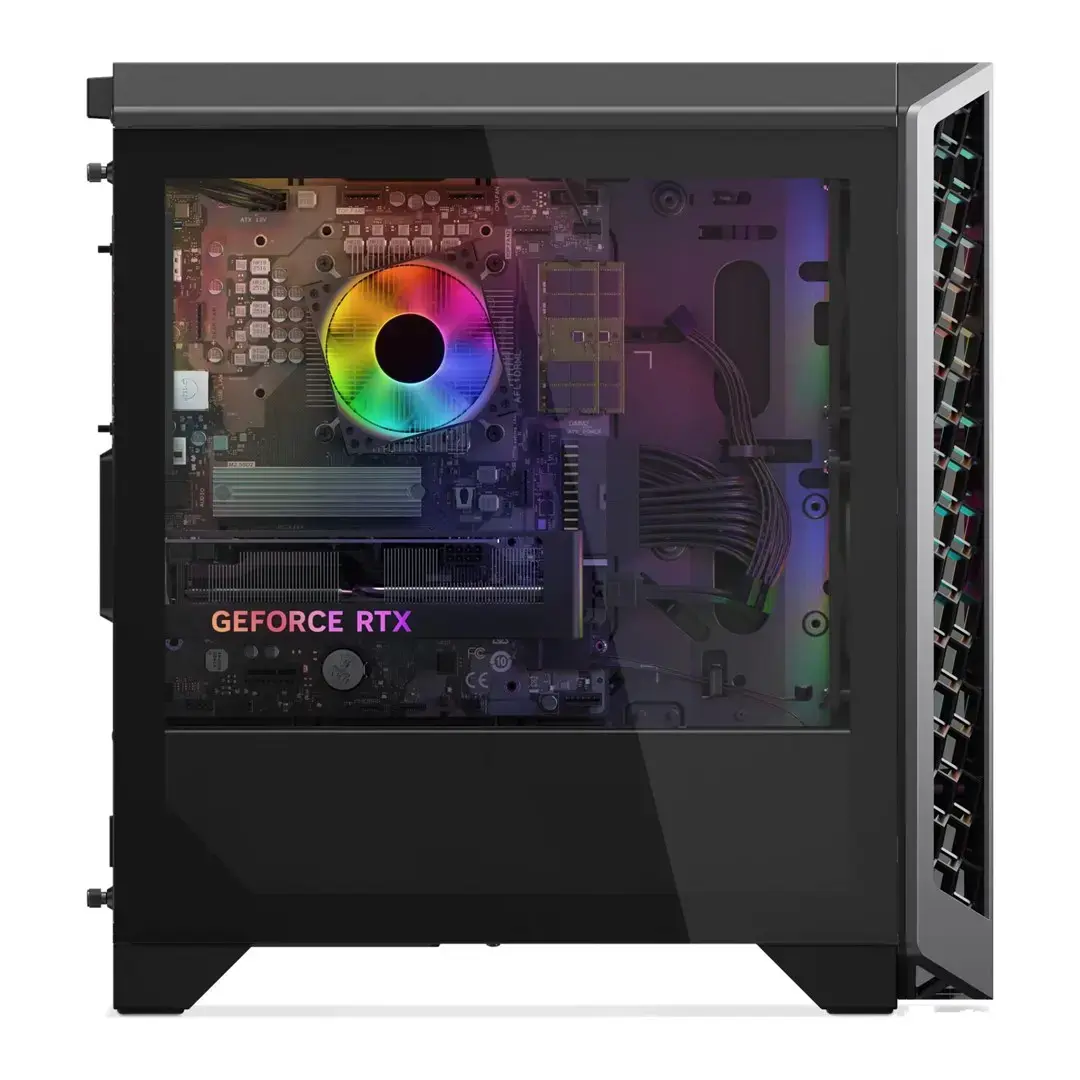
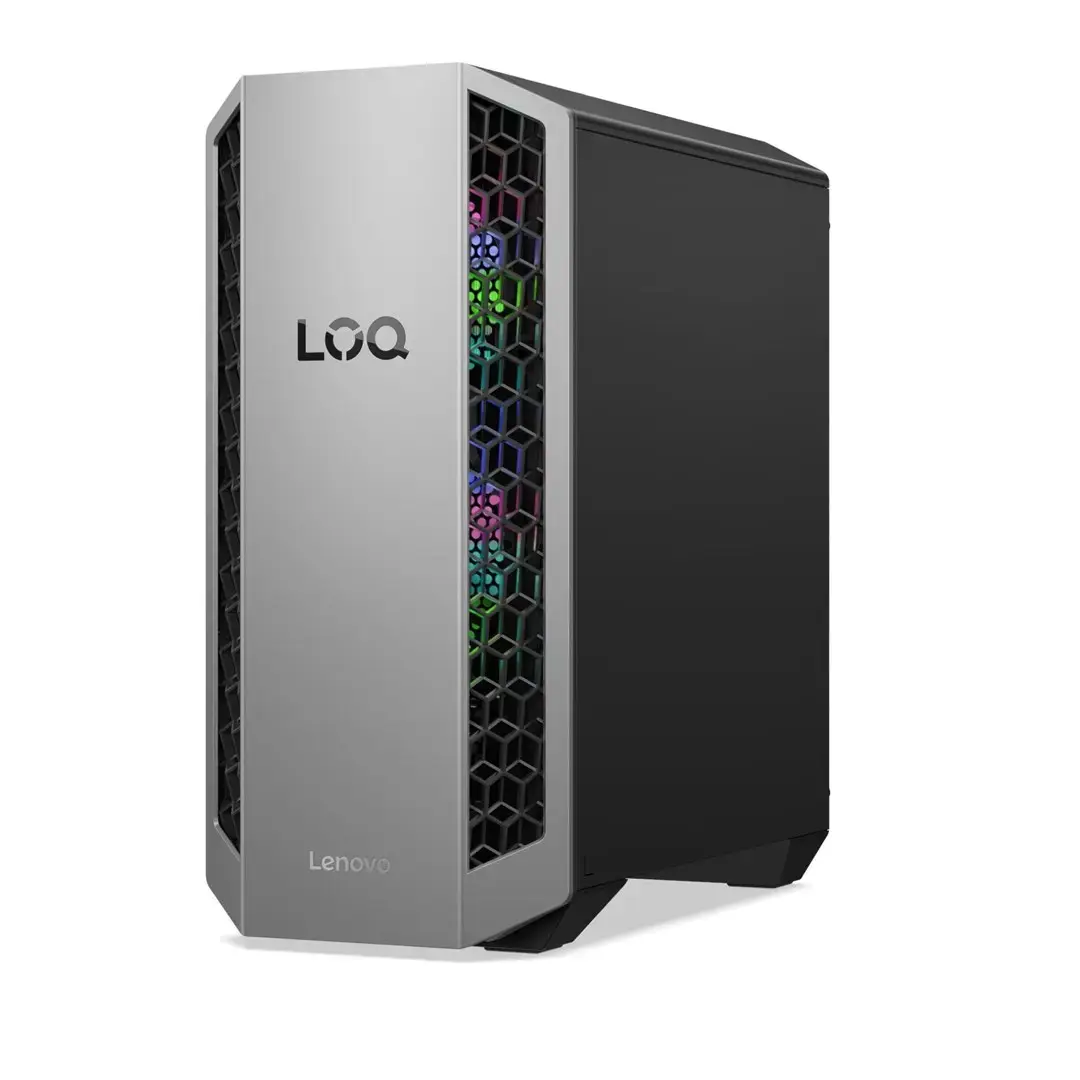
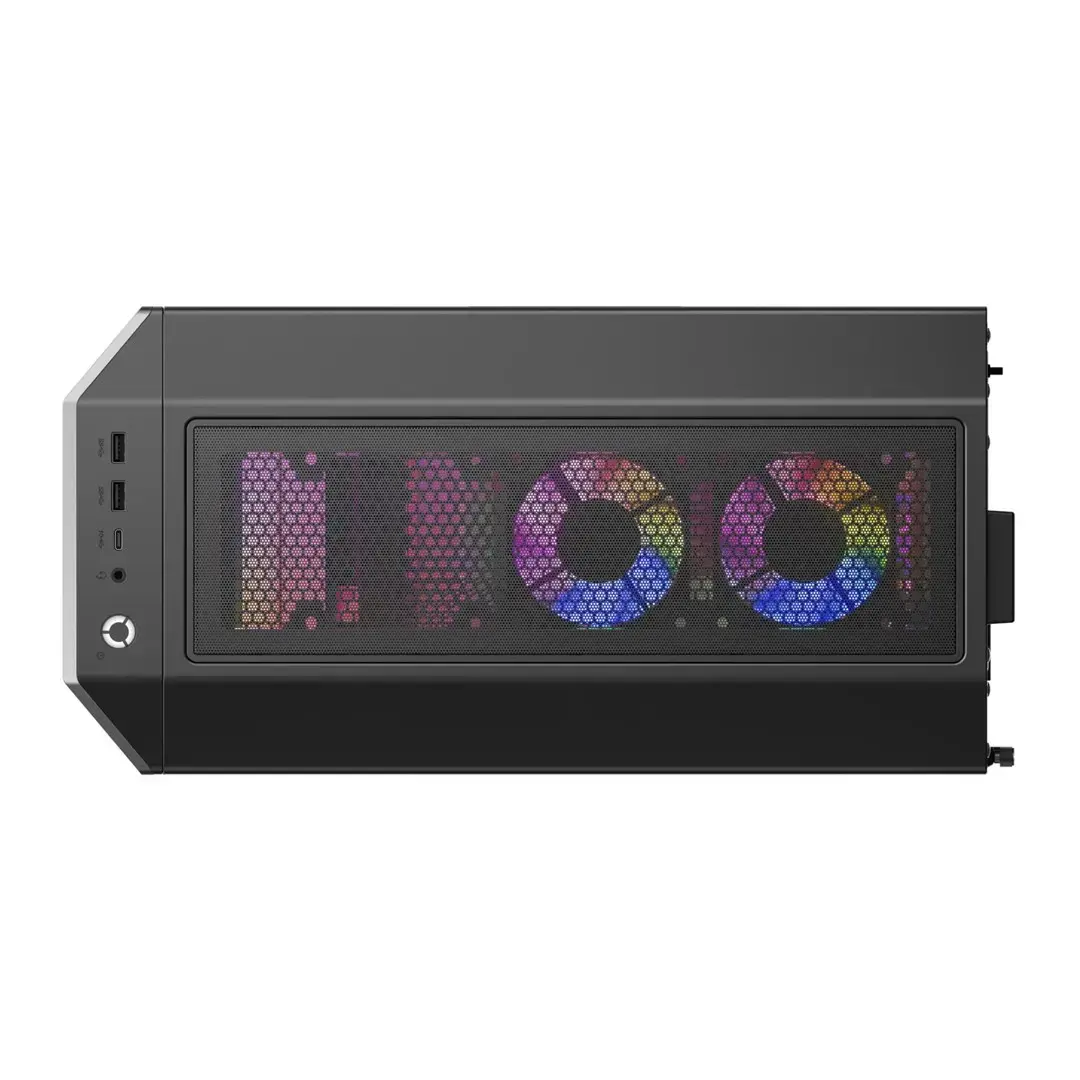
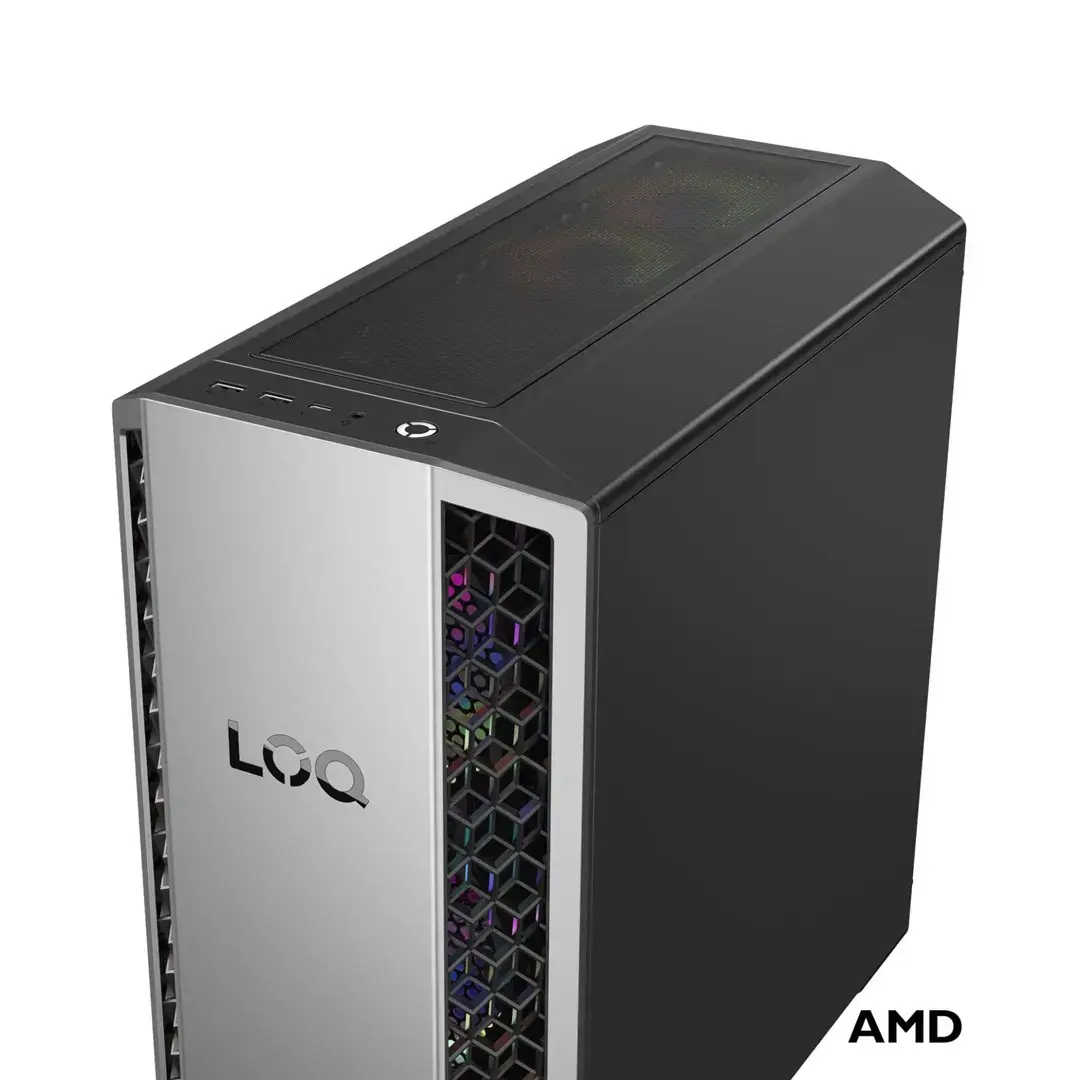
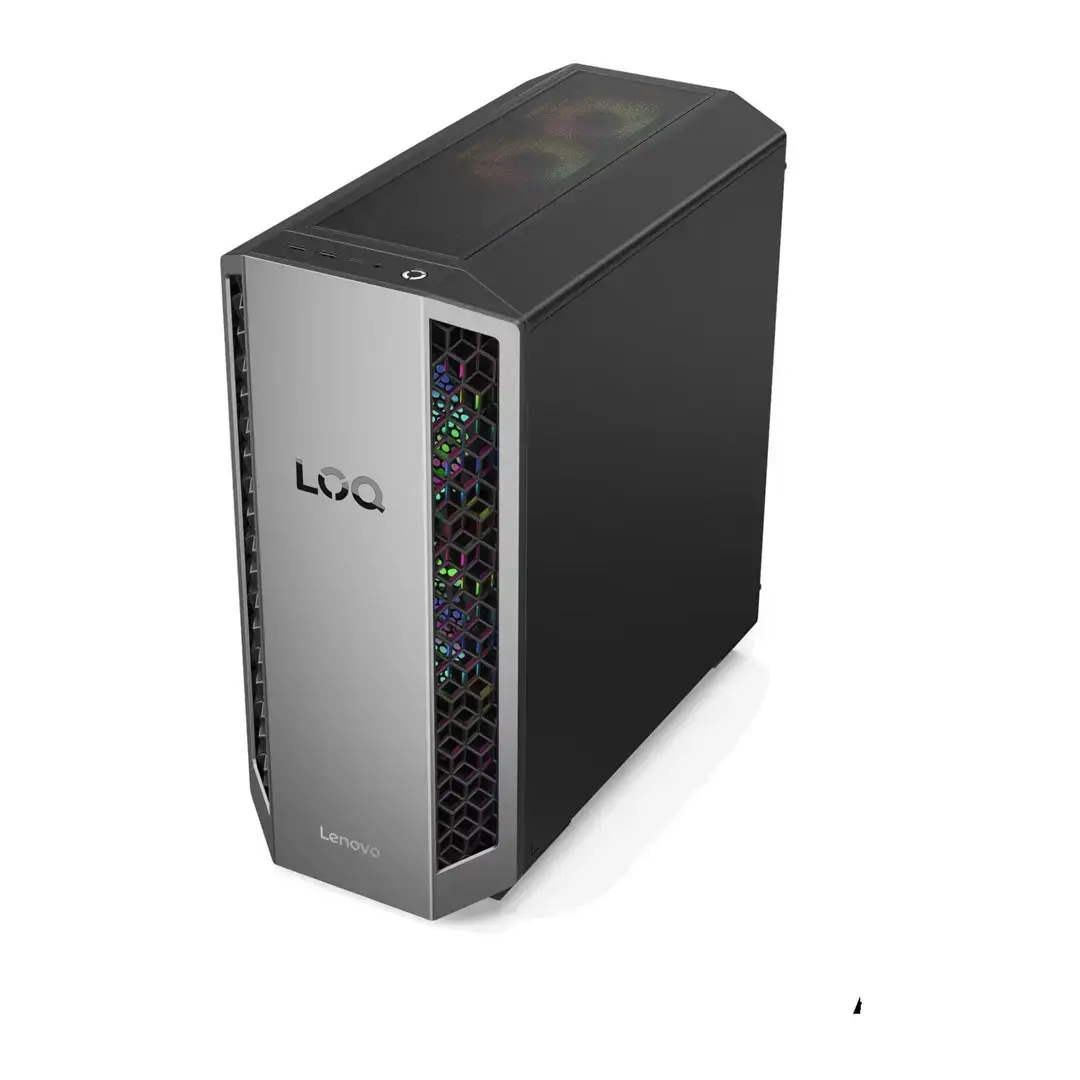
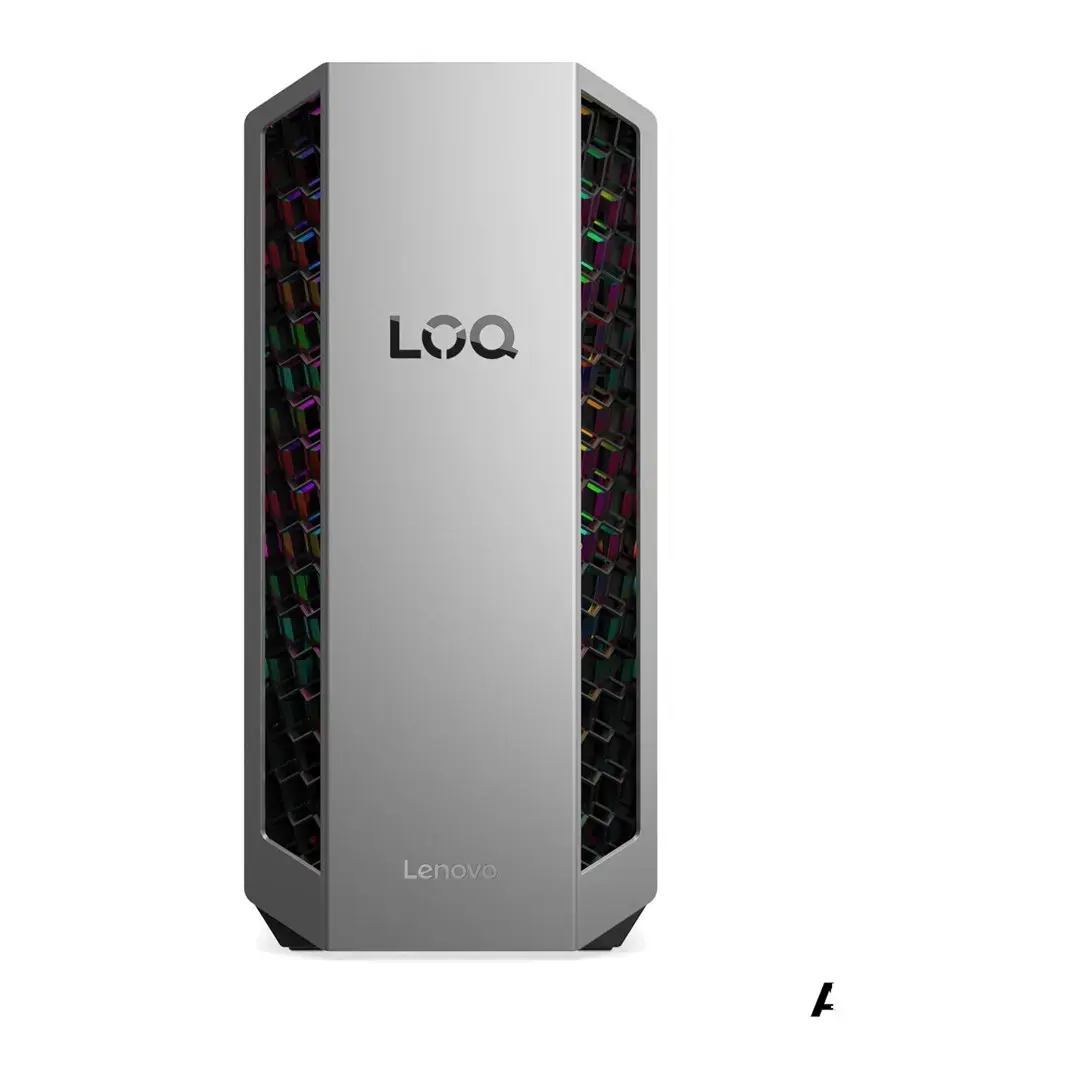
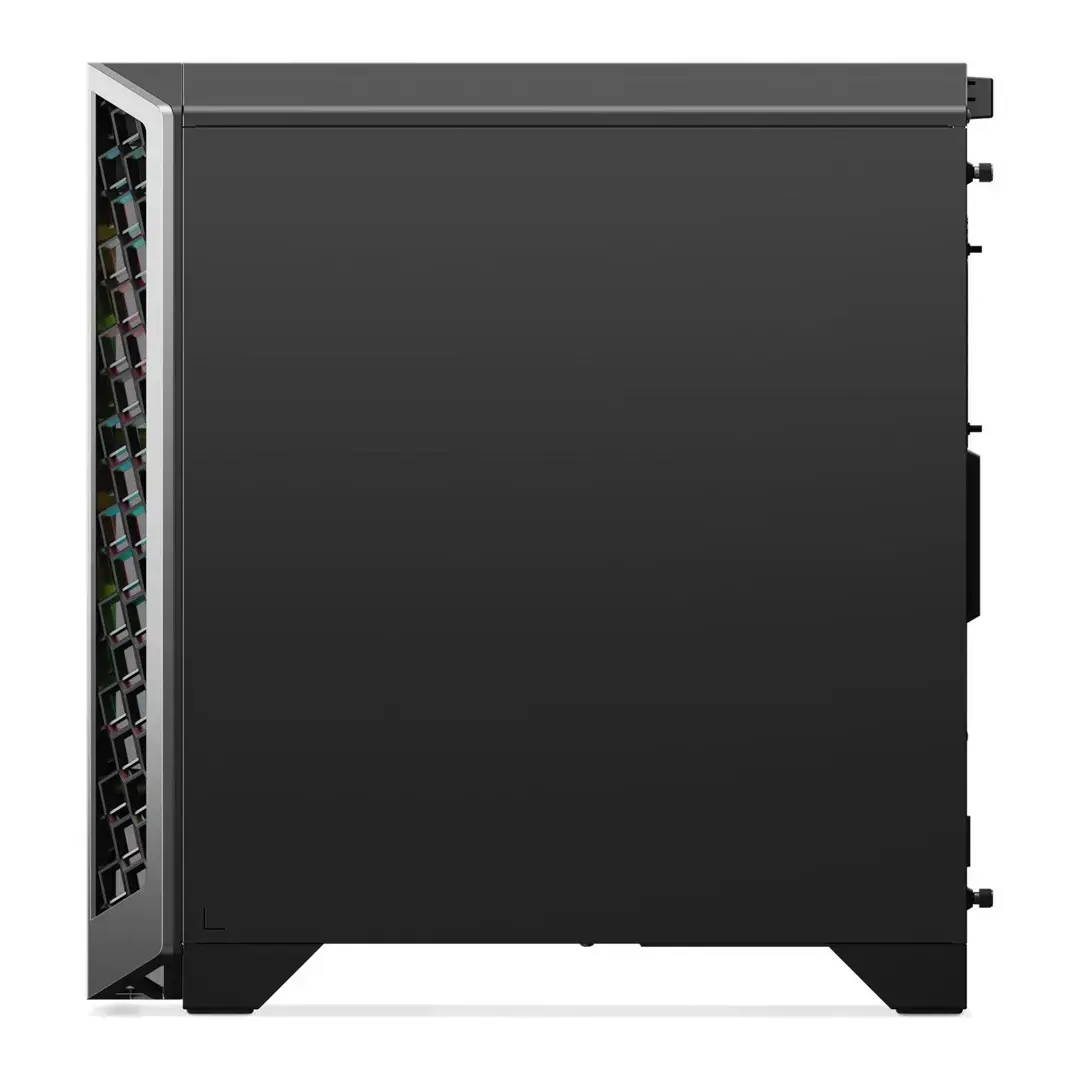
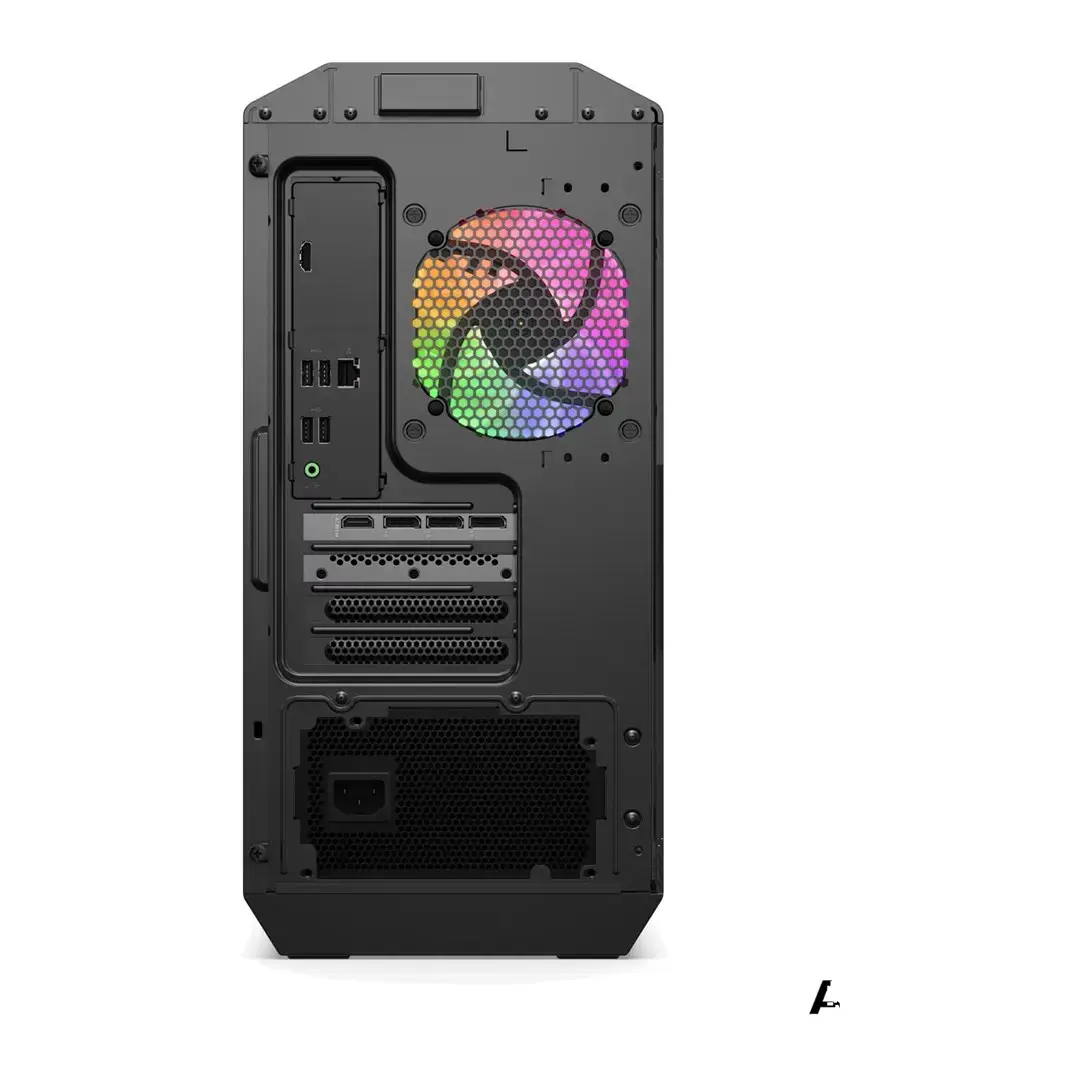
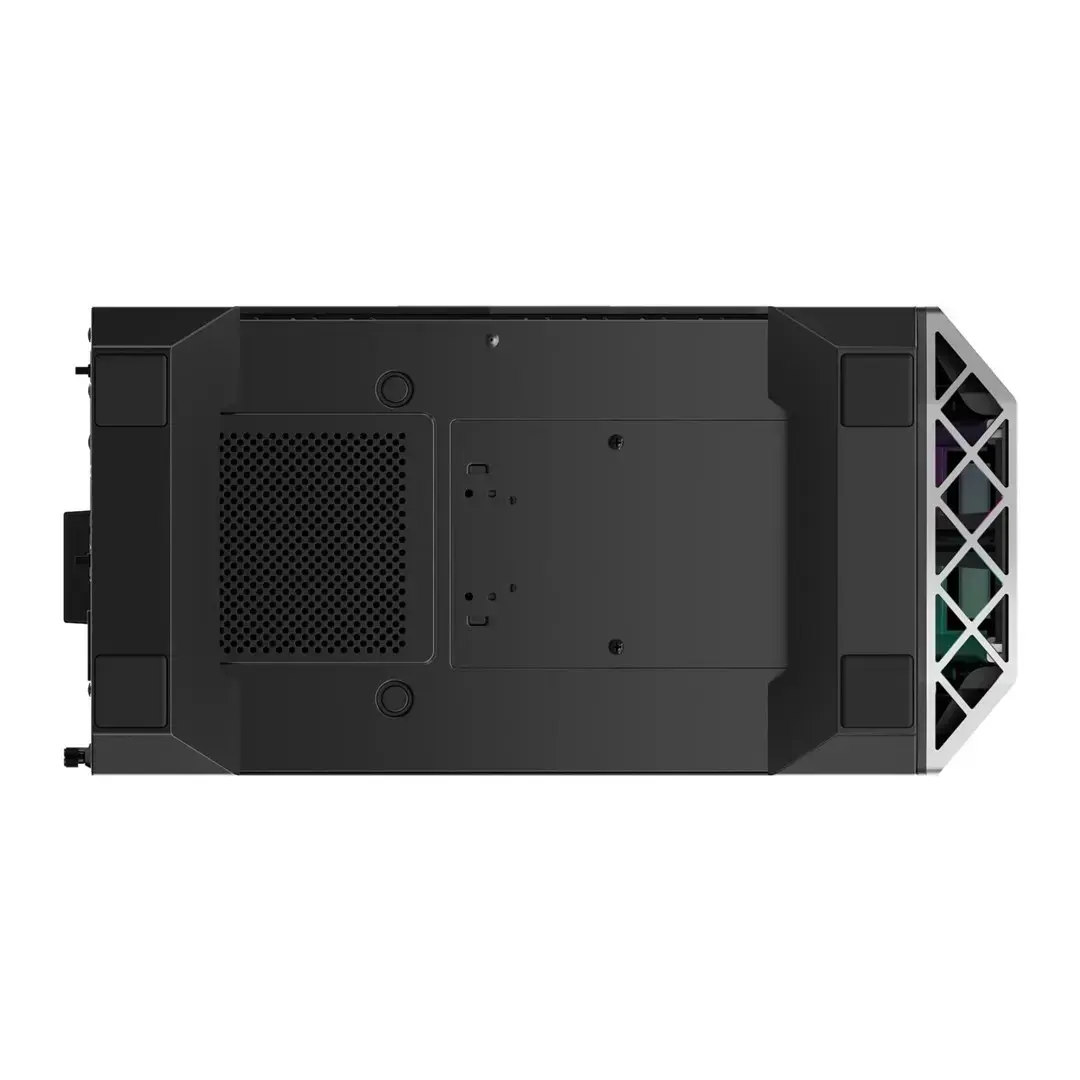
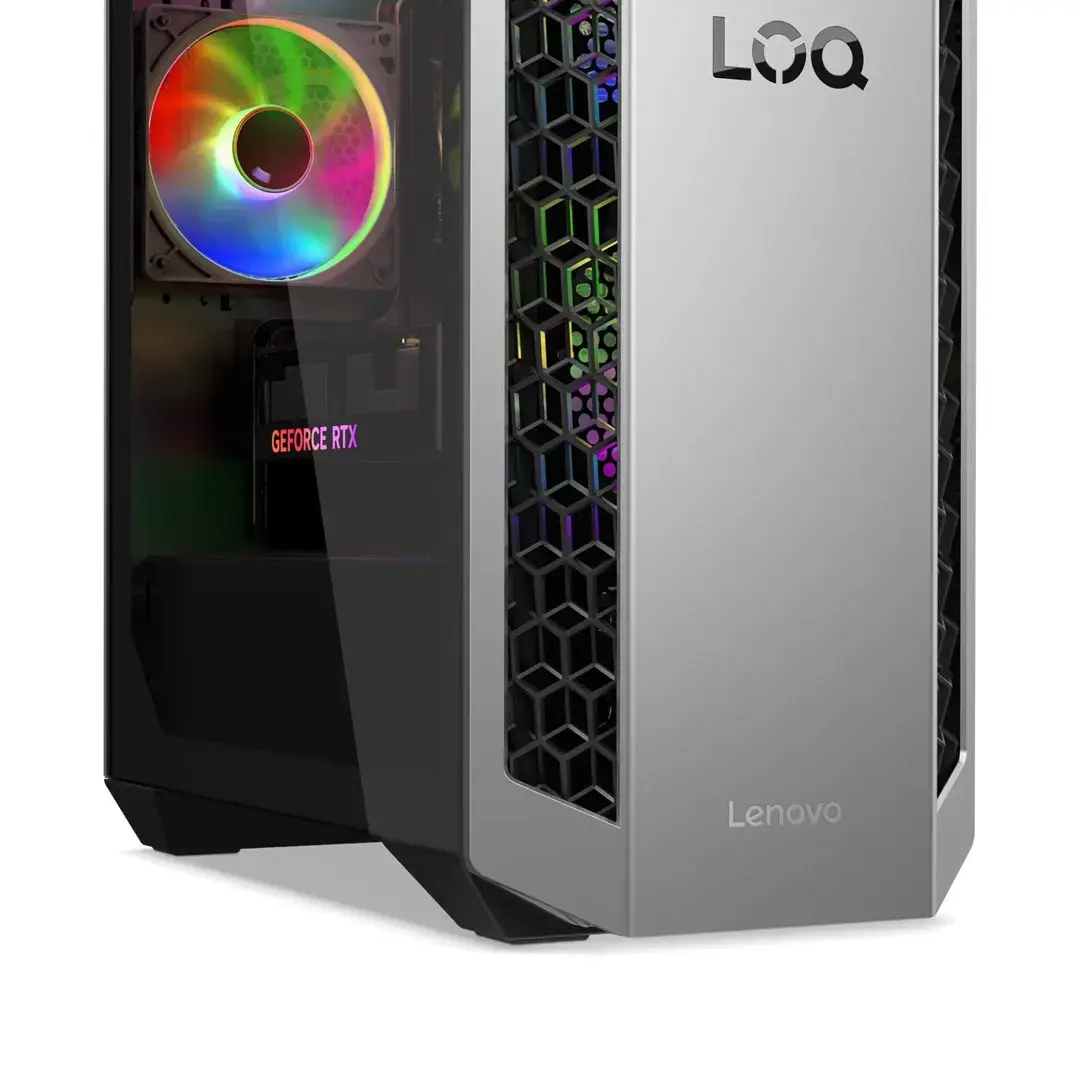
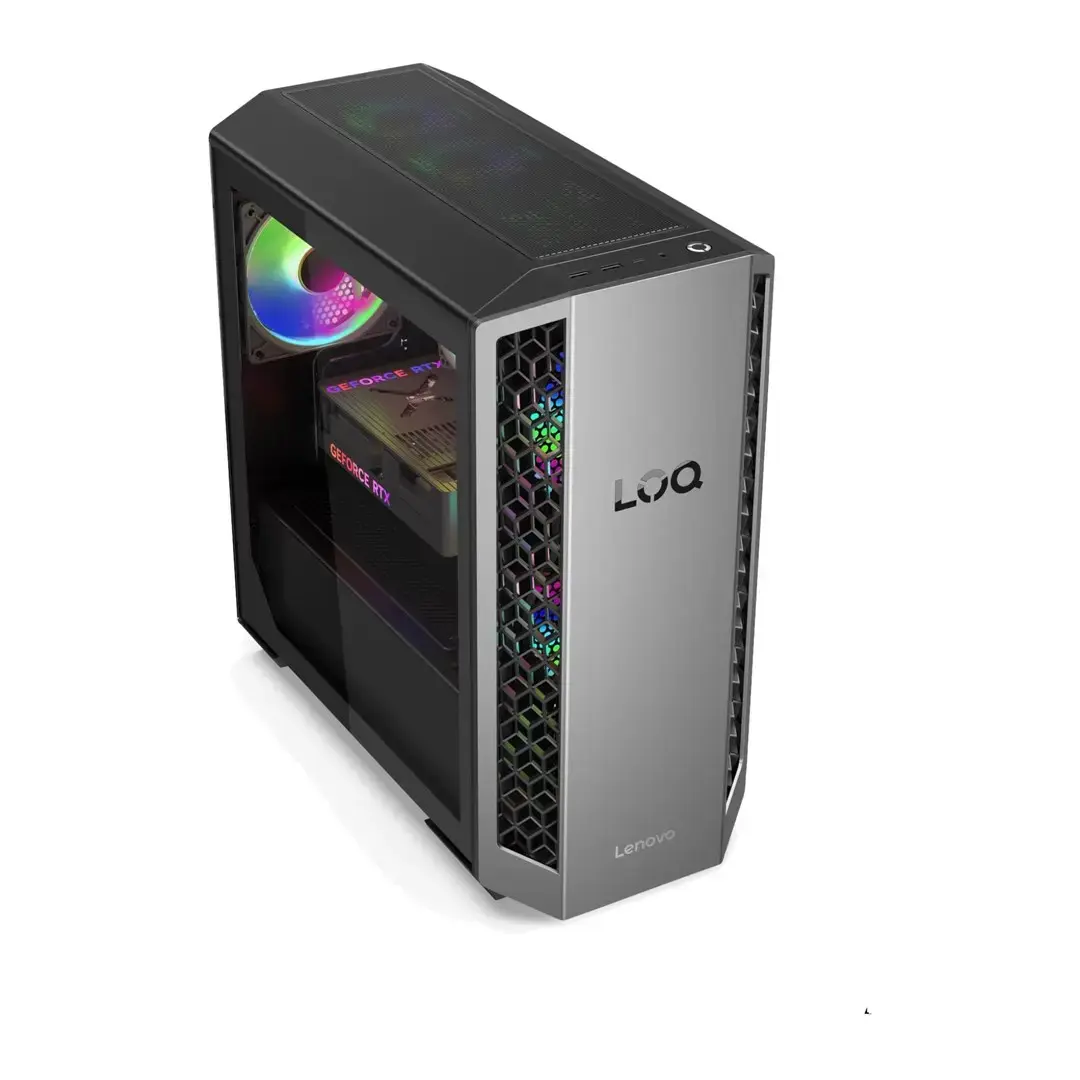
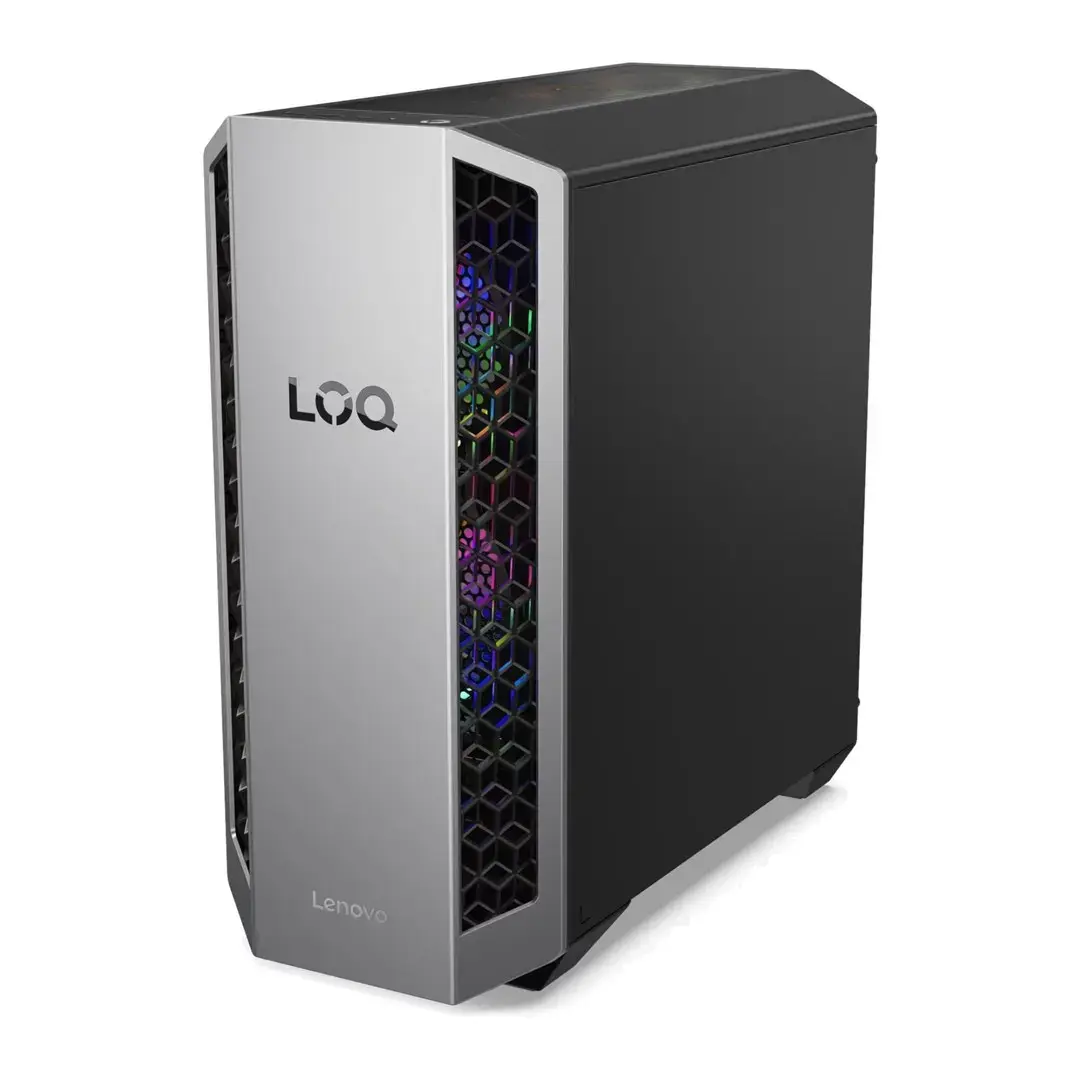
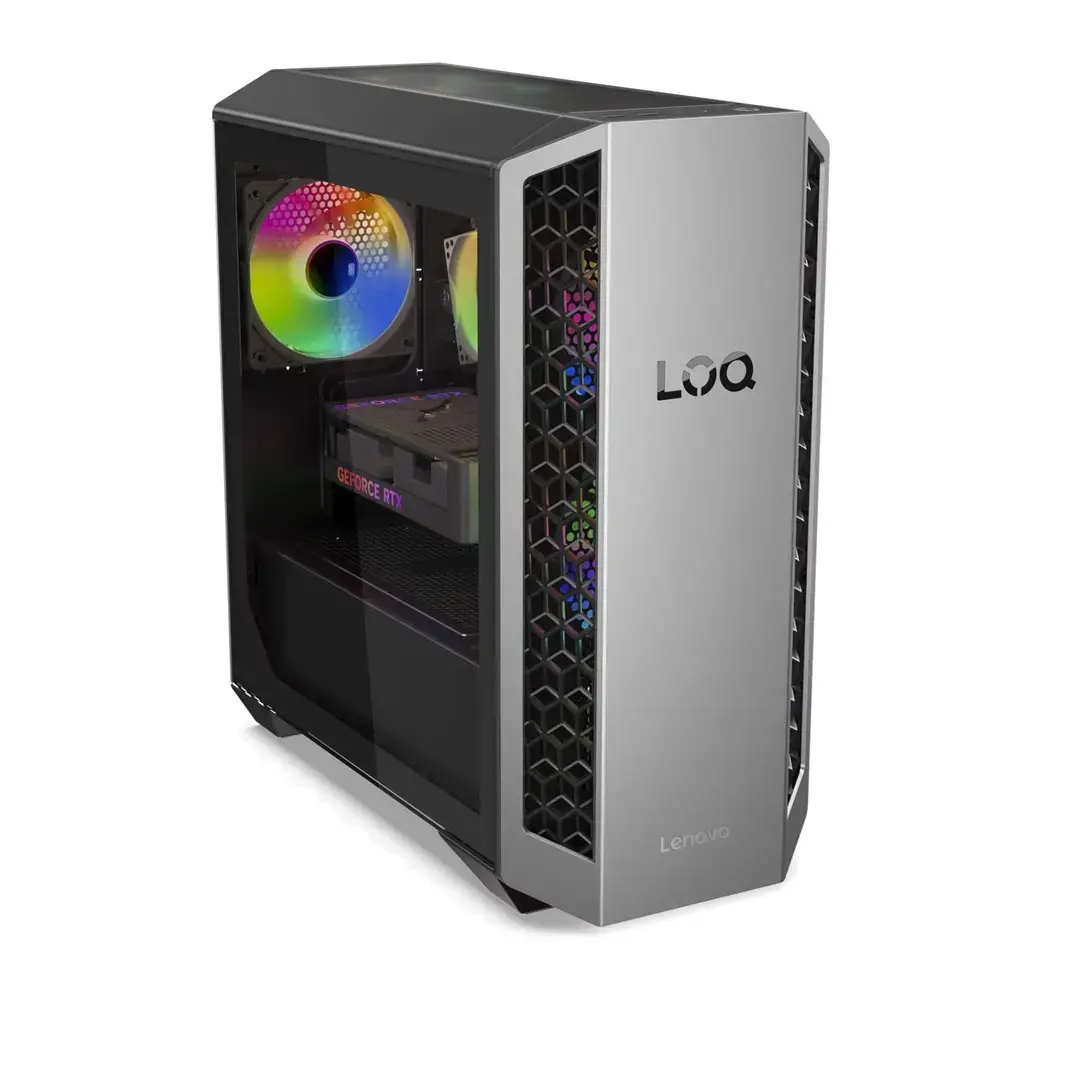
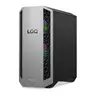
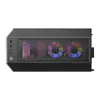
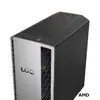
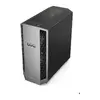
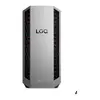
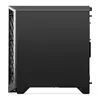
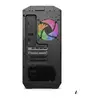
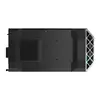
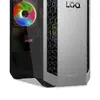
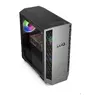
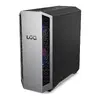
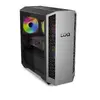
The Lenovo LOQ Tower 26ADR10 is a high-performance desktop PC built around an AMD Ryzen 7 8745HX processor, 32GB of DDR5-5200 memory and a 1TB solid-state drive. A dedicated GeForce RTX 5060 with 8GB video memory provides graphics acceleration for demanding applications, while Windows 11 is preinstalled for immediate use. The tower chassis in Luna Grey / Eclipse Black offers a compact desktop footprint with internal expandability for additional storage or memory upgrades.
Advantages
The combination of a Ryzen 7 8745HX CPU and DDR5-5200 memory ensures fast multitasking and responsiveness for creative workflows and gaming. The 1TB SSD delivers quick system boot and application load times, and the GeForce RTX 5060 8GB provides hardware-accelerated graphics, ray tracing support and improved performance in modern titles and GPU-accelerated content creation tools. Preinstalled Windows 11 minimizes setup time and includes the latest consumer security and productivity features.
Suitable for
- Gaming at high settings and competitive frame rates with modern titles
- Content creation workflows such as video editing, 3D rendering and graphic design
- Multitasking and productivity with many browser tabs, office suites and development tools open
- Home and small office use that requires a balance of performance and expandability
When it may not be suitable
This desktop is not targeted at ultra-compact or silent HTPC installations where small size and near-silent operation are the primary concerns; the tower form factor and cooling requirements for high-performance components can produce noticeable fan noise under load. It may also be more than required for basic web browsing, email and simple office tasks where lower-specification systems can offer better value and lower power consumption.
Key specifications
- Processor: AMD Ryzen 7 8745HX (high-performance mobile-class CPU used in a desktop chassis)
- Memory: 32GB DDR5-5200 (dual-channel configuration)
- Storage: 1TB NVMe solid-state drive
- Graphics: NVIDIA GeForce RTX 5060 with 8GB dedicated GDDR memory
- Operating system: Windows 11 (preinstalled)
- Form factor: Tower chassis with internal expansion options
How to use
Unpack the tower and connect the power cable, monitor, keyboard and mouse. Power on the PC and complete the Windows 11 first-run setup to configure user accounts, network and privacy settings. Install or sign in to required applications and game clients. For best graphics performance, install the latest NVIDIA drivers from the official source. Use system tools to check for firmware and BIOS updates from Lenovo and to configure power profiles based on workload or noise preferences.
What to consider before purchase
- Confirm the display inputs you need (HDMI, DisplayPort) and ensure your monitor is compatible with the GPU outputs.
- Assess whether 32GB of DDR5-5200 memory meets your future workload needs or if you may want additional DIMM capacity later.
- Decide if 1TB of SSD storage is sufficient, or whether additional internal or external storage will be required for large media projects or game libraries.
- Consider the tower size and ventilation needs if placing the PC in constrained spaces or near quiet environments.
Usage recommendations
For sustained heavy workloads such as long rendering sessions or extended gaming, use a well-ventilated location and keep drivers and system firmware up to date. Configure Windows power settings to balance performance and acoustics and consider adding external storage for large project archives.