
Powerful EcoFlow stations for energy anywhere!
In cart {{totalProductsCount}} item(s)
Your cart is empty
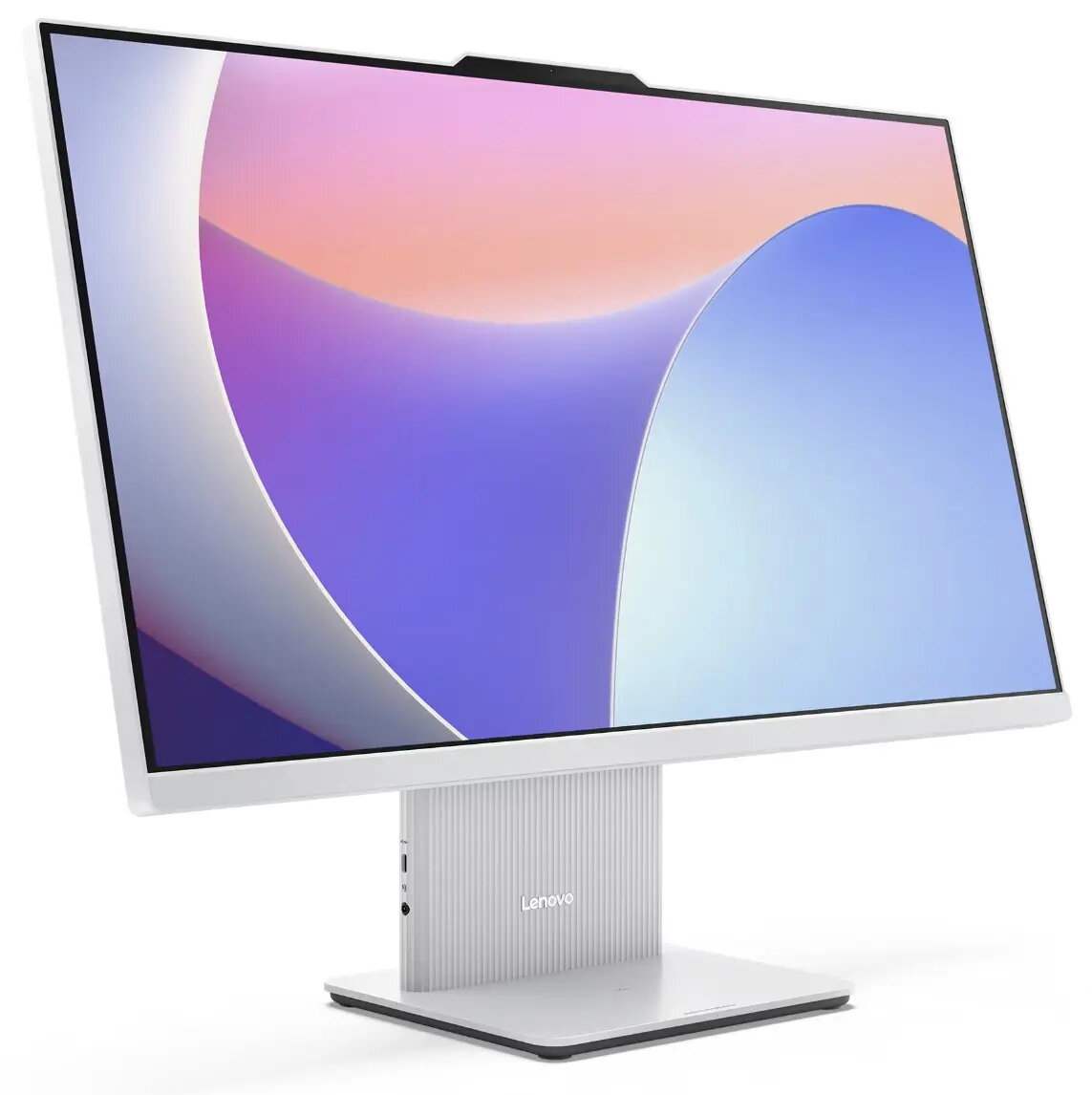
Computer Lenovo IdeaCentre AIO 27IRH9 5-210H 16GB 1TB SSD UHD Xe W11H Grey
The Lenovo IdeaCentre AIO 27IRH9 5-210H is a space-saving all-in-one desktop that combines a 27-inch Full HD display with desktop-class performance. Powered by an Intel Core i5-210H processor and equipped with 16 GB of RAM and a 1 TB solid-state drive, this AIO delivers responsive multitasking, fast application load times and roomy storage for documents, media and projects. Integrated UHD Xe graphics provide clear visuals for everyday productivity, video streaming and light creative work. The system ships with Windows 11 Home for a modern, secure and familiar user experience and comes in a grey finish that fits home and office environments.
The integrated 27-inch FHD screen reduces desktop clutter while offering a large viewing area for spreadsheets, documents and multimedia. A 1 TB SSD ensures quick boot-up and file access compared with traditional hard drives. 16 GB of RAM supports multiple open applications and browser tabs without noticeable slowdowns. The combination of an efficient Intel Core i5 processor and UHD Xe graphics balances power consumption and performance for typical office tasks, web conferencing and media playback. Preinstalled Windows 11 Home provides system updates and security features out of the box.
Place the Lenovo IdeaCentre AIO on a stable desk or table with clear access to power and network connections. Connect the power cable and, if needed, an Ethernet cable or Wi‑Fi network. Complete the Windows 11 initial setup by following on-screen prompts to configure user accounts and privacy settings. Install required applications for work or entertainment and transfer personal files to the internal 1 TB SSD. Adjust display angle and system volume to suit your workspace. Regularly apply Windows updates and use the built-in system utilities to manage storage and performance.
For best performance, keep the system updated and avoid filling the SSD to full capacity; maintain at least 10–15% free space for optimal drive performance. Use a UPS or surge protector to protect the all-in-one unit from power interruptions. For extended video calls, consider a wired Ethernet connection for more stable bandwidth and enable background app limits in Windows when multitasking.
{{highlightedFeature.featureTitle}}:
{{getProductFeatureValueById(product, highlightedFeature.featureId)}}
{{ productComparisonGenerationError }}
