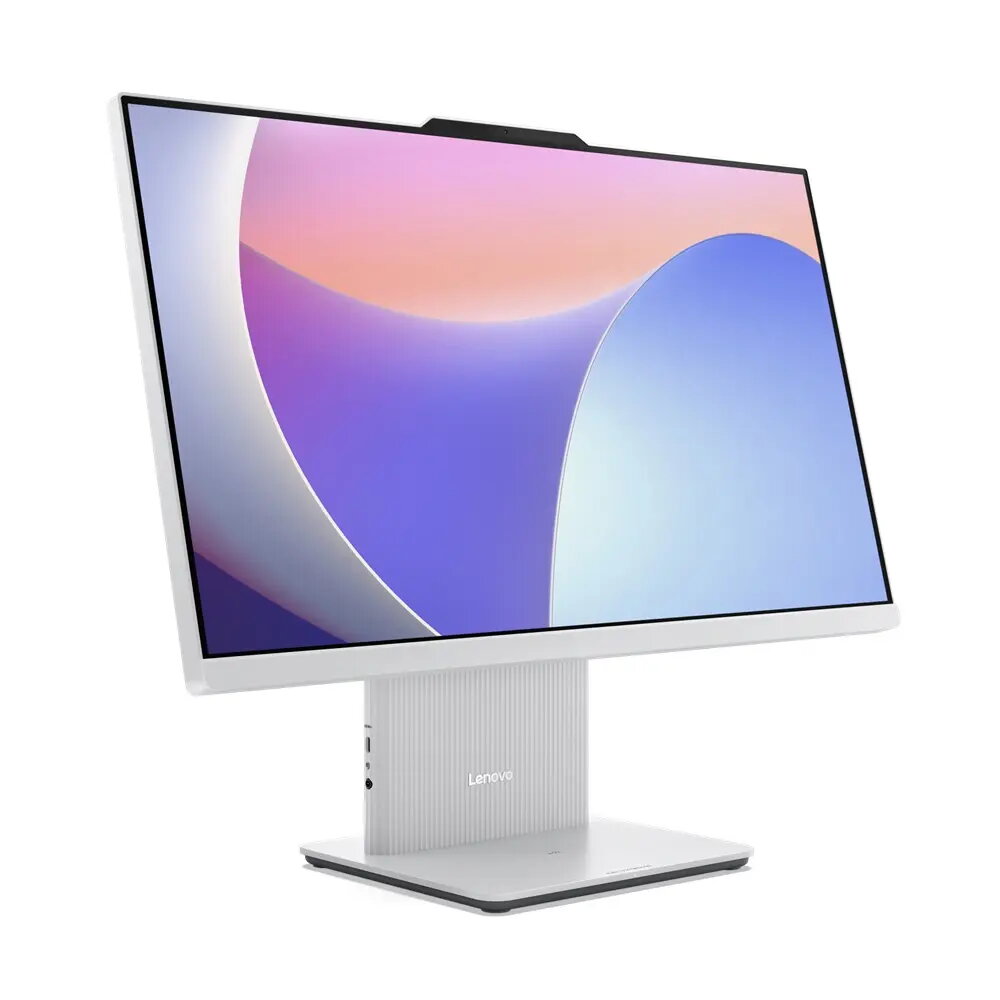
The Lenovo IdeaCentre AIO 24IRH9 is an all-in-one desktop that integrates a 23.8-inch Full HD display with core system components in a compact grey chassis. Powered by an Intel Core i5-13420H processor, 16 GB of RAM and a 512 GB solid-state drive, the system is designed to deliver responsive performance for everyday productivity, multimedia playback and light multitasking. Integrated Intel graphics and Windows 11 Home provide a familiar software environment and broad compatibility with common applications.
Advantages
This all-in-one design saves desk space by combining display and PC into a single unit while maintaining a modern, neutral grey finish suitable for home and office. The Intel Core i5-13420H processor and 16 GB memory support smooth operation of office suites, web browsing with multiple tabs and video streaming. A 512 GB SSD offers fast boot times and application loading, reducing waiting time compared with traditional hard drives. The 23.8-inch Full HD screen provides clear text and video playback for work and entertainment.
Suitable for
- Home office tasks such as document editing, spreadsheets and email
- Remote learning and video conferencing
- Media consumption including HD video streaming and casual photo viewing
- Light multitasking and everyday productivity workflows
When it may not be suitable
The integrated Intel graphics are adequate for general multimedia and light photo editing but are not intended for demanding 3D gaming or professional GPU-accelerated workloads such as high-end video rendering or complex 3D modeling. Users who require frequent upgradeability or high-end expansion options may find a modular desktop or workstation more appropriate.
Key specifications
- Display: 23.8-inch Full HD (1920 x 1080)
- Processor: Intel Core i5-13420H
- Memory: 16 GB RAM
- Storage: 512 GB solid-state drive (SSD)
- Graphics: Integrated Intel graphics
- Operating system: Windows 11 Home
- Color: Grey
How to use
Place the IdeaCentre AIO on a stable desk surface and connect the power cable. Use the integrated display as your primary monitor; connect peripherals such as keyboard, mouse and external storage via available USB ports. Complete the initial Windows 11 Home setup by following on-screen prompts to create or sign in with a Microsoft account, configure network settings and install updates. Install your preferred applications from the Microsoft Store or other trusted sources, and use built-in system utilities to manage storage and backups.
What to consider before purchase
- Integrated graphics are not suitable for high-end gaming or professional GPU tasks
- All-in-one form factor limits internal upgrade options compared with tower desktops
- Confirm the number and type of external ports you need for peripherals and displays
- Check screen size and viewing angles to ensure it fits your workspace and ergonomic needs
Usage recommendations
For steady everyday performance, keep the operating system and drivers up to date, use a reliable backup solution for important files, and consider an external storage option if you work with large media libraries. Position the display at eye level to reduce neck strain during extended use.