

Powerful EcoFlow stations for energy anywhere!
In cart {{totalProductsCount}} item(s)
Your cart is empty
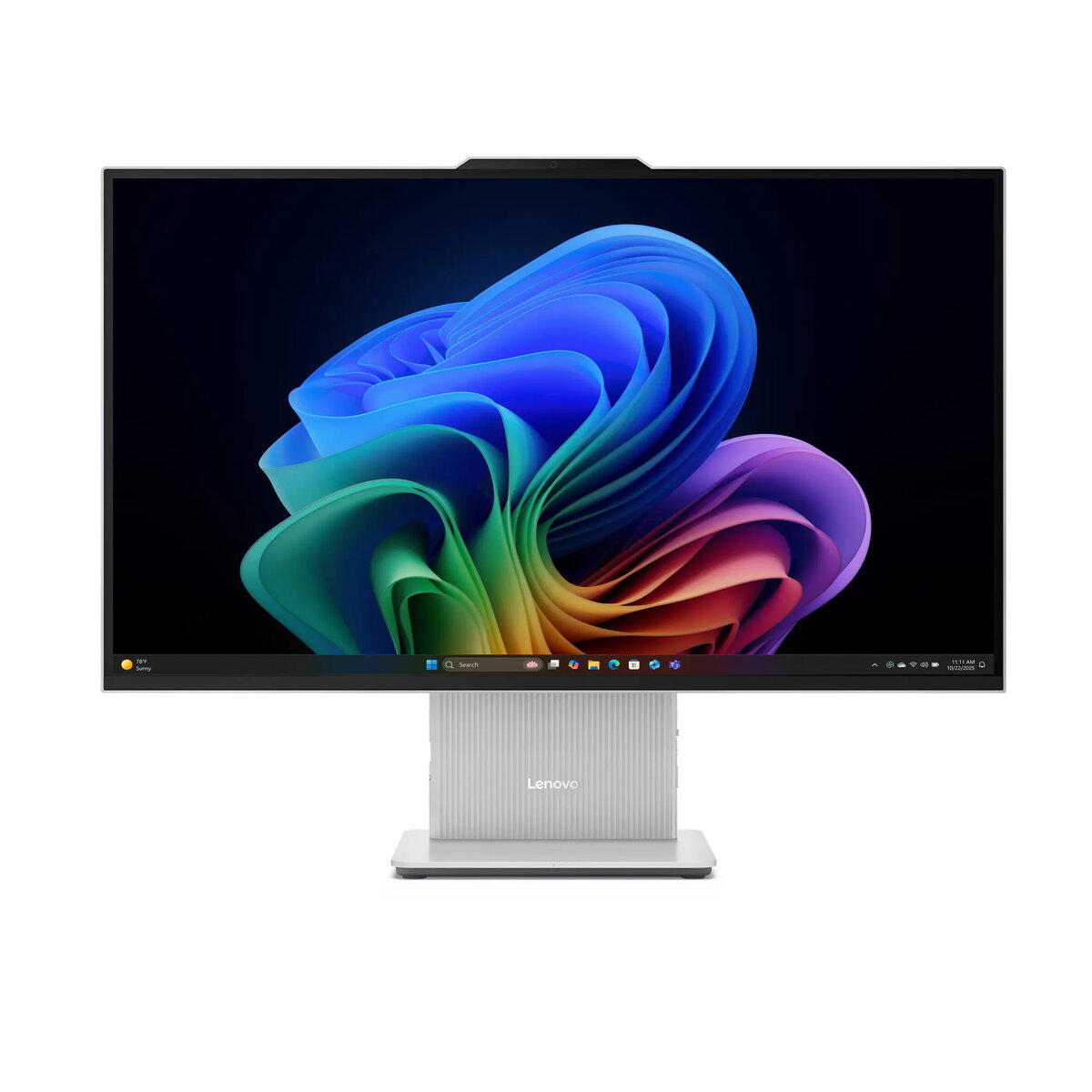
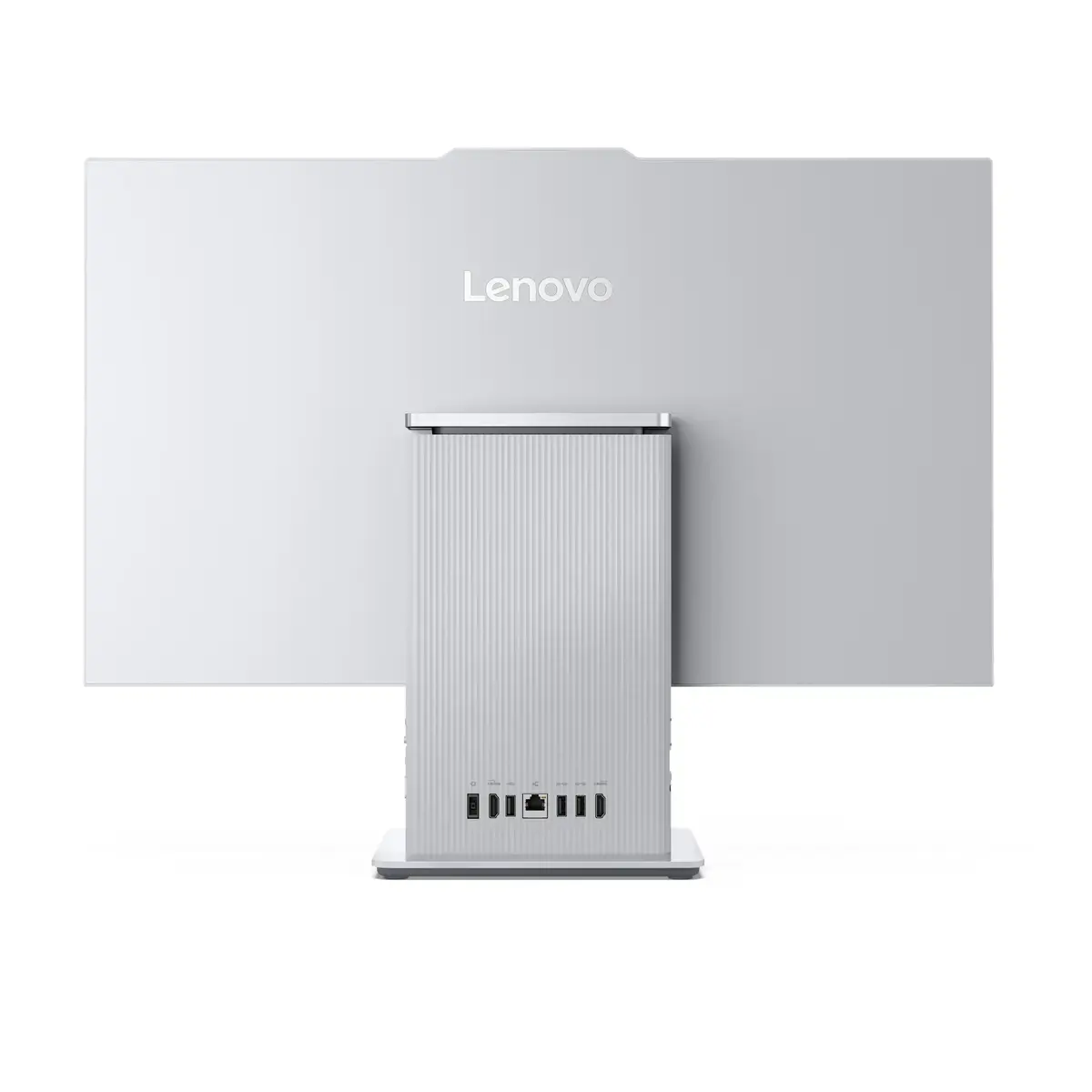
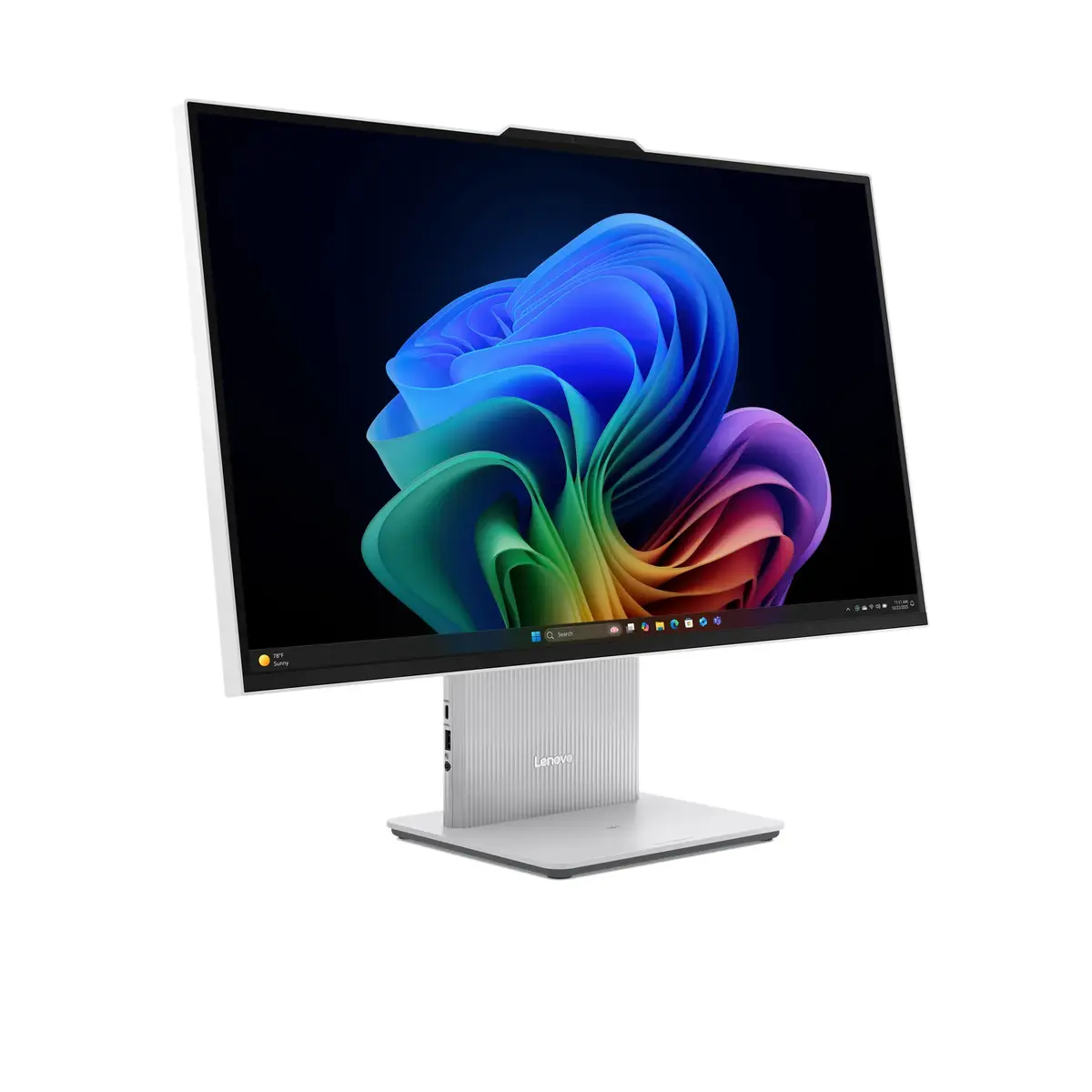
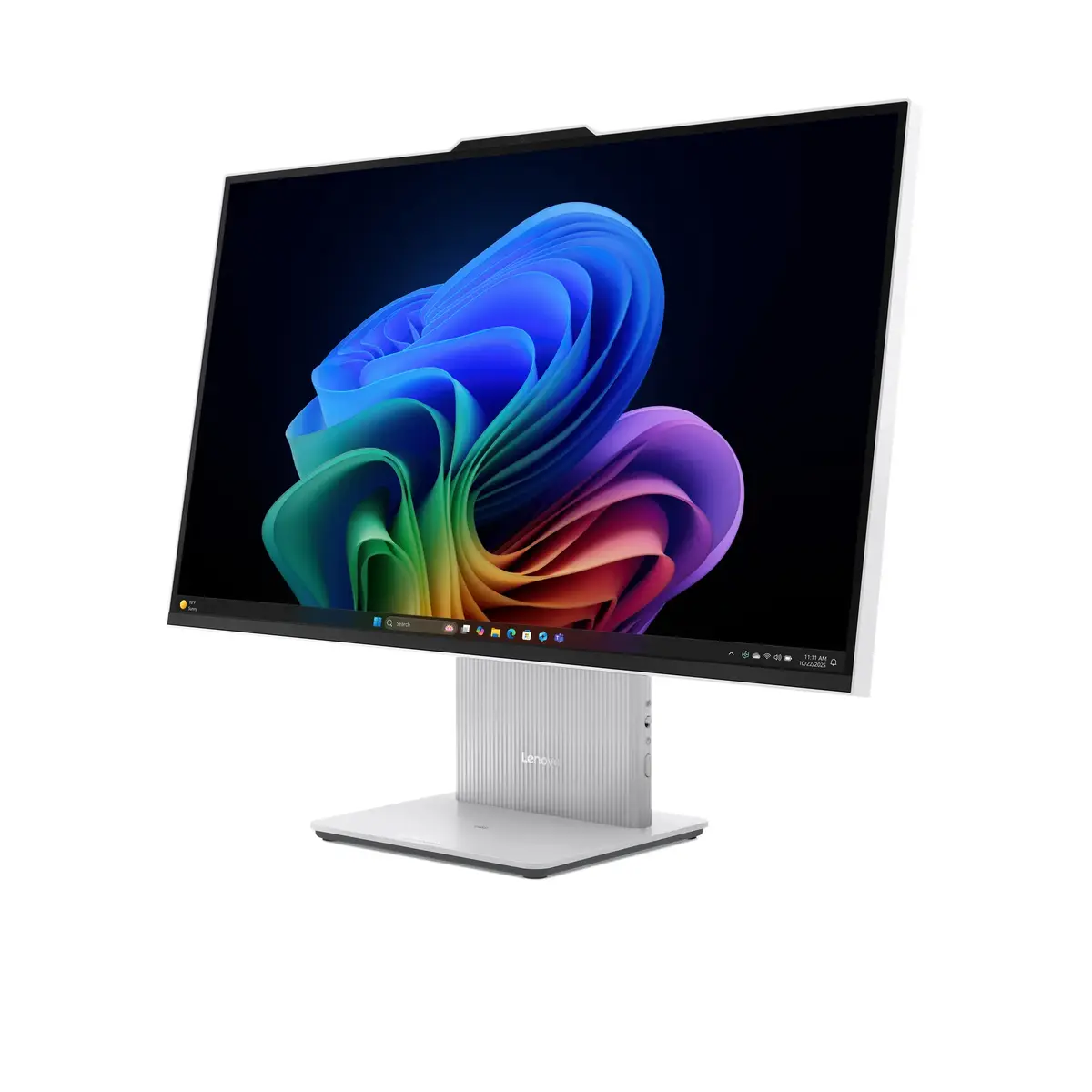
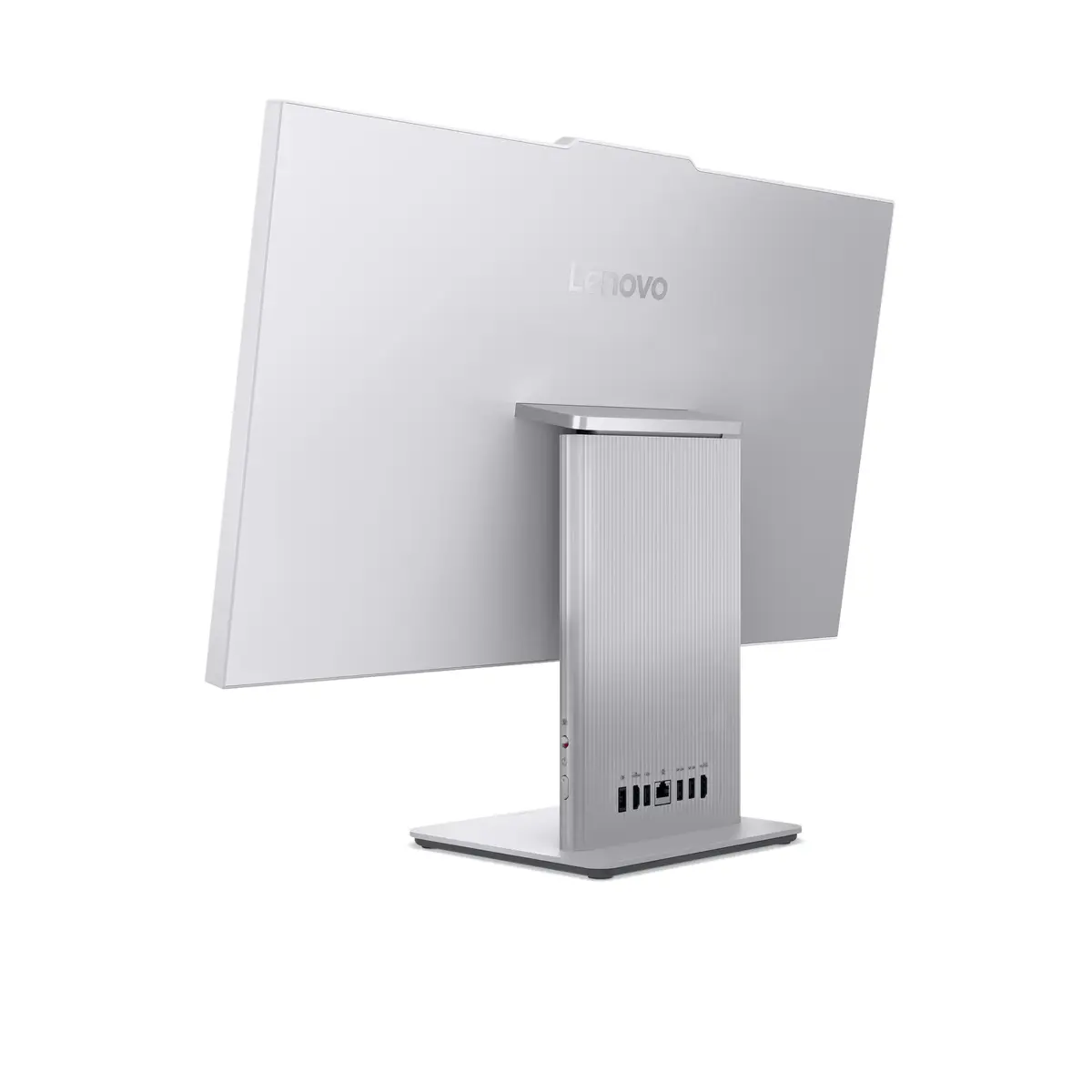
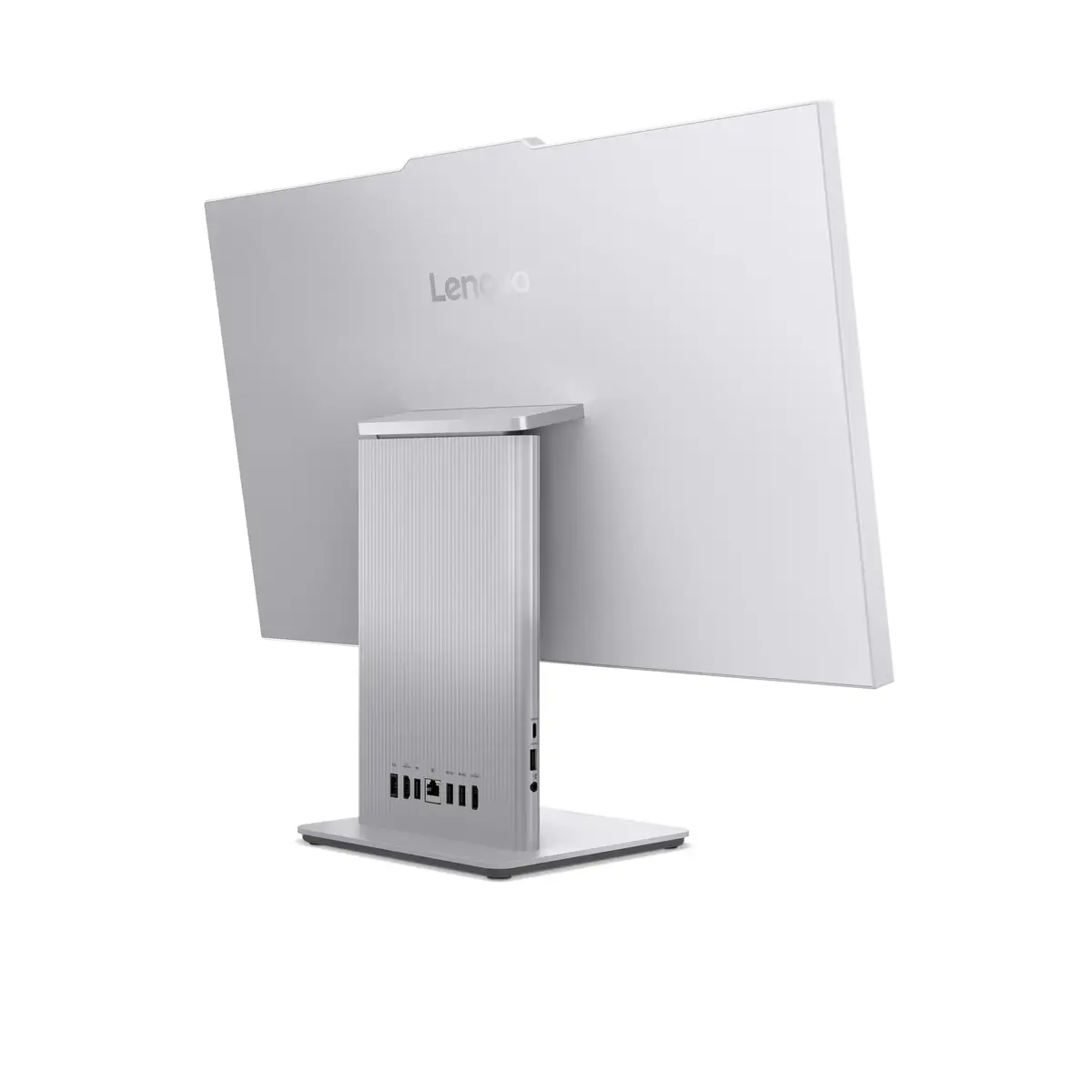
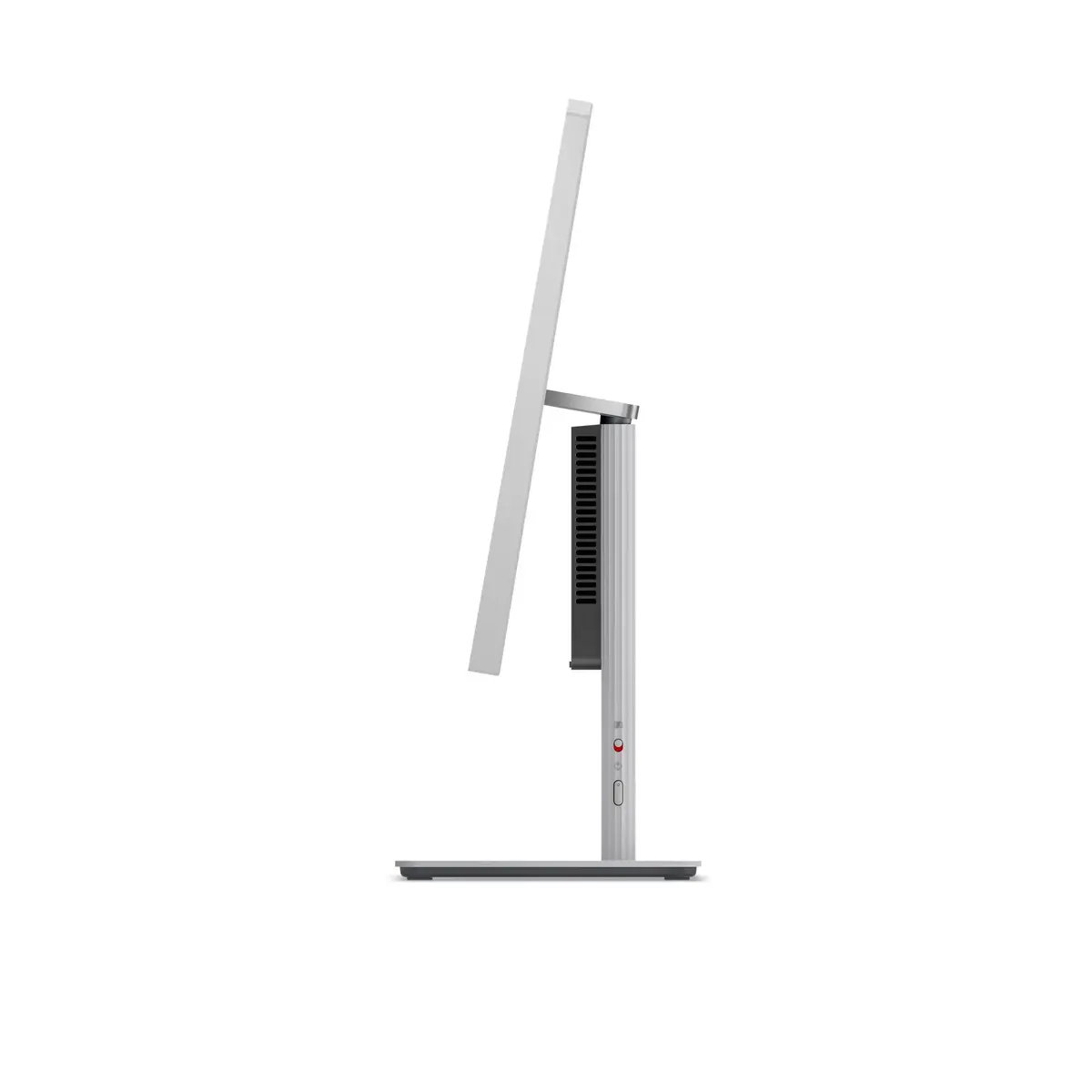
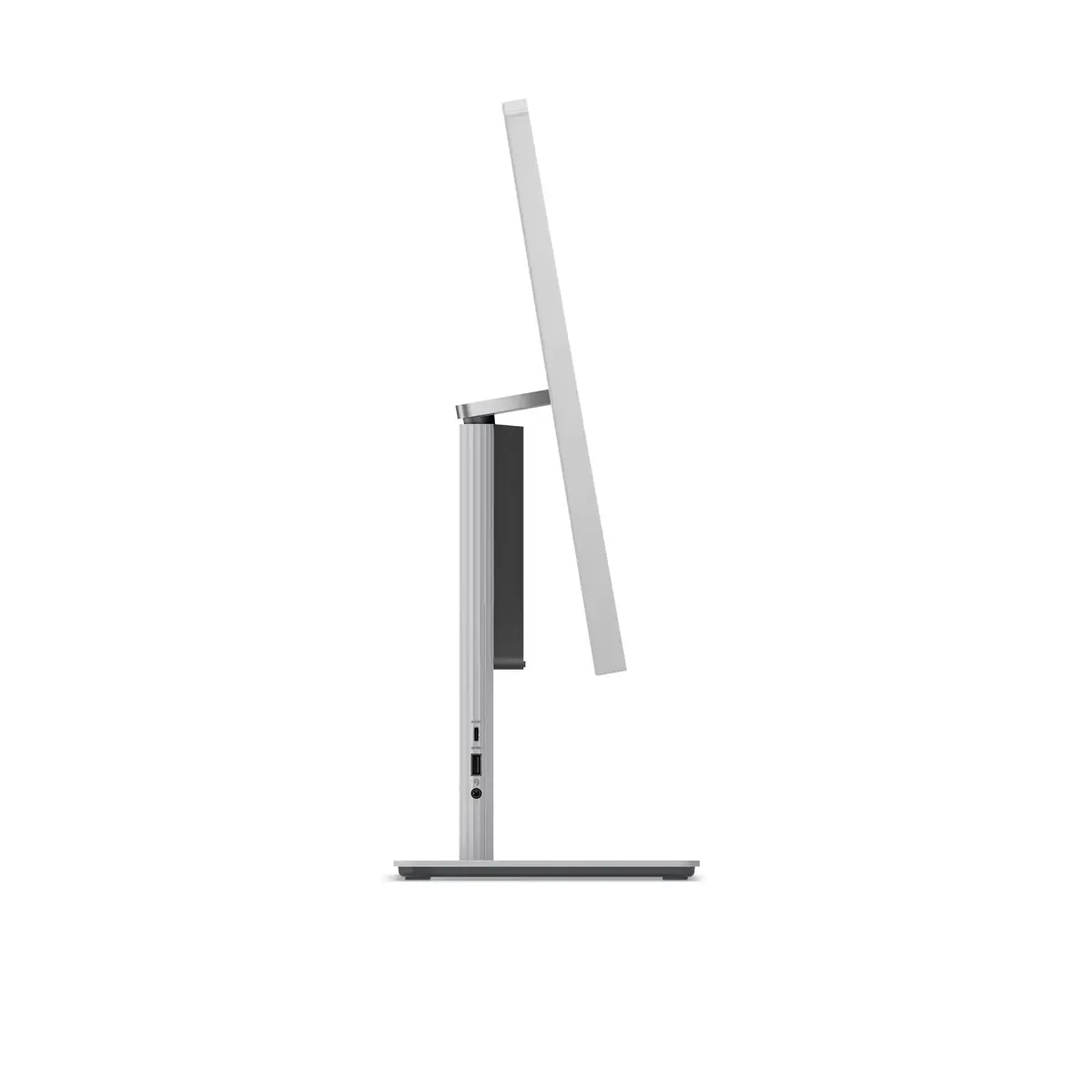
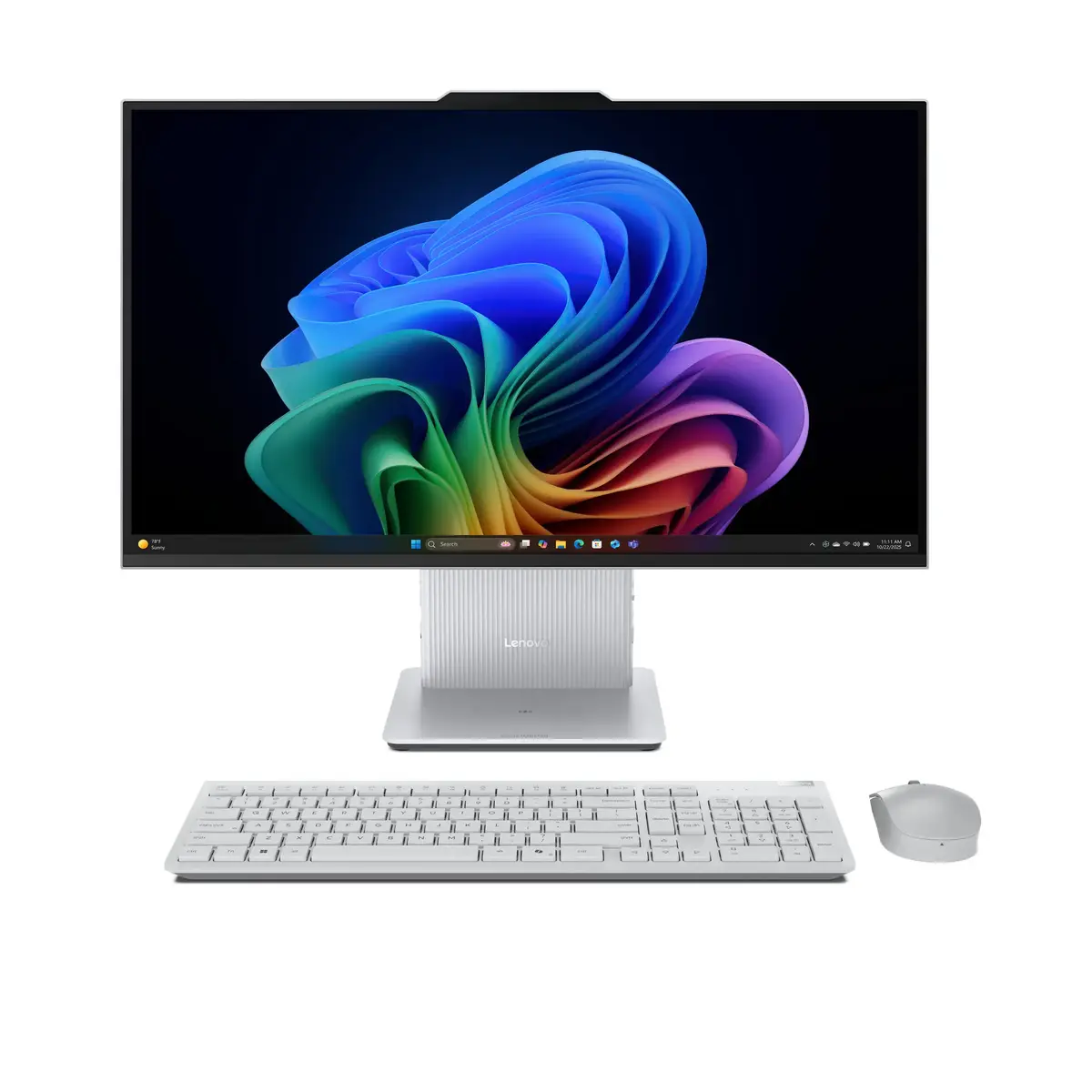
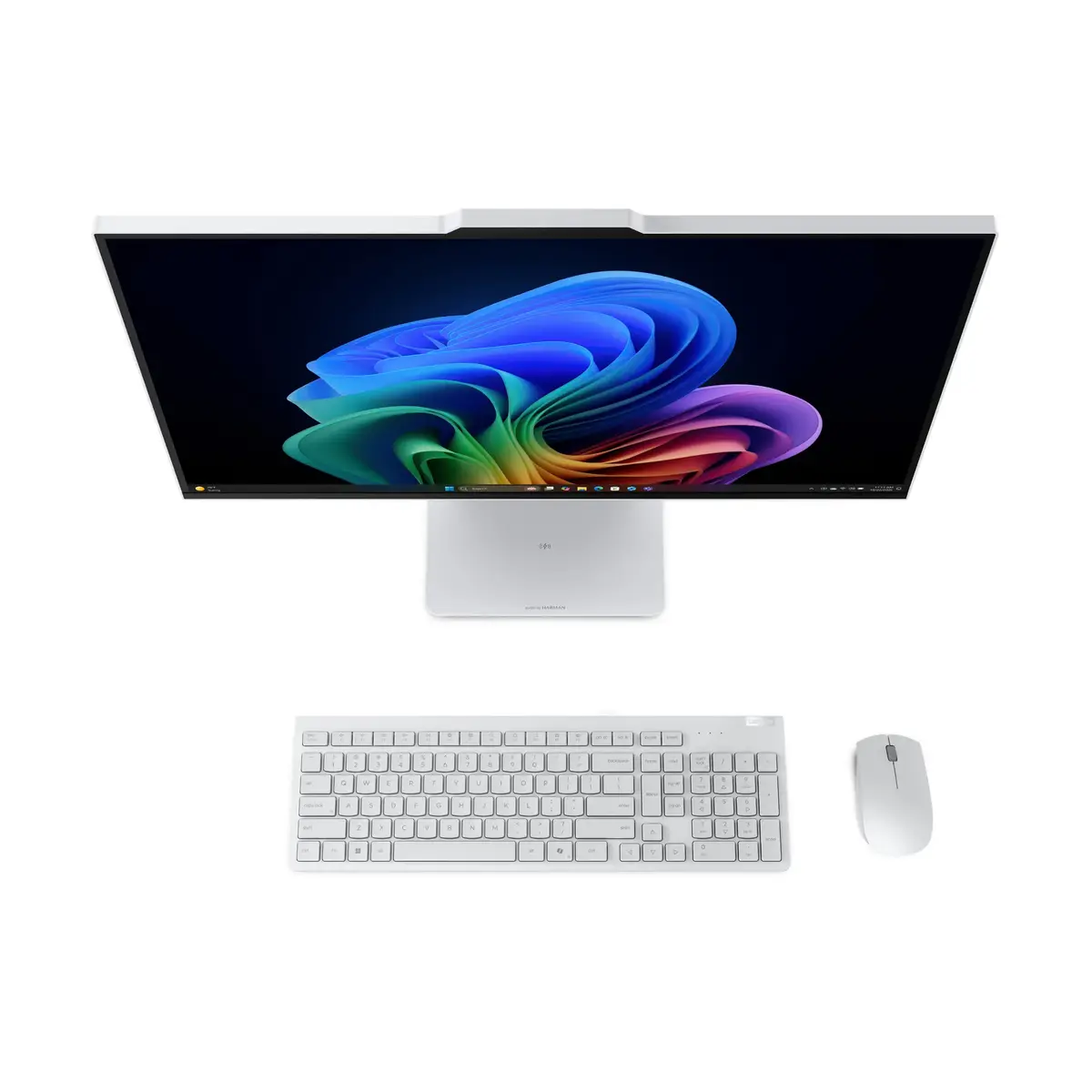
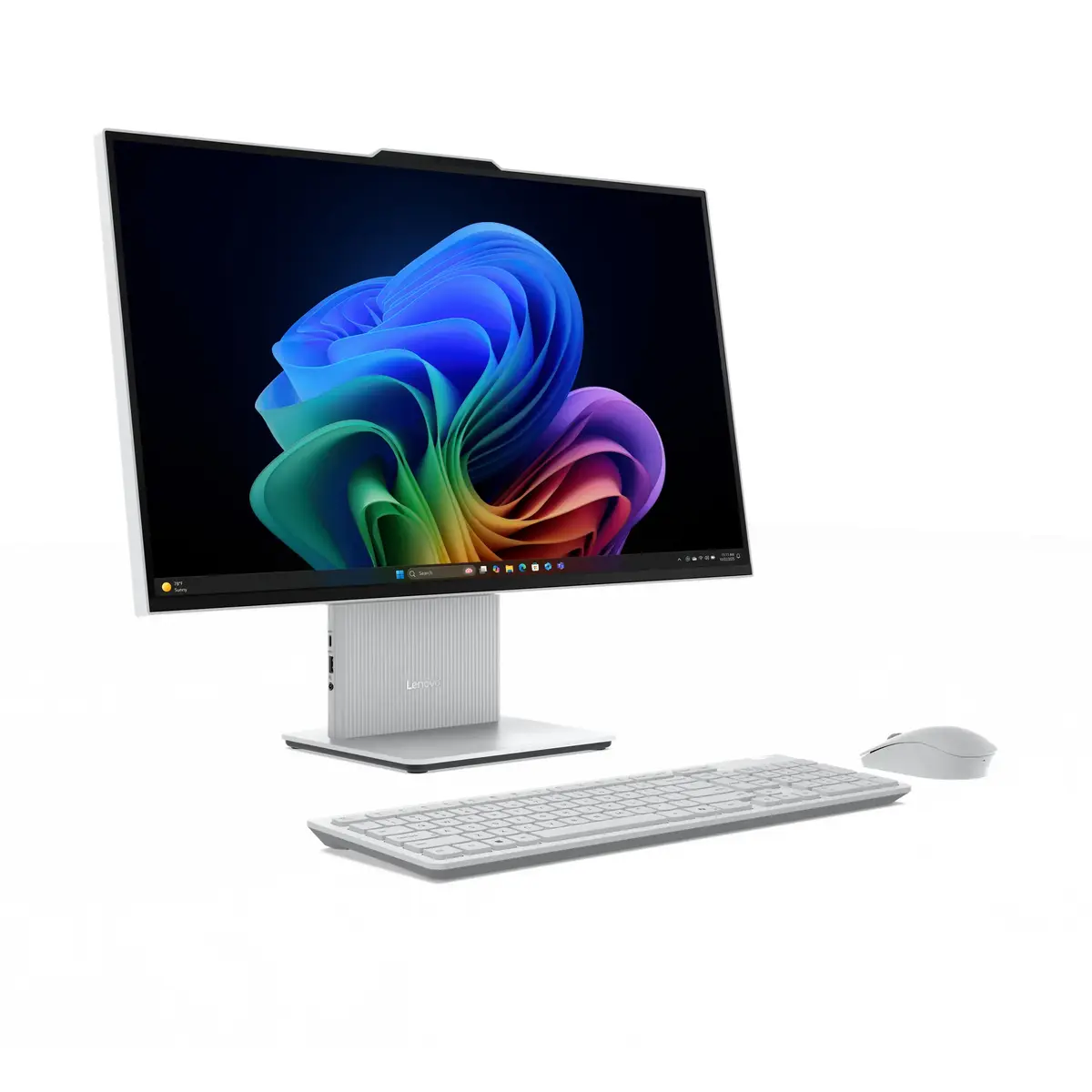
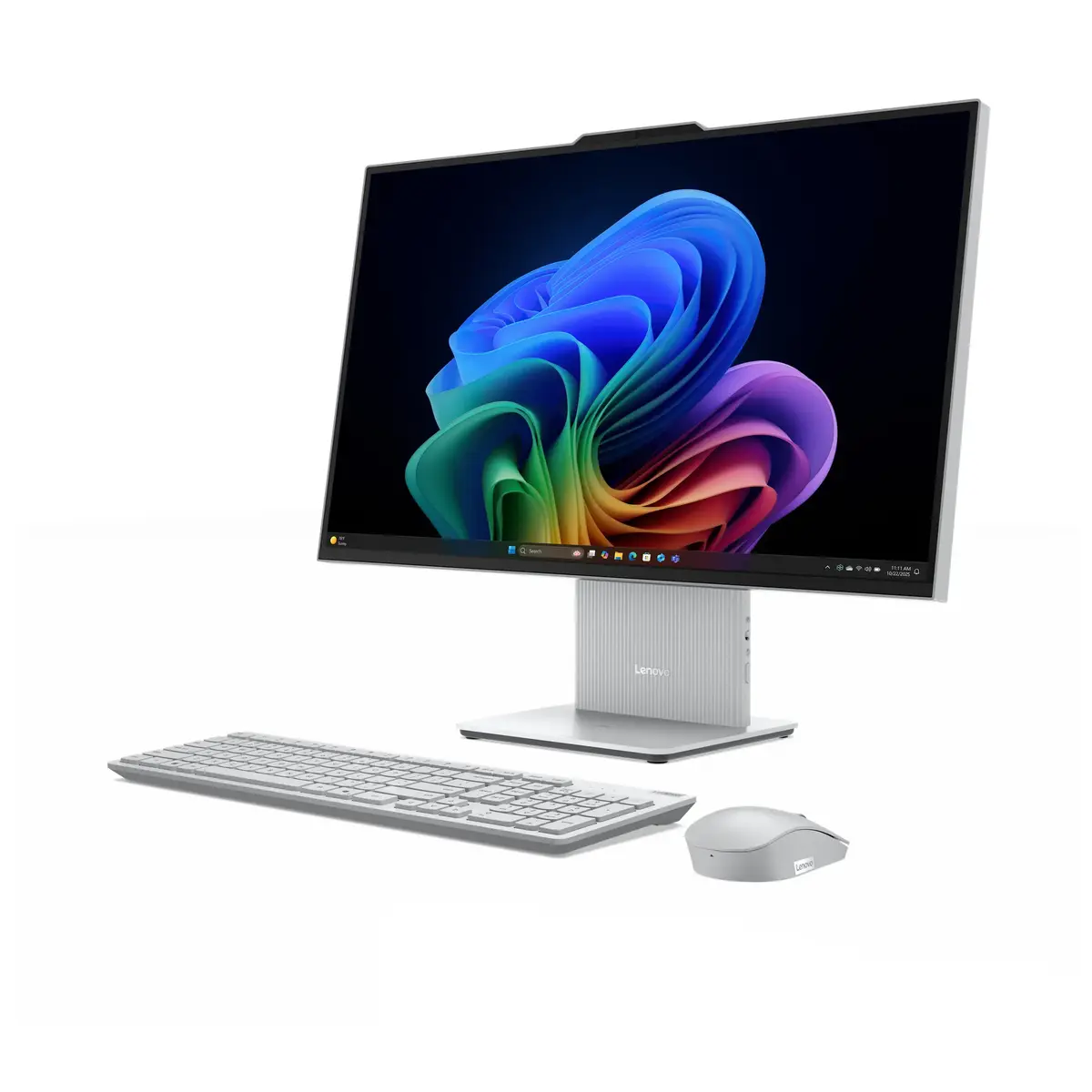
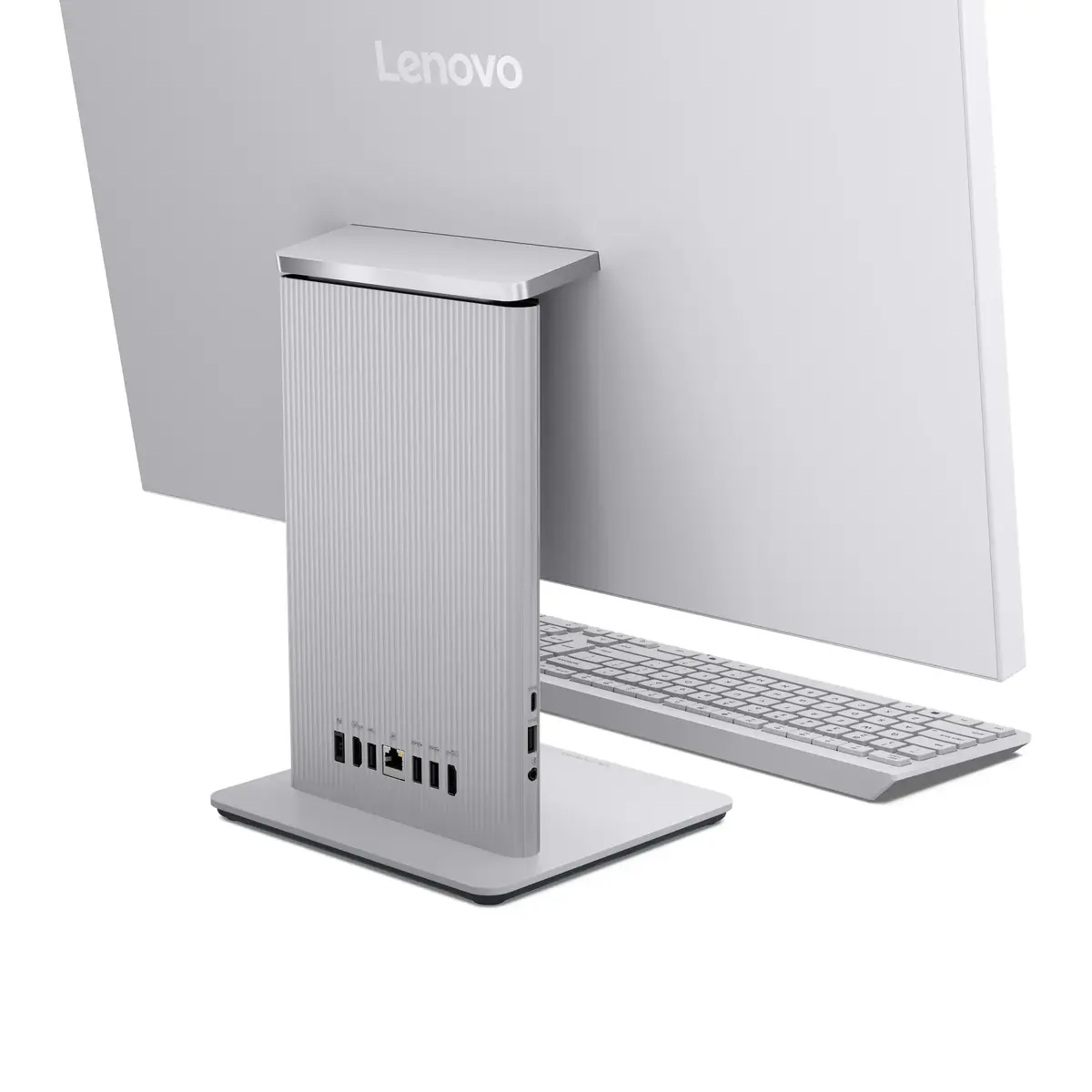
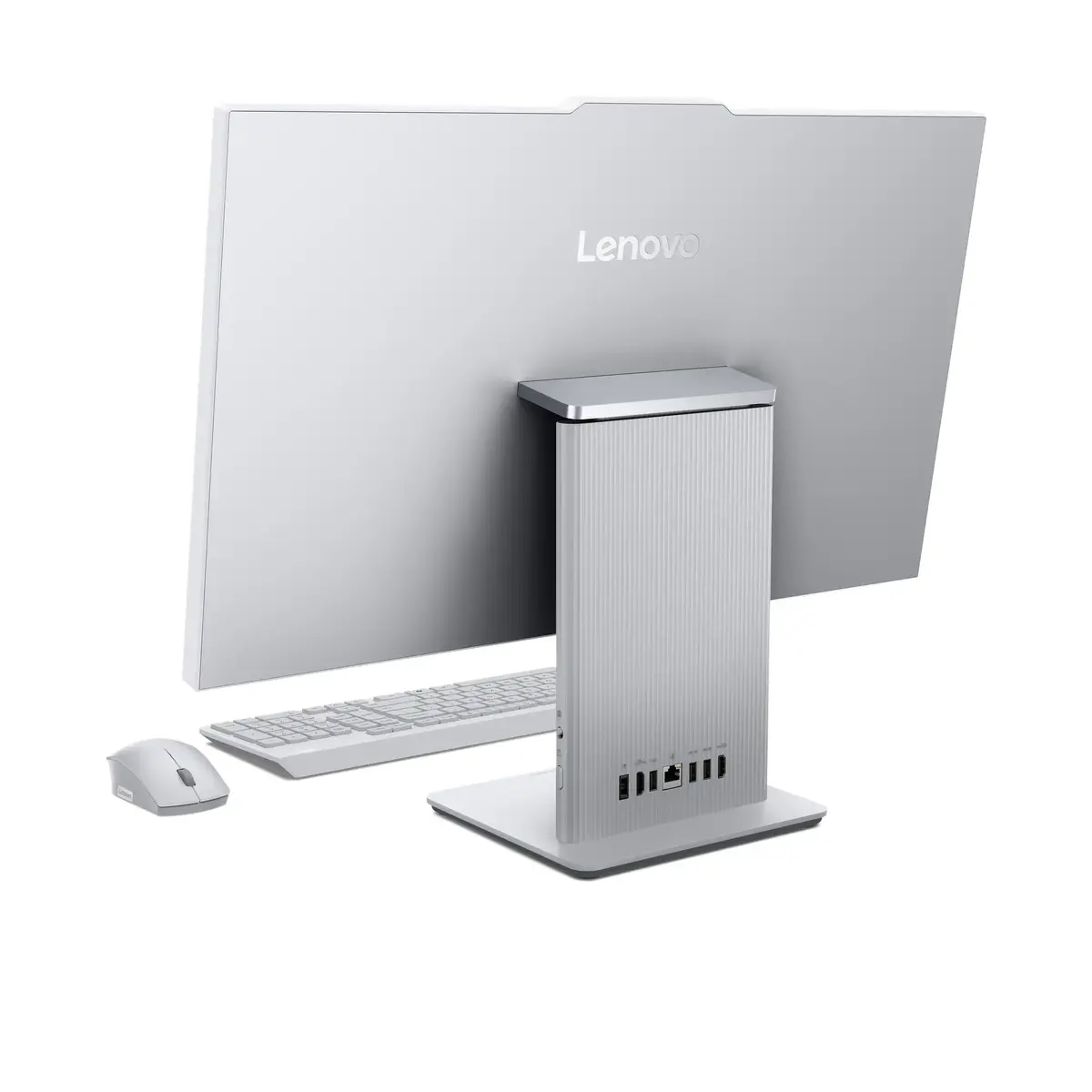
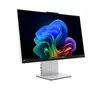
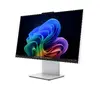
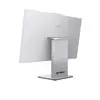
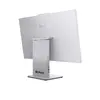
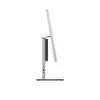
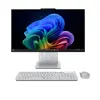
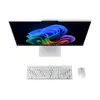
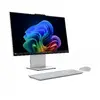
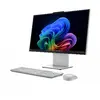
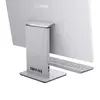
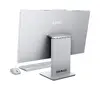
Lenovo IdeaCentre AIO 27IPH11 All-in-One PC, 27" Quad HD, Intel Core Ultra 7 355, 32GB LPDDR5x, 1TB SSD, Windows 11 Home, Grey
The Lenovo IdeaCentre AIO 27IPH11 is a sophisticated all-in-one desktop computer designed to combine high-performance computing with a space-saving, elegant design. Featuring a large 27-inch Quad HD IPS display, this system provides crisp visuals and accurate color reproduction, making it suitable for both professional tasks and immersive media consumption. Driven by the powerful Intel Core Ultra 7 355 processor and supported by 32GB of high-speed LPDDR5x memory, this machine handles demanding applications and multitasking with ease. The inclusion of a 1TB SSD ensures rapid boot times and ample storage for all your files, while the pre-installed Windows 11 Home operating system offers a modern and intuitive user interface.
This all-in-one PC excels by integrating all necessary components into a single, streamlined chassis, which significantly reduces cable clutter and saves valuable desk space. The high-resolution Quad HD screen offers a superior viewing experience compared to standard displays, providing more screen real estate for productivity. With advanced connectivity options like Wi-Fi 7, users benefit from faster and more stable wireless networking. The generous 32GB of RAM ensures that the system remains responsive even when running multiple resource-intensive programs simultaneously, while the integrated 5MP camera enhances the quality of video conferencing.
This device is not designed for high-end professional gaming or heavy 3D rendering tasks that require a dedicated discrete graphics card. Users looking for a modular system that allows for extensive hardware upgrades or component swapping may find the all-in-one form factor restrictive.
Setting up the Lenovo IdeaCentre AIO 27IPH11 is straightforward. Simply connect the power adapter to the device and a wall outlet, then attach your preferred keyboard and mouse. Upon powering on the system for the first time, follow the on-screen prompts provided by Windows 11 Home to configure your language, network settings, and user account. Once the initial setup is complete, you can begin installing your preferred software and transferring your files to the 1TB SSD.
To maintain optimal performance, keep the system software and drivers updated through the Windows Update settings. Ensure the ventilation areas on the rear of the unit remain unobstructed to prevent overheating during intensive tasks.
{{highlightedFeature.featureTitle}}:
{{getProductFeatureValueById(product, highlightedFeature.featureId)}}
{{ productComparisonGenerationError }}
