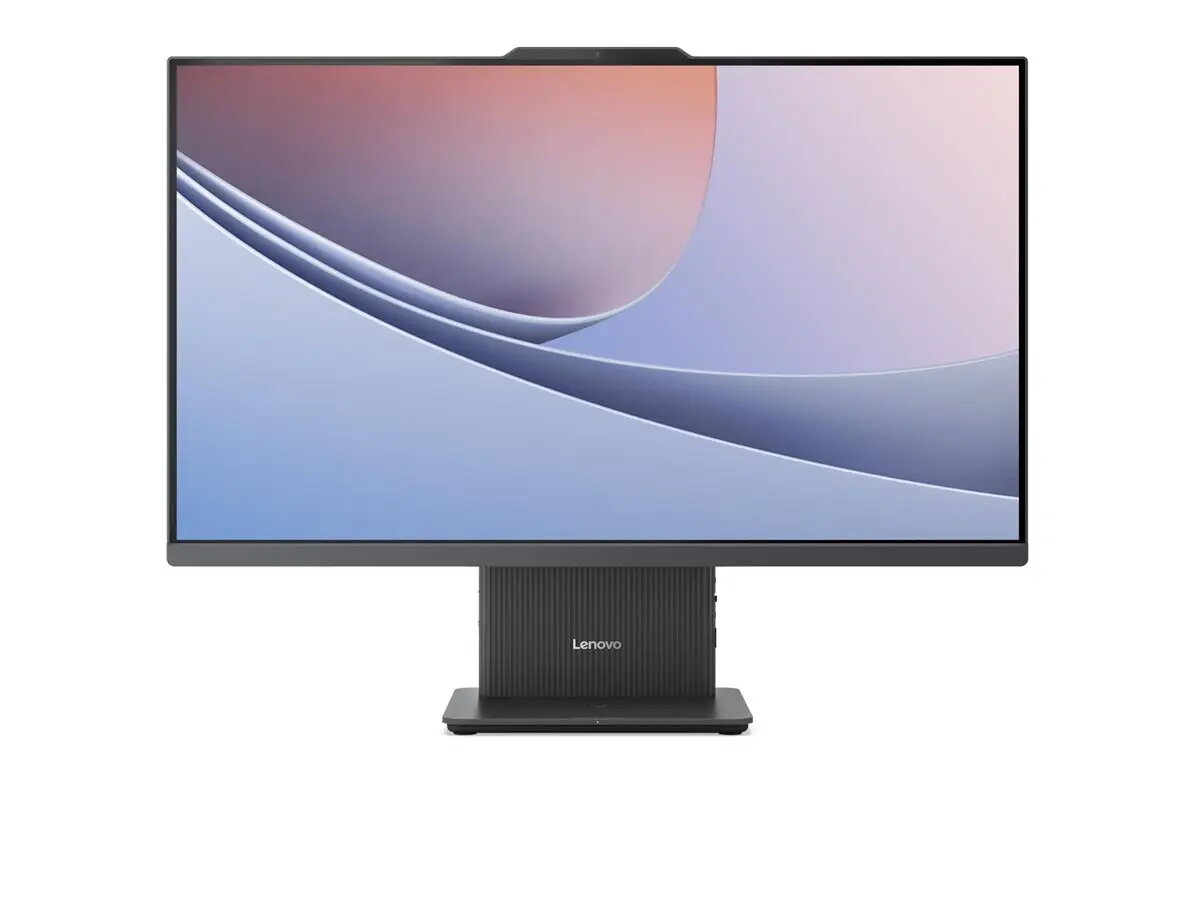
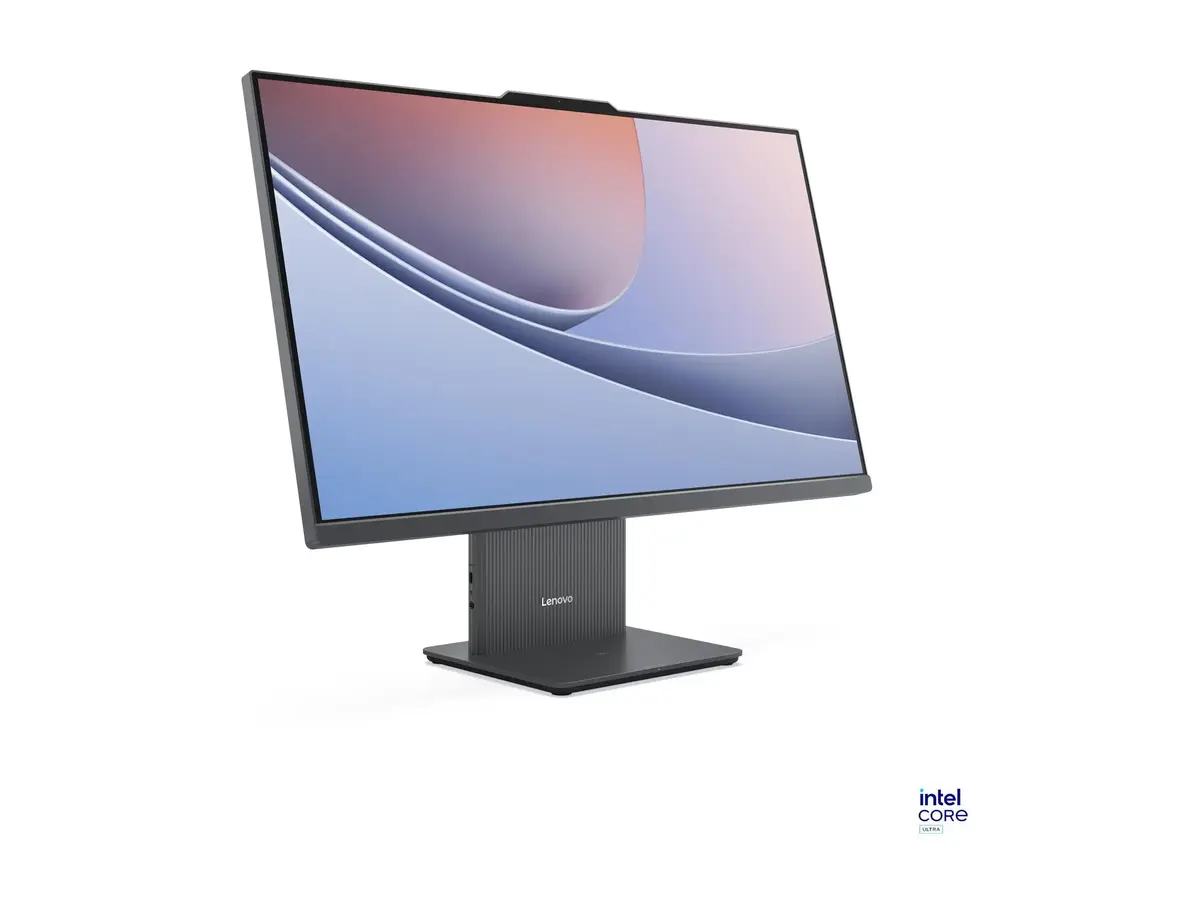
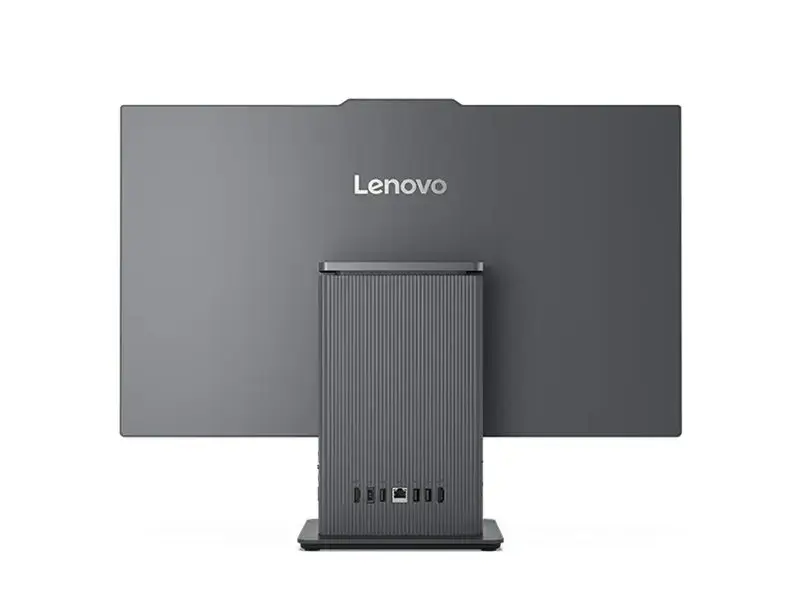
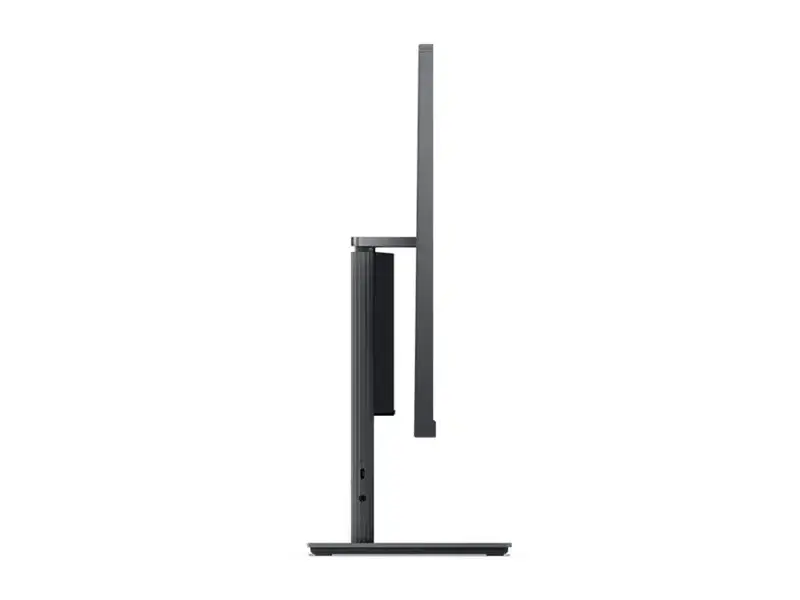
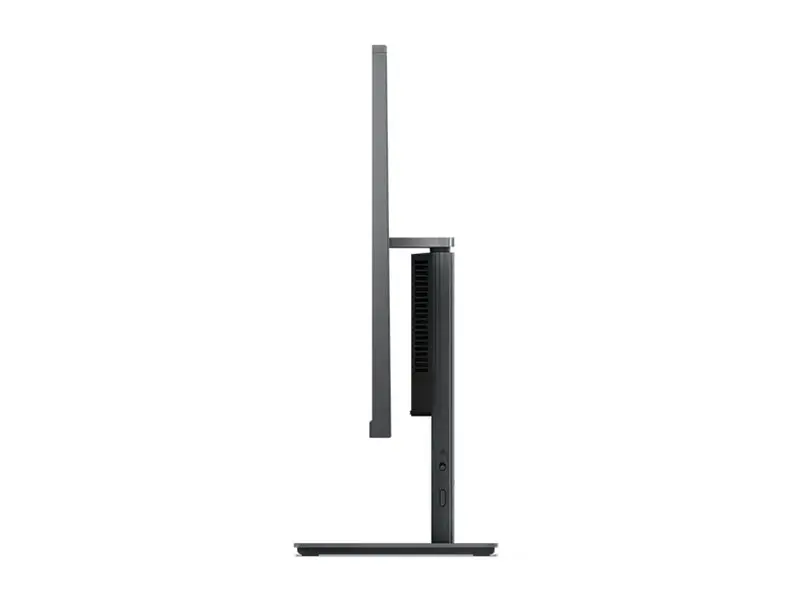
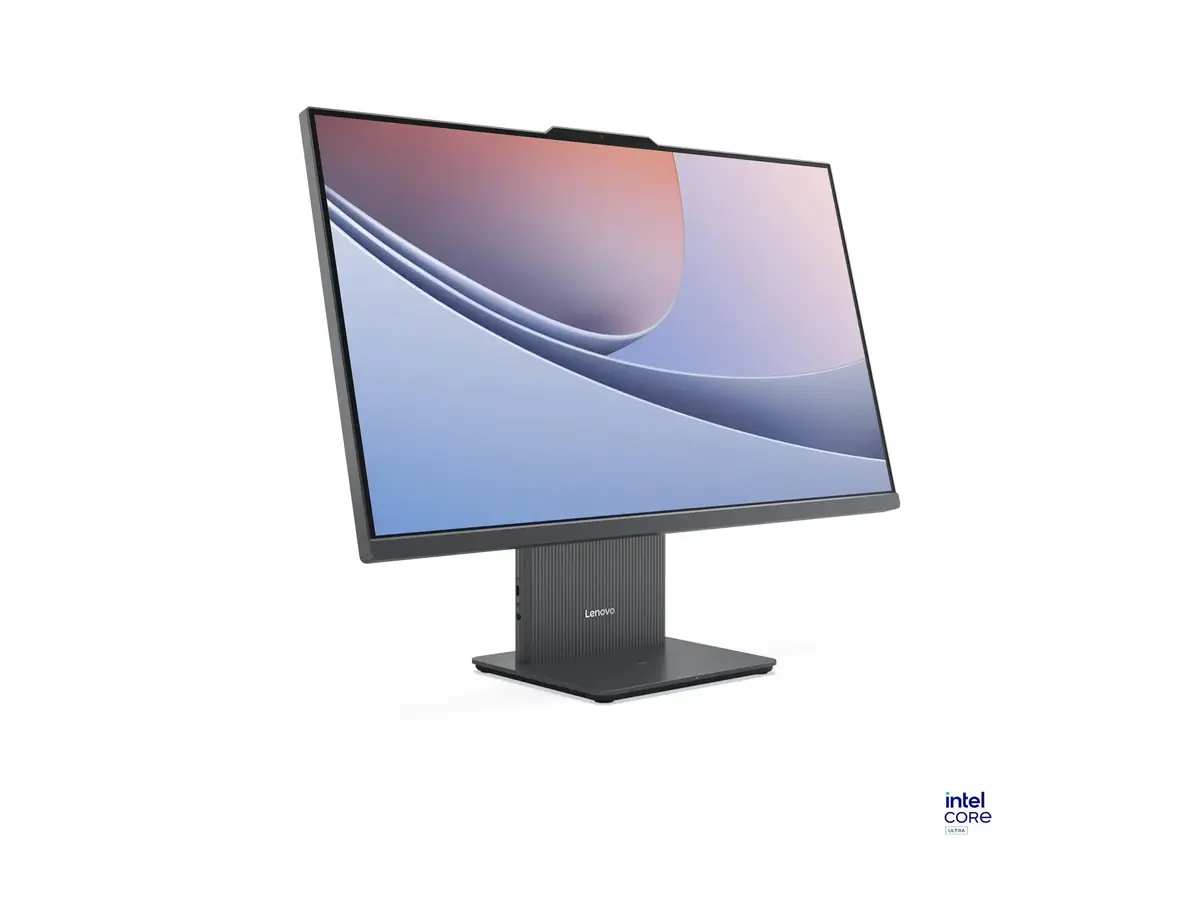
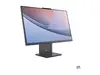
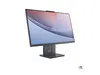
The Lenovo IdeaCentre AIO 27ILL11 is a high-performance all-in-one desktop computer designed to provide a seamless computing experience in a compact, modern form factor. Featuring a spacious 27-inch Full HD display, this system integrates the computer components directly into the monitor housing, effectively eliminating cable clutter and saving valuable desk space. Powered by the efficient Intel Core Ultra 7 256V processor and supported by 16GB of high-speed LPDDR5x memory, it delivers responsive performance for daily computing tasks, media consumption, and professional workflows.
Advantages
The primary benefit of this all-in-one system is its space-saving design, which combines a large, clear display with powerful internal hardware in a single, elegant unit. The inclusion of a 512GB SSD ensures rapid boot times and quick access to files, while the integrated Intel Graphics provides reliable visual performance for everyday applications. With modern connectivity options like Wi-Fi 6 and Bluetooth 5.3, users can enjoy stable wireless networking and seamless peripheral integration. The pre-installed Windows 11 Home operating system offers a user-friendly interface, making it an ideal choice for those seeking a ready-to-use desktop solution that balances aesthetics with functional power.
Suitable for
- Home office productivity and document management
- Educational tasks and remote learning
- Streaming high-definition video content
- General web browsing and social media management
- Light multitasking and administrative work
This desktop may not be suitable for professional-grade video editing, complex 3D rendering, or high-end gaming, as it relies on integrated graphics rather than a dedicated GPU. Additionally, because the system is an all-in-one design, it does not offer the same level of hardware upgradeability or component customization found in traditional tower desktop PCs.
Key specifications
- Display: 27-inch FHD (1920 x 1080 pixels)
- Processor: Intel Core Ultra 7 256V (8 cores)
- Memory: 16GB LPDDR5x (8533MHz)
- Storage: 512GB SSD
- Graphics: Integrated Intel Graphics
- Connectivity: Wi-Fi 6 (802.11ax), Bluetooth 5.3
- Operating System: Windows 11 Home
- Power Supply: 135W
To begin using your Lenovo IdeaCentre, simply connect the provided power adapter to a wall outlet and the device. Once powered on, follow the on-screen instructions provided by the Windows 11 setup wizard to configure your language, network settings, and user account. Since this model does not include an optical drive, all software installations should be performed via digital downloads or external USB storage devices.
What to consider before purchase
- Ensure your desk has sufficient space for a 27-inch display.
- Verify that your software requirements do not exceed the capabilities of integrated graphics.
- Consider whether you need additional external storage if 512GB is insufficient for your media library.
- Check if your existing peripherals are compatible with the available ports.
For optimal performance and longevity, keep the ventilation areas clear of obstructions and ensure the system is placed on a stable, flat surface. Regularly update your operating system and drivers through the official support channels to maintain security and system stability.