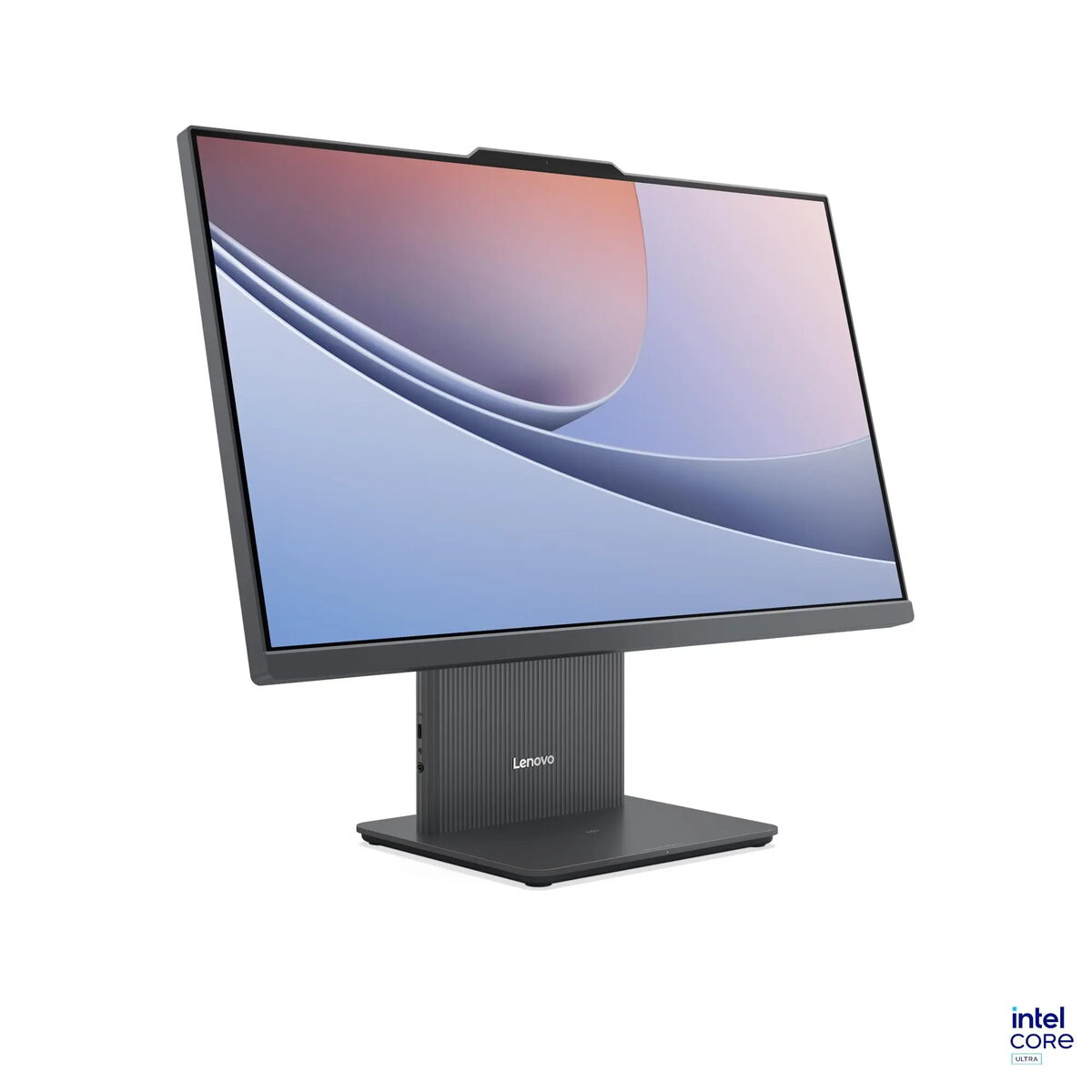
The Lenovo IdeaCentre AIO 24ILL11 is a compact and efficient all-in-one desktop computer designed to streamline your workspace. Featuring a 23.8-inch Full HD IPS display with a 100Hz refresh rate and anti-glare technology, it delivers clear visuals and comfortable viewing for daily tasks. Powered by the Intel Core Ultra 5 226V processor and integrated Intel Arc Graphics, this system provides reliable performance for productivity and multimedia consumption. The unit comes in a sleek Luna Grey finish and includes a wired keyboard and mouse, offering a complete desktop solution in a single, space-saving package.
Advantages
This all-in-one system excels by integrating all necessary computing components into one slim display unit, significantly reducing cable clutter and saving valuable desk space. The high-quality IPS panel with 99% sRGB color coverage and hardware-based blue light suppression ensures that the screen is both vibrant and gentle on the eyes during extended use. With the inclusion of a 5.0 MP webcam and high-quality HARMAN-tuned speakers, it is exceptionally well-suited for video conferencing and media playback. The modern connectivity options, including USB-C and HDMI-in, provide flexibility for connecting external peripherals or using the monitor as a secondary display for other devices.
Suitable for
- Office productivity and document management
- Remote work and video conferencing
- Educational tasks and online learning
- Home media consumption and web browsing
When it may not be suitable
This computer is not designed for high-end gaming or professional-grade video editing, as it relies on integrated graphics and has a fixed memory configuration. Additionally, since it is shipped without a pre-installed operating system, it is intended for users who are comfortable with performing their own software installation and configuration.
Key specifications
- Display: 23.8-inch FHD (1920x1080) IPS, 100Hz, anti-glare
- Processor: Intel Core Ultra 5 226V
- Memory: 16GB LPDDR5x-8533 (integrated, non-upgradeable)
- Storage: 512GB M.2 PCIe 4.0 SSD
- Graphics: Integrated Intel Arc Graphics 130V
- Webcam: 5.0 MP with privacy switch
- Audio: Dual 3W HARMAN speakers
- Connectivity: Wi-Fi 6, Bluetooth 5.3, Gigabit Ethernet
- Ports: USB-C, USB-A 3.2, USB 2.0, HDMI-in, HDMI 2.1, Headphone/Mic jack
How to use
To set up the Lenovo IdeaCentre AIO 24ILL11, place the unit on a stable, flat surface and connect the provided power adapter to the rear power port. Connect the included wired keyboard and mouse to the available USB ports. Since the device does not come with an operating system, you will need to insert your bootable installation media into a USB port and power on the system. Follow the on-screen prompts to install your preferred operating system and necessary drivers. Once configured, you can utilize the side-mounted camera switch for privacy and adjust the display settings to suit your environment.
What to consider before purchase
- The operating system is not included and must be purchased and installed separately.
- The memory is integrated and cannot be upgraded after purchase.
- The display is not touch-sensitive.
- The device does not include an optical disc drive.
Usage recommendations: For optimal performance and longevity, ensure the device is placed in a well-ventilated area to allow for proper heat dissipation. Regularly update your drivers via the official Lenovo support website to maintain system stability and security.