












JBL speakers and headphones for pure and deep sound!
In cart {{totalProductsCount}} item(s)
Your cart is empty
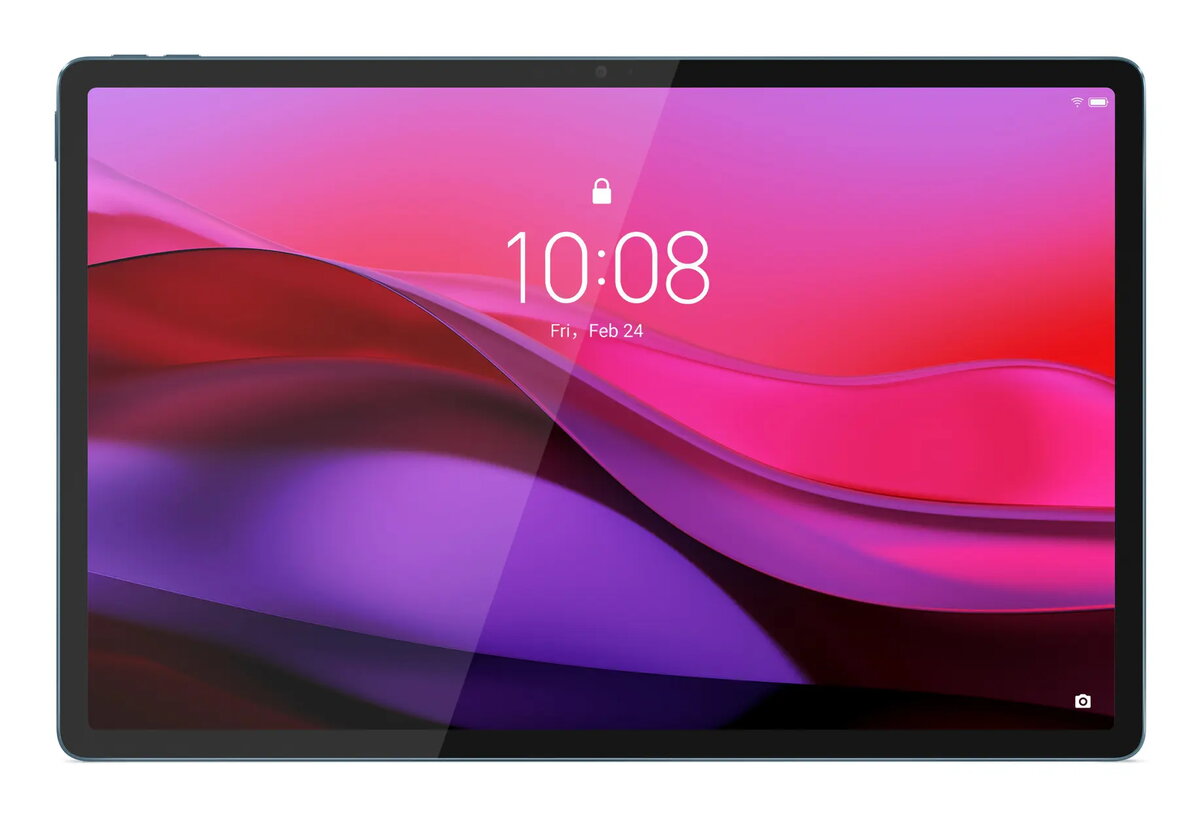
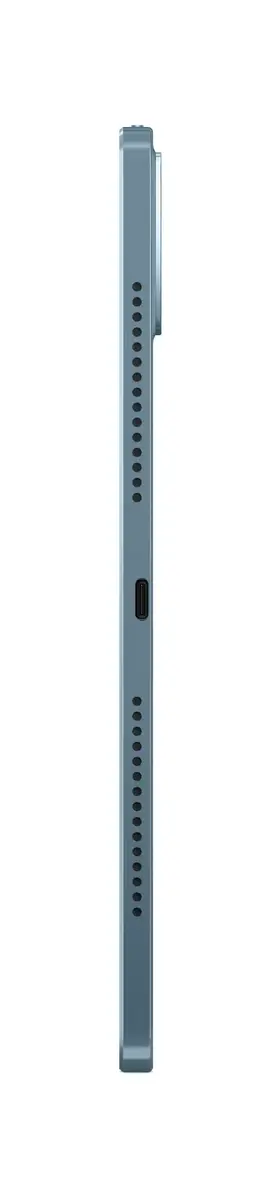
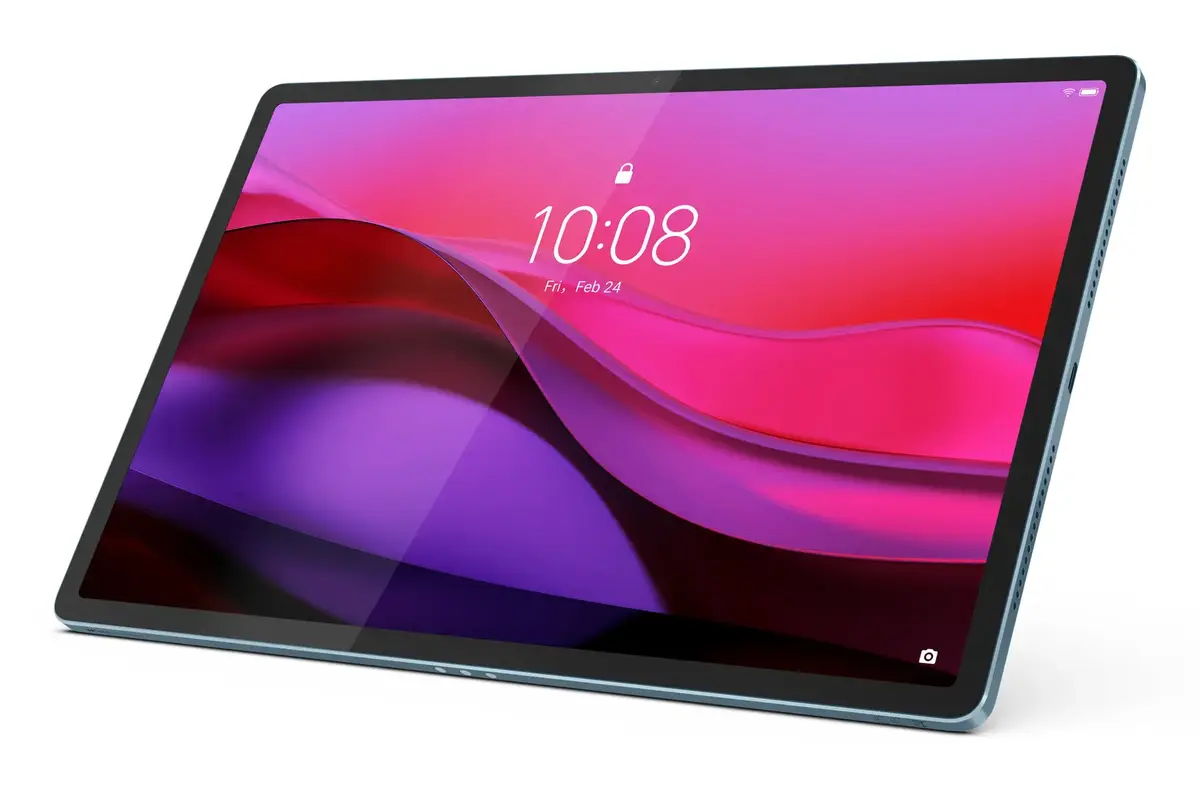
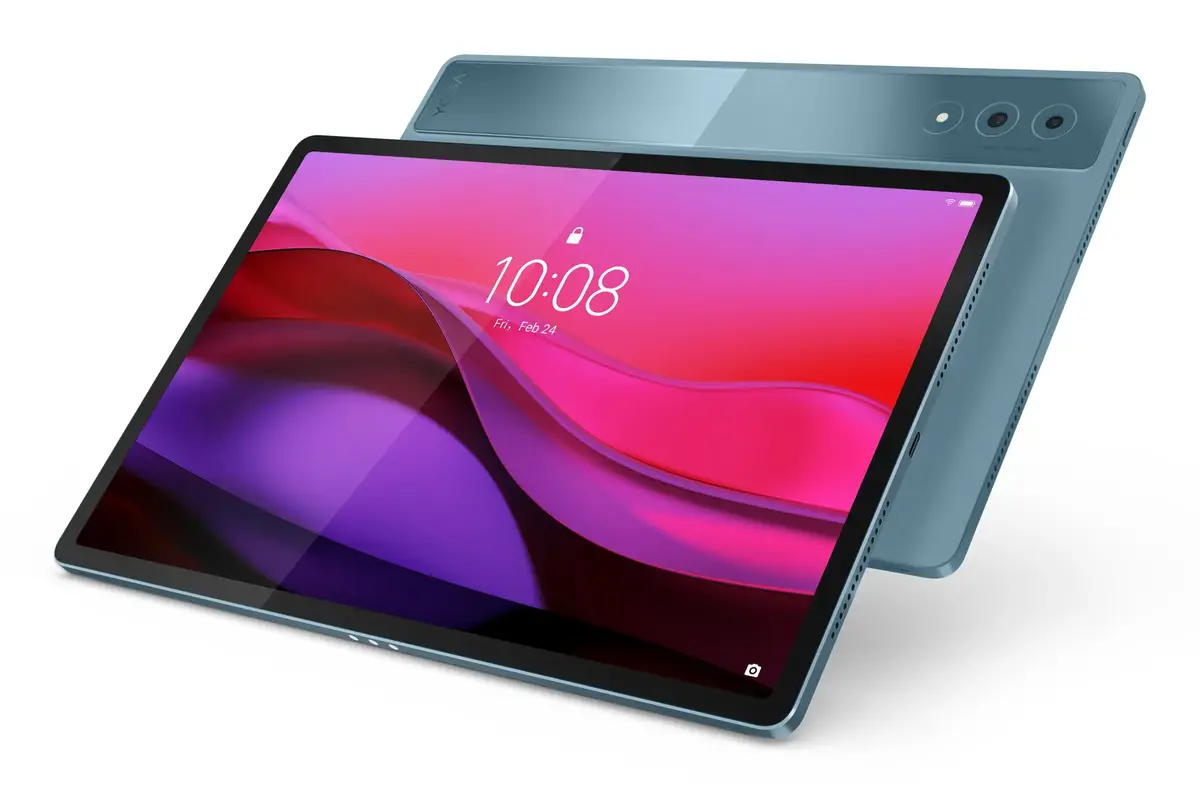
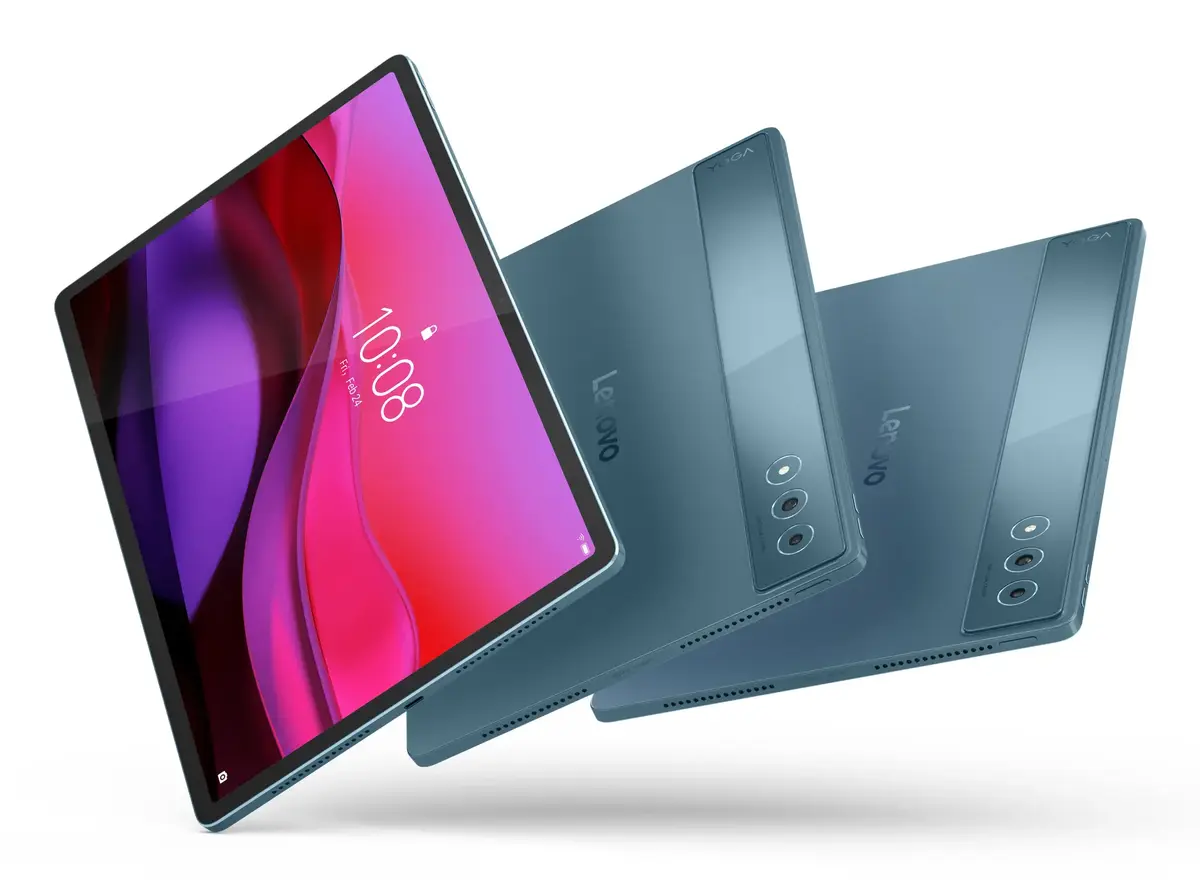
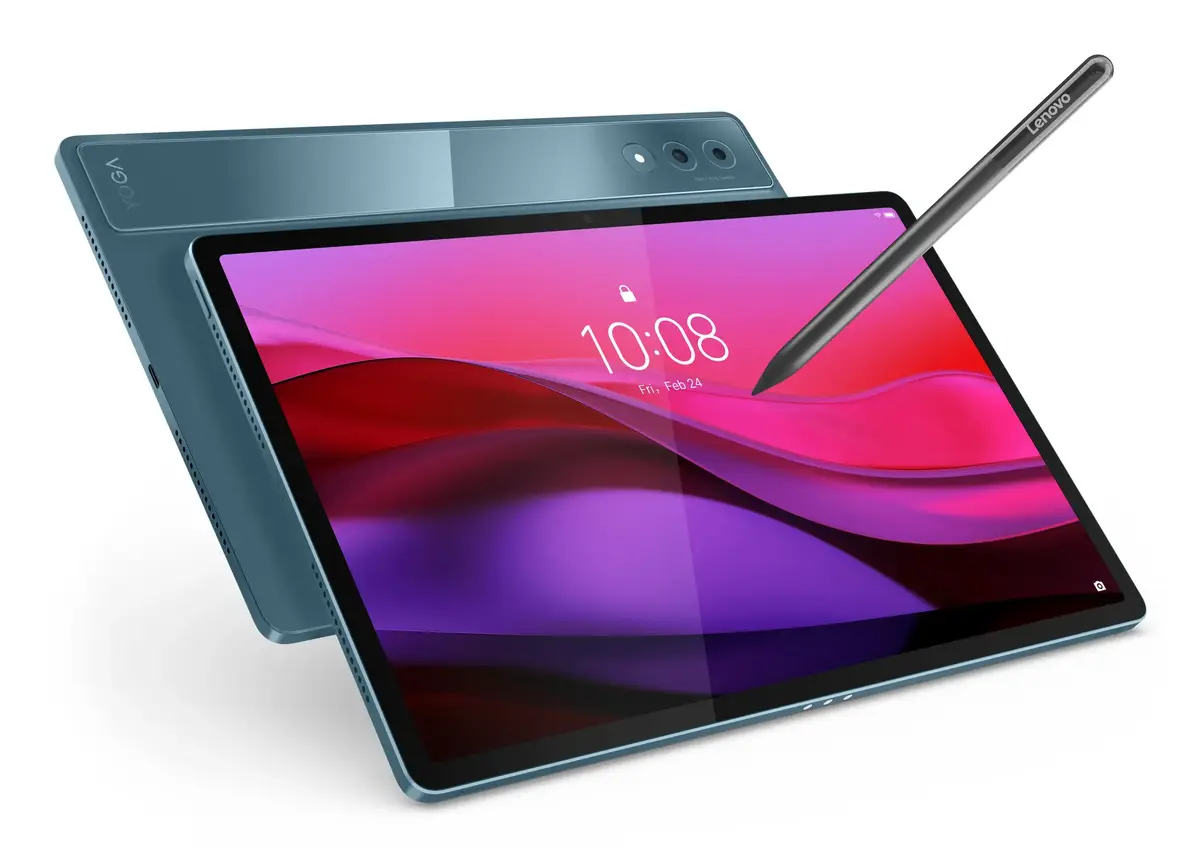
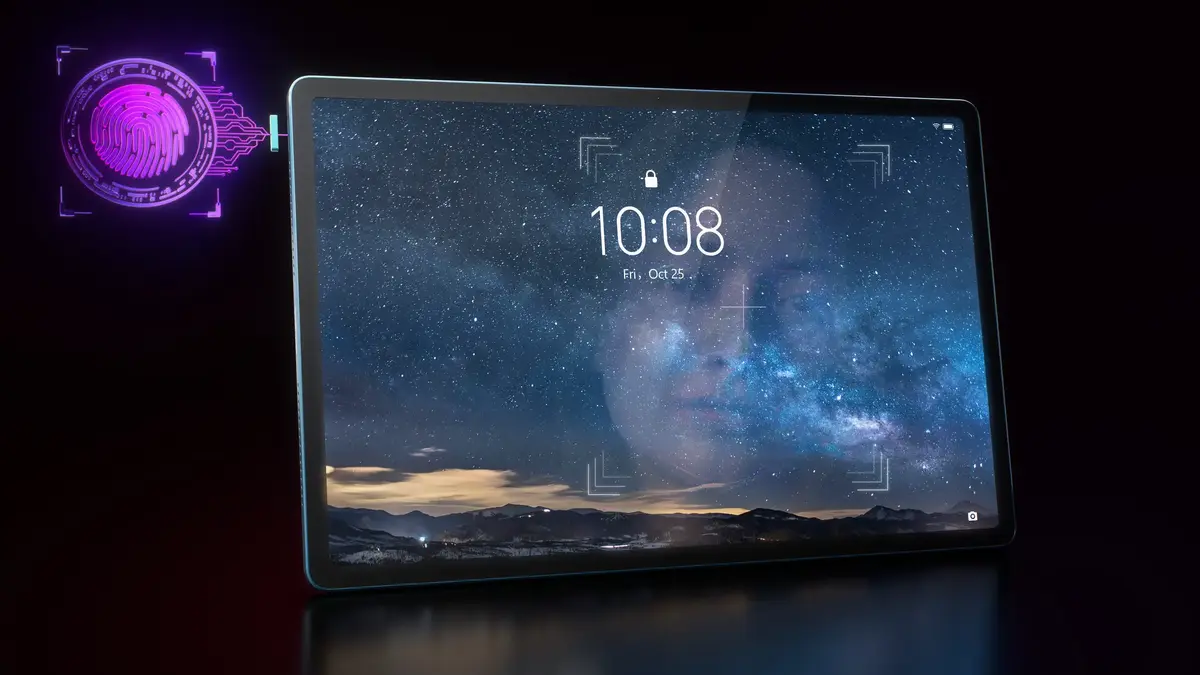
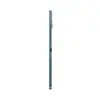
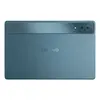
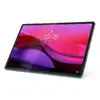
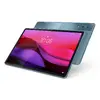
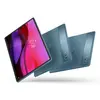
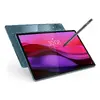
Tablet Lenovo Yoga Tab Plus 12.7" Qualcomm Snapdragon 16 GB RAM 256 GB Storage Android 14
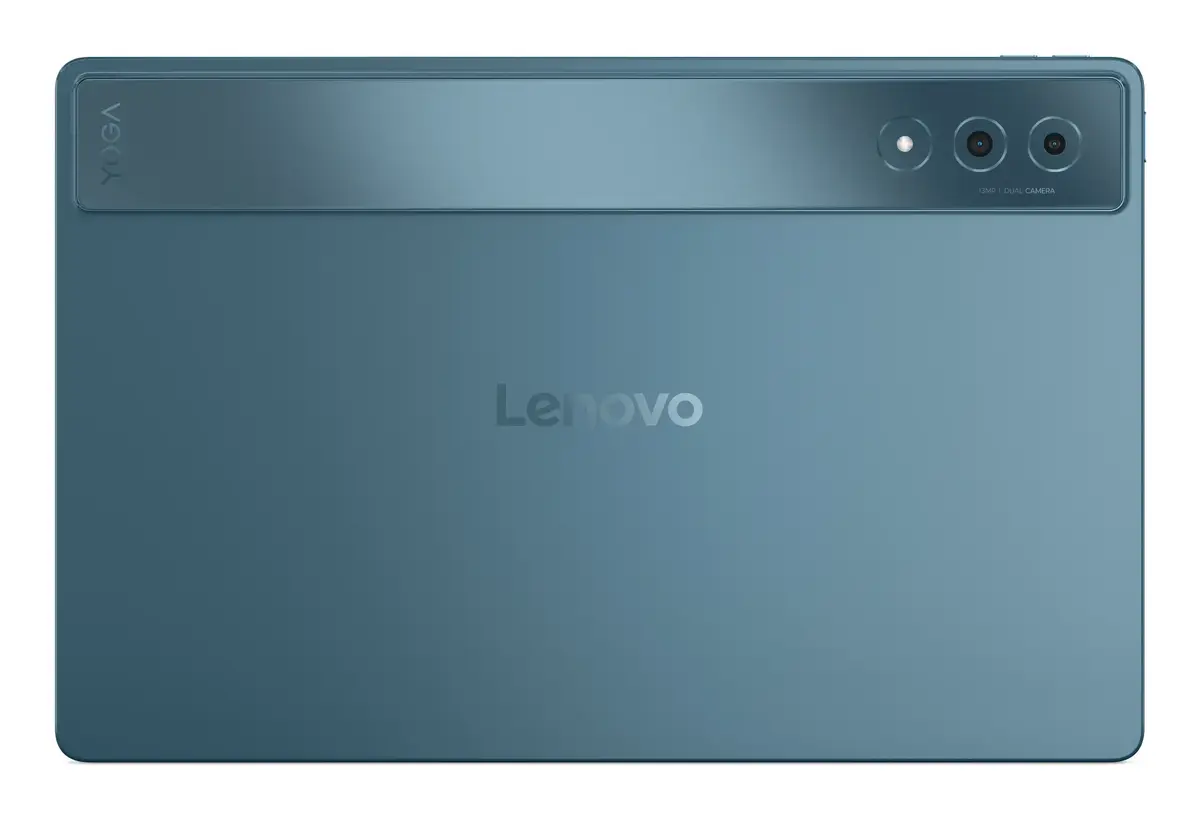
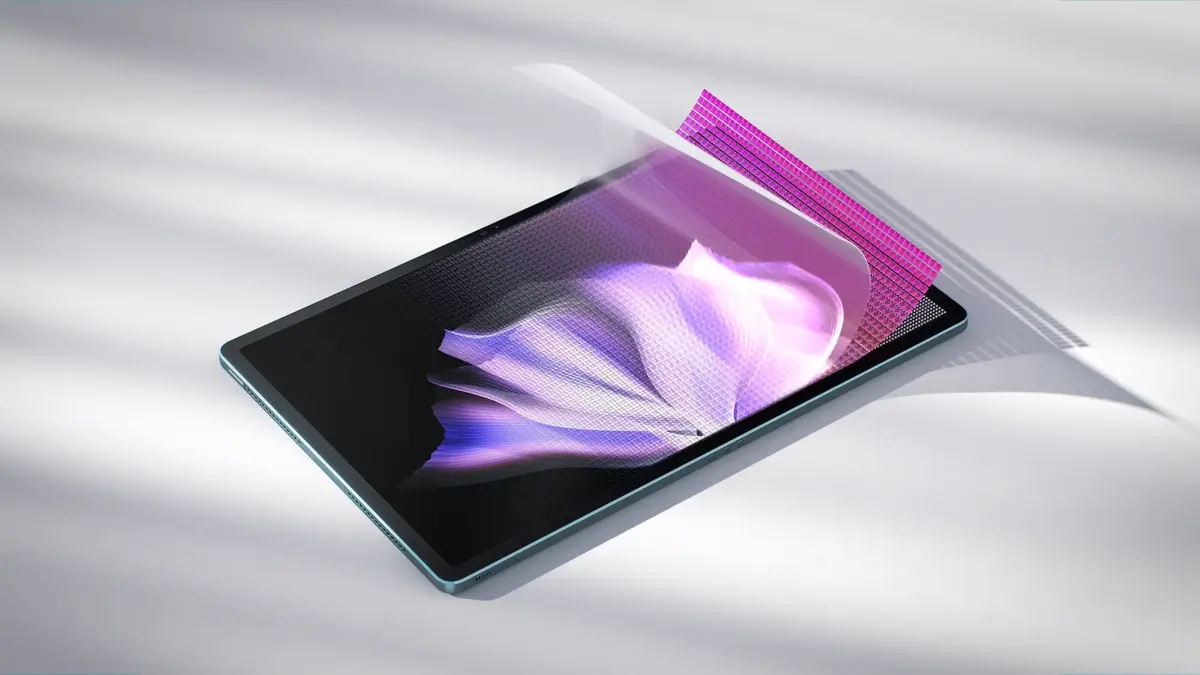
The Lenovo Yoga Tab Plus 12.7" is a premium Android tablet designed for multimedia, productivity and web connectivity. It features a 12.7-inch display with 2944 x 1840 resolution driven by a Qualcomm Snapdragon 8 Gen 3 processor, 16 GB of RAM and 256 GB of internal storage. The device runs Android 14, includes a 13 MP front camera and dual 13 MP rear cameras, supports Wi‑Fi 7 (802.11be) and is finished in a teal colour. With an IP53 rating, a repairability class A and a lightweight construction of 640 g, the tablet balances durability and portability for everyday use.
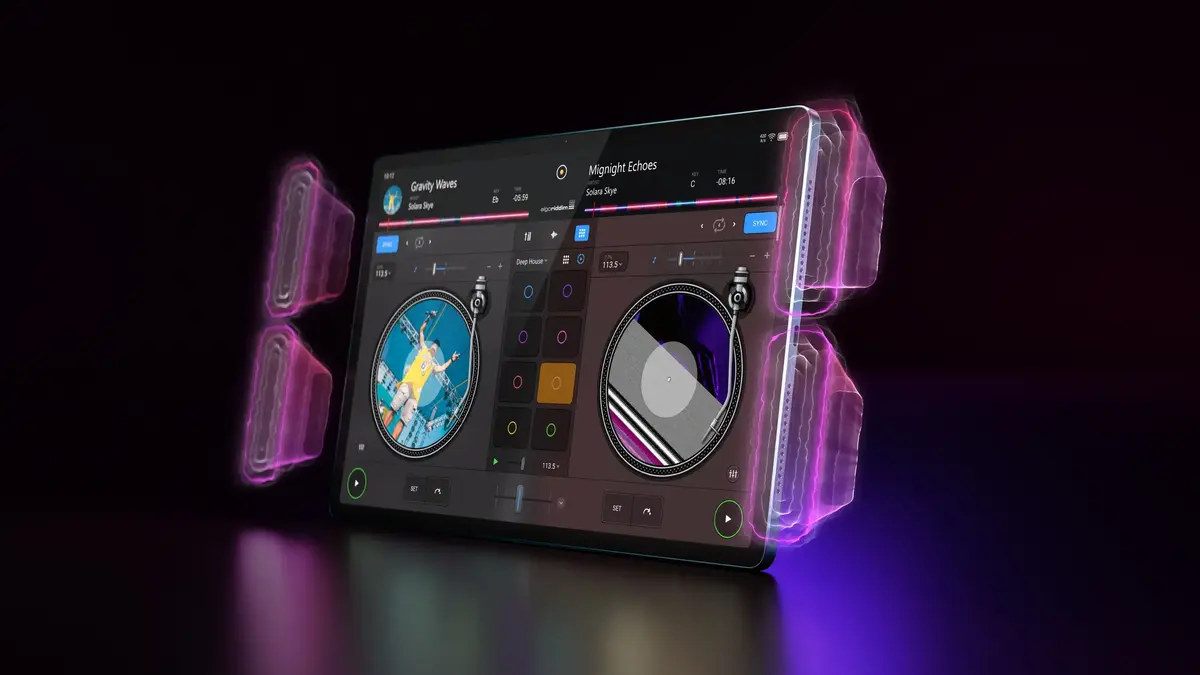
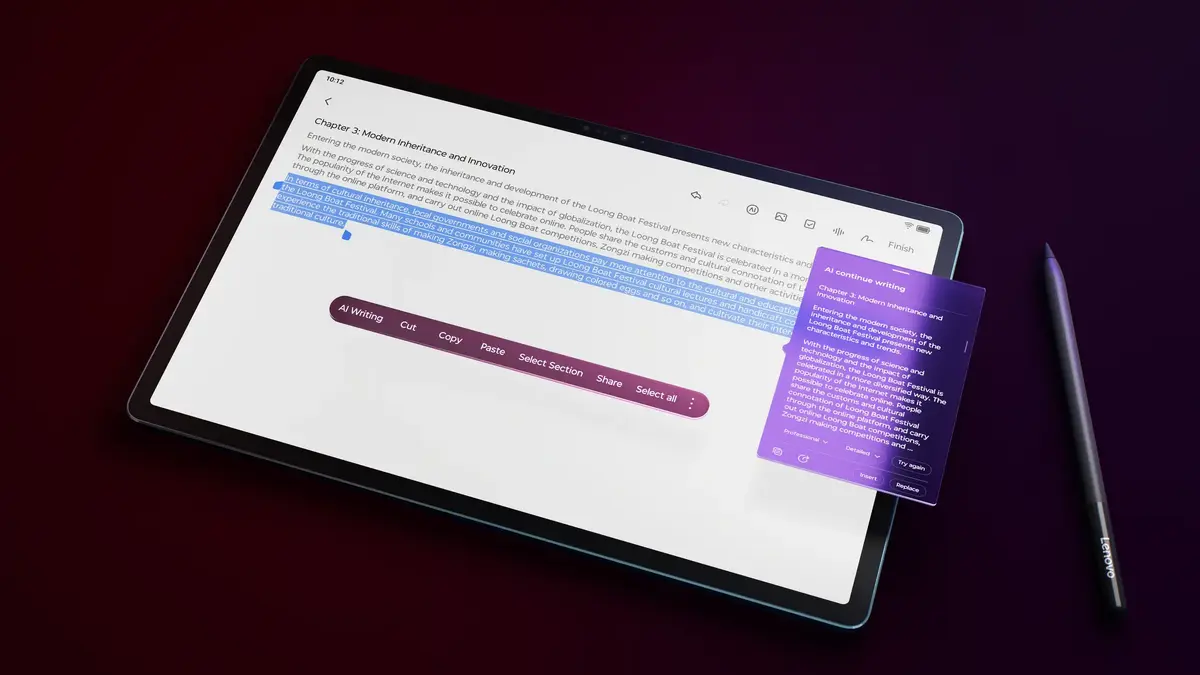
The tablet combines a high-resolution 12.7" display and a powerful Qualcomm Snapdragon processor to deliver smooth multitasking and clear visuals for video playback and creative work. Large memory and storage capacities (16 GB RAM and 256 GB storage) provide room for apps, documents and media. Dual 13 MP rear cameras and a 13 MP front camera enable high-quality photos and reliable video calls. Built-in Wi‑Fi 7 ensures fast wireless connectivity, while Android 14 offers the latest platform features and app compatibility. The IP53 rating and repairability class A indicate resilience to light dust and splashes and practical serviceability.
Turn on the tablet using the power button and follow the on-screen setup to connect to a Wi‑Fi network and sign in with your Google account. Install apps from the Google Play Store as required, adjust display and sound settings for comfortable viewing, and configure camera settings before use. For charging, use the supplied charger and cable compatible with the tablet. When carrying the device, use a protective case or sleeve to reduce the risk of scratches; the IP53 rating provides limited protection against dust and splashes but does not make the tablet fully waterproof.
For best performance, keep the system updated through Android updates, avoid filling storage to capacity to maintain responsiveness, and use Wi‑Fi 7 where available for high-throughput connections. Store and operate the tablet within the manufacturer’s recommended temperature and humidity ranges and perform regular backups of important data to cloud storage or external media.
{{highlightedFeature.featureTitle}}:
{{getProductFeatureValueById(product, highlightedFeature.featureId)}}
{{ productComparisonGenerationError }}
Device manufacturer code
Device manufacturer
iagonal of the visible part of the screen expressed in centimeters and inches.
Number of full charge–discharge cycles the battery endures before its capacity significantly decreases.
Rating of how efficiently a device uses energy, affecting power consumption and costs.
Device protection rating against dust and water according to the international IP standard.
Assessment of device durability after repeated drops from a specified height.
Rating of how easy it is to disassemble and repair the device, including parts and manual availability.
