
Filters you can trust. Pure water every day.
In cart {{totalProductsCount}} item(s)
Your cart is empty
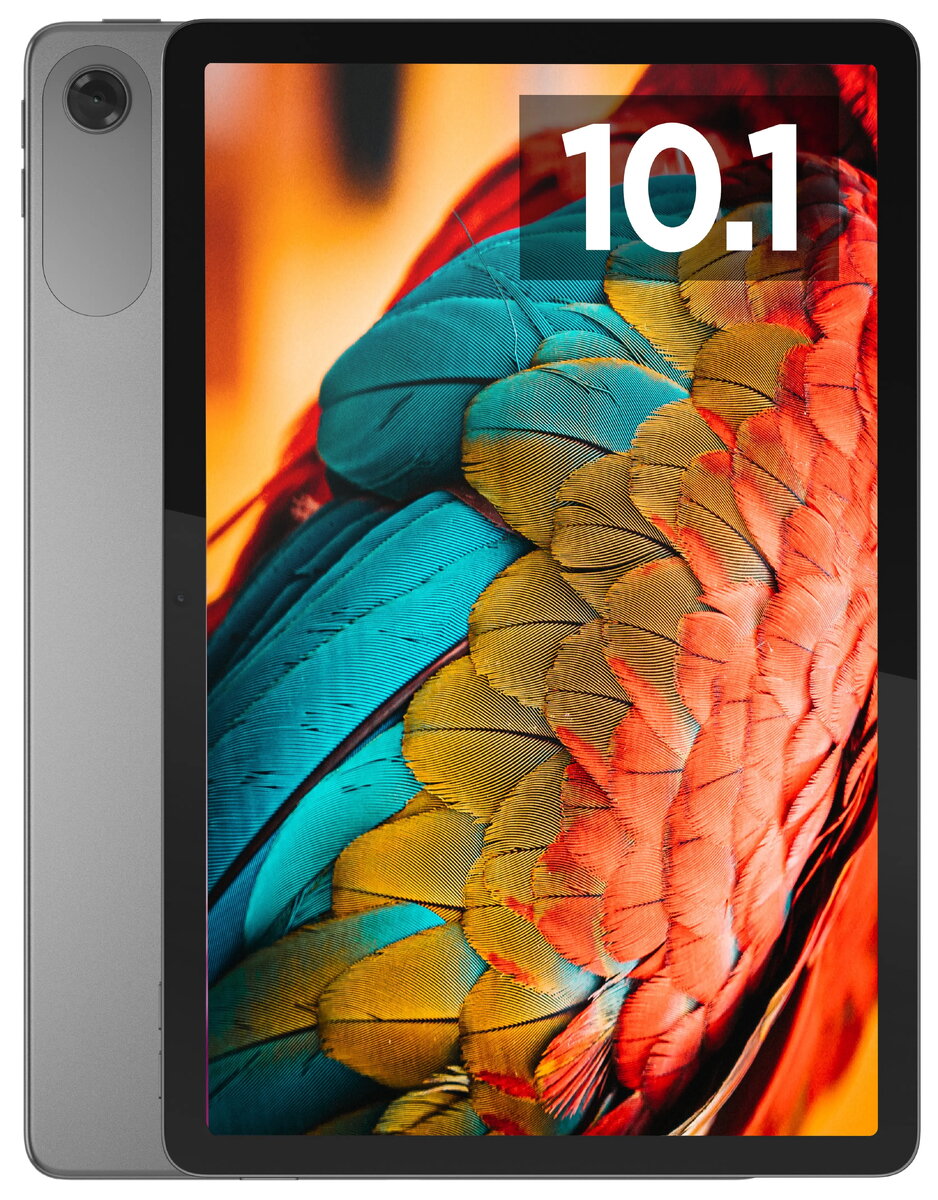
Tablet Lenovo Tab ZAEJ0008CZ 10.1" 1920x1200 4GB 128GB An14 Luna Grey
The Lenovo Tab ZAEJ0008CZ is a versatile 10.1-inch tablet designed to balance performance and portability. Featuring a crisp 1920x1200 resolution display, it provides clear visuals for media consumption and daily tasks. Equipped with 4GB of RAM and 128GB of internal storage, the device ensures smooth multitasking and sufficient space for your applications, documents, and multimedia files. Running on the latest Android 14 operating system, it offers a modern, secure, and intuitive user experience in a sleek Luna Grey finish.
This tablet stands out due to its high-resolution WUXGA display which delivers sharp image quality for videos and reading. The inclusion of 128GB of storage allows users to keep a large library of content locally without needing constant cloud access. Its lightweight and slim design makes it highly portable for travel or commuting. Furthermore, the integration of Android 14 provides access to the latest software features, improved privacy controls, and optimized system performance for a reliable daily experience.
This device may not be the ideal choice for professional-grade video editing, heavy 3D rendering, or running resource-intensive desktop-class software. Users requiring a high-performance workstation for complex creative tasks might find the hardware limitations restrictive compared to dedicated laptops or high-end professional tablets.
To begin using the tablet, power it on by holding the side button until the Lenovo logo appears. Follow the on-screen setup wizard to connect to a Wi-Fi network and sign in with your Google account to access the Play Store. You can navigate the interface using standard touch gestures such as swiping to switch screens or tapping to open applications. To manage your files or expand storage, you can access the settings menu or use compatible external storage solutions if supported.
To maintain optimal battery health and system performance, it is recommended to keep the software updated through the settings menu and avoid leaving the device in extreme temperatures. Using a screen protector and a protective cover is advised to prevent physical damage during daily use.
{{highlightedFeature.featureTitle}}:
{{getProductFeatureValueById(product, highlightedFeature.featureId)}}
{{ productComparisonGenerationError }}
