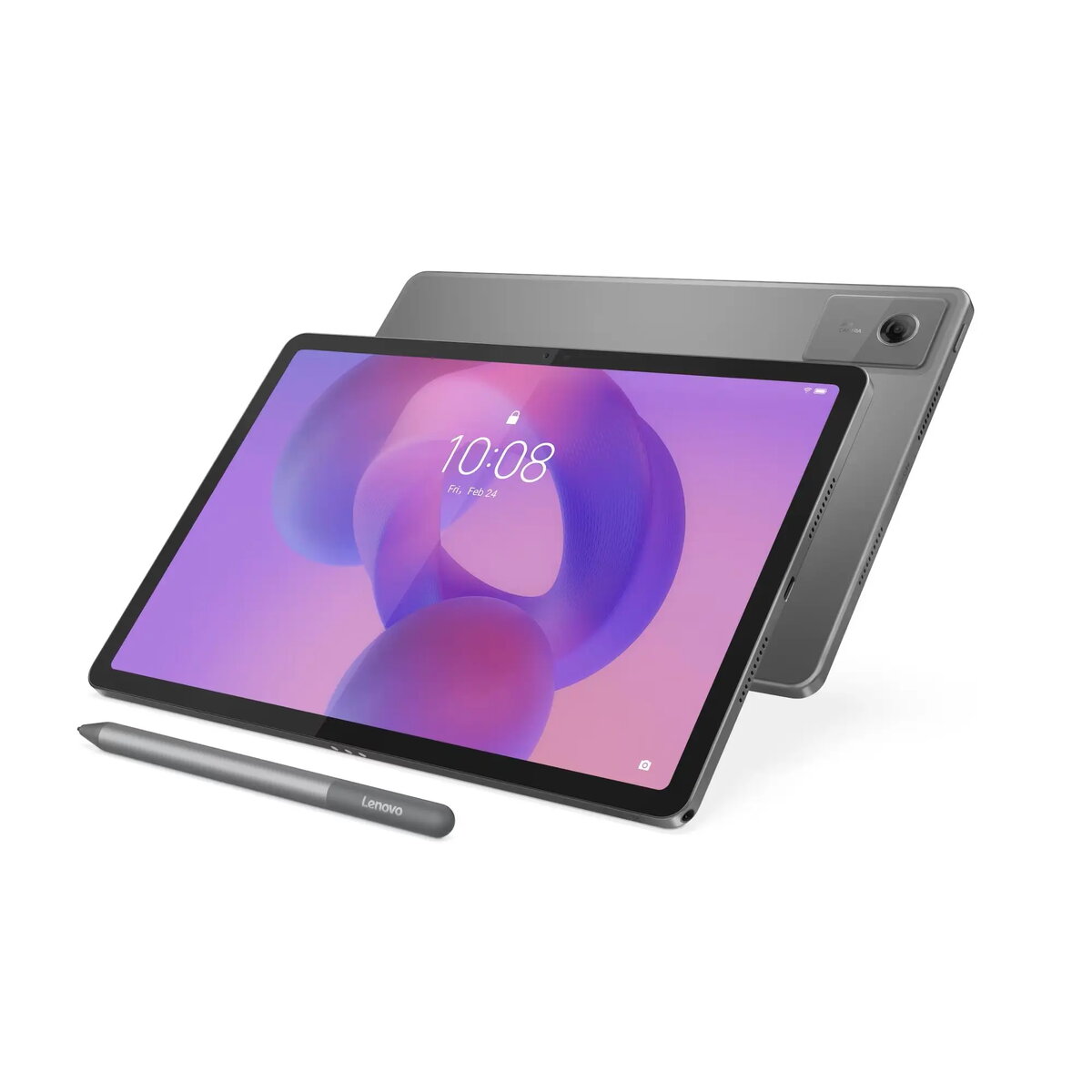
The Lenovo IdeaTab is a high-performance 11-inch tablet designed to deliver a premium visual and computing experience. With its sharp 2560x1600 resolution display, it offers vibrant colors and fine detail, making it suitable for both professional tasks and media consumption. Powered by 8GB of RAM and 256GB of internal storage, this device ensures efficient multitasking and provides significant space for your files, applications, and multimedia content. Running on the latest Android 15 operating system, the tablet provides a modern, secure, and intuitive user interface. Its sleek Luna Grey finish combines durability with a sophisticated aesthetic, making it a versatile tool for mobile users.
Advantages
The primary benefit of this tablet is its high-resolution display, which provides exceptional clarity for reading, editing documents, or watching high-definition videos. The combination of 8GB of RAM and substantial internal storage allows for seamless performance even when running multiple demanding applications simultaneously. Furthermore, the integration of Android 15 ensures access to the latest software features, security updates, and a vast ecosystem of applications. The portable design and robust build quality make it an excellent companion for travel, office work, or home entertainment.
Suitable for
- High-definition media streaming and video playback
- Productivity tasks such as document editing and email management
- Web browsing and social media engagement
- Digital content creation and photo viewing
This tablet may not be suitable for users requiring specialized desktop-grade software that is not compatible with the Android operating system. Additionally, it may not be the ideal choice for professional-level 3D rendering or heavy-duty gaming that requires dedicated hardware beyond the capabilities of a mobile chipset.
Key specifications
- Display size: 11 inches
- Resolution: 2560x1600 pixels
- RAM: 8GB
- Storage capacity: 256GB
- Operating system: Android 15
- Color: Luna Grey
How to use
To begin using your Lenovo IdeaTab, power on the device by holding the side button until the logo appears. Follow the on-screen setup wizard to connect to a Wi-Fi network and sign in with your Google account. Once configured, you can navigate the interface using touch gestures. You can install applications from the Google Play Store to customize your experience. To manage your files and storage, use the built-in file manager application. Keep the device updated by checking for system updates in the settings menu to ensure optimal performance and security.
What to consider before purchase
- Verify if your essential software applications are available on the Android platform
- Consider whether the 256GB storage capacity meets your long-term media and file requirements
- Assess if the 11-inch form factor fits your specific portability needs
Usage recommendations: To maintain the longevity of your tablet, keep the screen clean using a soft microfiber cloth and avoid exposing the device to extreme temperatures or moisture. It is recommended to use a protective case to prevent accidental damage during transport.