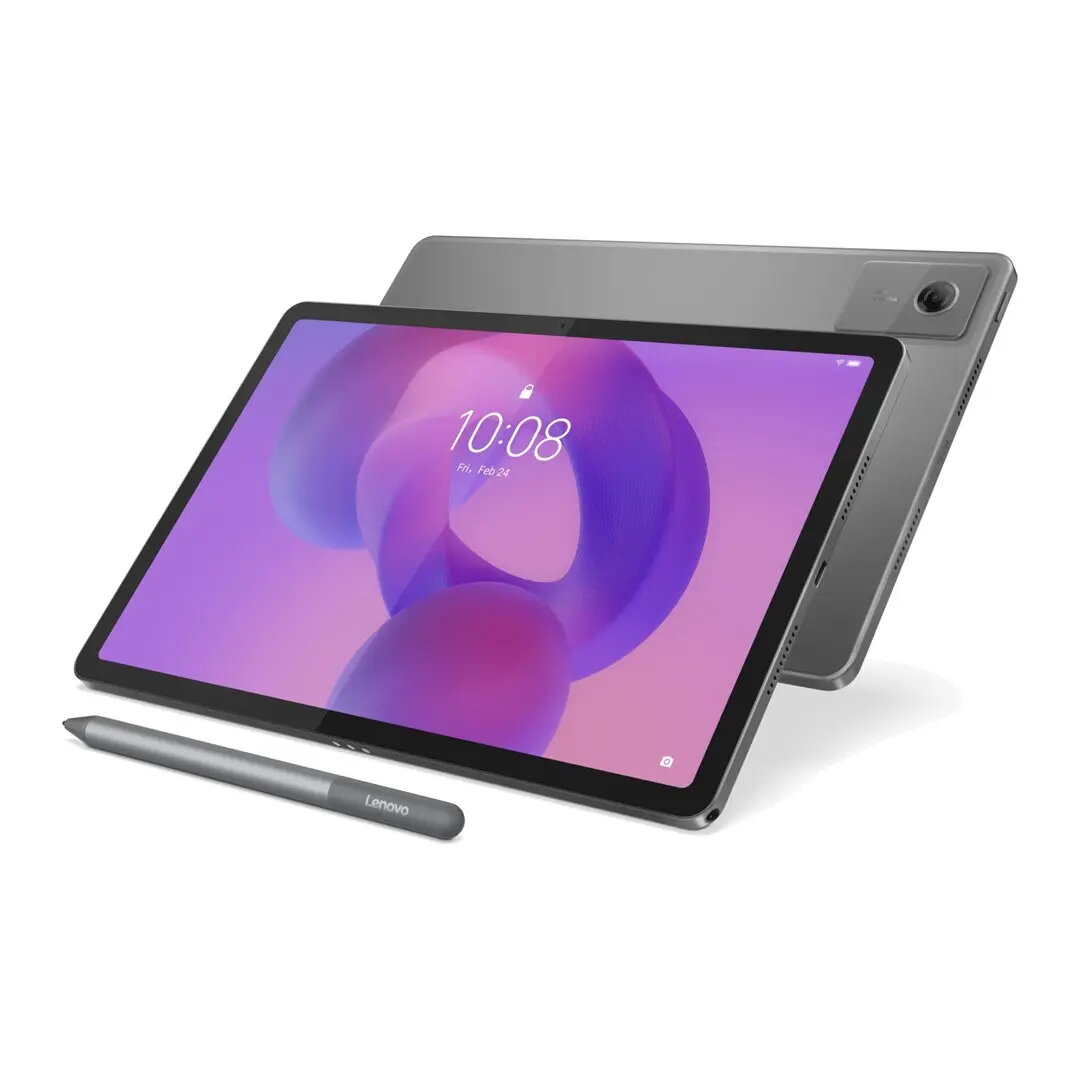
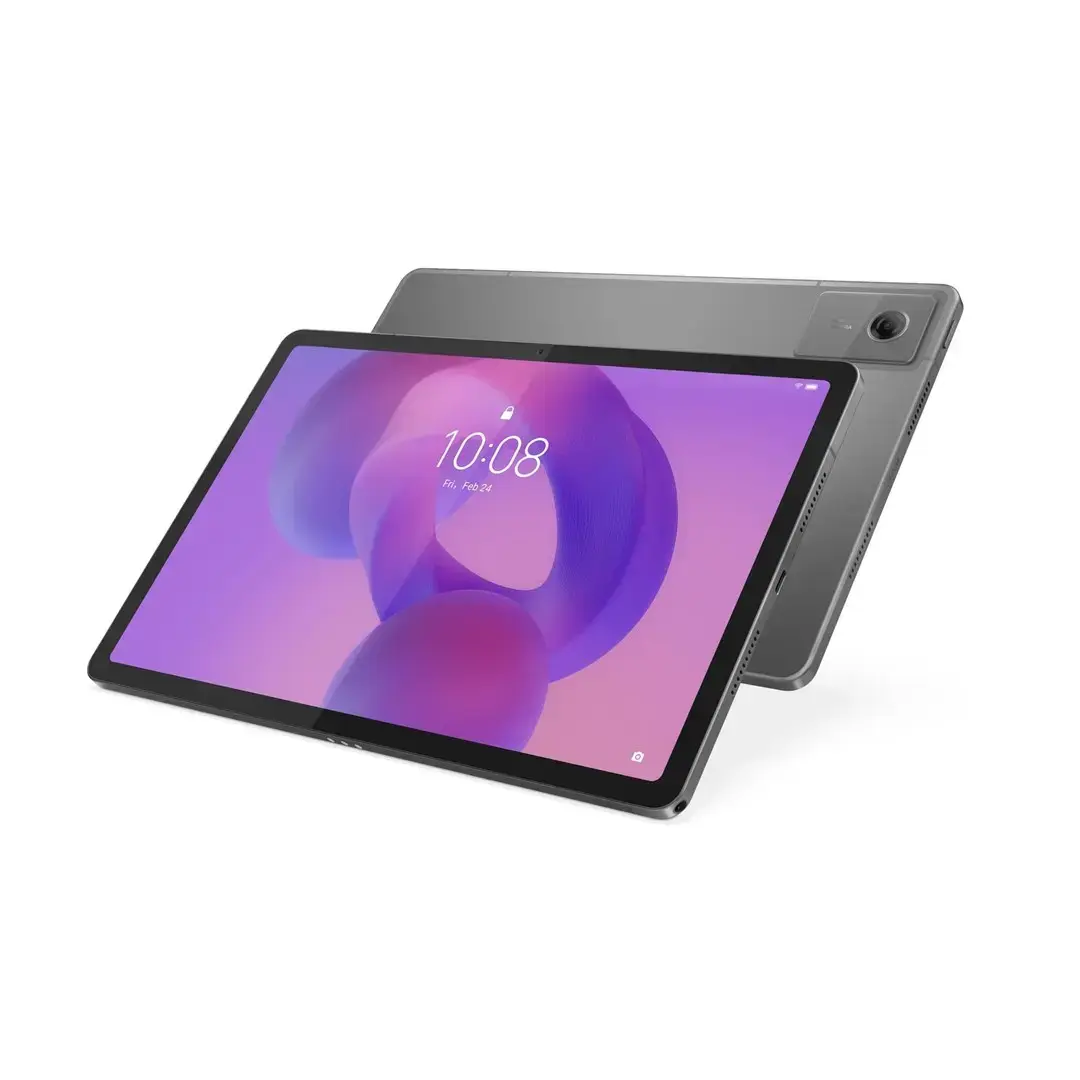
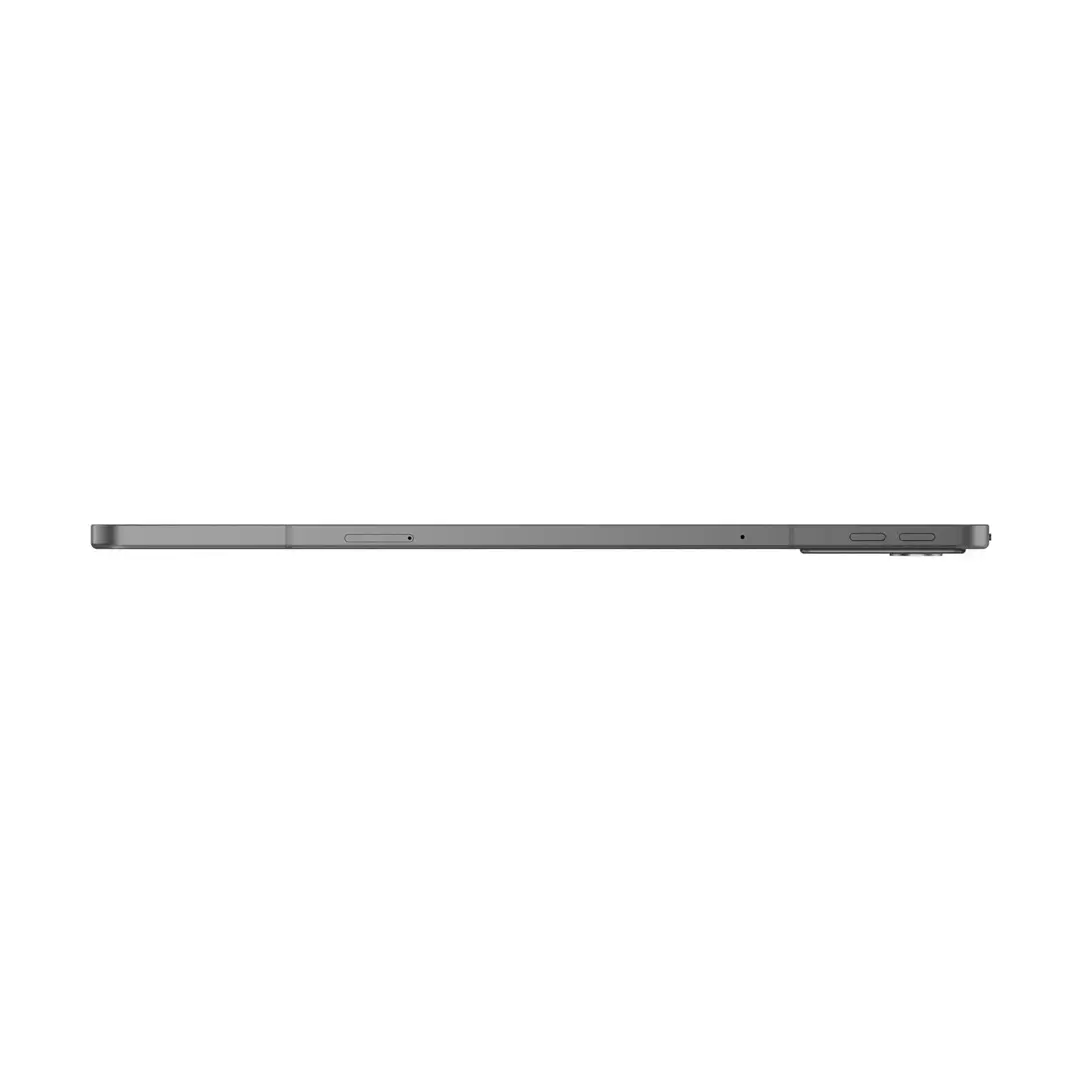
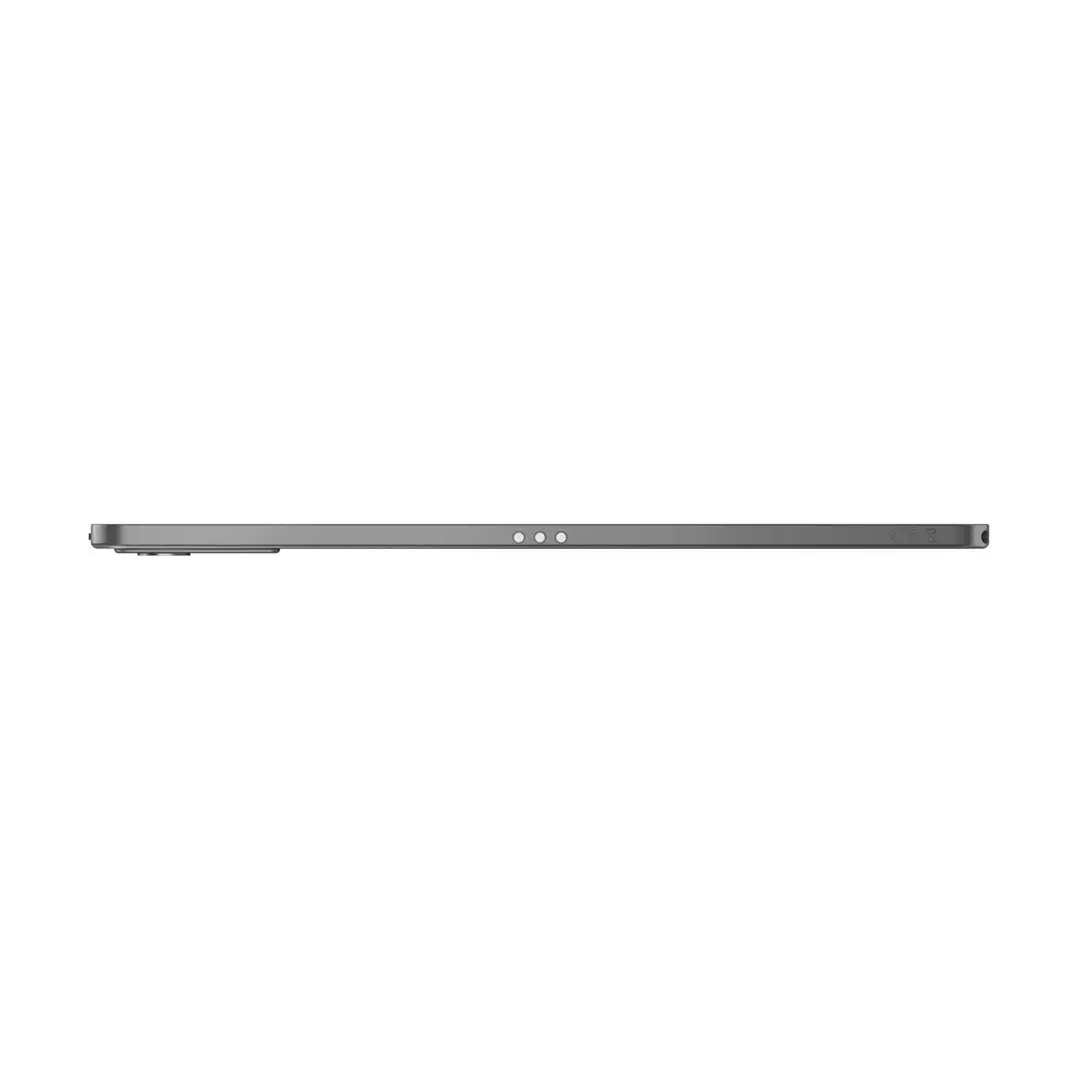
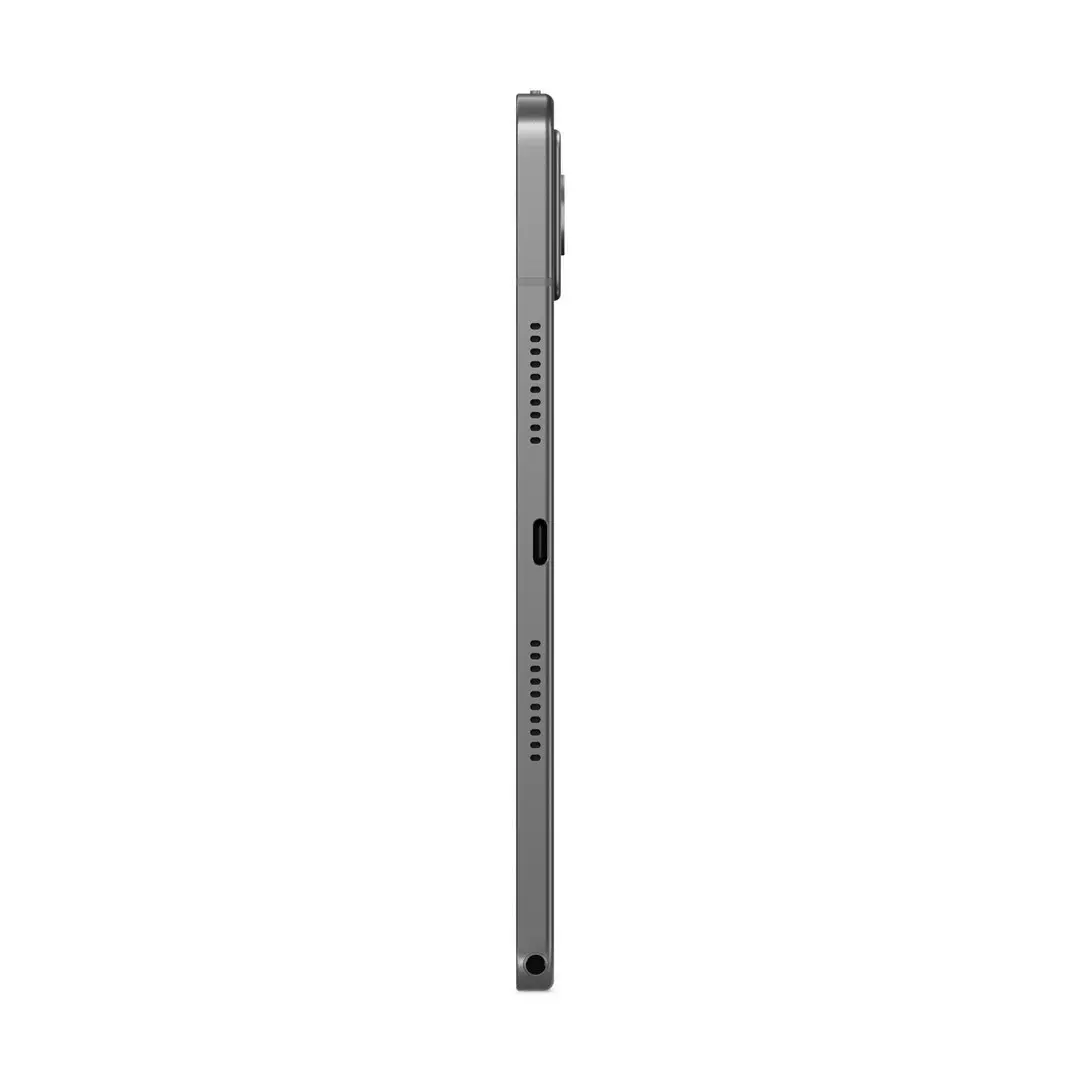
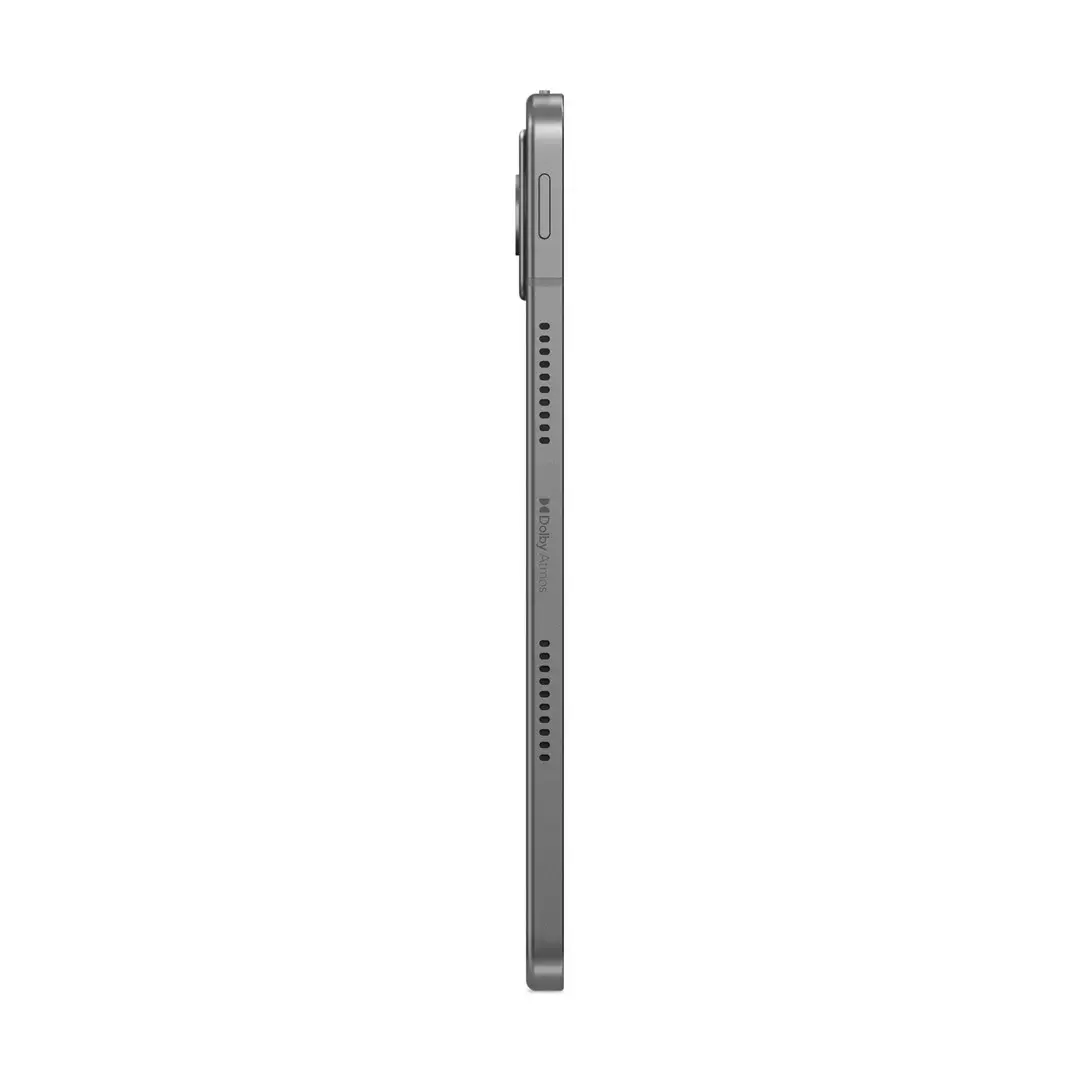
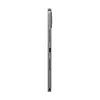
The Lenovo Tab K11 Gen 2 TB336ZU is an 11-inch tablet featuring a 2.5K display with up to 500 nits brightness, powered by a MediaTek Dimensity 6300 processor and Mali-G57 graphics. Equipped with 8GB of RAM, 128GB of internal storage and 5G connectivity, the device supports fast mobile data, multi-app use and media playback. A dedicated pen is included for handwriting, sketching and precise input. The chassis comes in Luna Grey and is positioned for users who need a balance of screen quality, responsive performance and cellular mobility.
Advantages
The high-resolution 11" 2.5K display with 500 nits provides clear, bright visuals for video, reading and general use in varied lighting conditions. The MediaTek Dimensity 6300 chipset combined with 8GB RAM delivers smooth everyday performance for web browsing, streaming and light multitasking. Integrated 5G support enables low-latency connectivity and faster downloads on compatible networks, while 128GB of storage accommodates applications, media and documents without immediate need for expansion. The included pen offers direct input for note-taking and sketching, improving productivity and creative workflows.
Suitable for
- Watching movies and streaming video on a bright 2.5K screen
- Web browsing, email and social media with fast cellular data (5G)
- Light productivity tasks such as document editing and note-taking with the included pen
- Casual gaming and graphics tasks supported by Mali-G57 GPU
- Mobile communication and remote meetings where portability and 5G are beneficial
When it may not be suitable
The tablet is designed for multimedia and light productivity; it may not meet the needs of users who require heavy professional content creation, high-end gaming at maximum settings, or workstation-level performance. Users needing large local storage for extensive media libraries or multi-terabyte projects may find the built-in 128GB limiting without external storage options.
Key specifications
- Display: 11-inch 2.5K resolution, up to 500 nits brightness
- Processor: MediaTek Dimensity 6300
- Graphics: Arm Mali-G57
- Memory: 8GB RAM
- Storage: 128GB internal storage
- Connectivity: 5G cellular, Wi‑Fi, Bluetooth
- Input: Active pen support (included)
- Color: Luna Grey
How to use
Power on the tablet and follow the on-screen setup to connect to a Wi‑Fi network or activate the 5G connection with a compatible SIM card. Use the included pen for handwriting, sketching or precise touch input; pairing is typically automatic or guided by initial setup prompts. Install apps from the device's app store for streaming, productivity or communication. Adjust display brightness, power saving and network settings in system settings to match your usage and battery preferences.
What to consider before purchase
- Confirm 5G network compatibility with your carrier and region before relying on cellular performance
- Assess whether 128GB internal storage is sufficient or if you will need additional cloud or external storage
- Consider accessories you may want (protective case, keyboard, additional pen tips) for extended productivity
Usage recommendations
For optimal battery life and screen longevity, reduce maximum brightness when indoors, enable adaptive brightness where available and keep the system software updated. Use a protective case when carrying the tablet and store the pen in its holder or a secure slot to avoid damage.