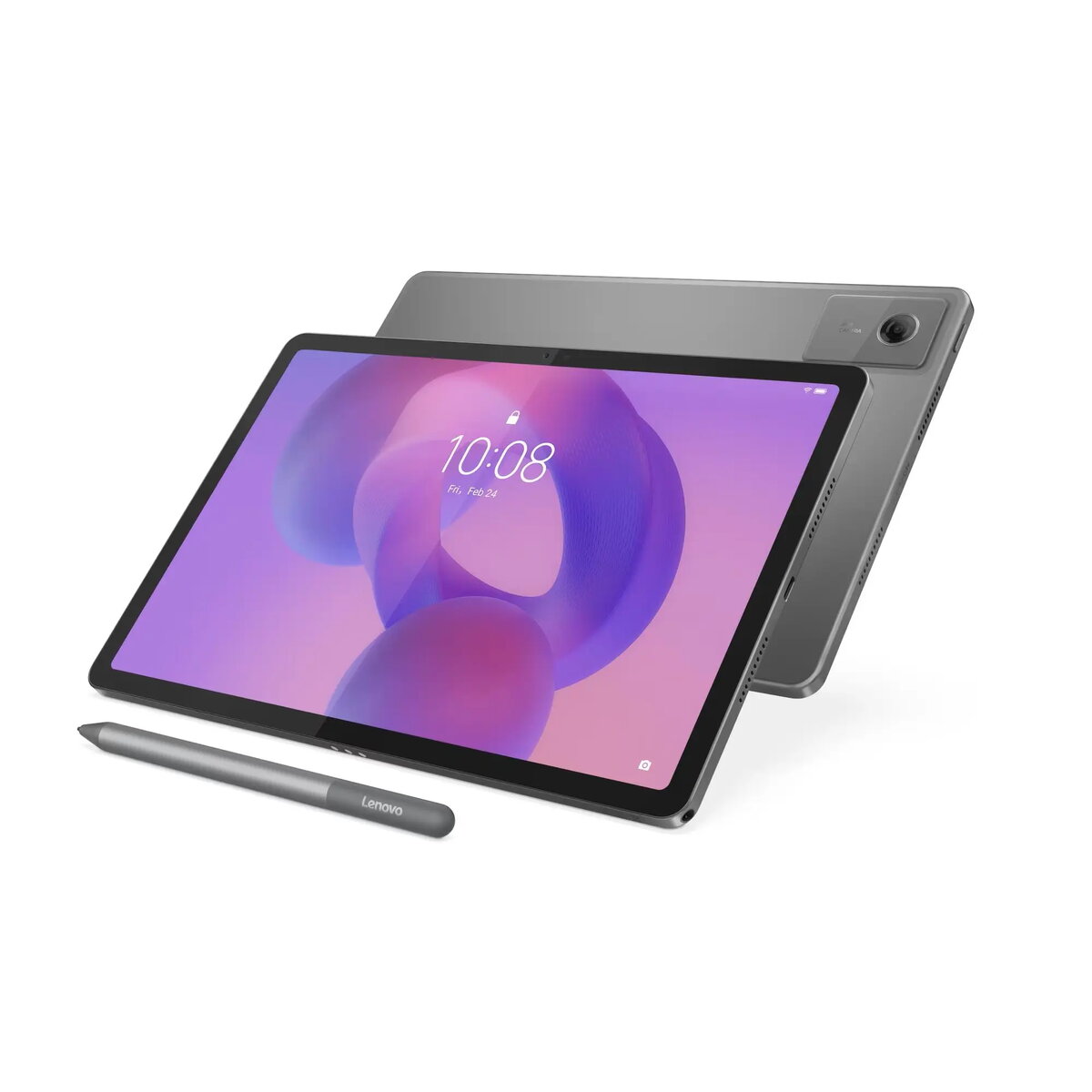
The Lenovo IdeaTab 11 is a versatile 11-inch tablet designed to balance performance and portability for everyday digital needs. Featuring a high-resolution 2560x1600 IPS display, it delivers sharp visuals and vibrant colors, making it suitable for both professional tasks and media consumption. Powered by the MediaTek Dimensity 6300 processor and 8GB of LPDDR4x RAM, the device ensures responsive multitasking and efficient operation across various applications. With 128GB of internal storage and support for microSD cards up to 2TB, users have ample space for files, photos, and apps.
Advantages
This tablet stands out due to its high-quality display, which offers a 90Hz refresh rate and 500 nits of brightness for smooth and clear viewing even in bright environments. The inclusion of four speakers with Dolby Atmos provides an immersive audio experience, enhancing movies and music. The device is built for durability with an IP52 rating for dust and water resistance, and its slim 6.99mm profile makes it easy to carry. The bundled pen and folio case add significant value, allowing for immediate productivity and protection right out of the box.
Suitable for
- Streaming high-definition video content and movies
- Digital note-taking and sketching with the included pen
- Managing emails, documents, and light office tasks
- Educational purposes and remote learning
- Casual gaming and browsing
When it may not be suitable
This tablet may not be the ideal choice for users requiring high-end professional video editing or intensive 3D rendering, as these tasks demand more powerful hardware. Additionally, those who rely heavily on cellular data connectivity may find the lack of a SIM card slot limiting, as the device relies on Wi-Fi for internet access.
Key specifications
- 11-inch IPS display with 2560x1600 resolution and 90Hz refresh rate
- MediaTek Dimensity 6300 8-core processor
- 8GB LPDDR4x RAM and 128GB UFS 2.2 storage
- MicroSD card support up to 2TB
- 7040mAh battery capacity
- Four speakers with Dolby Atmos
- Front 5.0MP and rear 8.0MP cameras
- IP52 dust and water resistance
- Connectivity: Wi-Fi 5, Bluetooth 5.2, USB-C, 3.5mm jack
How to use
To begin using the Lenovo IdeaTab 11, power on the device by holding the side button and follow the on-screen prompts to configure your Android settings and Wi-Fi connection. The included pen can be used immediately for navigation or creative tasks. You can expand the storage by inserting a microSD card into the dedicated slot. For media playback, adjust the volume and audio settings in the menu to optimize the Dolby Atmos experience. Keep the device updated through the system settings to ensure optimal performance and security.
What to consider before purchase
- Ensure your primary internet access method is compatible with Wi-Fi 5 standards.
- Verify if the 128GB internal storage meets your needs or if you require an additional microSD card.
- Consider whether the included pen and folio case cover your specific usage requirements.
Usage recommendations
To maintain the longevity of your tablet, keep the screen clean using a soft microfiber cloth and avoid exposing the device to extreme temperatures. Regularly charge the battery using the provided USB-C cable and ensure the software is updated to the latest version to benefit from security patches and feature improvements.