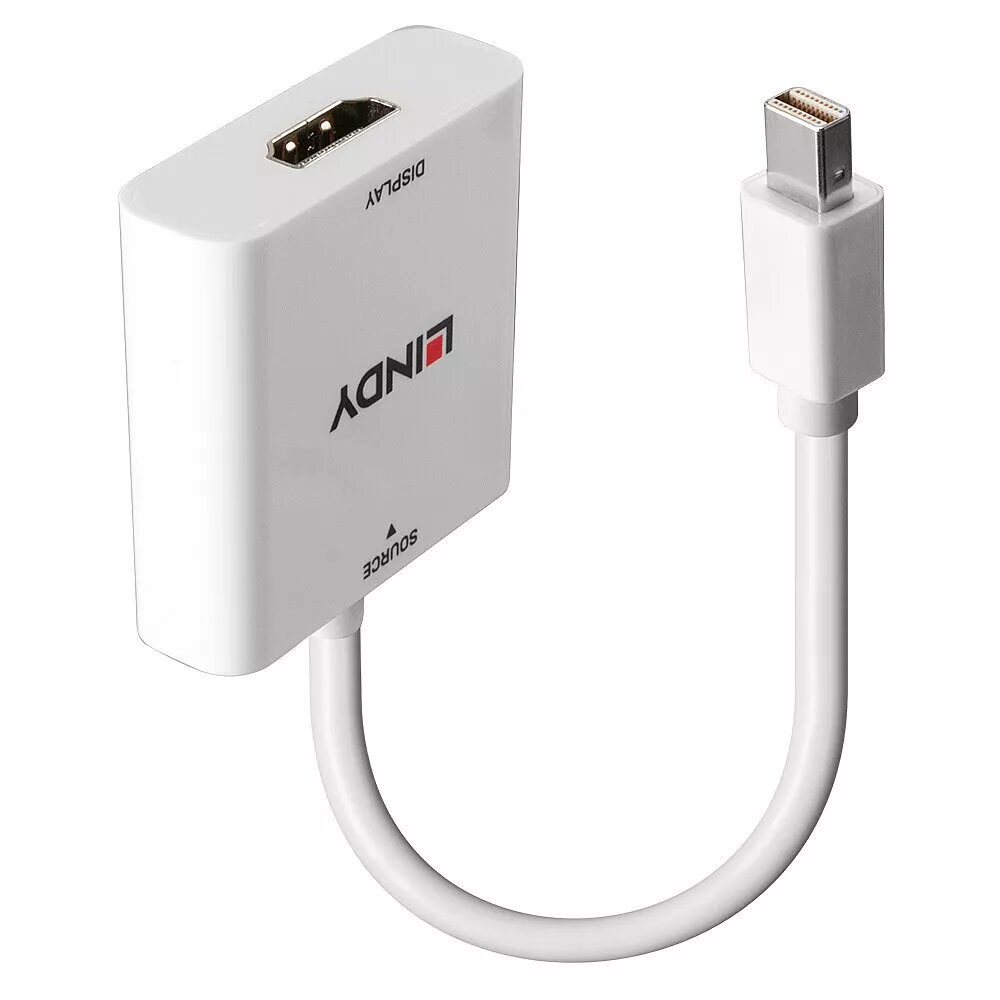
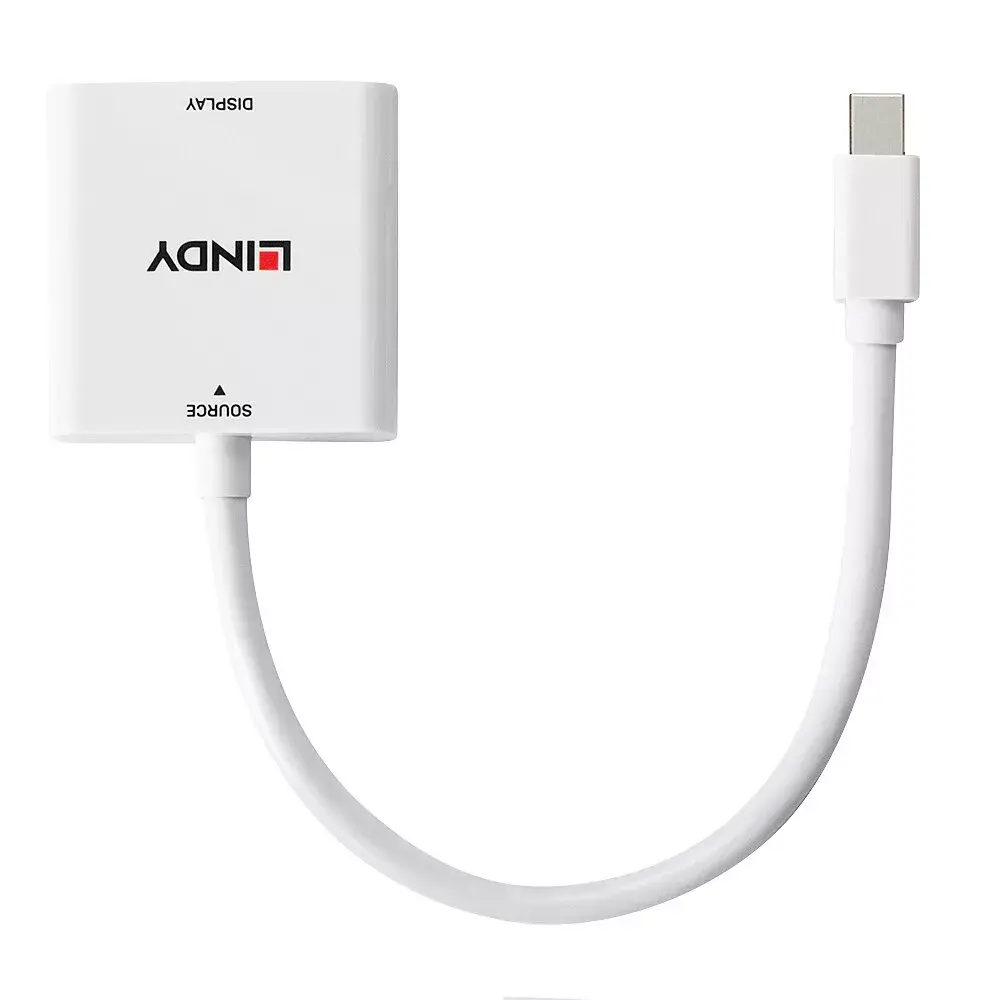
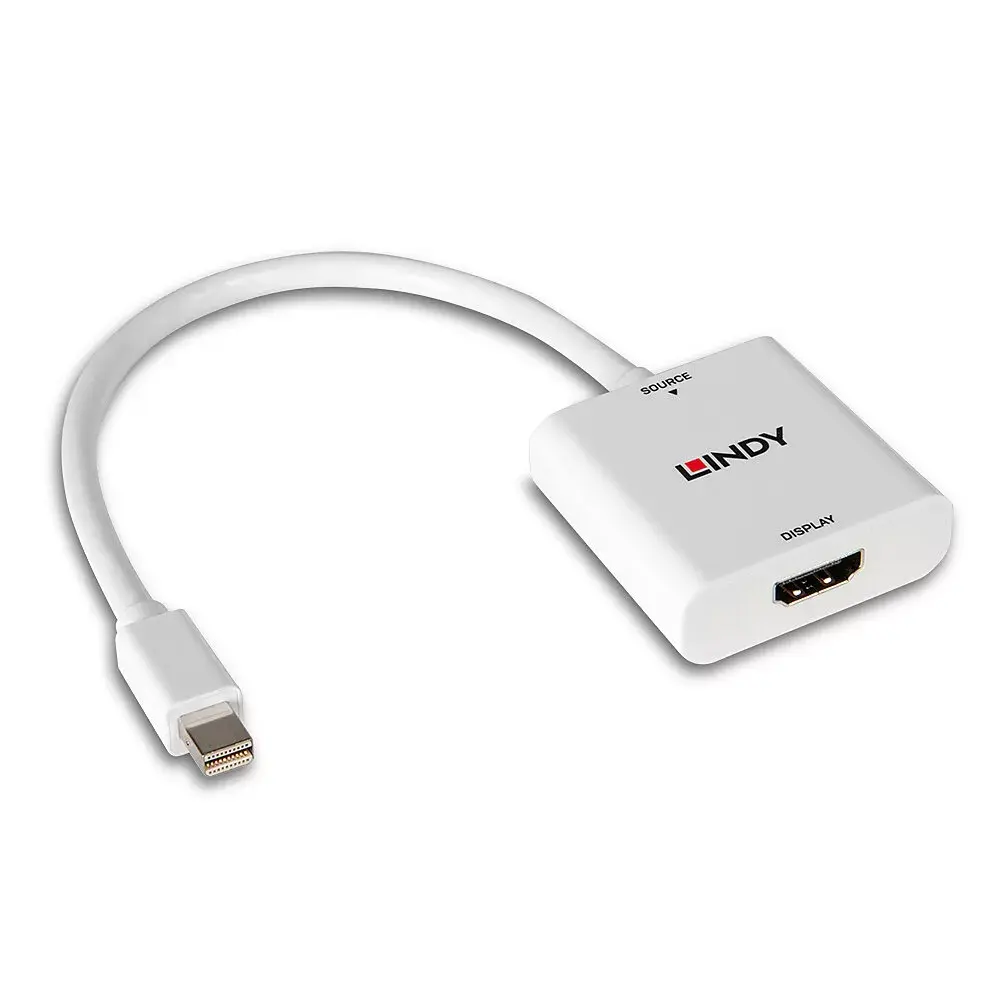
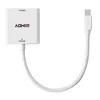
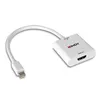
The Lindy Mini DisplayPort to HDMI Converter is a reliable solution for connecting devices equipped with a Mini DisplayPort interface, such as laptops, Mac computers, or PCs, to an HDMI-enabled display like a monitor, projector, or television. This adapter facilitates a seamless connection, allowing you to extend your desktop or mirror your screen for presentations, media consumption, or professional multitasking.
Advantages
This converter offers a compact and lightweight design, making it an ideal companion for professionals on the move or for those who need a portable connectivity solution. The plug-and-play functionality ensures that no additional drivers or complex software installations are required, allowing for immediate use upon connection. Furthermore, the inclusion of internal copper shielding enhances signal reliability and compatibility, ensuring a stable connection between your source device and the display. The device also supports audio pass-through, provided that the source device is capable of outputting audio via the Mini DisplayPort.
Suitable for
- Connecting laptops or MacBooks to external monitors for office work.
- Delivering presentations from a portable device to a projector or TV.
- Adding a secondary display to your workstation to increase productivity.
- Home entertainment setups for streaming content from a PC to a television.
When it may not be suitable
This converter is designed specifically for Mini DisplayPort to HDMI signal conversion and will not function in reverse, such as connecting an HDMI source to a Mini DisplayPort display. Additionally, it is not intended for high-refresh-rate gaming setups that require resolutions or frame rates exceeding the standard Full HD 1920x1080 specification.
Key specifications
- Input: Mini DisplayPort
- Output: HDMI
- Maximum resolution: 1920x1080 (Full HD)
- Audio support: Pass-through (if supported by source)
- Design: Compact and portable
- Shielding: Internal copper for improved reliability
How to use
To use the converter, simply insert the Mini DisplayPort connector into the corresponding port on your laptop or desktop computer. Connect an HDMI cable from the output port of the adapter to your display device. Once both ends are securely connected, your computer should automatically detect the external display. If the display does not appear immediately, navigate to your computer's display settings to configure the monitor as an extended or mirrored screen.
What to consider before purchase
- Verify that your source device features a Mini DisplayPort or Thunderbolt 1/2 port.
- Ensure your HDMI cable is in good working condition.
- Check your computer's sound settings if you intend to transmit audio through the HDMI connection.
Usage recommendations
For the best performance, ensure that the Mini DisplayPort connector is fully seated in the port of your source device. Avoid bending the cable at sharp angles near the connectors to maintain the integrity of the internal shielding and ensure a long product lifespan.